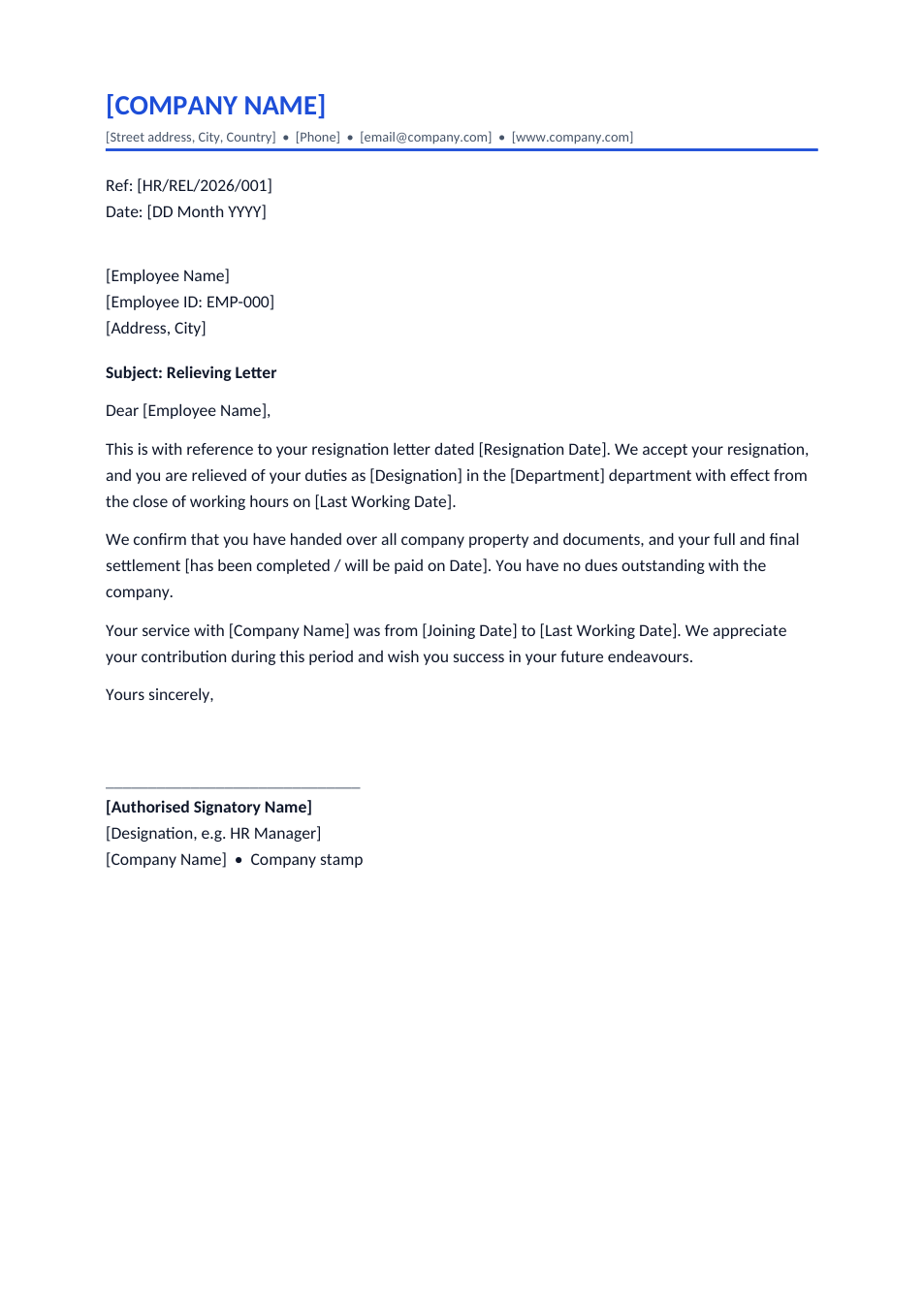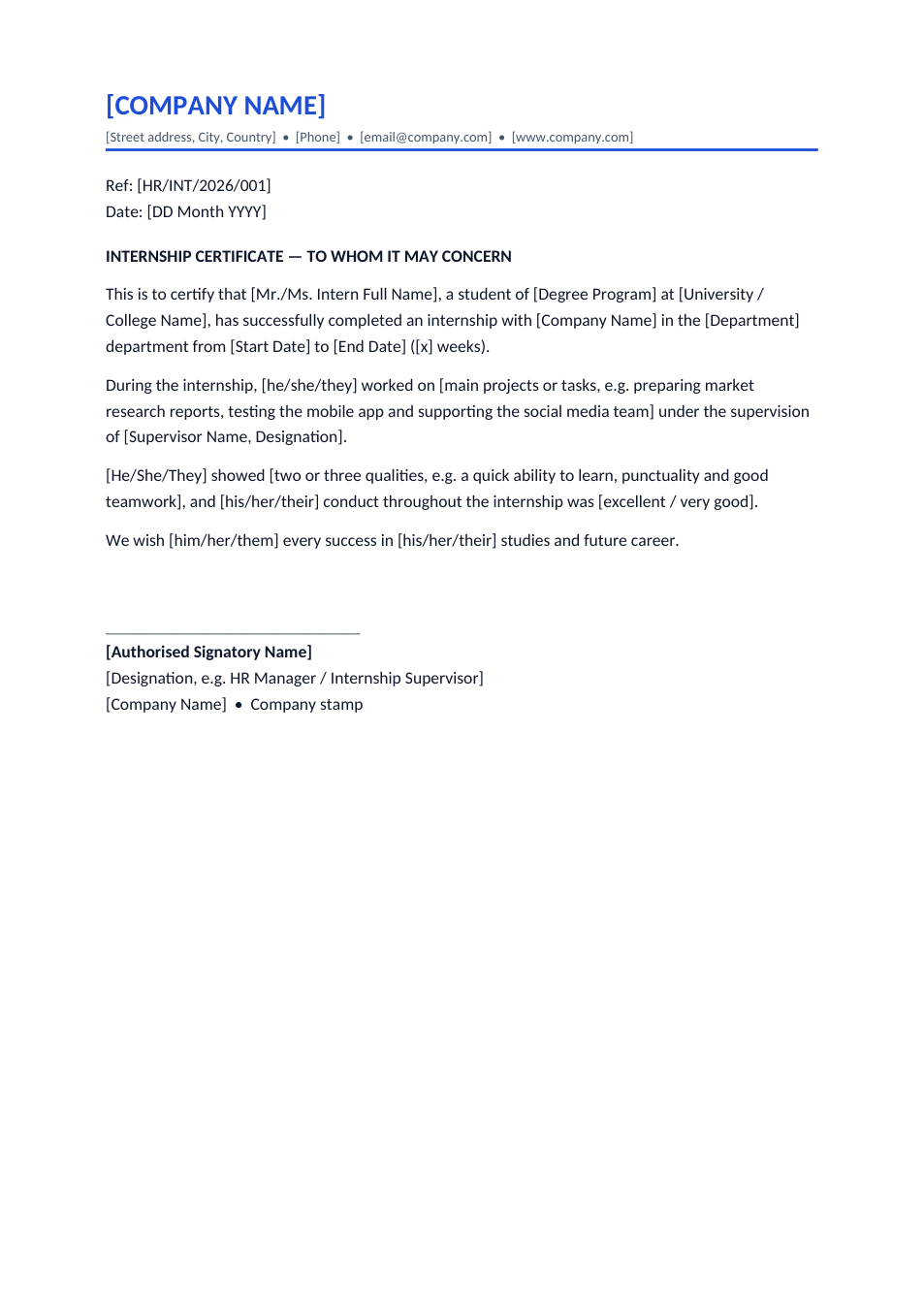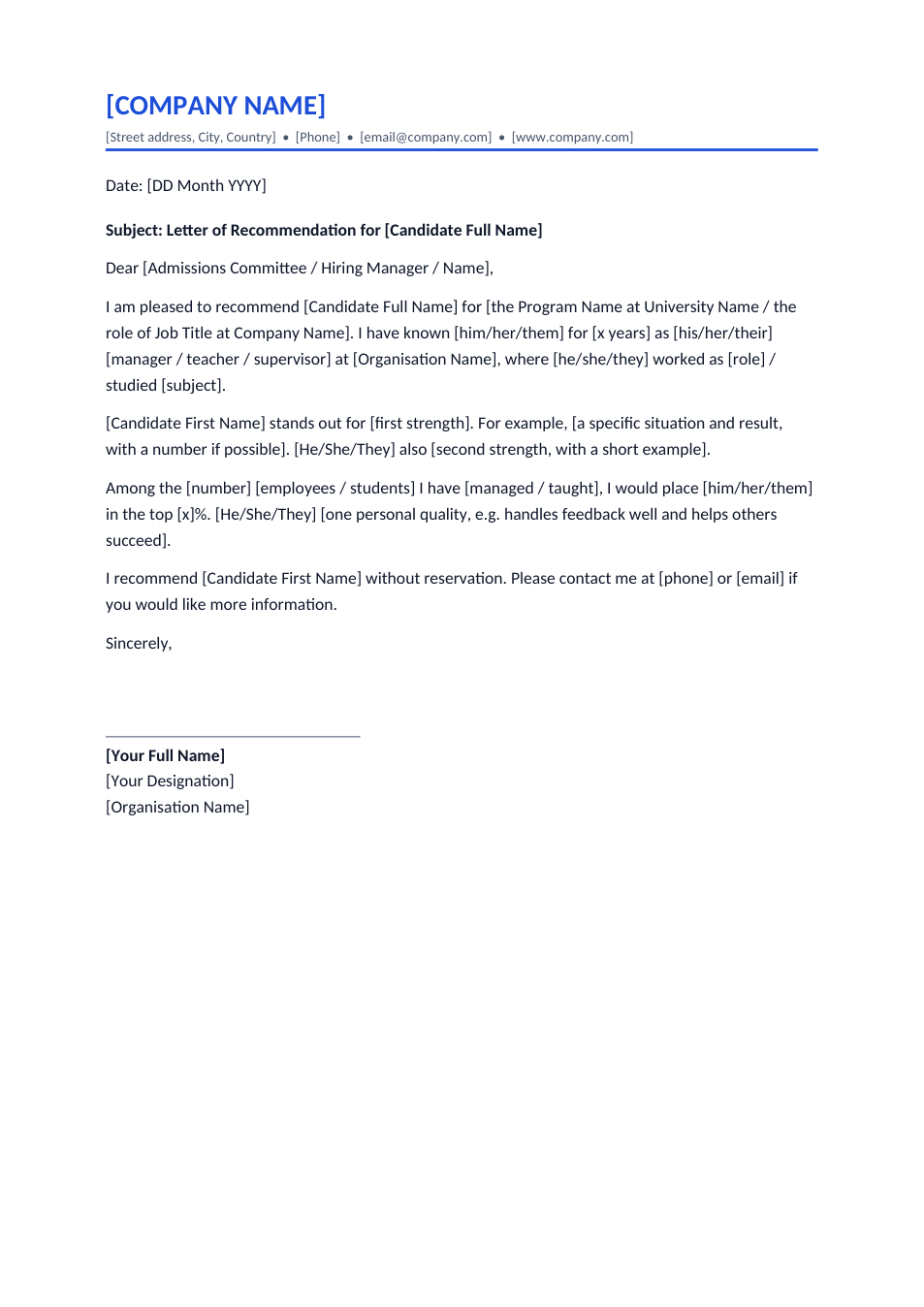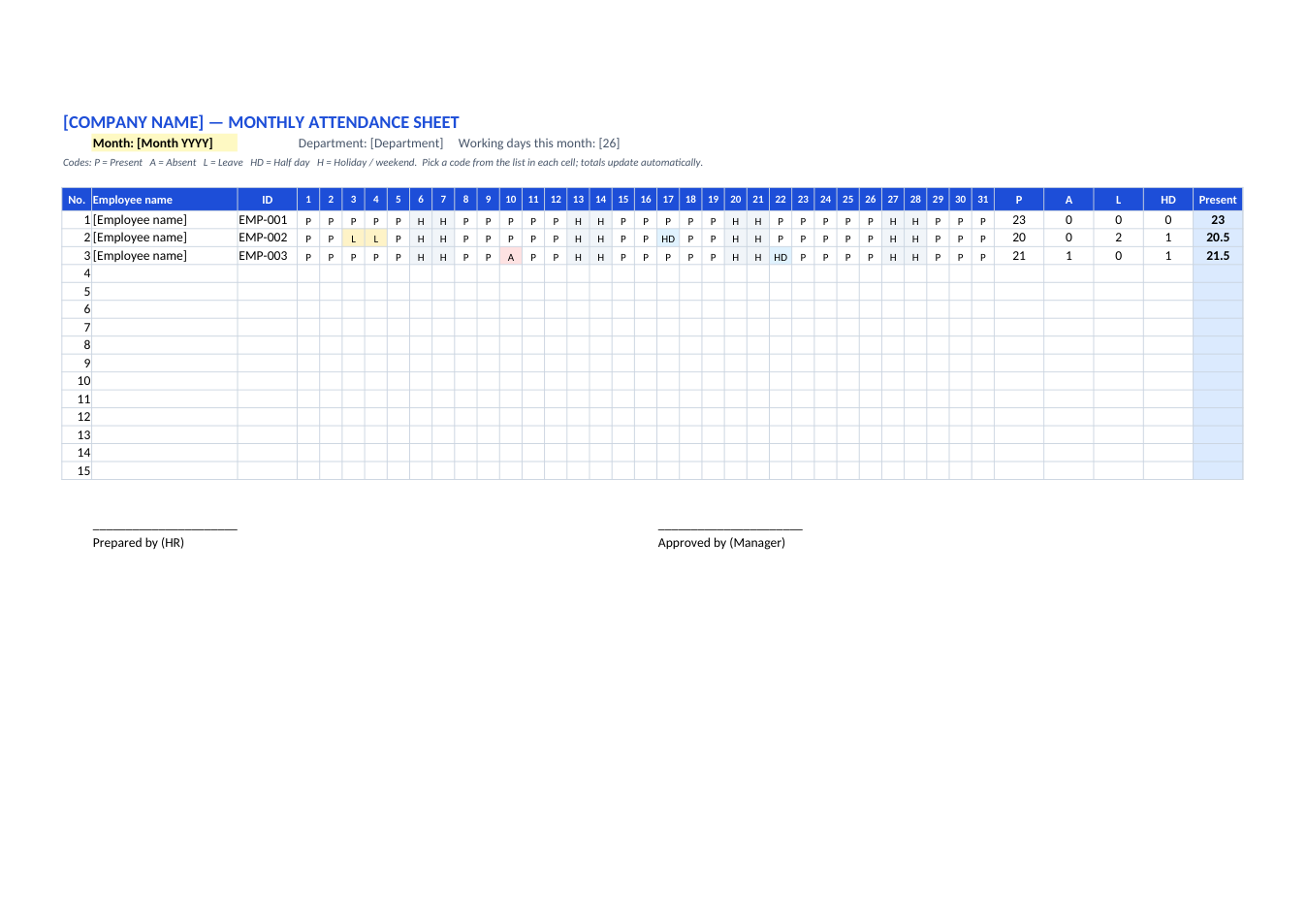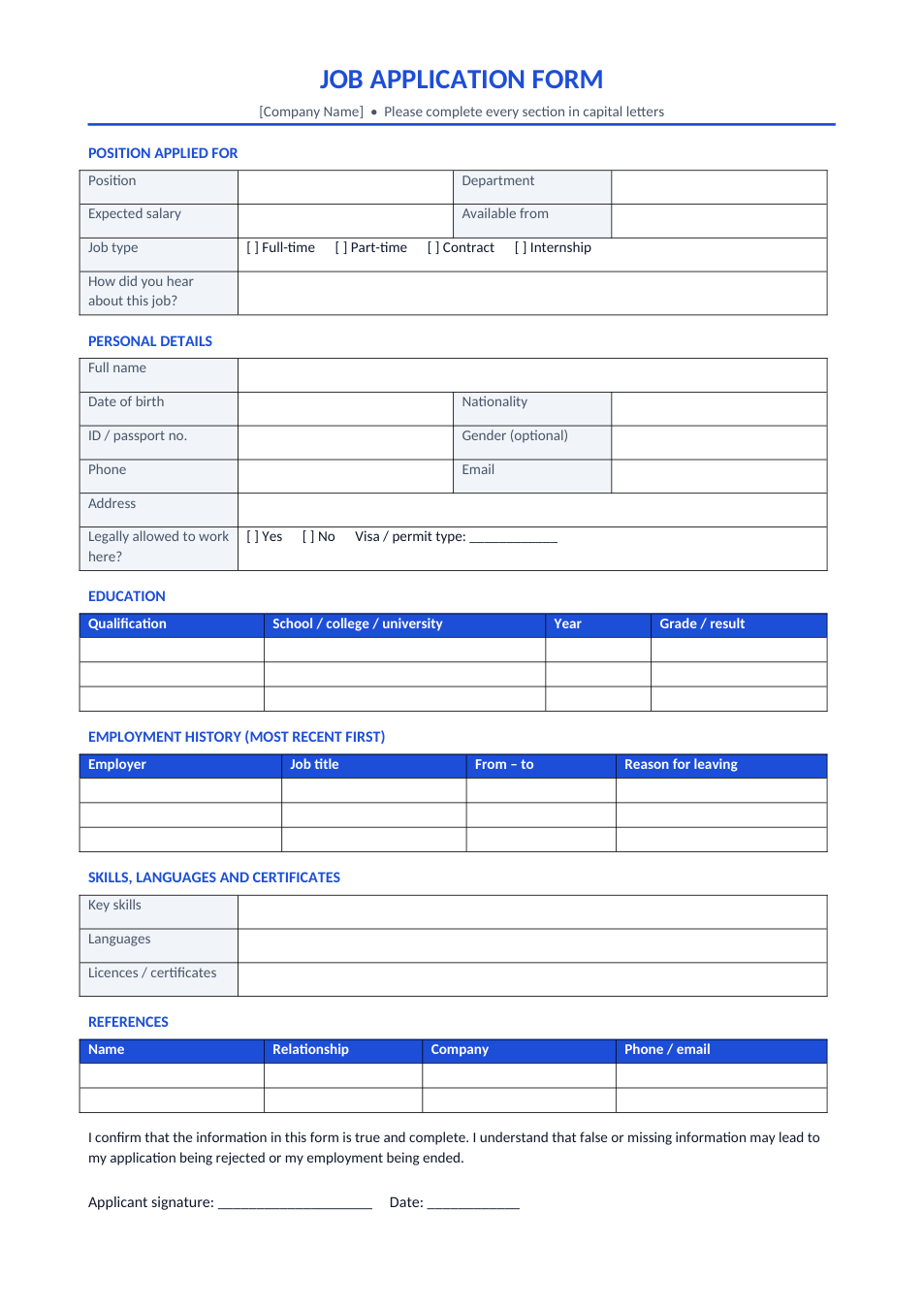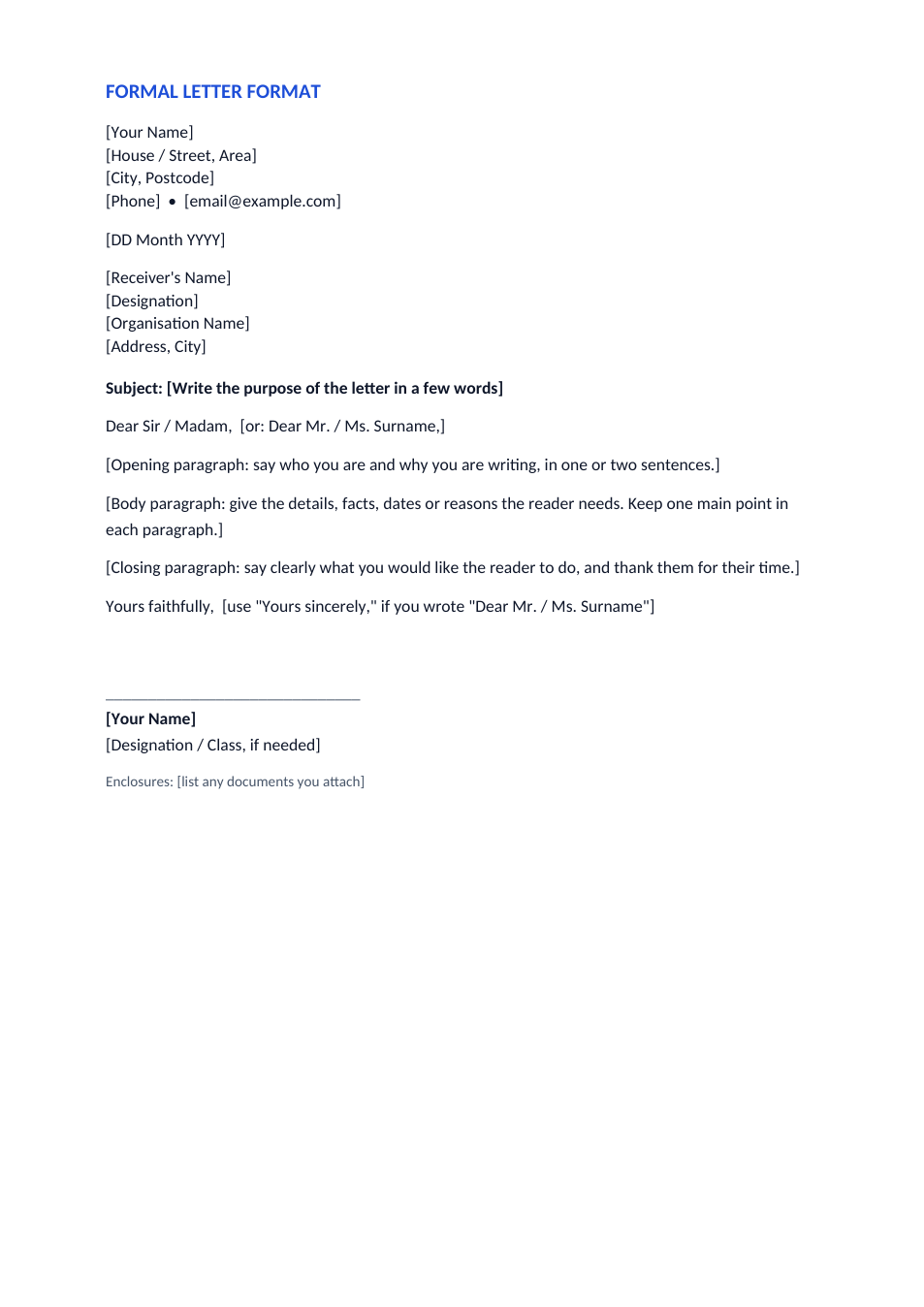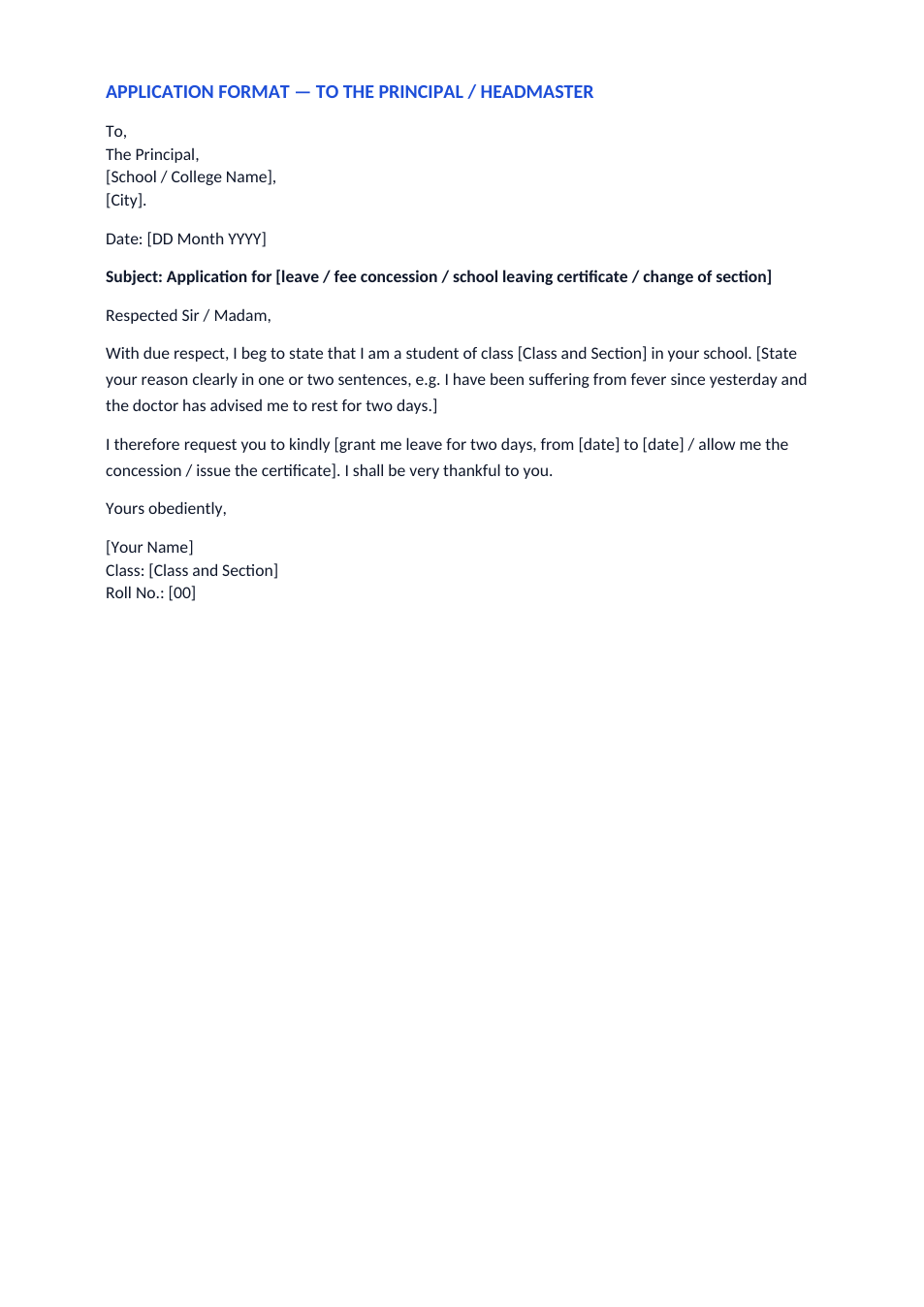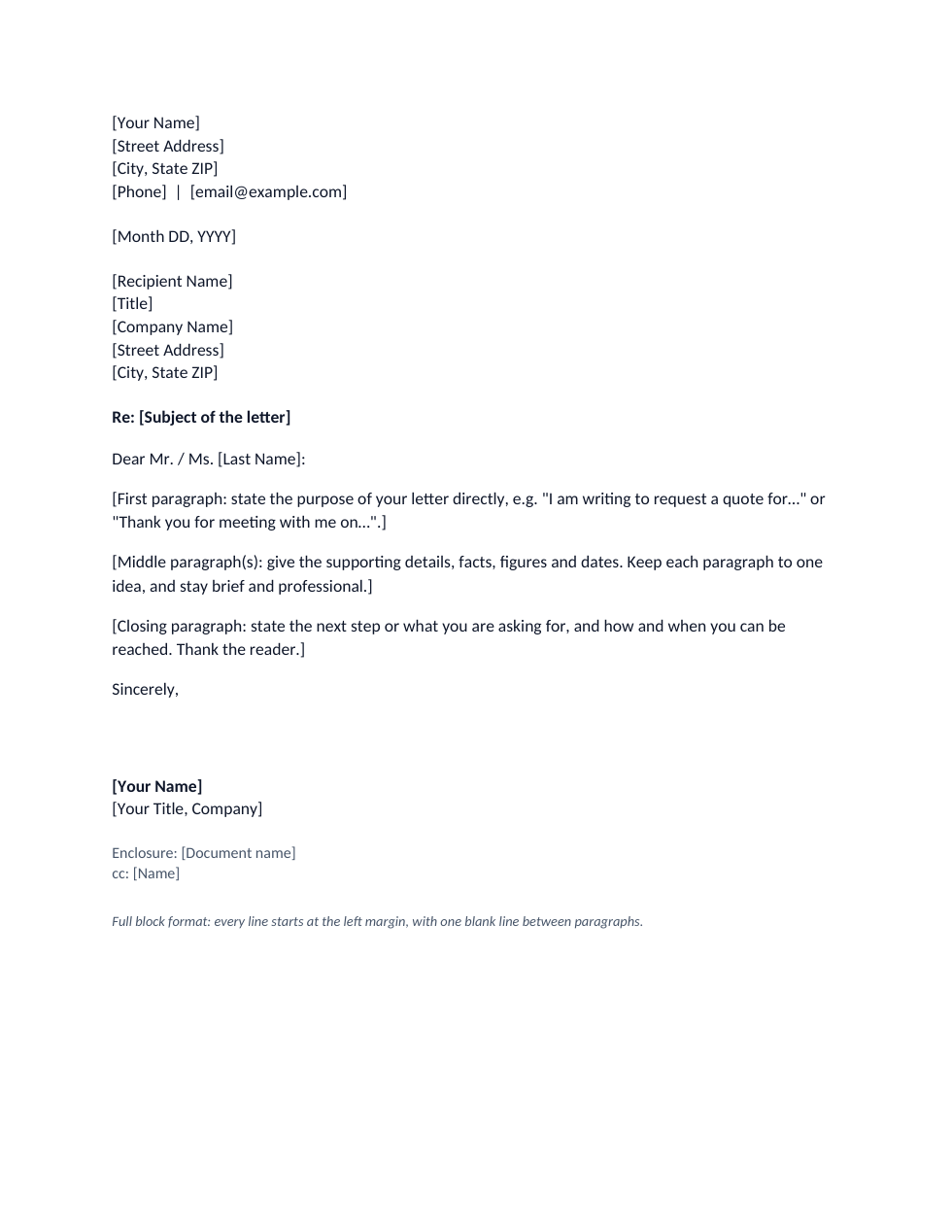
Sample text in [brackets], replace with yours · HR & Office Templates
Medical Certificate Format for Doctors (Word & PDF)
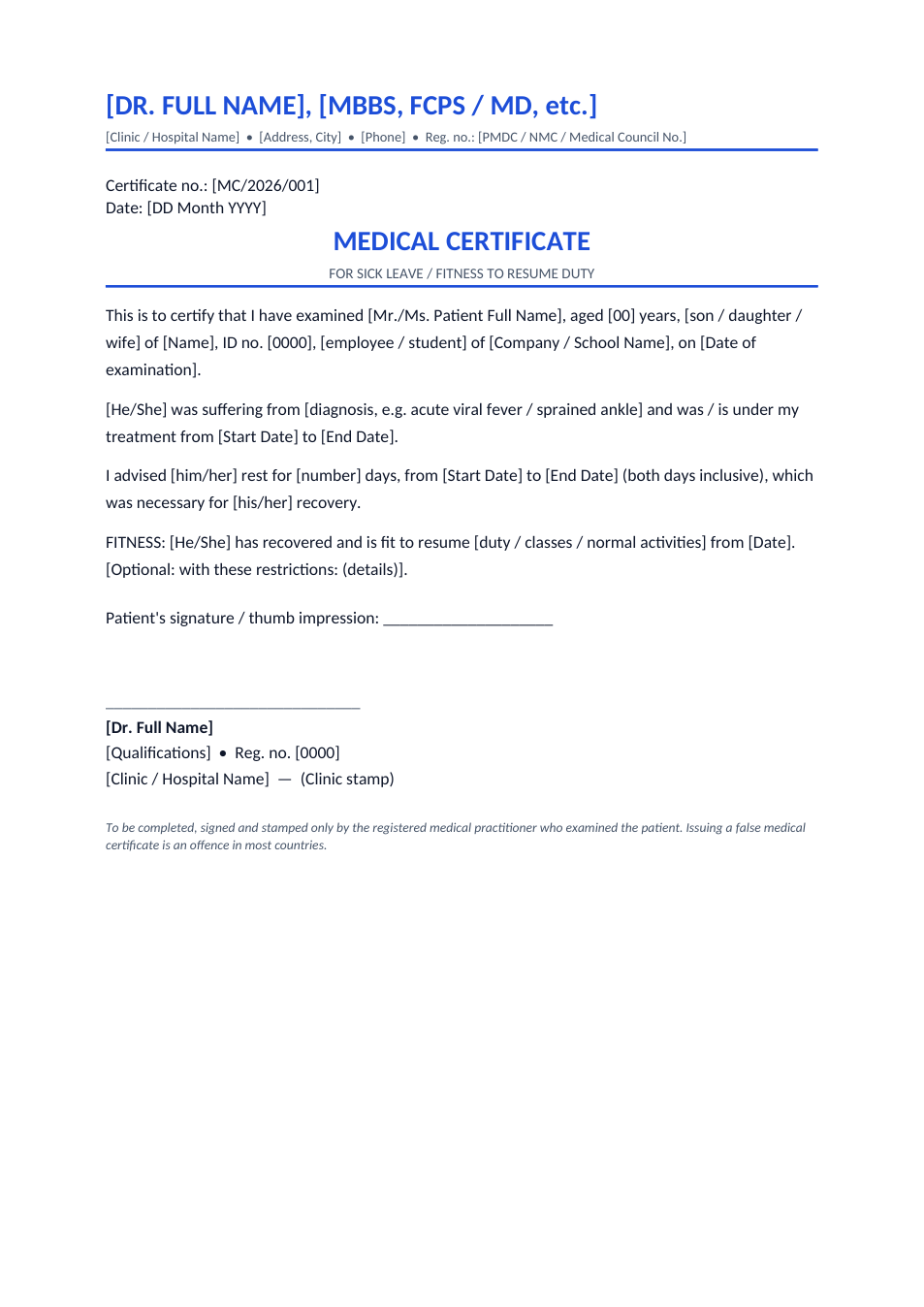
A sick leave and fitness certificate for clinics and doctors to issue on their own letterhead, with registration number and stamp.
Opens in your browser. No Word needed, no signup.
Free for personal and commercial use · No watermark · Updated November 2026
Guide
About this medical certificate template
A medical certificate is issued by a registered doctor to confirm that a patient was examined, was unfit for work or school for a period, and when they are fit to return. Employers and schools usually ask for one for sick leave of more than a few days. This format is for doctors and clinics: it carries the doctor's qualifications and registration number at the top, the patient's details, diagnosis and advised rest, a fitness-to-resume section, and space for the signature and clinic stamp.
How doctors can use this certificate
- 1
Click "Edit online", or download the Word file.
- 2
Put your name, qualifications, clinic details and medical council registration number in the header, then save it as your clinic's format.
- 3
For each patient, fill in their details, the date of examination and the diagnosis.
- 4
Enter the rest period with exact dates and, when appropriate, the date they are fit to resume duty.
- 5
Print, sign and stamp it, and give the original to the patient.
What employers and schools look for
Registration number
A certificate without the doctor's registration number and stamp is usually not accepted.
Exact dates
Give the start and end of the rest period and say whether both days are included.
Fitness to resume
Many employers ask for a fitness certificate before an employee returns after a long illness.
Keep a record
Number each certificate and keep a copy or register entry at the clinic.
Frequently Asked Questions
Tools that help
Word to PDF
Convert Word documents to PDF format with perfect formatting
Sign PDF
Add a handwritten, typed, or uploaded signature to your PDF and download the signed file.
Scan Document to PDF
Turn phone photos of documents into a clean, straightened PDF scan. Auto edge detection, filters, multiple pages.
Compress PDF
Reduce PDF file size without losing quality