Sample text in [brackets], replace with yours · HR & Office Templates
NOC Letter Format from Employer (Word & PDF)
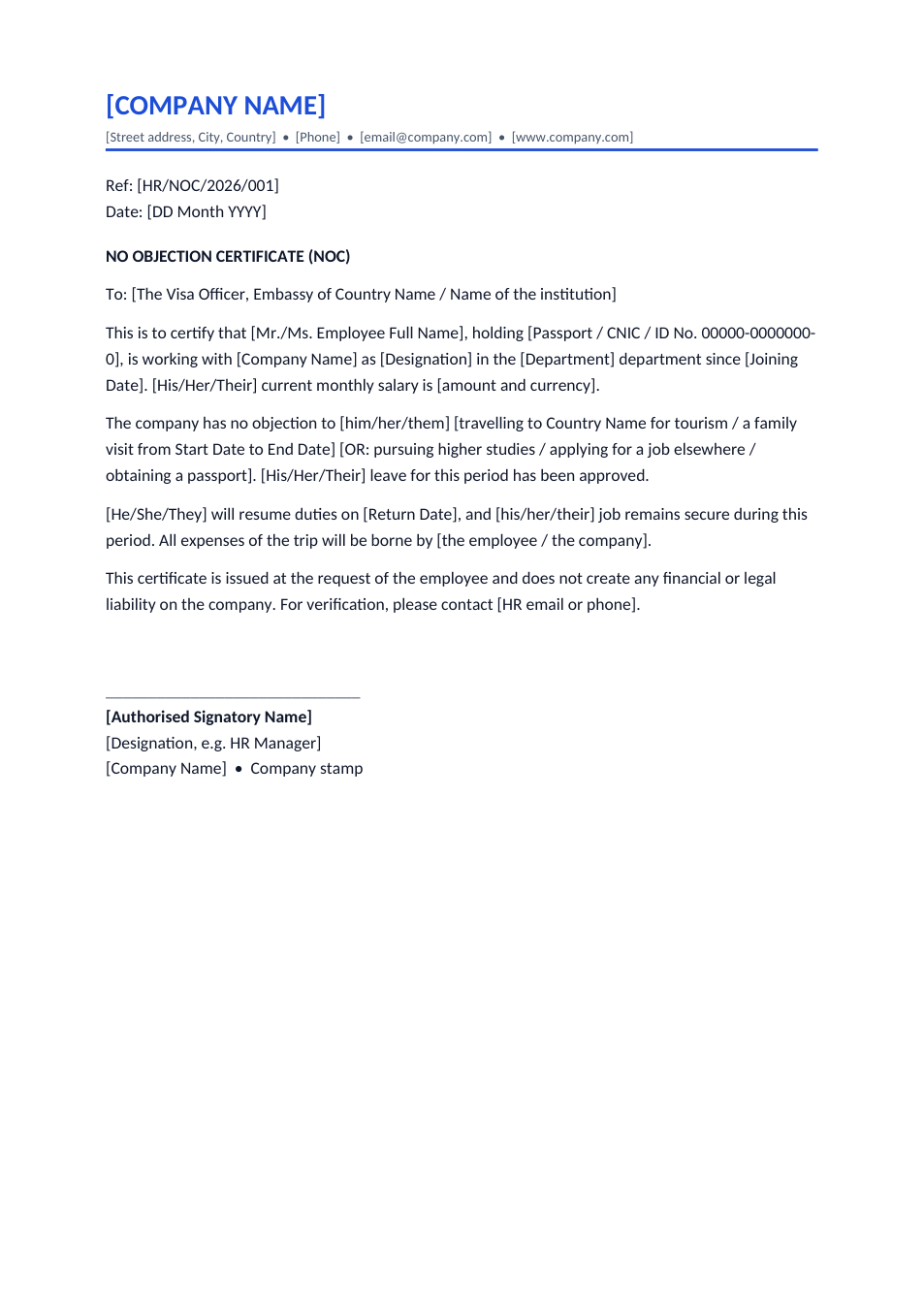
A no objection certificate for a visa, foreign travel, higher studies or a new job. Fill in the brackets, sign and stamp.
Opens in your browser. No Word needed, no signup.
Free for personal and commercial use · No watermark · Updated October 2026
Guide
About this noc letter template
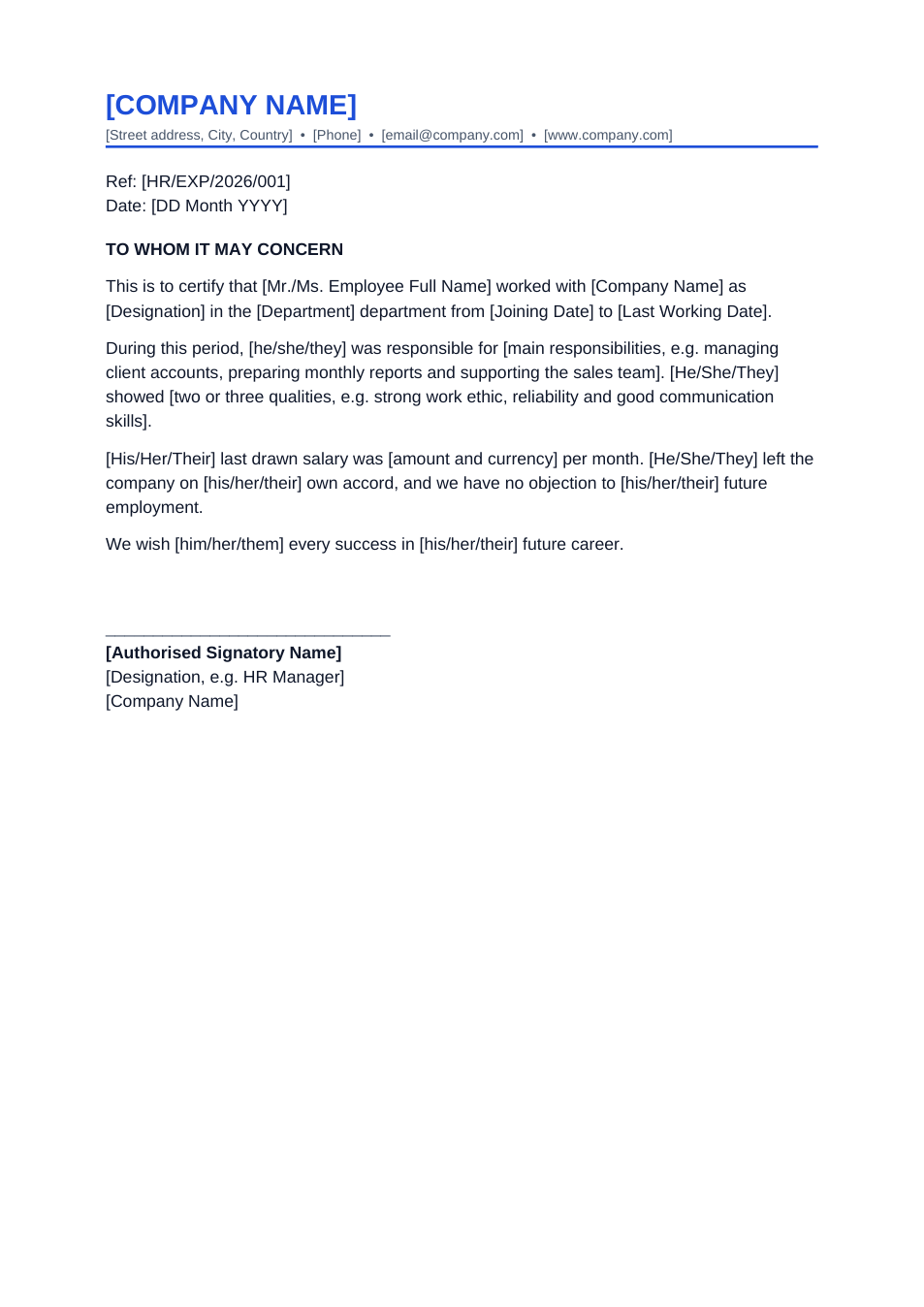
A NOC (no objection certificate) is a letter in which an employer confirms that it has no objection to an employee doing something: travelling abroad, studying, applying for a passport or taking another job. Embassies use it to check that the applicant has a job to return to. This format states the employee's ID, role, joining date and salary, the purpose and dates, approved leave and the return date.
How to fill in this NOC
- 1
Open it with "Edit online", or download the Word file.
- 2
Put it on your company letterhead, or replace [COMPANY NAME] and the address line.
- 3
Address it to the embassy or institution, and fill in the employee's name, passport or ID number, designation and joining date.
- 4
Keep the purpose sentence that applies (travel, studies, passport or job) and delete the others. Add exact travel and return dates.
- 5
Print it, sign and stamp it, or download it as PDF and sign it online.
Tips for a NOC that is accepted
Match the passport
The name and passport number must match the passport exactly, including spelling.
Give exact dates
Visa officers compare the NOC dates with the flight booking and leave record. Use the same dates everywhere.
Add a contact for verification
Embassies sometimes call to verify. Include an HR phone number or email that someone answers.
Use a recent date
Most embassies want the NOC dated within the last 30 days of the application.
Frequently Asked Questions
Tools that help
Sign PDF
Add a handwritten, typed, or uploaded signature to your PDF and download the signed file.
Word to PDF
Convert Word documents to PDF format with perfect formatting
Compress PDF
Reduce PDF file size without losing quality
Merge PDF
Combine multiple PDF files into one document