Sample text in [brackets], replace with yours · HR & Office Templates
Monthly Attendance Sheet (Excel & PDF)
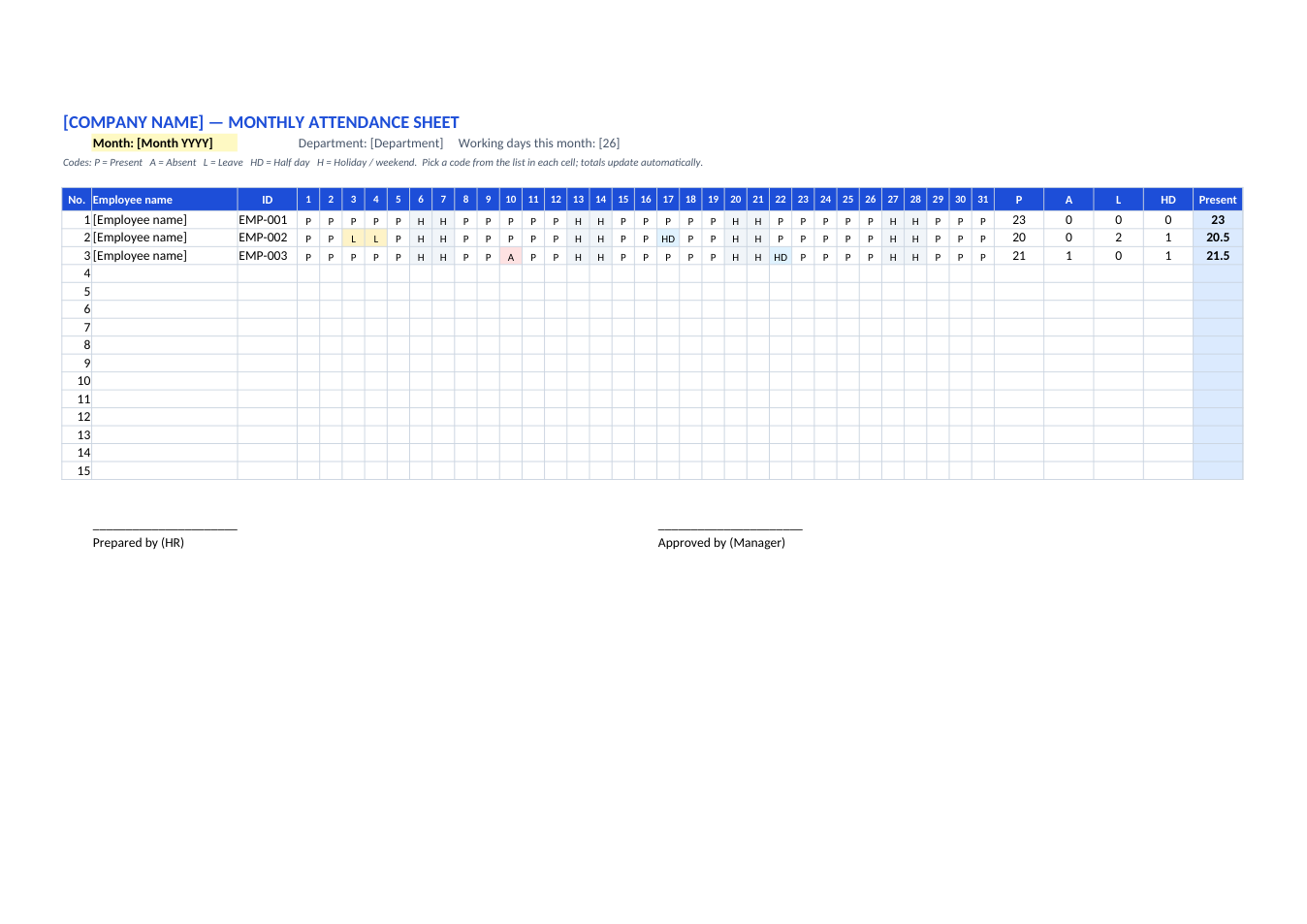
Track present, absent, leave and half days for up to 15 employees. Totals are counted automatically.
Opens in your browser. No Excel needed, no signup.
Free for personal and commercial use · No watermark · Updated October 2026
Guide
About this attendance sheet template
This sheet records a month of attendance for up to 15 people, one row each and one column per day. Pick a code in each cell (P present, A absent, L leave, HD half day, H holiday) from the drop-down list. Absences and leave are coloured, and the totals on the right, including days present with half days counted as ½, update by themselves.
How to use this attendance sheet
- 1
Click "Edit online" to open it in your browser, or download the Excel file.
- 2
Add the company name, the month and the department at the top.
- 3
Enter each employee's name and ID. Clear the sample marks in the first three rows.
- 4
Each day, choose a code for every person. The P, A, L, HD and Present totals update automatically.
- 5
At month end, download it as PDF, sign it and pass it to payroll.
Tips for keeping attendance
One file per month
Save a copy each month (e.g. "Attendance-Oct-2026.xlsx") so past months stay unchanged.
Mark holidays first
Fill in weekends and public holidays with H at the start of the month, then mark the working days.
Need more rows?
Insert rows inside the table (not below it) and copy the totals formulas down.
Works for classes too
Teachers can use it as a student attendance register: put student names and roll numbers in the first columns.