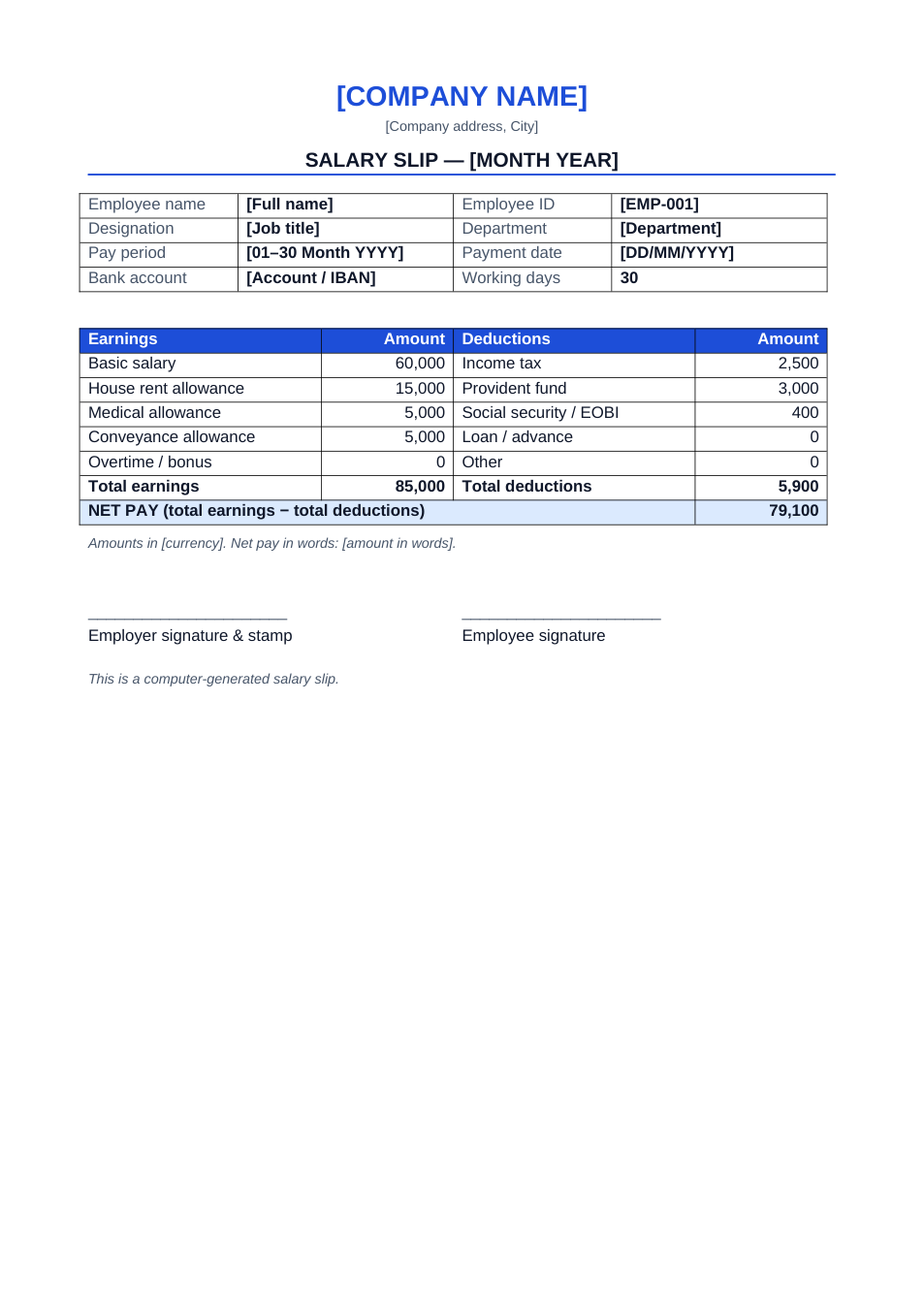
Sample text in [brackets], replace with yours · HR & Office Letters
Salary Certificate Format (Word & PDF)
Confirm an employee's job and salary for a bank loan, visa or rental application.
Opens in your browser. No Word needed, no signup.
Free for personal and commercial use · No watermark · Updated October 2026
Guide
About this salary certificate template
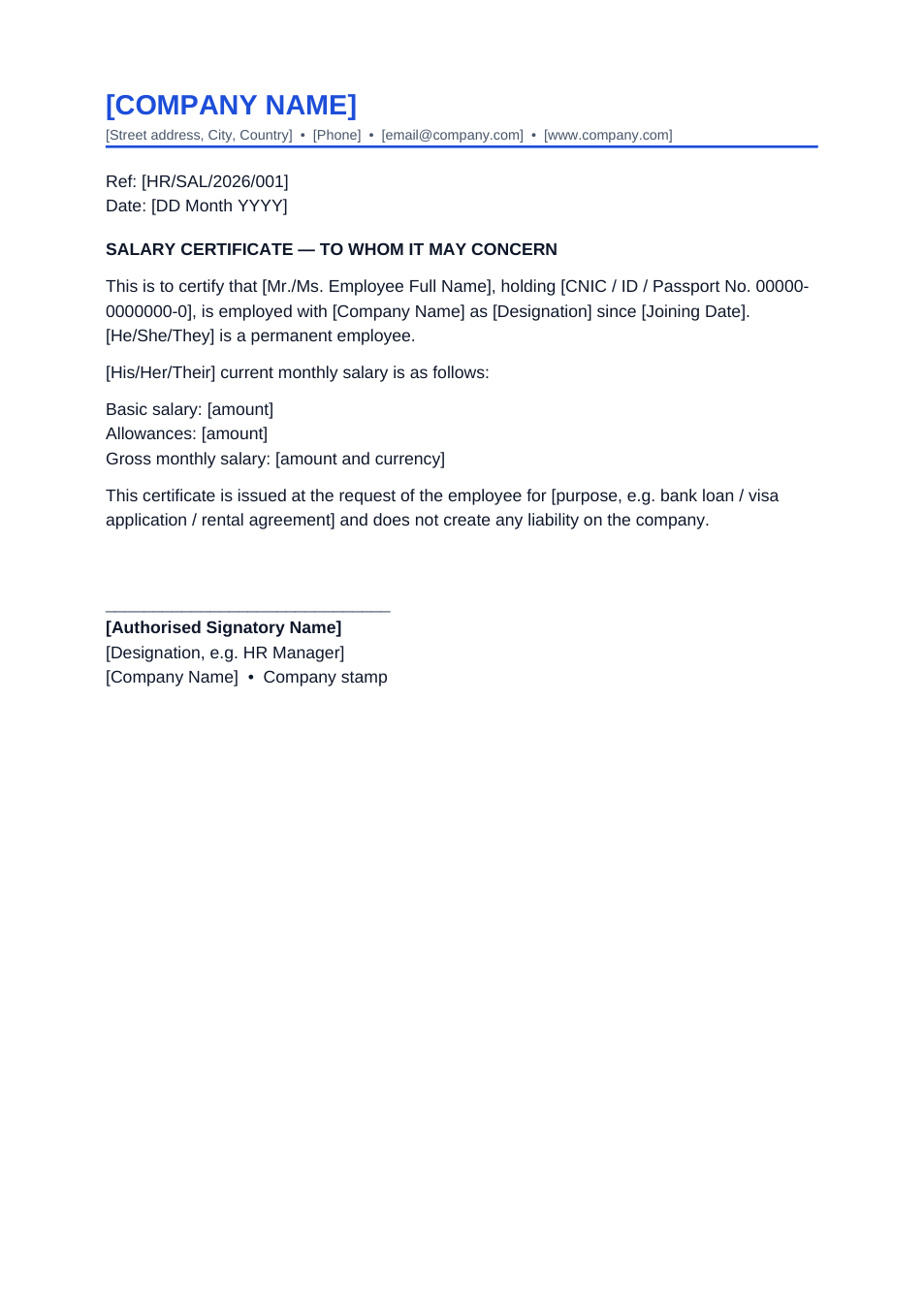
Banks, embassies and landlords ask for a salary certificate to confirm that someone is employed and what they earn. This format states the employee's ID, designation and joining date, breaks the salary down into basic and allowances, gives the purpose, and limits the company's liability.
How to fill in this certificate
- 1
Open it with "Edit online", or download the Word file.
- 2
Add the company details or paste the text onto your letterhead.
- 3
Fill in the employee's name, ID or CNIC number, designation and joining date.
- 4
Enter basic salary, allowances and the gross monthly salary from payroll.
- 5
Write the purpose (bank loan, visa, rental), then sign and stamp it.
Tips for salary certificates
Match the payslip
Banks compare the certificate with recent payslips and bank statements. Use payroll figures.
Address it correctly
Some banks and embassies want the letter addressed to them by name rather than "To whom it may concern".
Date it recently
Most institutions only accept certificates issued in the last 30 days.
Sign and stamp
An unsigned or unstamped certificate is usually rejected.
Frequently Asked Questions
Tools that help
Sign PDF
Add a handwritten, typed, or uploaded signature to your PDF and download the signed file.
Word to PDF
Convert Word documents to PDF format with perfect formatting
Protect PDF
Password protect your PDF with AES-256 encryption. Control printing and copying permissions.
Compress PDF
Reduce PDF file size without losing quality