Home›Templates

Free CV, Invoice & Letter Templates

12 ready-to-use templates in Word, Excel and PDF. Edit them online in your browser or download them, free with no signup.

CV & Resume Templates

One-page, ATS-friendly CVs for students and professionals.
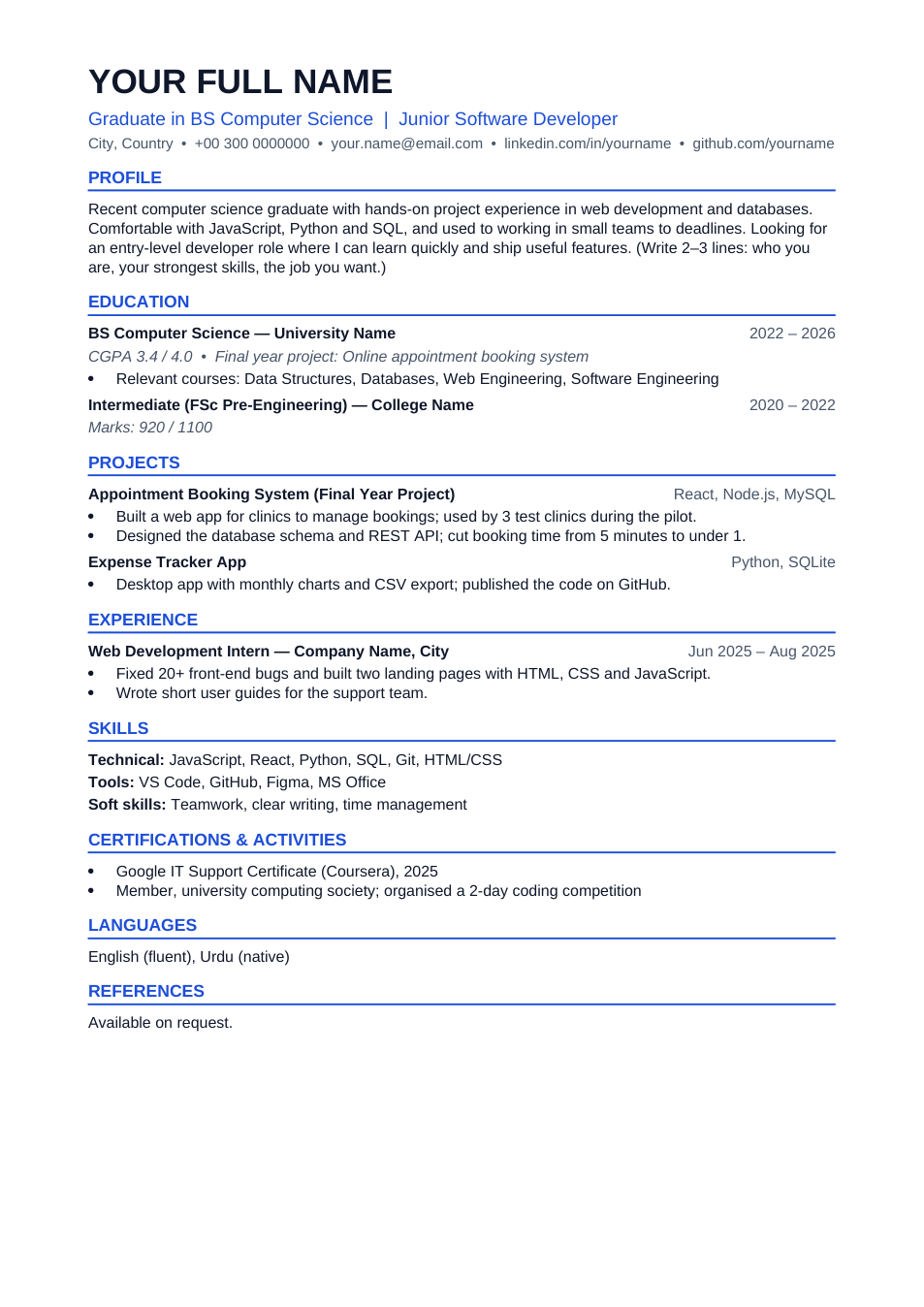
Fresh Graduate CV template preview

Fresh Graduate CV

Education and projects first, on one A4 page.

WordPDF
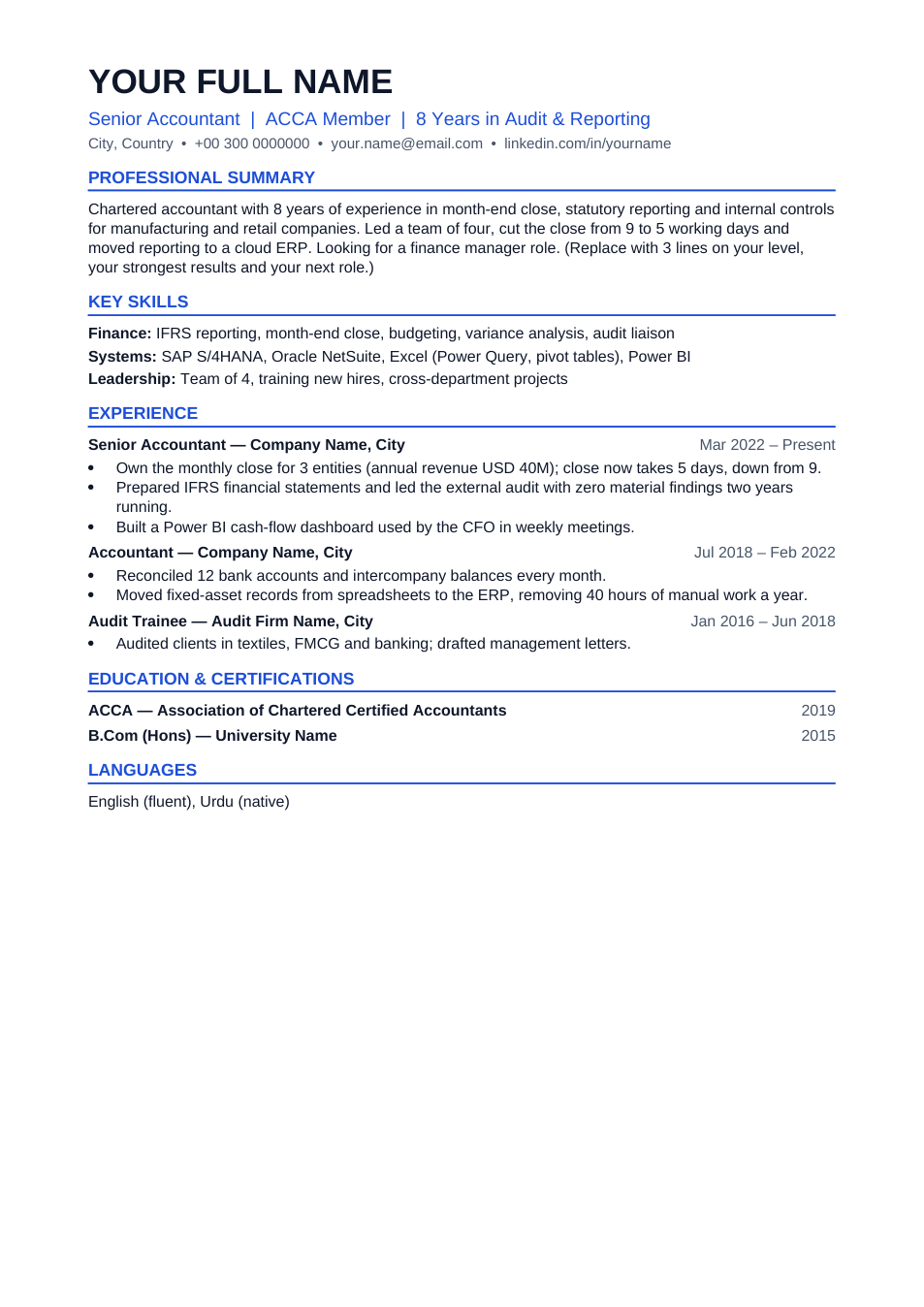
Professional CV template preview

Professional CV

Results-first CV for people with 3+ years of experience.

WordPDF
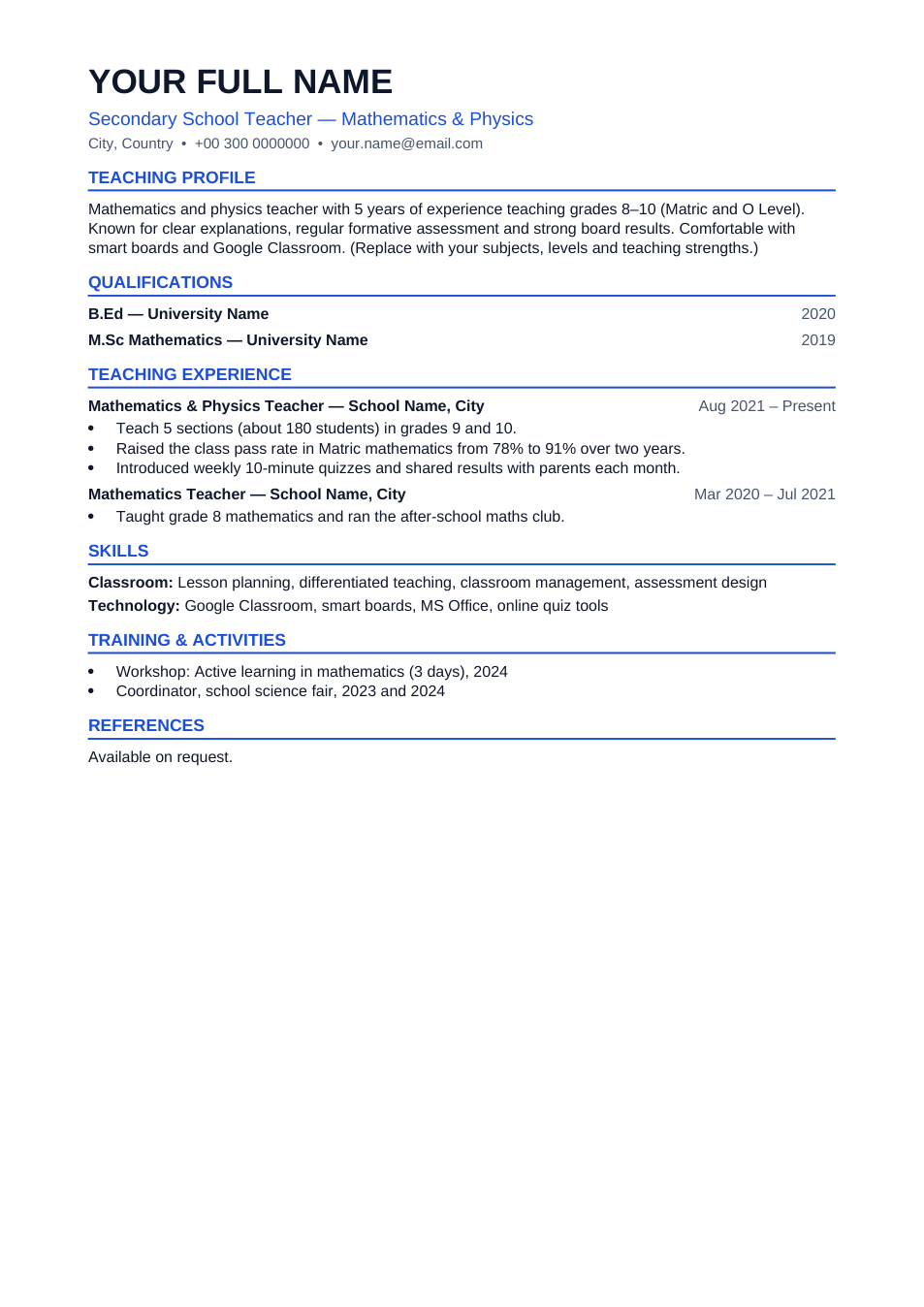
Teacher CV template preview

Teacher CV

Subjects, levels and results for school teaching jobs.

WordPDF

Invoice & Quotation Templates

Invoices and quotes in Word and Excel, with totals that add up.
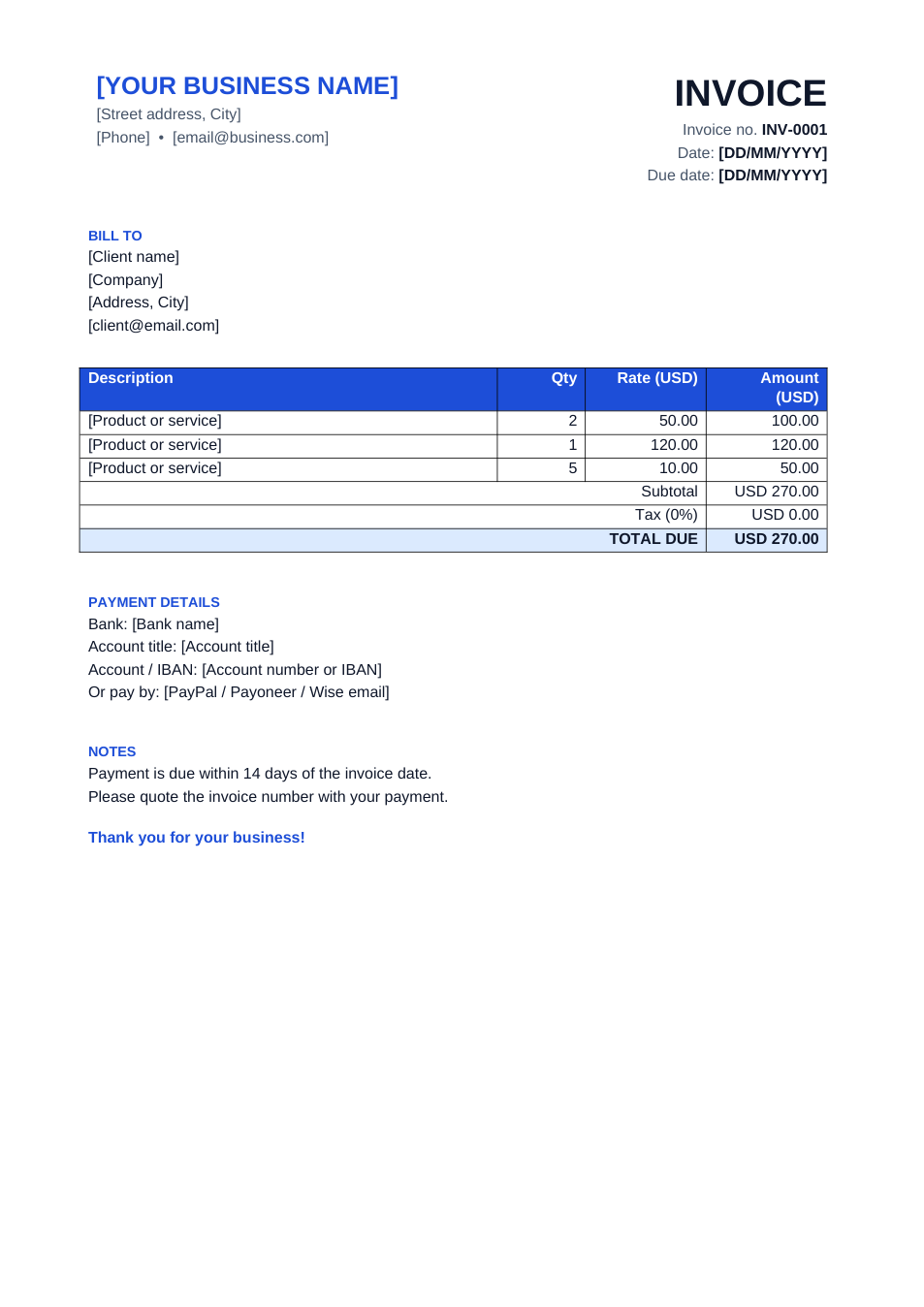
Simple Invoice template preview

Simple Invoice

Clean invoice in Word, or Excel with automatic totals.

ExcelWordPDF
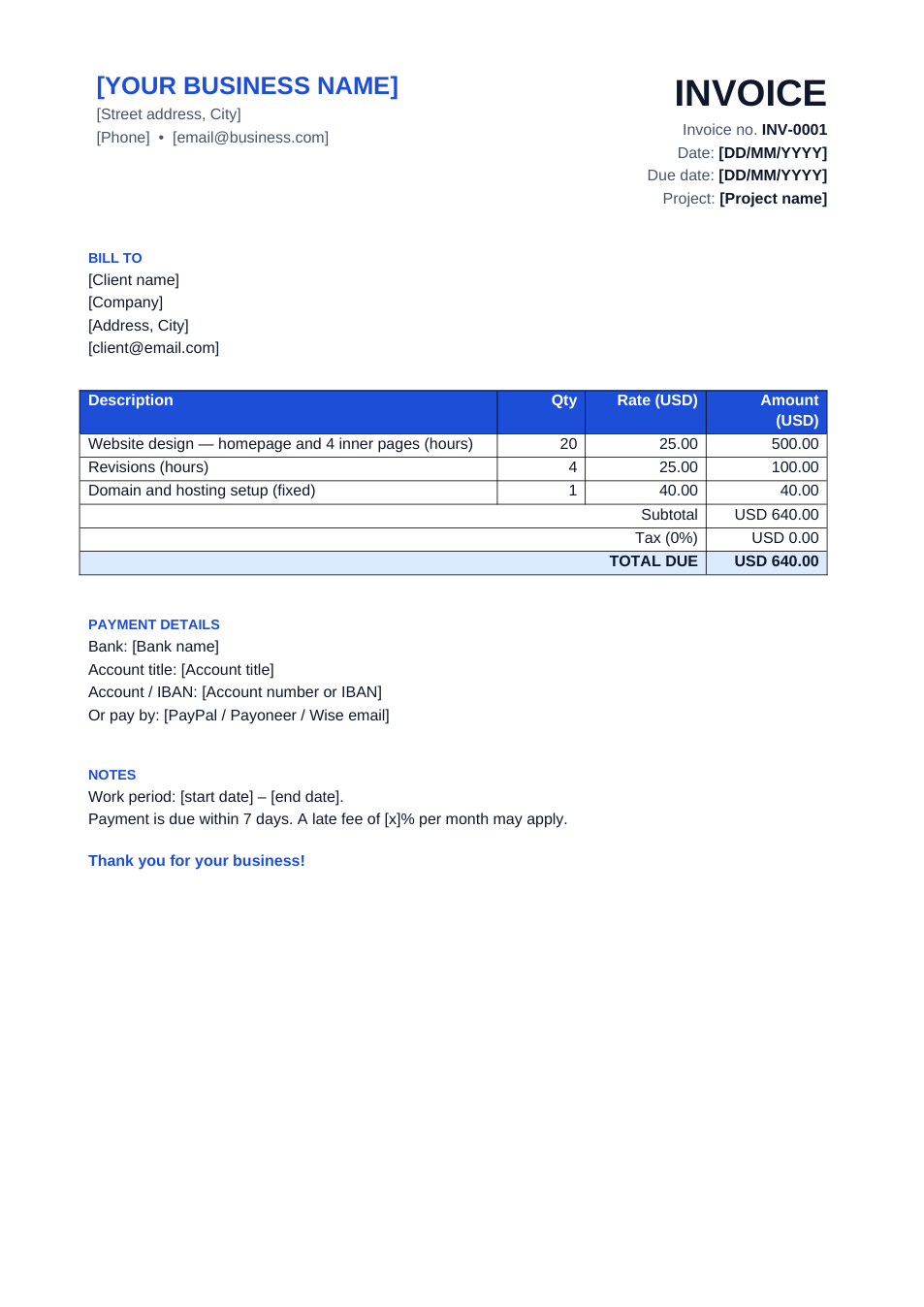
Freelancer Invoice template preview

Freelancer Invoice

Hourly or fixed-price invoice with a project field.

WordPDF
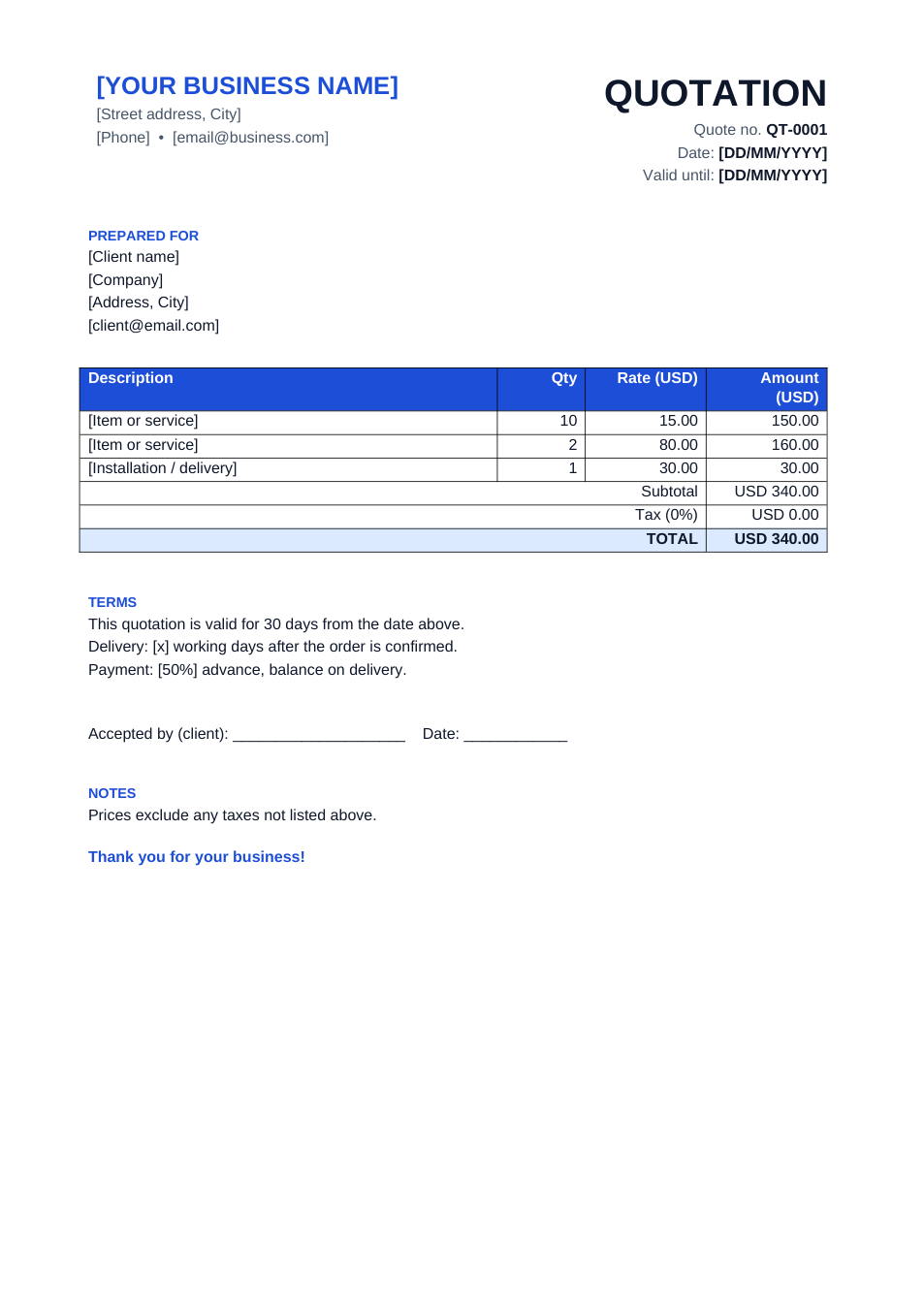
Quotation template preview

Quotation

Price quote with validity, delivery and acceptance line.

ExcelWordPDF

HR & Office Letters

Experience letters, offer letters, salary slips and everyday office letters.
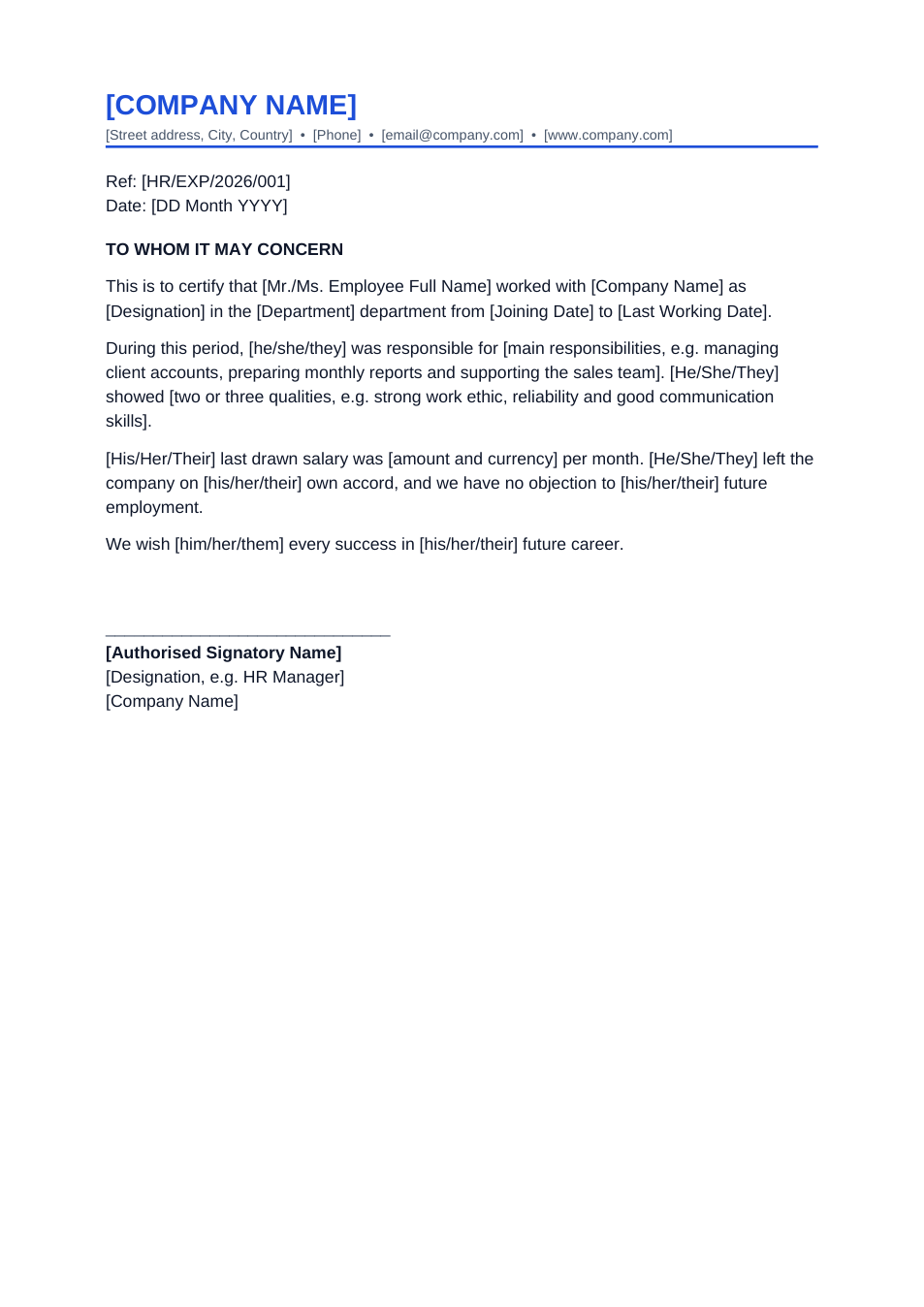
Experience Letter template preview

Experience Letter

Certificate of employment for a leaving employee.

WordPDF
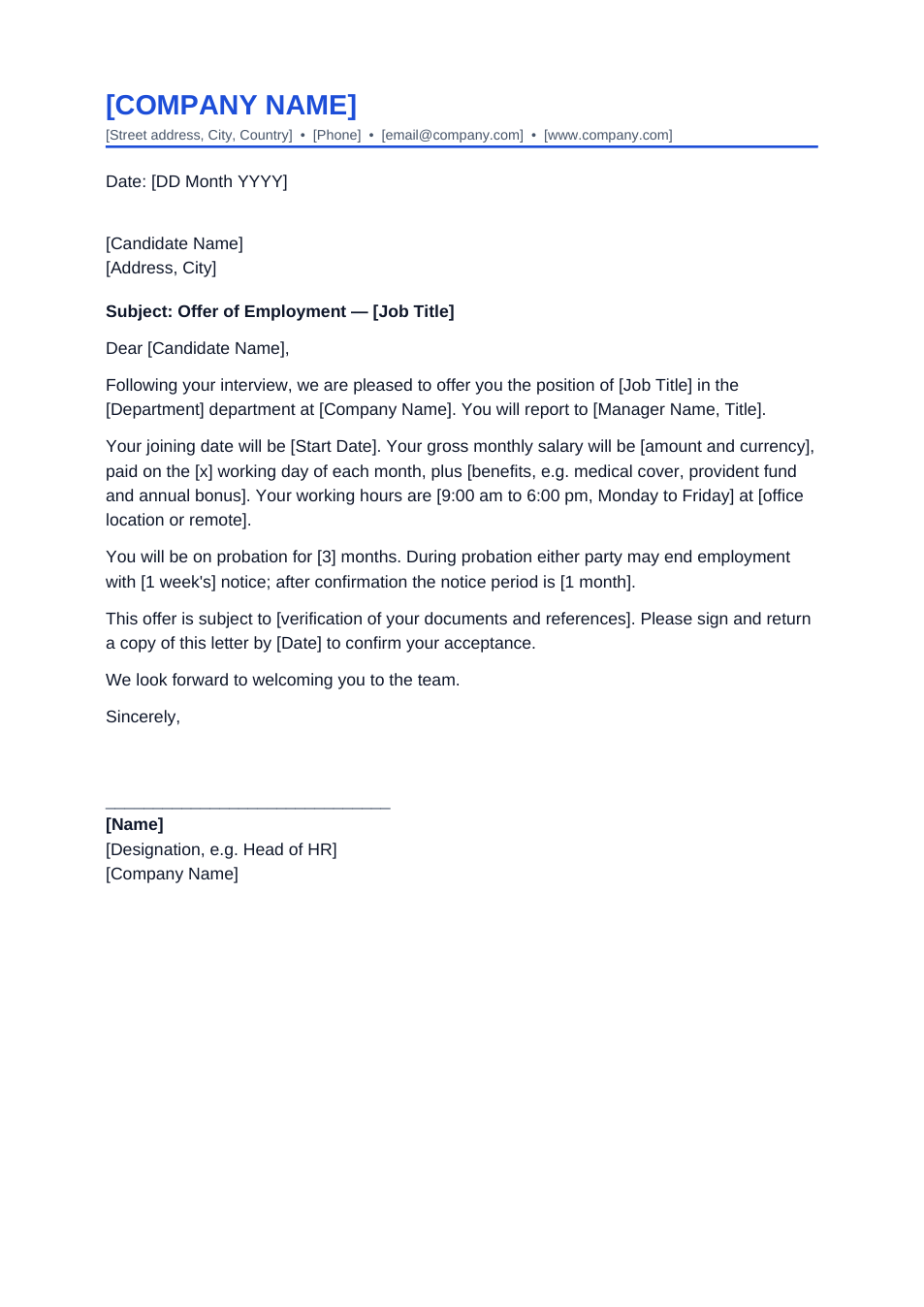
Job Offer Letter template preview

Job Offer Letter

Offer of employment with salary, start date and probation.

WordPDF
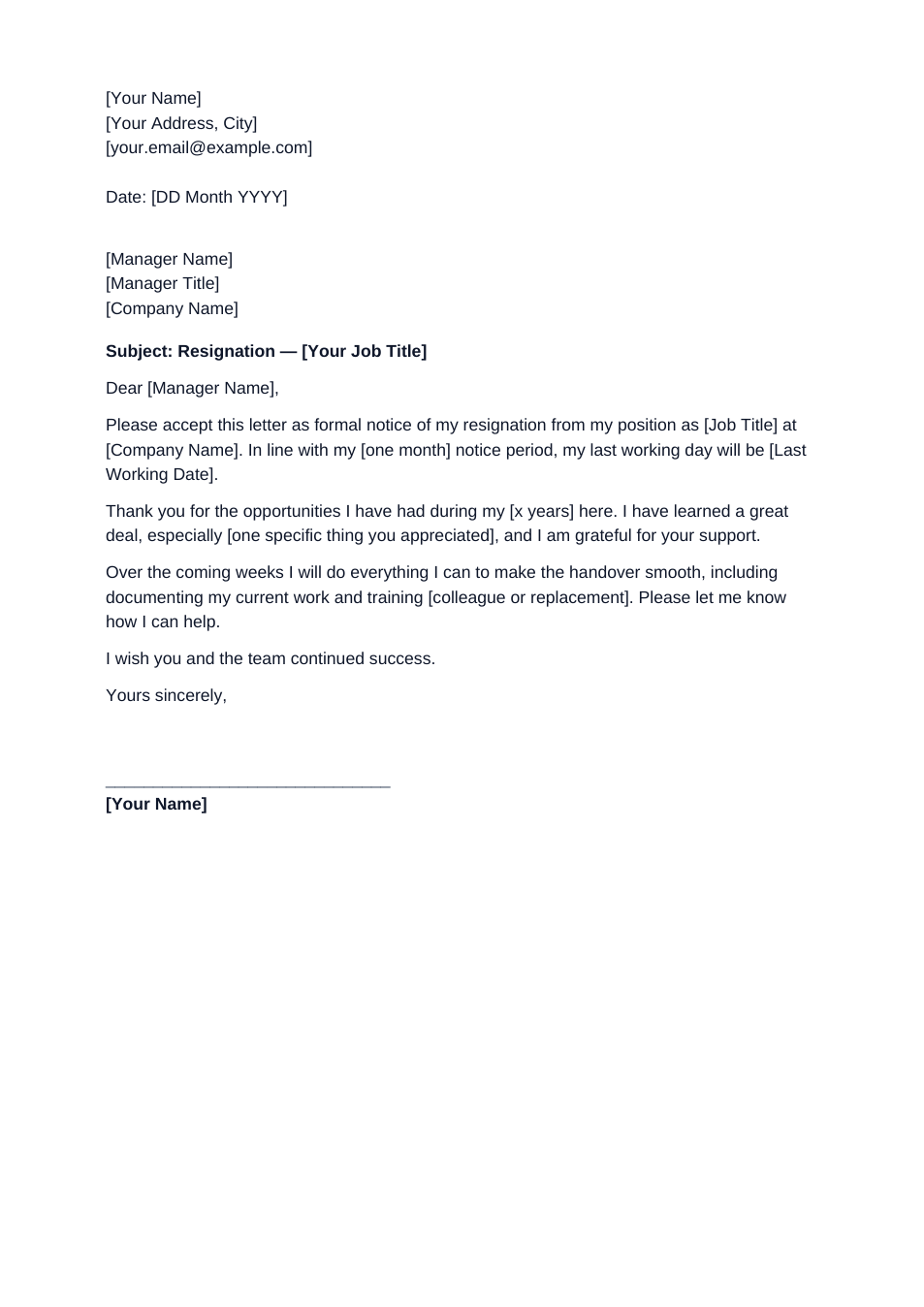
Resignation Letter template preview

Resignation Letter

Polite resignation with notice period and handover.

WordPDF
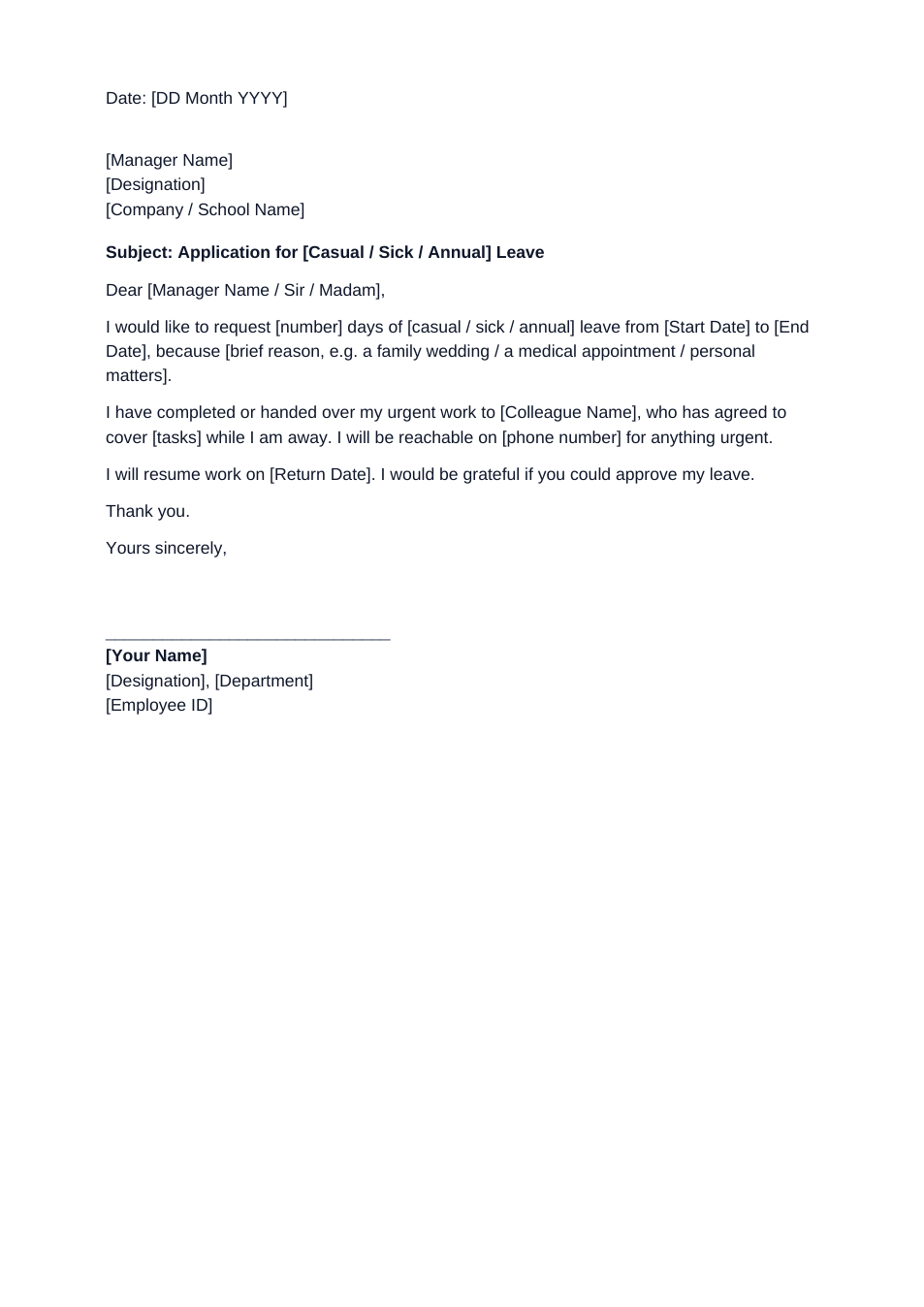
Leave Application template preview

Leave Application

Casual, sick or annual leave request for office or school.

WordPDF
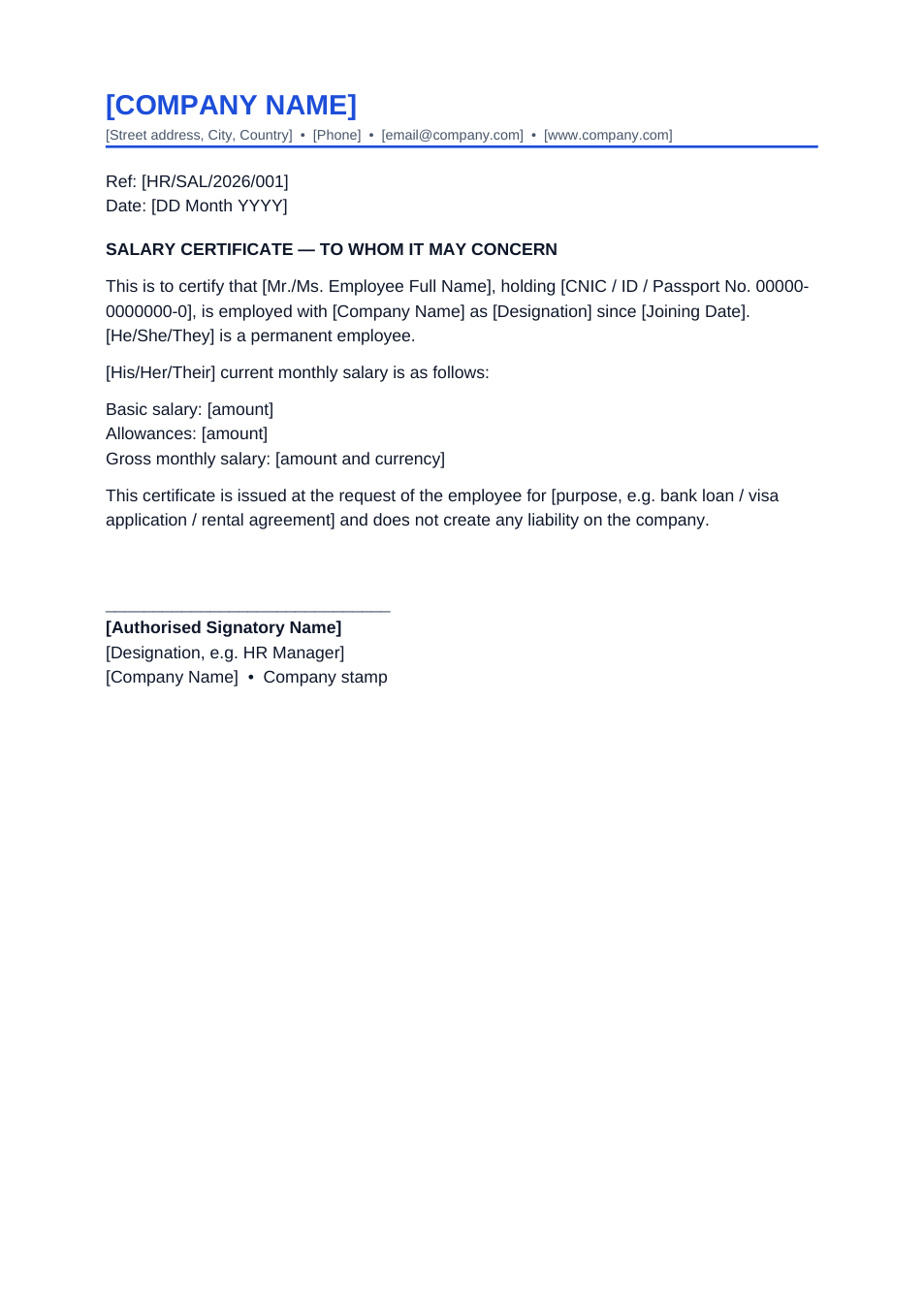
Salary Certificate template preview

Salary Certificate

Salary confirmation for banks, visas and rentals.

WordPDF
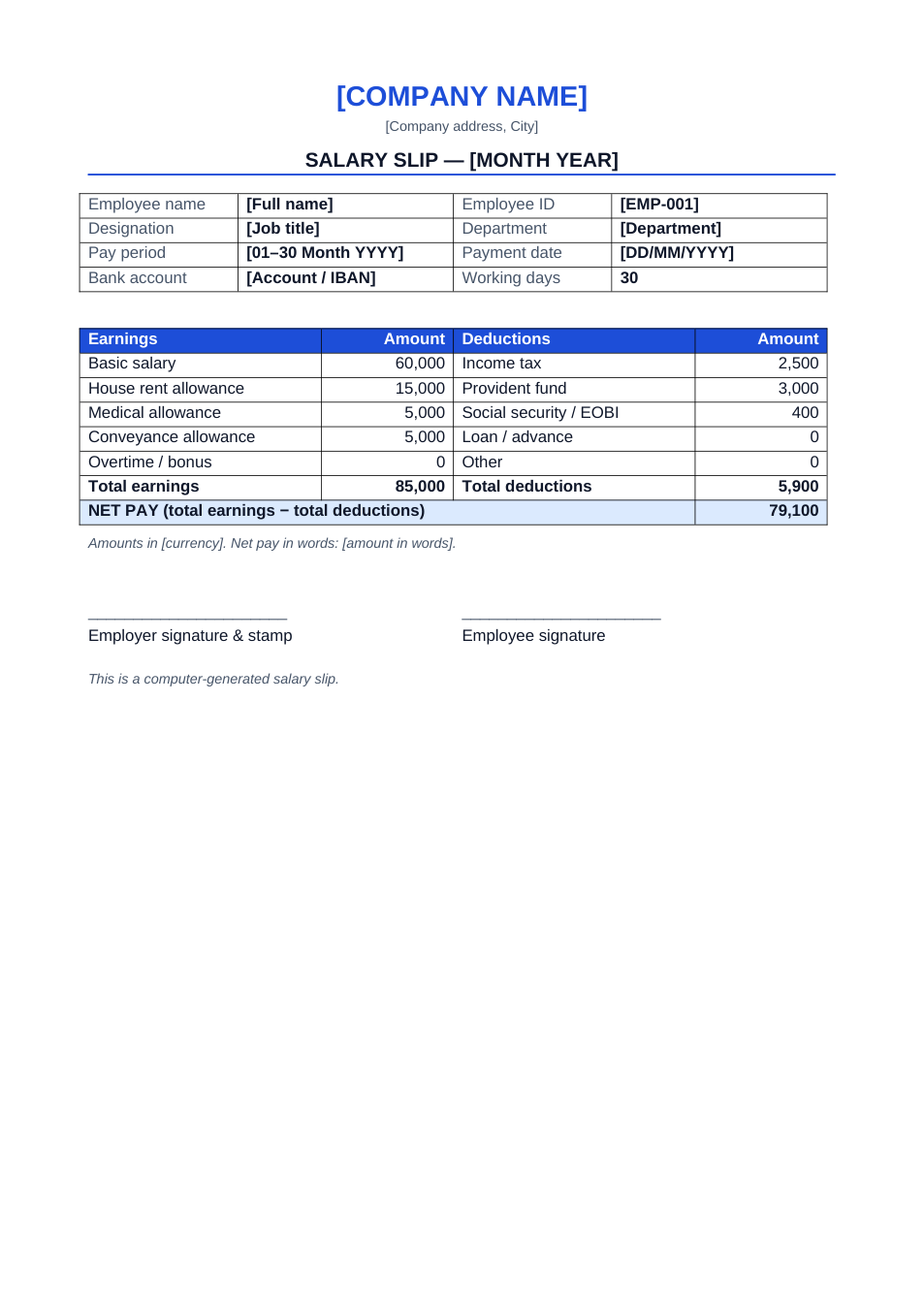
Salary Slip template preview

Salary Slip

Monthly payslip in Excel that calculates net pay.

ExcelWordPDF

Frequently Asked Questions

Are these templates really free?

Yes. Every template is free to download in Word, Excel or PDF and free to edit online, with no signup and no watermark. You can use them for personal and business documents.

How do I edit a template without Microsoft Office?

Open the template and click "Edit online". It opens in FileConvy's browser editor, where you can type over the sample text and download the result.

Can I open the templates in Google Docs or Sheets?

Yes. Download the Word or Excel file and upload it to Google Drive, then open it with Google Docs or Google Sheets.

What do the [brackets] mean?

Text in square brackets is a placeholder, such as [Employee Name] or [Date]. Replace each one with your own details and delete the brackets.