Sample text in [brackets], replace with yours · Invoice & Quotation Templates
Freelancer Invoice Template (Word & PDF)
Bill clients for hours or fixed-price work, with space for a project name and PayPal, Payoneer or bank details.
Opens in your browser. No Word needed, no signup.
Free for personal and commercial use · No watermark · Updated October 2026
Guide
About this freelancer invoice template
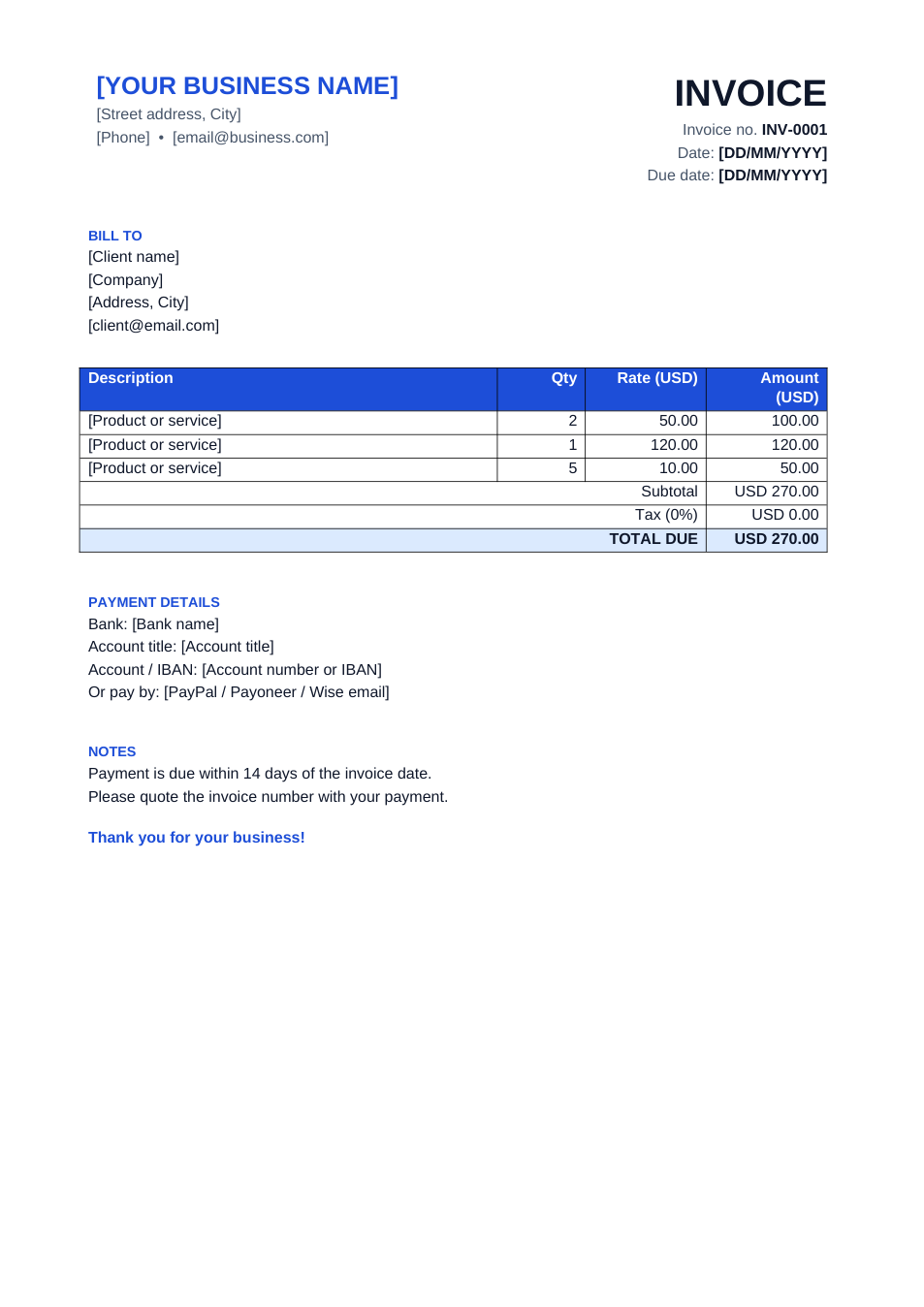
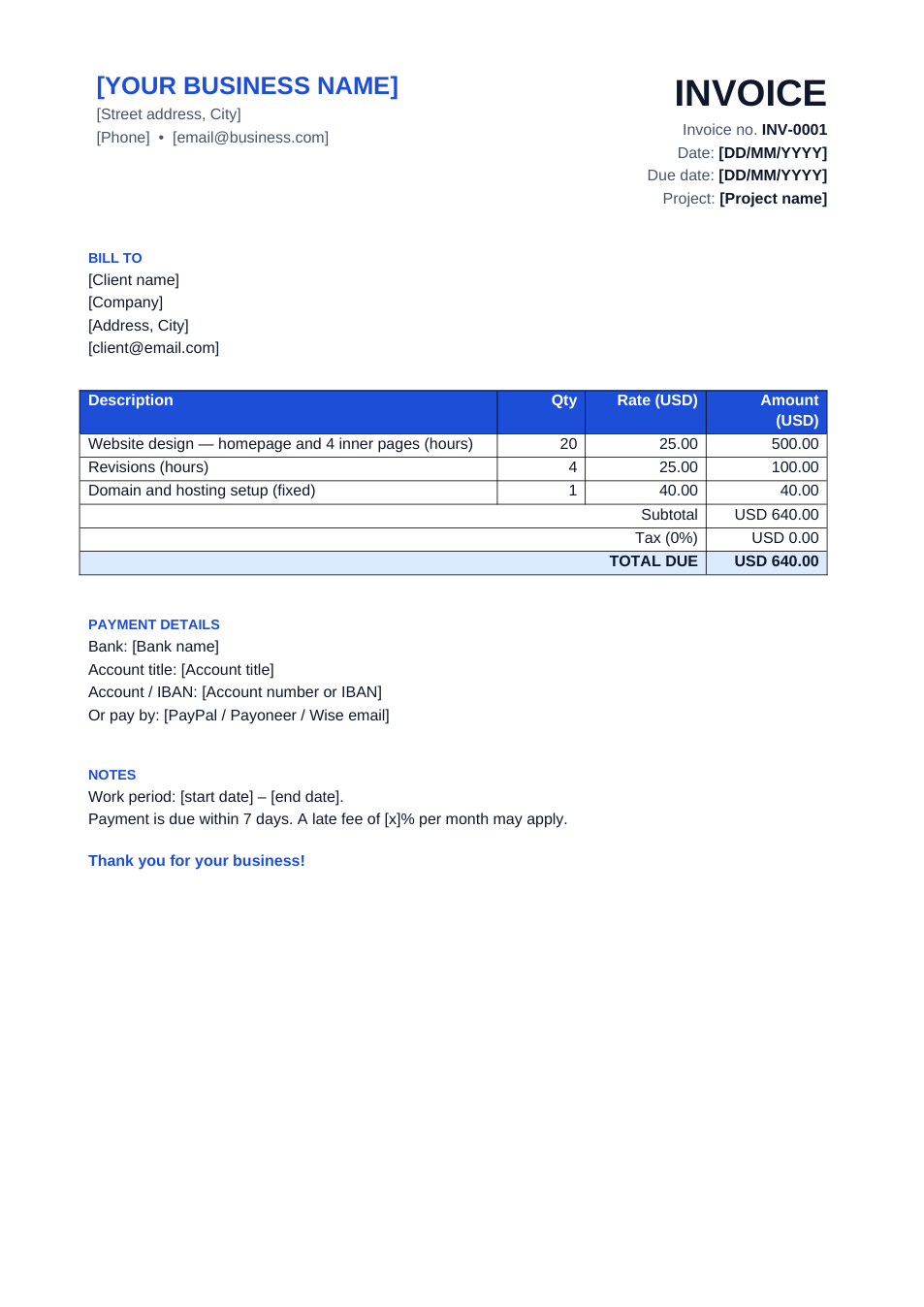
Made for freelancers who invoice clients directly: designers, developers, writers and consultants. It has a project field, line items that work for hours or fixed-price tasks, a work period, and payment details for bank transfer or online payment services.
How to fill in this invoice
- 1
Open it with "Edit online", or download the Word file.
- 2
Add your name or business name, contact details and the client's details.
- 3
Enter the project name and the work period the invoice covers.
- 4
List each task with hours and your hourly rate, or quantity 1 and a fixed price.
- 5
Fill in the payment details you accept, then download it as PDF and send it.
Tips for freelance invoicing
Agree terms first
Put your rate, payment schedule and late fee in the proposal, then repeat them on the invoice.
Invoice on milestones
For long projects, invoice at agreed milestones rather than waiting until the end.
Show the hours
Listing hours per task builds trust and makes approval quicker.
Mention the currency
Foreign clients may pay in USD while you are paid in local currency; state which currency the amount is in.
Frequently Asked Questions
Tools that help
Word to PDF
Convert Word documents to PDF format with perfect formatting
Sign PDF
Add a handwritten, typed, or uploaded signature to your PDF and download the signed file.
Merge PDF
Combine multiple PDF files into one document
Compress PDF
Reduce PDF file size without losing quality