Sample text in [brackets], replace with yours · Invoice & Quotation Templates
Simple Invoice Template (Word, Excel & PDF)
A clean invoice for any small business. The Excel version adds up totals and tax for you.
Opens in your browser. No Excel needed, no signup.
Free for personal and commercial use · No watermark · Updated October 2026
Guide
About this simple invoice template
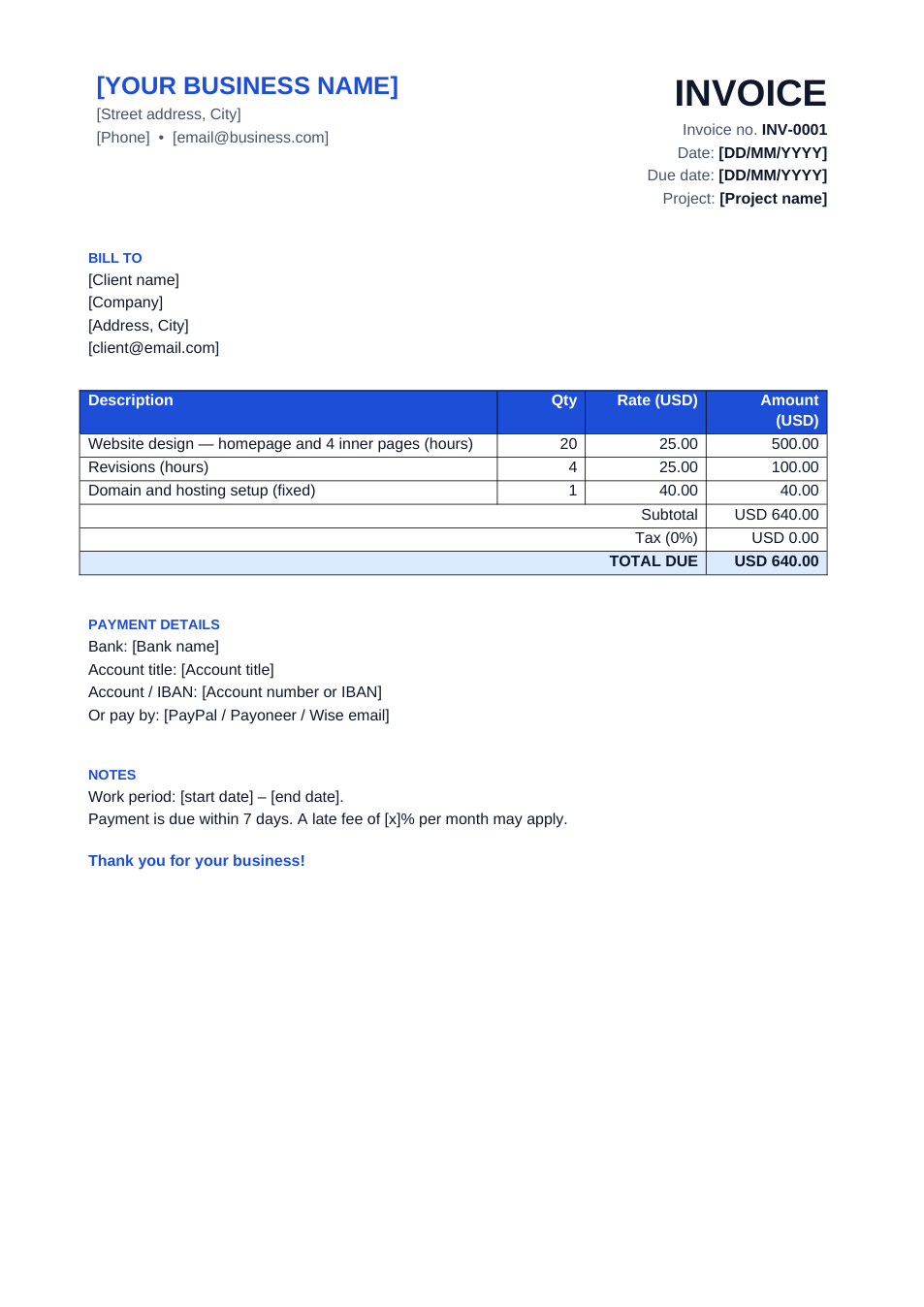
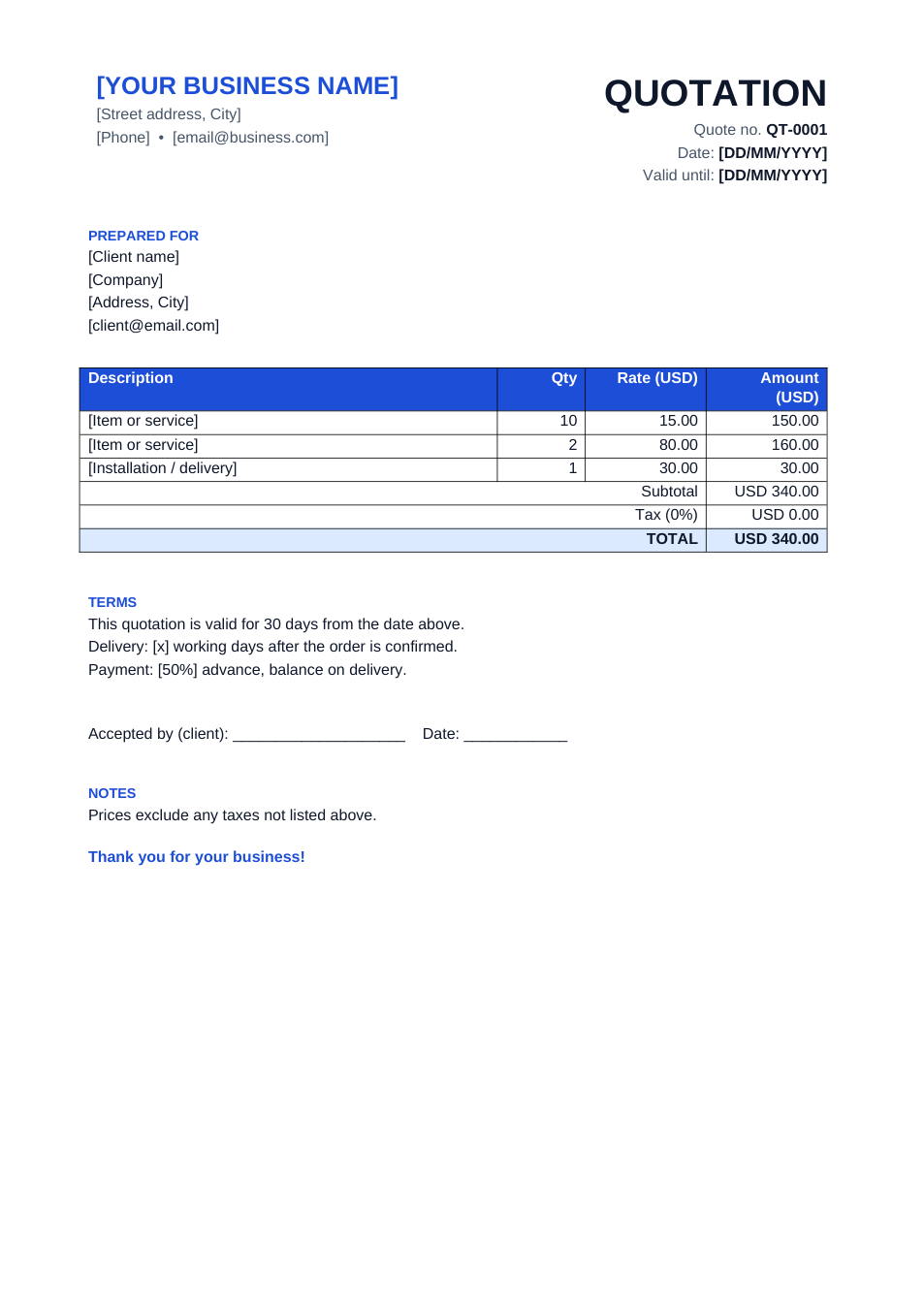
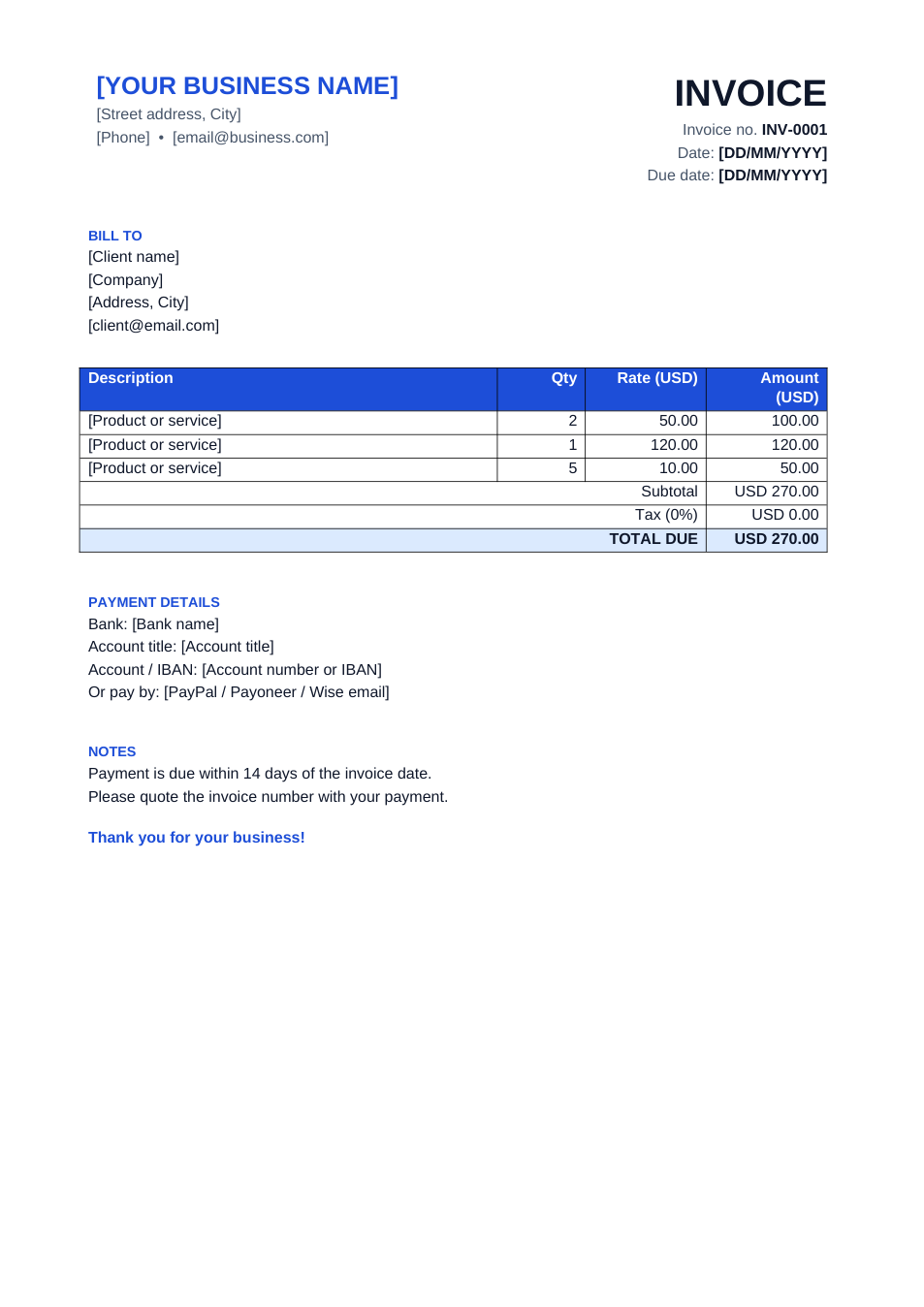
A plain, professional invoice with everything a client needs to pay you: your details, their details, an invoice number and dates, line items, totals and payment details. Use the Excel version if you want the maths done for you — type the quantity and rate and the amounts, subtotal, tax and total update automatically.
How to fill in this invoice
- 1
Click "Edit online" to open the Excel version in your browser, or download Word or Excel.
- 2
Replace the business name and contact details at the top. Add your logo in Word if you have one.
- 3
Give every invoice a new number (INV-0001, INV-0002…) and set the invoice and due dates.
- 4
Enter each item with a quantity and rate. In Excel, set your tax rate in the yellow cell.
- 5
Add your bank or payment details, then download it as PDF and send it to the client.
Tips to get paid faster
Always send a PDF
Clients can't accidentally change a PDF, and it looks the same on every device.
Use clear due dates
"Due 30 October 2026" gets paid faster than "Net 14".
Number invoices in order
Sequential numbers make your records and any tax filing much easier.
Describe the work
A specific description ("Logo design, 3 concepts, 2 revisions") reduces back-and-forth before payment.