Sample text in [brackets], replace with yours · Invoice & Quotation Templates
Quotation Template (Word, Excel & PDF)
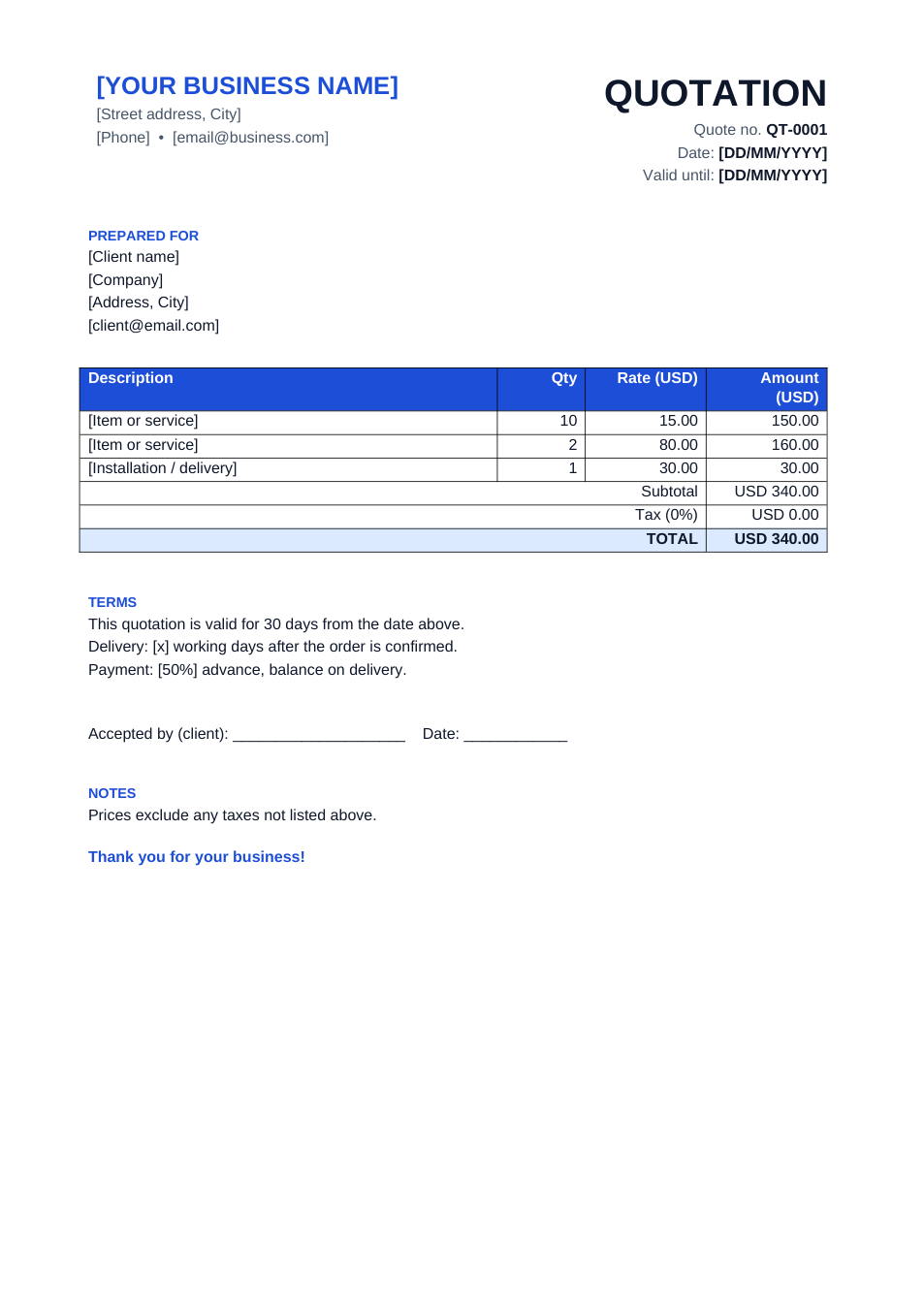
Send a professional price quote with validity date, delivery terms and a client acceptance line.
Opens in your browser. No Excel needed, no signup.
Free for personal and commercial use · No watermark · Updated October 2026
Guide
About this quotation template
A quotation tells a client exactly what they will get and what it will cost before they order. This template has a quote number, a valid-until date, line items with totals, delivery and payment terms, and a line for the client to sign and accept. The Excel version calculates the totals for you.
How to fill in this quotation
- 1
Click "Edit online" to open the Excel version, or download Word or Excel.
- 2
Add your business details and the client's name and company.
- 3
Set the quote number, date and the date the prices are valid until.
- 4
List each item or service with quantity and price; set the tax rate if one applies.
- 5
Edit the delivery and payment terms, then send it as PDF.
Tips for winning quotes
Always set a validity date
Prices change. A 15–30 day validity protects you if the client comes back months later.
Be specific
Brand, model, size and quantity on each line prevents disputes after the order.
State what's excluded
Delivery, installation or taxes: if they aren't included, say so.
Follow up
A short follow-up two or three days after sending wins more orders than the quote alone.
Frequently Asked Questions
Tools that help
Excel to PDF
Convert Excel spreadsheets to PDF with all sheets preserved
Word to PDF
Convert Word documents to PDF format with perfect formatting
Sign PDF
Add a handwritten, typed, or uploaded signature to your PDF and download the signed file.
Merge PDF
Combine multiple PDF files into one document