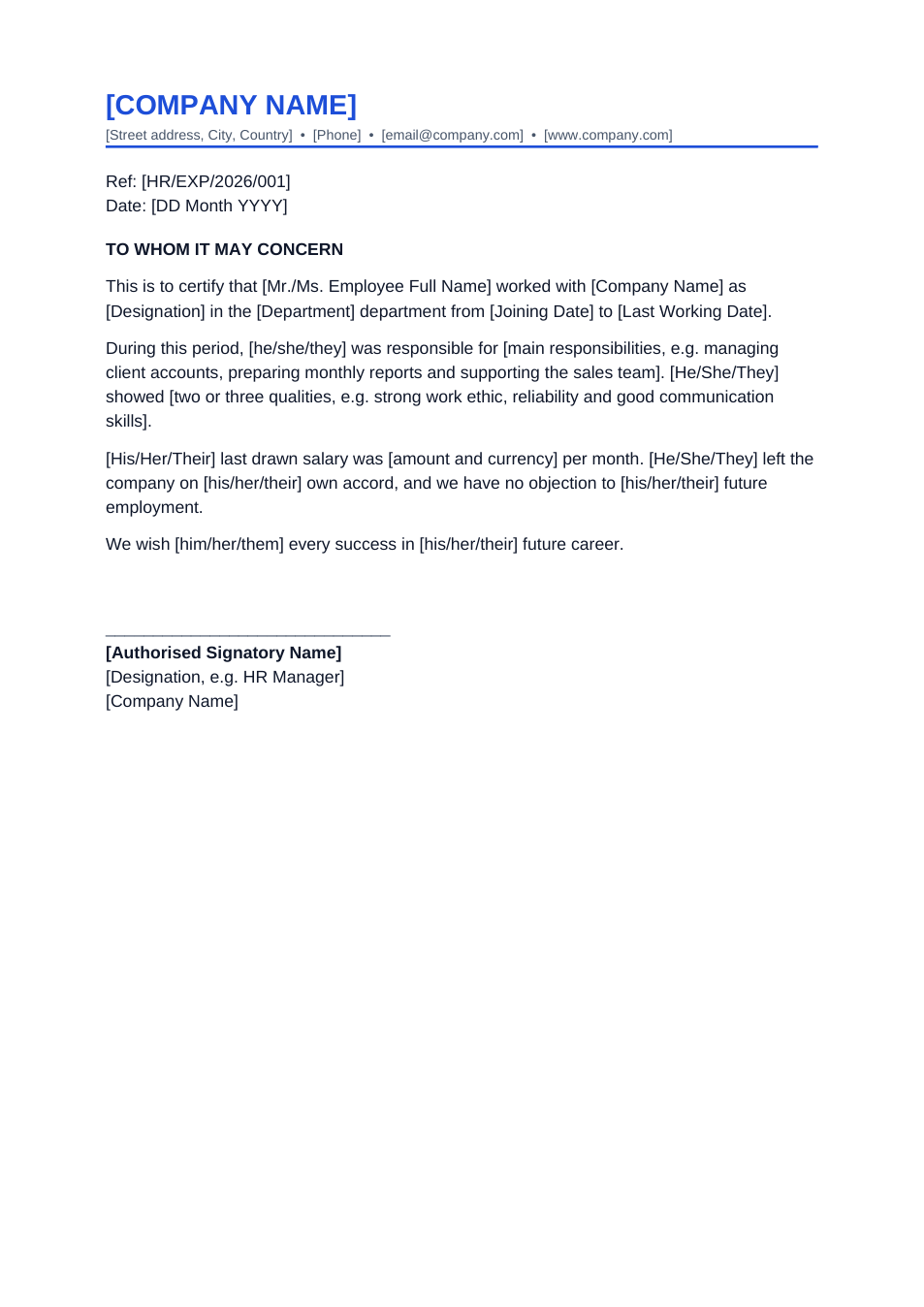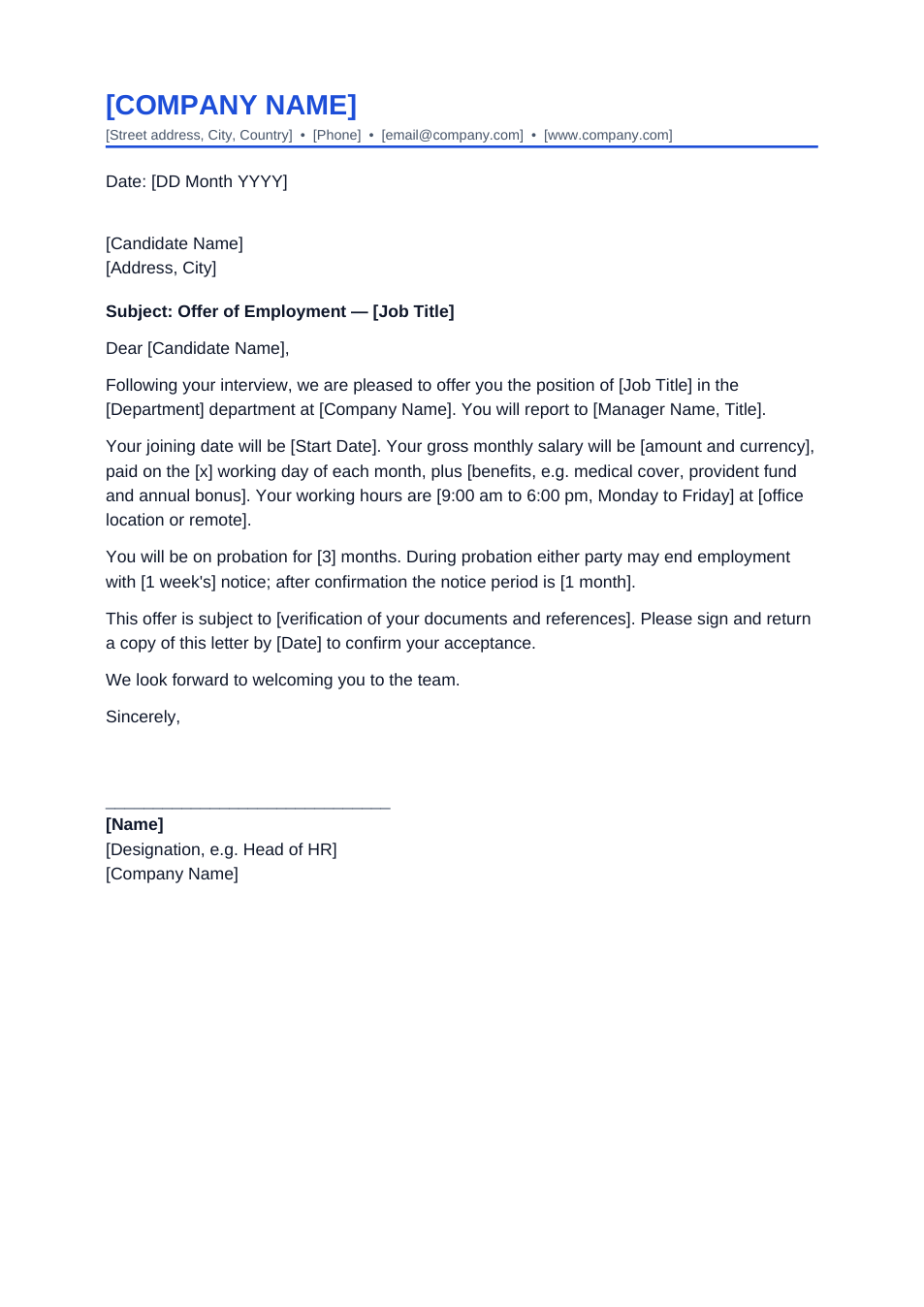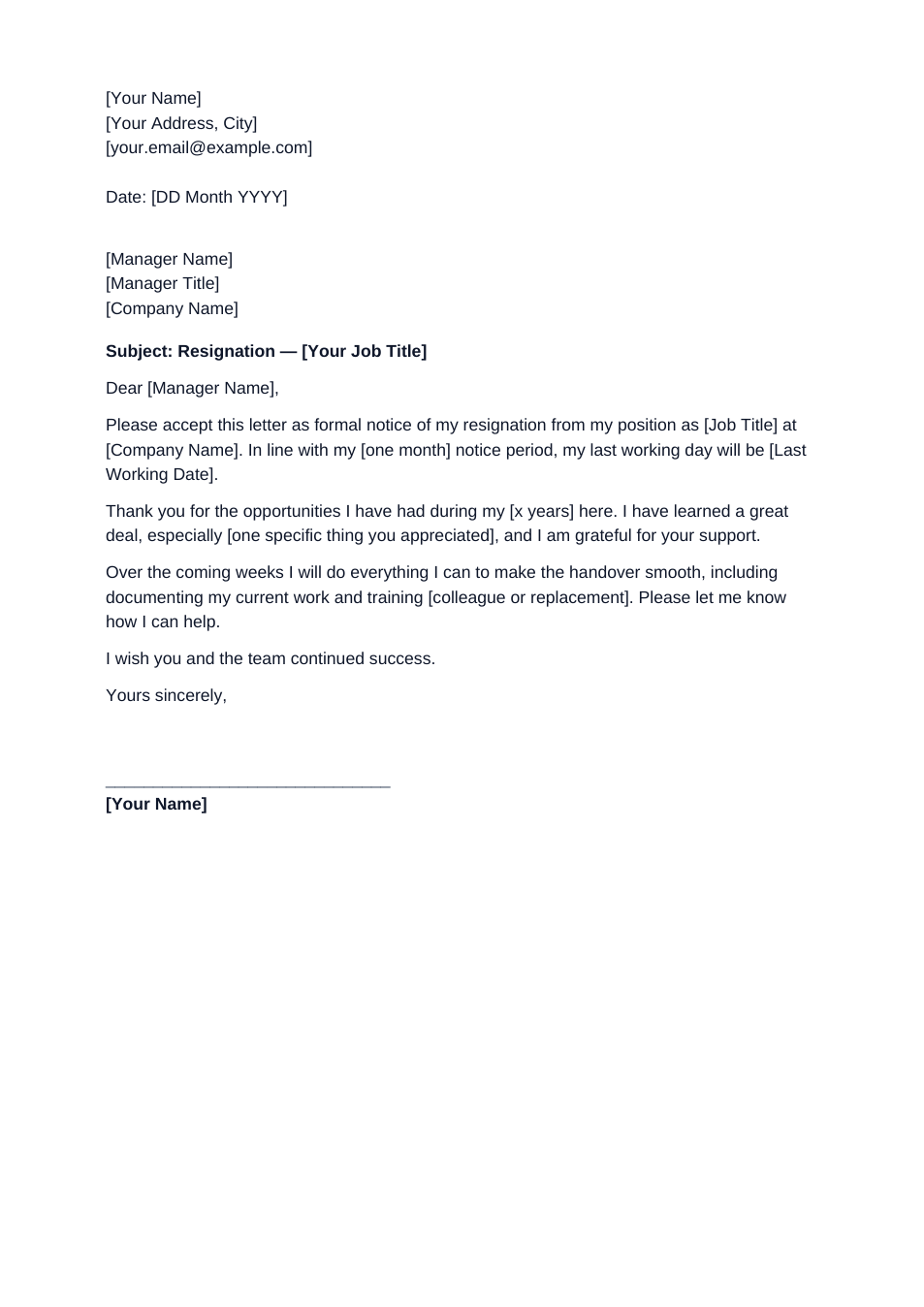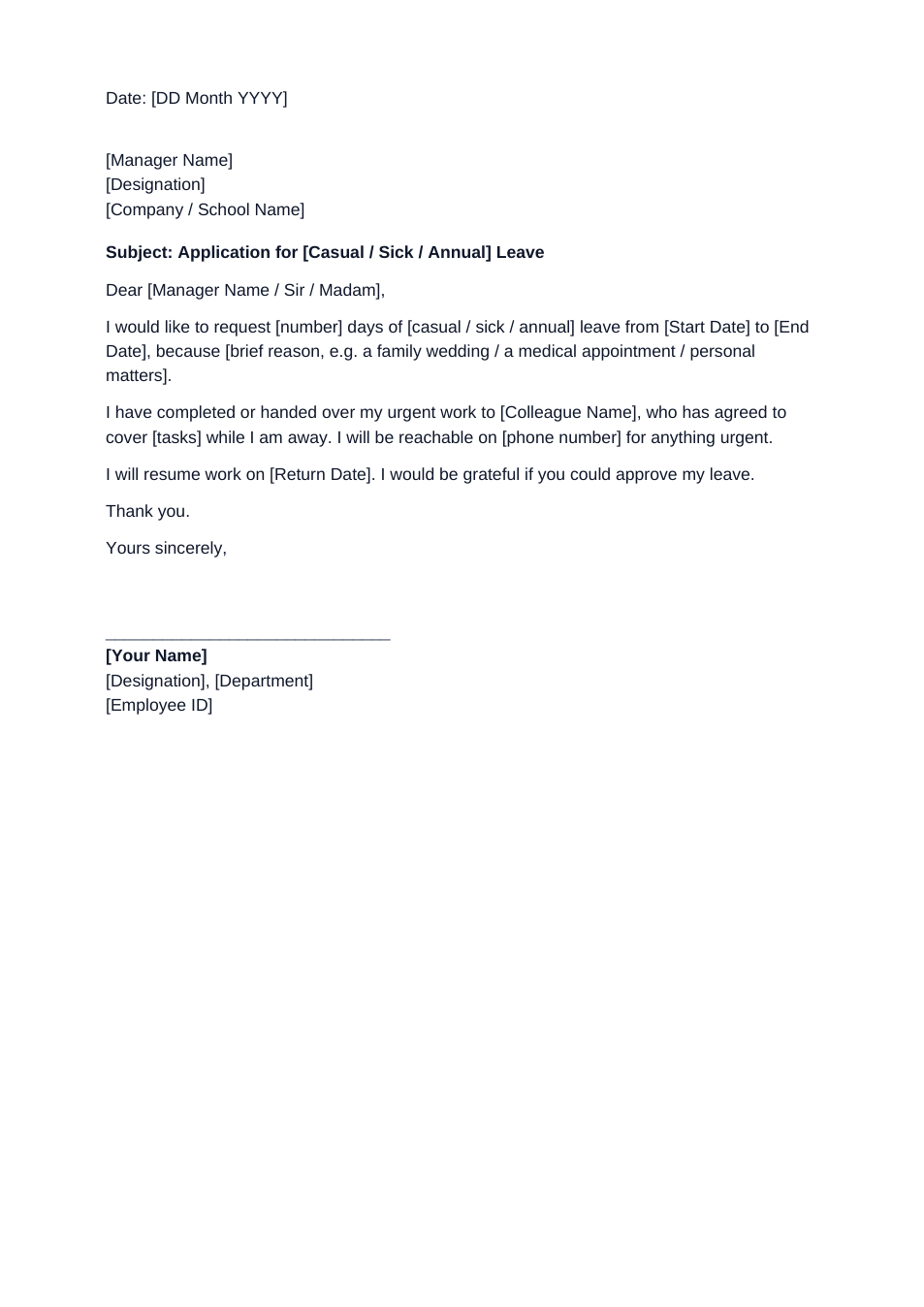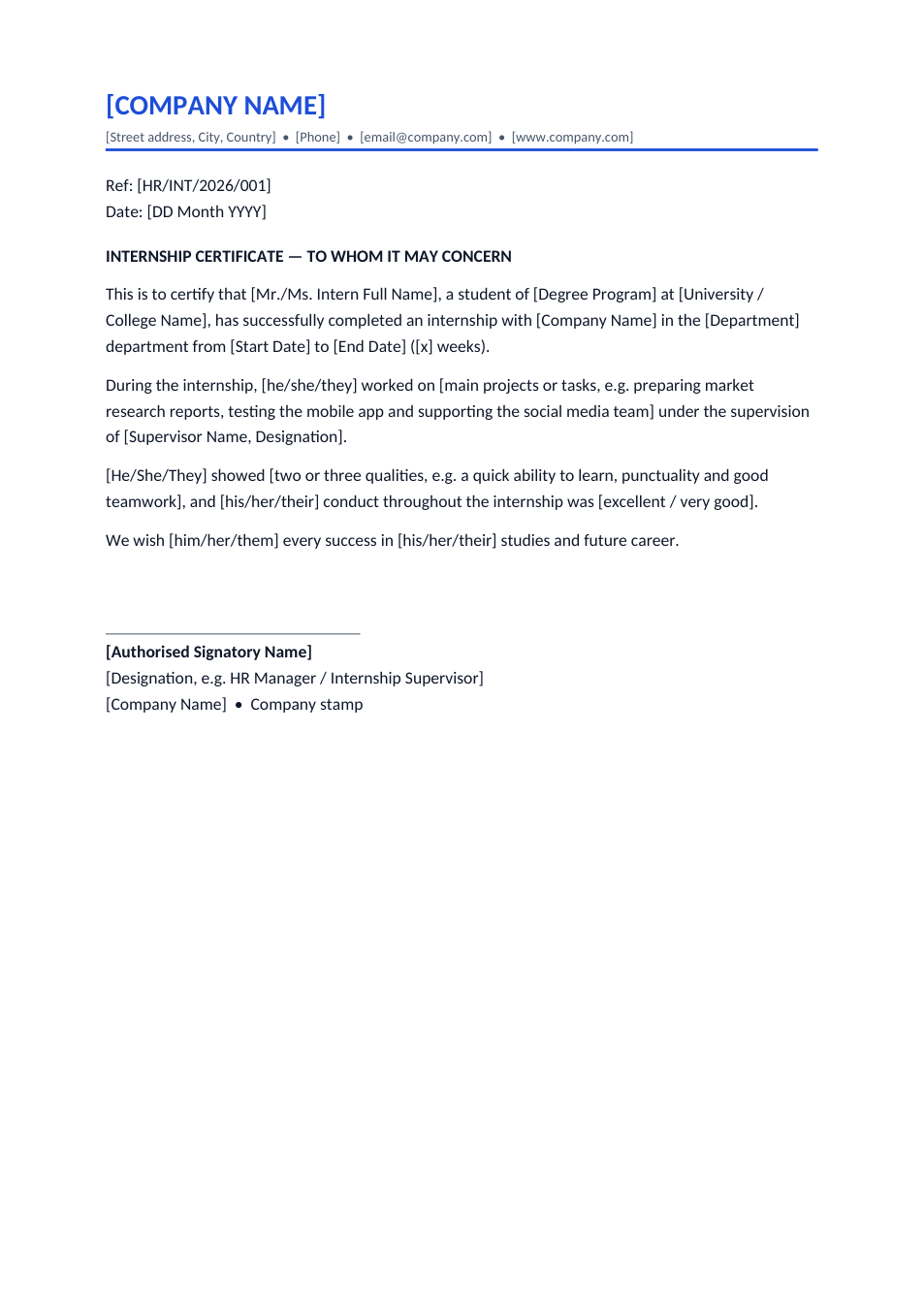
Sample text in [brackets], replace with yours · HR & Office Templates
Internship Certificate Format (Word & PDF)
Certify that a student completed an internship, with dates, department, projects and conduct.
Opens in your browser. No Word needed, no signup.
Free for personal and commercial use · No watermark · Updated October 2026
Guide
About this internship certificate template
Universities ask students for an internship certificate to give credit for the placement, and future employers ask to see it with the CV. This format confirms the intern's name, degree and university, the department and exact dates, the projects they worked on, their supervisor and their conduct.
How to fill in this certificate
- 1
Open it with "Edit online", or download the Word file.
- 2
Add your company letterhead and a reference number.
- 3
Fill in the intern's name, degree programme and university, the department and the start and end dates.
- 4
Describe the main projects in one sentence and name the supervisor.
- 5
Add two or three qualities the intern showed, then sign, stamp and send it as PDF.
Tips for internship certificates
State the duration
Universities often need a minimum number of weeks. Write the weeks as well as the dates.
Name real projects
"Tested the Android app and wrote 40 test cases" helps the intern far more than "assisted the team".
Check the university's format
Some universities supply their own form. Use it alongside this certificate if they do.
Paid or unpaid
If the intern needs it for a visa or scholarship, add a line saying whether the internship was paid and the stipend amount.
Frequently Asked Questions
Tools that help
Sign PDF
Add a handwritten, typed, or uploaded signature to your PDF and download the signed file.
Word to PDF
Convert Word documents to PDF format with perfect formatting
Compress PDF
Reduce PDF file size without losing quality
Merge PDF
Combine multiple PDF files into one document