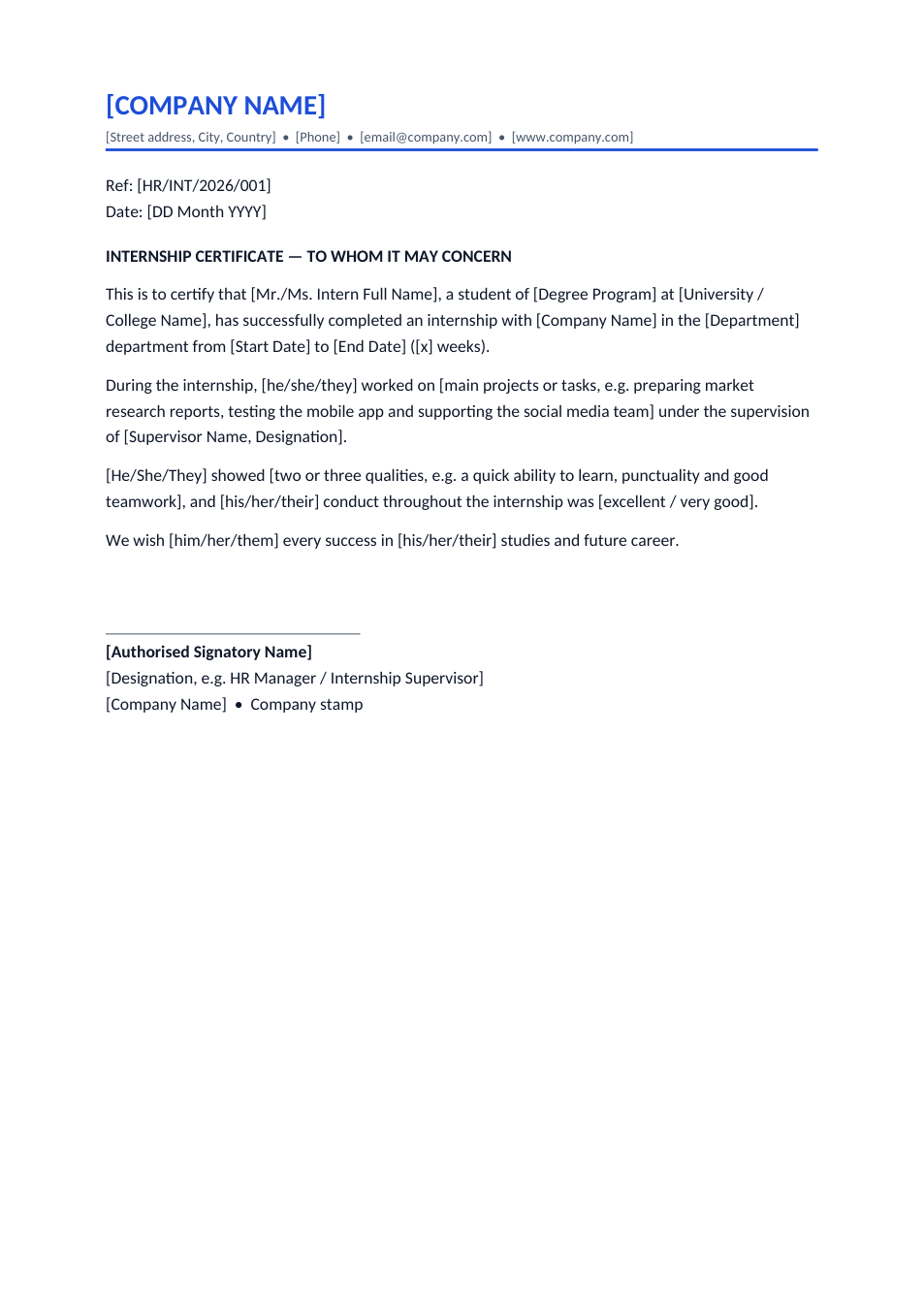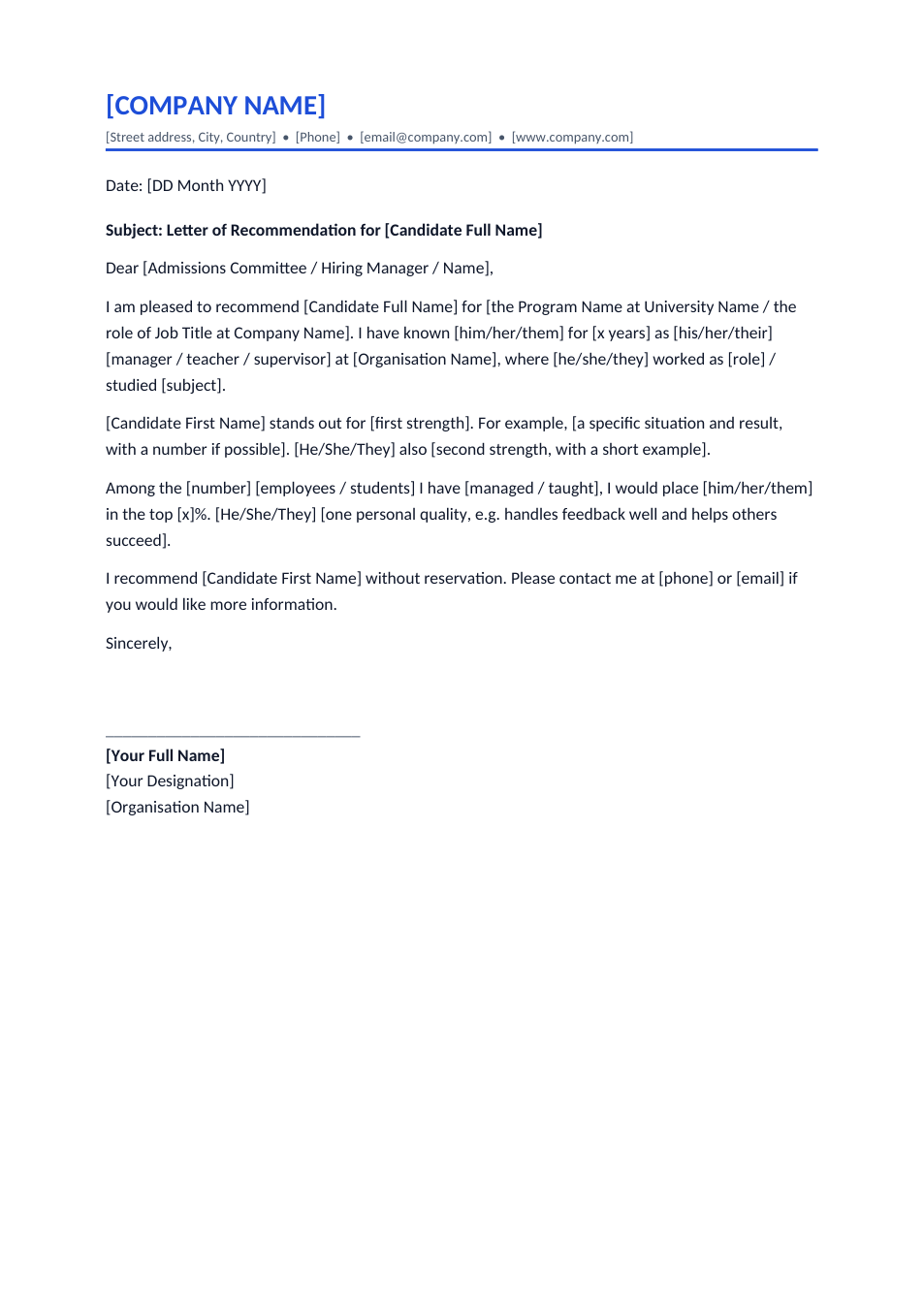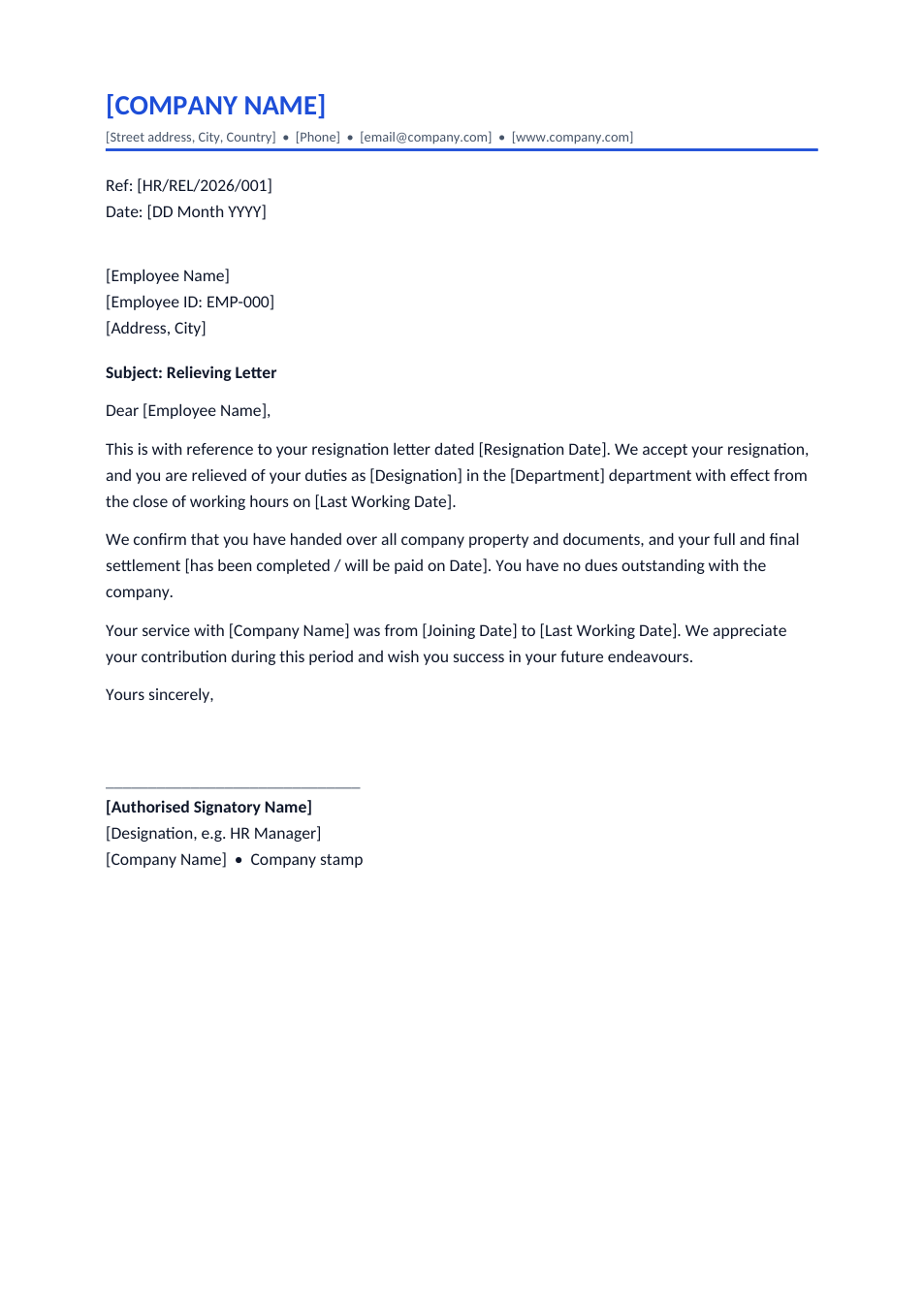
Sample text in [brackets], replace with yours · HR & Office Templates
Relieving Letter Format (Word & PDF)
Confirm that an employee's resignation was accepted and they were relieved of duties with no dues pending.
Opens in your browser. No Word needed, no signup.
Free for personal and commercial use · No watermark · Updated October 2026
Guide
About this relieving letter template
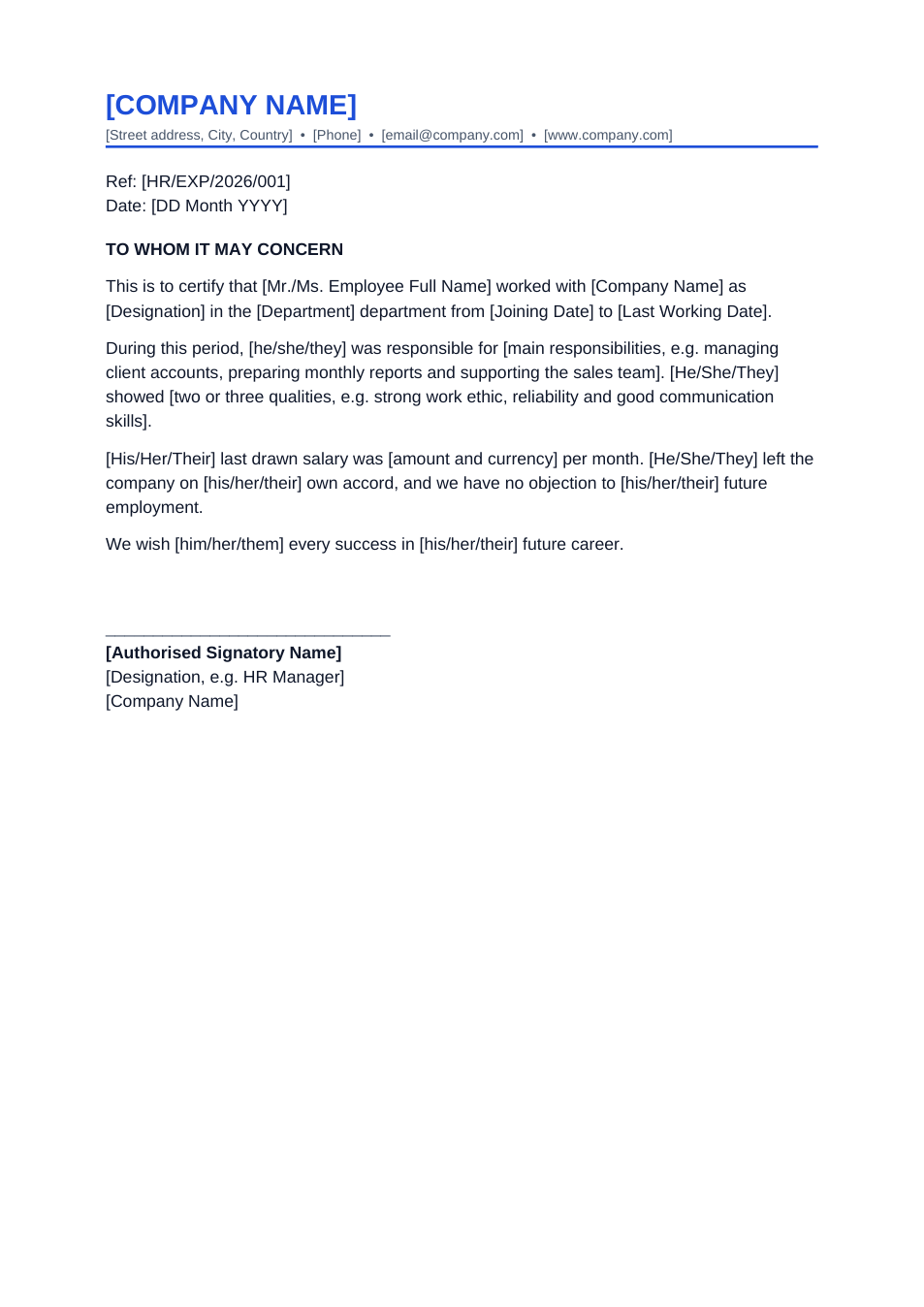
A relieving letter confirms that an employee's resignation was accepted and that they have been released from their duties on a given date, with company property returned and dues settled. New employers often ask for it before joining, to be sure the person has left their last job properly.
How to fill in this relieving letter
- 1
Open it with "Edit online", or download the Word file.
- 2
Add your letterhead, a reference number and the date.
- 3
Fill in the employee's name, ID, designation, department and the date of their resignation letter.
- 4
Enter the last working day and the joining date, and say whether the final settlement is done or when it will be paid.
- 5
Sign and stamp it, then hand it over on the last day or send it as PDF.
Tips for HR teams
Issue it on the last day
Give the letter once handover and clearance are complete, ideally on the last working day.
Confirm clearance first
Check that laptops, ID cards and documents are returned before you write "no dues outstanding".
Pair it with an experience letter
Many employees need both. Issue them together, or combine them into one letter if your policy allows.
Use the HR record dates
The joining and leaving dates should match payroll exactly, because background checks compare them.
Frequently Asked Questions
Tools that help
Sign PDF
Add a handwritten, typed, or uploaded signature to your PDF and download the signed file.
Word to PDF
Convert Word documents to PDF format with perfect formatting
Compress PDF
Reduce PDF file size without losing quality
Merge PDF
Combine multiple PDF files into one document