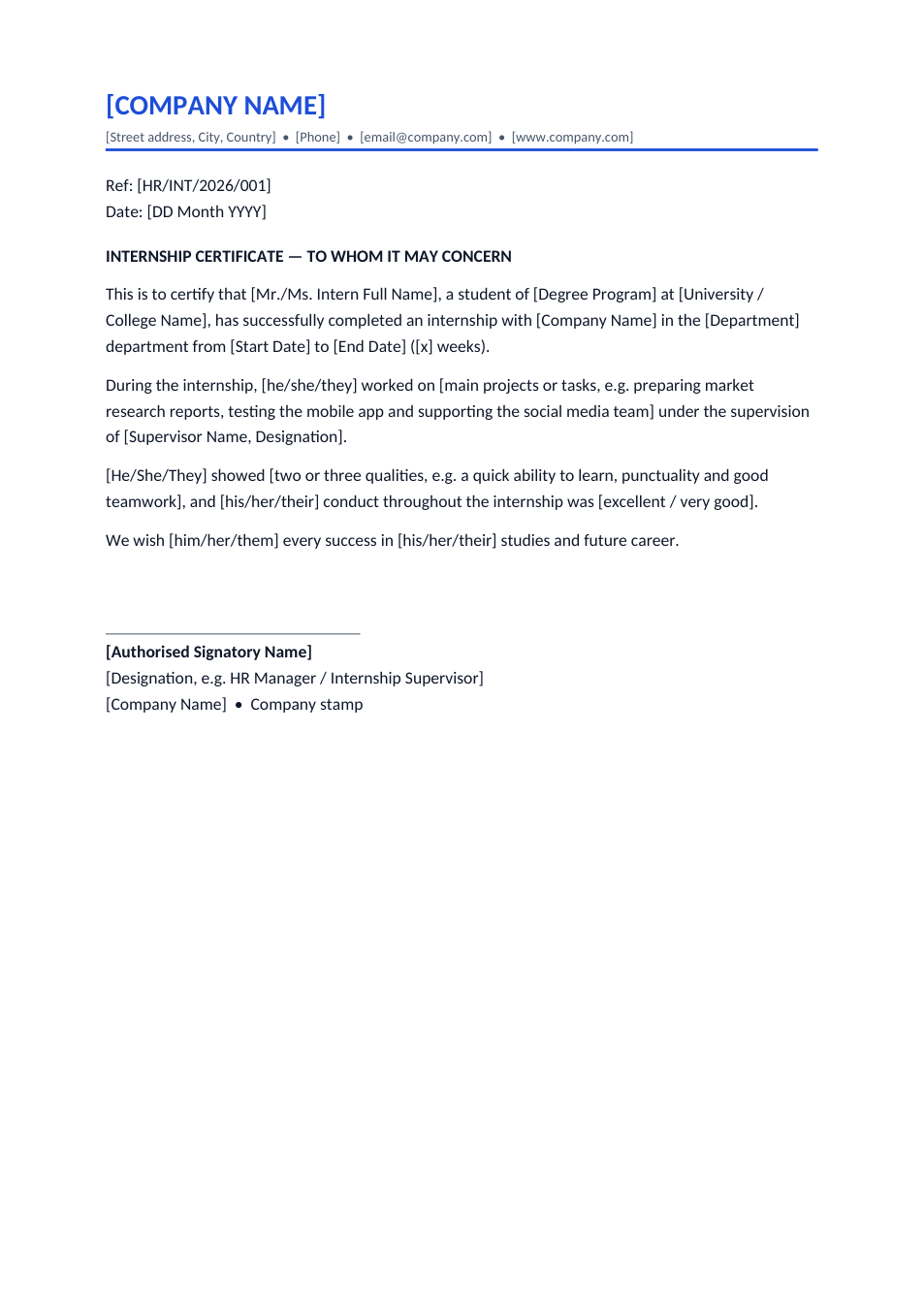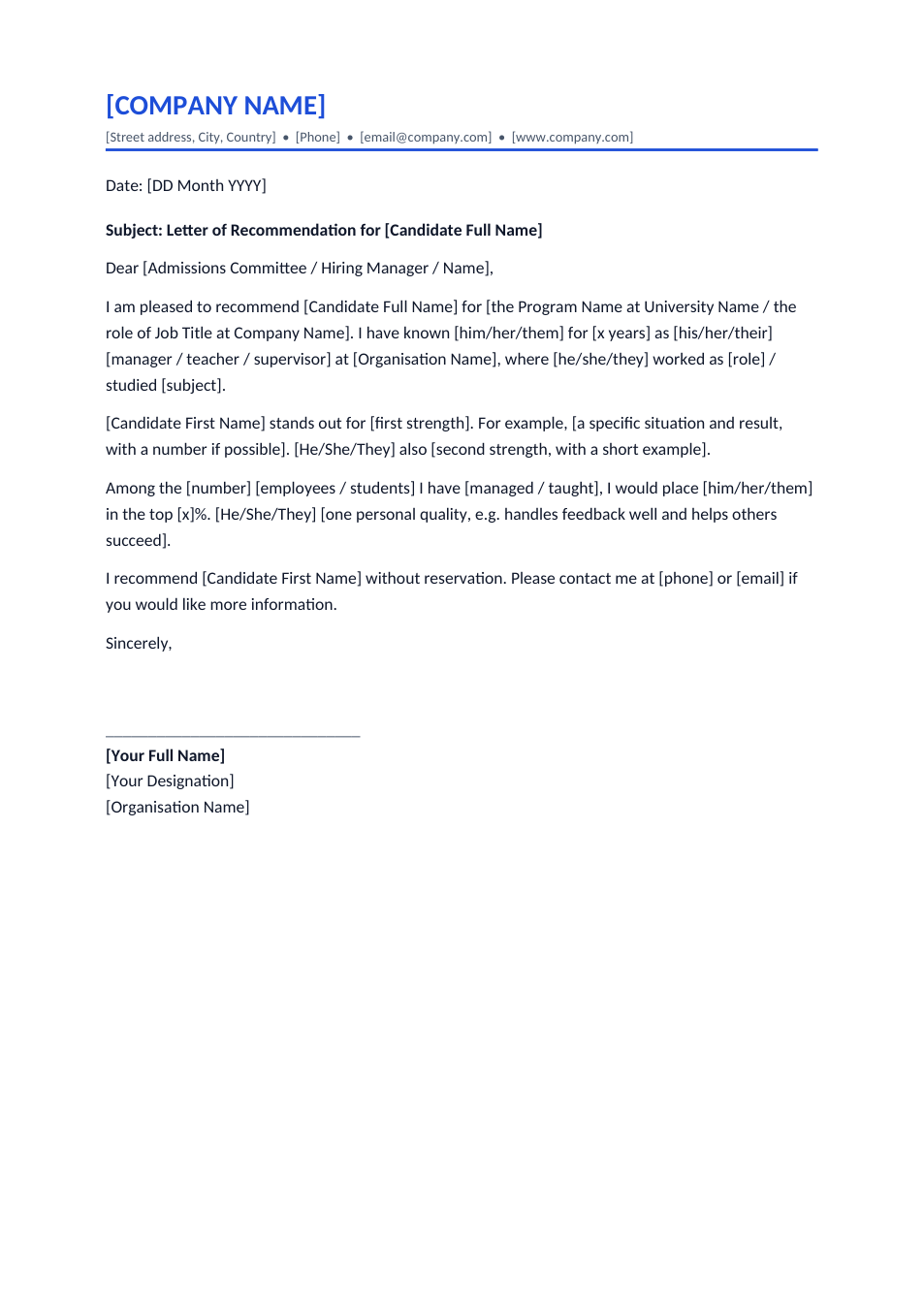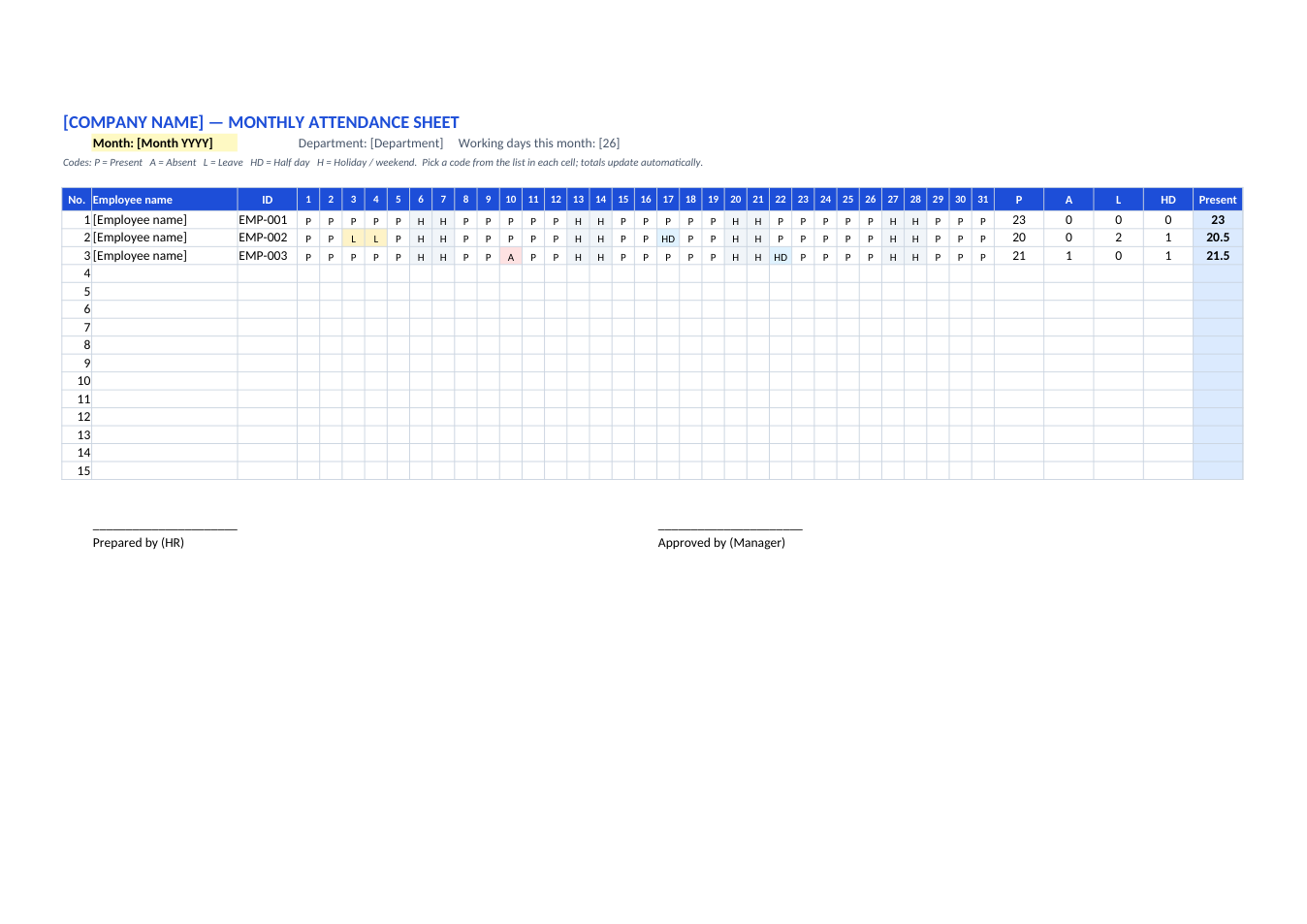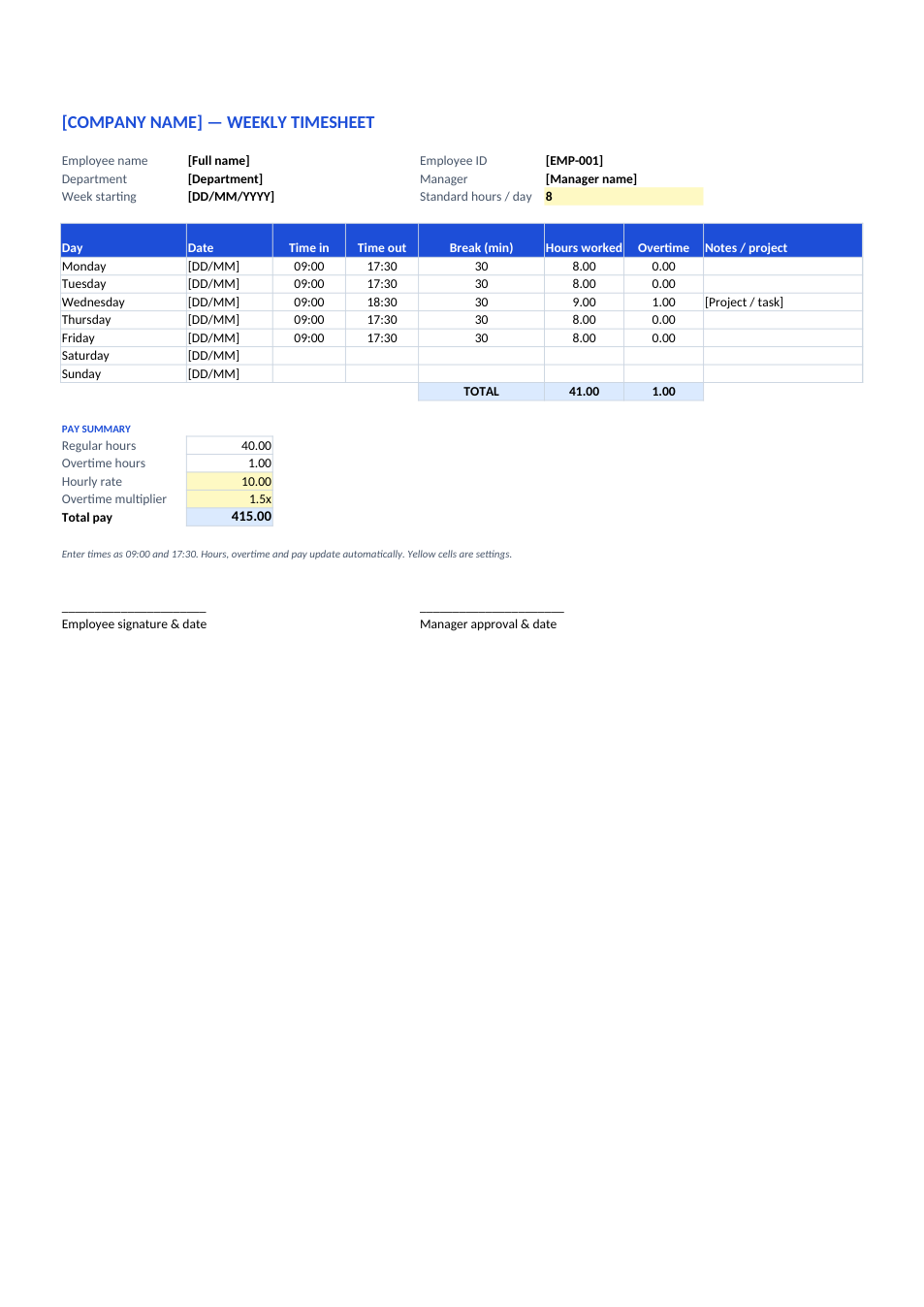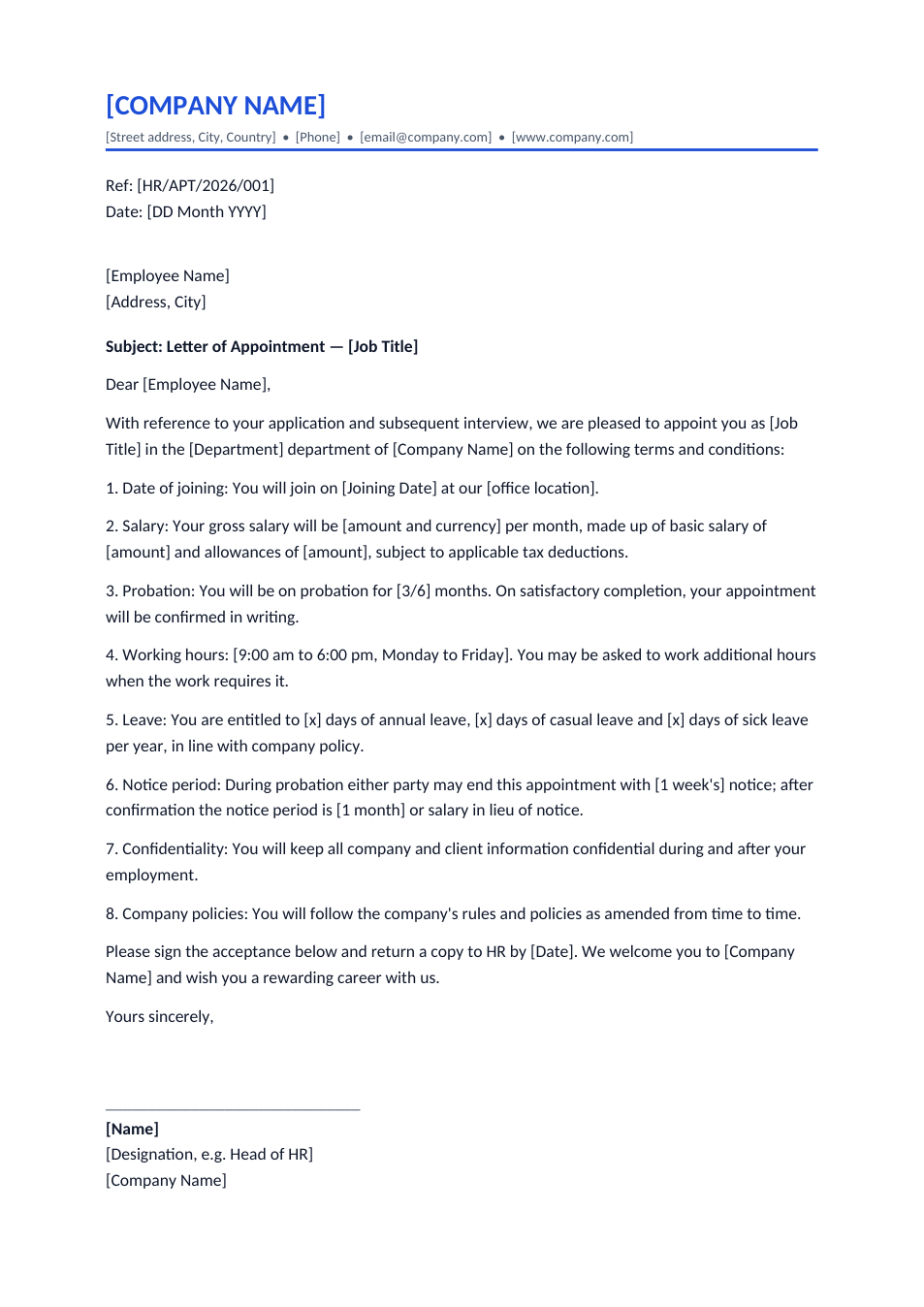
Sample text in [brackets], replace with yours · HR & Office Templates
Appointment Letter Format (Word & PDF)
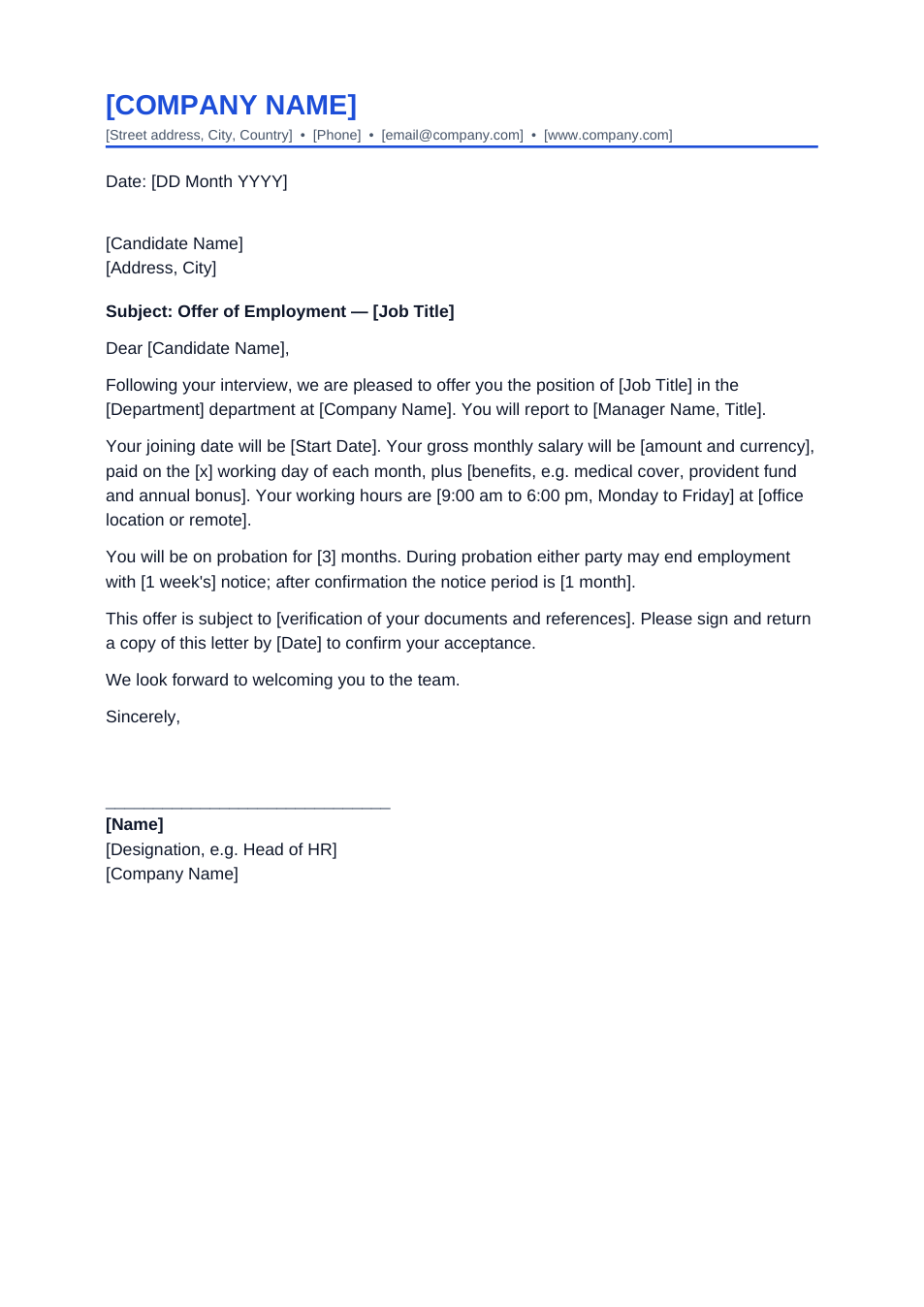
A formal letter of appointment with salary, probation, hours, leave, notice period and an acceptance section.
Opens in your browser. No Word needed, no signup.
Free for personal and commercial use · No watermark · Updated October 2026
Guide
About this appointment letter template
An appointment letter is the formal letter that confirms someone's employment and sets out the main terms: joining date, salary, probation, working hours, leave, notice period, confidentiality and company policies. It ends with an acceptance section the employee signs and returns. Use it after the candidate has accepted your offer.
How to fill in this appointment letter
- 1
Open it with "Edit online", or download the Word file.
- 2
Add your company letterhead and a reference number from your HR records.
- 3
Fill in the employee's name, job title, department and joining date.
- 4
Complete each numbered term with your policy: salary split, probation length, hours, leave days and notice period.
- 5
Sign it, send it as PDF, and ask the employee to sign the acceptance section and return a copy.
Tips for HR teams
Match the offer
Salary, title and joining date must be the same as in the accepted offer letter.
Follow local labour law
Probation, leave and notice rules differ by country and province. Check them before you fill in the numbers.
Keep the signed copy
File the copy with the employee's signed acceptance; it is the record of agreed terms.
Use an annexure for detail
Put long benefit or allowance tables in a separate page attached to the letter.
Frequently Asked Questions
Tools that help
Sign PDF
Add a handwritten, typed, or uploaded signature to your PDF and download the signed file.
Word to PDF
Convert Word documents to PDF format with perfect formatting
Protect PDF
Password protect your PDF with AES-256 encryption. Control printing and copying permissions.
Merge PDF
Combine multiple PDF files into one document