Sample text in [brackets], replace with yours · HR & Office Templates
Weekly Timesheet Template (Excel & PDF)
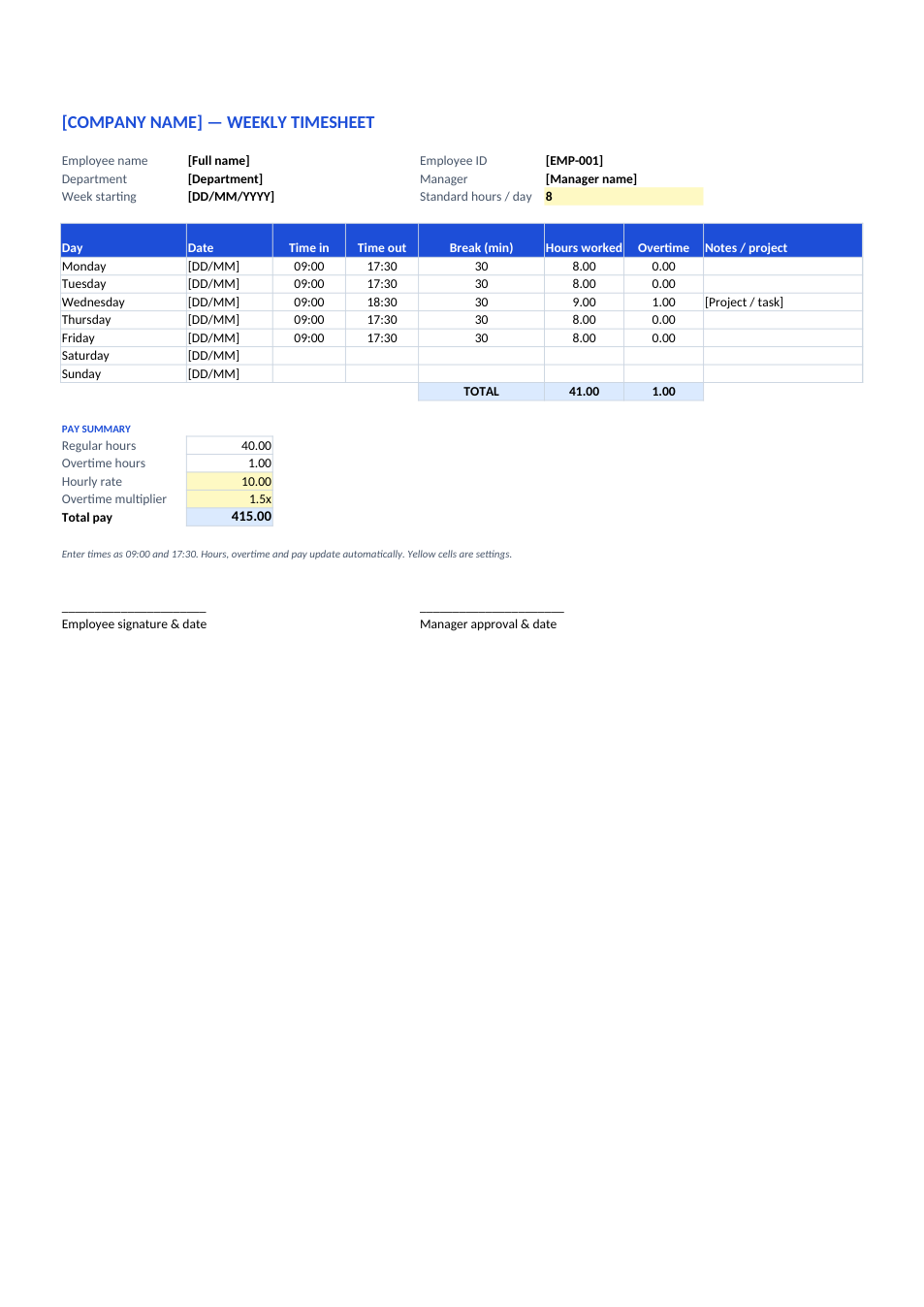
Enter time in and out each day. Hours, overtime and total pay are calculated for you.
Opens in your browser. No Excel needed, no signup.
Free for personal and commercial use · No watermark · Updated October 2026
Guide
About this weekly timesheet template
This timesheet records one week of work. Enter the time in, time out and break for each day, and it calculates the hours worked, the overtime above your standard day, and the week's pay from an hourly rate and overtime multiplier. It also handles night shifts that end after midnight.
How to fill in this timesheet
- 1
Click "Edit online" to open it in your browser, or download the Excel file.
- 2
Fill in your name, ID, department, manager and the week's start date.
- 3
Set your standard hours per day, hourly rate and overtime multiplier in the yellow cells.
- 4
Each day, enter time in and time out (e.g. 09:00 and 17:30) and the break in minutes.
- 5
Check the totals, sign it, and send it as PDF to your manager for approval.
Tips for accurate timesheets
Fill it in daily
Times written at the end of each day are more accurate than a week of guesses on Friday.
Use 24-hour time
Enter 17:30 rather than 5:30, so Excel never mistakes evening for morning.
Note the project
Use the notes column for the client or project, which makes billing and reporting easier.
Check your local overtime rules
The standard day and overtime rate vary by country and contract. Set them in the yellow cells.
Frequently Asked Questions
Tools that help
Excel to PDF
Convert Excel spreadsheets to PDF with all sheets preserved
PDF to Excel
Extract tables from PDF into editable Excel spreadsheets
Sign PDF
Add a handwritten, typed, or uploaded signature to your PDF and download the signed file.
Merge PDF
Combine multiple PDF files into one document