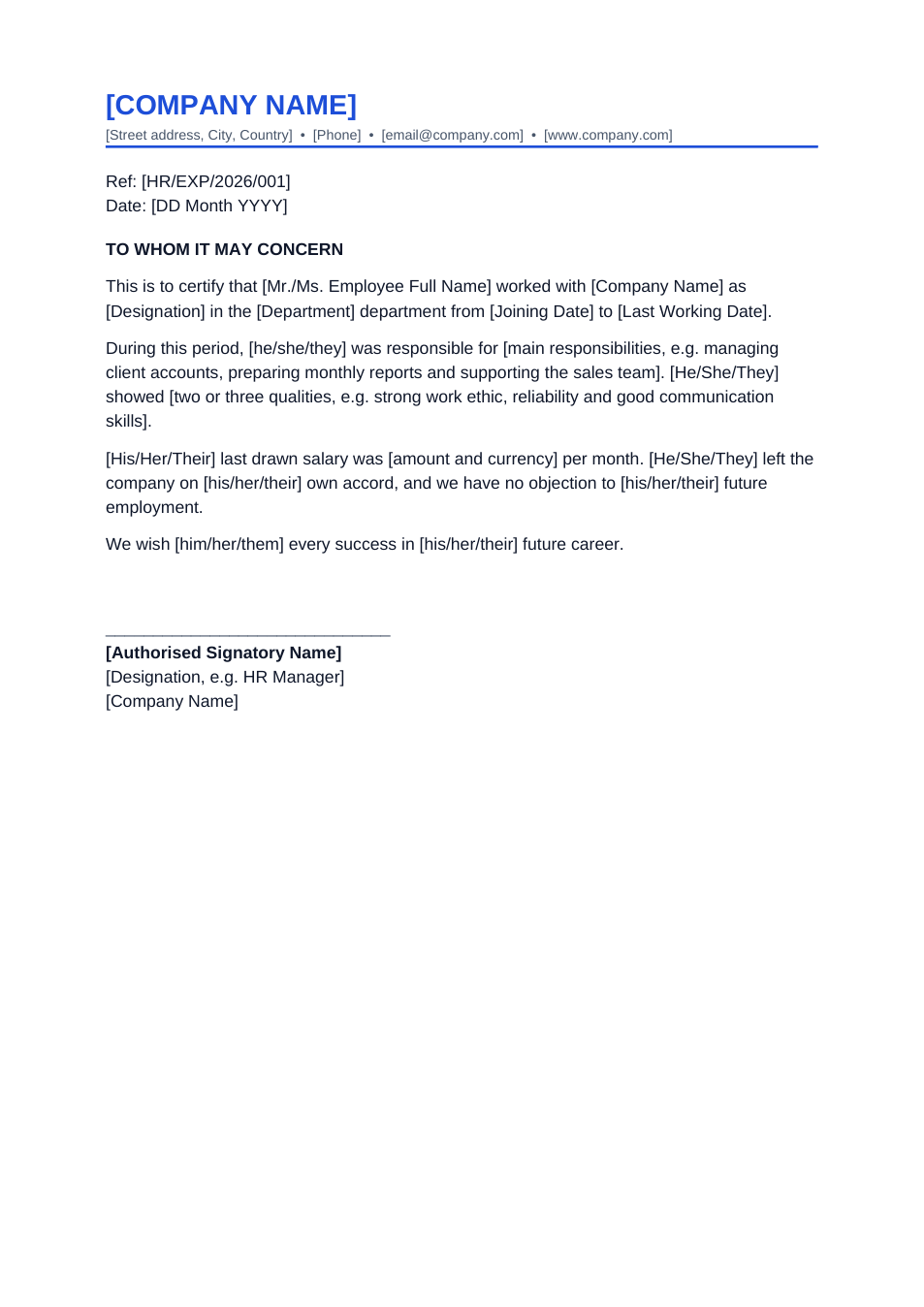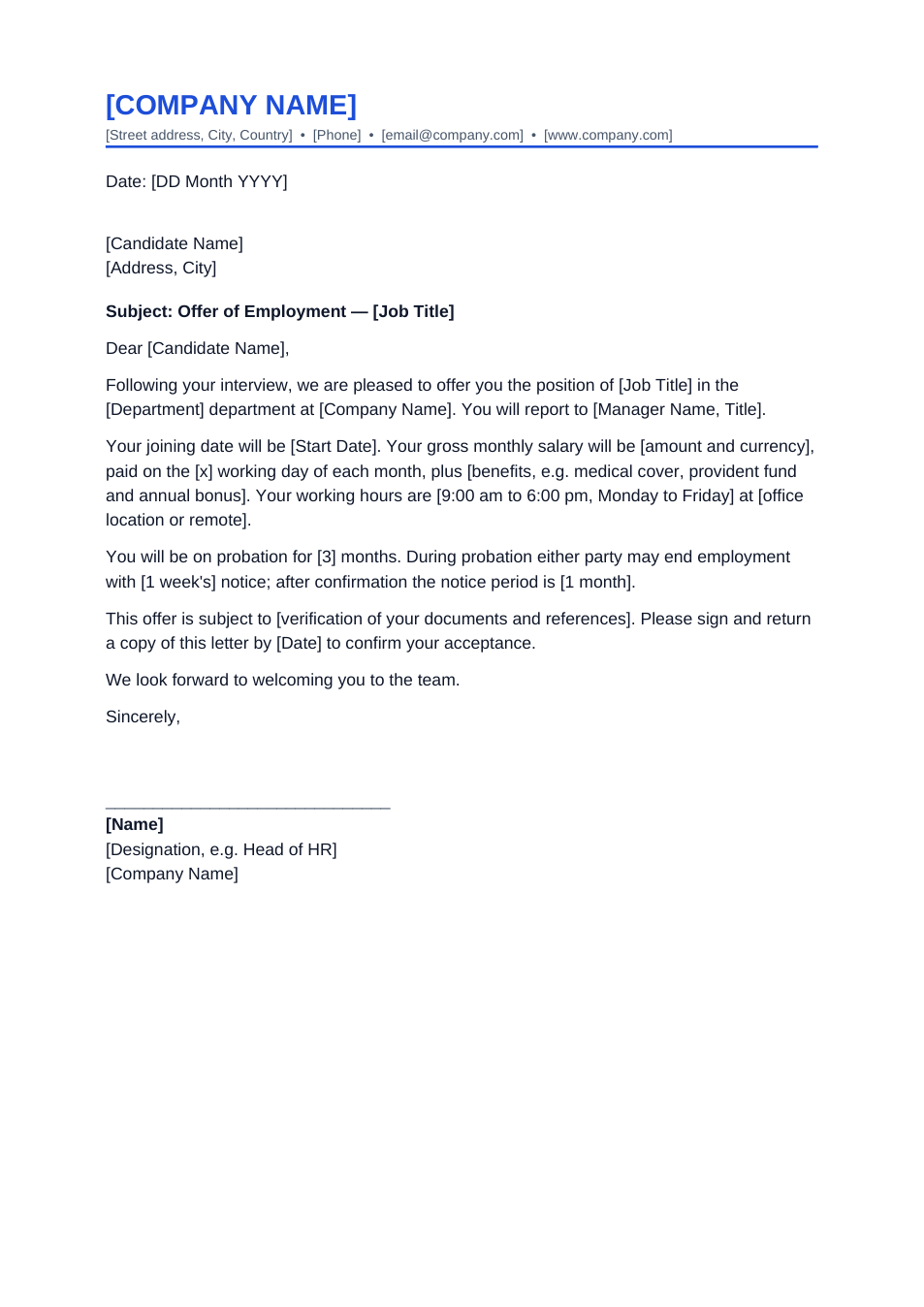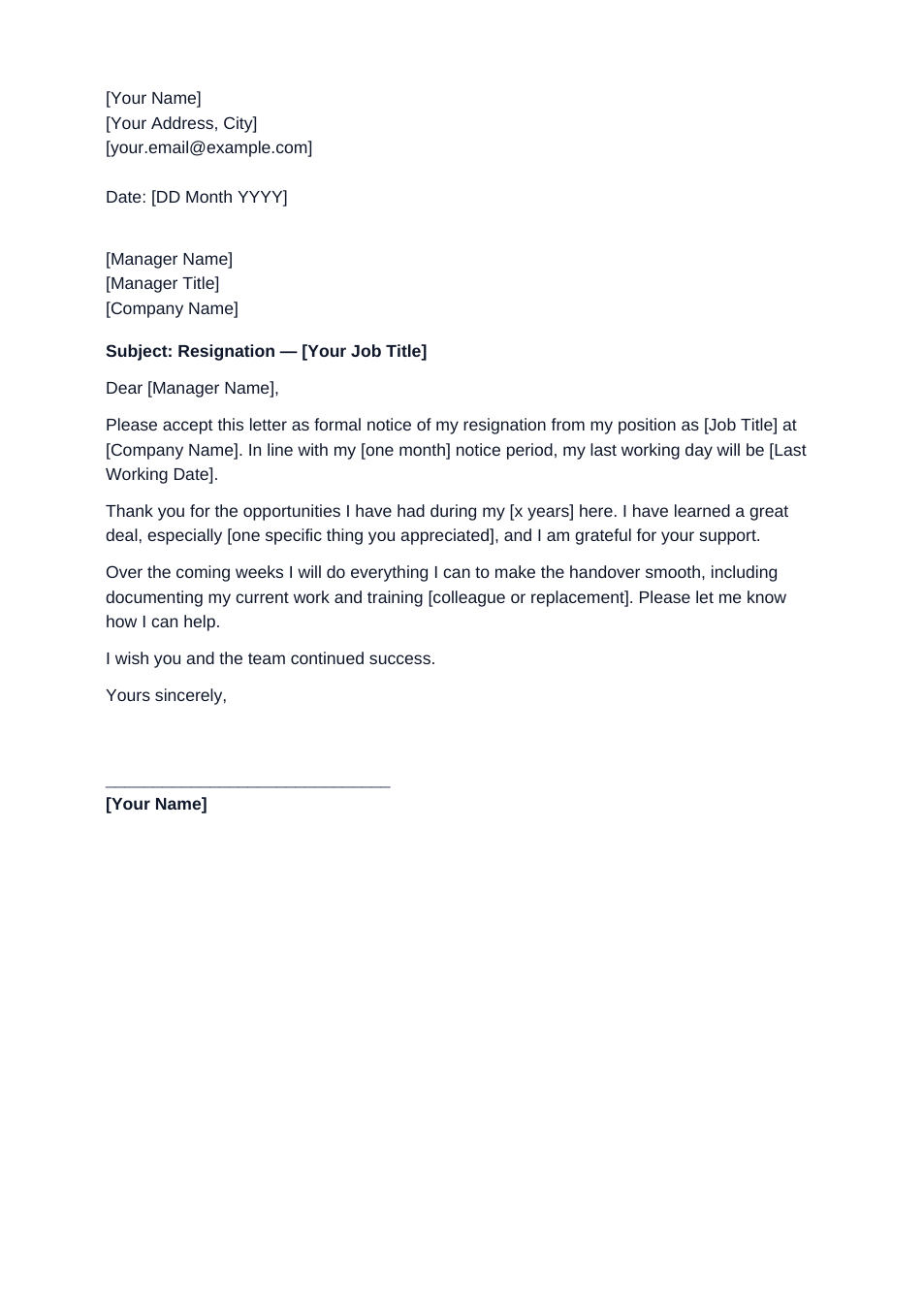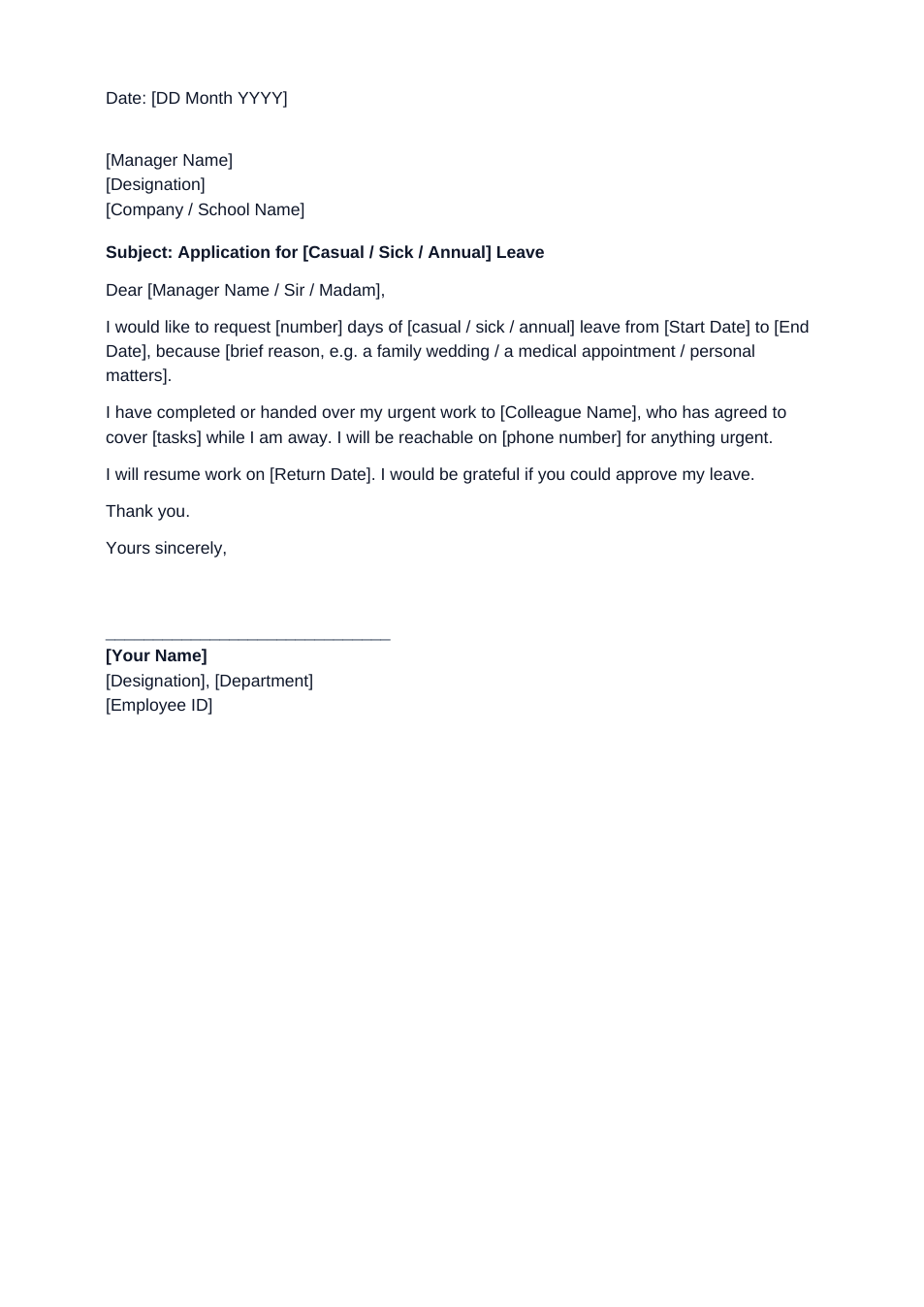
Sample text in [brackets], replace with yours · HR & Office Templates
Formal Letter Format & Informal Letter Format (Word & PDF)
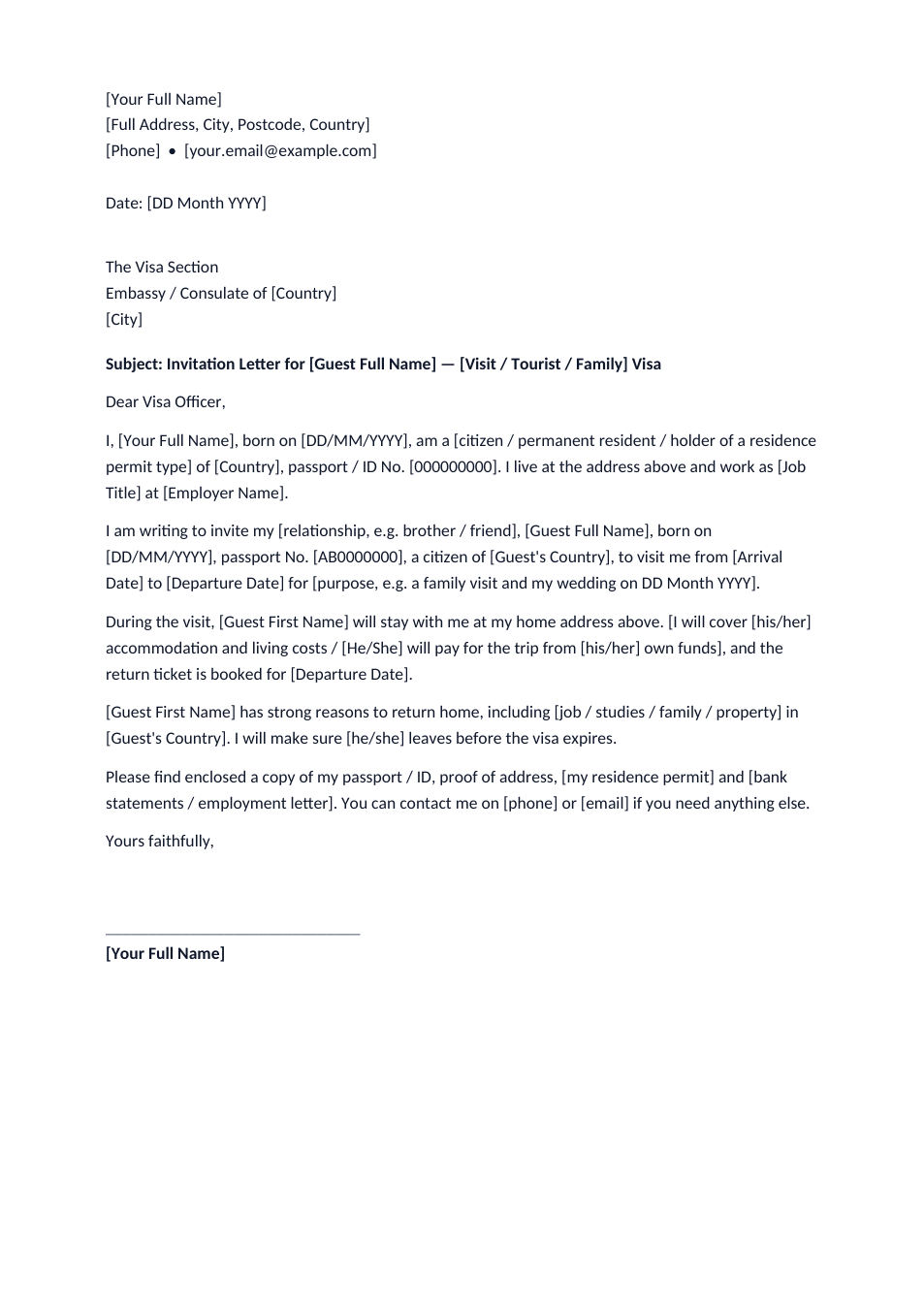
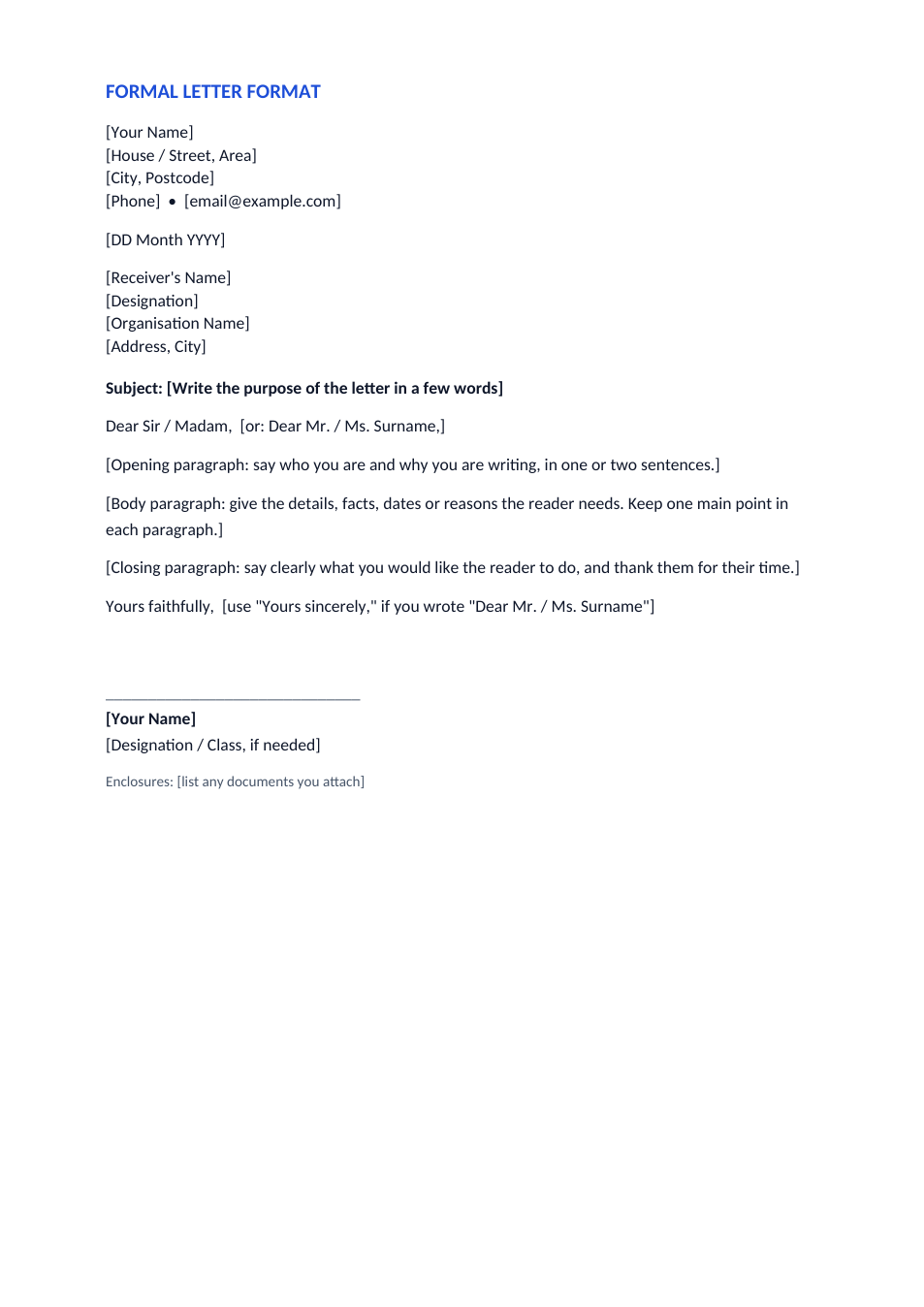
The standard layout of a formal letter, part by part, with an informal letter format on the second page.
Opens in your browser. No Word needed, no signup.
Free for personal and commercial use · No watermark · Updated November 2026
Guide
About this formal letter format template
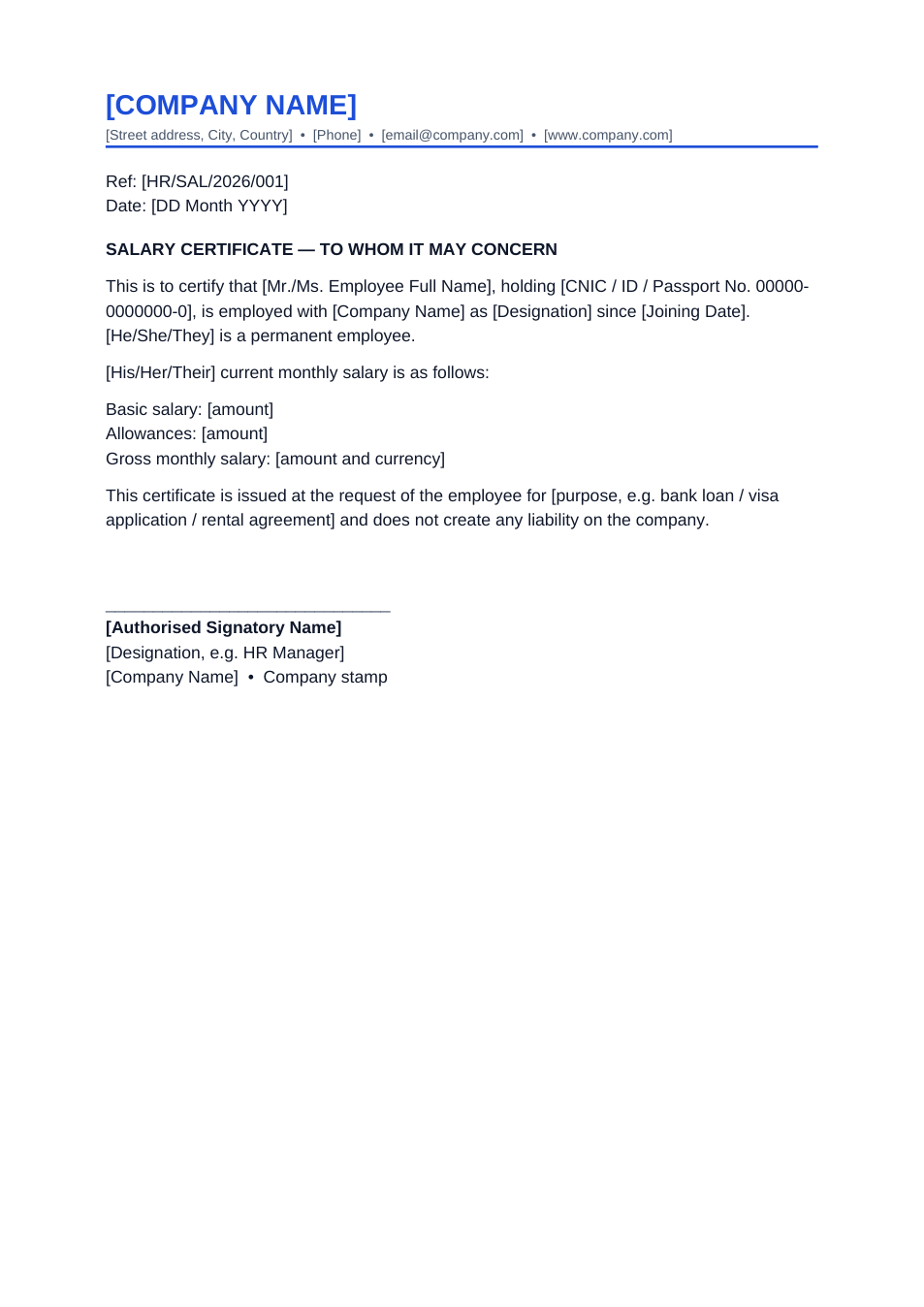
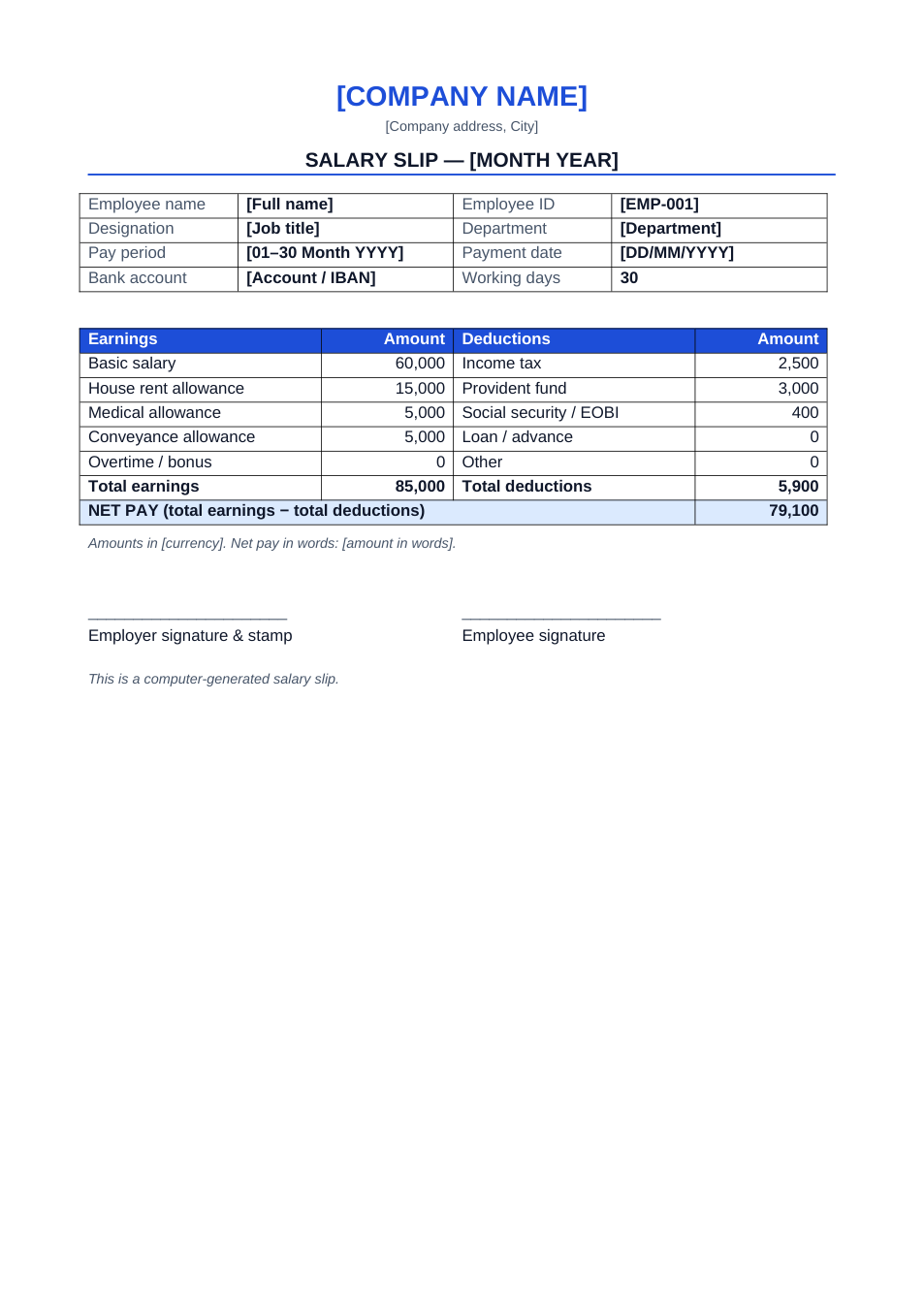
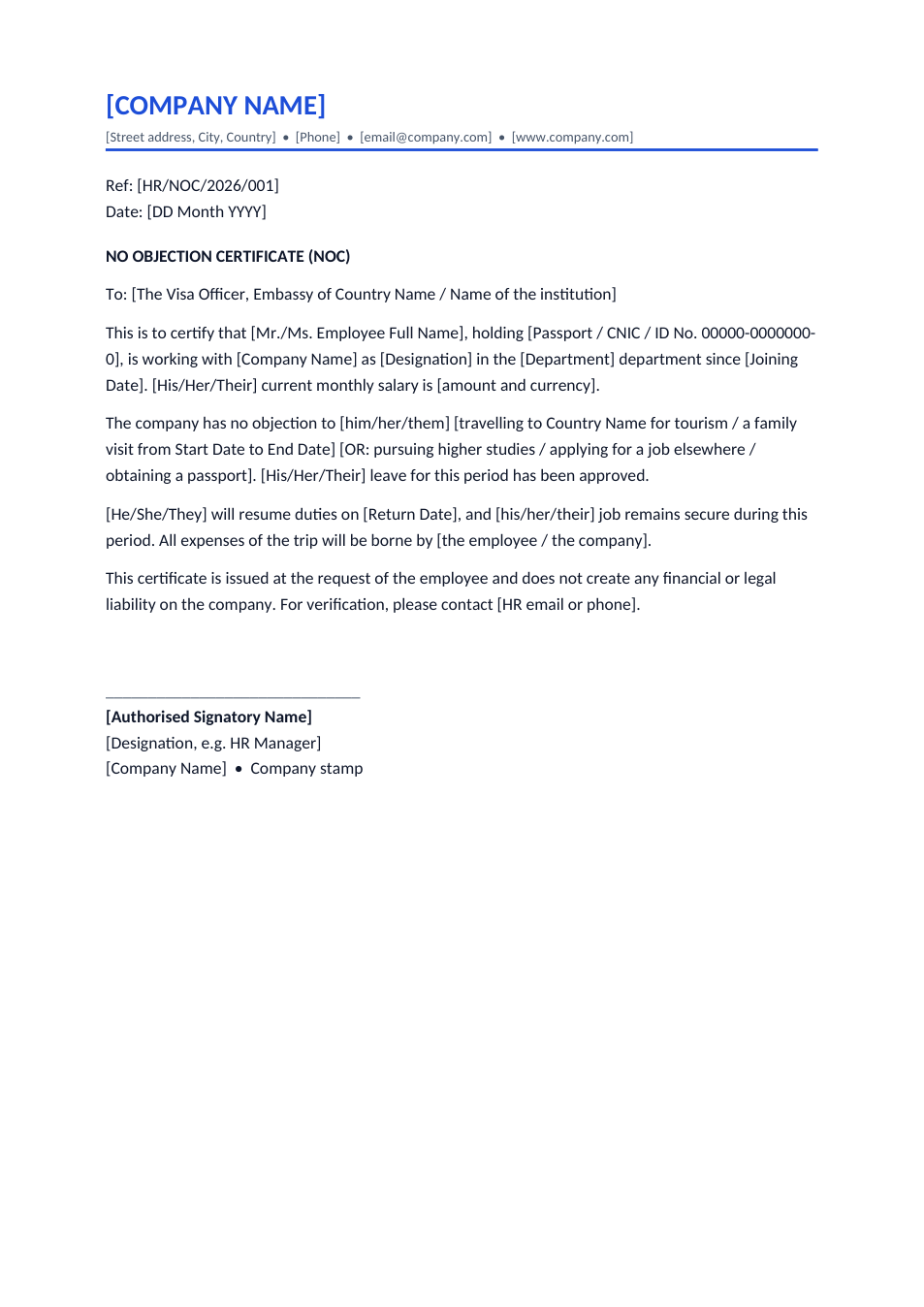
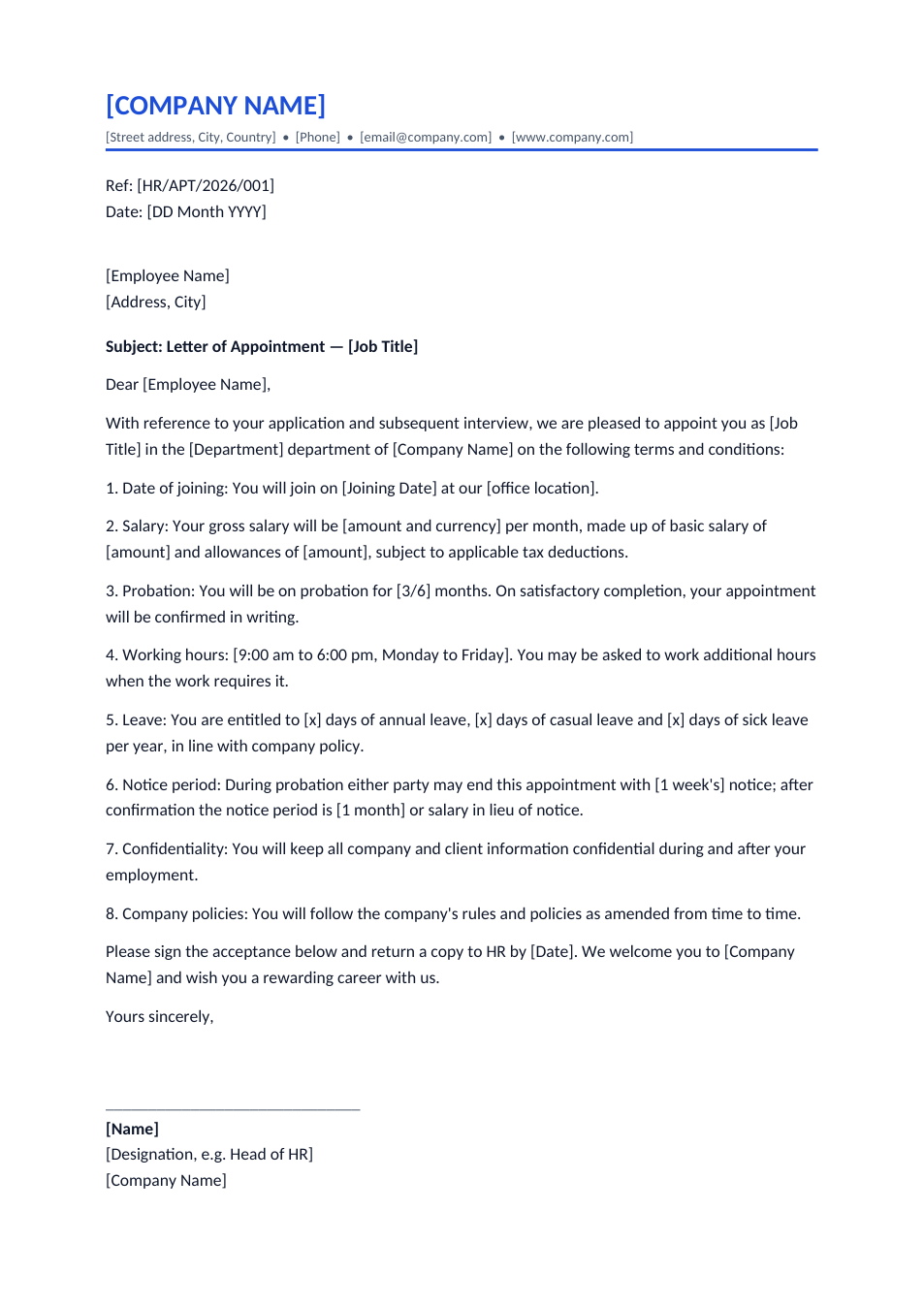
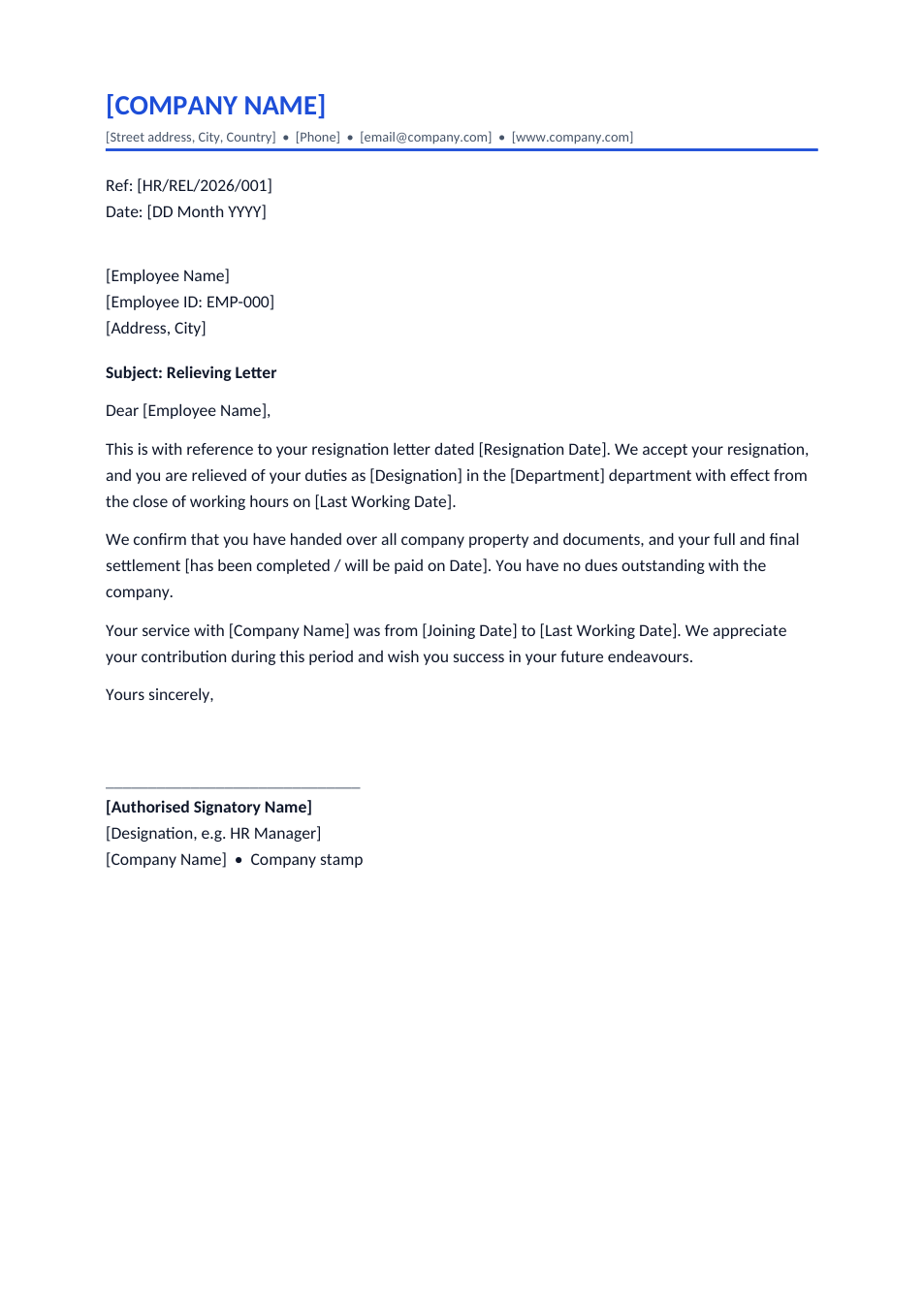
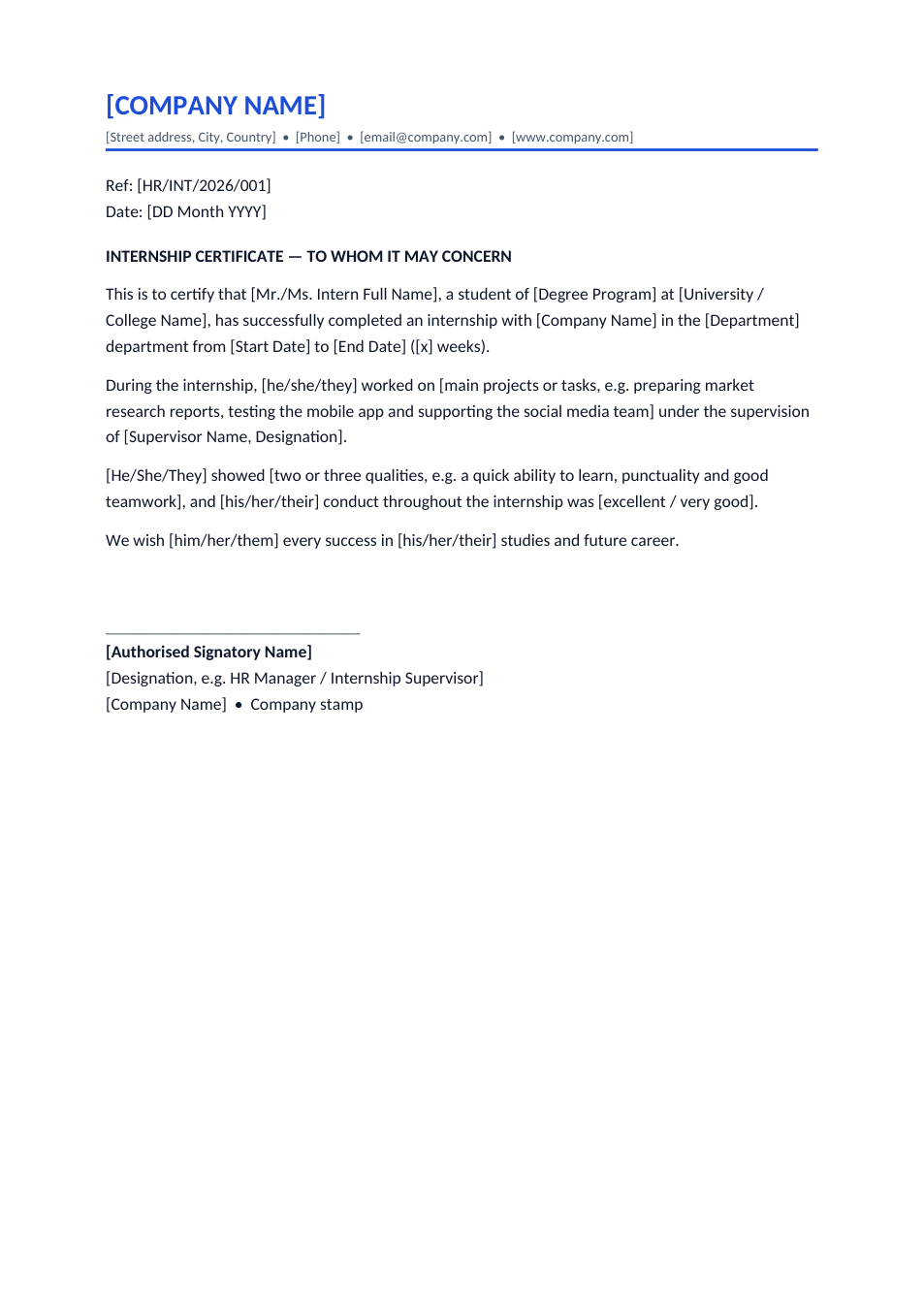
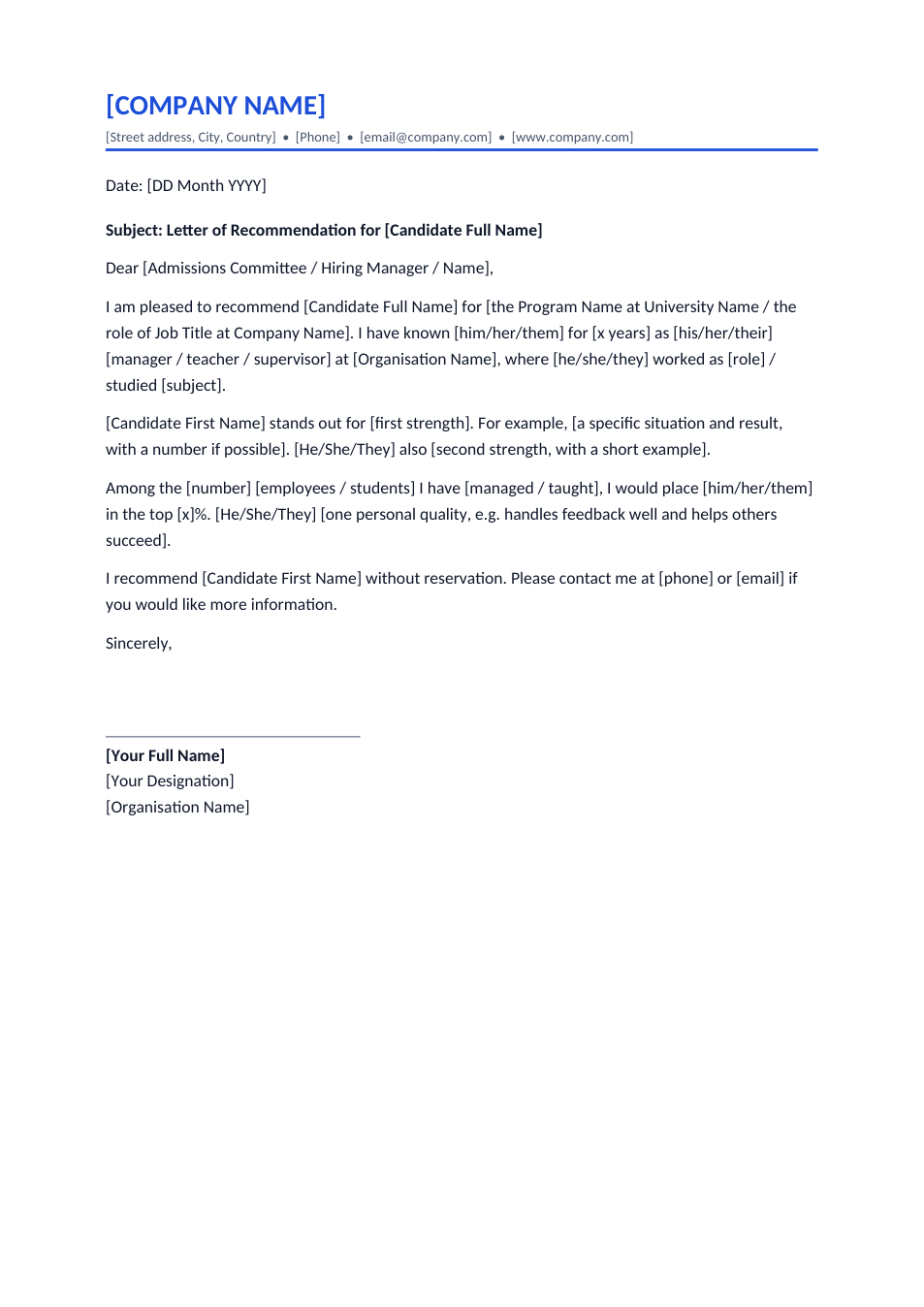
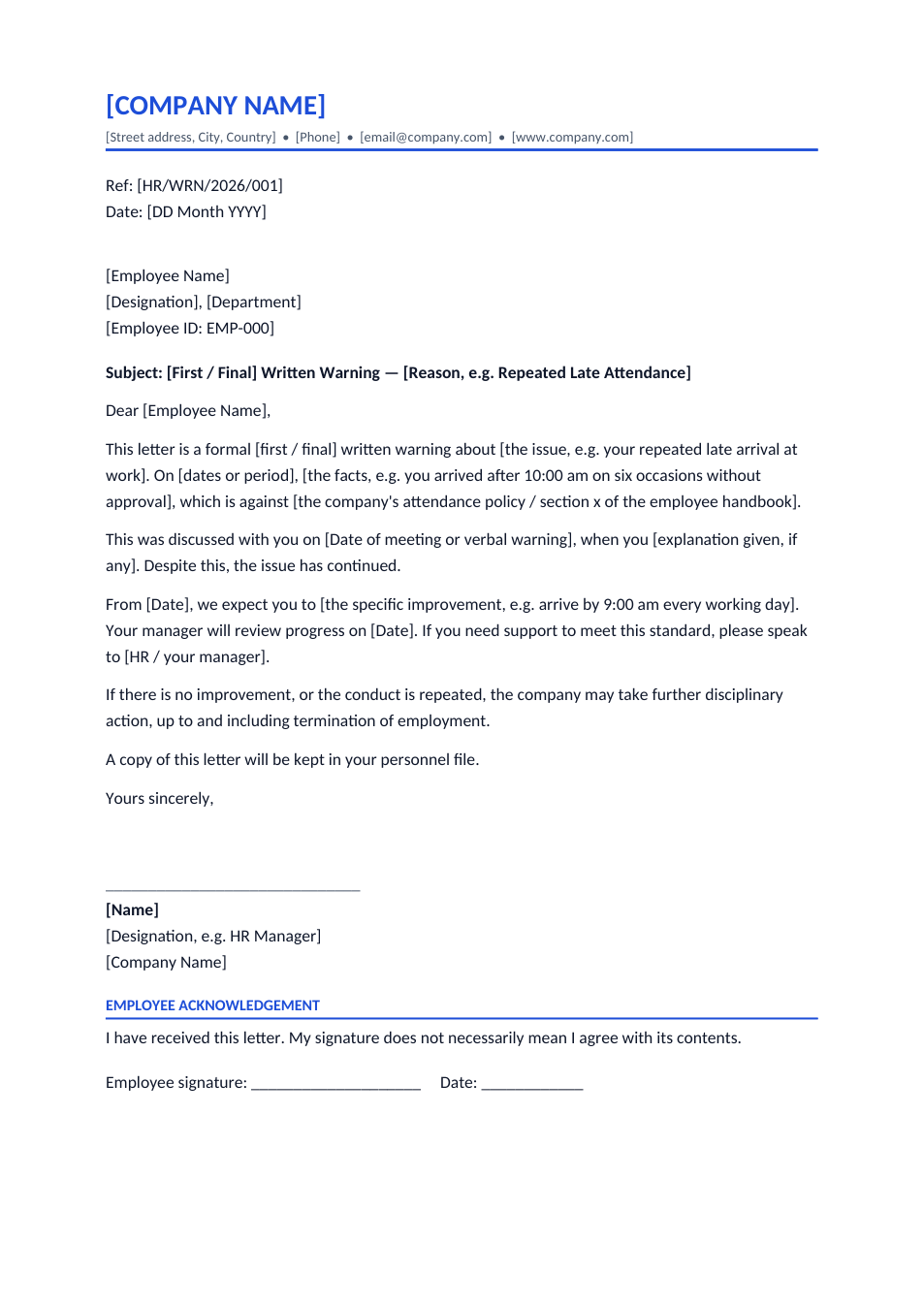
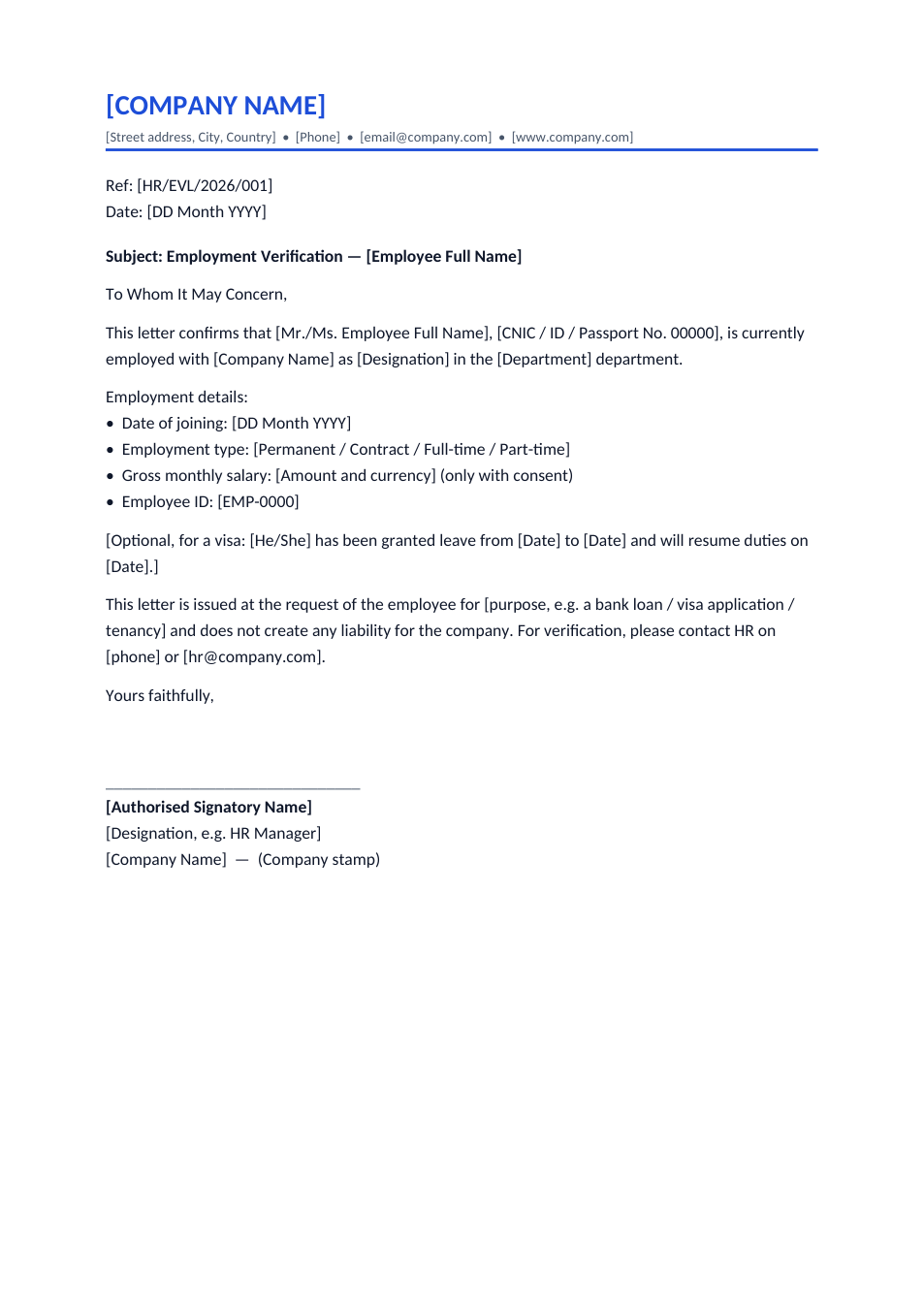
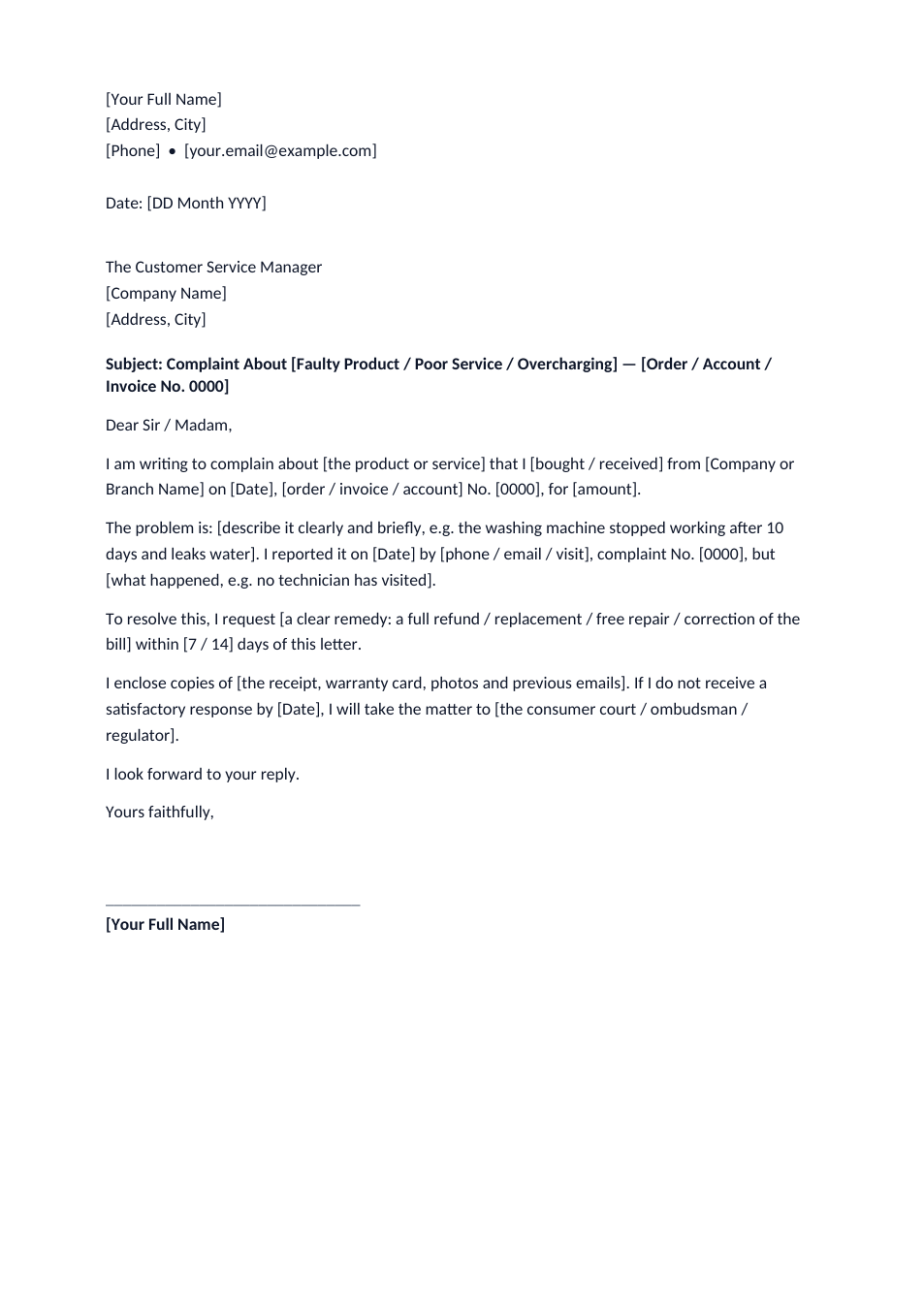
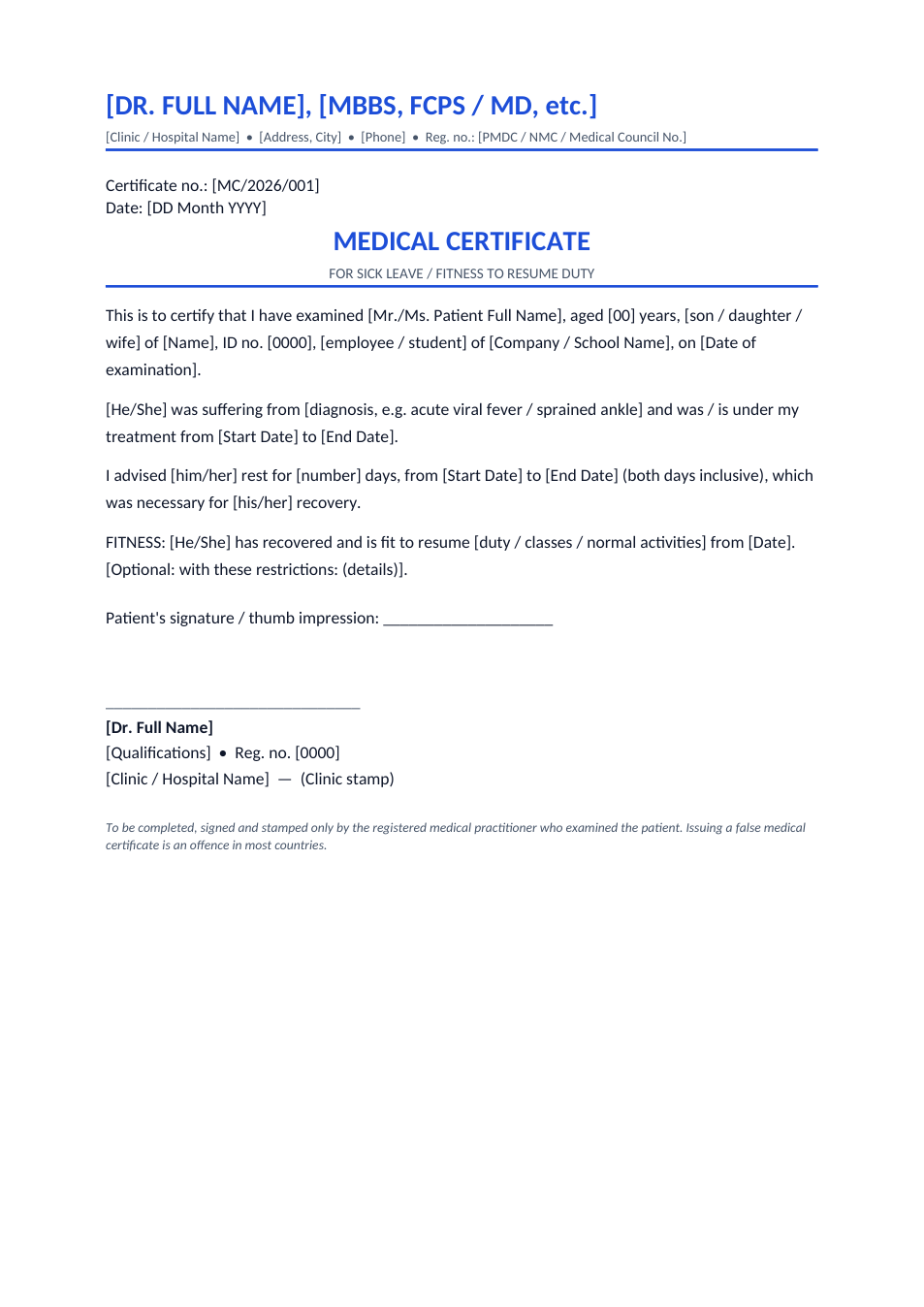
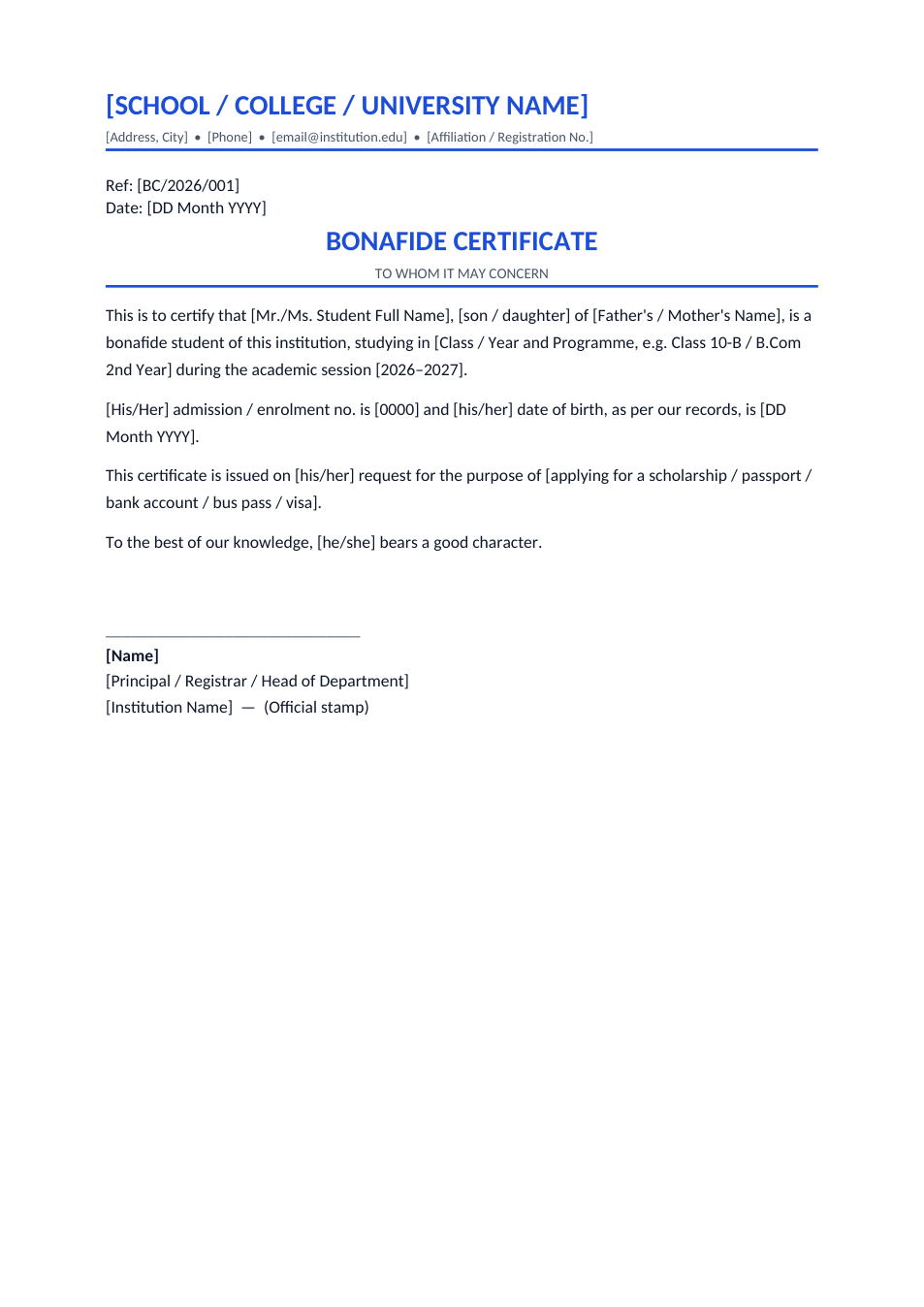
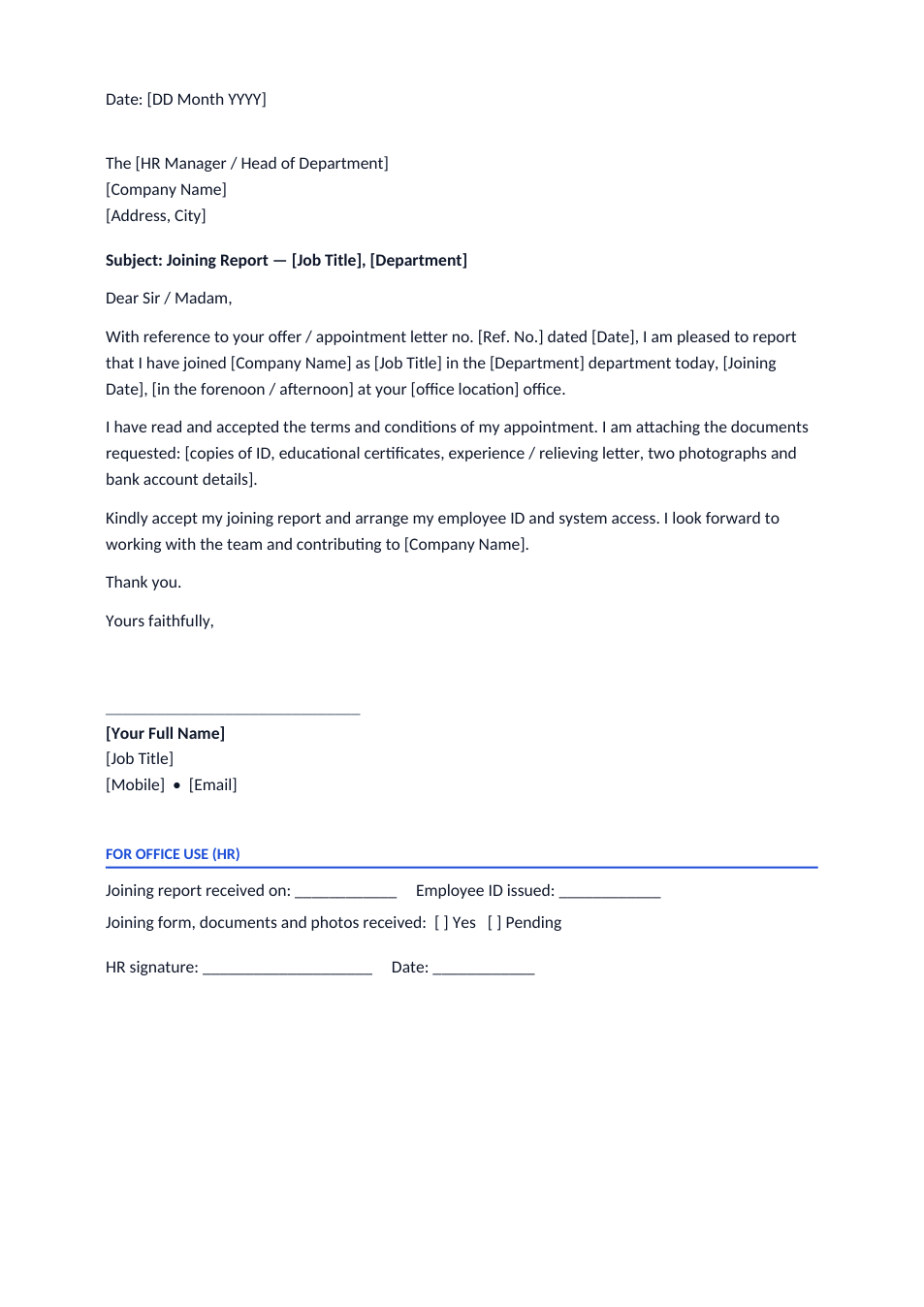
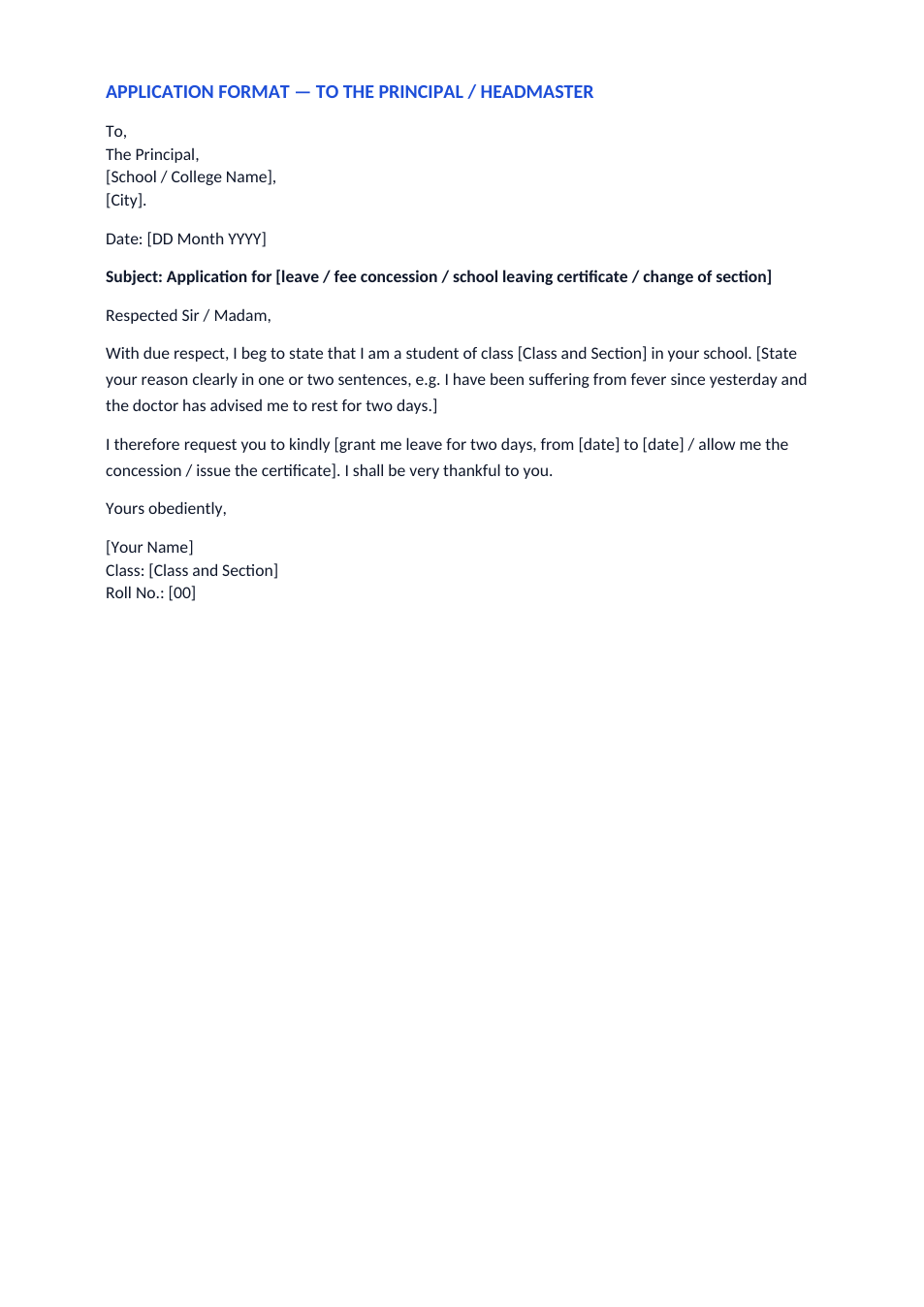
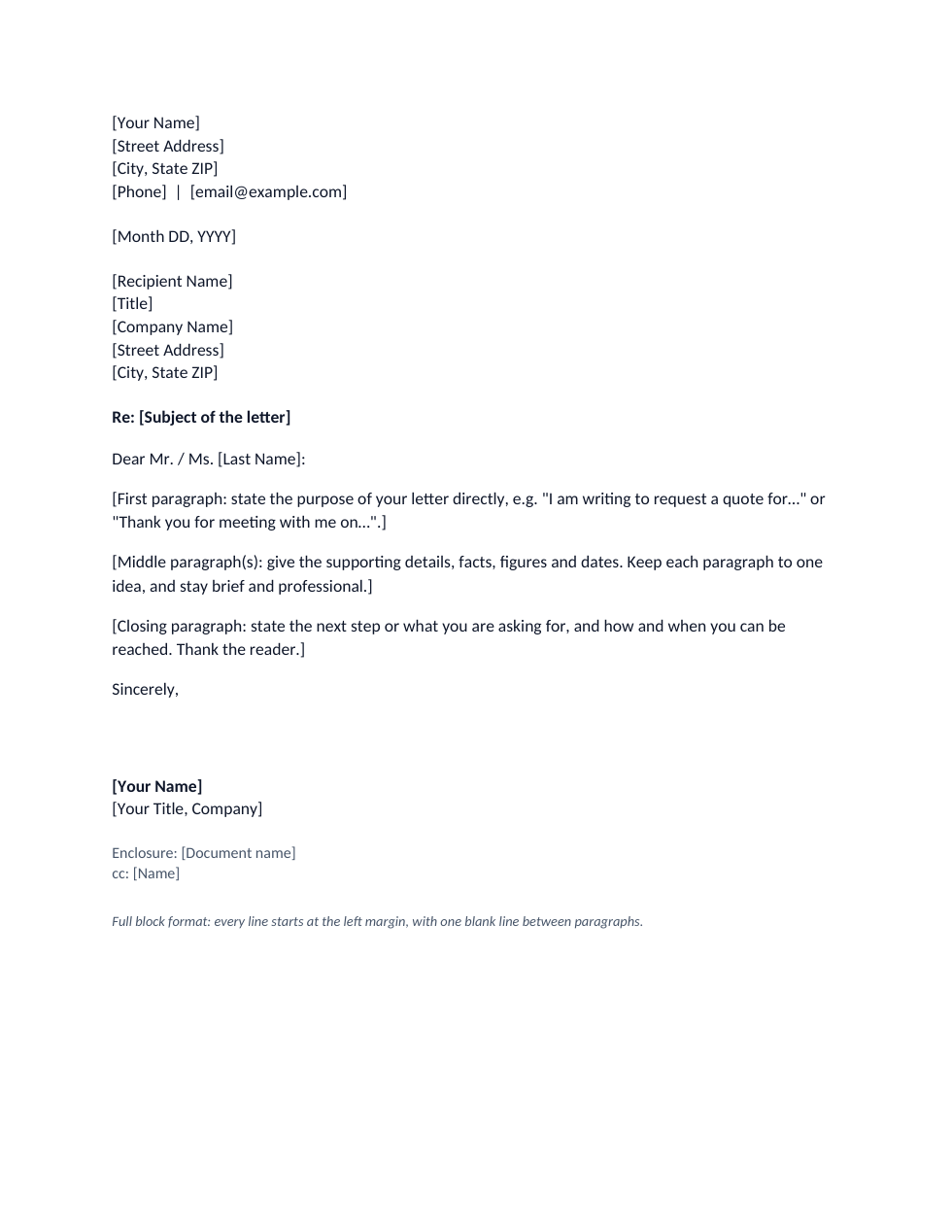
A formal letter is written to an office, company, school or official, for example to apply, complain, request information or give notice. It follows a fixed layout: your address, the date, the receiver's name and address, a subject line, a formal greeting, the body in short paragraphs, a formal closing and your signature. An informal letter, to a friend or relative, has a friendlier tone and drops the receiver's address and subject line. This file has both layouts, with a note in every part telling you what to write.
How to write a formal letter
- 1
Click "Edit online", or download the Word file.
- 2
Write your address and the date at the top, then the receiver's name, designation and address.
- 3
Add a short subject line that says what the letter is about.
- 4
Start with "Dear Sir / Madam" or "Dear Mr. / Ms. Surname", then write an opening, the details and a clear request in separate paragraphs.
- 5
Close with "Yours faithfully" or "Yours sincerely", sign, and send it as a printed letter or PDF.
Formal letter tips
Faithfully or sincerely?
Use "Yours faithfully" after "Dear Sir / Madam" and "Yours sincerely" when you greet the person by name.
One point per paragraph
Short paragraphs with one idea each are easier for an official to act on.
No slang or emojis
Keep a polite, plain tone and avoid short forms such as "can't" or "pls".
Ask for something specific
End by saying exactly what you want the reader to do and by when.
Frequently Asked Questions
Tools that help
Word to PDF
Convert Word documents to PDF format with perfect formatting
Word Counter
Count words, characters, sentences and reading time
PDF to Word
Convert PDF files to editable Word documents instantly
Compress PDF
Reduce PDF file size without losing quality