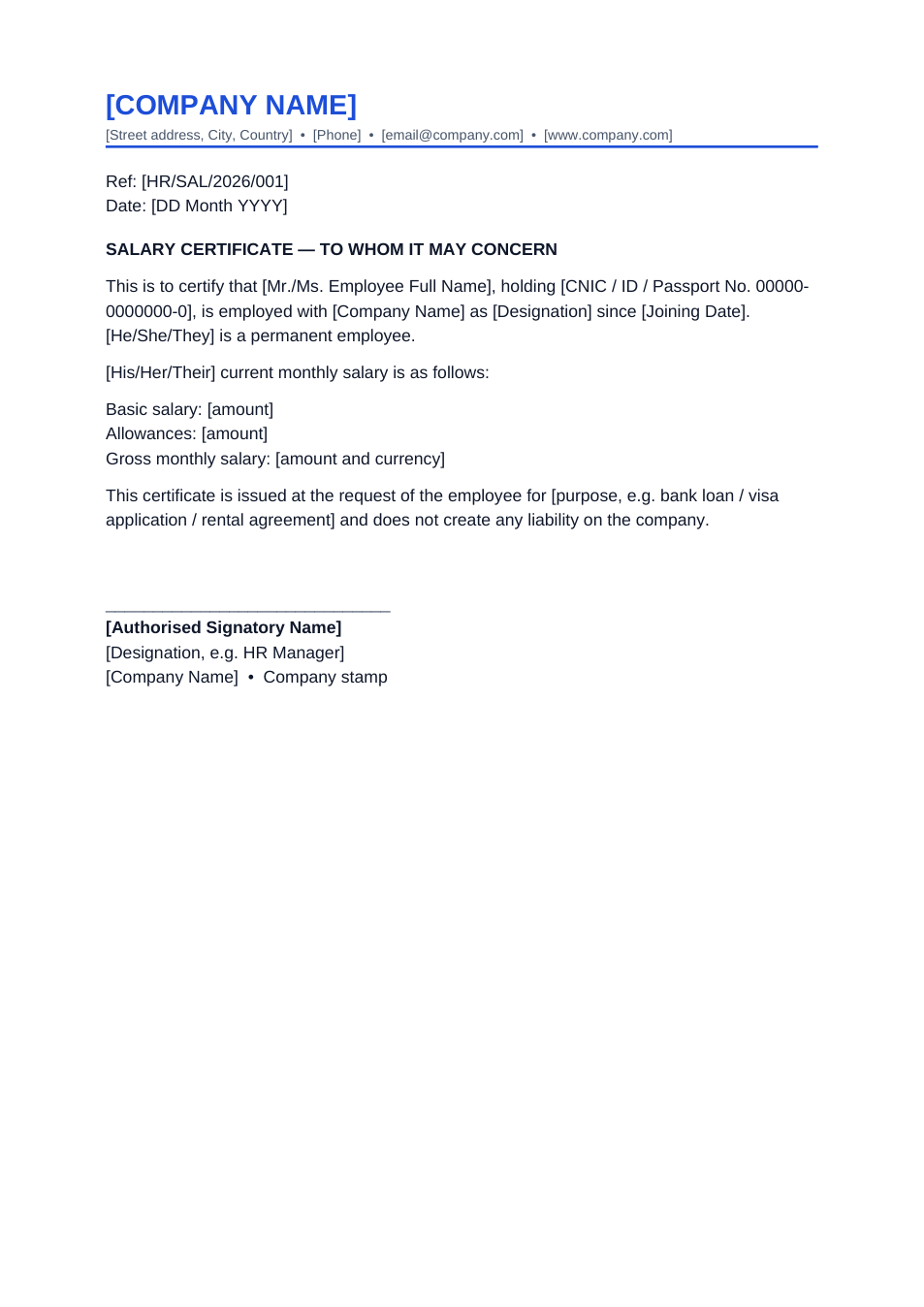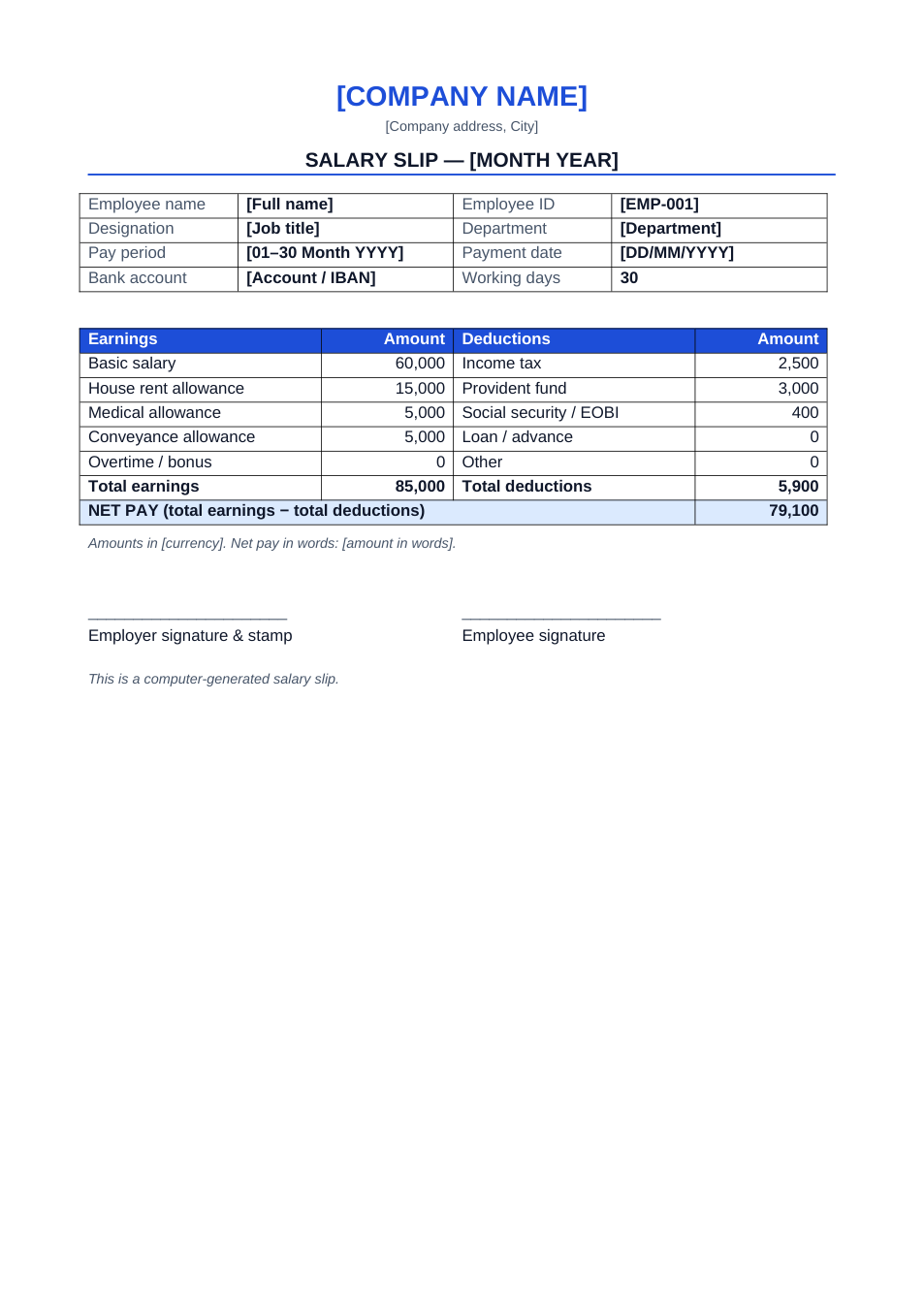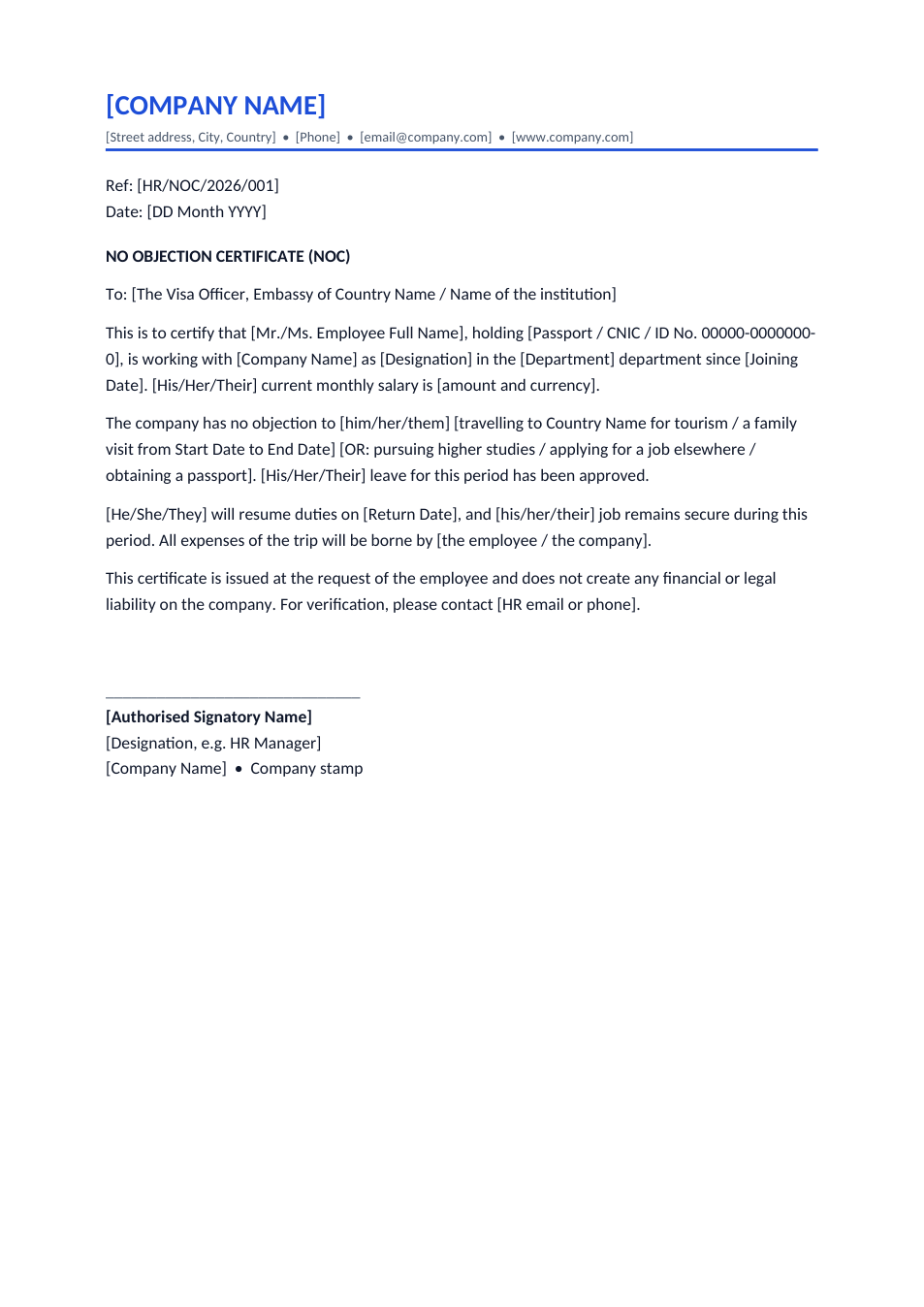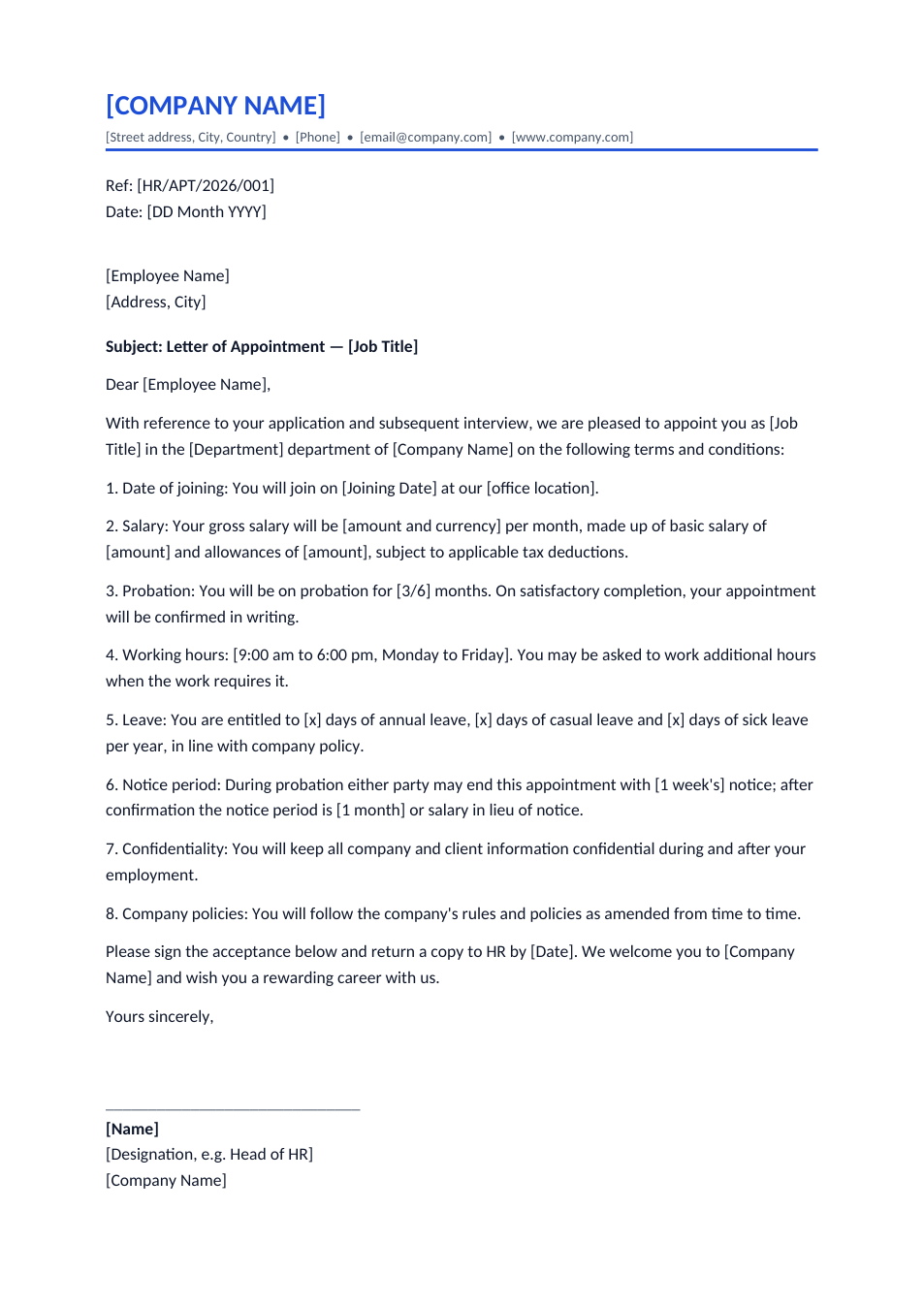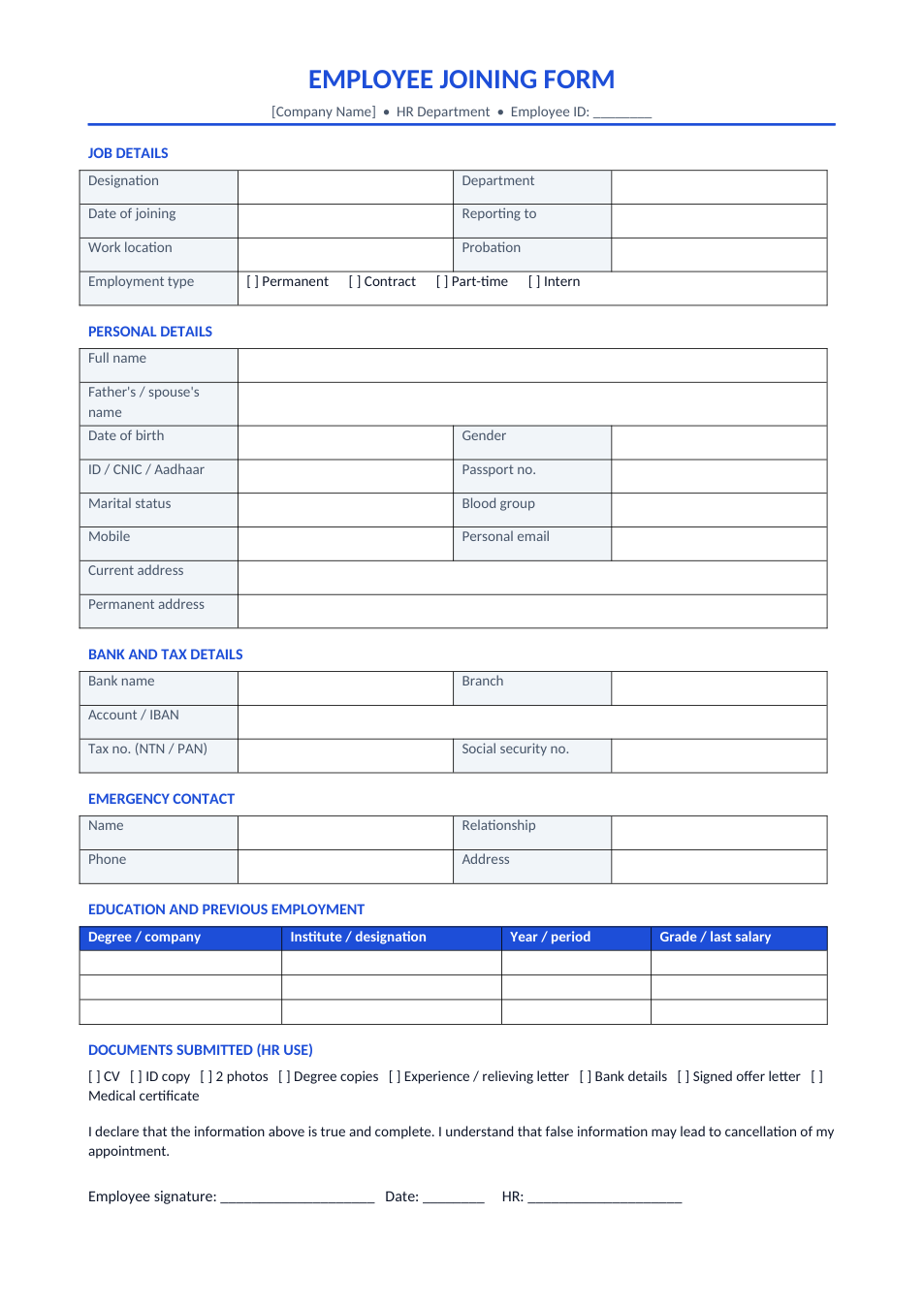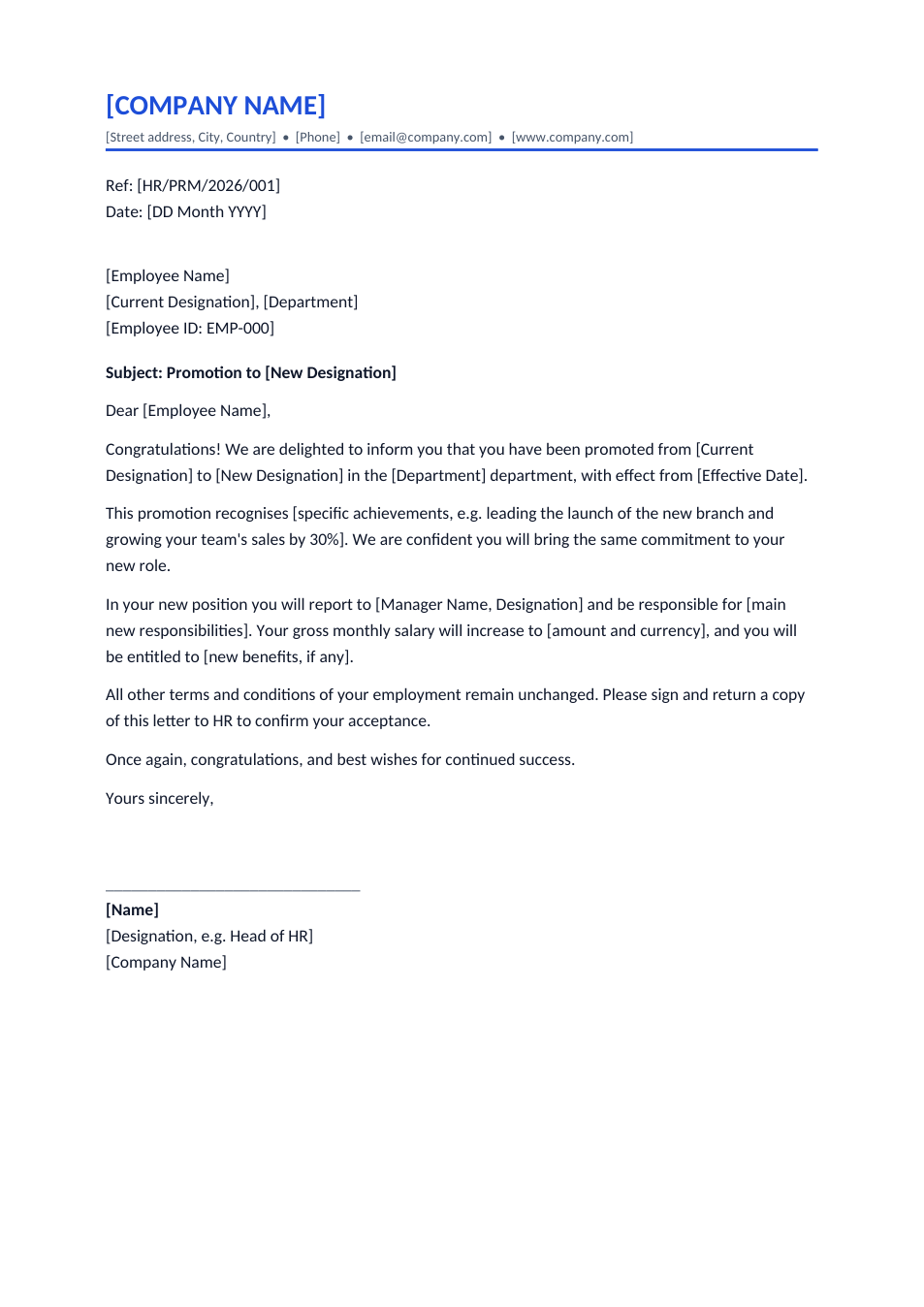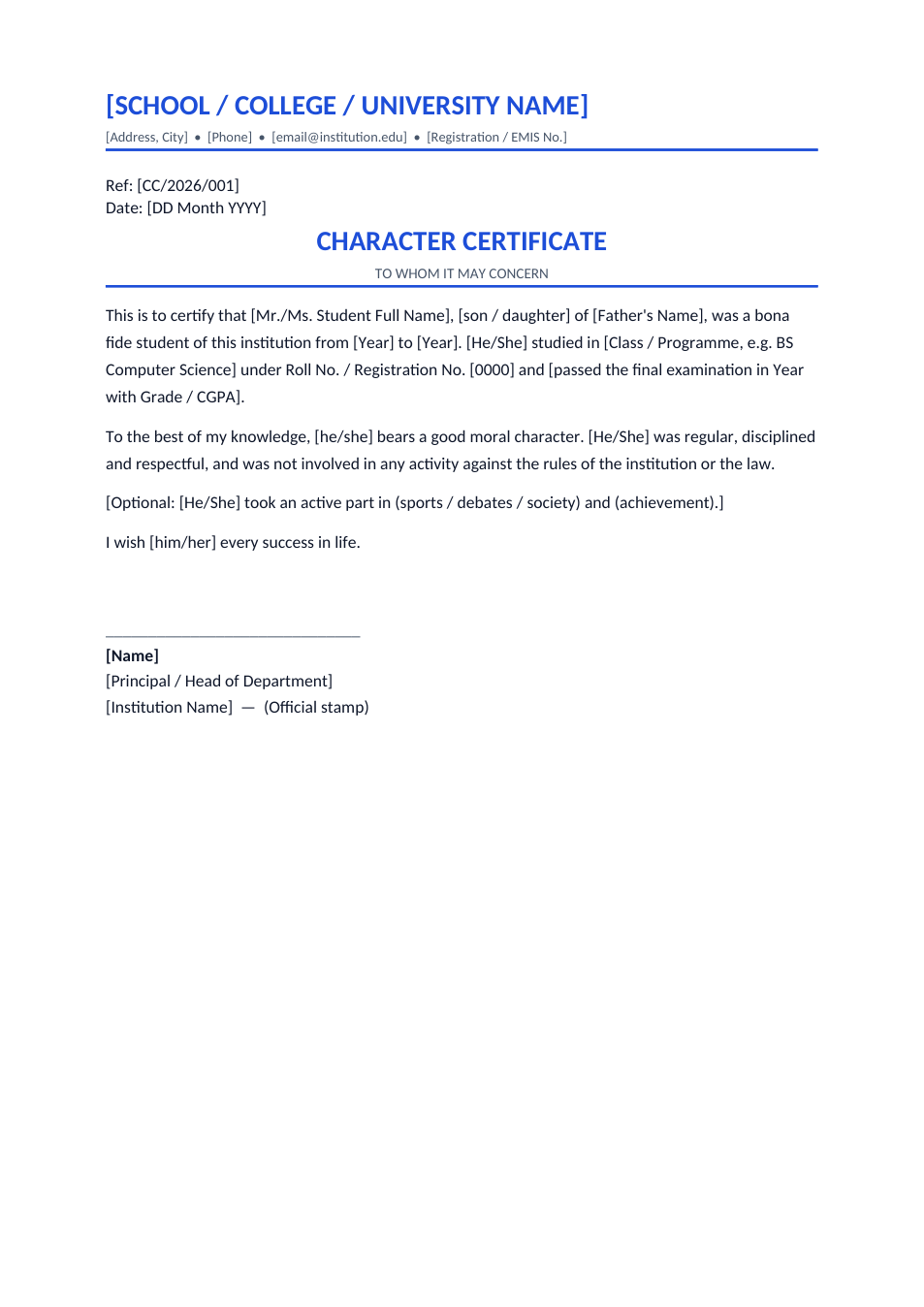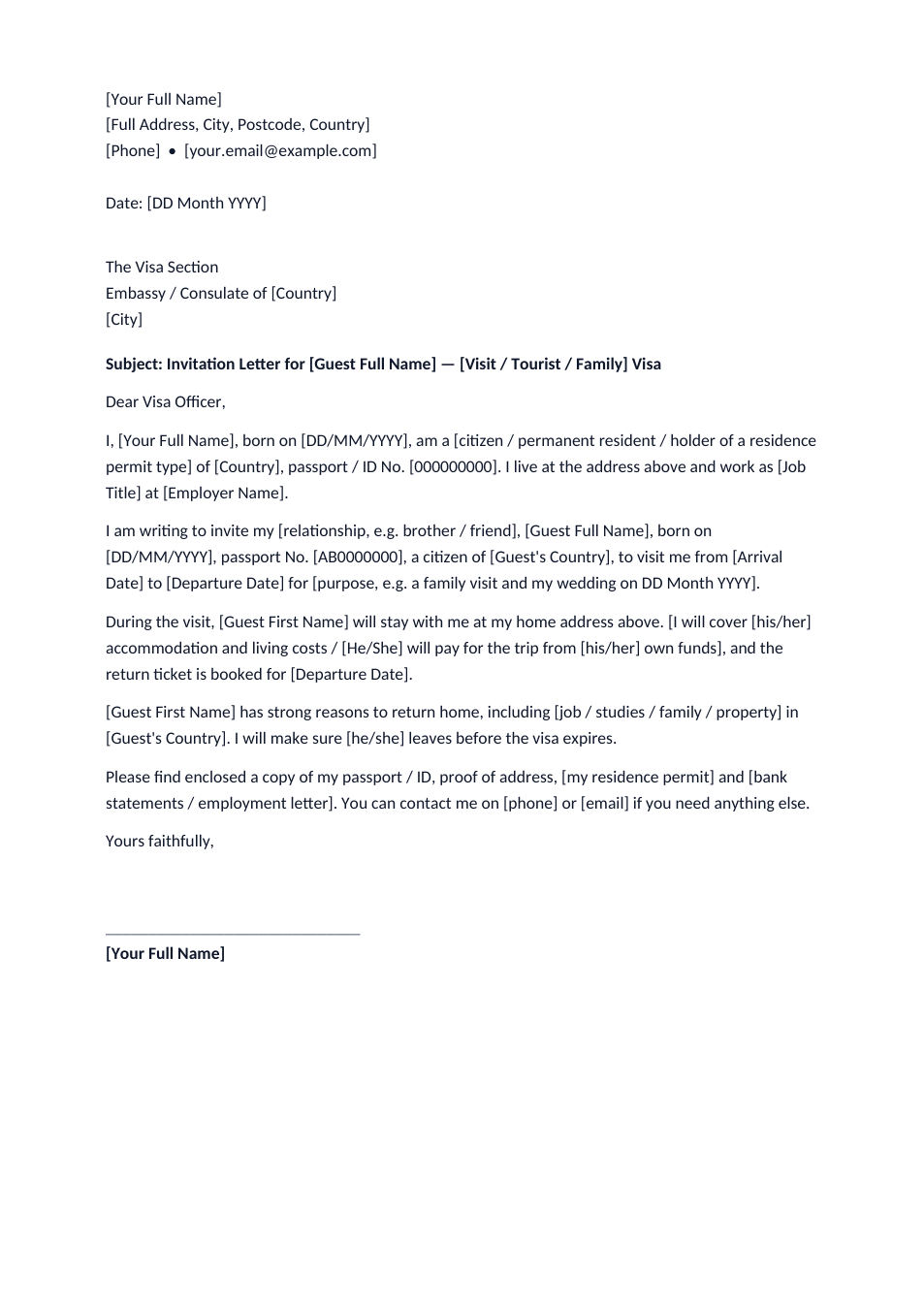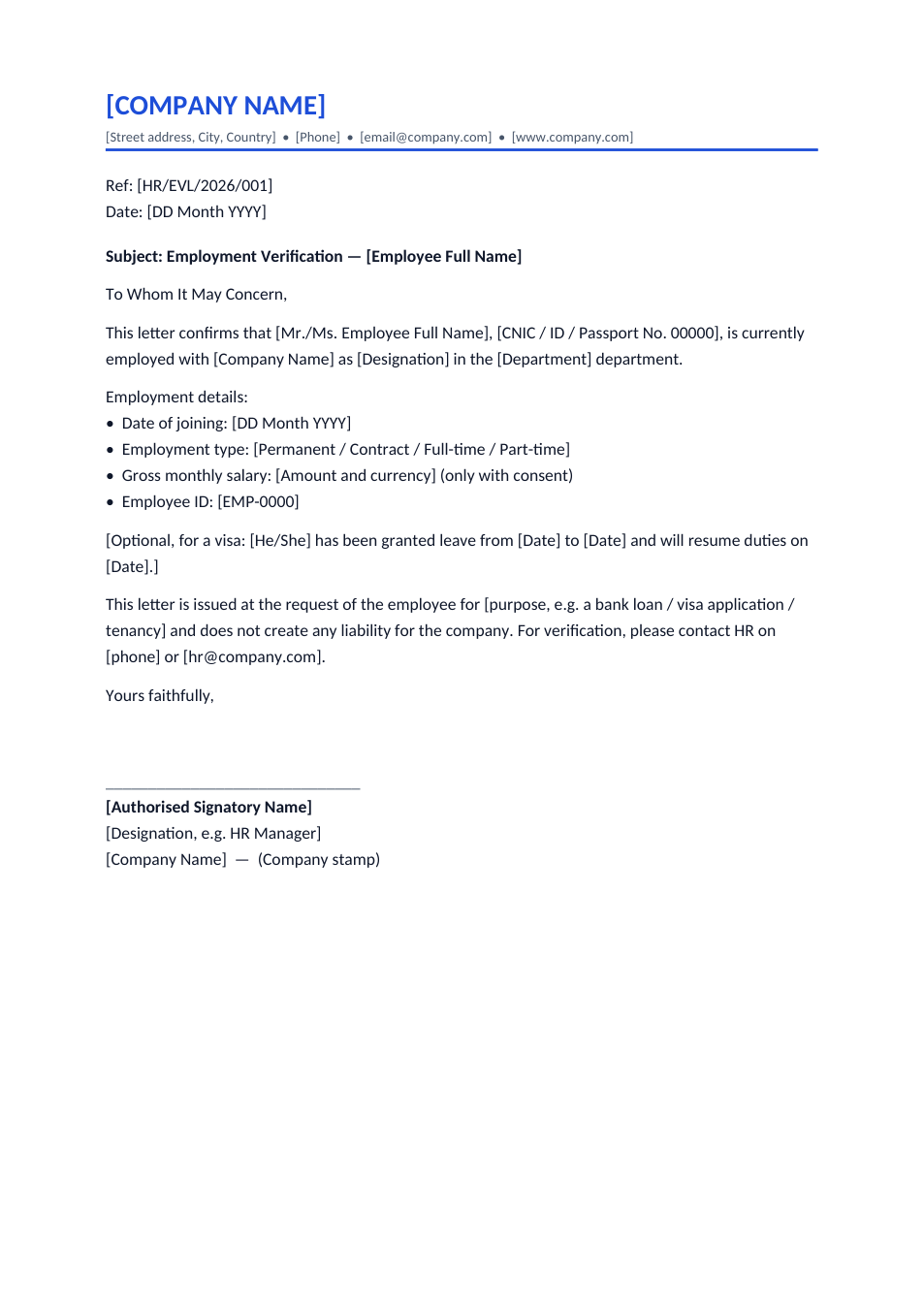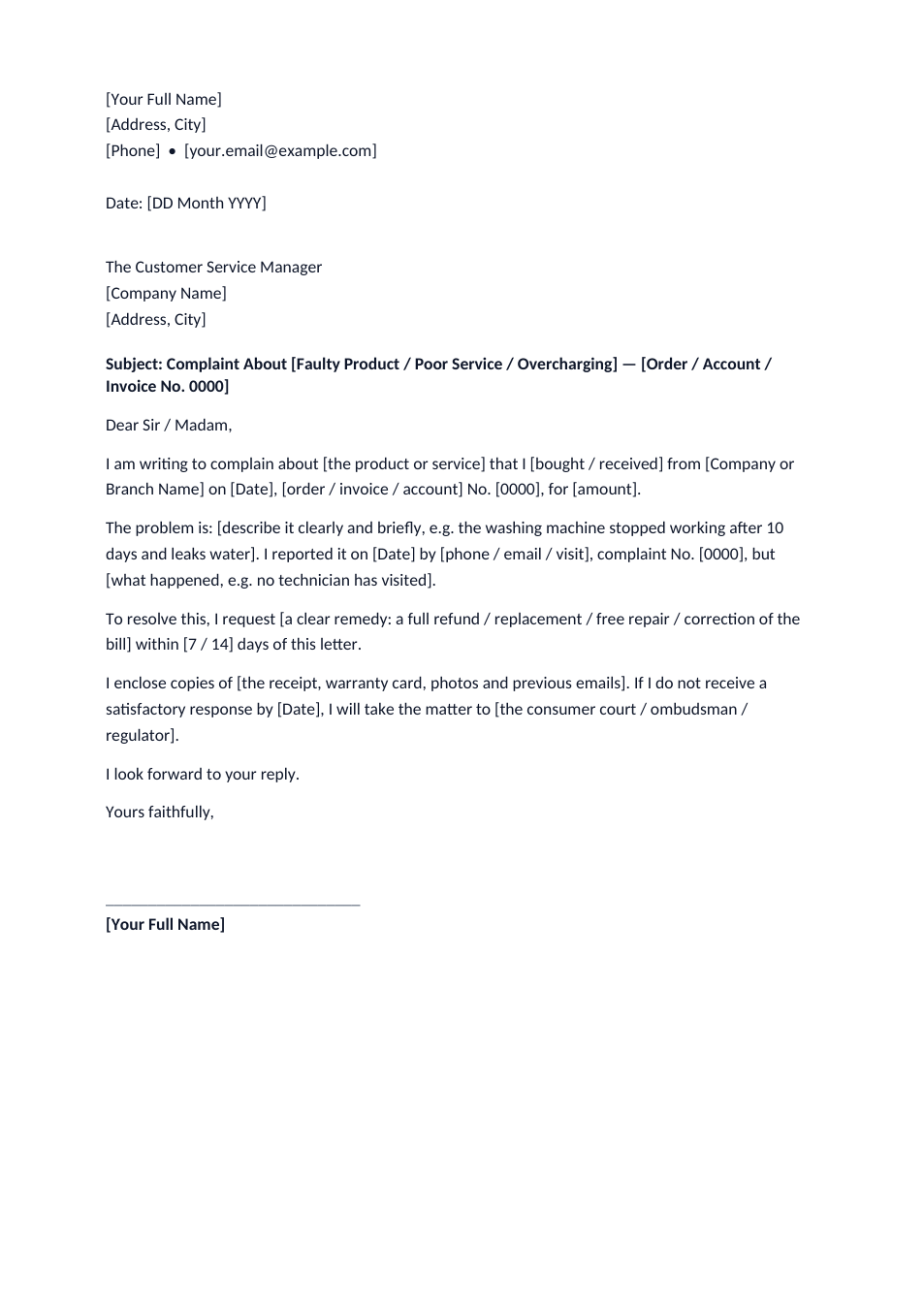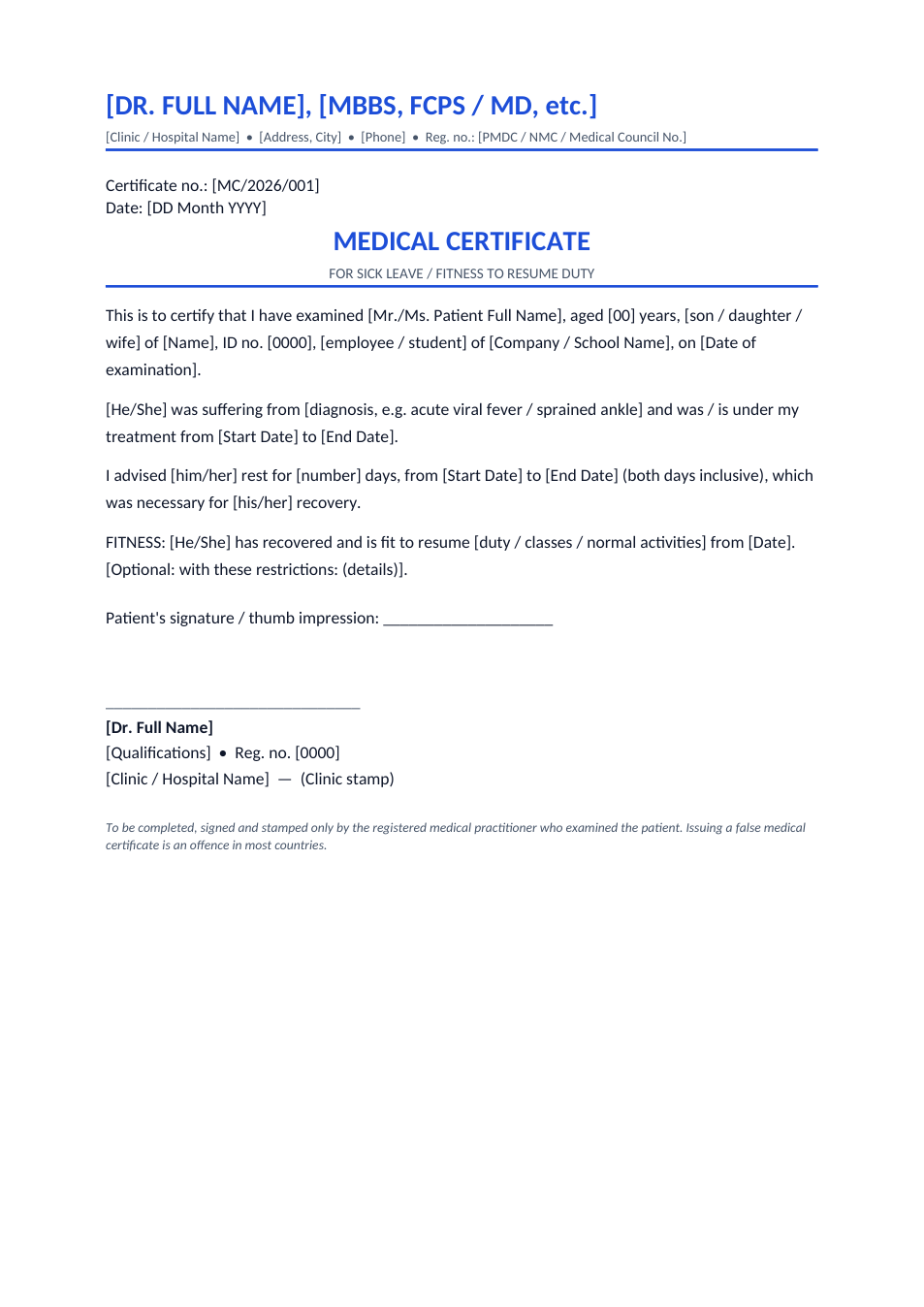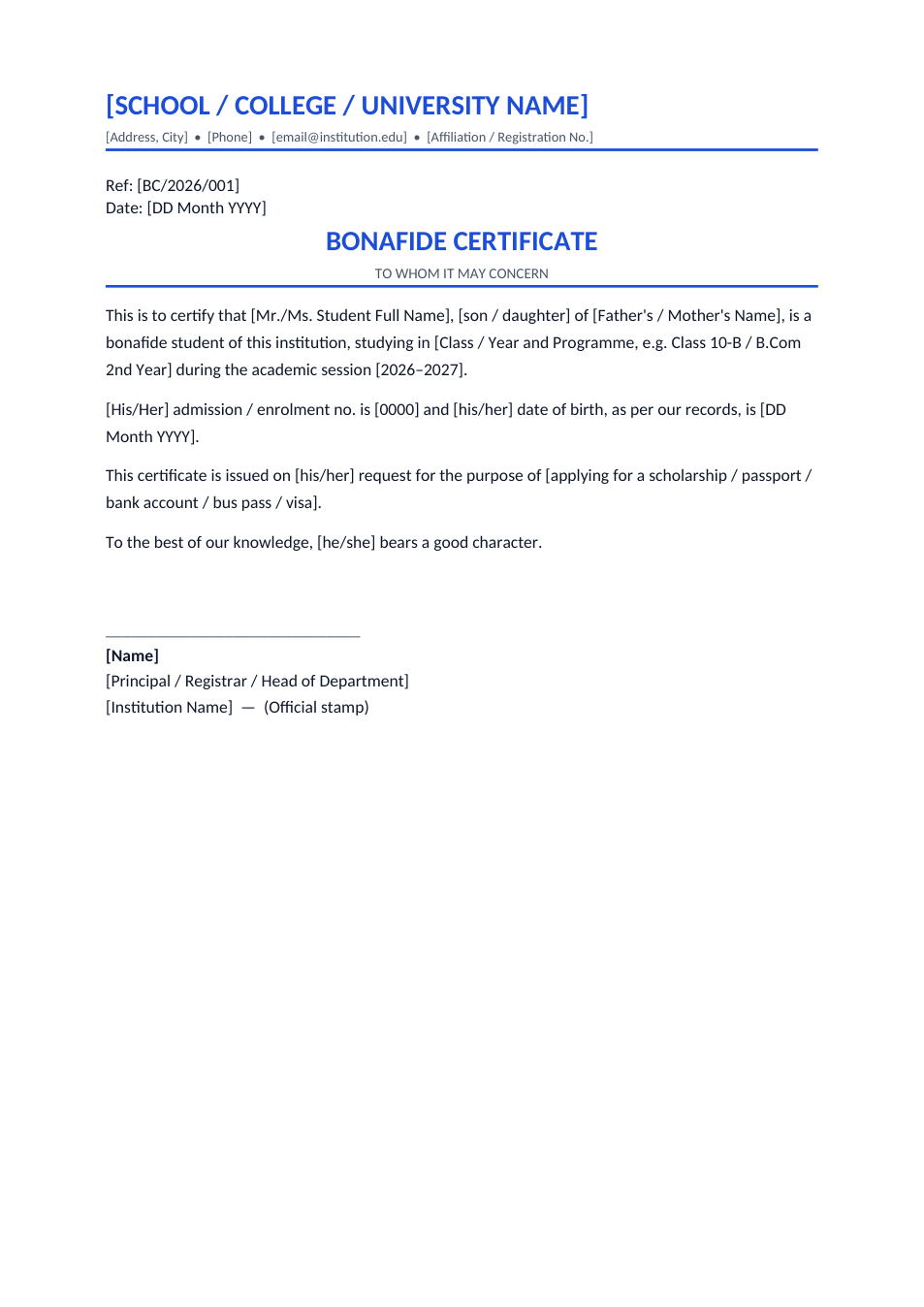
Sample text in [brackets], replace with yours · HR & Office Templates
Application Format — To the Principal & To a Manager (Word & PDF)
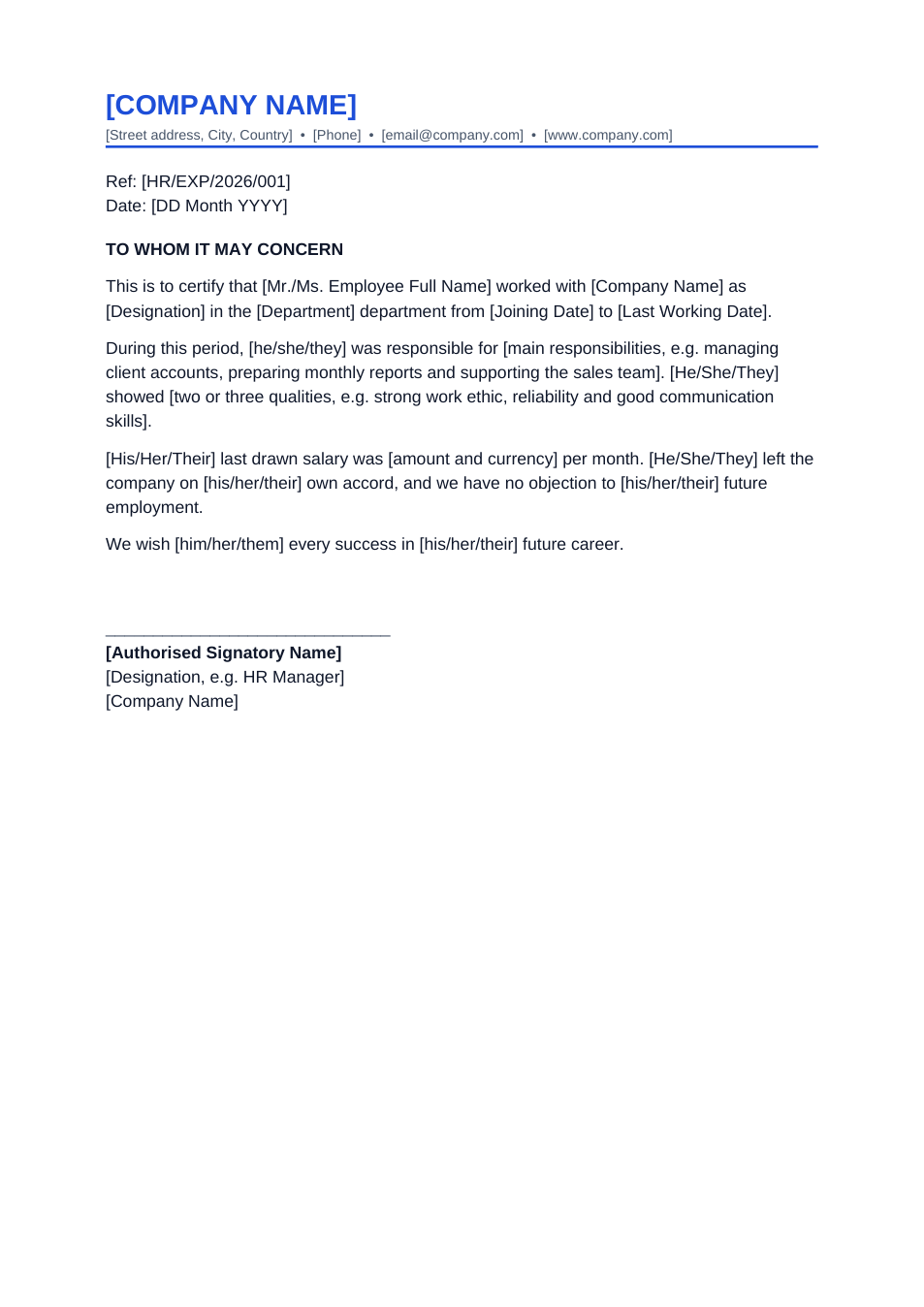
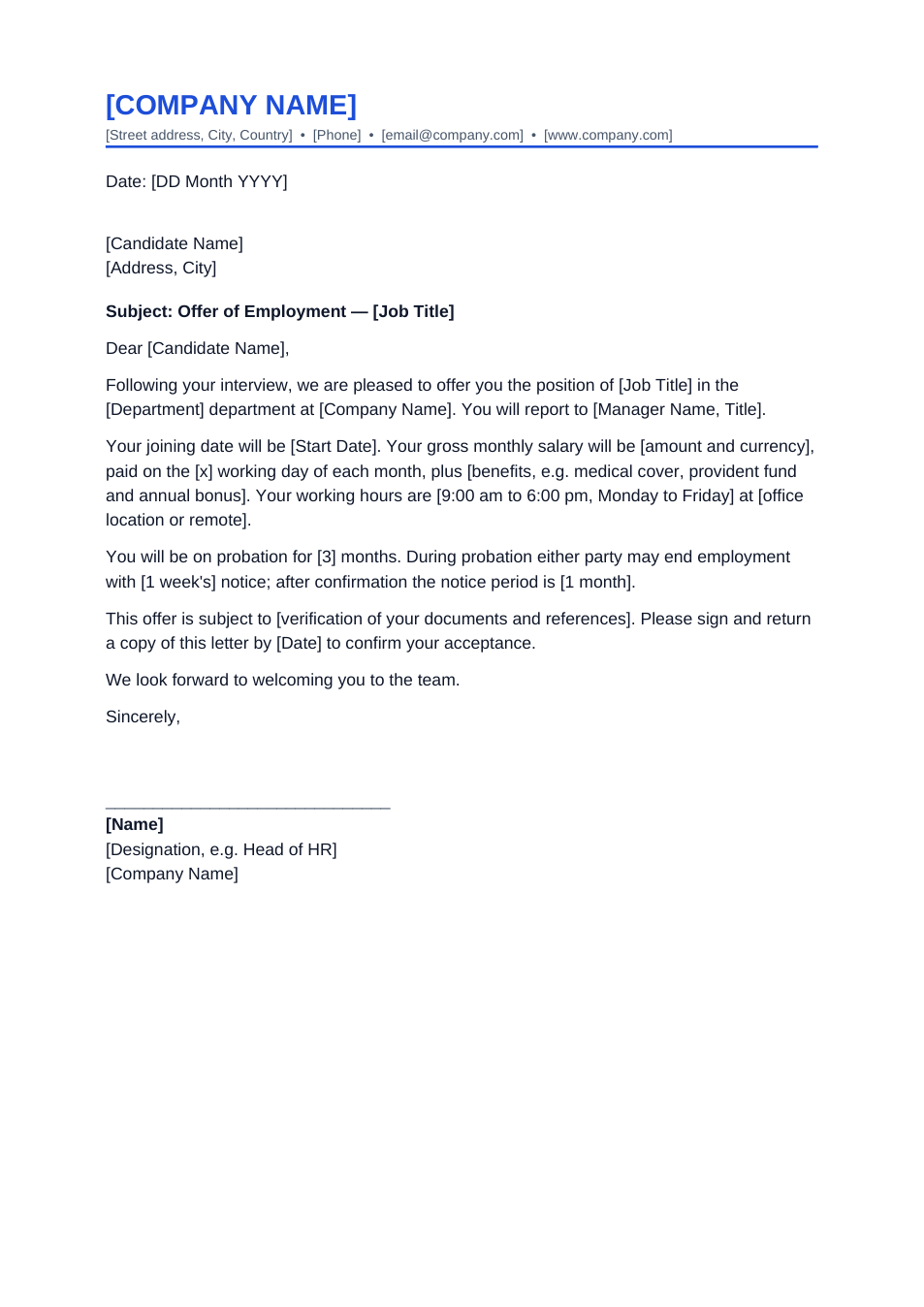
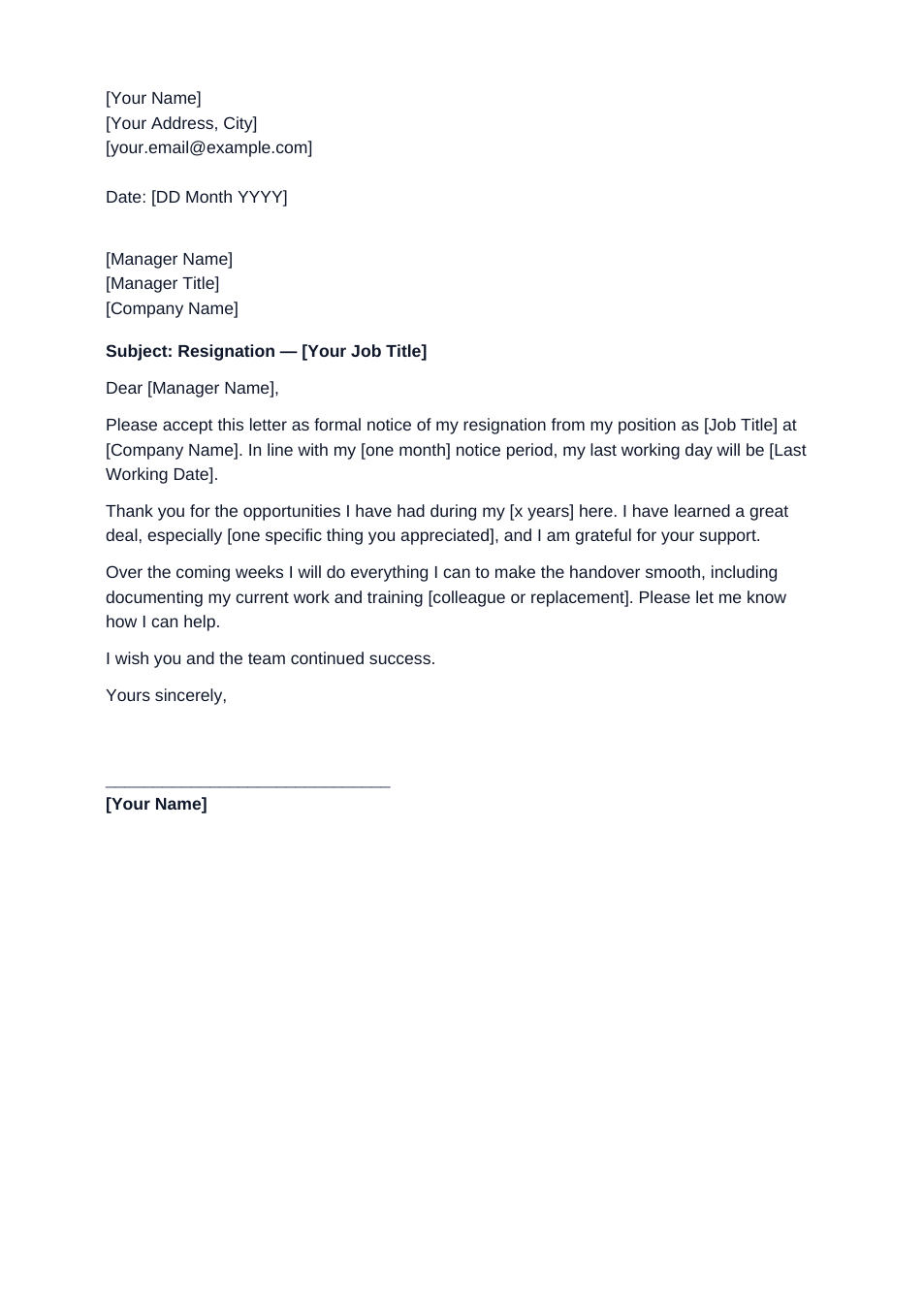
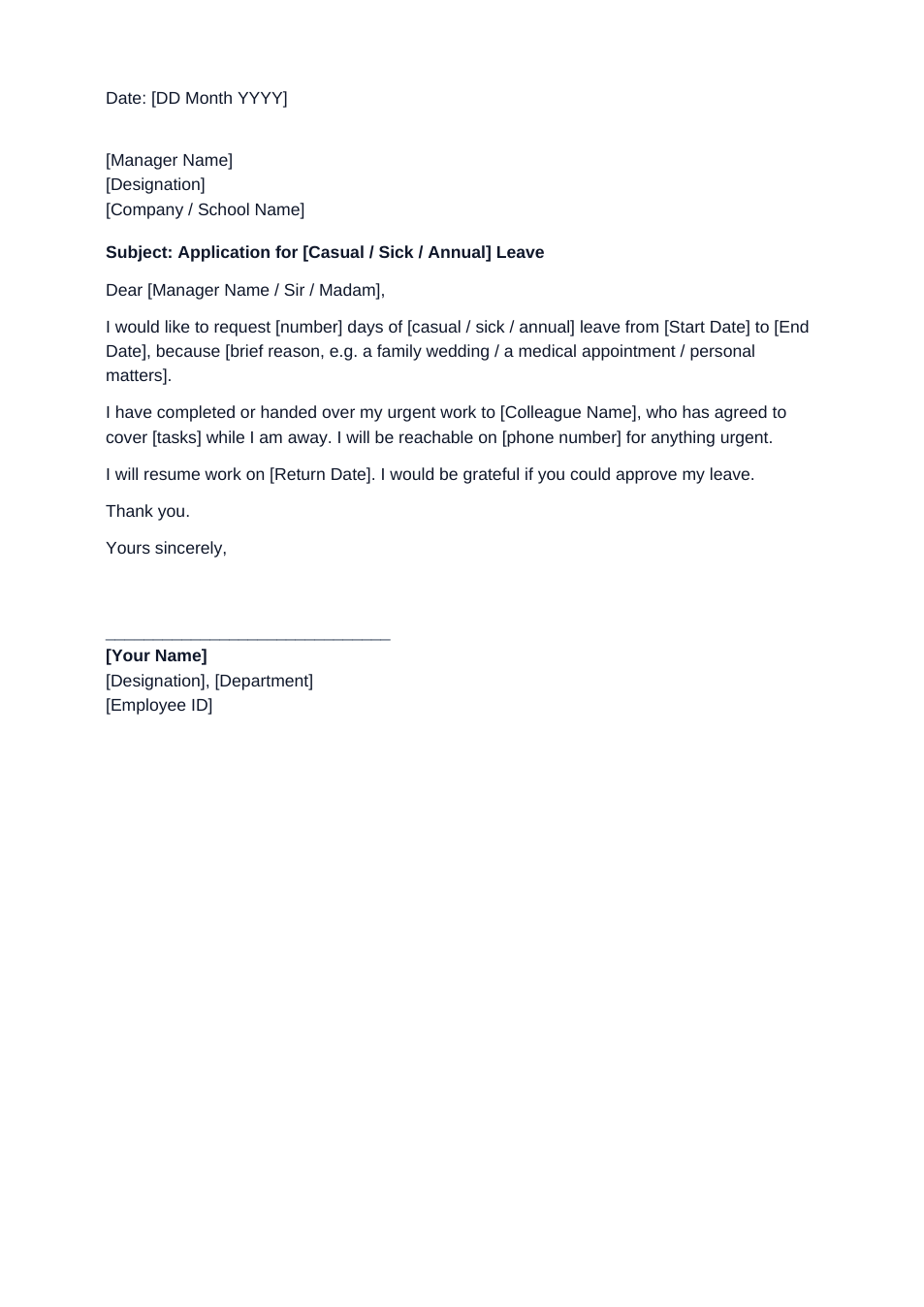
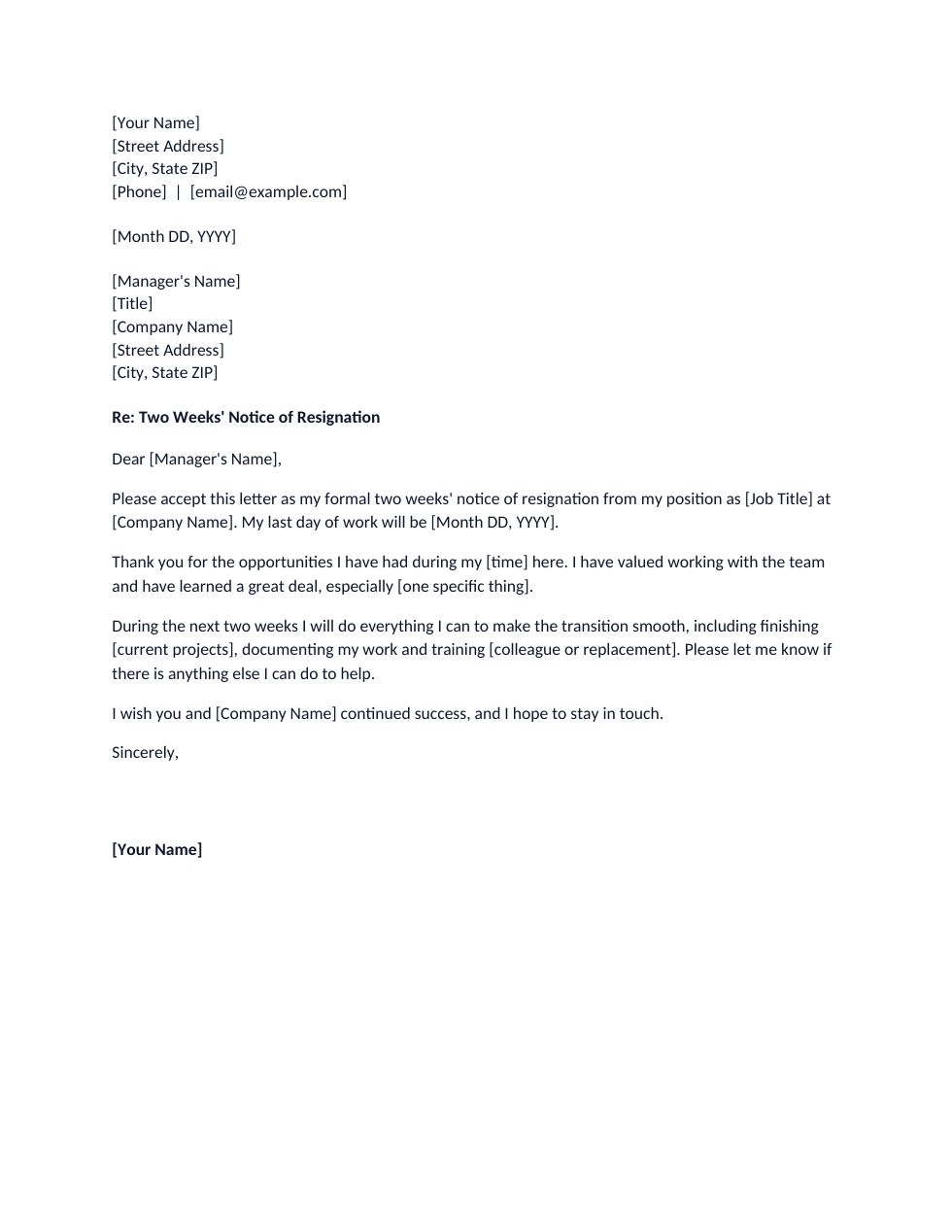
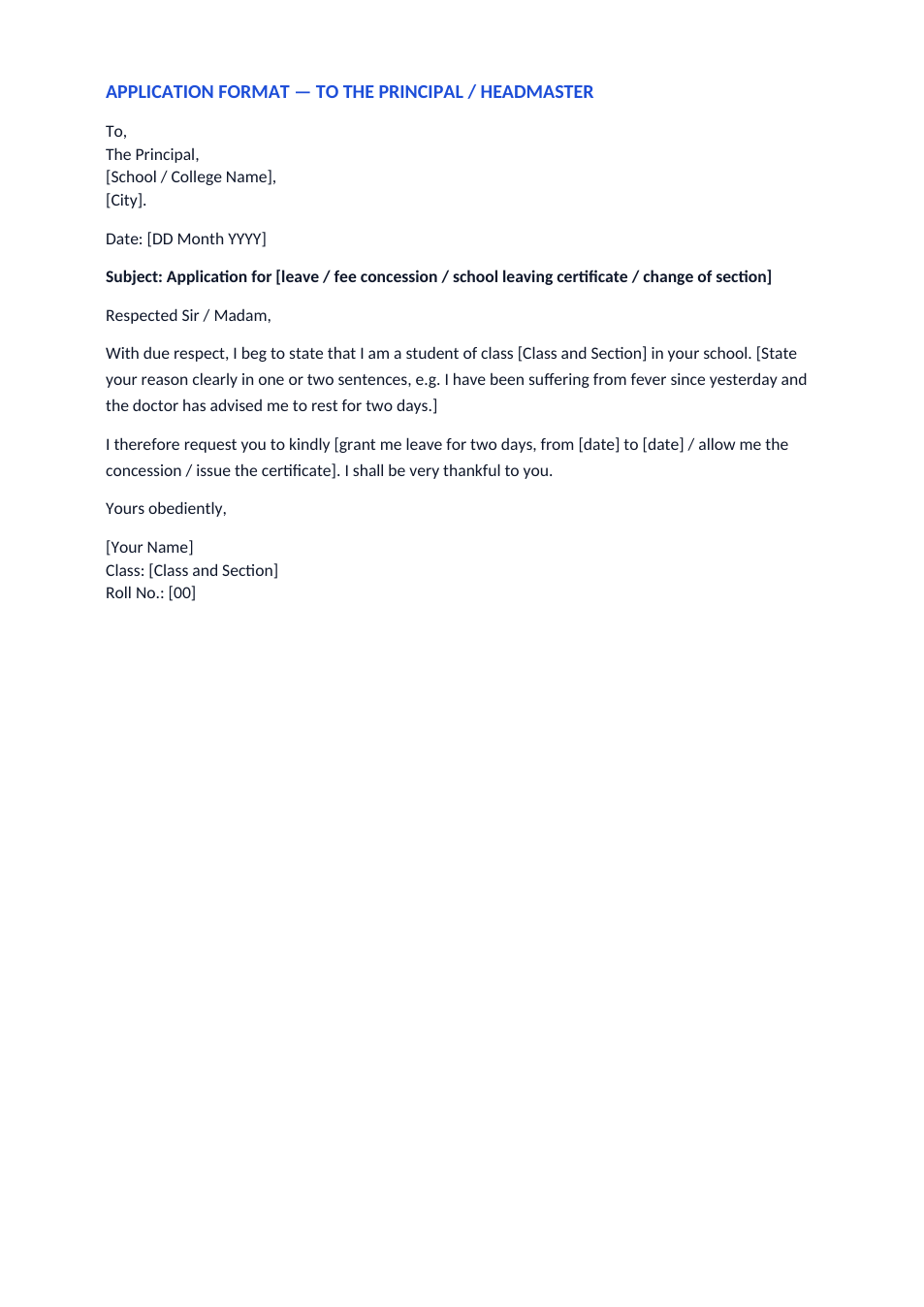
Two ready layouts: an application to the principal for students, and an application to a manager or office for adults.
Opens in your browser. No Word needed, no signup.
Free for personal and commercial use · No watermark · Updated November 2026
Guide
About this application format template
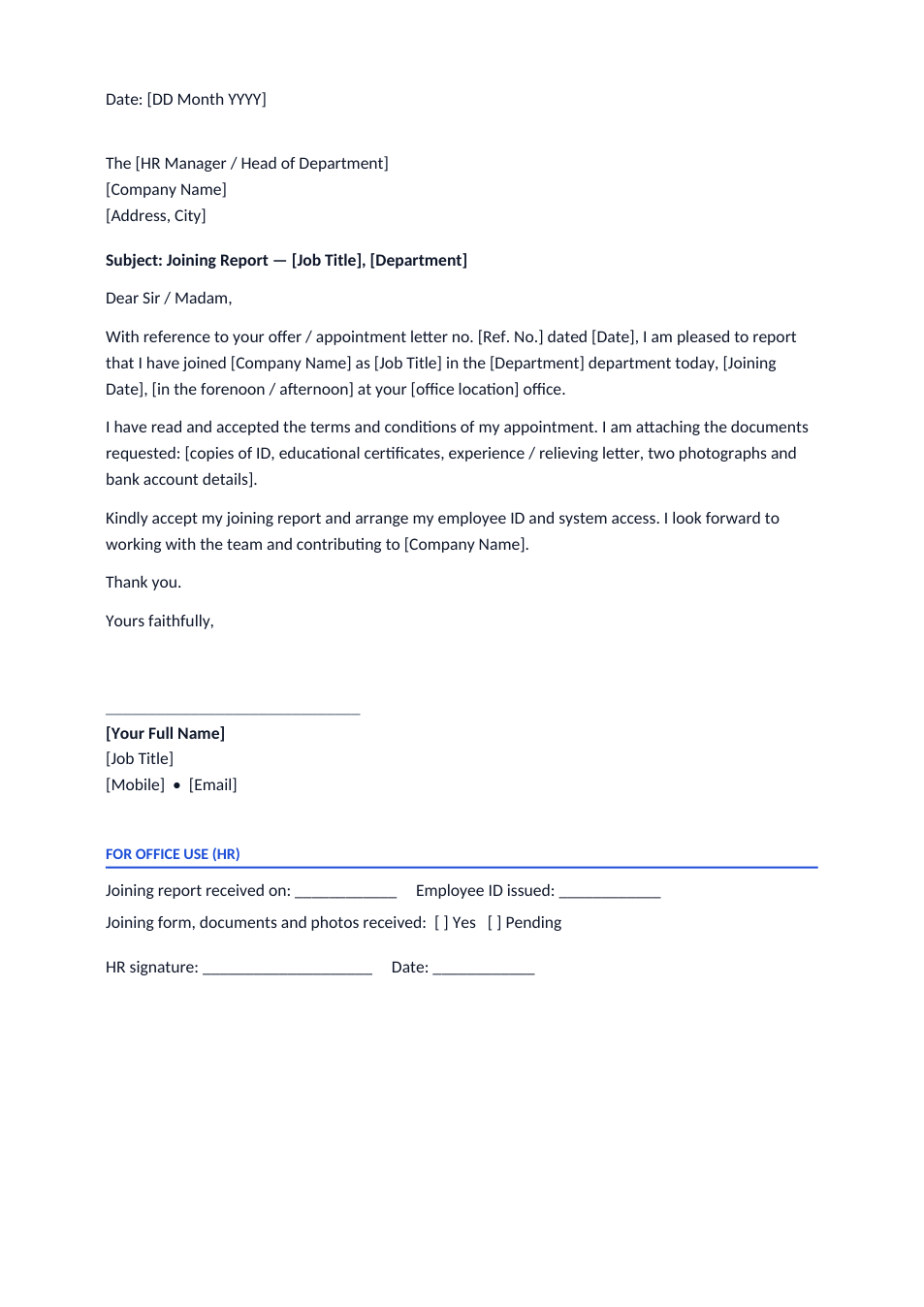
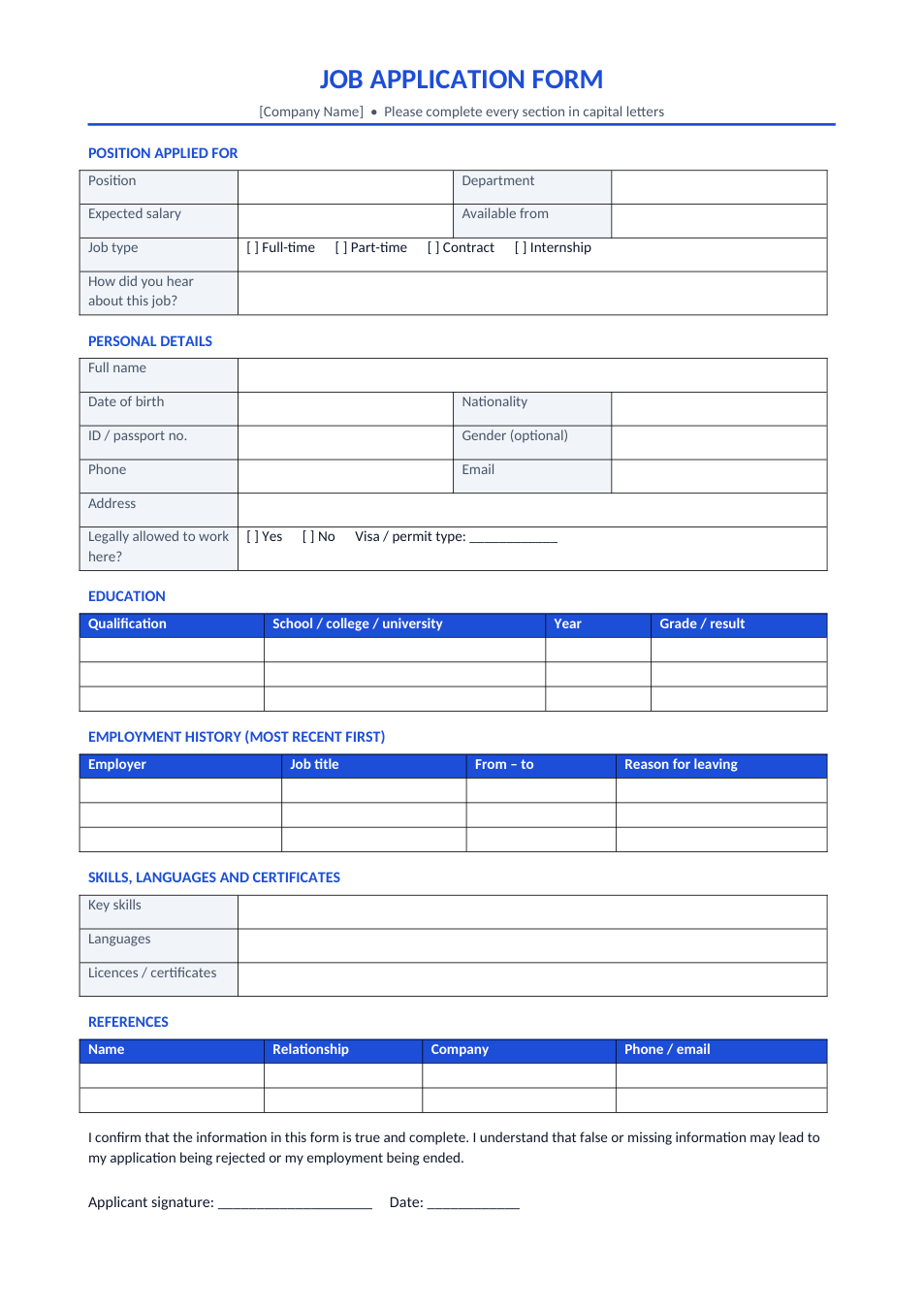
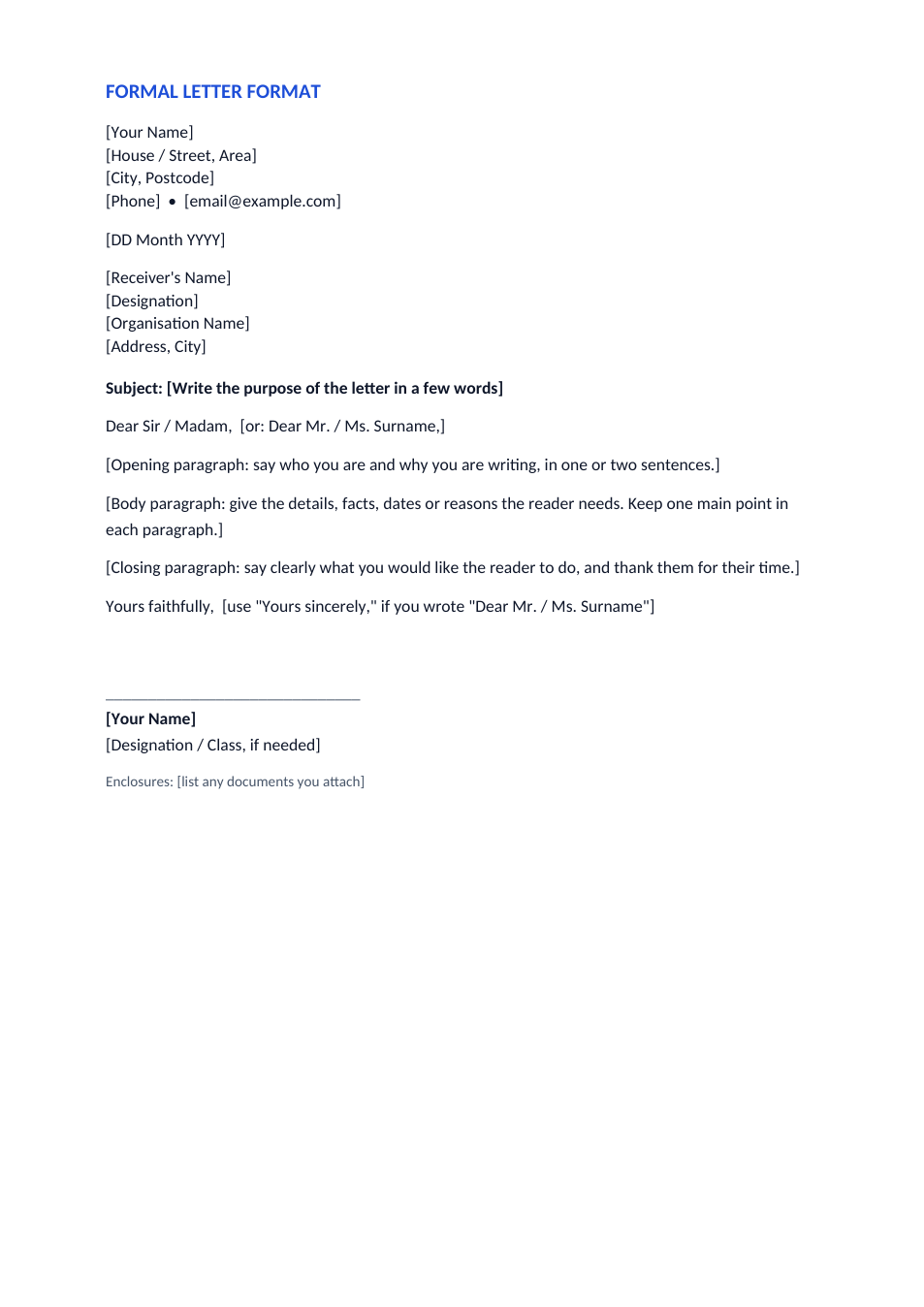
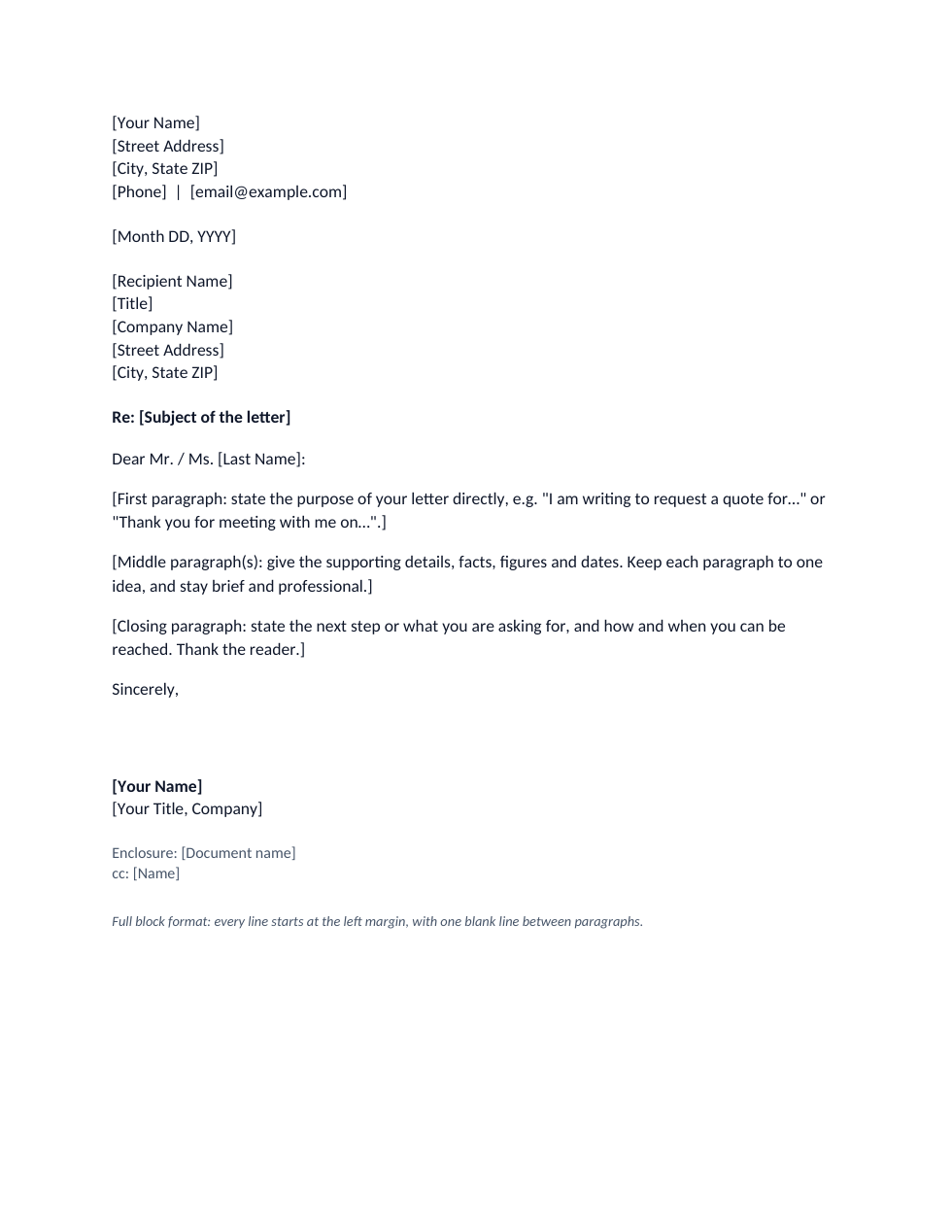
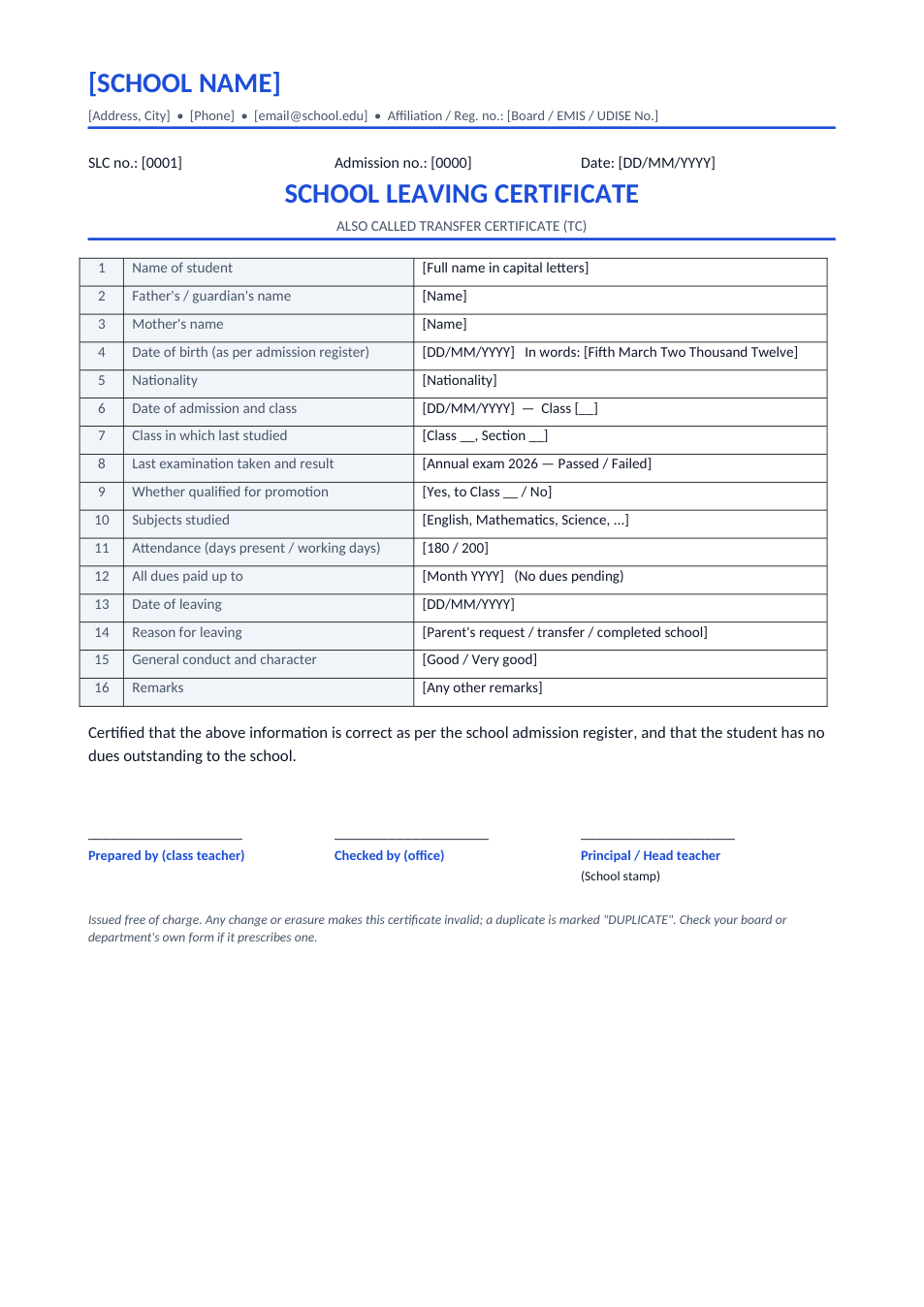
An application is a short formal letter asking for something: leave, a certificate, a fee concession, a transfer or a correction in a record. It starts with "To," and the receiver's designation and address, then the date, a subject line, a respectful greeting, two or three short paragraphs giving the reason and the request, and a closing such as "Yours obediently" or "Yours sincerely". This file gives you both common layouts: one addressed to the principal of a school or college, and one to a manager or government office.
How to write an application
- 1
Click "Edit online", or download the Word file.
- 2
Pick the page you need: to the principal, or to a manager / officer.
- 3
Write the receiver's designation and address, the date and a subject line such as "Application for two days' leave".
- 4
State who you are, your reason, and exactly what you request, with dates or reference numbers.
- 5
Close politely, add your name and details, then print and sign or send it as PDF.
Application writing tips
Make the subject specific
"Application for sick leave from 12 to 13 November" is better than "Application".
Keep it short
Three short paragraphs are enough: who you are, why, and what you request.
Add references
Include roll number, employee ID, account number or file number so the office can act quickly.
Attach proof
For sick leave or corrections, attach a medical certificate or copies of documents and list them as enclosures.
Frequently Asked Questions
Tools that help
Word to PDF
Convert Word documents to PDF format with perfect formatting
Scan Document to PDF
Turn phone photos of documents into a clean, straightened PDF scan. Auto edge detection, filters, multiple pages.
JPG to PDF
Convert one or multiple JPG images into a PDF file
Compress PDF
Reduce PDF file size without losing quality