Sample text in [brackets], replace with yours · HR & Office Templates
Joining Letter Format — Joining Report for New Employees (Word & PDF)
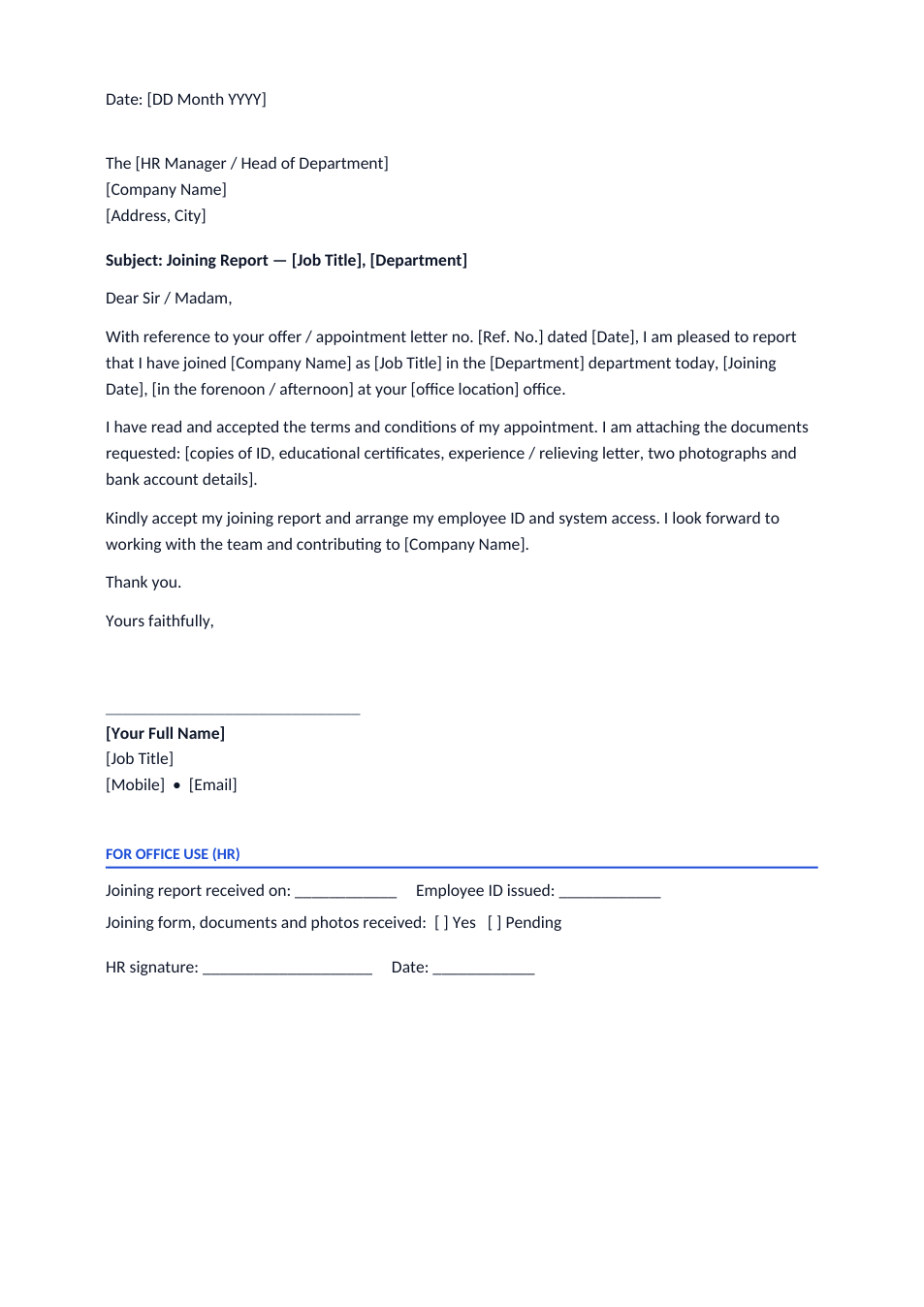
The letter a new employee hands to HR on the first day to report for duty, with an office-use section.
Opens in your browser. No Word needed, no signup.
Free for personal and commercial use · No watermark · Updated November 2026
Guide
About this joining letter template
A joining letter, also called a joining report, is the short letter a new employee gives to HR or the head of department on the first day to confirm they have reported for duty. It refers to the offer or appointment letter, states the joining date and time, lists the documents attached and asks HR to start the onboarding. Government offices and many private companies in South Asia ask for one. This format includes an office-use section for HR to record the employee ID and documents received.
How to write a joining letter
- 1
Click "Edit online", or download the Word file.
- 2
Address it to the HR manager or head of department named in your appointment letter.
- 3
Quote the reference number and date of your offer or appointment letter.
- 4
Write your joining date and whether you joined in the forenoon or afternoon, then list the documents you are attaching.
- 5
Sign it and hand it in on your first day, and keep a copy signed or stamped by HR.
Tips for your first day
Forenoon or afternoon
Government jobs often count the joining time; joining after noon can start your service from the afternoon.
Bring copies
Take photocopies and originals of your ID, certificates and relieving letter for verification.
Get a received copy
Ask HR to sign or stamp your copy as proof of your joining date.
Fill the joining form too
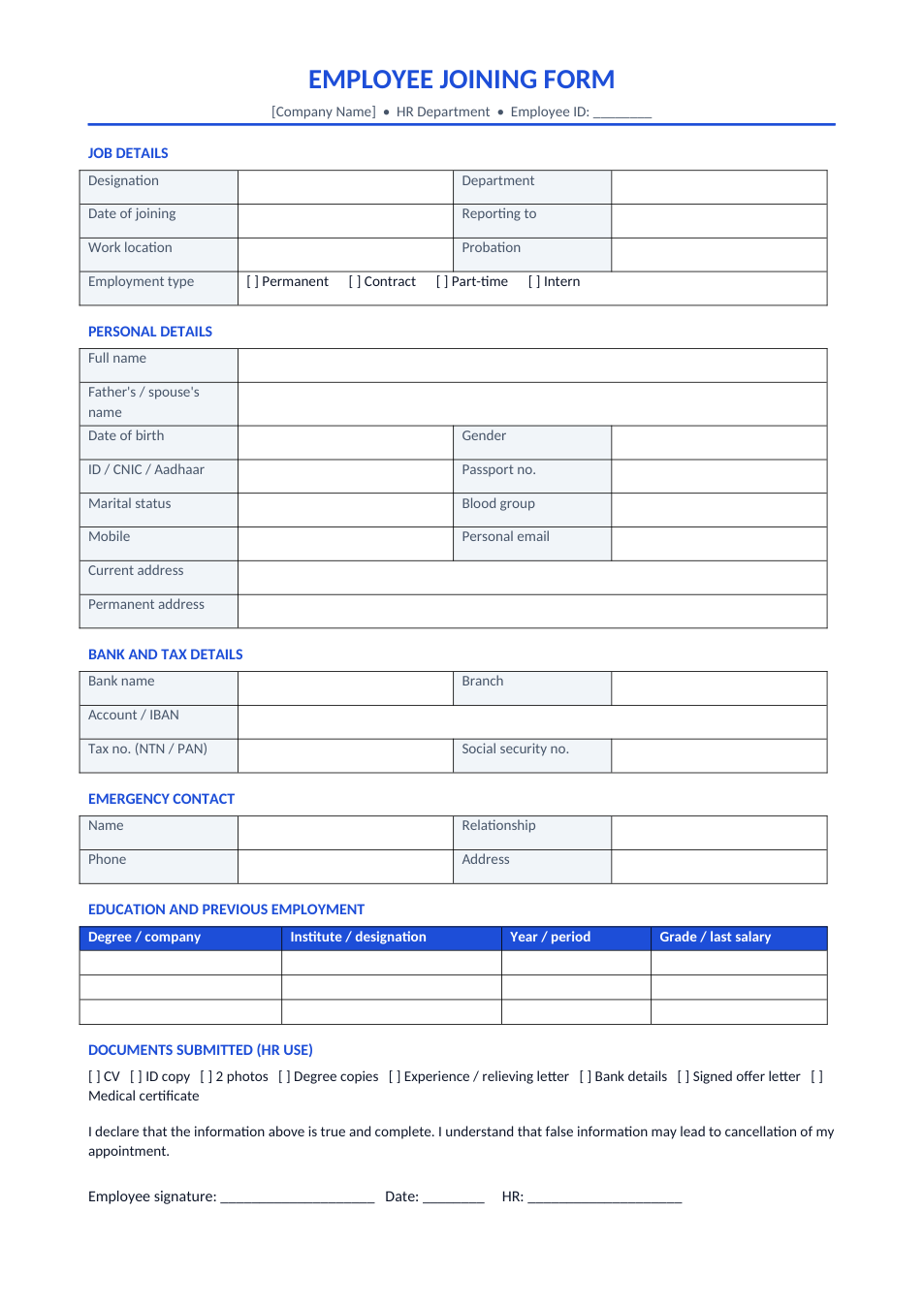
Most companies also ask for a joining form with your personal and bank details.
Frequently Asked Questions
Tools that help
Word to PDF
Convert Word documents to PDF format with perfect formatting
Scan Document to PDF
Turn phone photos of documents into a clean, straightened PDF scan. Auto edge detection, filters, multiple pages.
Merge PDF
Combine multiple PDF files into one document
Passport Photo Maker
Create passport, visa, and ID photos with correct size, DPI, and white background