Sample text in [brackets], replace with yours · HR & Office Templates
Employee Joining Form Template (Word & PDF)
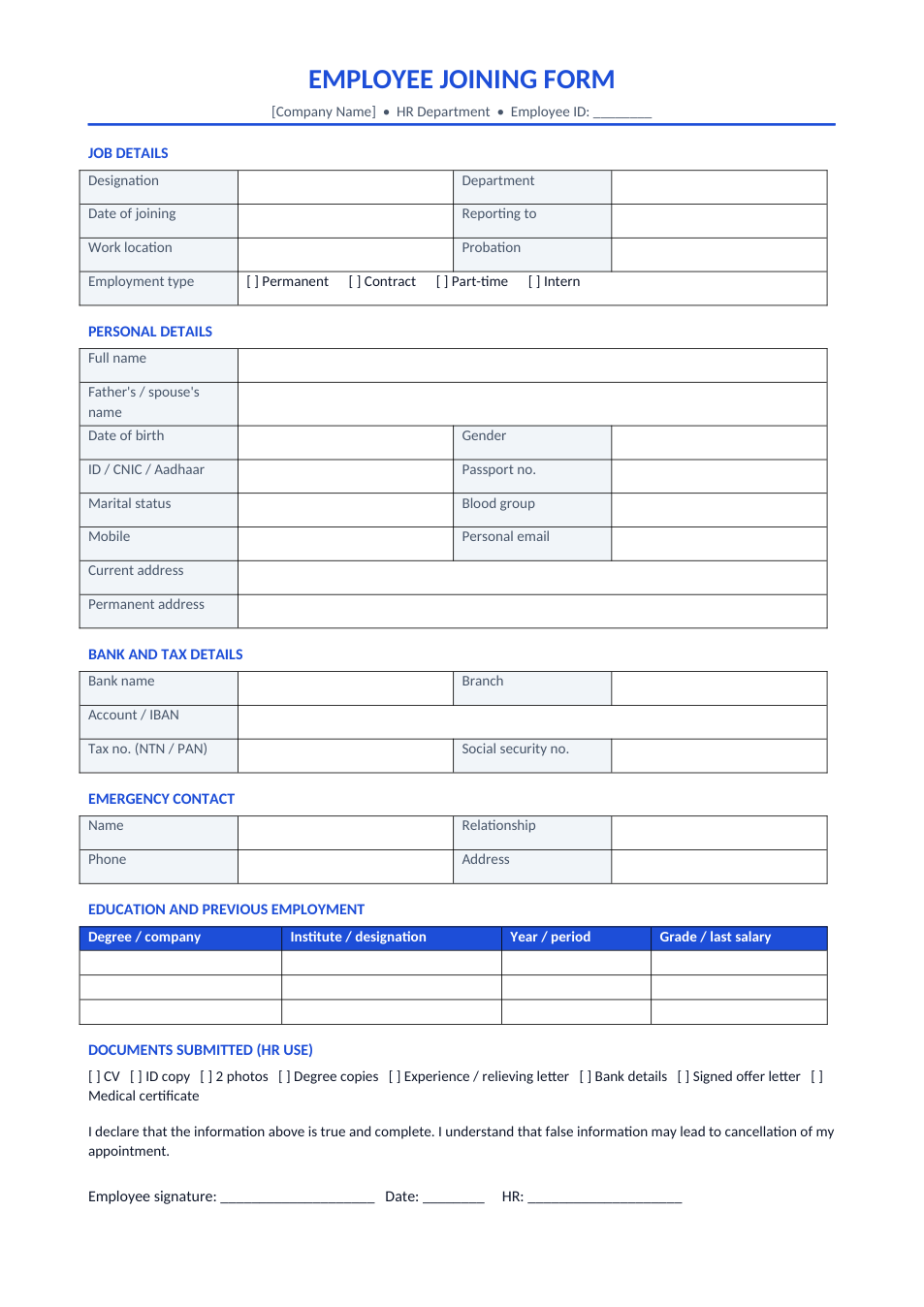
Collect a new employee's job, personal, bank and emergency details, education and documents on one page.
Opens in your browser. No Word needed, no signup.
Free for personal and commercial use · No watermark · Updated October 2026
Guide
About this employee joining form template
HR needs the same information from every new hire on day one: job details, personal and ID details, bank account for salary, tax and social security numbers, an emergency contact, education and previous jobs. This form collects all of it on one page, with a checklist of documents received and a declaration that the information is true.
How to use the joining form
- 1
Click "Edit online", or download the Word file.
- 2
Add your company name and adjust the ID and tax labels for your country (CNIC, Aadhaar, NTN, PAN, SSN).
- 3
Send it to the new hire with their offer letter, or hand it over on the first day.
- 4
Check the bank and ID details against the original documents.
- 5
Tick the documents received, sign, and file it with the employee's personnel record.
Tips for smooth onboarding
Send it before day one
Getting the form back before joining means payroll and access can be ready on the first day.
Verify, then file
Compare ID and degree copies with originals, and note who verified them.
Protect the data
Joining forms hold personal and bank details. Keep them in a locked file or a restricted folder.
Pair it with the paperwork
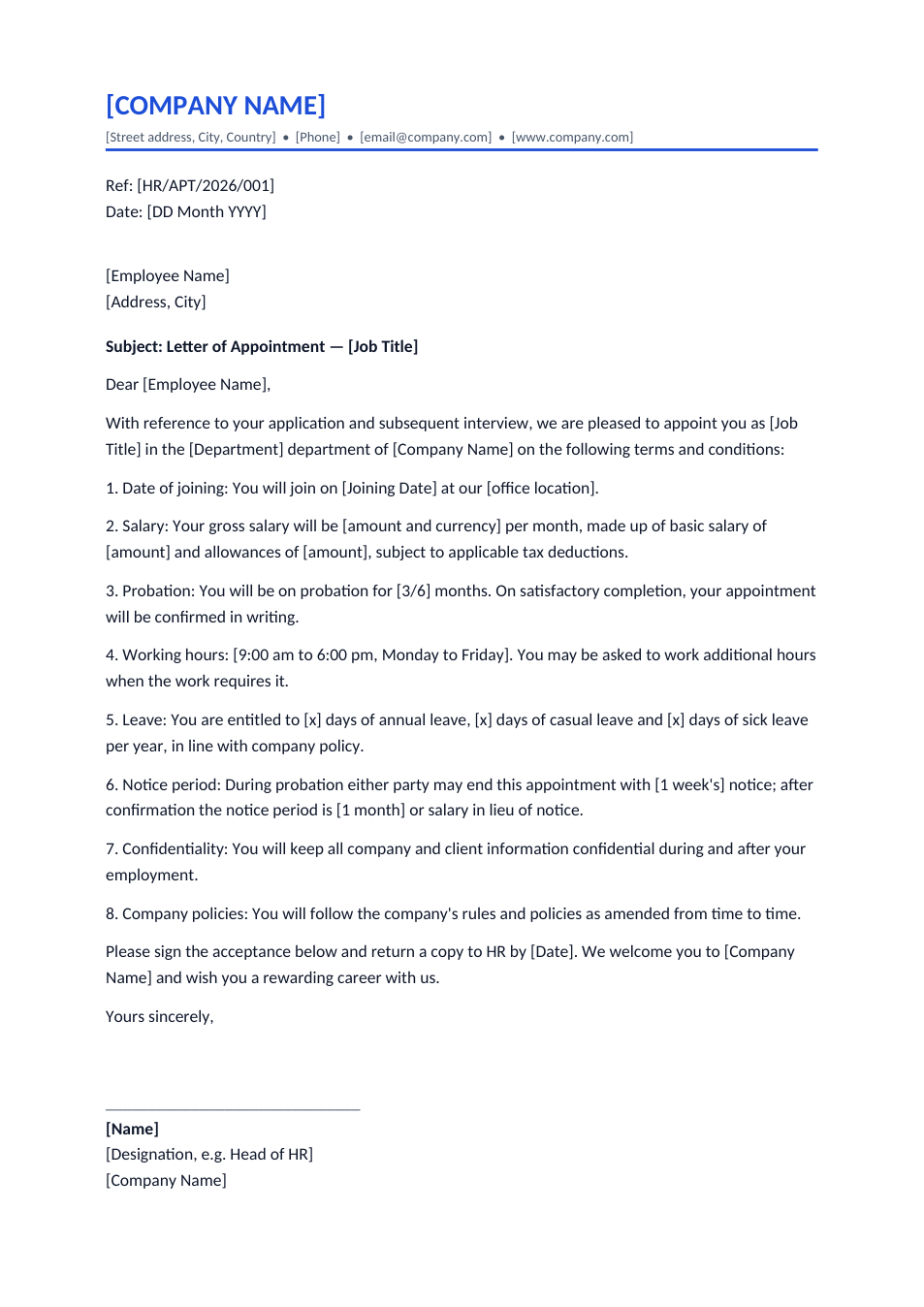
File it with the signed offer or appointment letter. We have templates for both.
Frequently Asked Questions
Tools that help
Word to PDF
Convert Word documents to PDF format with perfect formatting
JPG to PDF
Convert one or multiple JPG images into a PDF file
Passport Photo Maker
Create passport, visa, and ID photos with correct size, DPI, and white background
Merge PDF
Combine multiple PDF files into one document