Sample text in [brackets], replace with yours · Agreements, Plans & Business Documents
Weekly Planner Template (Excel & PDF)
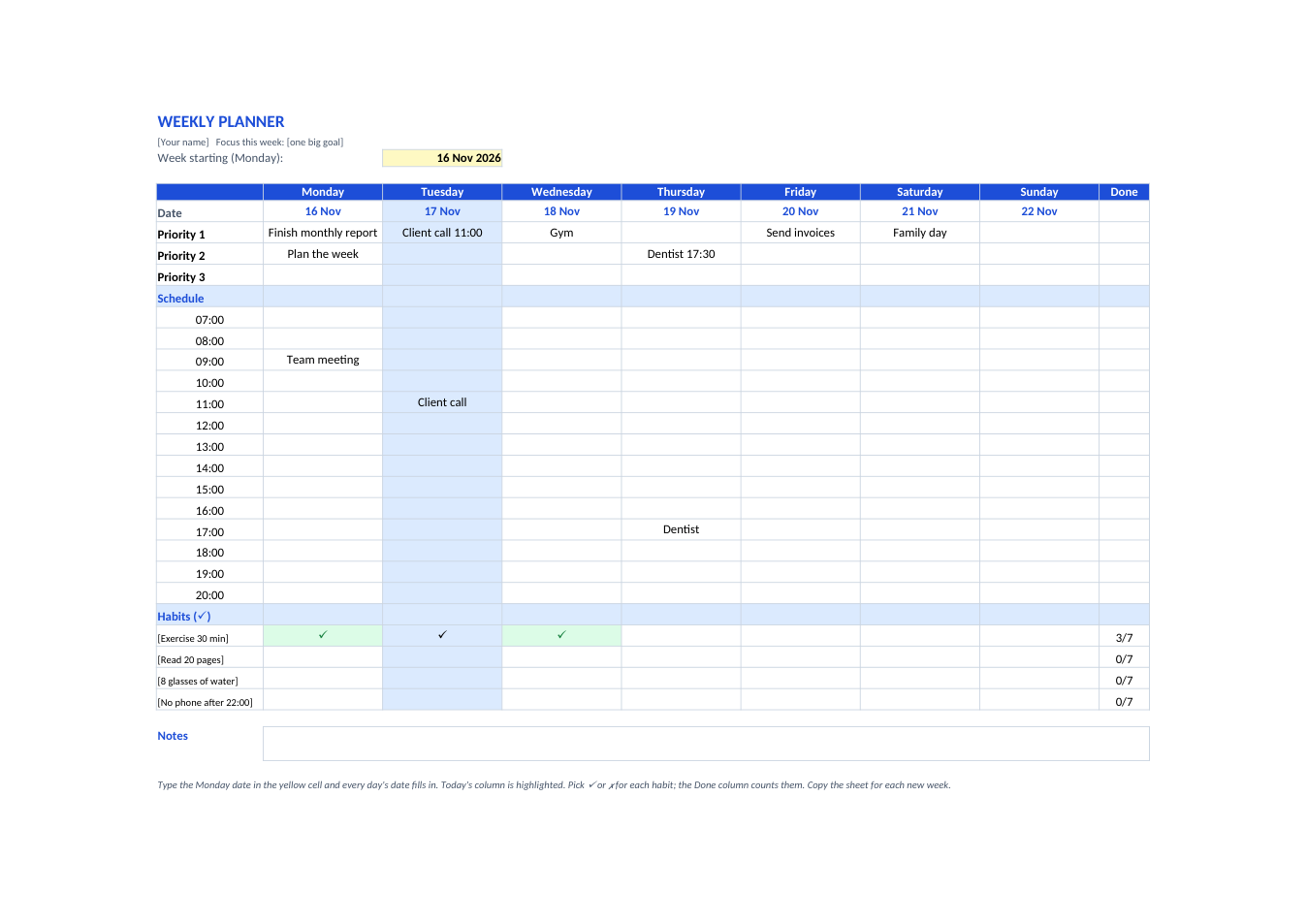
Three priorities a day, an hourly schedule from 7:00 to 20:00, a habit tracker that counts your ticks, and today's column highlighted.
Opens in your browser. No Excel needed, no signup.
Free for personal and commercial use · No watermark · Updated November 2026
Guide
About this weekly planner template
A weekly planner puts the whole week on one page so you can see your appointments, deadlines and goals together. This one starts from the Monday date you type: all seven dates fill in, today's column is highlighted, each day has three priority lines and an hourly schedule from 7:00 to 20:00, and a habit tracker at the bottom counts how many days you kept each habit. Use it in Excel, edit it online, or print the PDF and fill it in by hand.
How to use the weekly planner
- 1
Click "Edit online", or download the Excel file (or print the PDF).
- 2
Type the Monday date in the yellow cell; the seven dates fill in.
- 3
Write your three most important tasks for each day in the Priority rows.
- 4
Add meetings and time blocks in the hourly schedule.
- 5
Rename the habits, tick ✓ or ✗ each day, and copy the sheet for the next week.
Tips for planning your week
Plan on Sunday or Monday
Ten minutes at the start of the week saves hours of deciding what to do next.
Three priorities, not ten
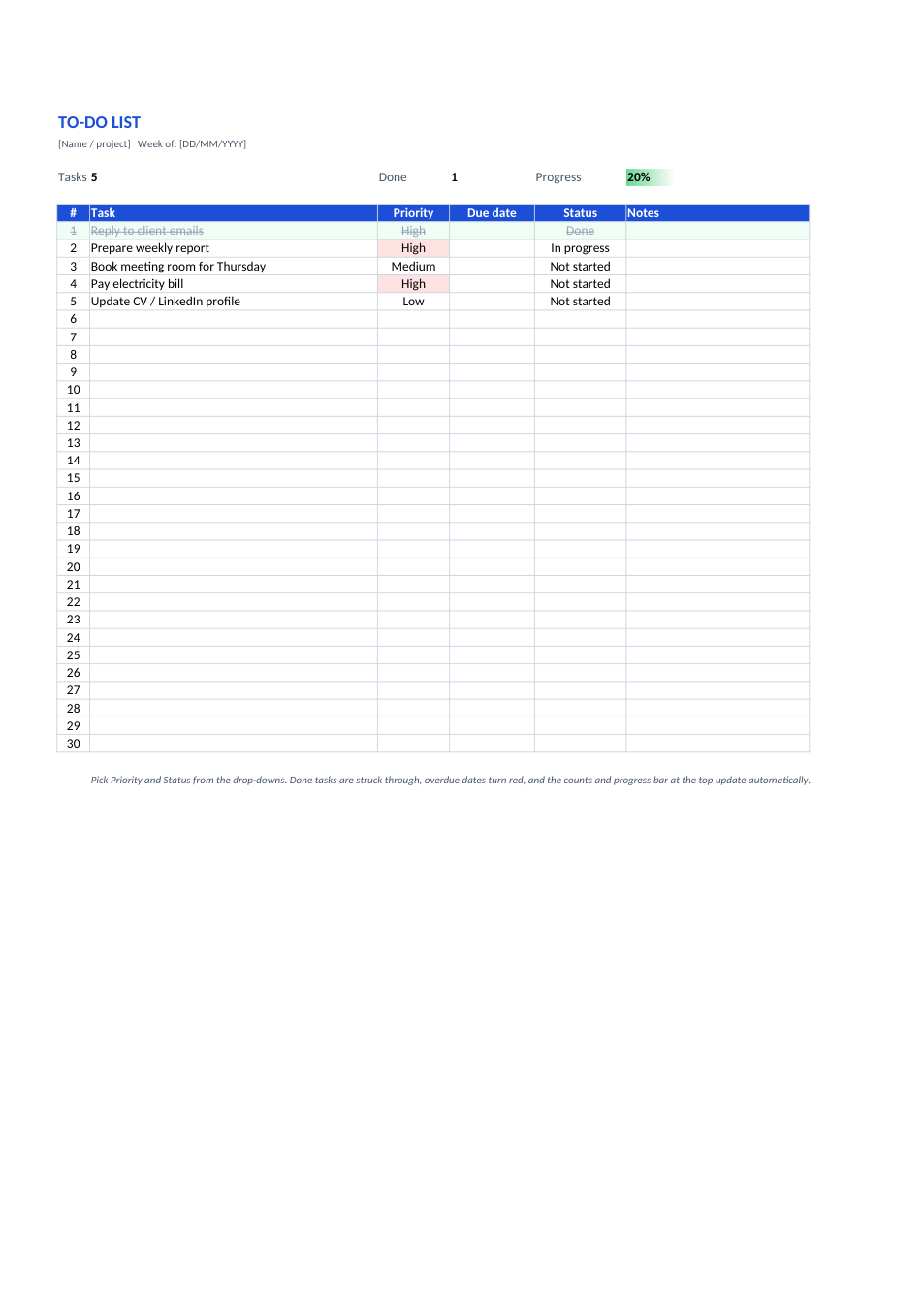
A short list gets done. Move everything else to a to-do list.
Block focus time
Put deep-work blocks in the schedule like meetings, so other things do not fill them.
Review on Friday
Check what got done and carry unfinished priorities to next week's notes.