Home›Templates›Gym / Club Membership Form
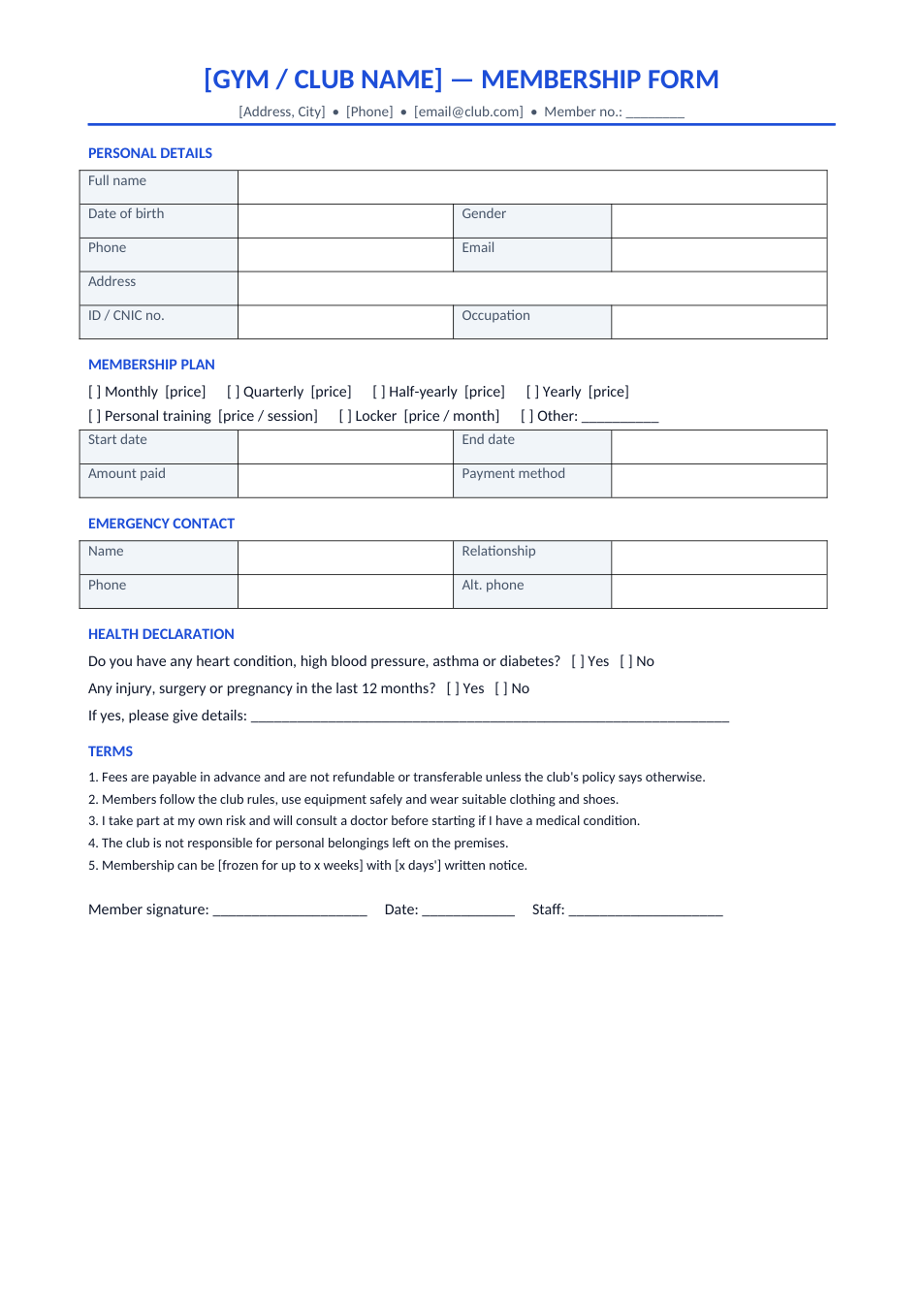
Preview of the Gym / Club Membership Form template

Sample text in [brackets], replace with yours · Agreements, Plans & Business Documents

Free template

Membership Form Template for Gyms & Clubs (Word & PDF)

A one-page membership form with personal details, plan, emergency contact, health declaration and terms.

✓ 1 page✓ A4✓ Health declaration✓ Word & PDF

Opens in your browser. No Word needed, no signup.

Free for personal and commercial use · No watermark · Updated October 2026

Guide

About this gym / club membership form template

Every new member at a gym, fitness studio, swimming club or sports academy should fill in the same form: who they are, which plan they chose, who to call in an emergency, whether they have a health condition, and that they accept the rules. This one-page form covers all of that, with tick boxes for plans and add-ons and a signature line for the member and staff.

How to set up the membership form

  1. 1

    Click "Edit online", or download the Word file.

  2. 2

    Replace the club name, address and contact details, and insert your logo.

  3. 3

    Set your plans and prices (monthly, quarterly, yearly, personal training, lockers).

  4. 4

    Edit the terms to match your refund, freeze and safety rules.

  5. 5

    Print copies for the front desk, or send the PDF for members to fill in before their first visit.

Tips for membership forms

Never skip the health questions

They protect the member and your business. Ask members with conditions for a doctor's note.

Keep terms short

Five clear rules are more likely to be read than a page of small print.

Store forms securely

Forms contain personal and health data. Keep them locked away or scanned with access control.

Use it for clubs too

Change the plan and health sections to suit libraries, societies, alumni or sports clubs.
Frequently Asked Questions

Yes. You can download the Word and PDF versions or edit it online for free, with no signup and no watermark.

Personal and contact details, the plan and payment, start and end dates, an emergency contact, a health declaration, the club's terms and the member's signature.

They can open it with "Edit online" in a mobile browser, type their details and download it. Printed forms are still easiest at the front desk.

No. It only asks the member to disclose conditions. For high-risk members, ask for a doctor's clearance as well.

Tools that help

📝

Word to PDF

Convert Word documents to PDF format with perfect formatting

Use Tool→
🔄

JPG to PDF

Convert one or multiple JPG images into a PDF file

Use Tool→
▦

QR Code Generator

Generate QR codes for URLs, text, WiFi and more

Use Tool→
🔗

Merge PDF

Combine multiple PDF files into one document

Use Tool→

More agreements, plans & business documents

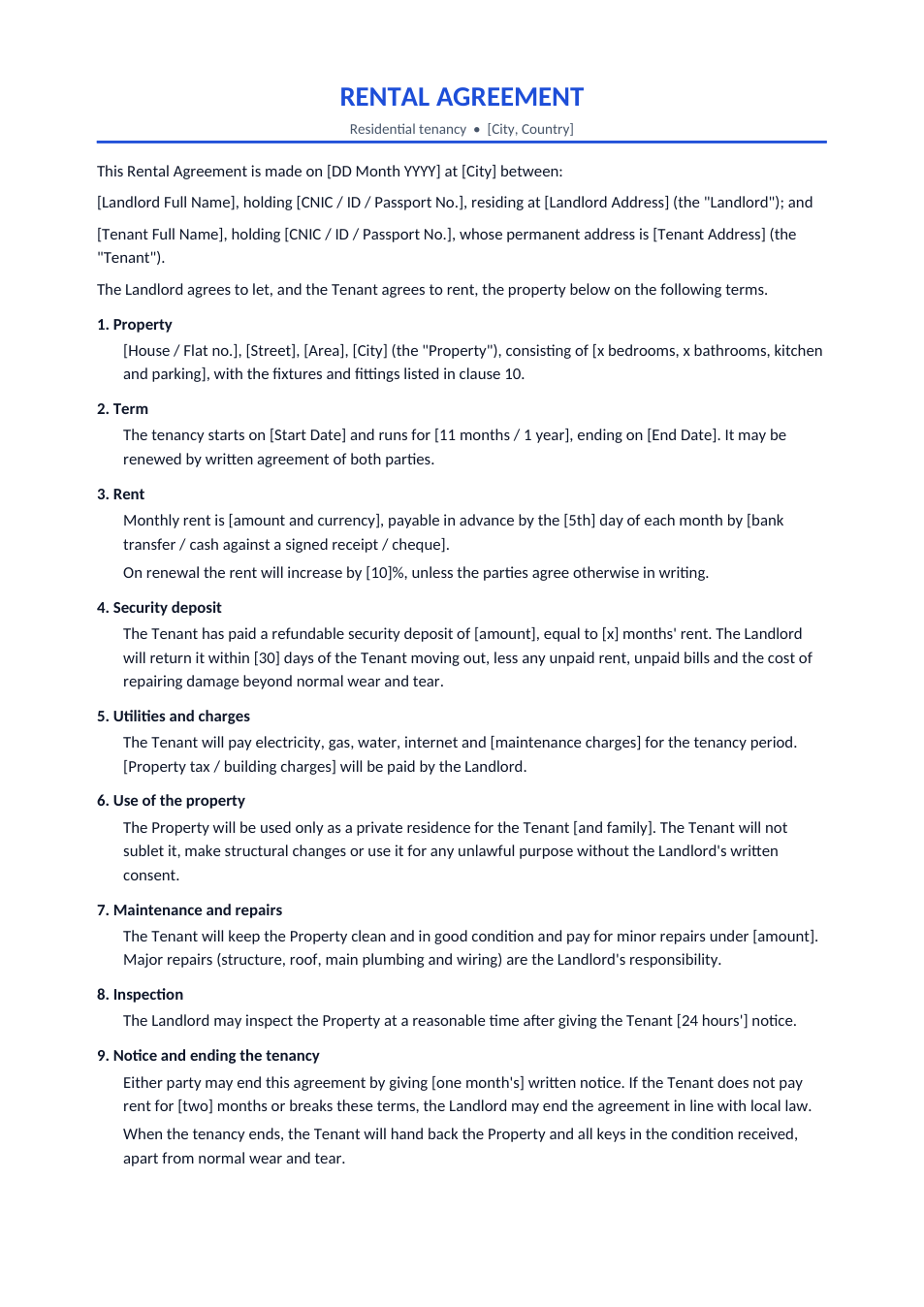
Rental Agreement template preview

Rental Agreement

House or flat tenancy: rent, deposit, notice and repairs.

WordPDF
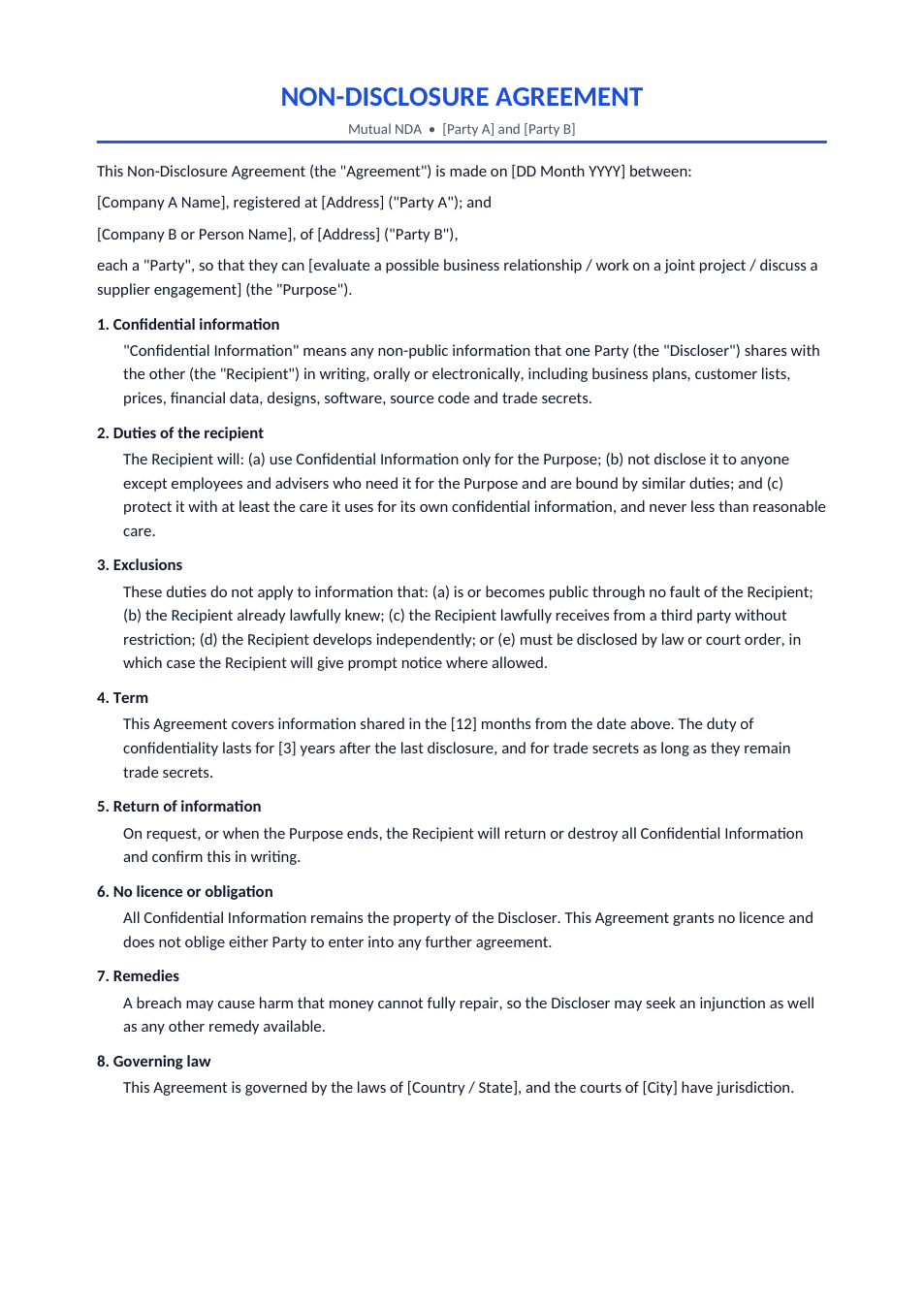
Non-Disclosure Agreement (NDA) template preview

Non-Disclosure Agreement (NDA)

Mutual NDA to protect ideas, data and trade secrets.

WordPDF
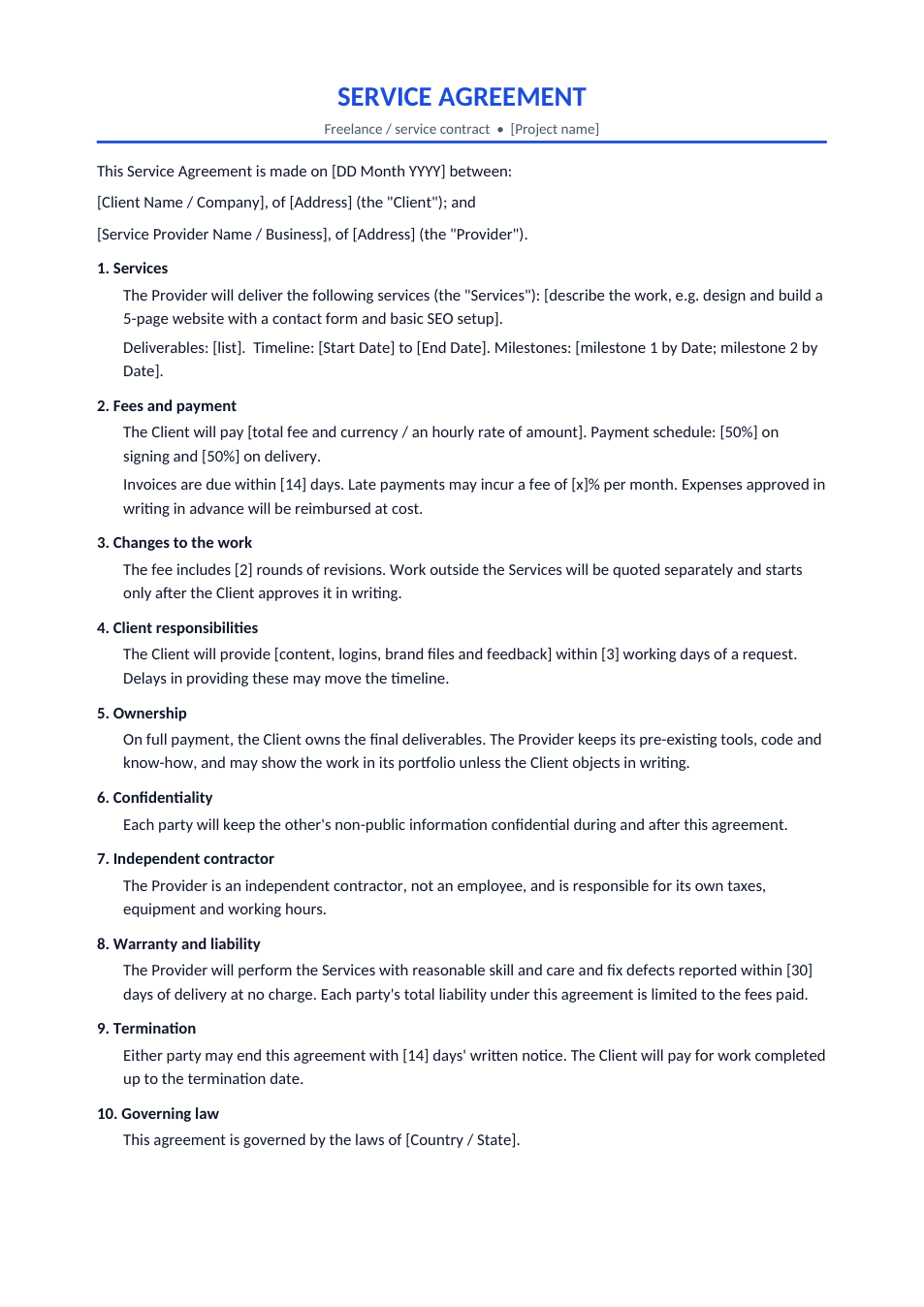
Service Agreement template preview

Service Agreement

Freelance or agency contract: scope, fees, revisions, ownership.

WordPDF
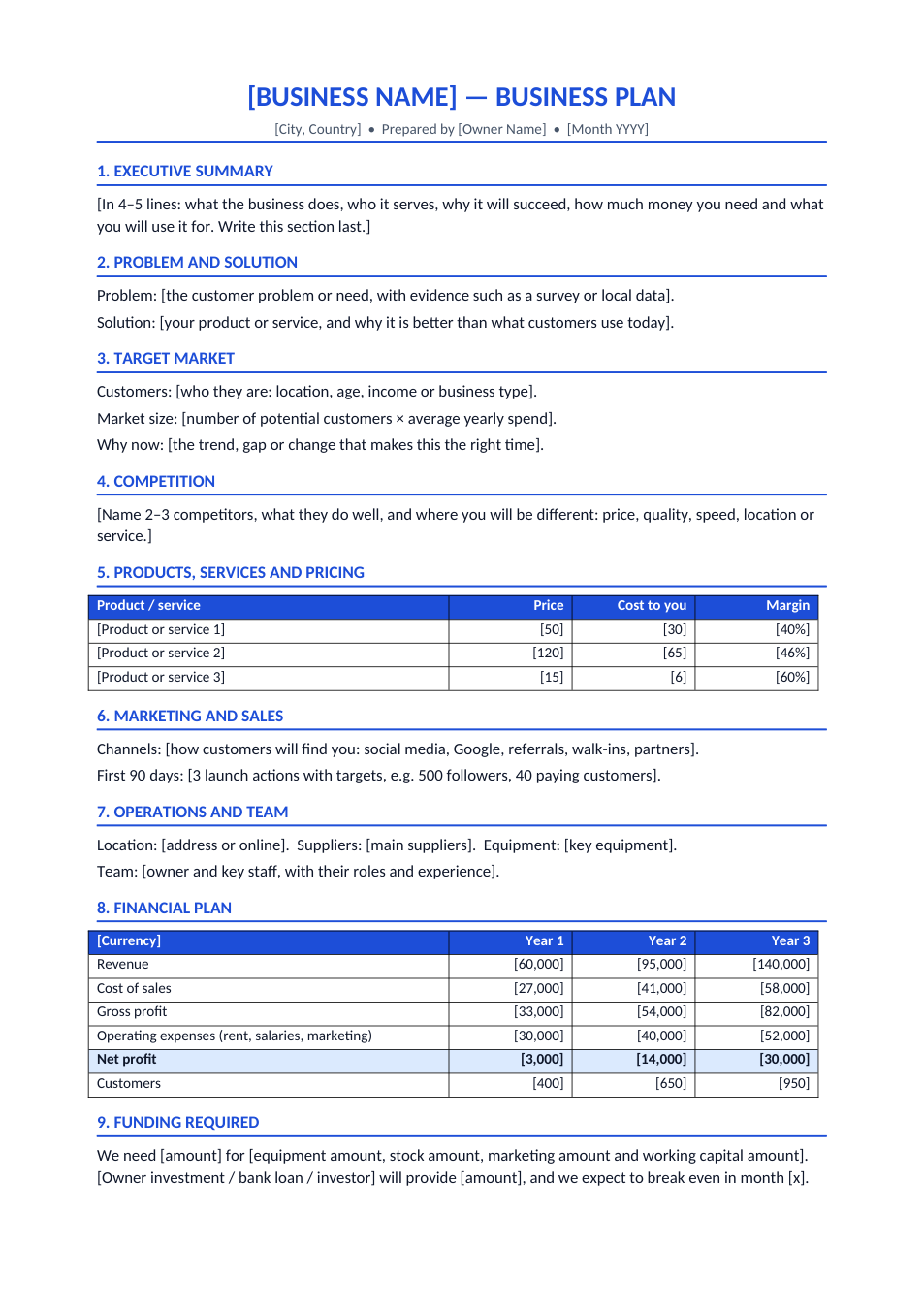
Business Plan template preview

Business Plan

Two-page plan with market, pricing and 3-year numbers.

WordPDF
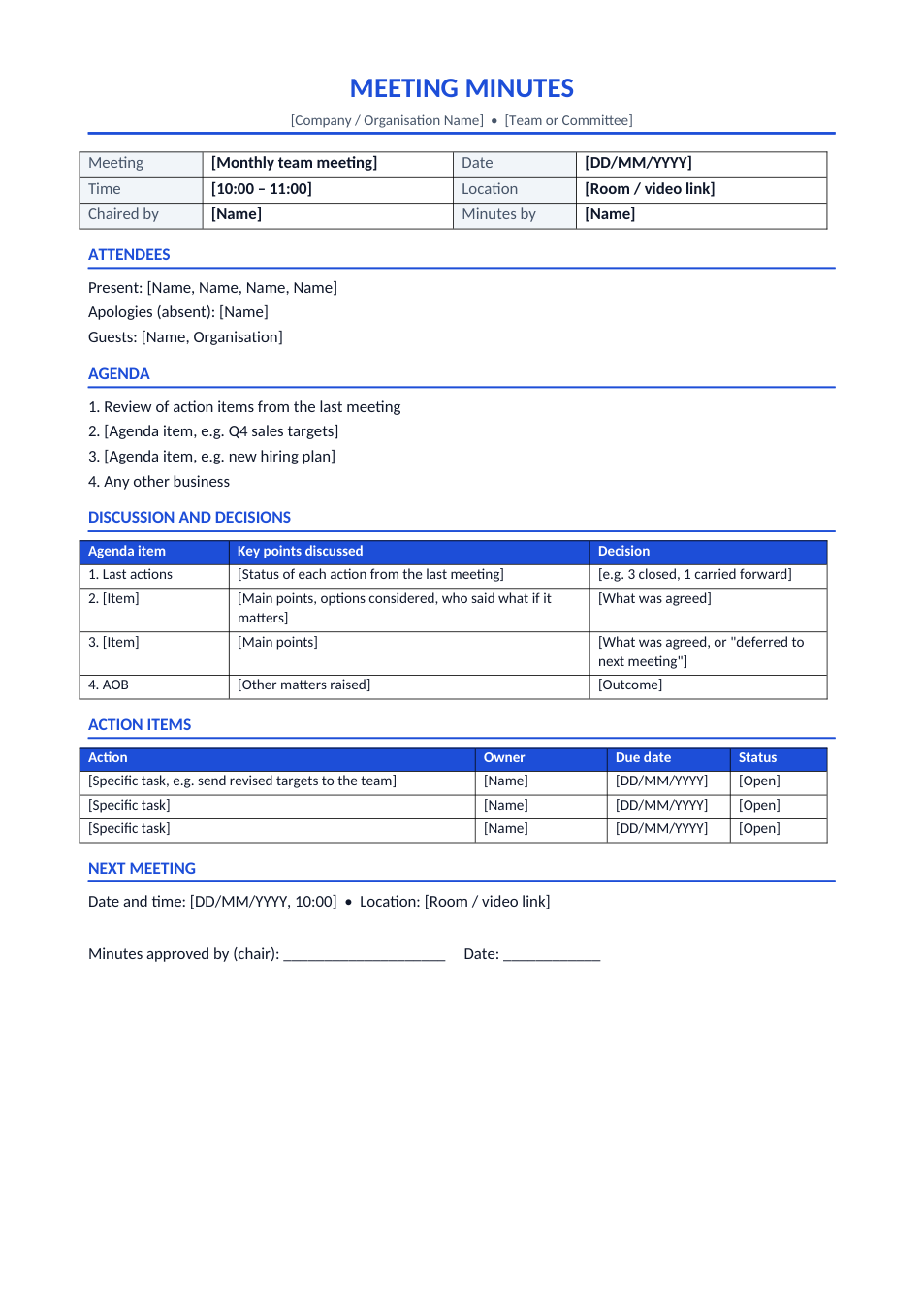
Meeting Minutes template preview

Meeting Minutes

Attendees, agenda, decisions and action items on one page.

WordPDF
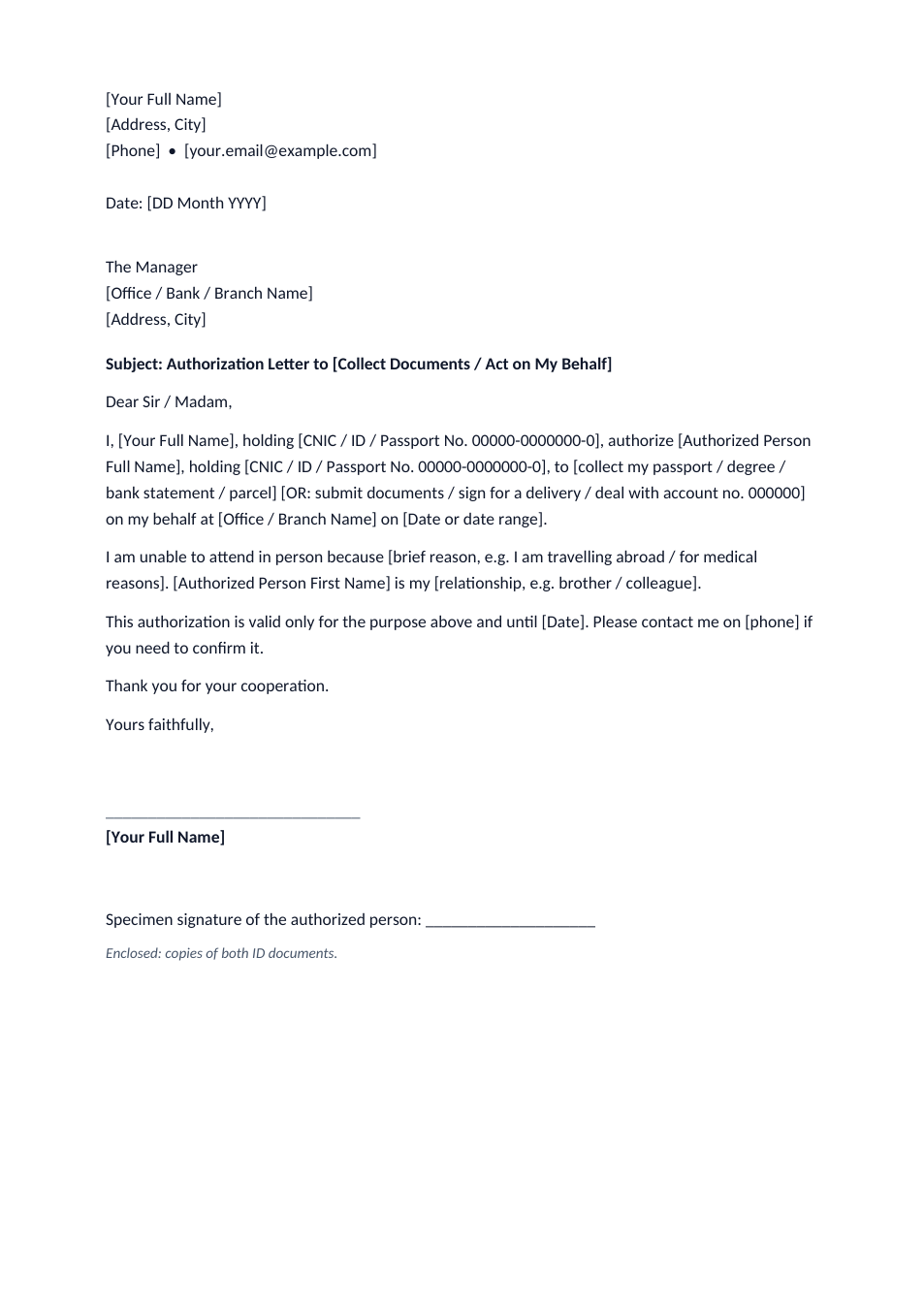
Authorization Letter template preview

Authorization Letter

Let someone collect documents or act for you.

WordPDF
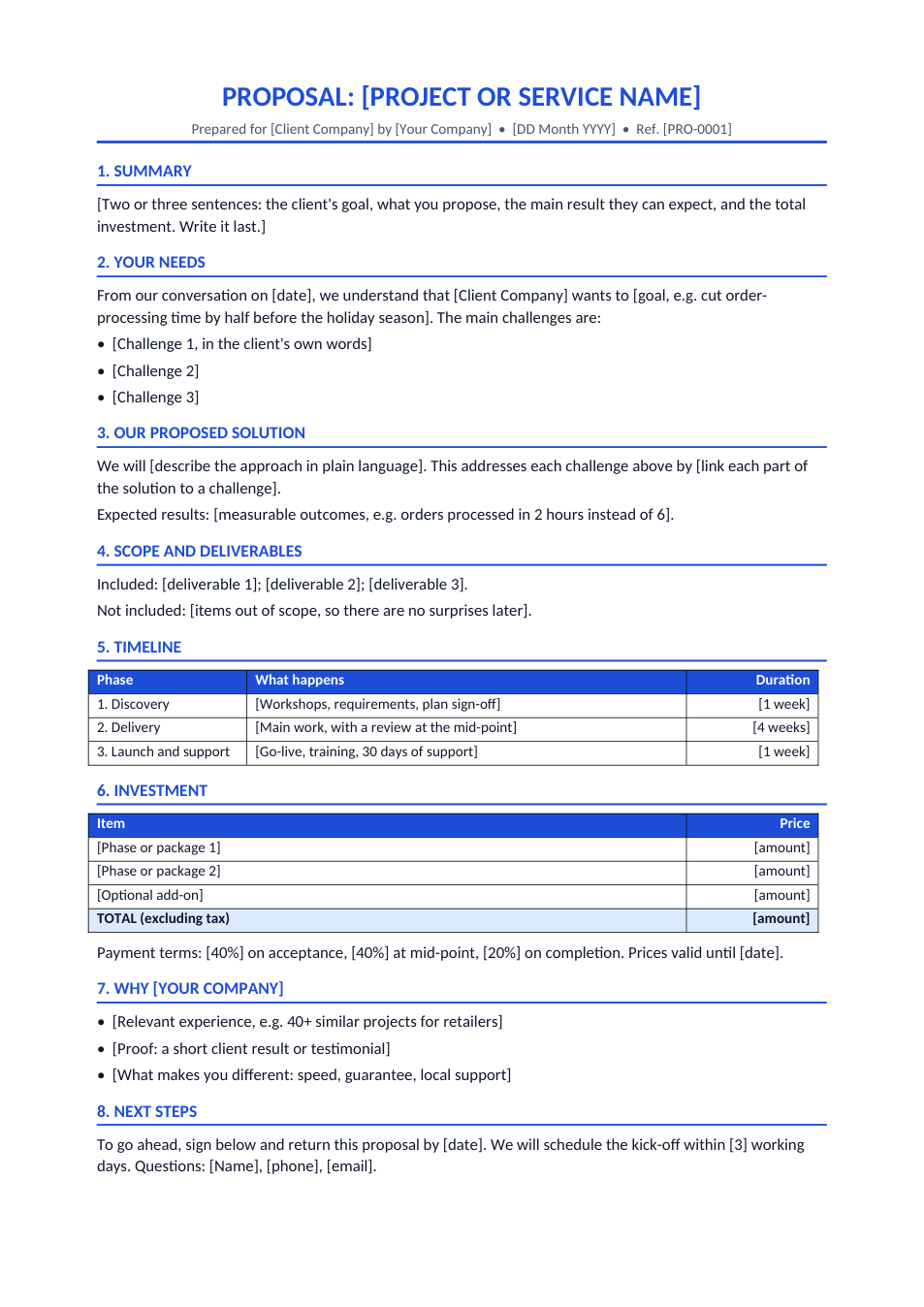
Business Proposal template preview

Business Proposal

Win clients: needs, solution, timeline, price, sign-off.

WordPDF
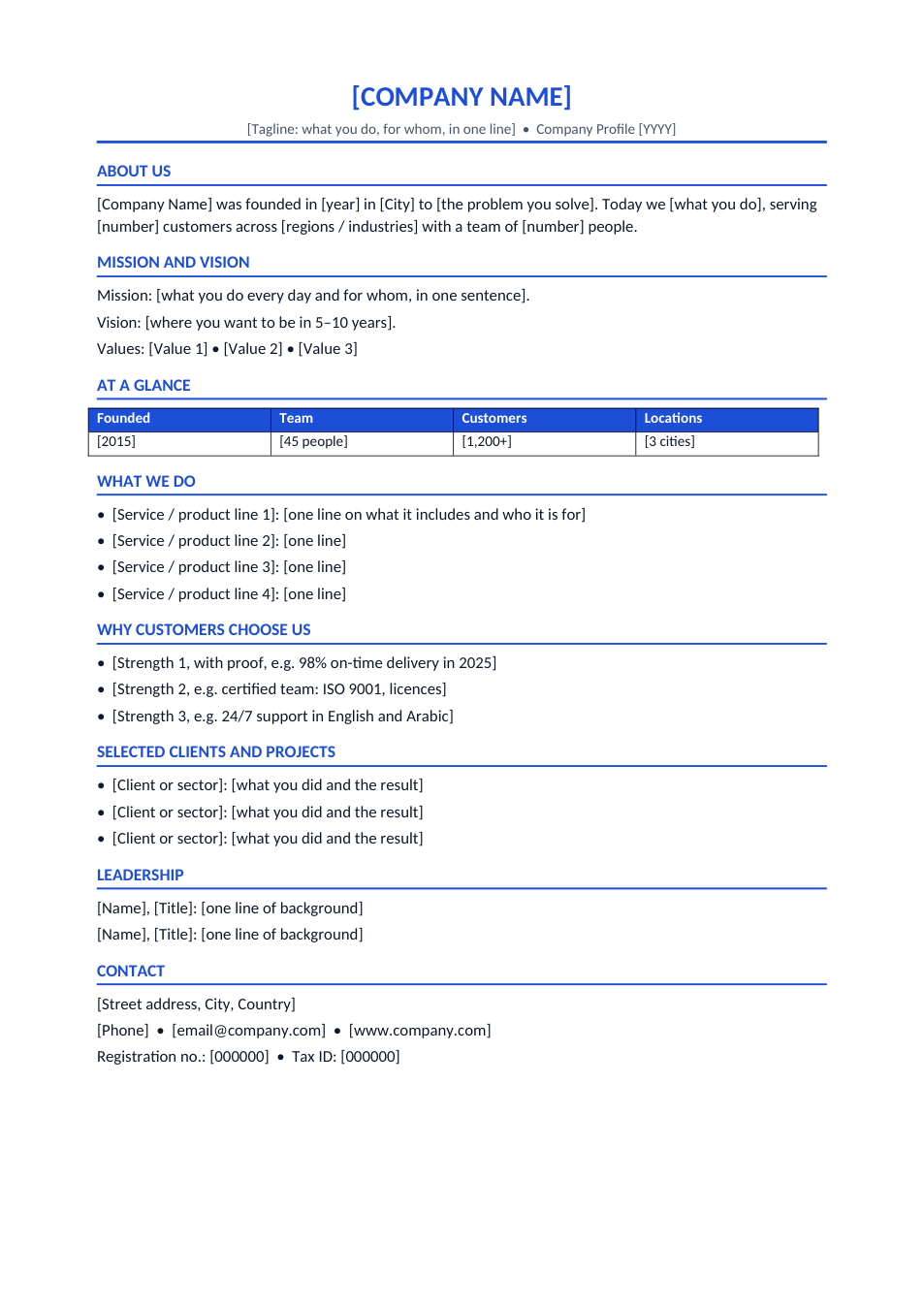
Company Profile template preview

Company Profile

About us, services, key numbers, clients and contact.

WordPDF
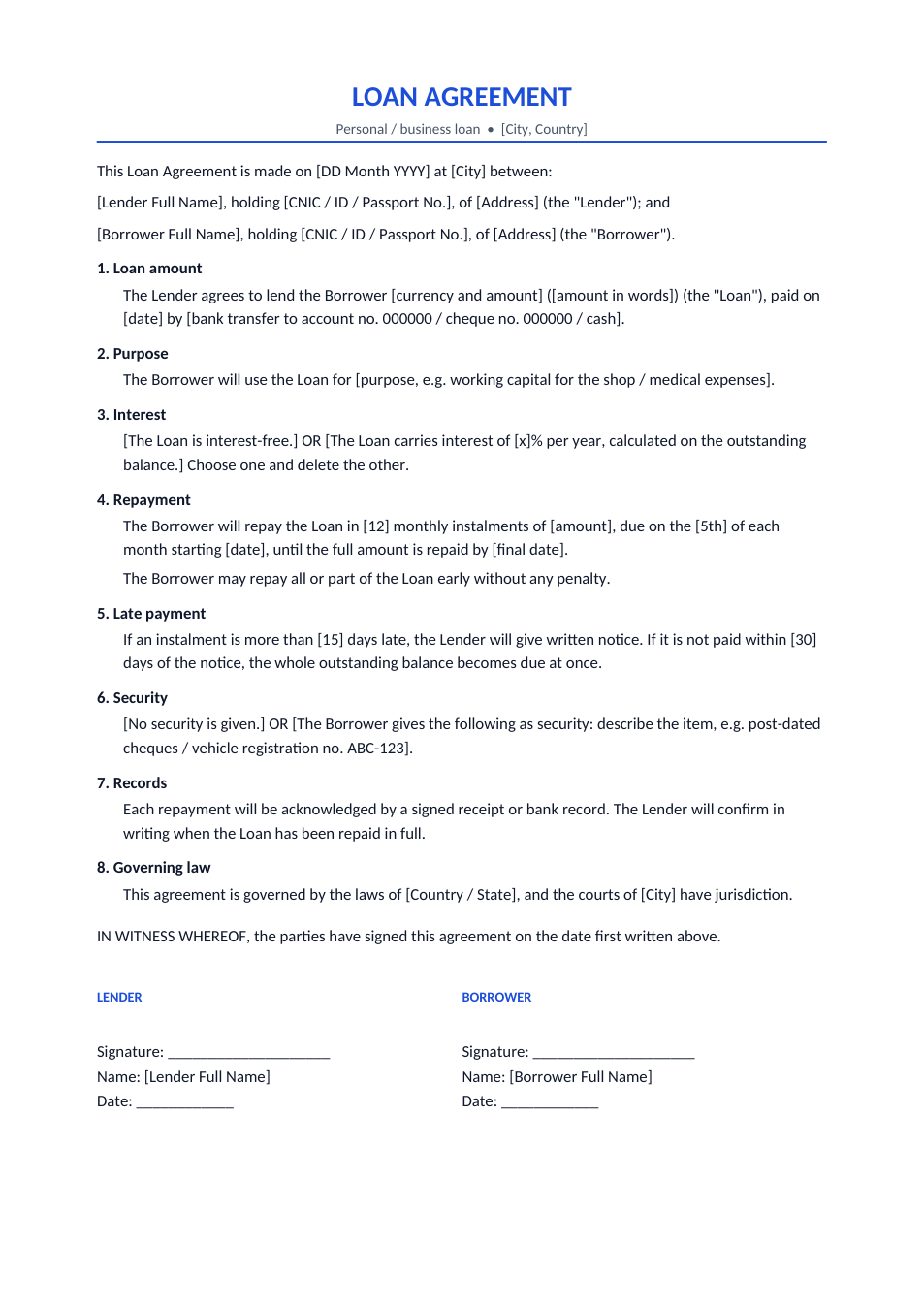
Loan Agreement template preview

Loan Agreement

Personal or business loan: amount, instalments, witnesses.

WordPDF