Sample text in [brackets], replace with yours · Agreements, Plans & Business Documents
Company Letterhead Format (Word & PDF)
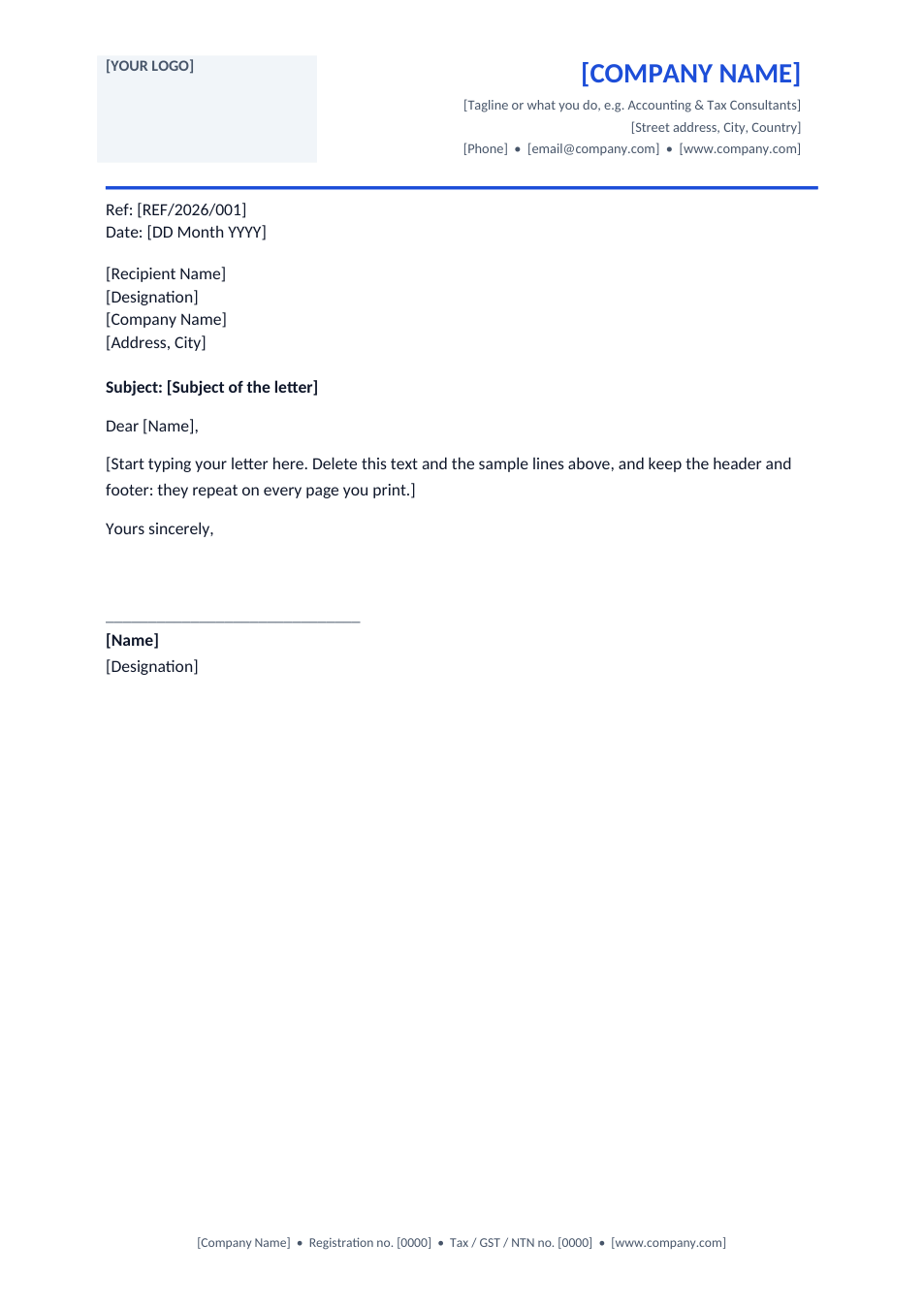
A clean business letterhead with a logo box, company details in a repeating header and a registration footer.
Opens in your browser. No Word needed, no signup.
Free for personal and commercial use · No watermark · Updated November 2026
Guide
About this company letterhead template
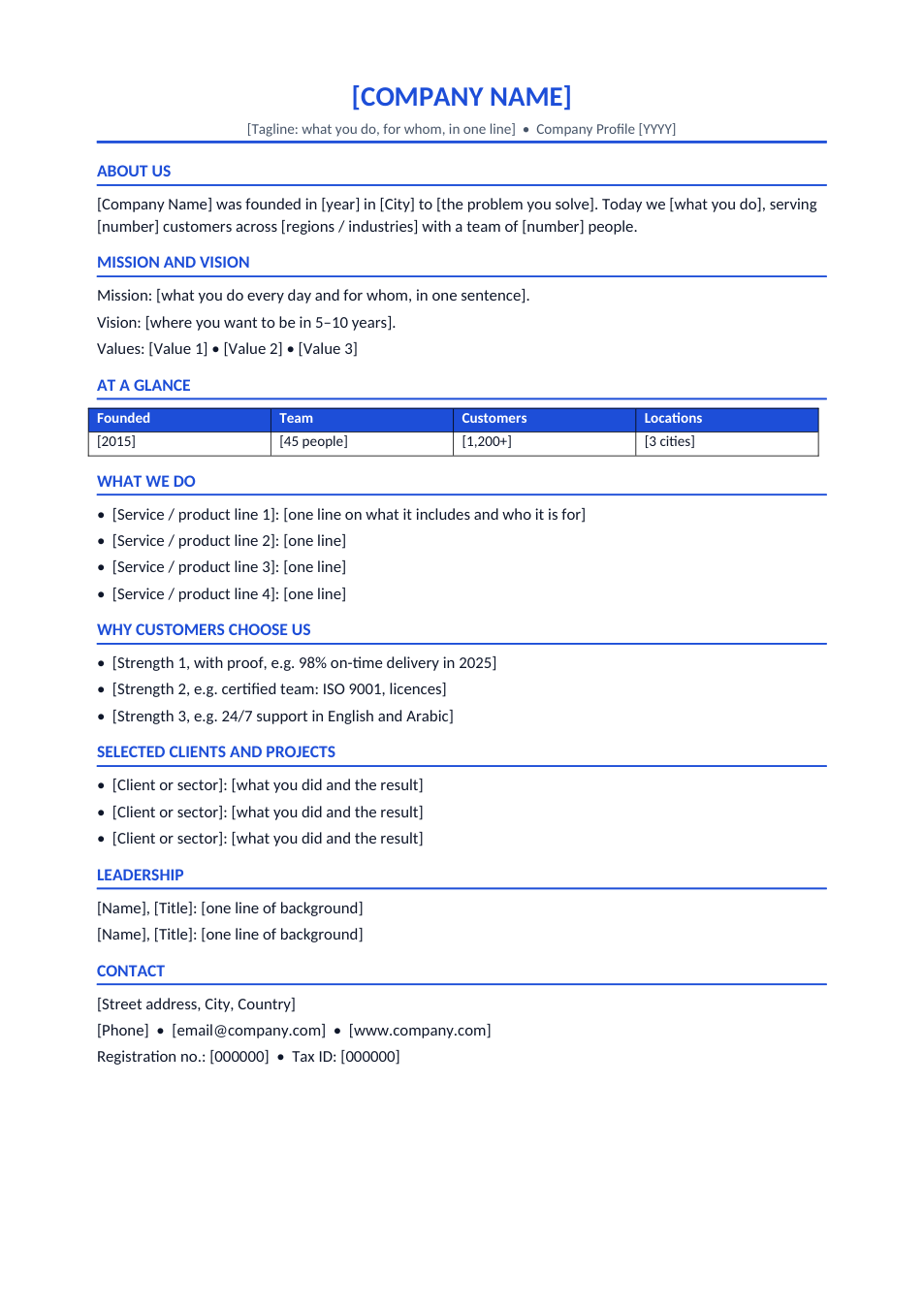
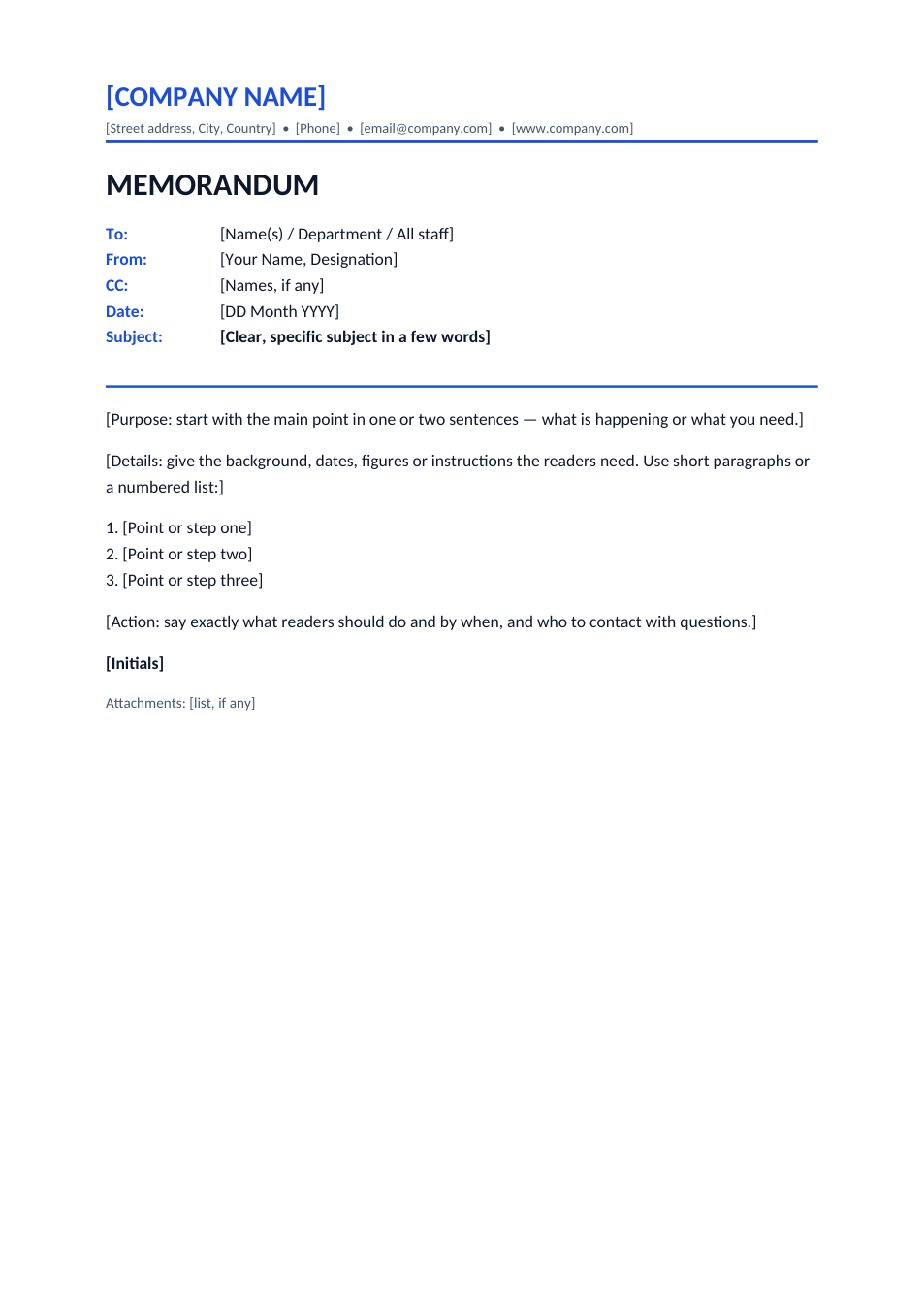
A letterhead is the printed heading on a company's letters: the logo, name, address and contact details at the top, and often registration and tax numbers at the bottom. It makes every letter look official and tells the reader how to reach you. In this Word format the heading and footer sit in the document's real header and footer, so they repeat on every page and you only type the letter in between. A sample reference, date, address block and signature show the usual layout.
How to make your letterhead
- 1
Download the Word file (the header and footer are easiest to edit in Word or Google Docs).
- 2
Double-click the header, replace "[YOUR LOGO]" with your logo image, and type your company name, tagline, address, phone, email and website.
- 3
Double-click the footer and add your registration and tax numbers.
- 4
Change the blue to your brand colour if you like, then save the file as your company letterhead.
- 5
For each letter, open a copy, type the letter in the body and export it to PDF.
Tips for a professional letterhead
Keep it light
A letterhead should take up a small part of the page and leave room for the letter.
Legal details
In many countries companies must show their registered name and number on business letters.
Use a high-resolution logo
A PNG or SVG logo prints sharply; a small JPG looks blurred.
One master file
Keep one saved letterhead and always start new letters from a copy of it.
Frequently Asked Questions
Tools that help
Word to PDF
Convert Word documents to PDF format with perfect formatting
Sign PDF
Add a handwritten, typed, or uploaded signature to your PDF and download the signed file.
Remove Background
Automatically remove image backgrounds with AI precision
Resize Image
Resize images to any custom dimensions or percentage