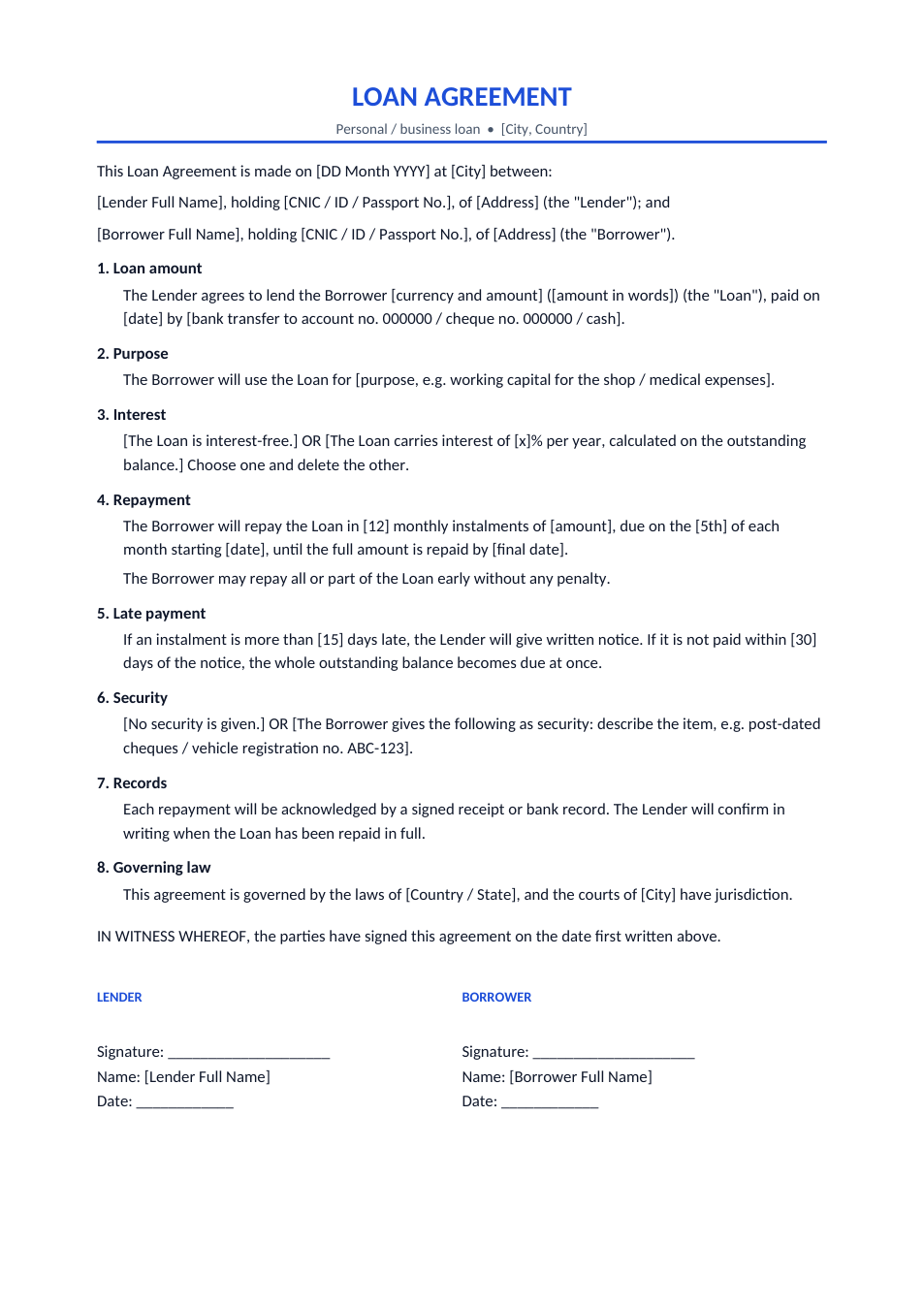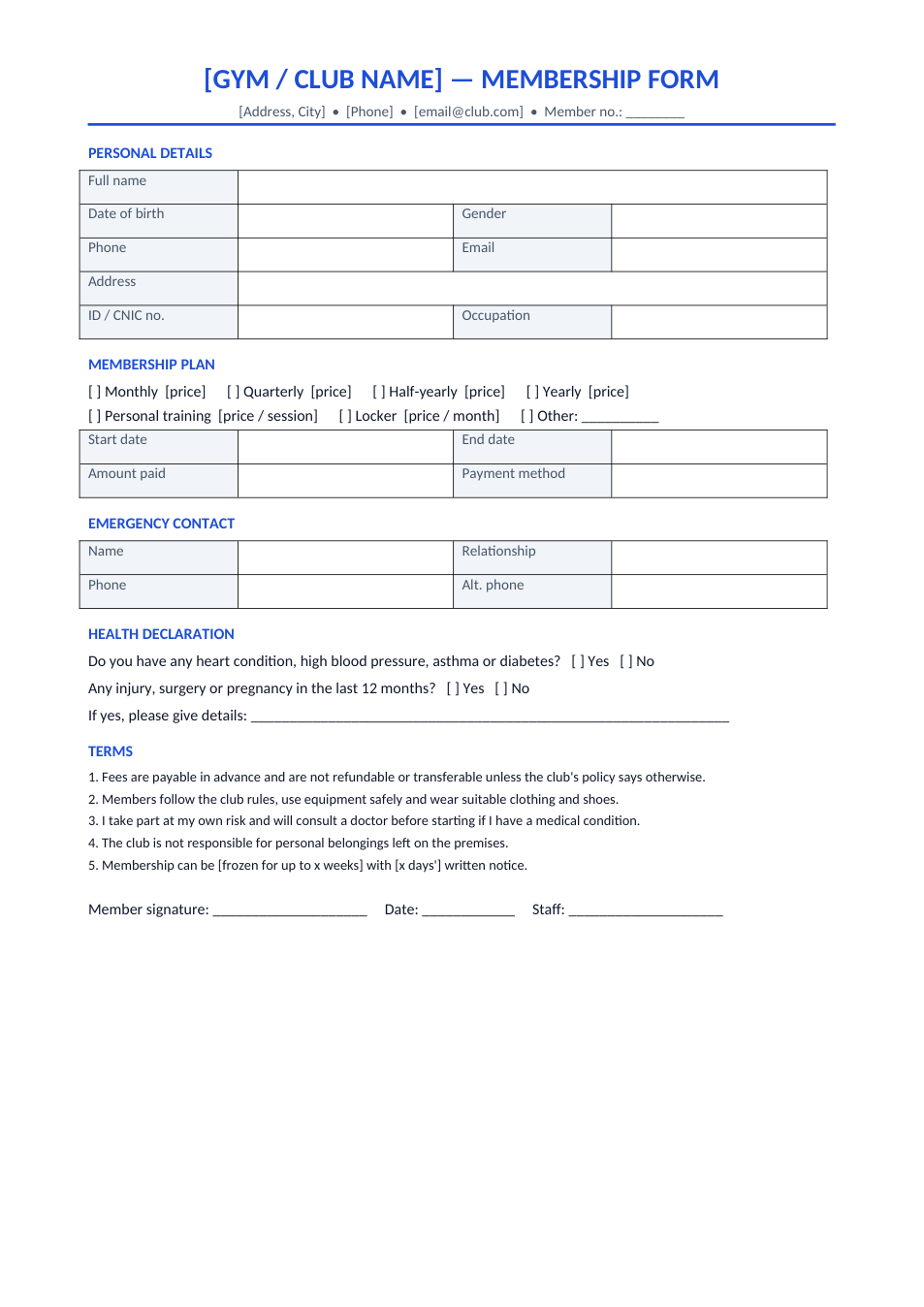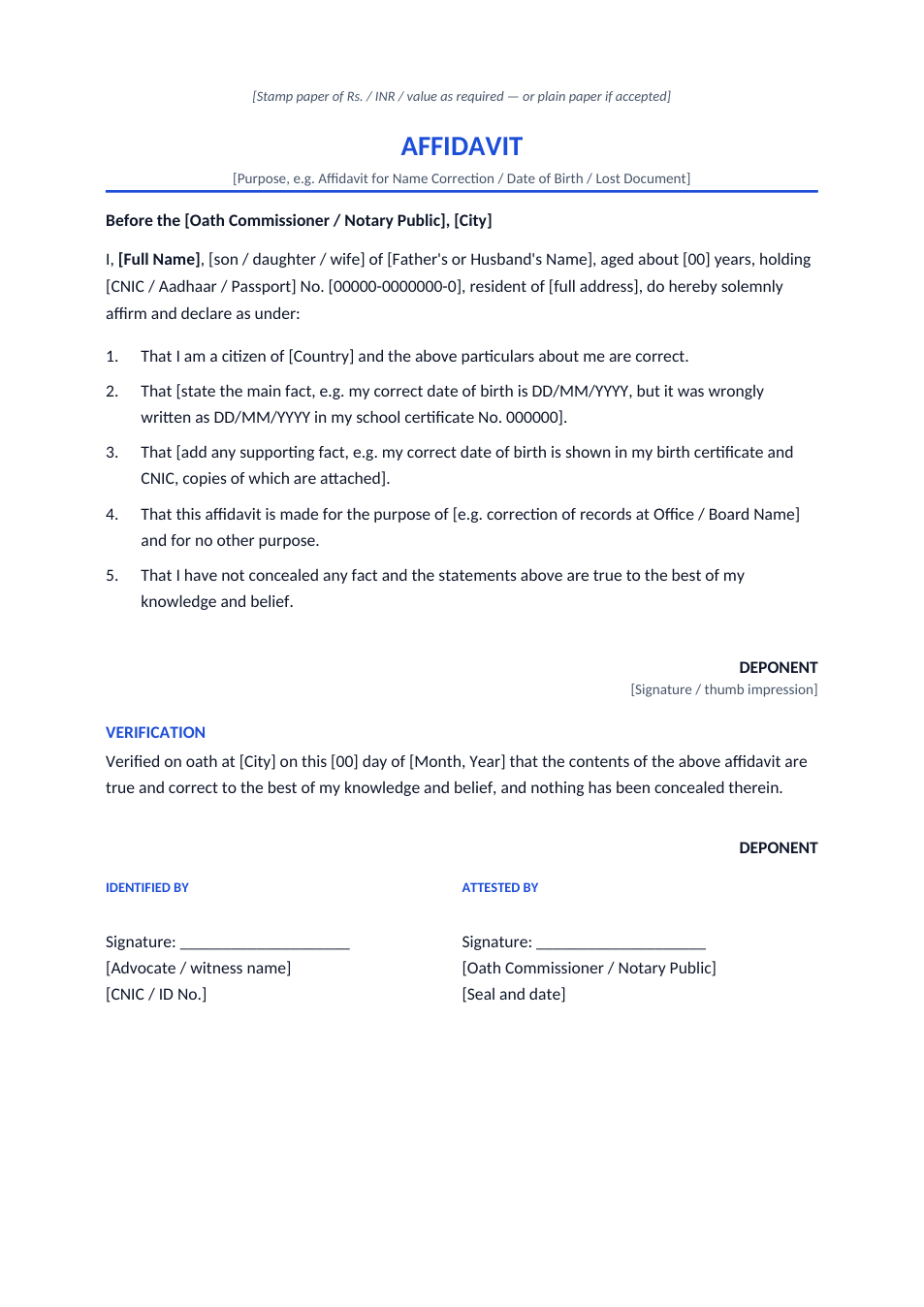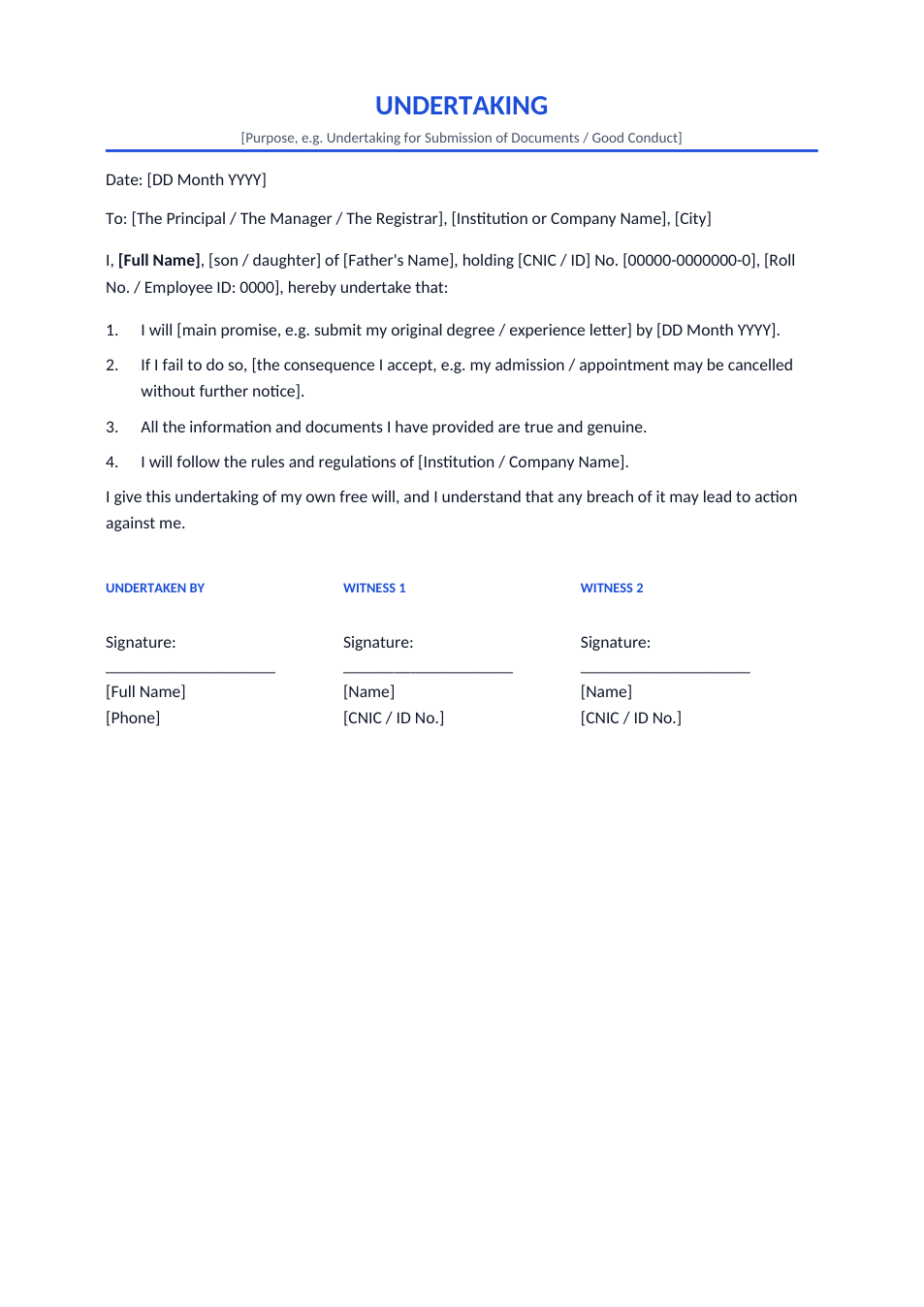
Sample text in [brackets], replace with yours · Agreements, Plans & Business Documents
Bill of Sale Template (Word & PDF)
A simple bill of sale for a car, motorbike, boat, equipment or any personal property, with buyer and seller signatures.
Opens in your browser. No Word needed, no signup.
Free for personal and commercial use · No watermark · Updated November 2026
Guide
About this bill of sale template
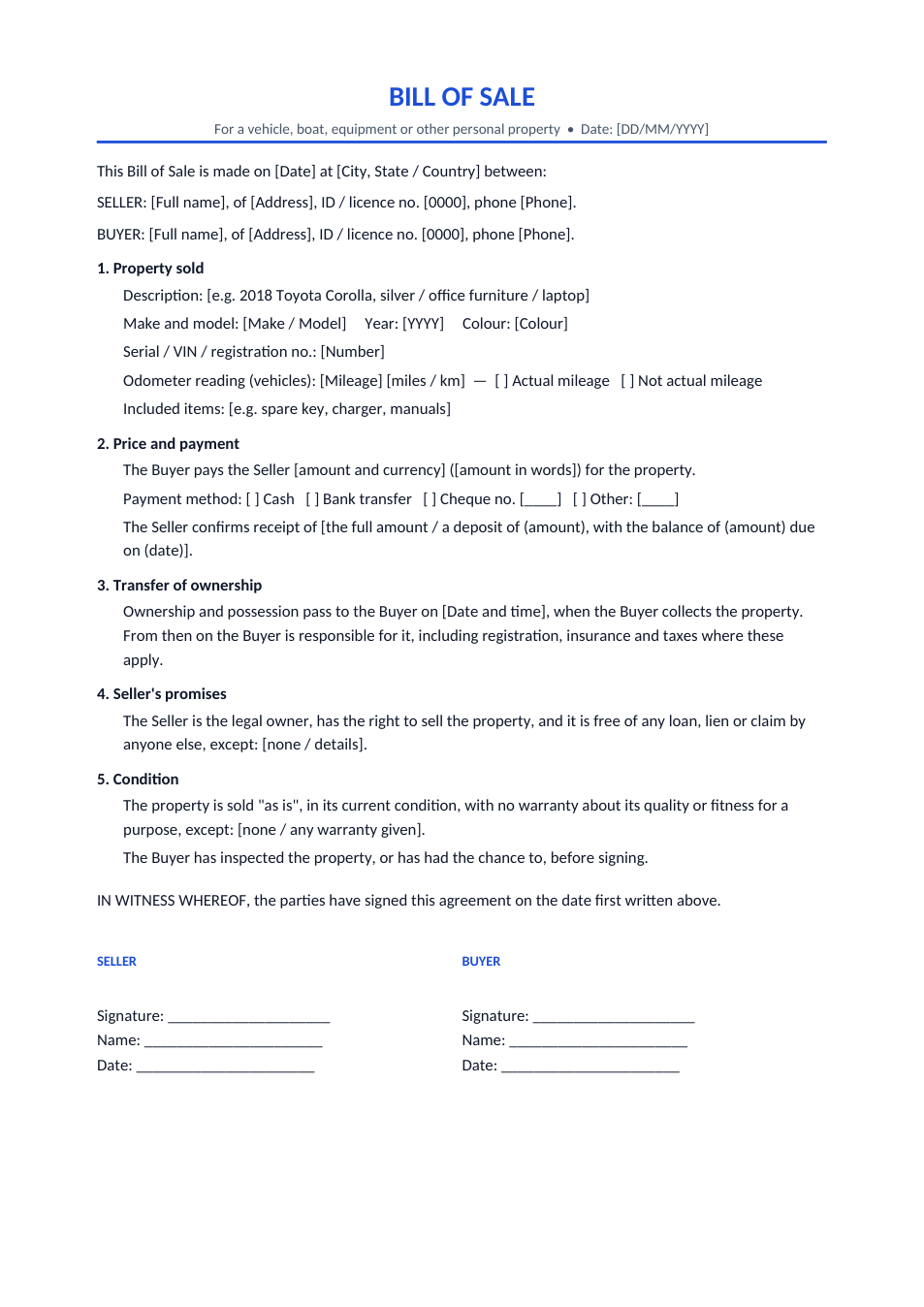
A bill of sale is the written record that ownership of something passed from a seller to a buyer for an agreed price. It protects both sides: the buyer can prove they own the item, and the seller can prove when it stopped being theirs. This template covers a vehicle (make, model, VIN and odometer) or any other personal property, the price and how it was paid, an "as is" clause, the seller's promise that the item is theirs to sell, and signature and witness lines.
How to fill in a bill of sale
- 1
Click "Edit online", or download the Word file.
- 2
Enter the full names, addresses and ID or licence numbers of the seller and the buyer.
- 3
Describe the item exactly: make, model, year, colour and the VIN, serial or registration number. For a vehicle, record the odometer reading.
- 4
Write the price in figures and words and tick how it was paid.
- 5
Both sign on the day of the sale, keep one copy each, and have it witnessed or notarised if your state or country asks for that.
Tips for a private sale
Check the number
Compare the VIN or serial number on the item with the registration papers before you sign.
Notarise if required
Some US states and other countries require a notarised bill of sale for vehicles or boats. Check with your motor vehicle office.
Transfer the registration
A bill of sale proves the sale but doesn't change the official vehicle record. Both parties still need to complete the transfer form.
Keep a copy
The seller should keep a copy as proof of the date the item was sold, in case of later fines or claims.
Frequently Asked Questions
Tools that help
Word to PDF
Convert Word documents to PDF format with perfect formatting
Sign PDF
Add a handwritten, typed, or uploaded signature to your PDF and download the signed file.
Scan Document to PDF
Turn phone photos of documents into a clean, straightened PDF scan. Auto edge detection, filters, multiple pages.
Merge PDF
Combine multiple PDF files into one document