Sample text in [brackets], replace with yours · Agreements, Plans & Business Documents
Checklist Template (Excel & PDF)
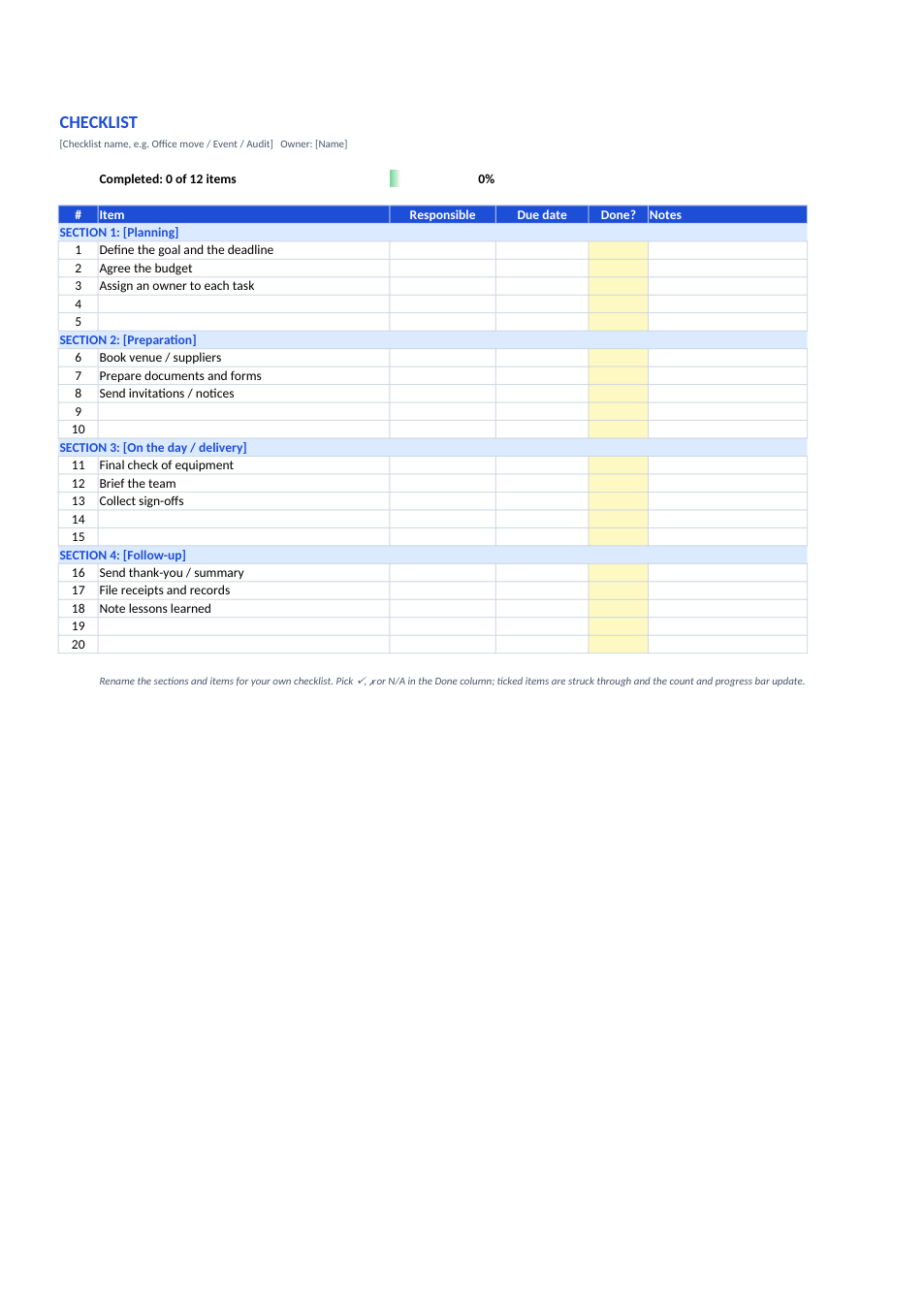
A general checklist in sections with responsible person, due date, ✓ / ✗ / N/A drop-down, a completed count and a progress bar.
Opens in your browser. No Excel needed, no signup.
Free for personal and commercial use · No watermark · Updated November 2026
Guide
About this checklist template
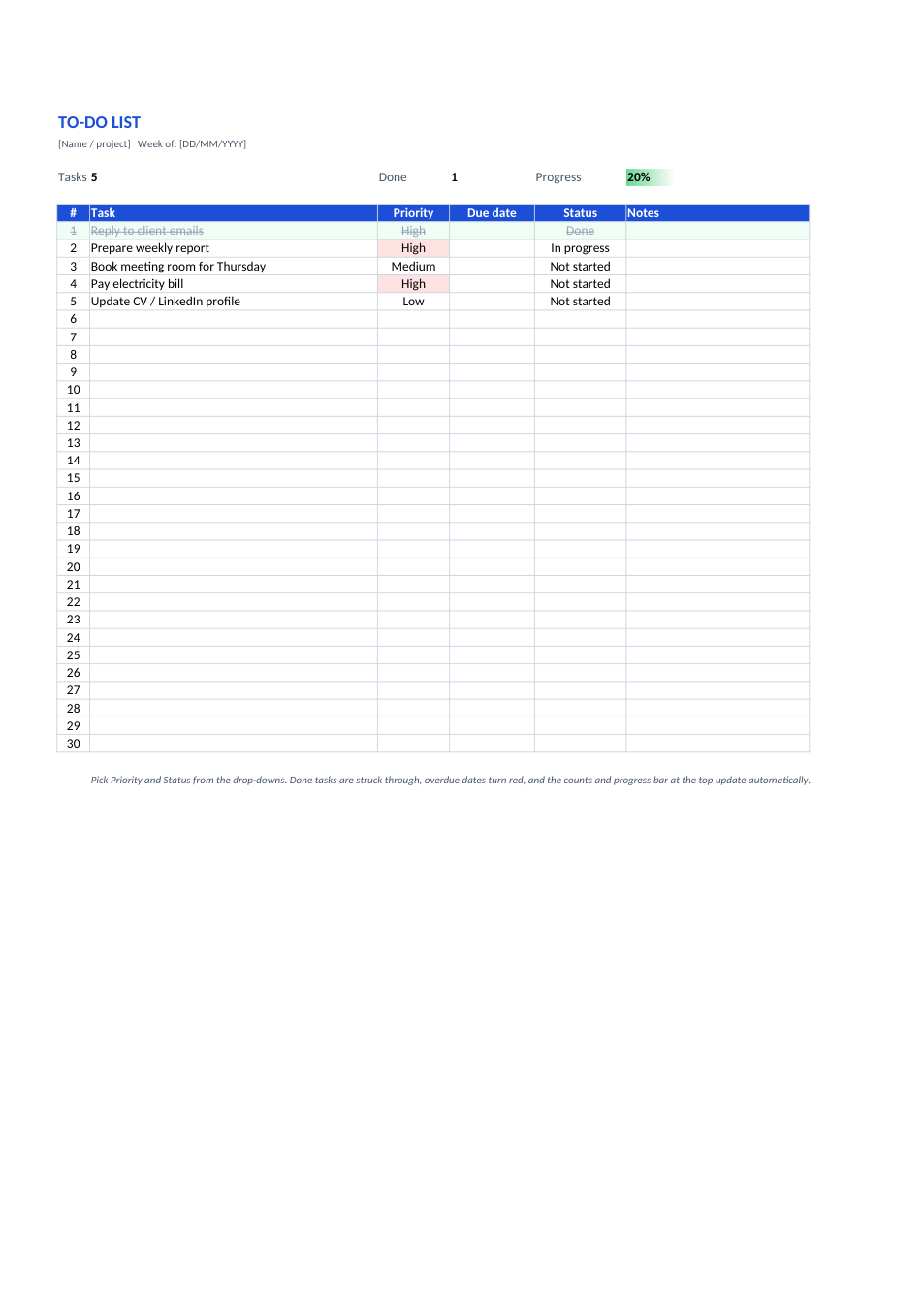
A checklist makes sure every step of a job is done, in the right order, by the right person, whether that is an office move, an event, an audit, a product launch or a daily opening routine. This Excel checklist is grouped into sections you can rename, each with space for items, the person responsible, a due date and notes. Pick ✓, ✗ or N/A in the Done column: ticked items are struck through, and the count and progress bar at the top update automatically.
How to use the checklist
- 1
Click "Edit online", or download the Excel file.
- 2
Rename the sheet heading and the four sections for your job.
- 3
Replace the sample items with your own and add who is responsible and by when.
- 4
Pick ✓ when an item is done, ✗ if it failed or was skipped, or N/A if it doesn't apply.
- 5
Watch the completed count and progress bar, and save a copy as PDF when it's finished.
Tips for a checklist that gets used
One action per line
Each item should be one thing someone can tick, not a paragraph.
Put them in order
List items in the order they are done, grouped by stage.
Name an owner
An item with a named person and a date is far more likely to be done.
Reuse it
Save the finished version as your standard checklist for next time, and add anything you missed.