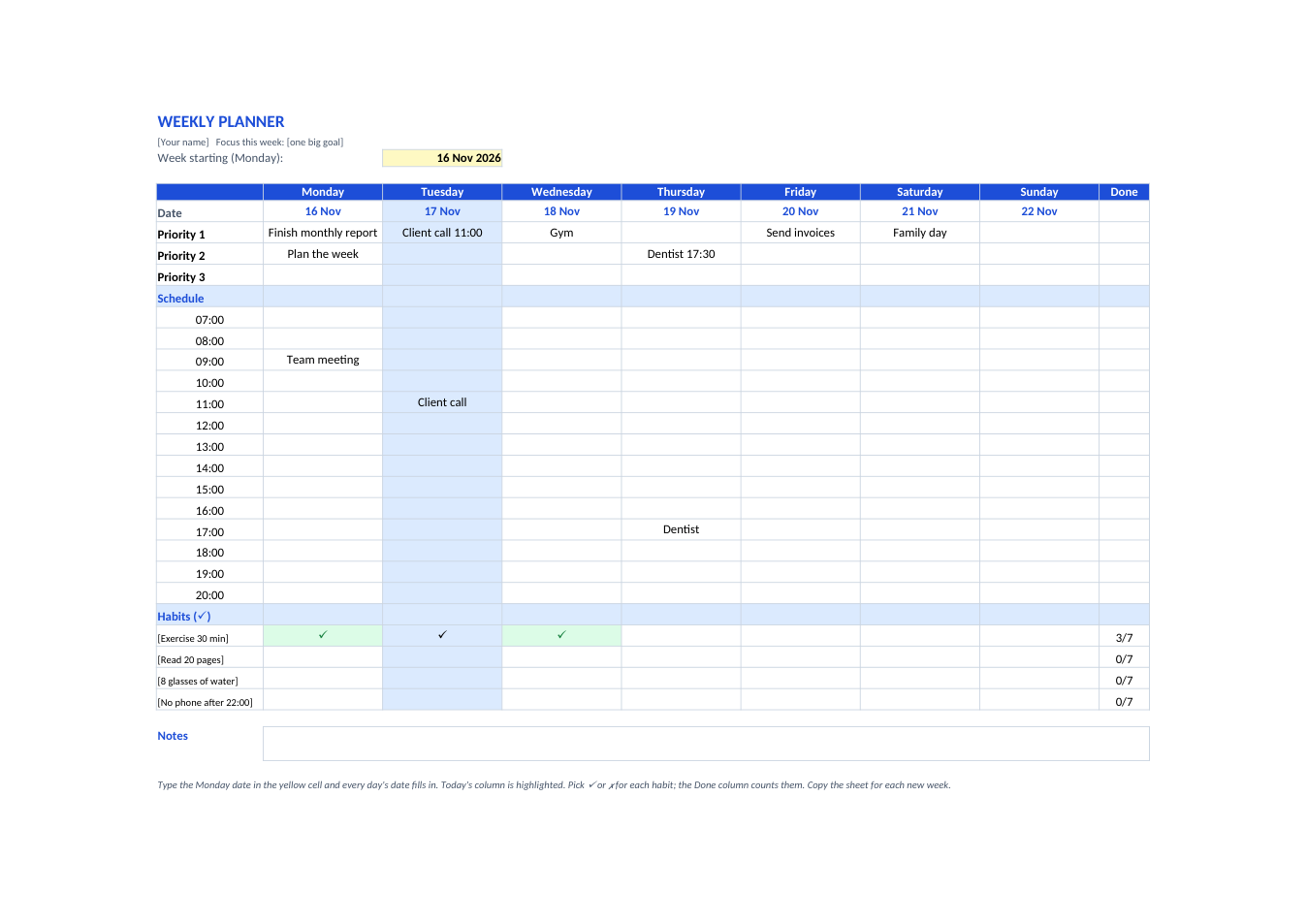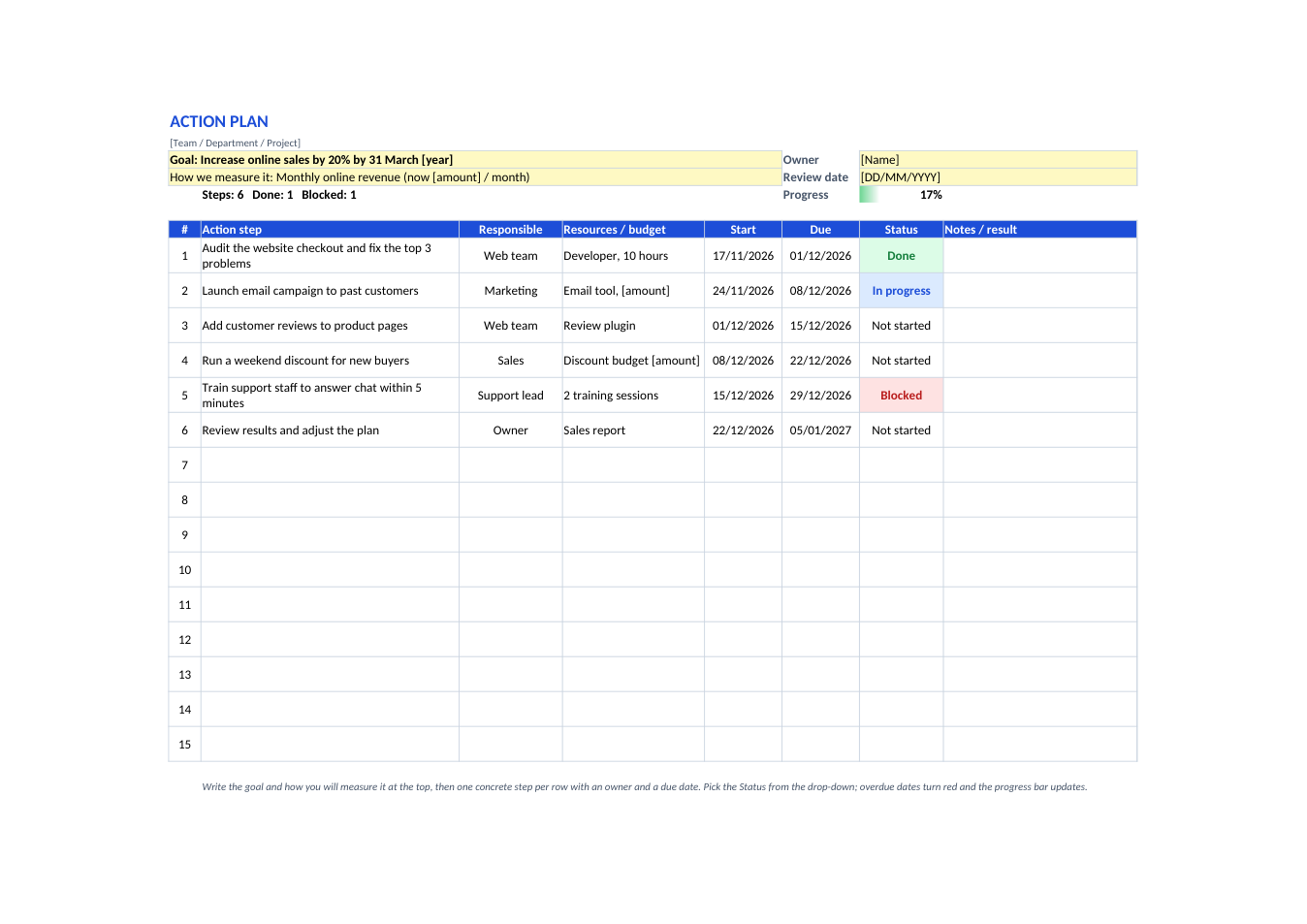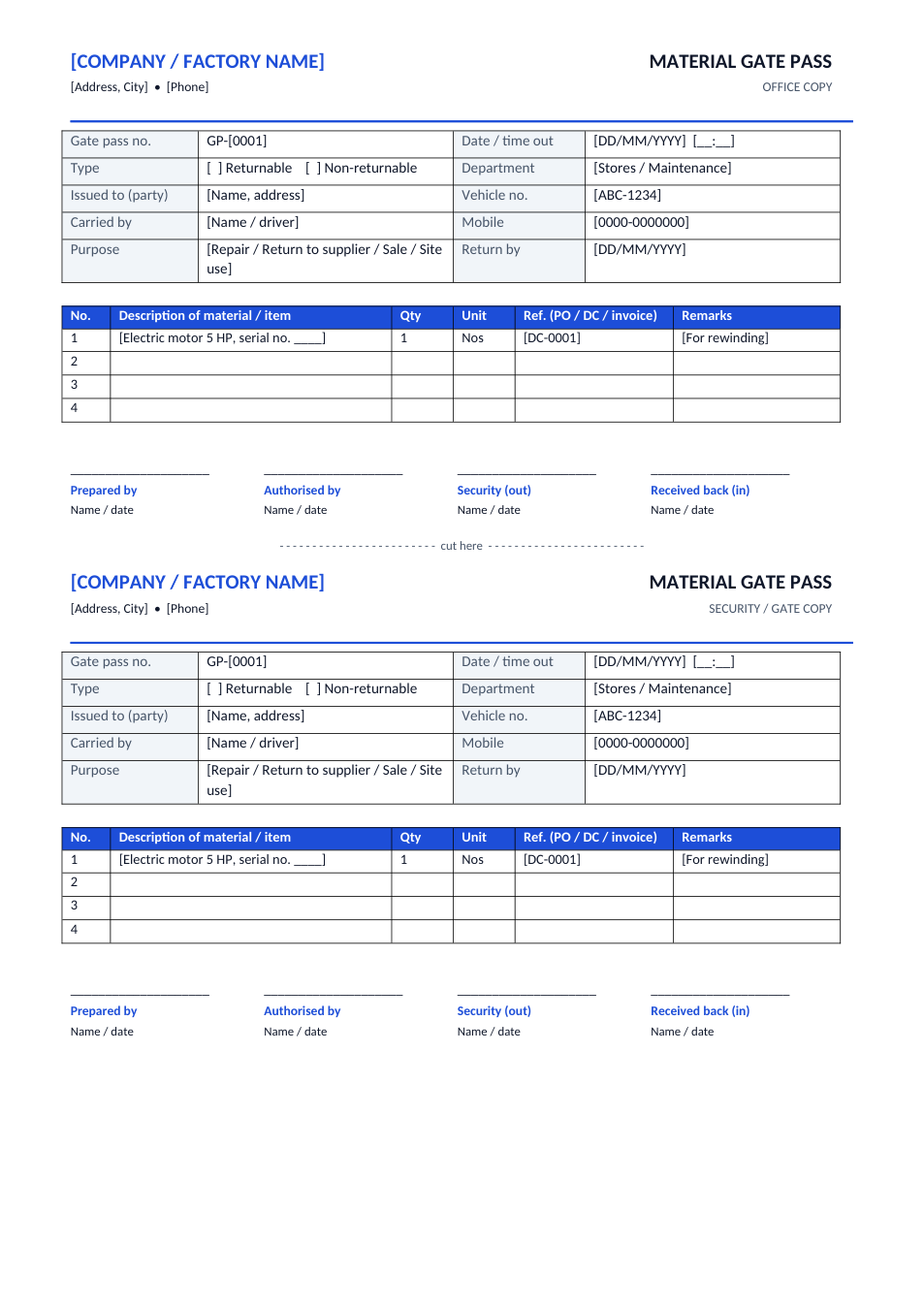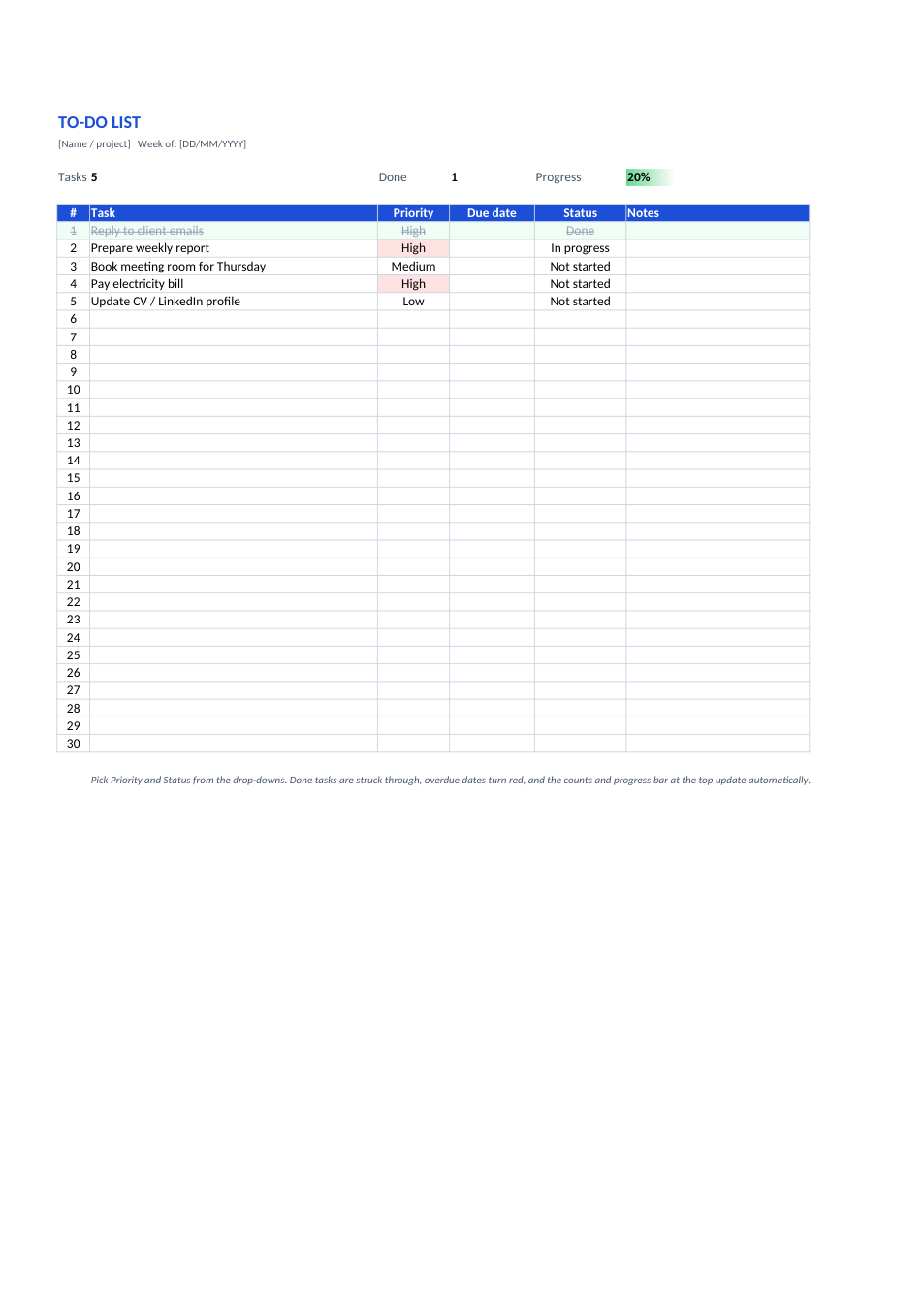
Sample text in [brackets], replace with yours · Agreements, Plans & Business Documents
To-Do List Template (Excel & PDF)
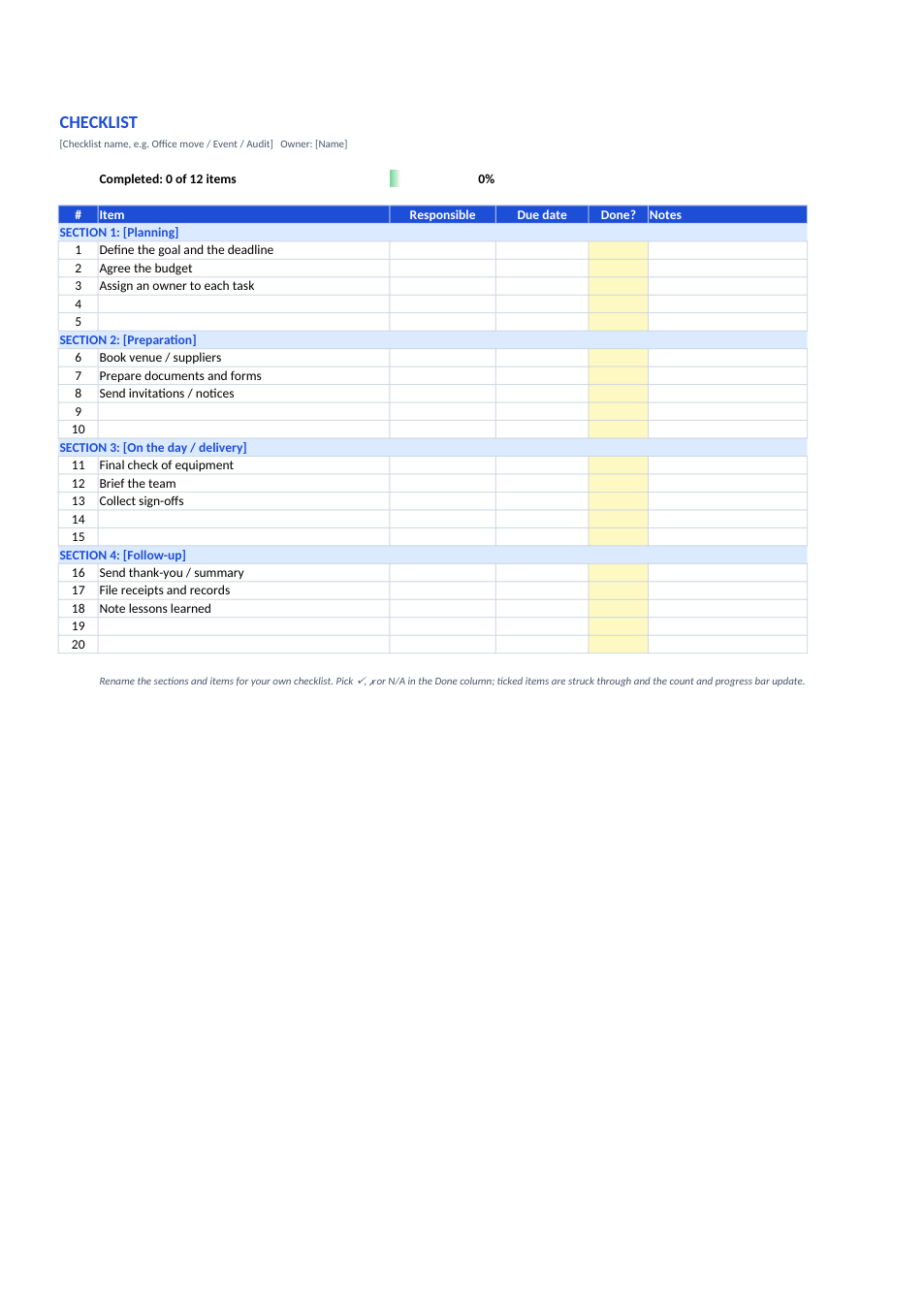
Tasks with priority and status drop-downs, overdue dates in red, done tasks struck through, and a progress bar at the top.
Opens in your browser. No Excel needed, no signup.
Free for personal and commercial use · No watermark · Updated November 2026
Guide
About this to-do list template
A to-do list keeps everything you need to get done in one place, so nothing is forgotten and you can see what matters most. This Excel list goes a step further than paper: each task has a priority (High, Medium, Low), a due date and a status, high-priority tasks are highlighted, overdue dates turn red, finished tasks are struck through automatically, and the top of the sheet counts your tasks and shows a progress bar. Print the PDF if you prefer to tick tasks by hand.
How to use the to-do list
- 1
Click "Edit online", or download the Excel file.
- 2
Type each task and pick its priority from the drop-down.
- 3
Add a due date for anything with a deadline.
- 4
Change the status to "In progress" or "Done" as you work; done tasks are struck through.
- 5
Check the progress bar, and clear finished rows at the end of the week.
Tips to get more done
Three priorities a day
Mark no more than three tasks a day as High, and do them first.
Make tasks specific
"Email the report to Ahmed" is easier to start than "Report".
Break big tasks down
If a task takes more than a couple of hours, split it into smaller steps.
Review weekly
Each week, delete done tasks, move what's left and add new ones.
Frequently Asked Questions
Tools that help
Excel to PDF
Convert Excel spreadsheets to PDF with all sheets preserved
PDF to Excel
Extract tables from PDF into editable Excel spreadsheets
Word Counter
Count words, characters, sentences and reading time
QR Code Generator
Generate QR codes for URLs, text, WiFi and more