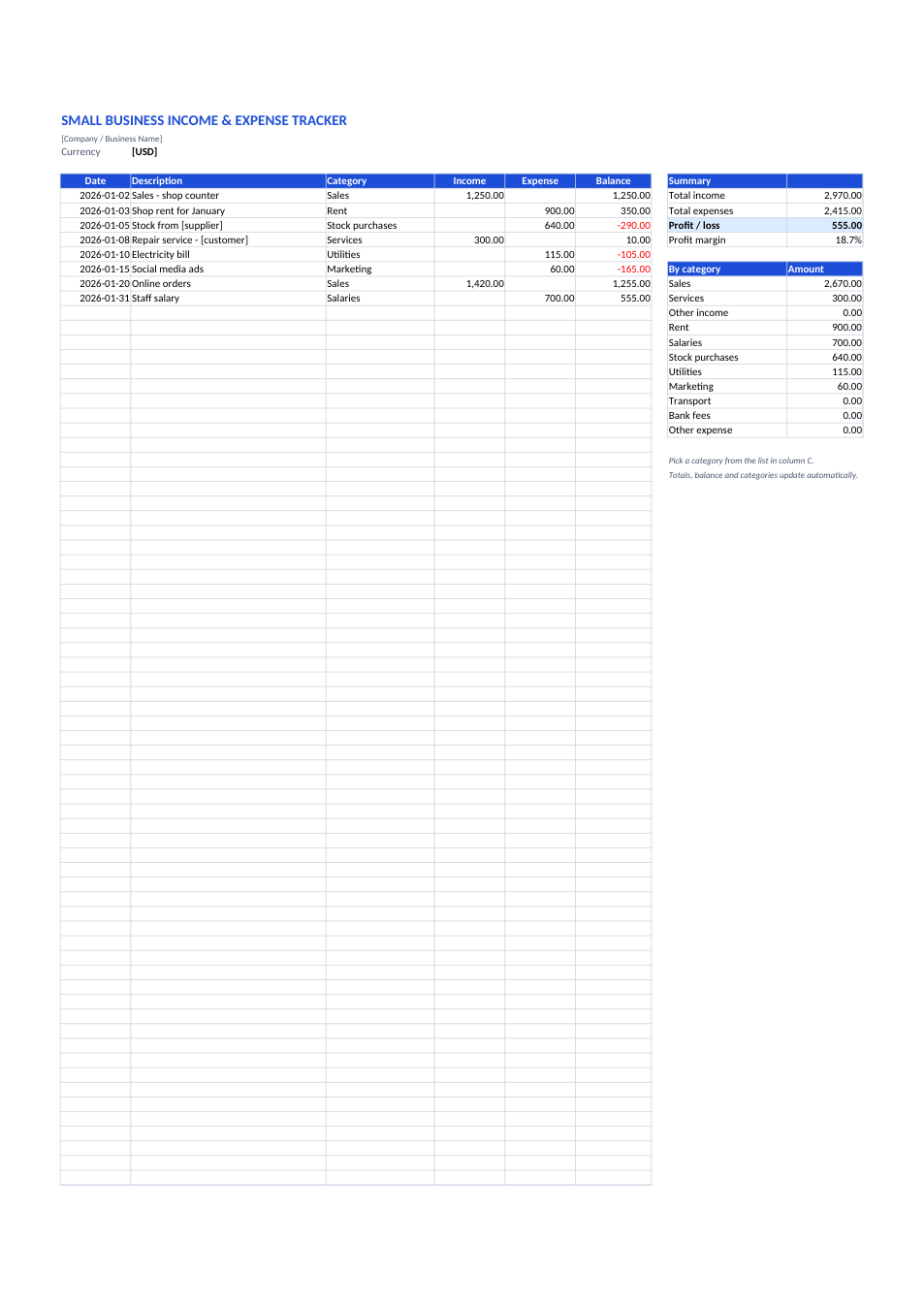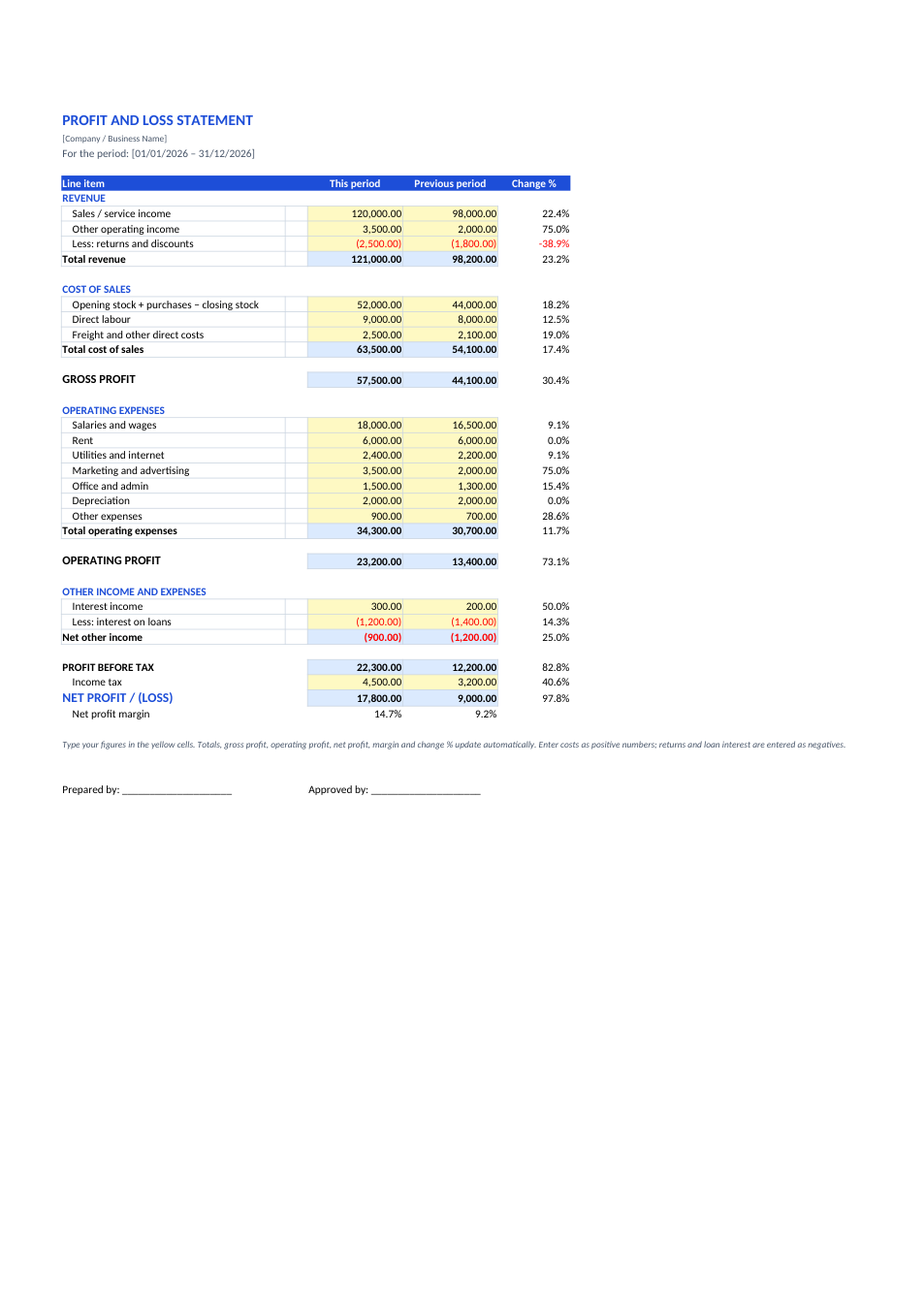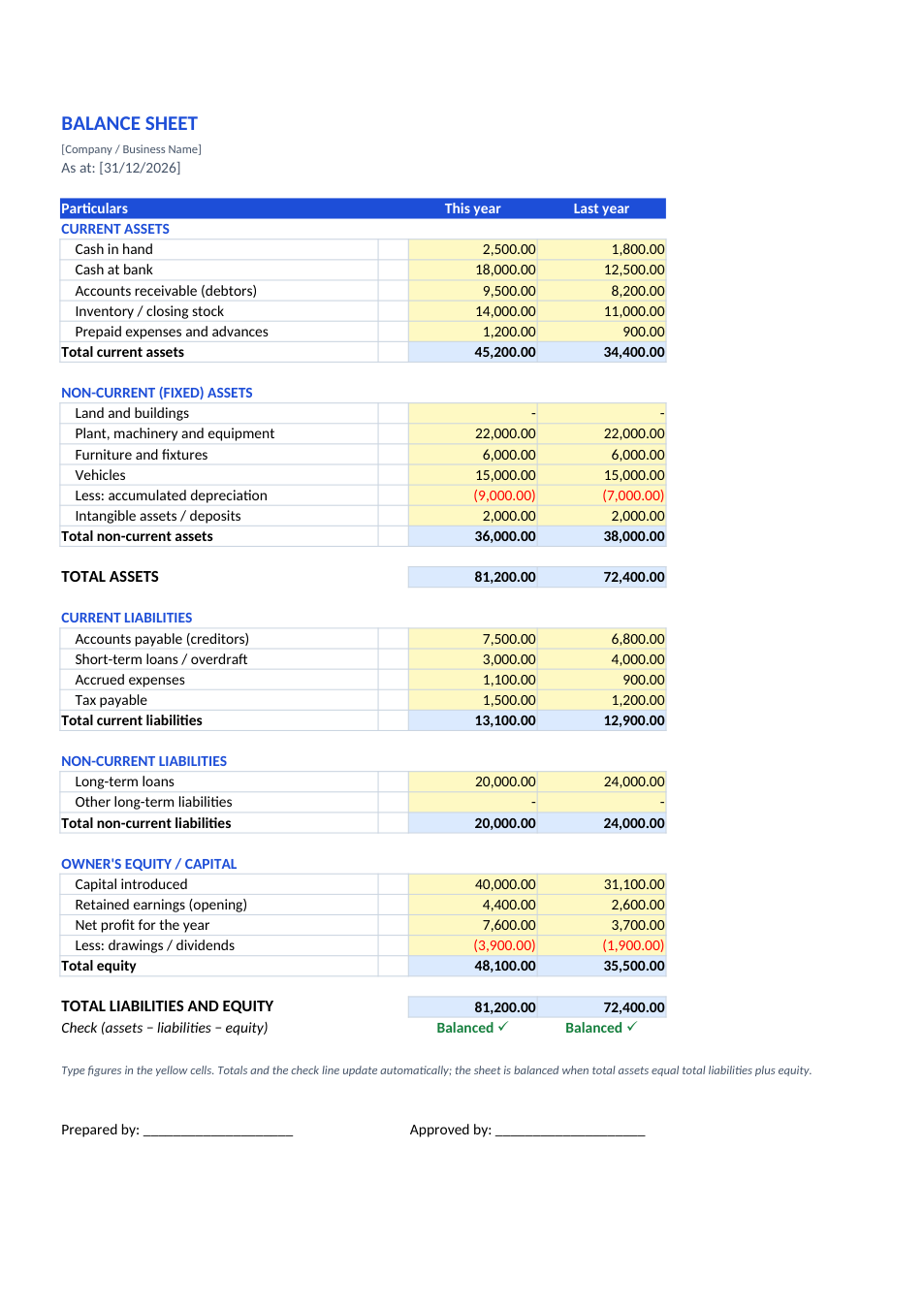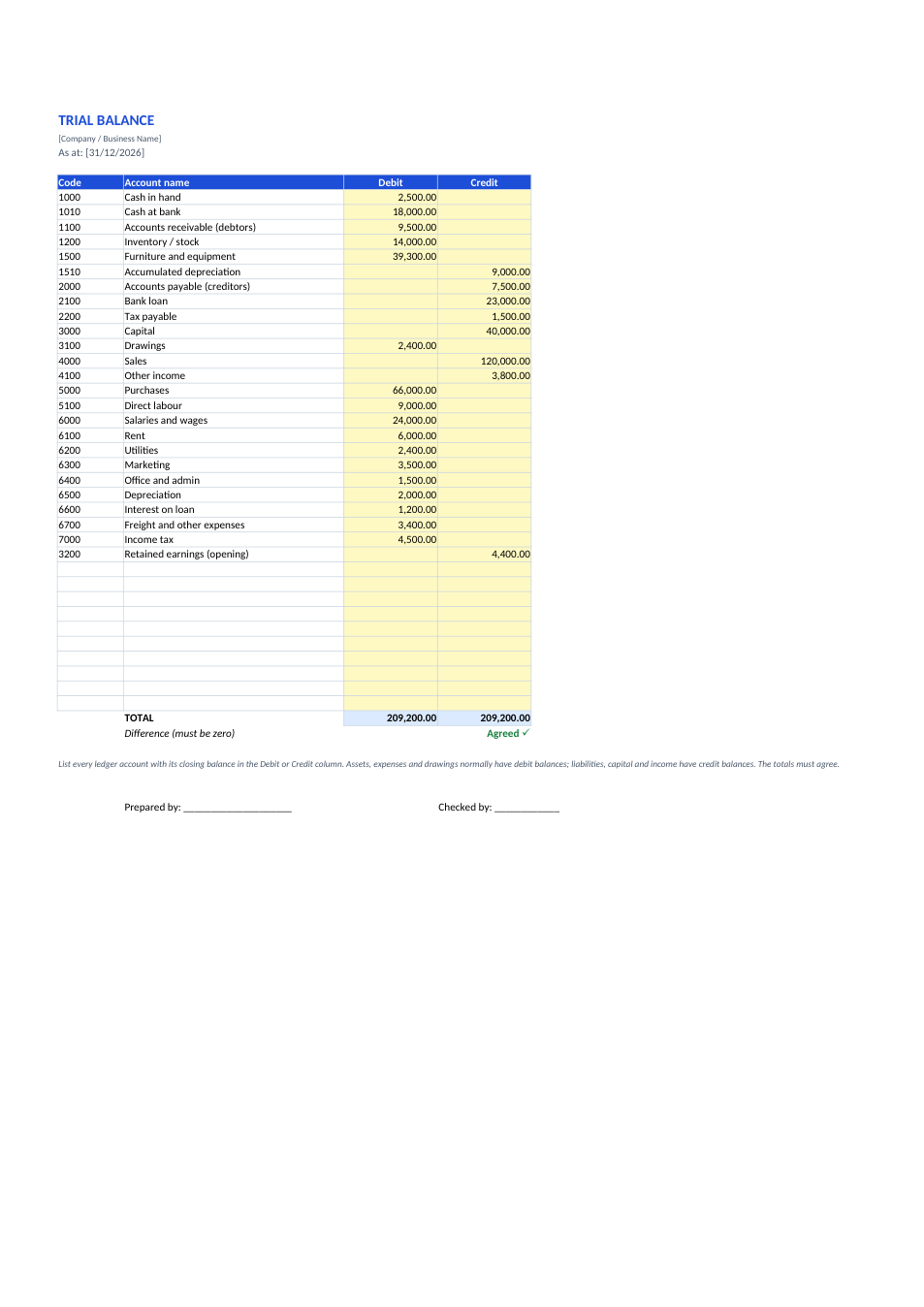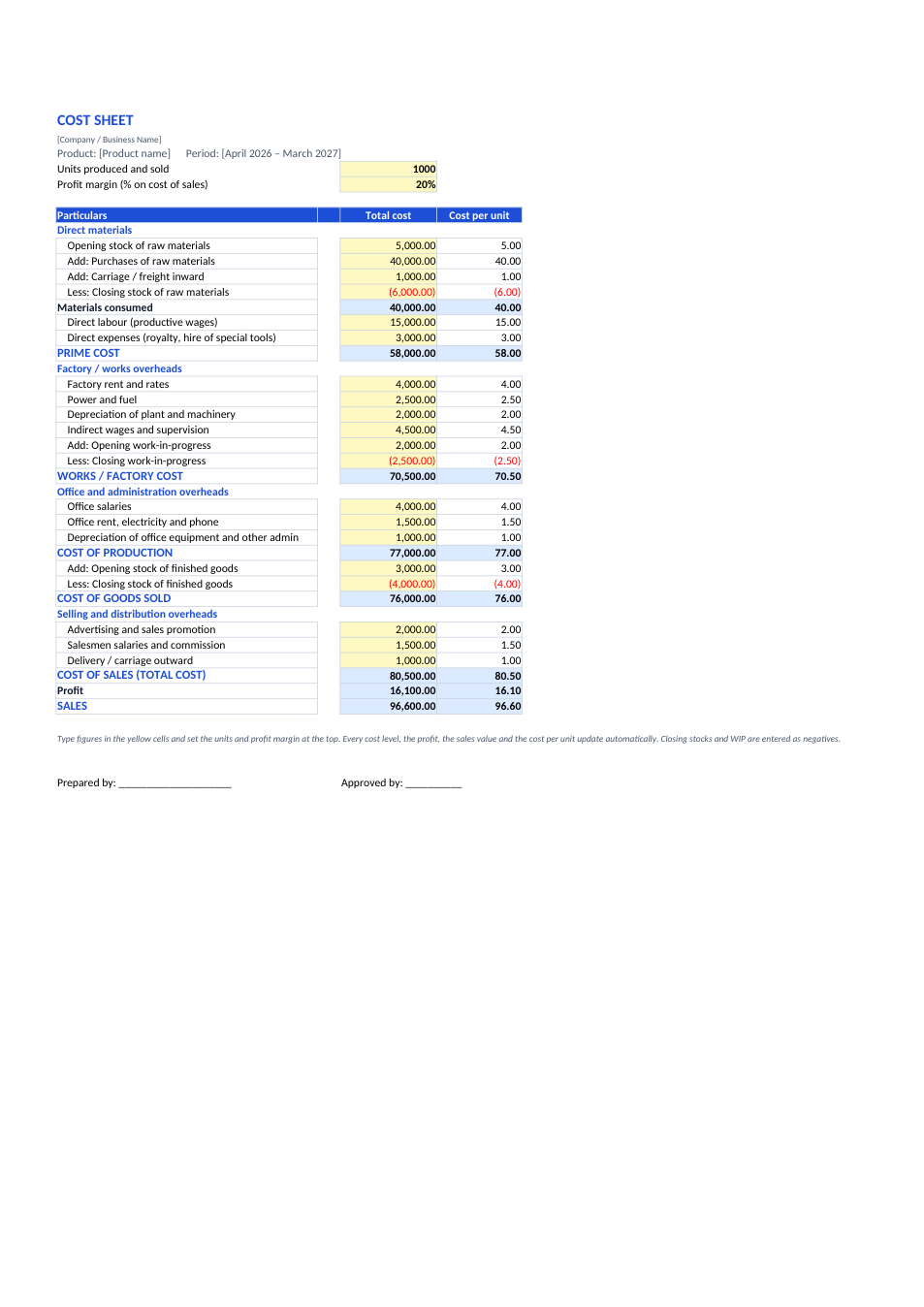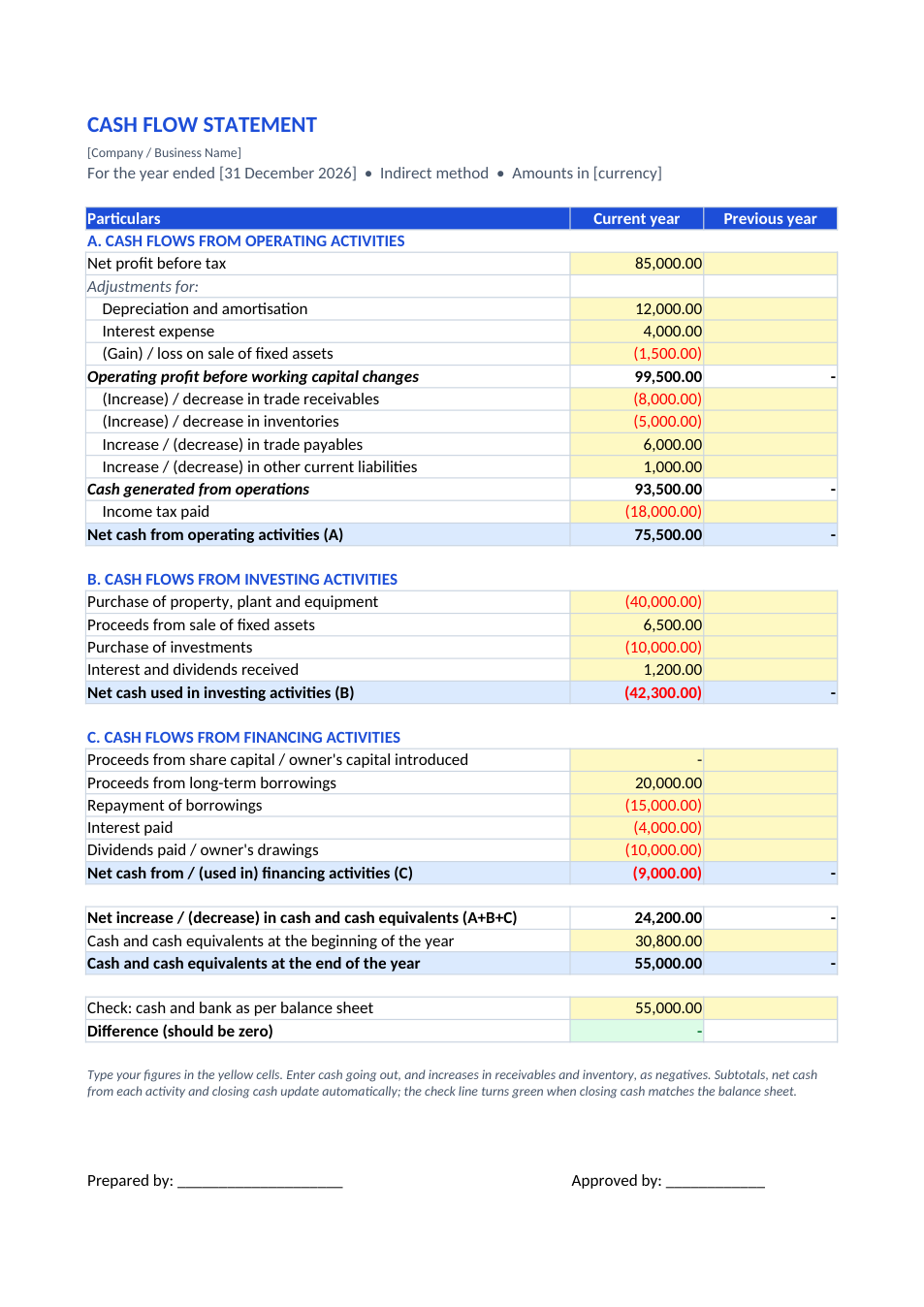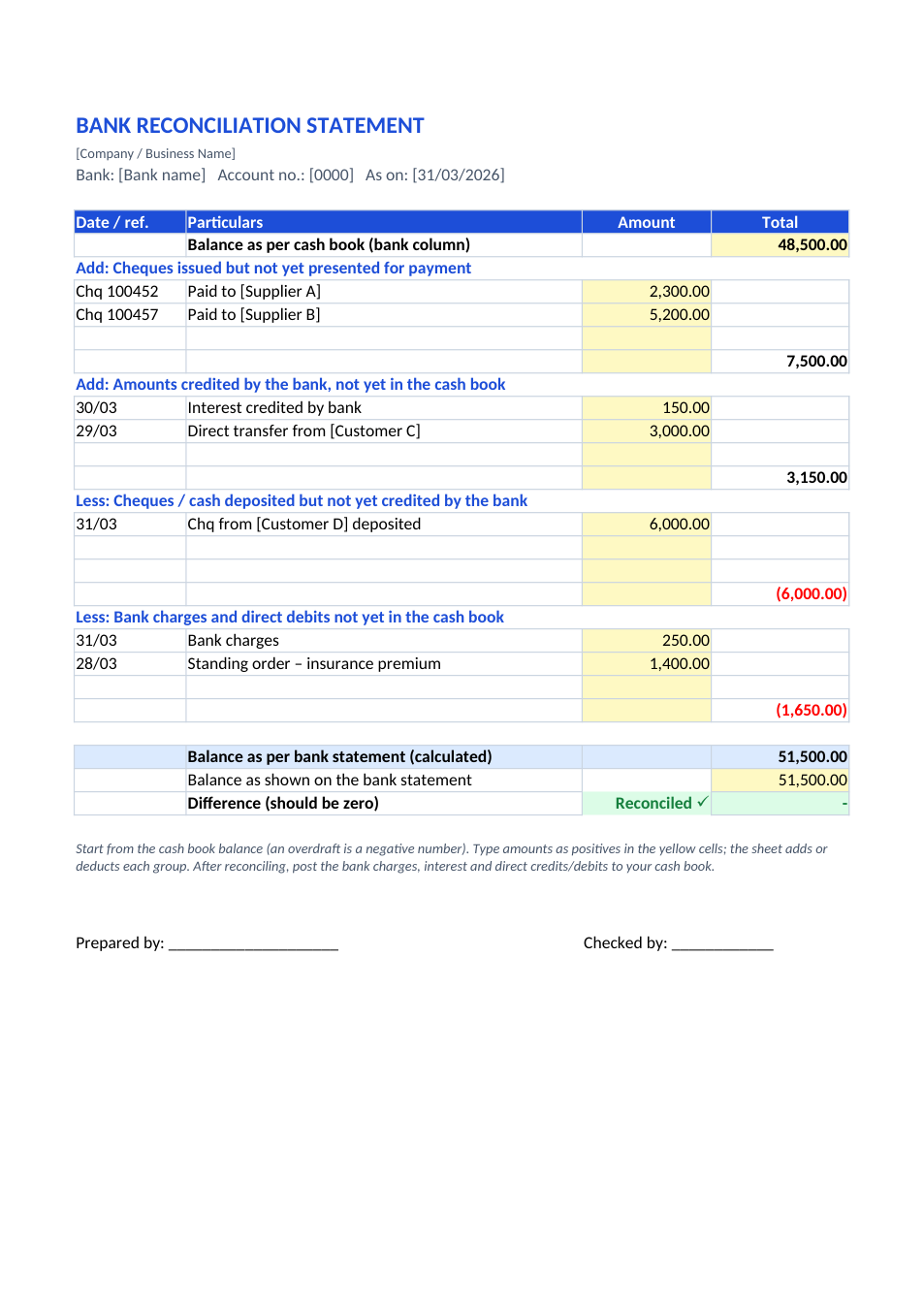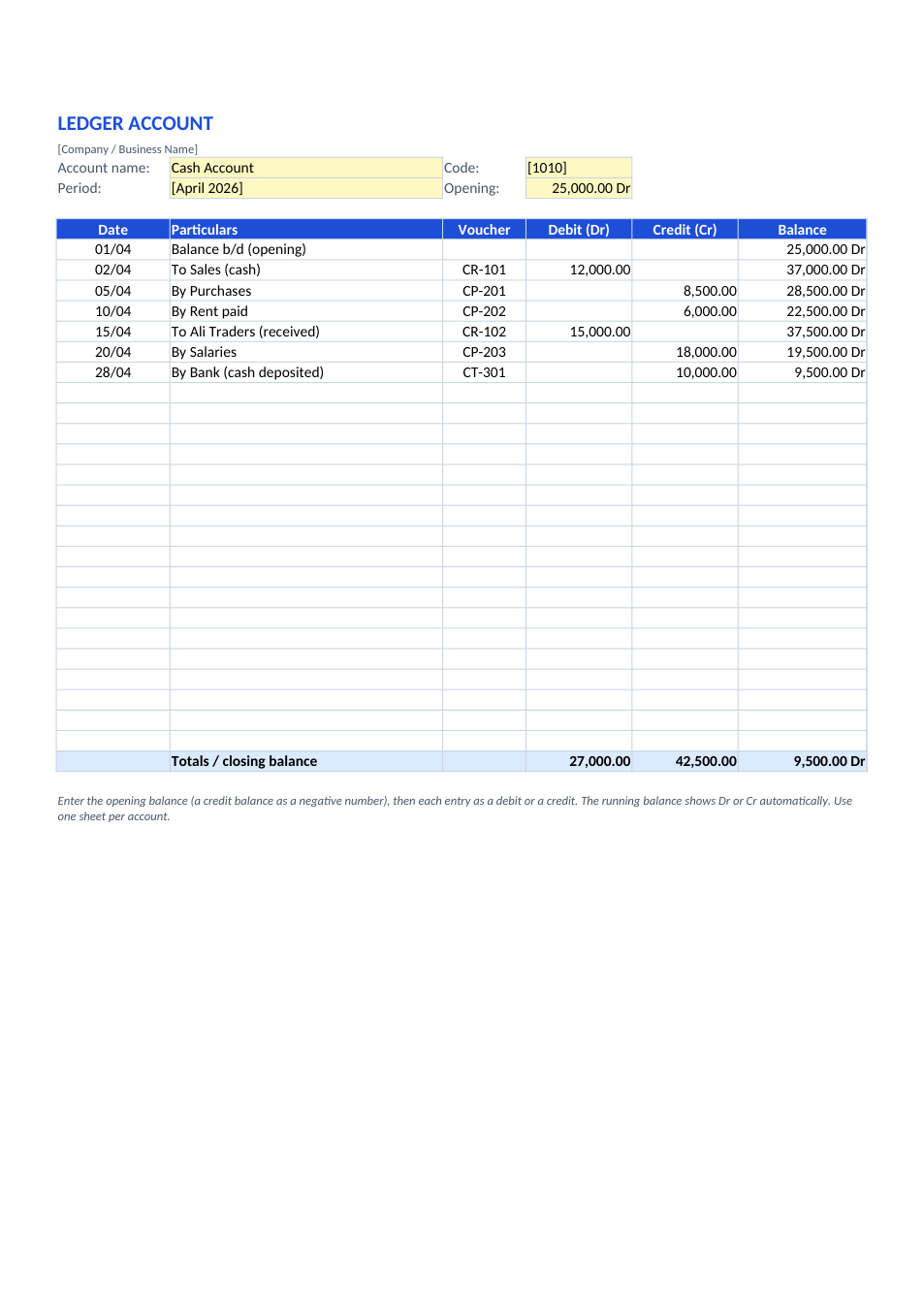
Sample text in [brackets], replace with yours · Accounting & Small Business Spreadsheets
Trading Account Format (Excel & PDF)
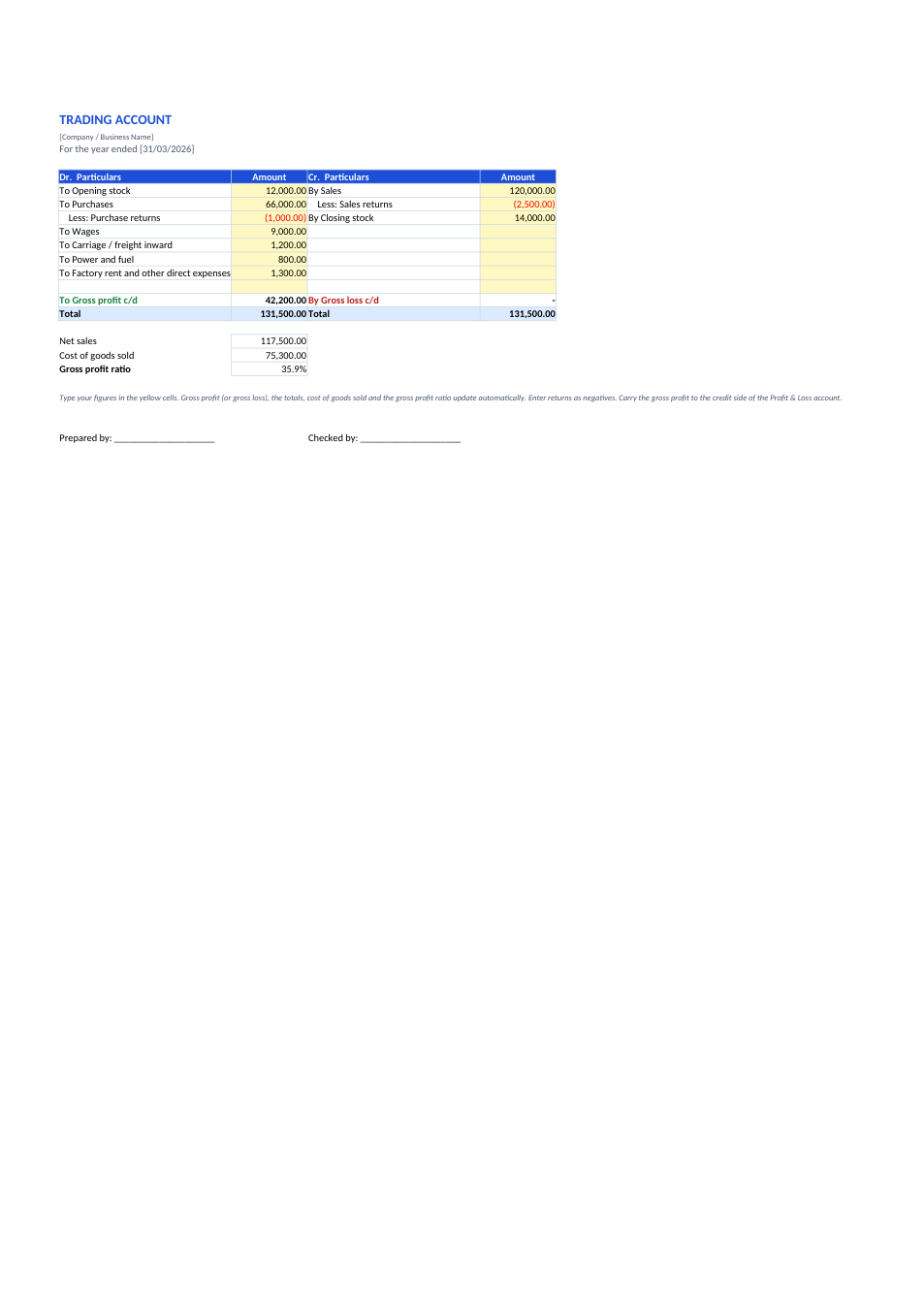
Opening stock, purchases and direct expenses on the debit side, sales and closing stock on the credit side; gross profit balances it.
Opens in your browser. No Excel needed, no signup.
Free for personal and commercial use · No watermark · Updated November 2026
Guide
About this trading account template
A trading account is the first part of the final accounts of a business that buys and sells goods. It compares net sales and closing stock (credit side) with opening stock, net purchases and direct expenses such as wages, freight inward and power (debit side). The balancing figure is gross profit, or gross loss if the debits are larger, and it is carried to the profit and loss account. This sheet uses the traditional "To" and "By" T-format, handles returns, and also shows cost of goods sold and the gross profit ratio.
How to prepare a trading account
- 1
Click "Edit online", or download the Excel file.
- 2
Take opening stock, purchases, purchase returns and direct expenses from your trial balance and enter them on the debit side.
- 3
Enter sales, sales returns and the closing stock value on the credit side.
- 4
Read the gross profit (or gross loss), cost of goods sold and gross profit ratio, which update automatically.
- 5
Carry the gross profit to the credit side of your profit and loss account.
Tips for an accurate trading account
Direct expenses only
Wages, carriage inward, freight, power and factory rent go here. Office rent, salaries and selling costs go in the profit and loss account.
Value closing stock right
Closing stock is normally valued at cost or net realisable value, whichever is lower.
Returns as negatives
Enter purchase returns and sales returns as negative numbers so they reduce purchases and sales.
Watch the ratio
Compare the gross profit ratio with last year. A sudden drop can point to pricing, theft or a stock counting error.
Frequently Asked Questions
Tools that help
Excel to PDF
Convert Excel spreadsheets to PDF with all sheets preserved
PDF to Excel
Extract tables from PDF into editable Excel spreadsheets
Percentage Calculator
Calculate percentages, increase, decrease, and ratios
GST / Tax Calculator
Calculate GST, VAT, and tax amounts quickly