Home›Templates›Accounting & Small Business Spreadsheets›Bank Reconciliation Statement
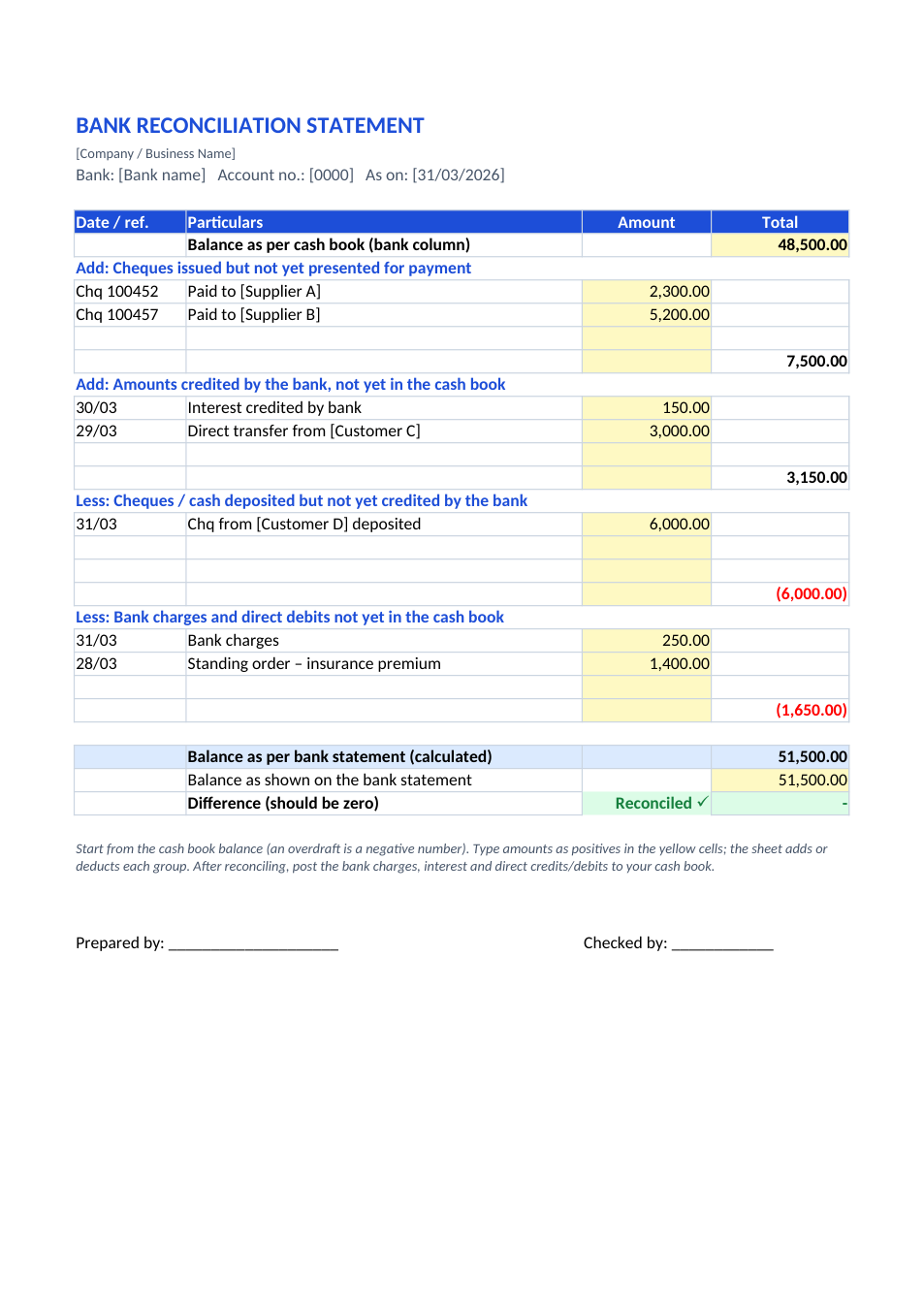
Preview of the Bank Reconciliation Statement template

Sample text in [brackets], replace with yours · Accounting & Small Business Spreadsheets

Free template

Bank Reconciliation Statement Format (Excel & PDF)

Start from the cash book balance, add unpresented cheques and bank credits, deduct uncleared deposits and bank charges, and see if it matches the bank.

✓ A4✓ Auto reconciled check✓ Add / less groups✓ Excel & PDF

Opens in your browser. No Excel needed, no signup.

Free for personal and commercial use · No watermark · Updated November 2026

Guide

About this bank reconciliation statement template

A bank reconciliation statement (BRS) explains why the balance in your cash book differs from the balance on your bank statement on the same date. The usual reasons are cheques you issued that have not been presented yet, deposits the bank has not credited yet, and items the bank has recorded that are not yet in your books, such as bank charges, interest, standing orders and direct transfers from customers. This template starts from the cash book balance, adds and deducts each group, works out the balance that should appear on the bank statement, and shows "Reconciled ✓" when it matches.

How to prepare a bank reconciliation statement

  1. 1

    Click "Edit online", or download the Excel file.

  2. 2

    Enter the bank column balance from your cash book on the reconciliation date.

  3. 3

    Tick off matching entries in the cash book and bank statement; list the unmatched ones in the right groups.

  4. 4

    Enter the balance shown on the bank statement.

  5. 5

    If the difference is zero, you are done; post bank charges, interest and direct entries to the cash book.

Tips for reconciling faster

Reconcile monthly

A month of entries is easy to match; a year of entries is not.

Overdraft is negative

If the cash book shows an overdraft, enter the balance as a negative number.

Look for transpositions

A difference divisible by 9 often means two digits were swapped, such as 540 and 450.

Follow up old cheques

Cheques unpresented for months may be lost or stale; contact the payee.

Frequently Asked Questions

Yes. Download the Excel or PDF version, or edit it online for free, with no signup and no watermark.

Yes, but reverse every adjustment: deduct unpresented cheques, add uncleared deposits, and so on. Starting from the cash book, as this template does, is the most common method.

Money the bank has received for you that is not yet in your cash book, such as interest, dividends collected or direct transfers from customers.

An item is missing, entered in the wrong group, or mistyped. Re-check the bank statement line by line against the cash book.

Tools that help

📗

Excel to PDF

Convert Excel spreadsheets to PDF with all sheets preserved

Use Tool→
📊

PDF to Excel

Extract tables from PDF into editable Excel spreadsheets

Use Tool→
%

Percentage Calculator

Calculate percentages, increase, decrease, and ratios

Use Tool→
🗜️

Compress PDF

Reduce PDF file size without losing quality
Use Tool→

More accounting & small business spreadsheets

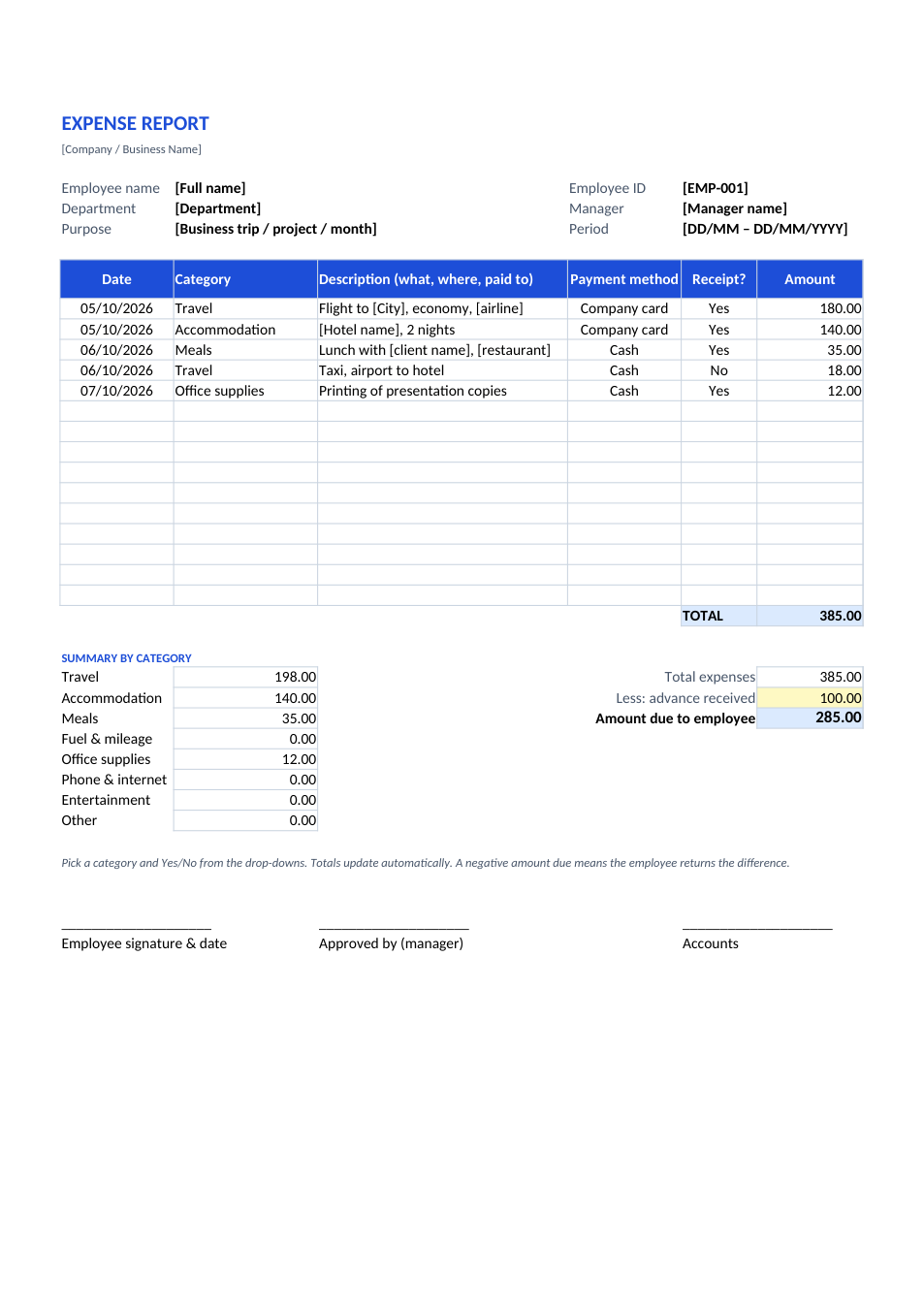
Expense Report template preview

Expense Report

Claim business expenses with category totals and advances.

ExcelPDF
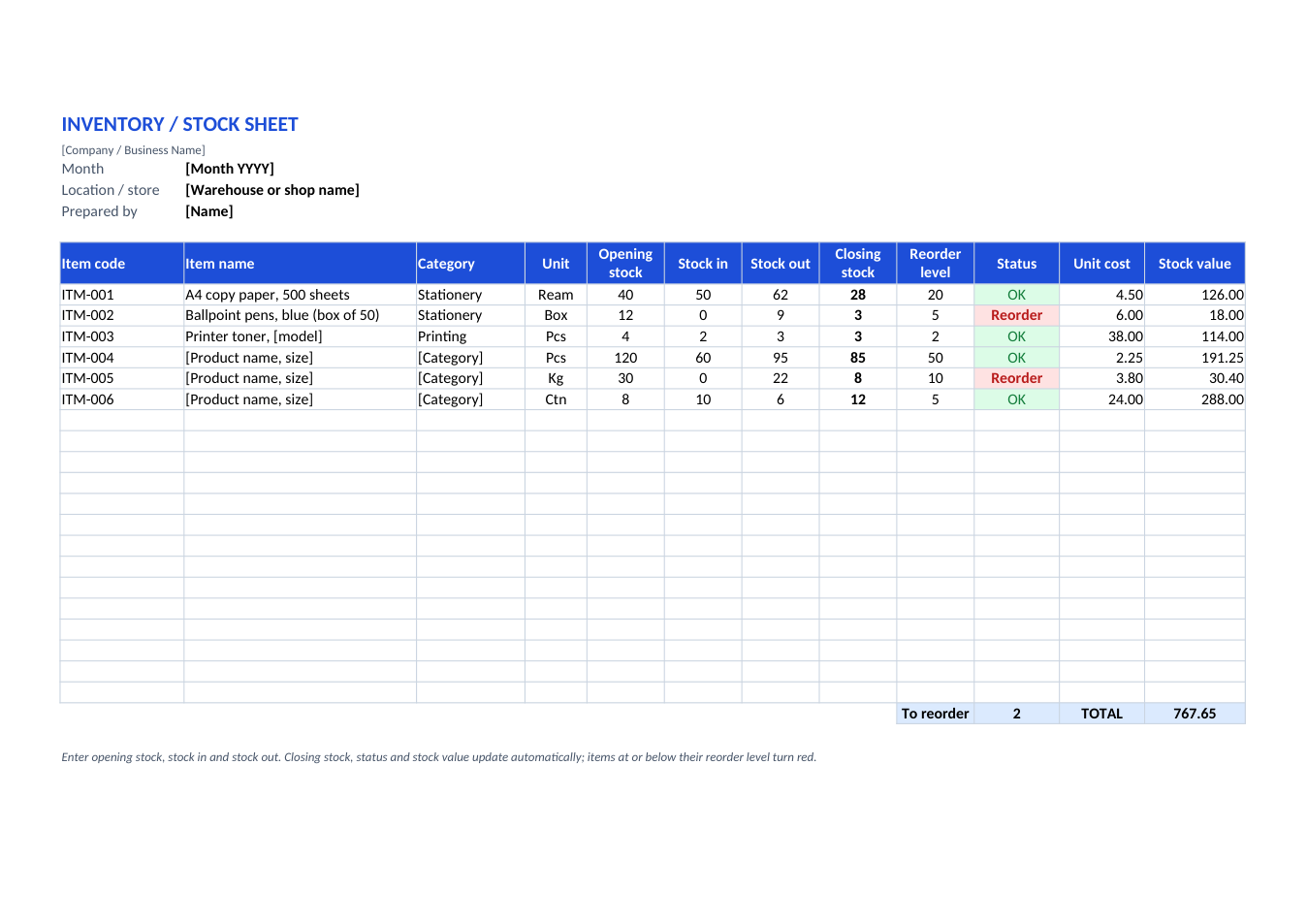
Inventory / Stock Sheet template preview

Inventory / Stock Sheet

Stock in, stock out, closing stock and reorder alerts.

ExcelPDF
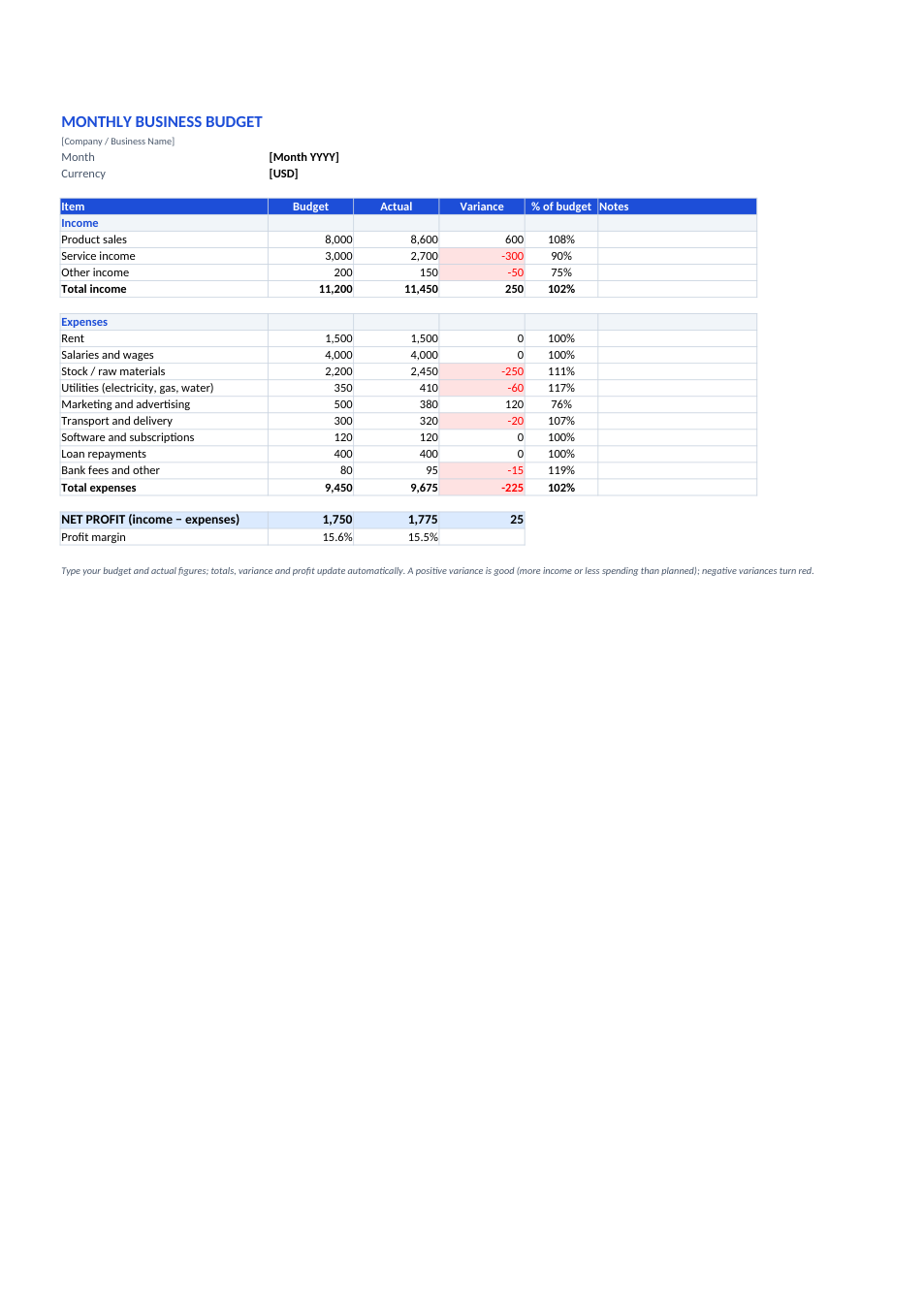
Monthly Business Budget template preview

Monthly Business Budget

Budget vs actual for income and expenses, with profit.

ExcelPDF
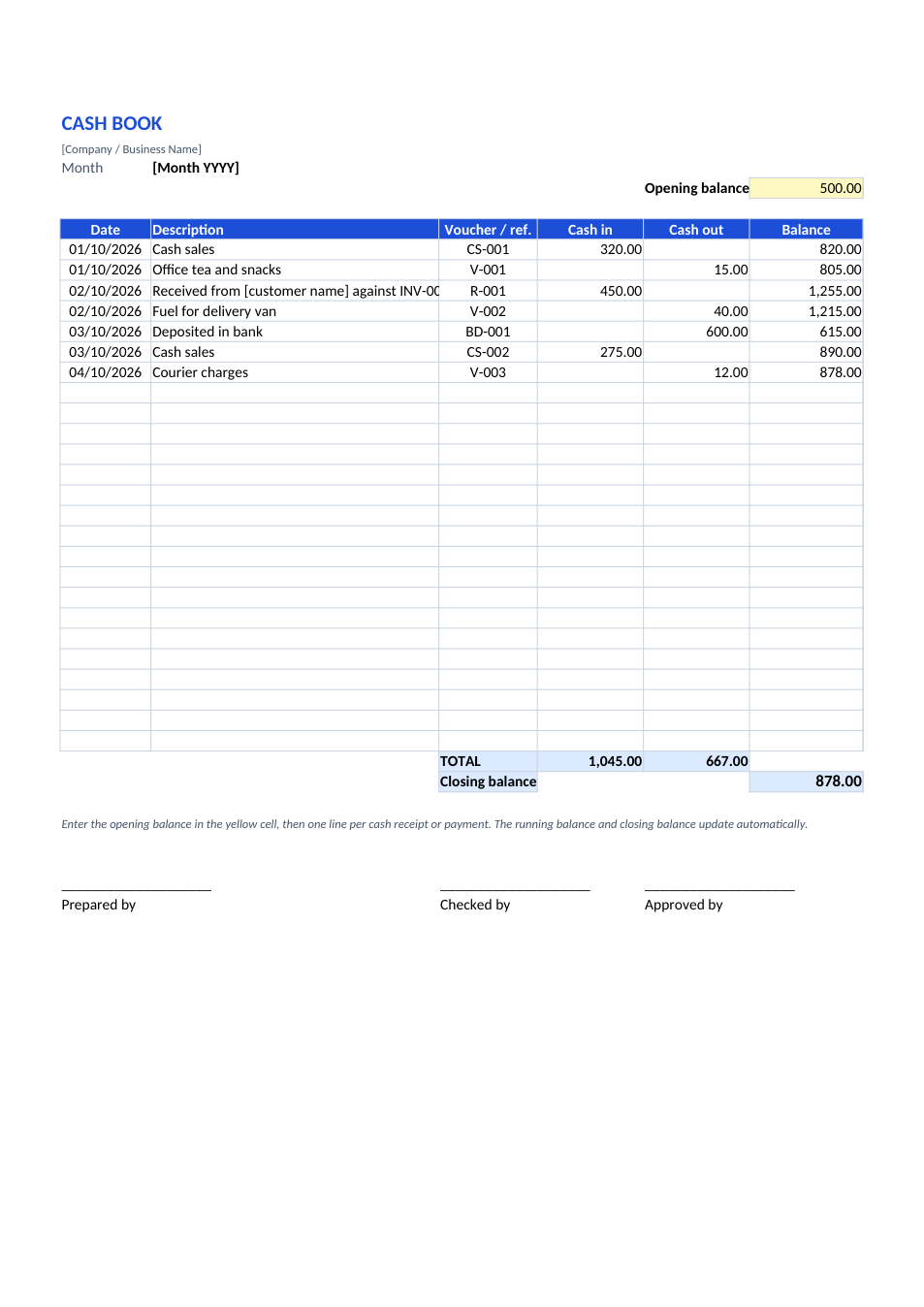
Cash Book template preview

Cash Book

Daily cash in and out with a running balance.

ExcelPDF
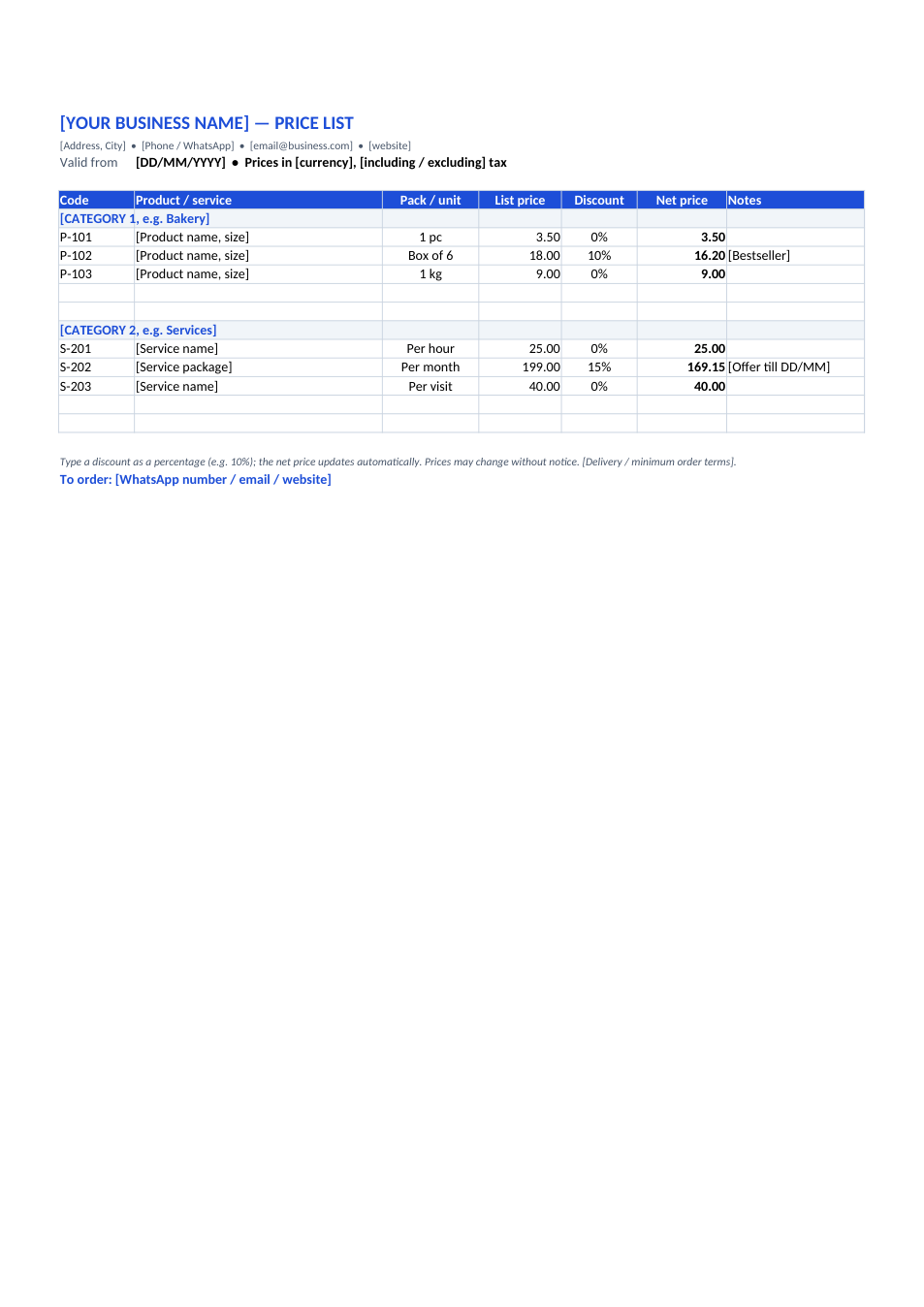
Price List template preview

Price List

Products and services by category, with discounts.

ExcelPDF
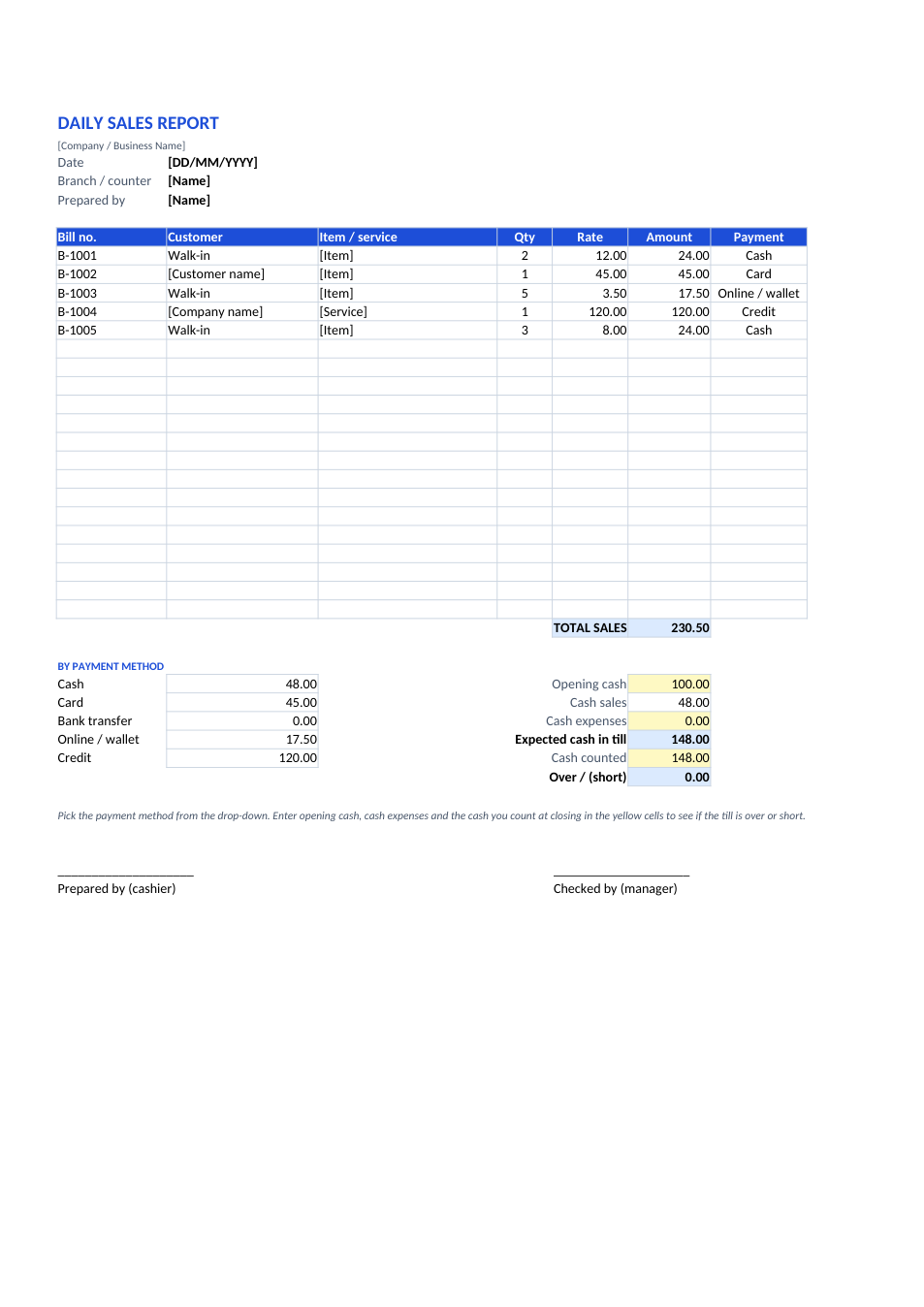
Daily Sales Report template preview

Daily Sales Report

Bills, payment methods and end-of-day cash check.

ExcelPDF
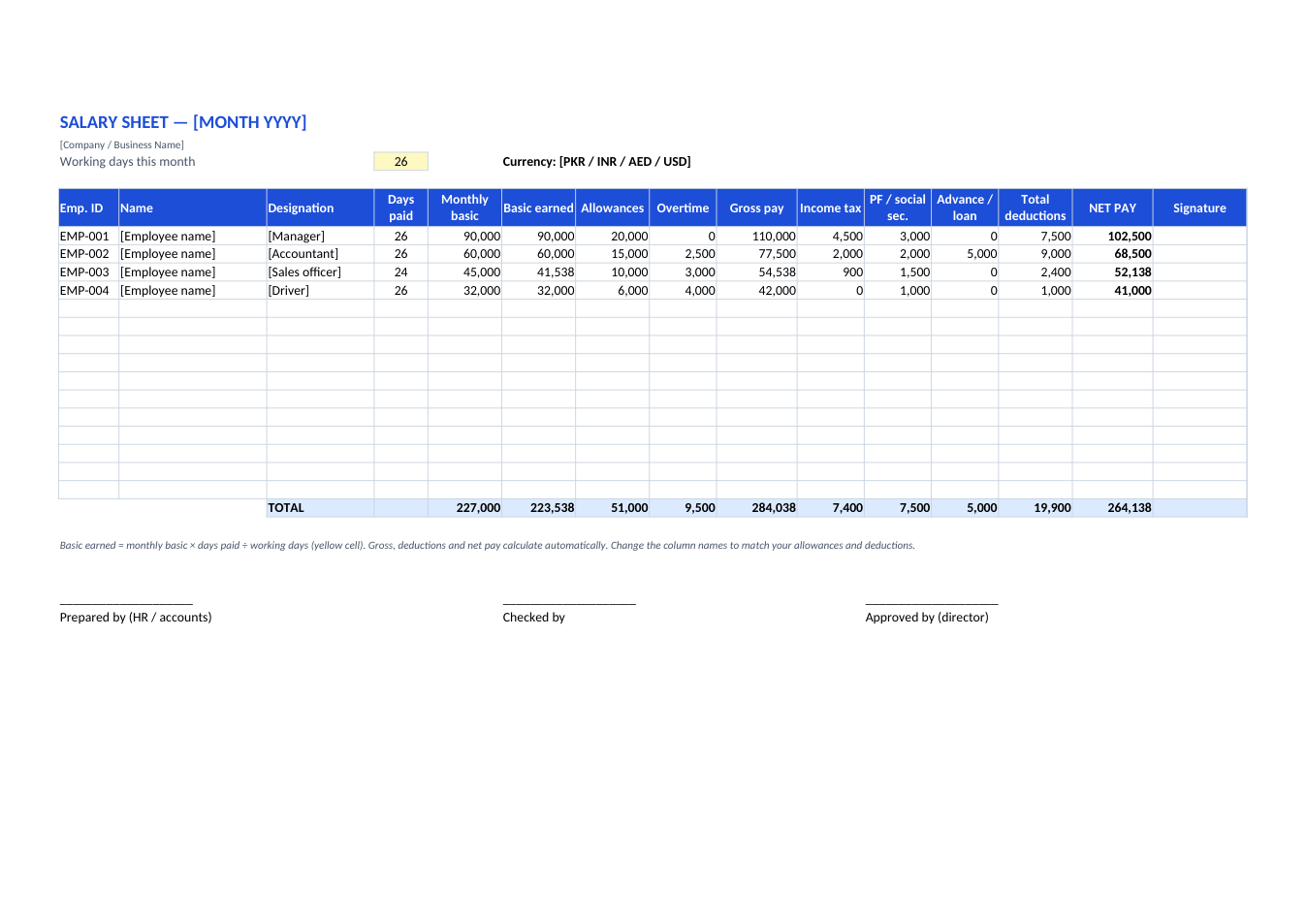
Salary Sheet (Payroll) template preview

Salary Sheet (Payroll)

Monthly payroll for all staff: gross, deductions, net pay.

ExcelPDF
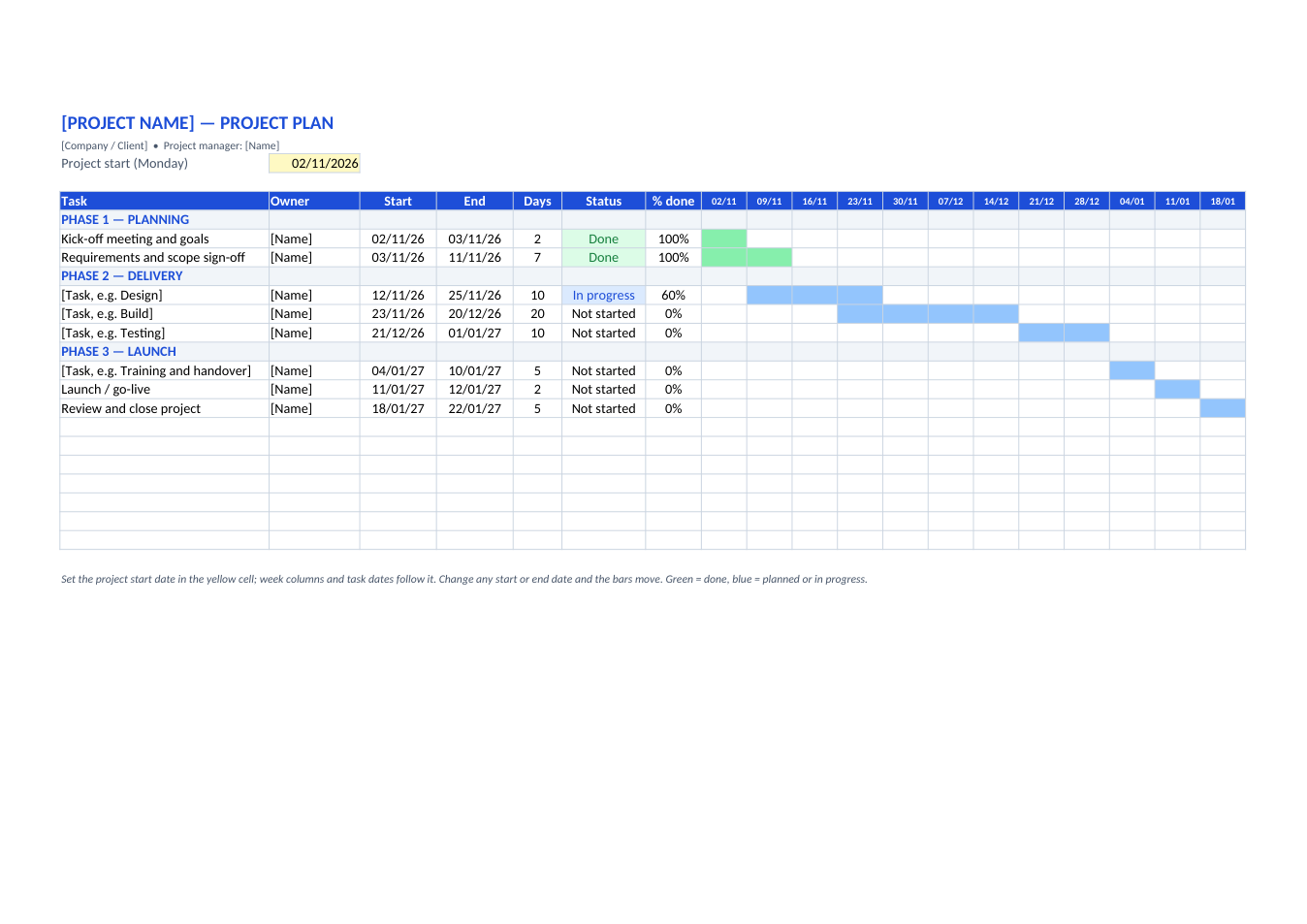
Project Plan (Gantt Chart) template preview

Project Plan (Gantt Chart)

Tasks, owners, dates and a 12-week Gantt chart.

ExcelPDF
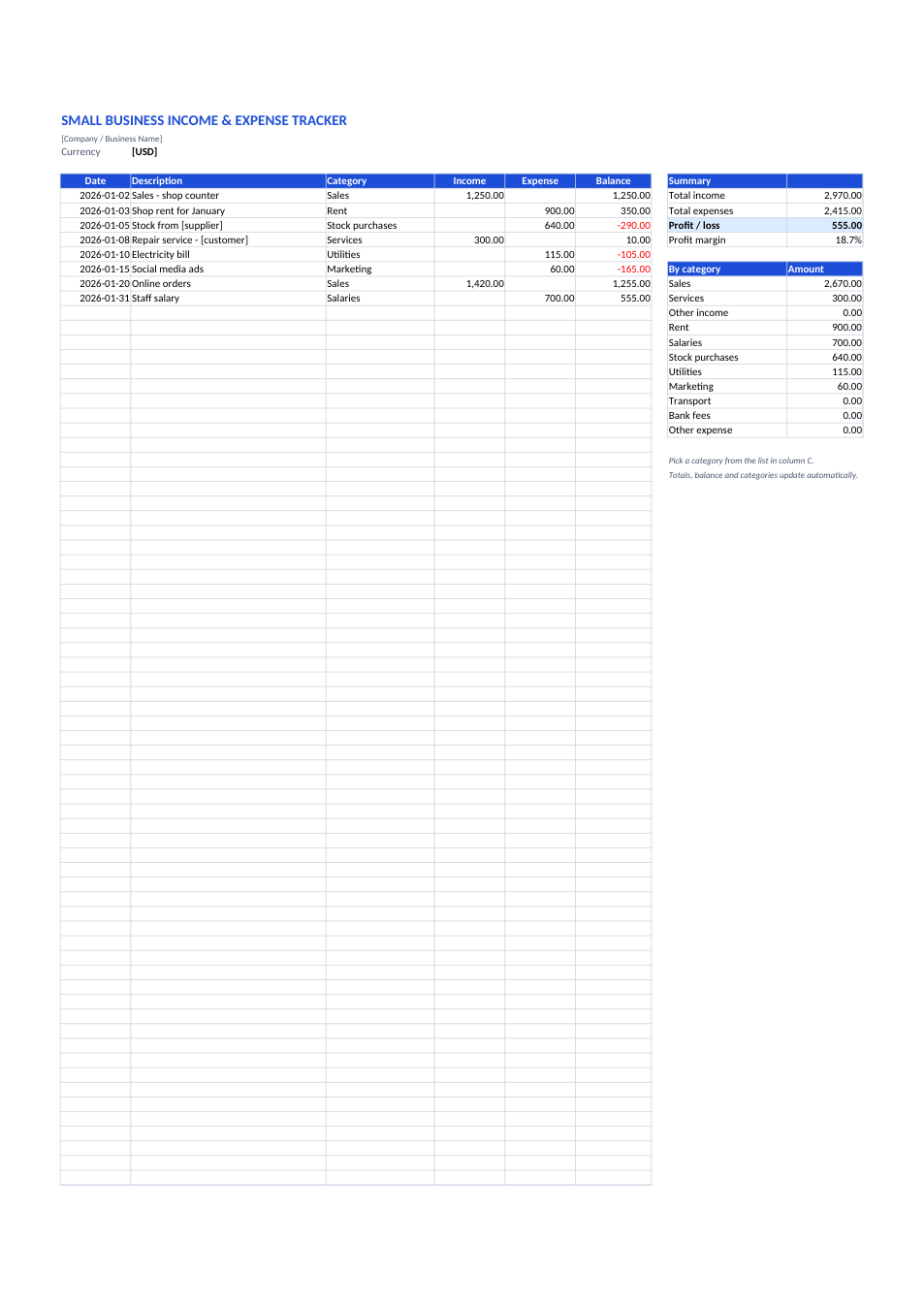
Income & Expense Tracker template preview

Income & Expense Tracker

Small business money in and out, running balance, profit by category.

ExcelPDF
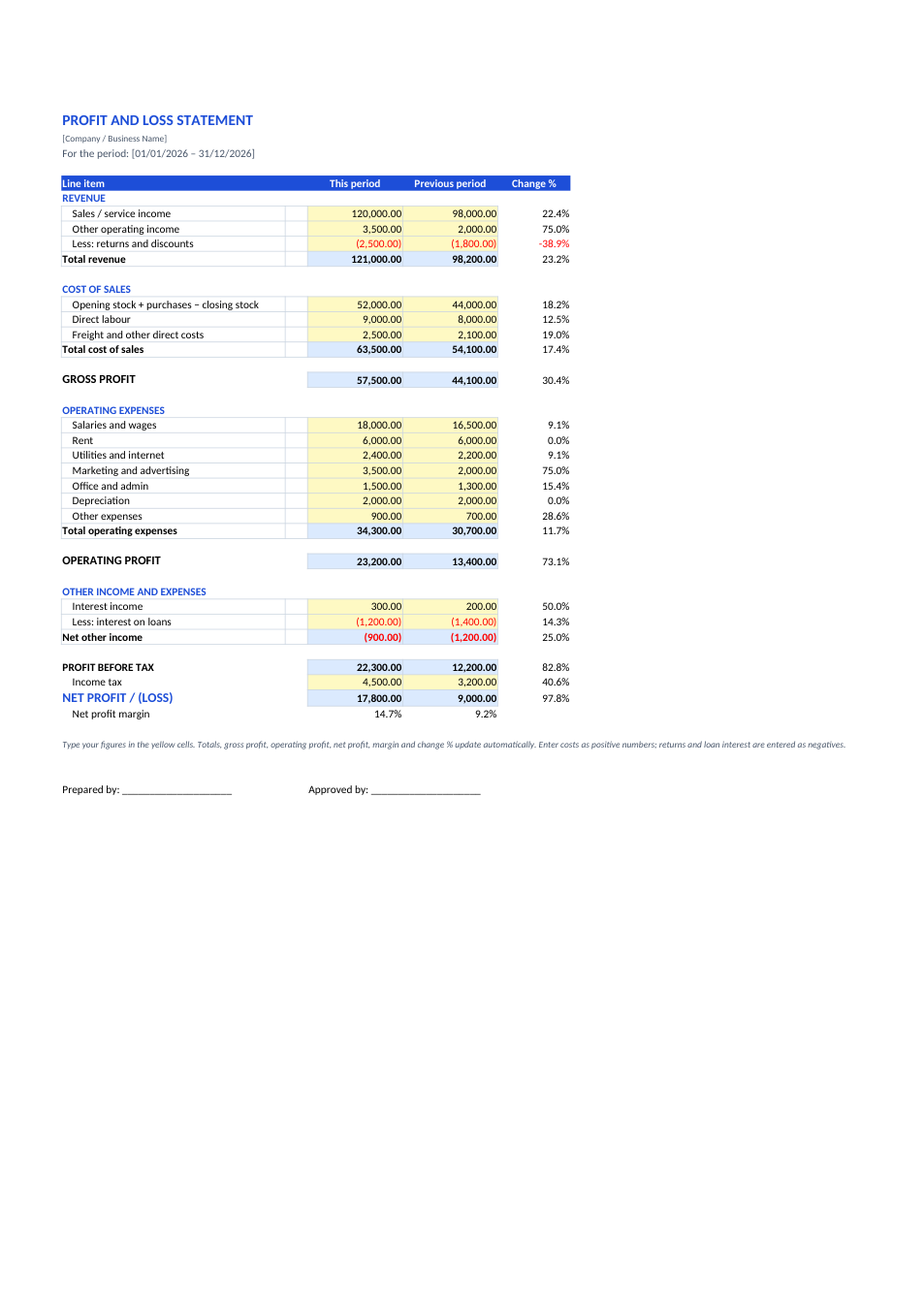
Profit and Loss Statement template preview

Profit and Loss Statement

Income statement with gross, operating and net profit.

ExcelPDF
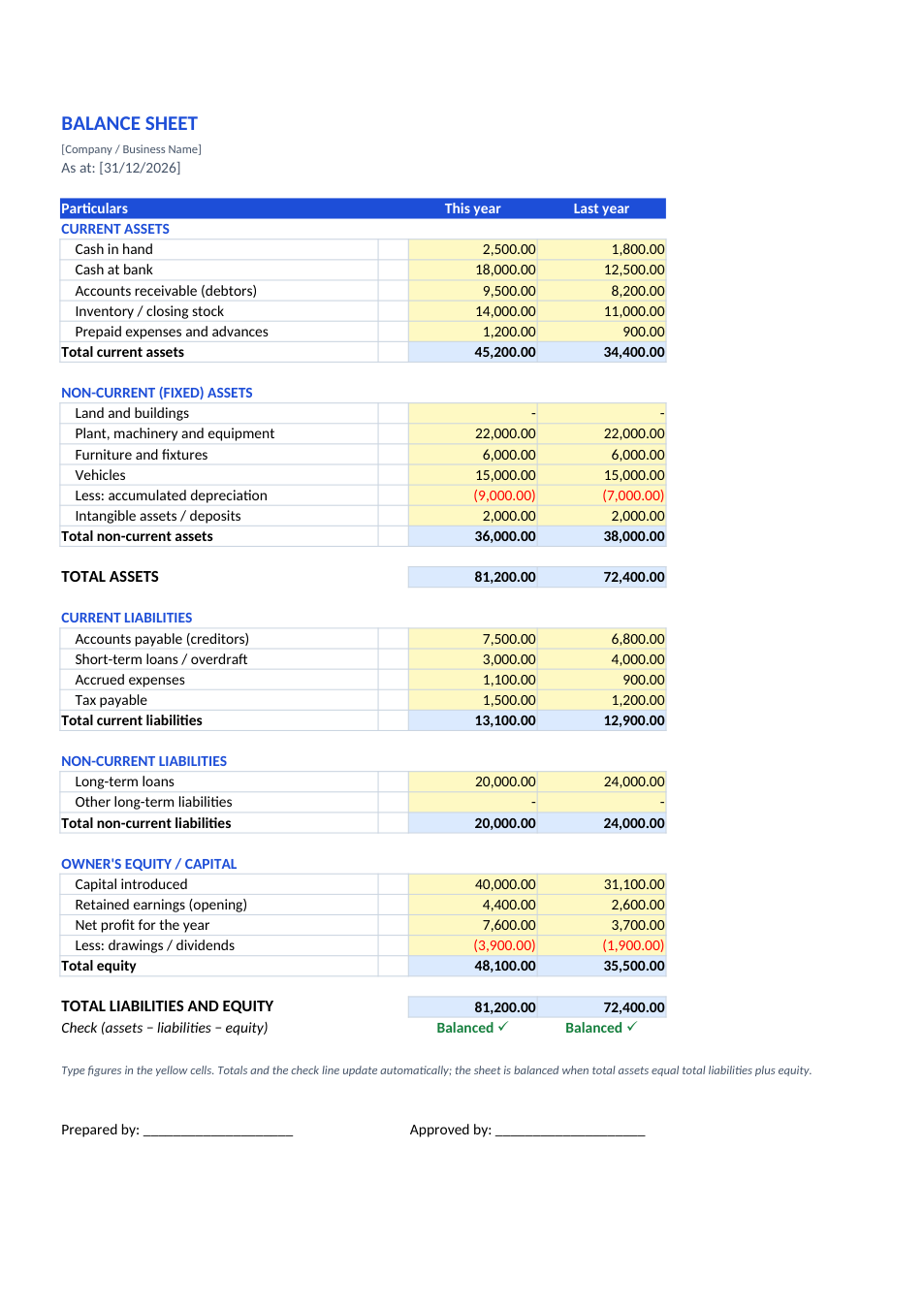
Balance Sheet template preview

Balance Sheet

Assets, liabilities and equity with a balance check.

ExcelPDF
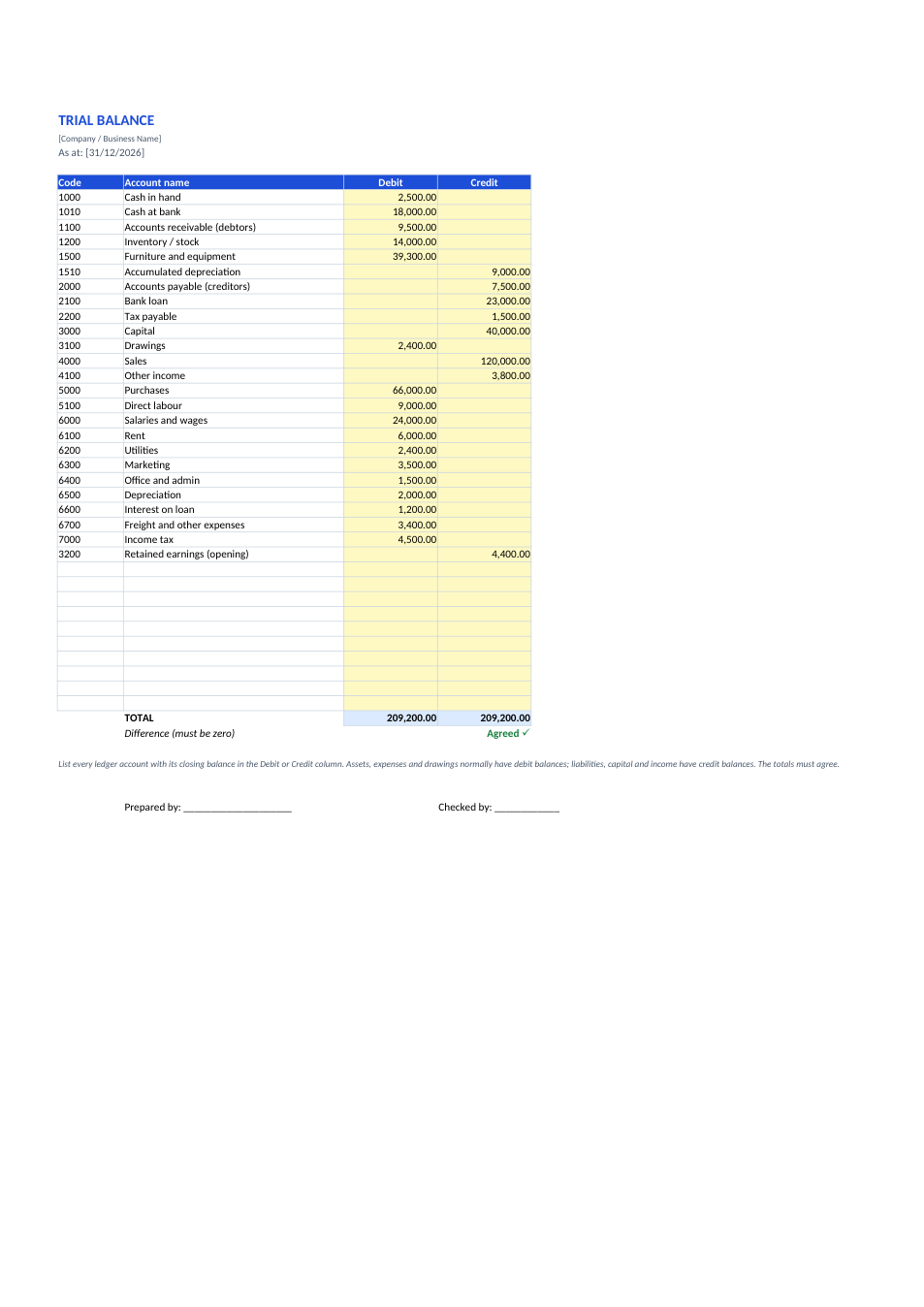
Trial Balance template preview

Trial Balance

Every ledger balance in debit and credit, with totals that must agree.

ExcelPDF
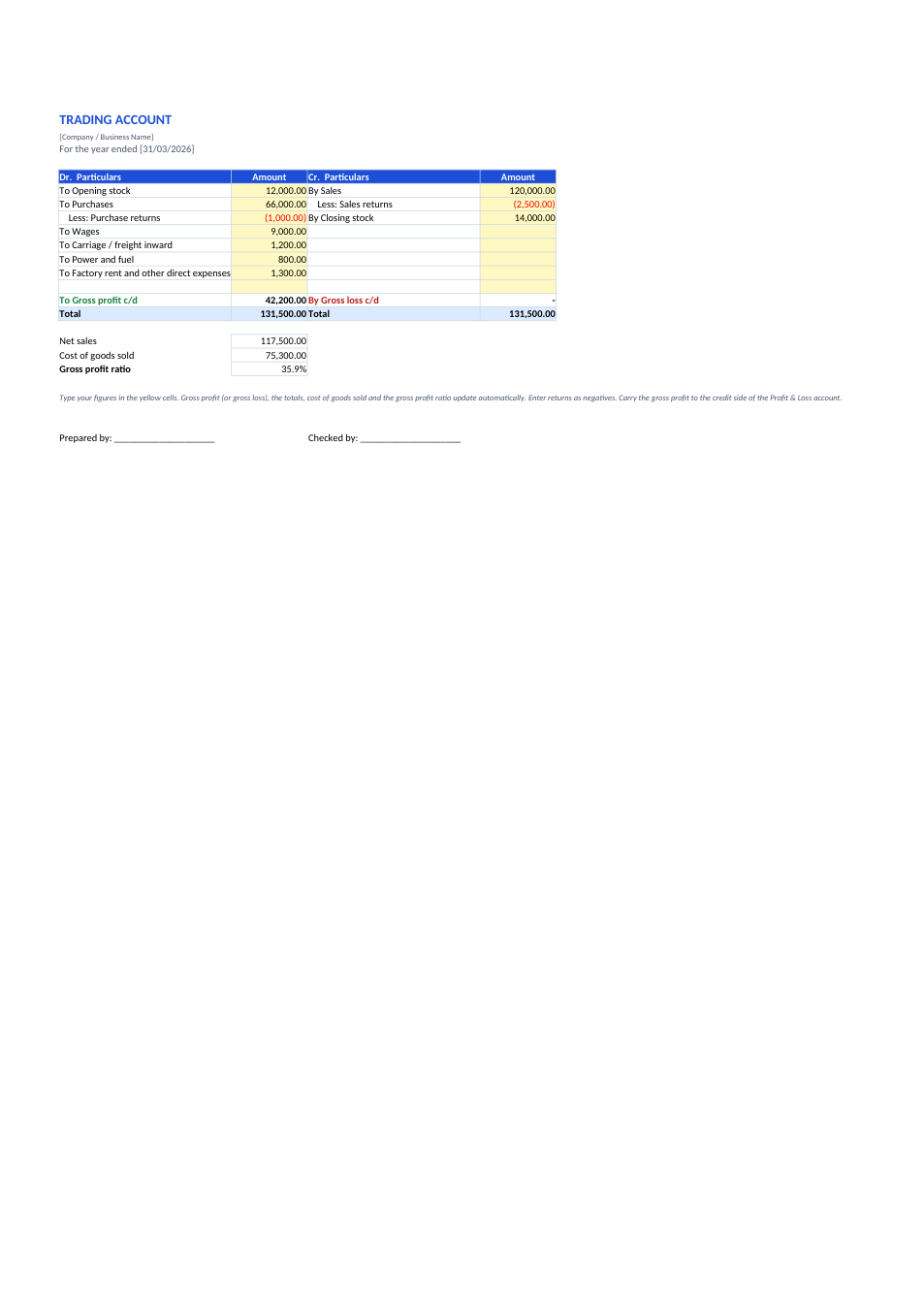
Trading Account template preview

Trading Account

Dr/Cr trading account that works out gross profit or gross loss.

ExcelPDF
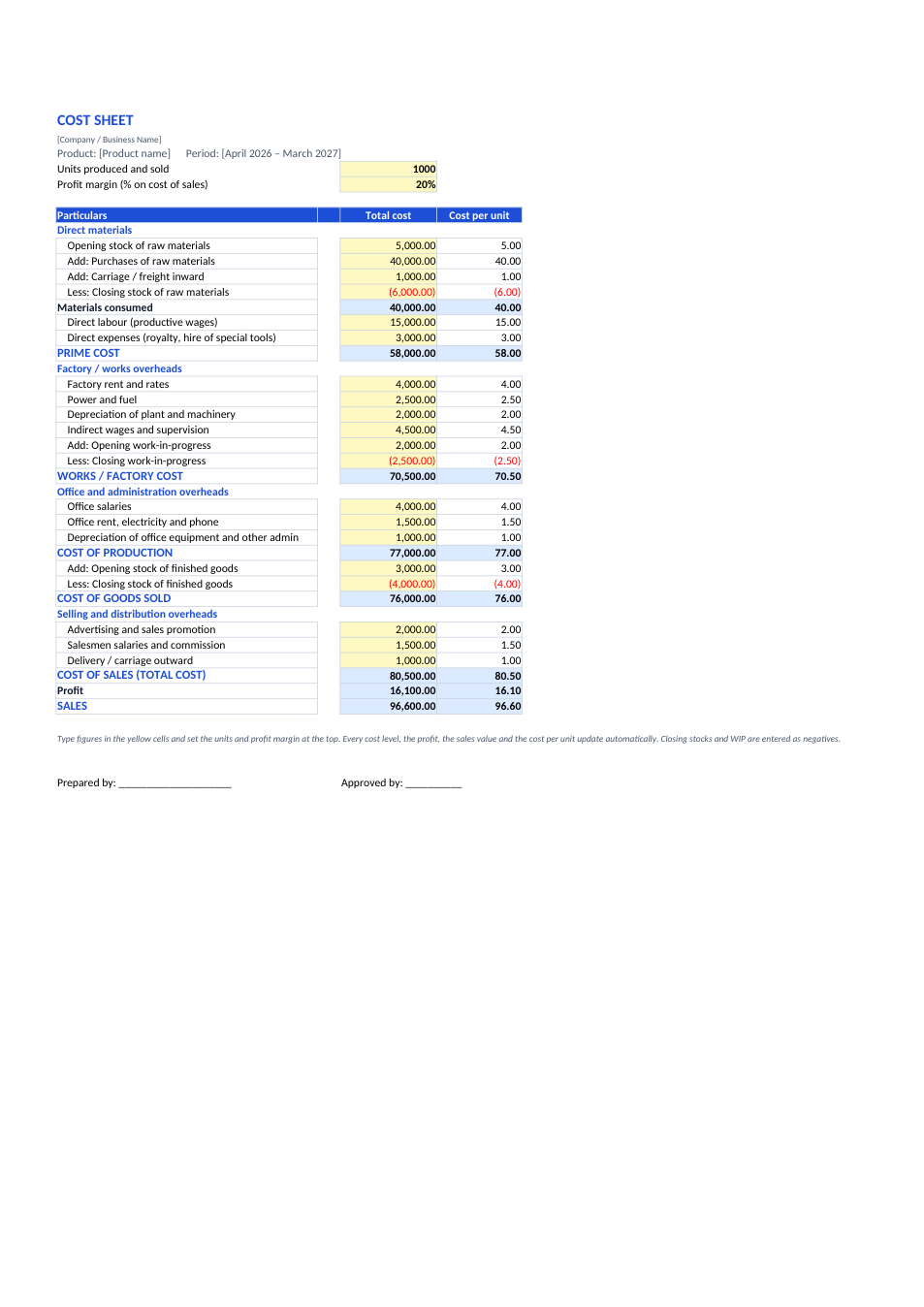
Cost Sheet template preview

Cost Sheet

Prime cost to sales, with cost per unit at every level.

ExcelPDF
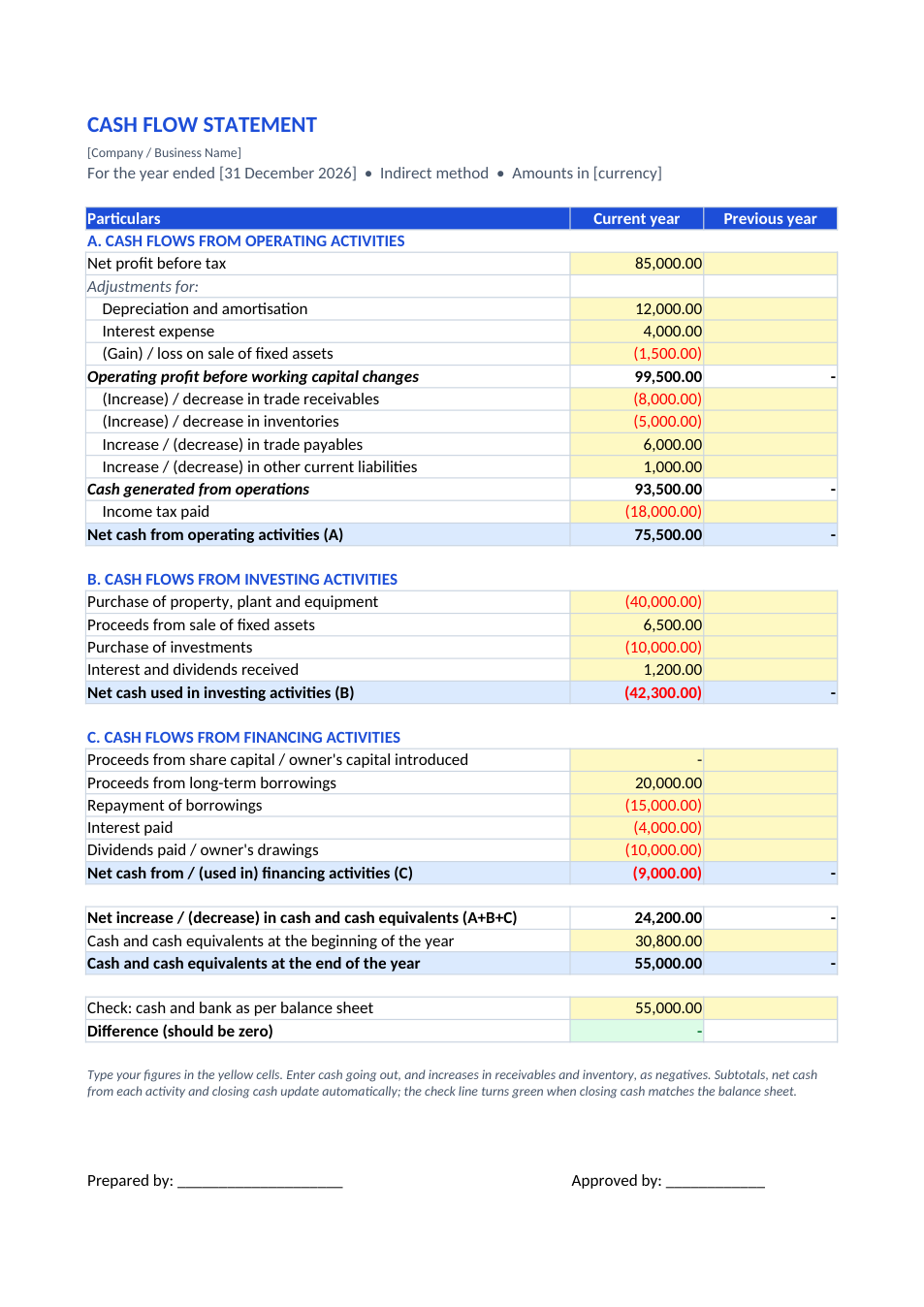
Cash Flow Statement template preview

Cash Flow Statement

Indirect-method cash flow: operating, investing and financing.

ExcelPDF
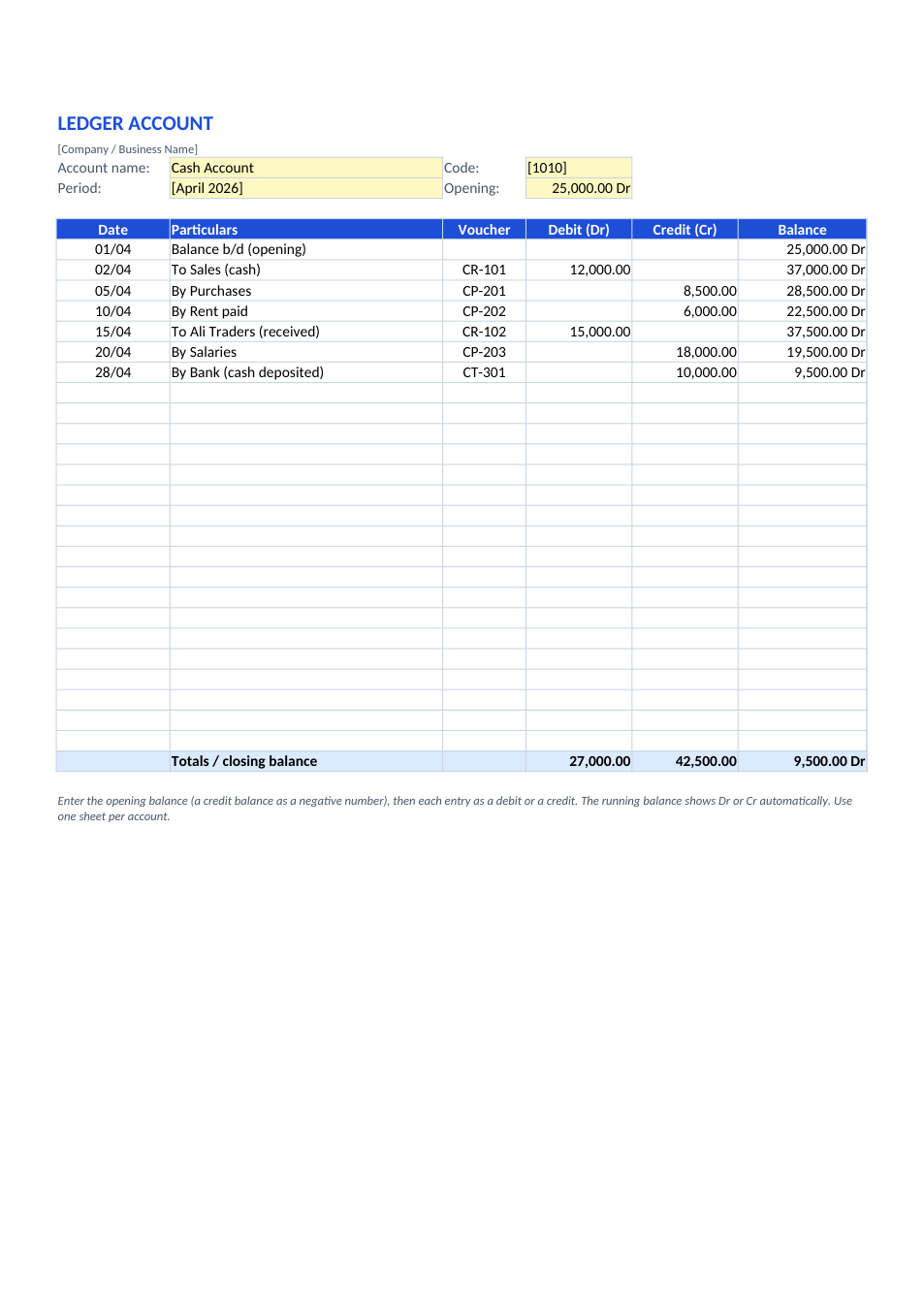
Ledger template preview

Ledger

Ledger account with running Dr/Cr balance, plus a T-format sheet.

ExcelPDF