Sample text in [brackets], replace with yours · Accounting & Small Business Spreadsheets
Daily Sales Report Template (Excel & PDF)
Record each sale, total it by payment method, and check whether the cash in the till is over or short.
Opens in your browser. No Excel needed, no signup.
Free for personal and commercial use · No watermark · Updated October 2026
Guide
About this daily sales report template
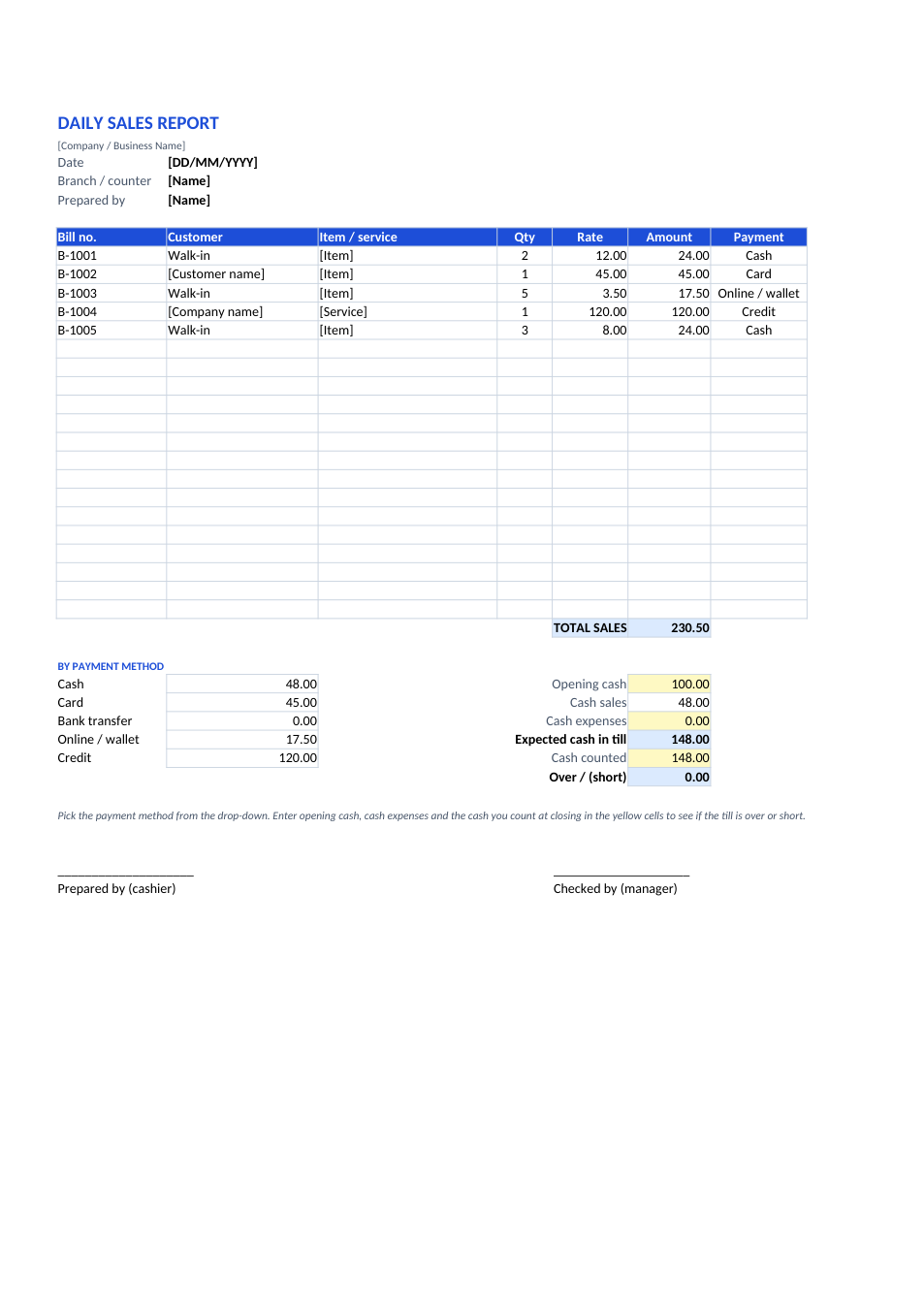
At closing time every shop owner asks the same questions: how much did we sell, how much came in cash, card and online, and does the cash in the drawer match? This sheet records each bill, totals sales by payment method, and runs a till check: opening cash plus cash sales minus cash expenses, compared with the cash you actually count. Any shortage shows in red.
How to use the daily sales report
- 1
Click "Edit online" to open it in your browser, or download the Excel file.
- 2
Fill in the date, branch or counter and who prepared it.
- 3
Add one line per bill: number, customer, item, quantity, rate and payment method from the drop-down.
- 4
At closing, enter opening cash, cash expenses and the cash you counted in the yellow cells.
- 5
Check the over/short figure, sign it, and save a copy for each day.
Tips for daily sales tracking
Close every day
A shortage found the same day can be traced; one found at month-end usually can't.
Track credit sales
Sales marked "Credit" are money still owed to you. Follow them up weekly.
One sheet per day
Duplicate the sheet tab for each day and keep a month in one workbook.
Roll up monthly
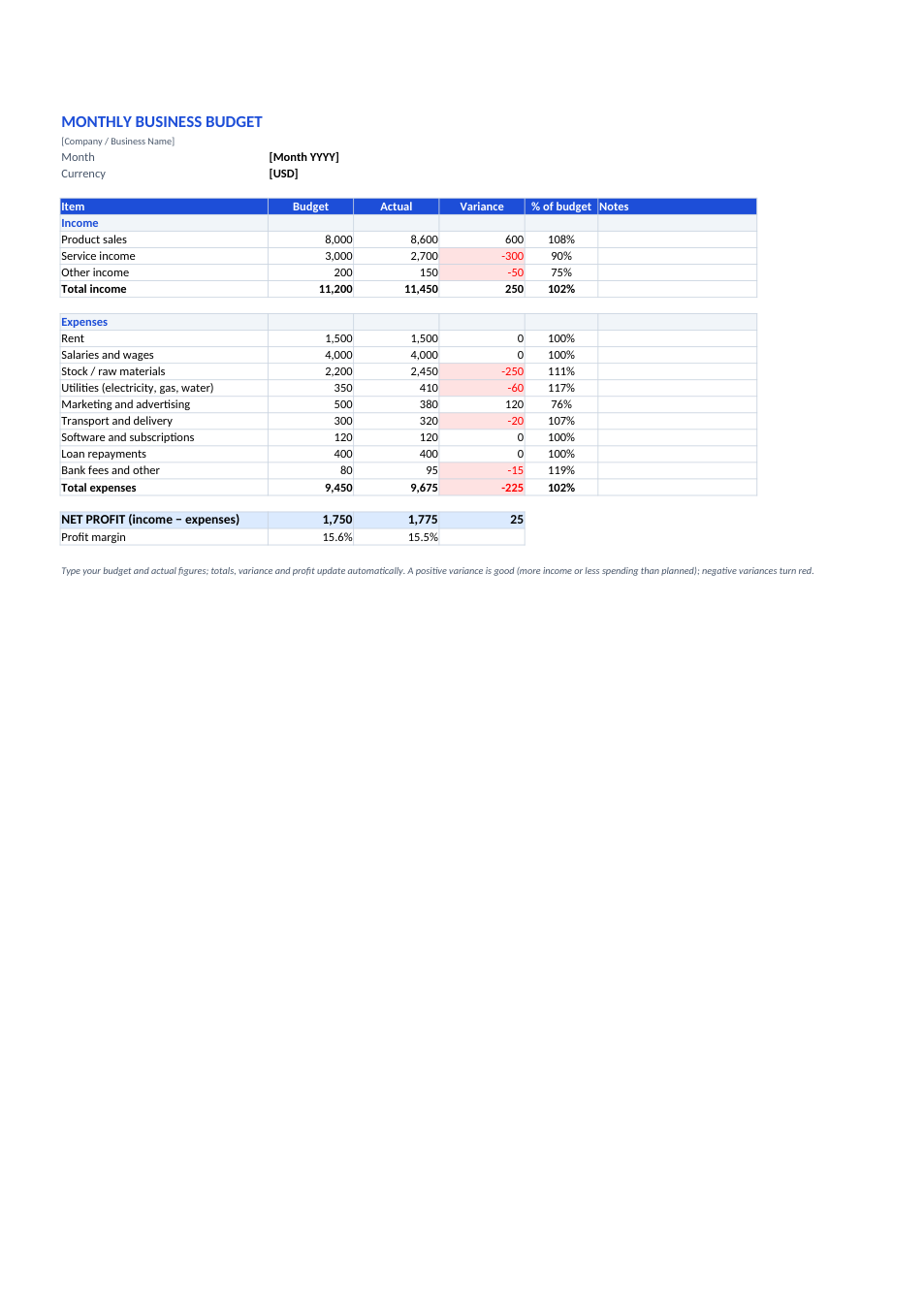
Copy the daily totals into our business budget template to compare with your targets.
Frequently Asked Questions
Tools that help
Excel to PDF
Convert Excel spreadsheets to PDF with all sheets preserved
Percentage Calculator
Calculate percentages, increase, decrease, and ratios
PDF to Excel
Extract tables from PDF into editable Excel spreadsheets
Merge PDF
Combine multiple PDF files into one document