Home›Templates›Accounting & Small Business Spreadsheets›Ledger
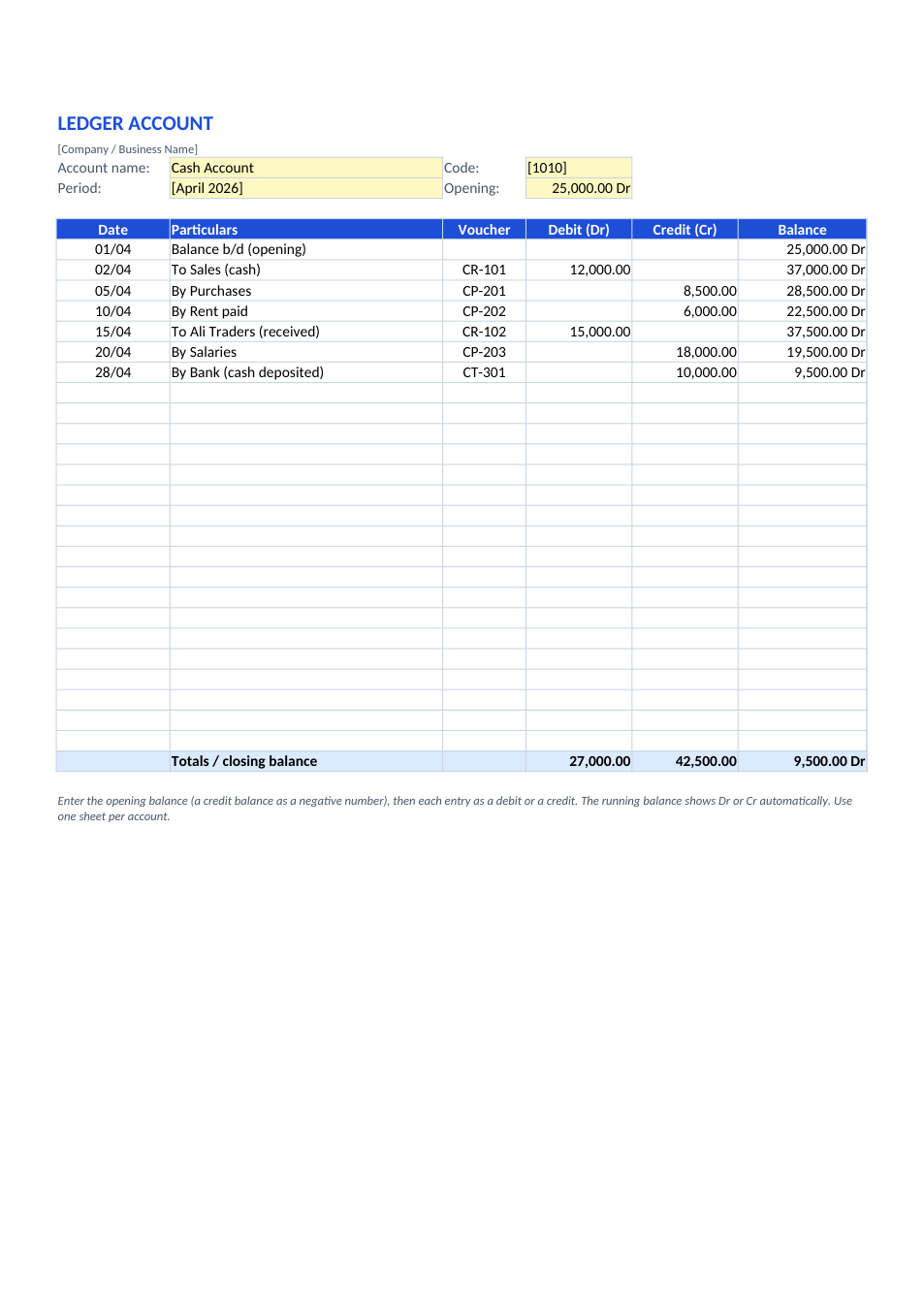
Preview of the Ledger template

Sample text in [brackets], replace with yours · Accounting & Small Business Spreadsheets

Free template

Ledger Format (Excel & PDF) — Running Balance & T-Format

A general ledger account with date, particulars, voucher, debit, credit and a running Dr/Cr balance, and a traditional T-format account on a second sheet.

✓ A4✓ Running Dr/Cr balance✓ 2 sheets incl. T-format✓ Excel & PDF

Opens in your browser. No Excel needed, no signup.

Free for personal and commercial use · No watermark · Updated November 2026

Guide

About this ledger template

A ledger is the book of accounts where every journal entry is posted to its account, such as cash, sales, rent or a customer, so you can see each account's balance. This template has two ledger formats. The first sheet is the modern running-balance format used by accounting software: date, particulars, voucher number, debit and credit, with a balance that updates after every entry and shows Dr or Cr automatically. The second sheet is the traditional T-format taught in school and college accounting, with debit entries ("To …") on the left, credit entries ("By …") on the right, and the balance carried down.

How to post a ledger account

  1. 1

    Click "Edit online", or download the Excel file.

  2. 2

    Enter the account name, code, period and opening balance (a credit balance as a negative number).

  3. 3

    Post each journal entry on its own line as a debit or a credit, with the date and voucher number.

  4. 4

    Read the running balance and the closing balance, which update automatically.

  5. 5

    For a T-account, use the second sheet: debits on the left, credits on the right; the balance c/d works itself out.

Tips for keeping ledgers

One account per sheet

Copy the sheet for each account: cash, bank, sales, purchases, each customer and supplier.

To and By

In the T-format, debit entries start with "To" and credit entries with "By", followed by the other account.

Use the folio

The J.F. (journal folio) or voucher column lets you trace each entry back to the journal.

Balance to the trial balance

Closing balances of all ledgers go into the trial balance; debits and credits must agree.

Frequently Asked Questions

Yes. Download the Excel or PDF version, or edit it online for free, with no signup and no watermark.

The journal records transactions in date order. The ledger groups them by account, so each account shows its own balance.

A positive balance displays with "Dr" and a negative one with "Cr", using a number format, so you can still use the figures in formulas.

Yes. Put the customer or supplier name as the account name. For a customer, sales are debits and receipts are credits.

Tools that help

📗

Excel to PDF

Convert Excel spreadsheets to PDF with all sheets preserved

Use Tool→
📊

PDF to Excel

Extract tables from PDF into editable Excel spreadsheets

Use Tool→
%

Percentage Calculator

Calculate percentages, increase, decrease, and ratios

Use Tool→
🧾

GST / Tax Calculator

Calculate GST, VAT, and tax amounts quickly
Use Tool→

More accounting & small business spreadsheets

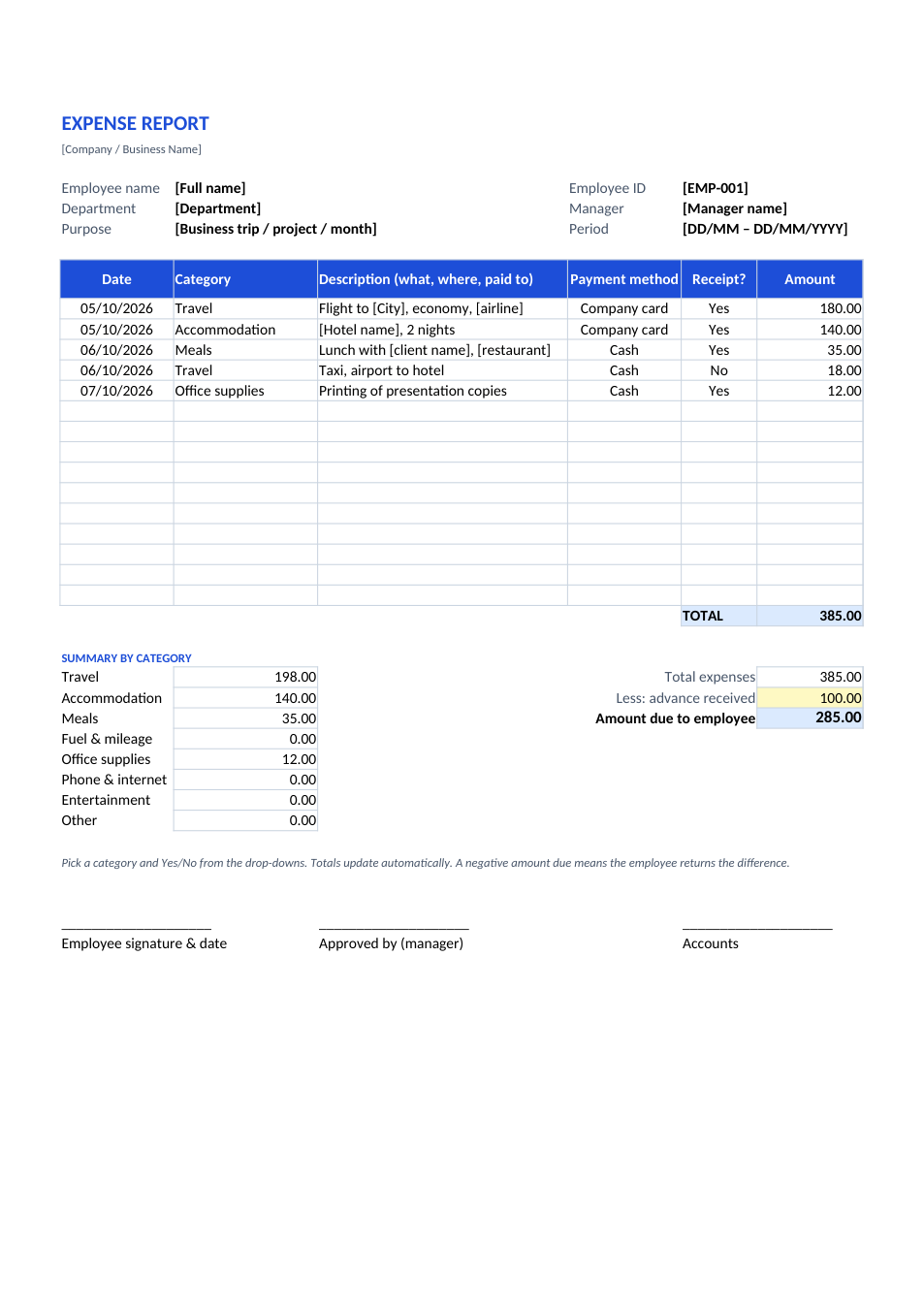
Expense Report template preview

Expense Report

Claim business expenses with category totals and advances.

ExcelPDF
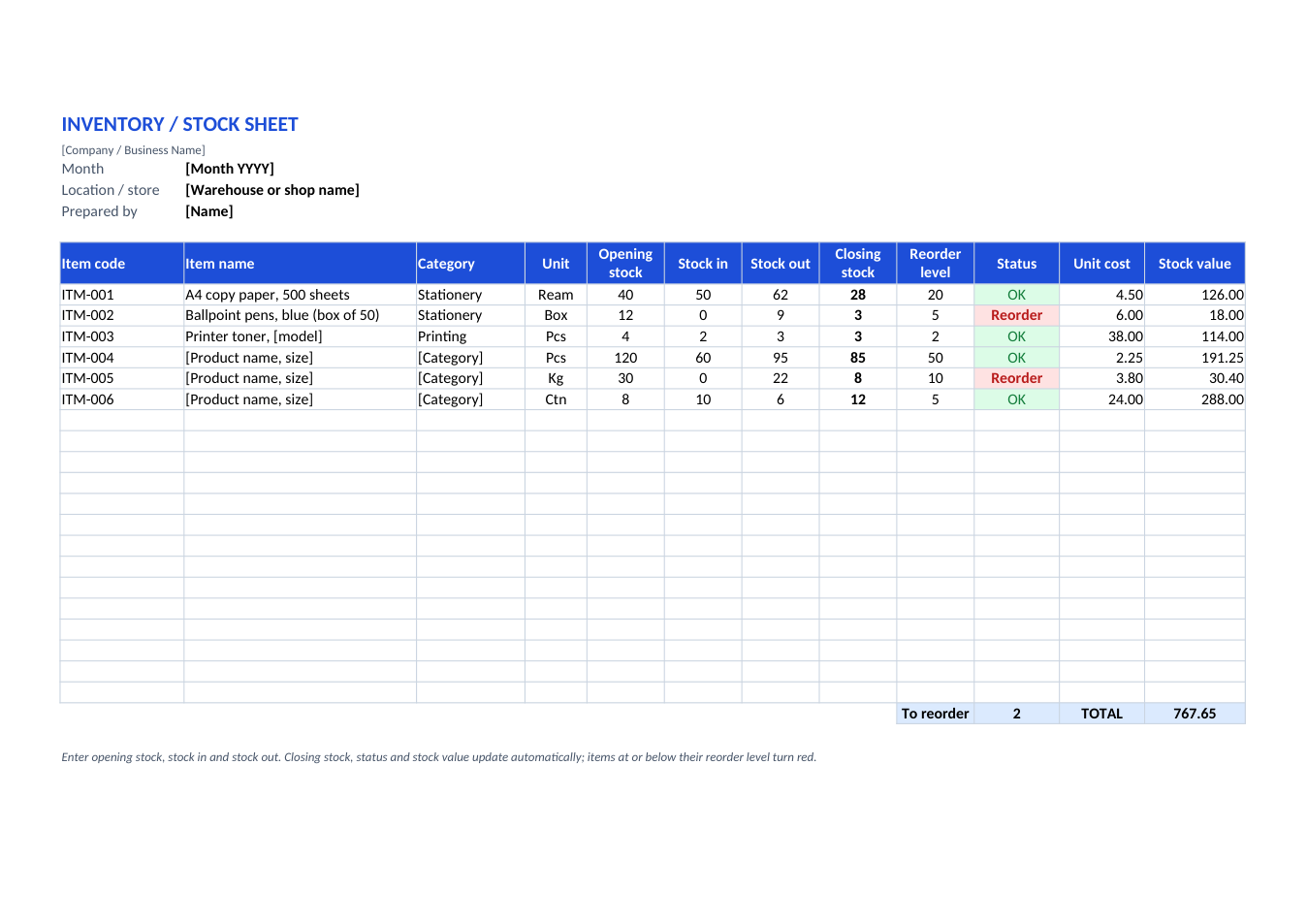
Inventory / Stock Sheet template preview

Inventory / Stock Sheet

Stock in, stock out, closing stock and reorder alerts.

ExcelPDF
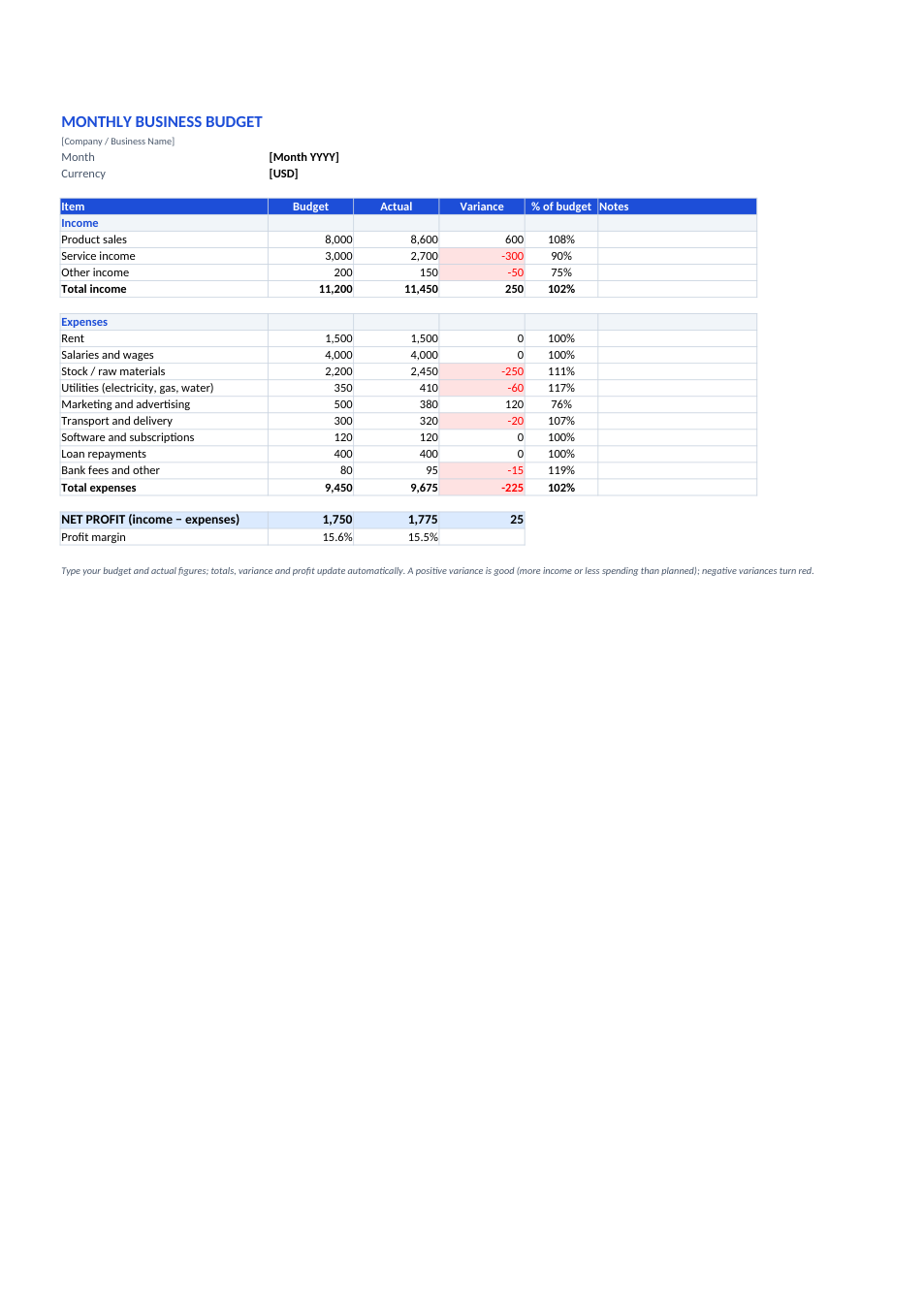
Monthly Business Budget template preview

Monthly Business Budget

Budget vs actual for income and expenses, with profit.

ExcelPDF
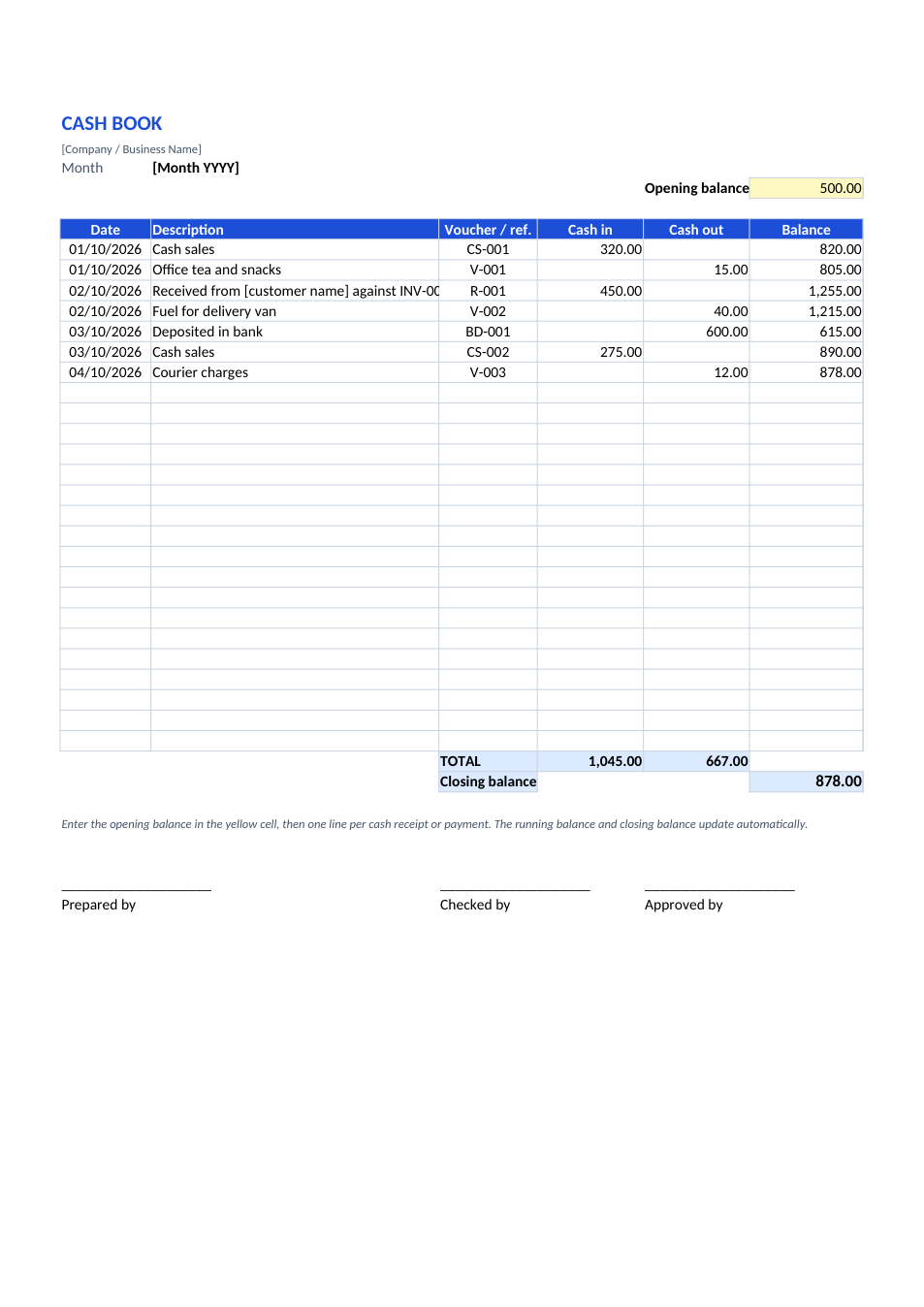
Cash Book template preview

Cash Book

Daily cash in and out with a running balance.

ExcelPDF
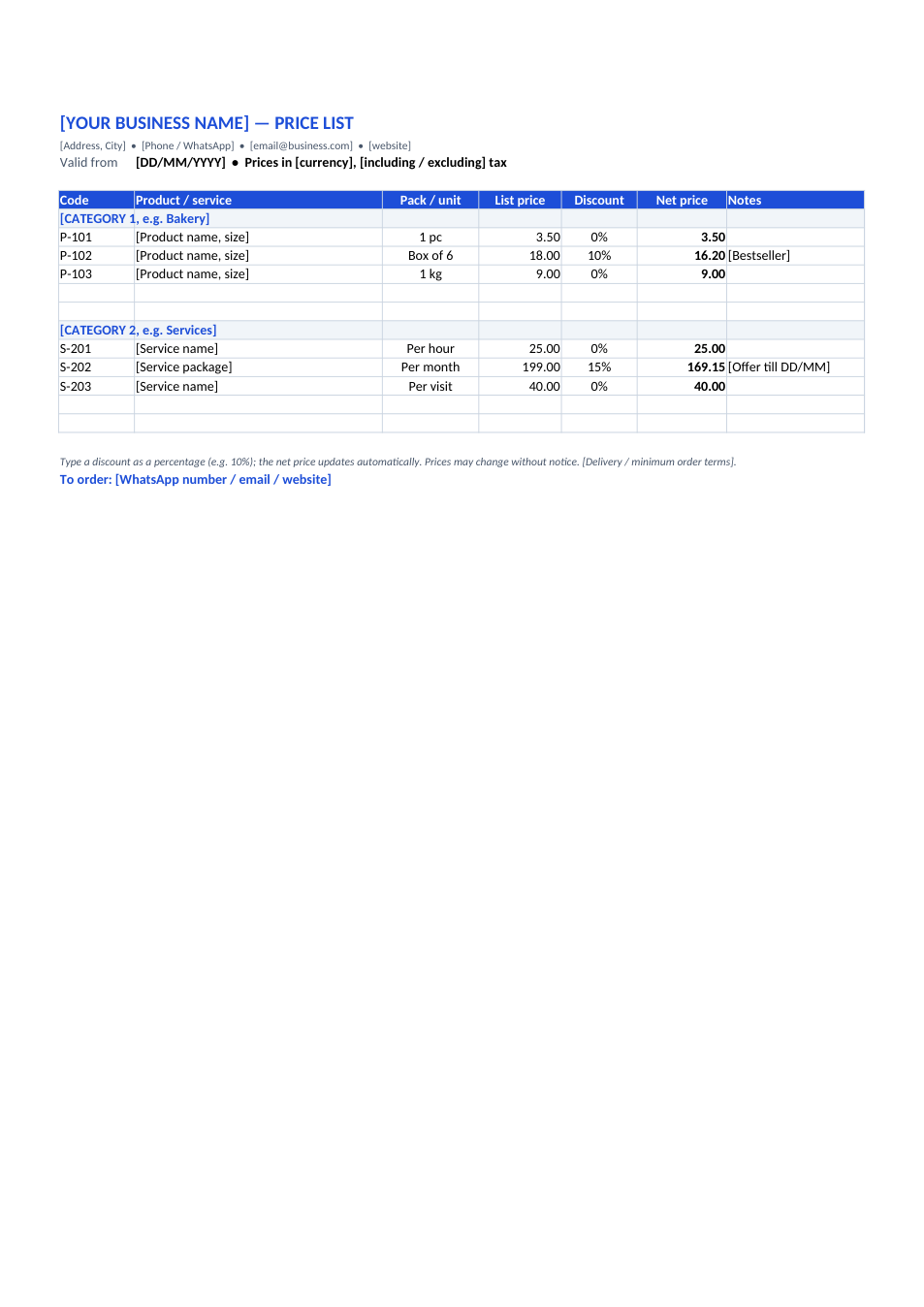
Price List template preview

Price List

Products and services by category, with discounts.

ExcelPDF
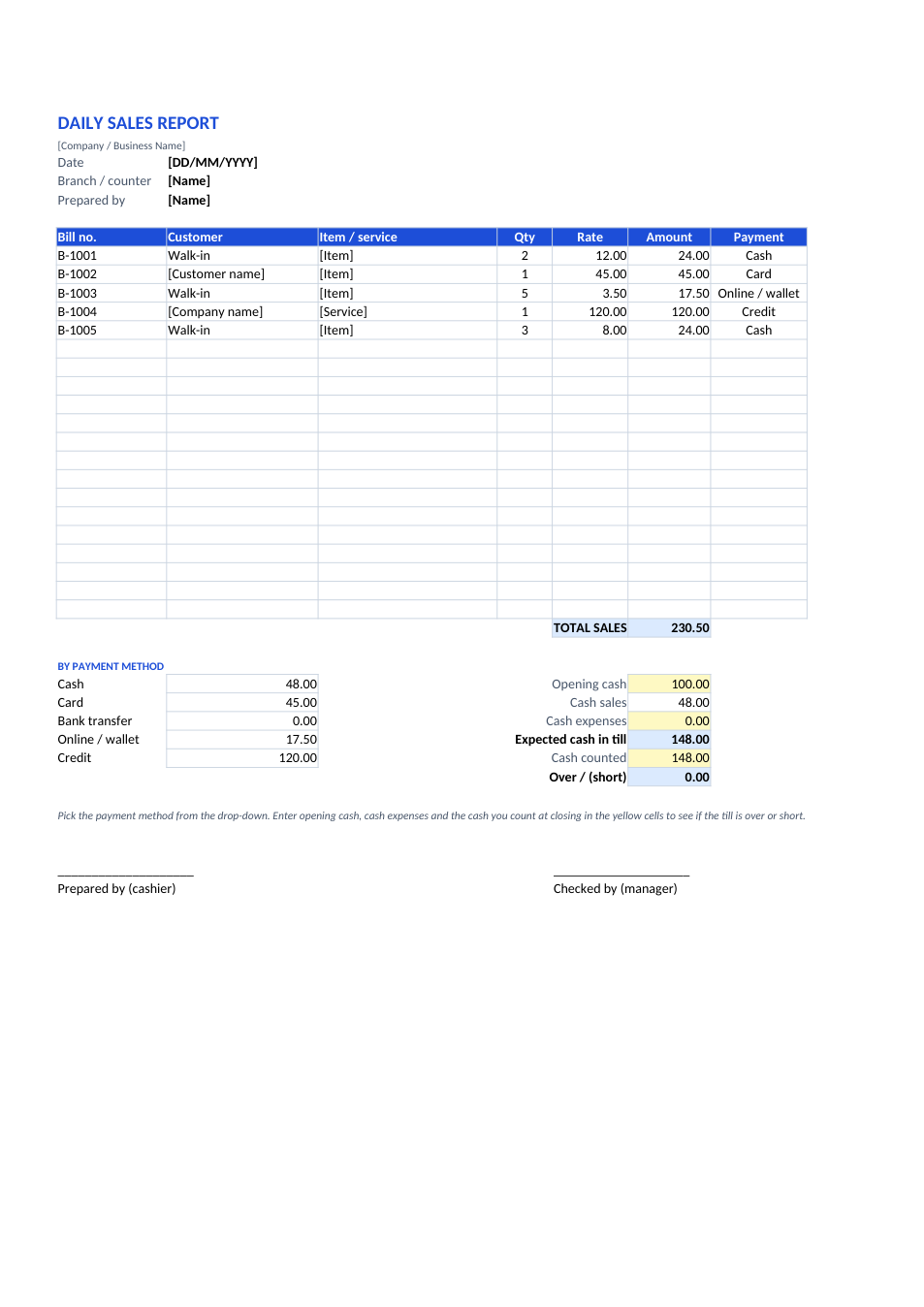
Daily Sales Report template preview

Daily Sales Report

Bills, payment methods and end-of-day cash check.

ExcelPDF
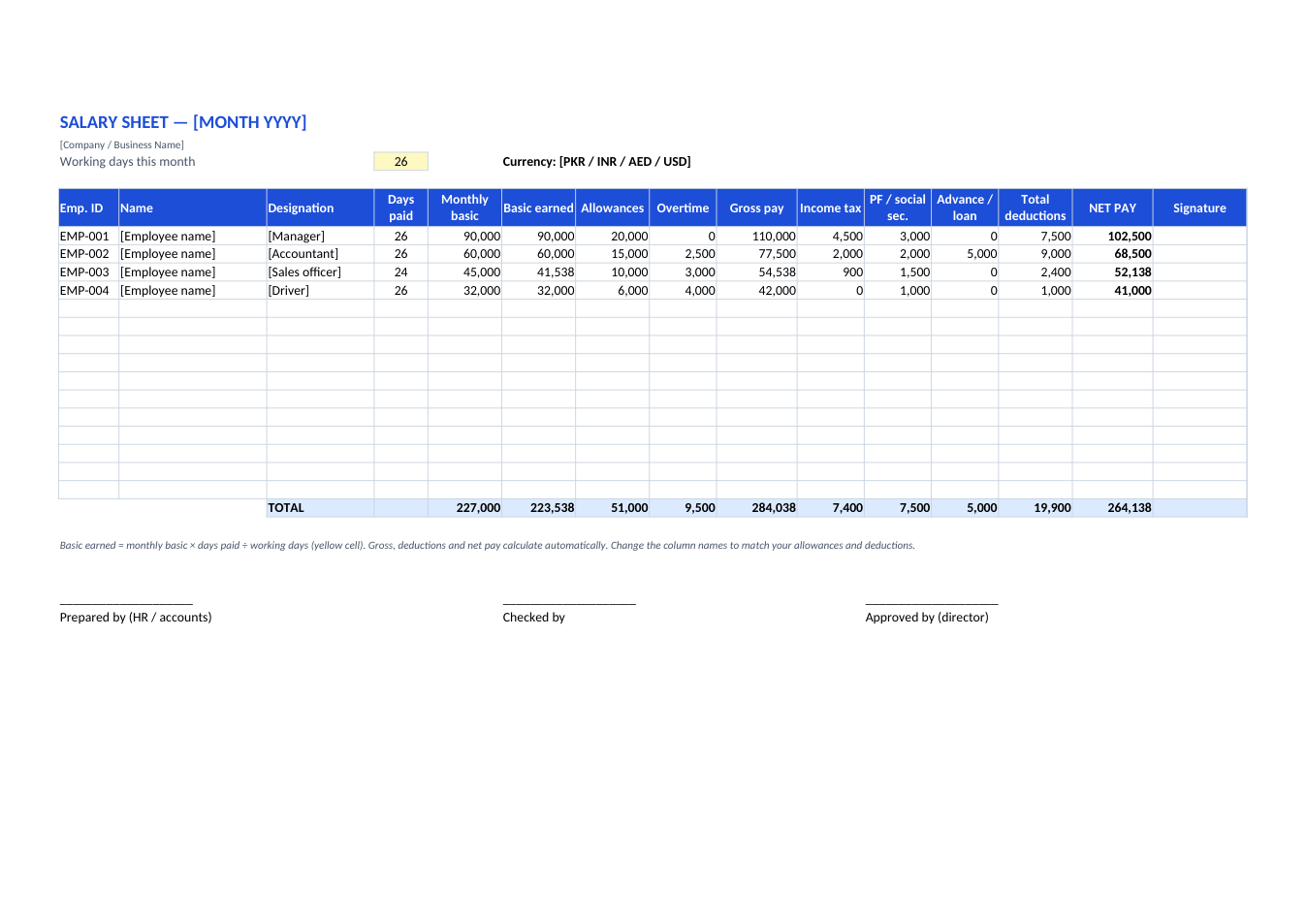
Salary Sheet (Payroll) template preview

Salary Sheet (Payroll)

Monthly payroll for all staff: gross, deductions, net pay.

ExcelPDF
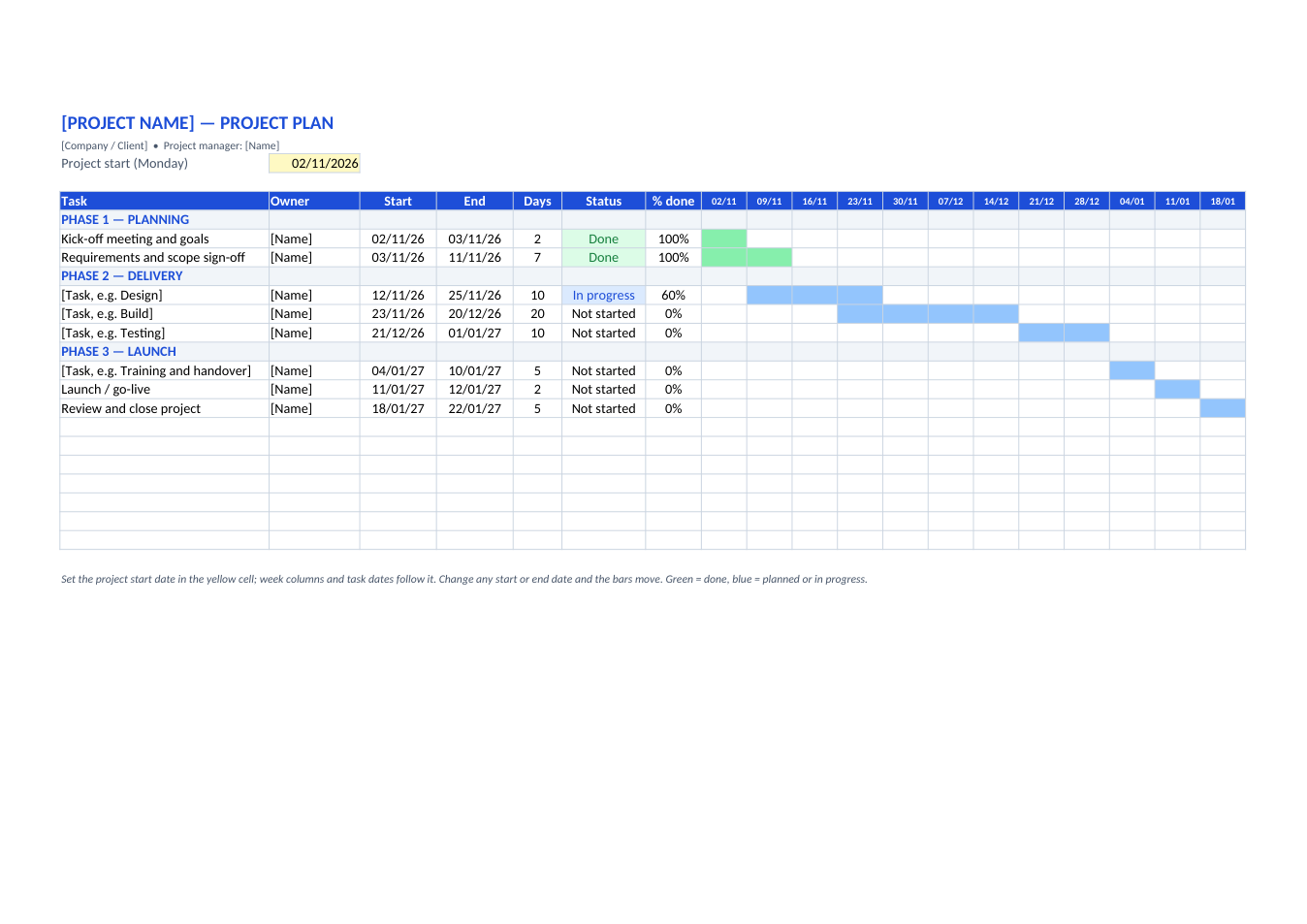
Project Plan (Gantt Chart) template preview

Project Plan (Gantt Chart)

Tasks, owners, dates and a 12-week Gantt chart.

ExcelPDF
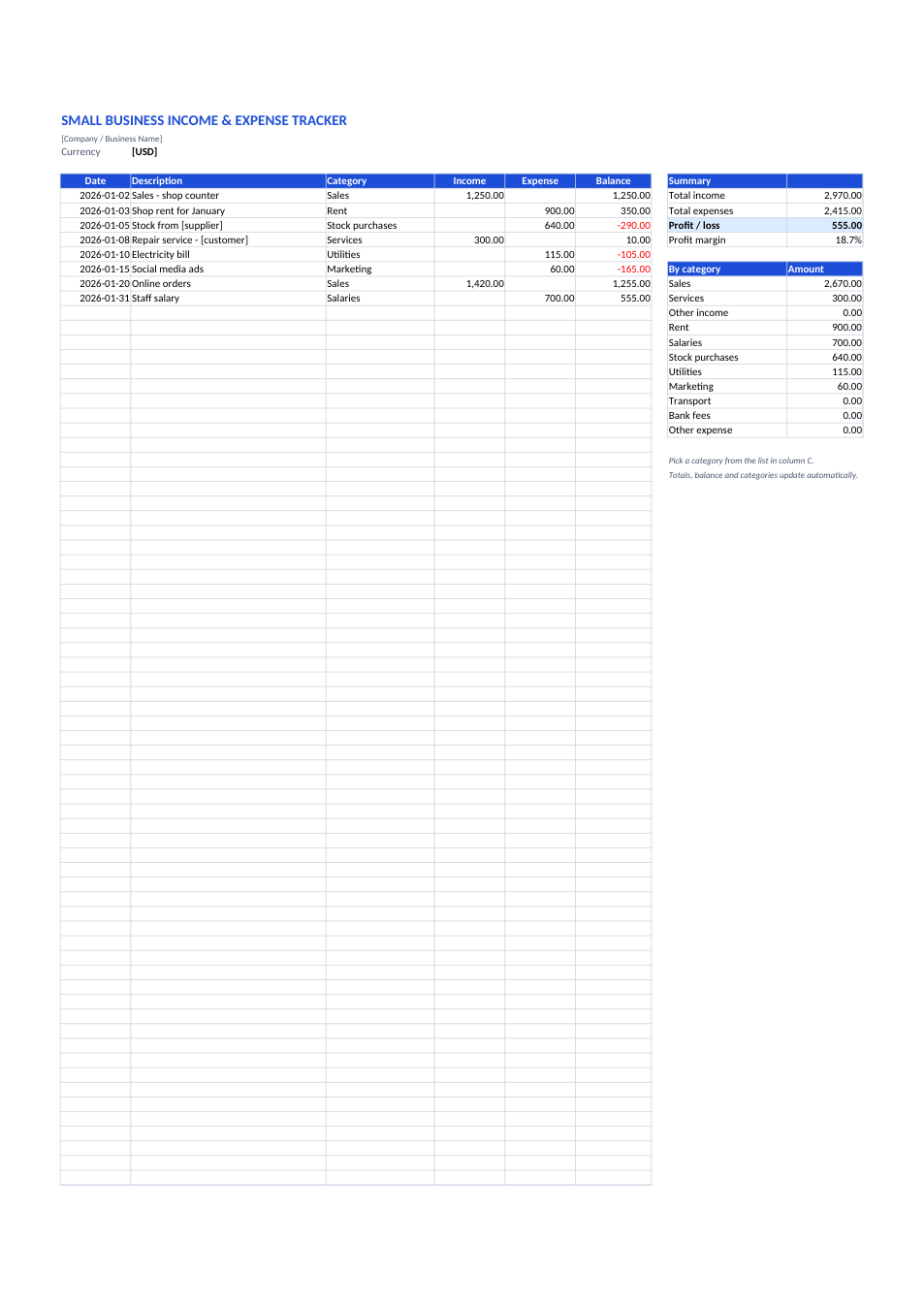
Income & Expense Tracker template preview

Income & Expense Tracker

Small business money in and out, running balance, profit by category.

ExcelPDF
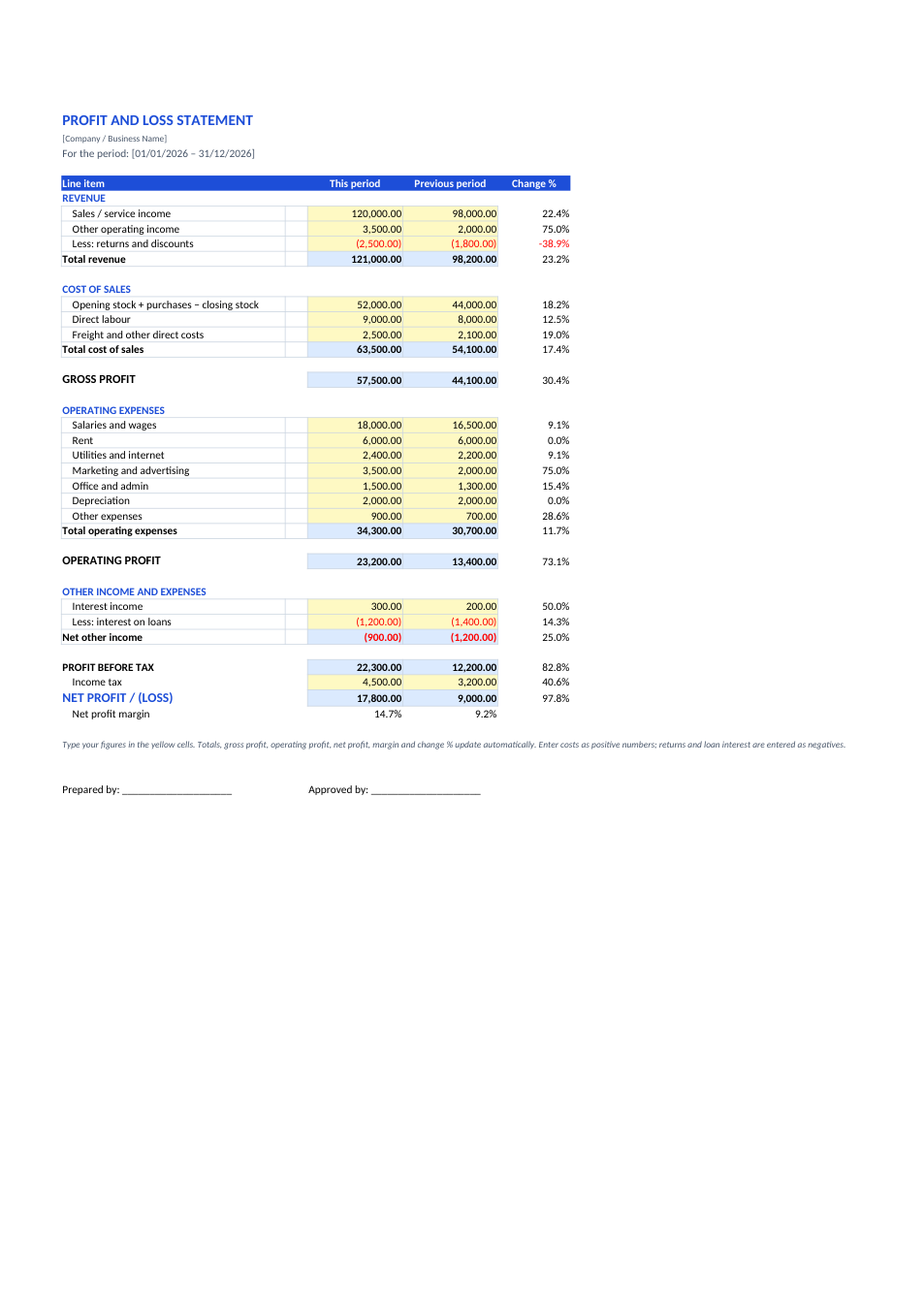
Profit and Loss Statement template preview

Profit and Loss Statement

Income statement with gross, operating and net profit.

ExcelPDF
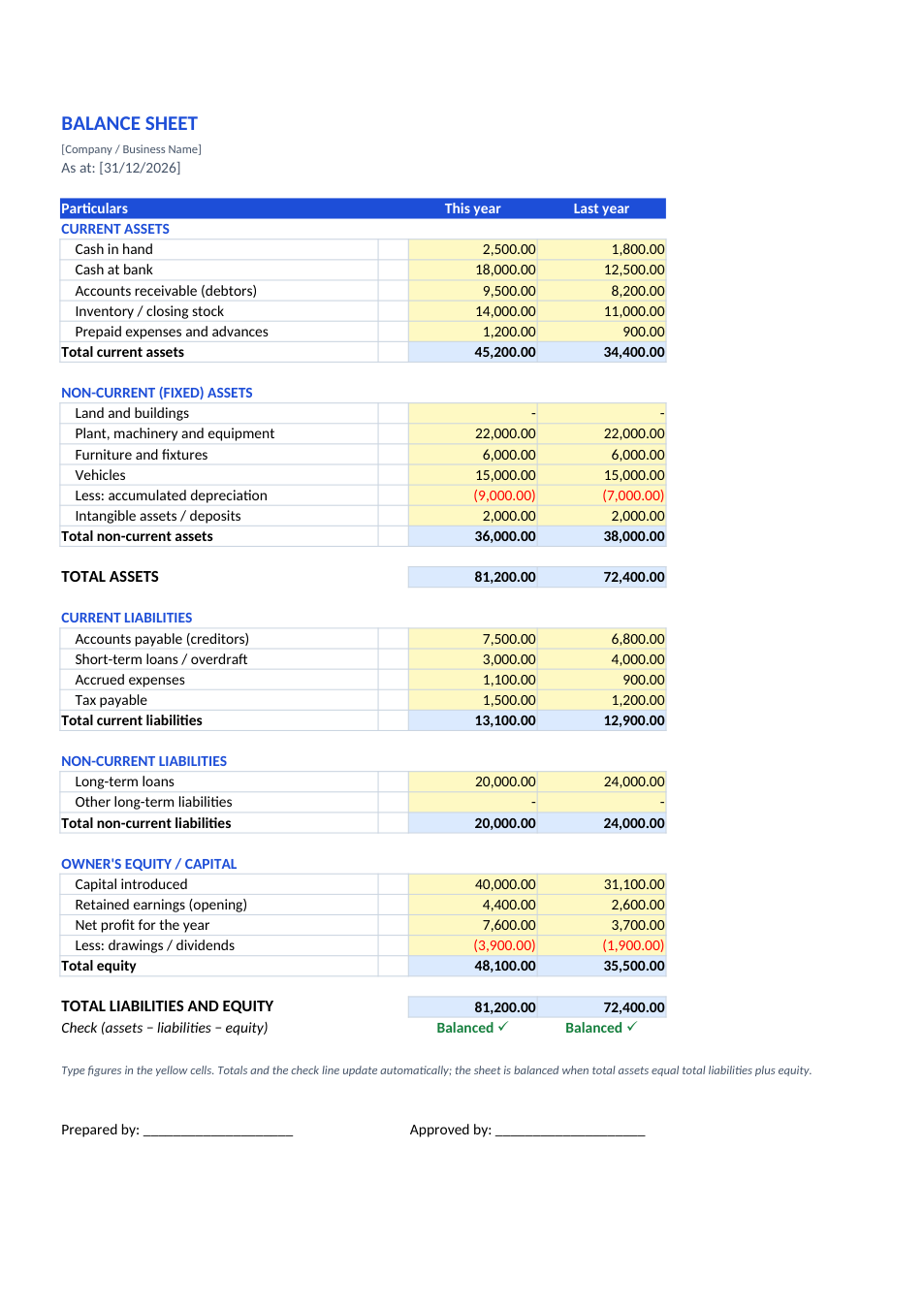
Balance Sheet template preview

Balance Sheet

Assets, liabilities and equity with a balance check.

ExcelPDF
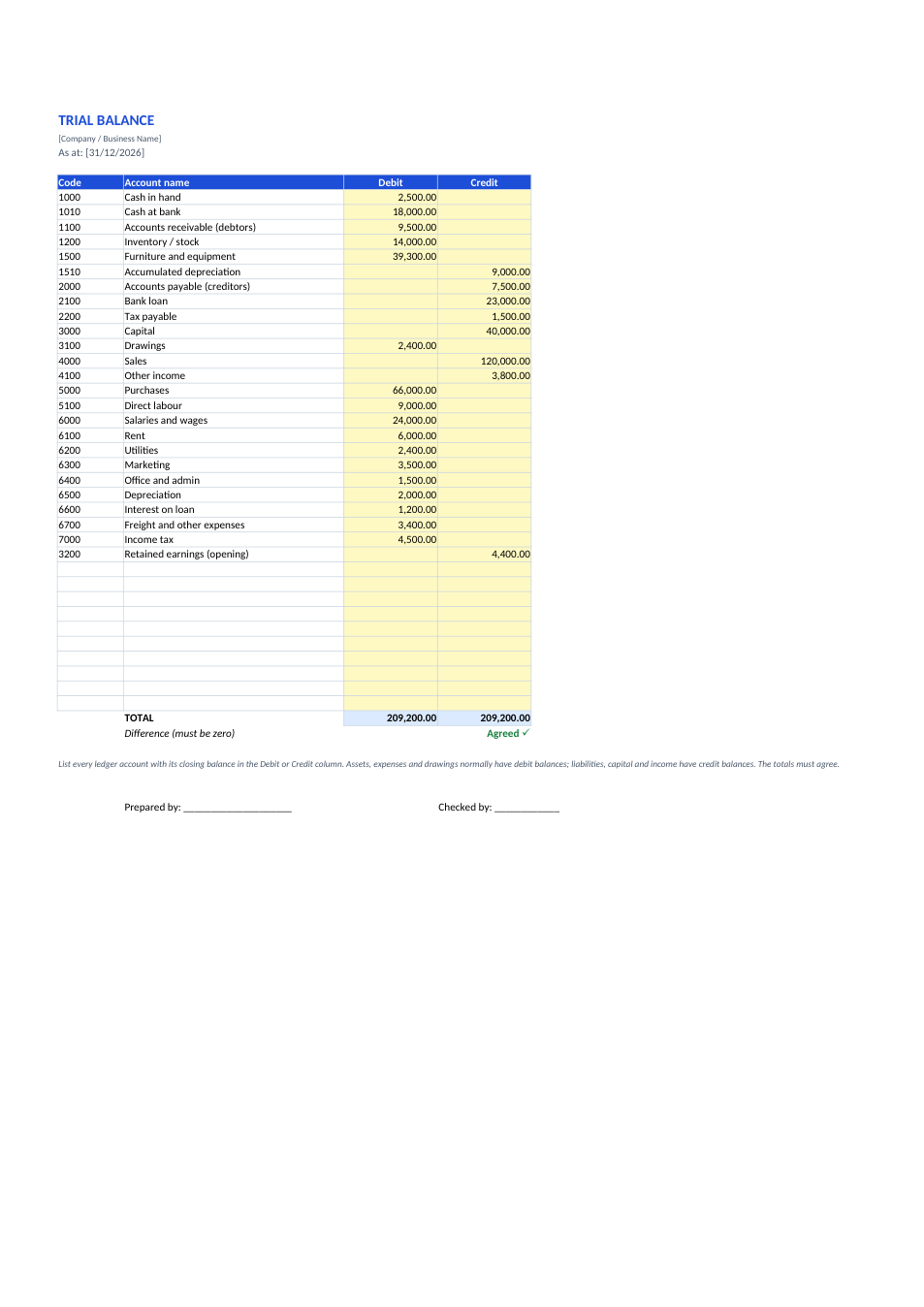
Trial Balance template preview

Trial Balance

Every ledger balance in debit and credit, with totals that must agree.

ExcelPDF
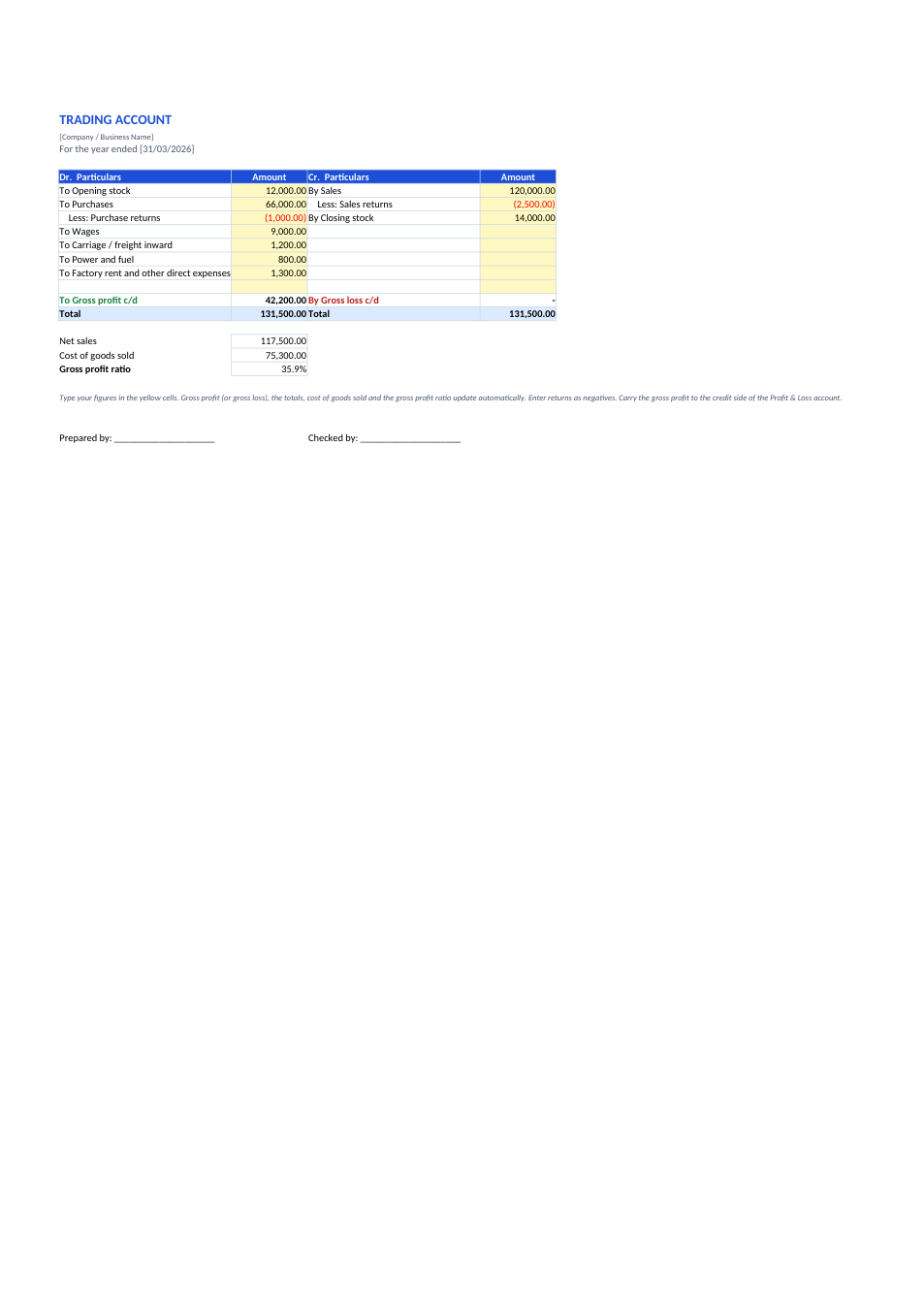
Trading Account template preview

Trading Account

Dr/Cr trading account that works out gross profit or gross loss.

ExcelPDF
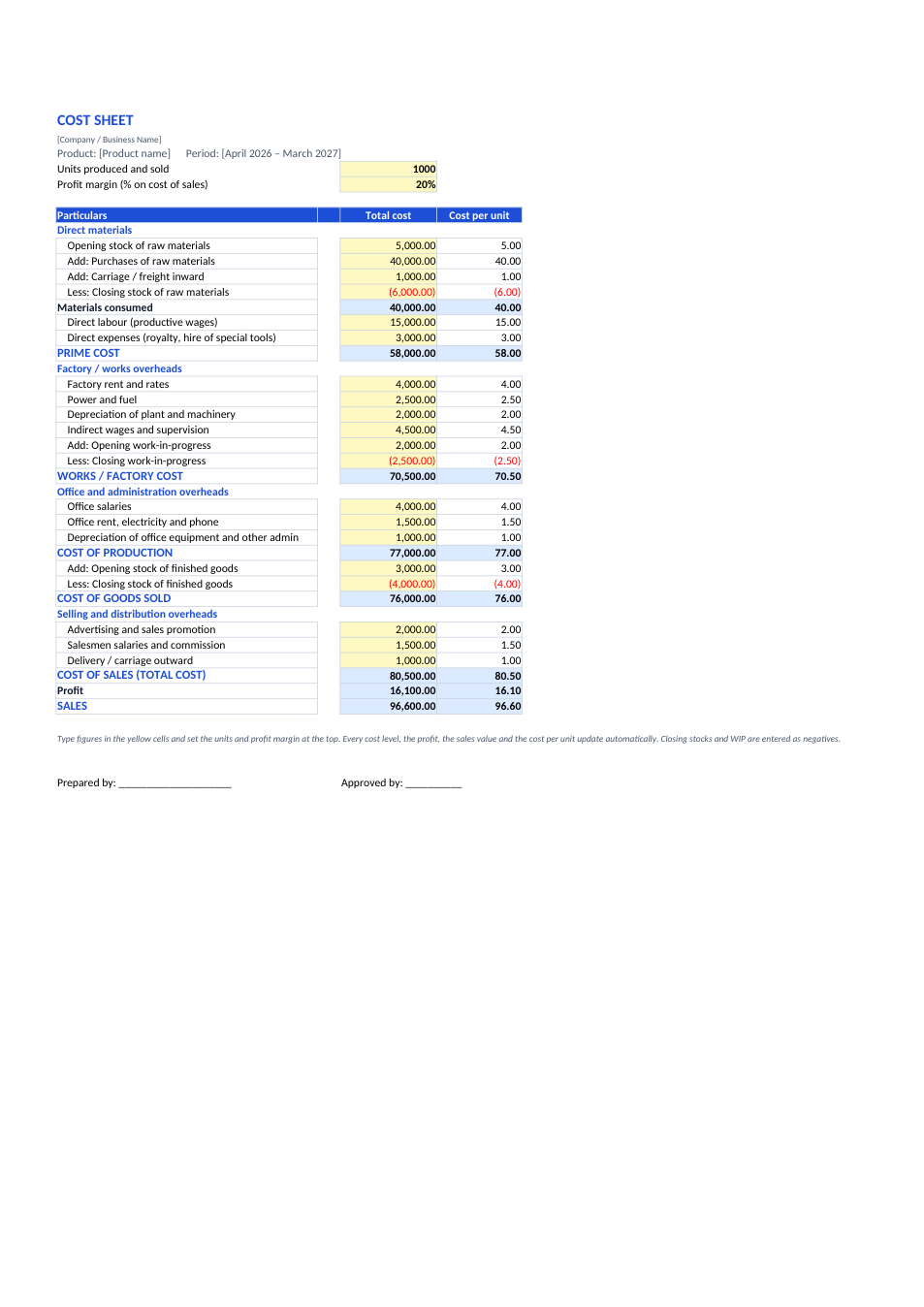
Cost Sheet template preview

Cost Sheet

Prime cost to sales, with cost per unit at every level.

ExcelPDF
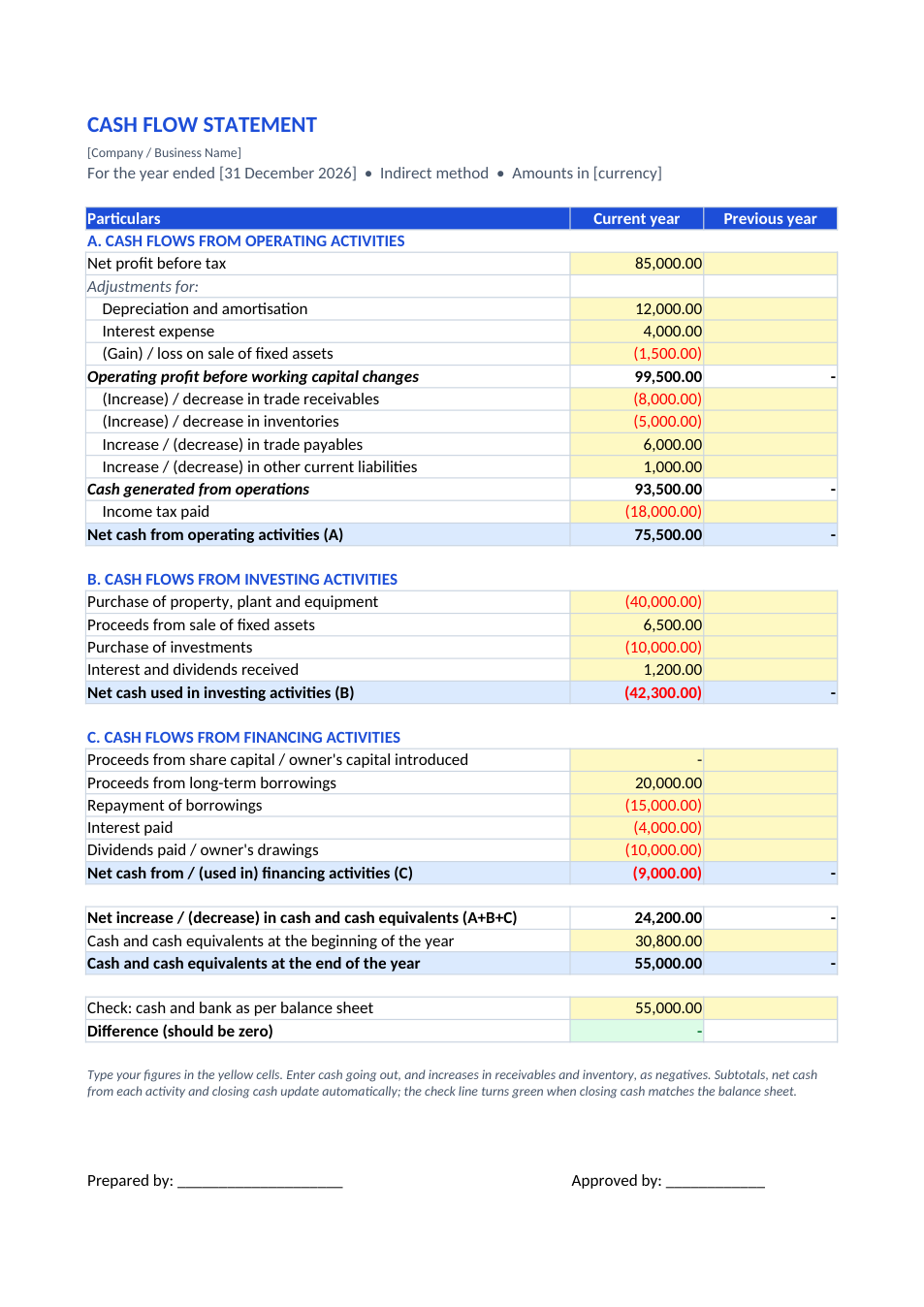
Cash Flow Statement template preview

Cash Flow Statement

Indirect-method cash flow: operating, investing and financing.

ExcelPDF
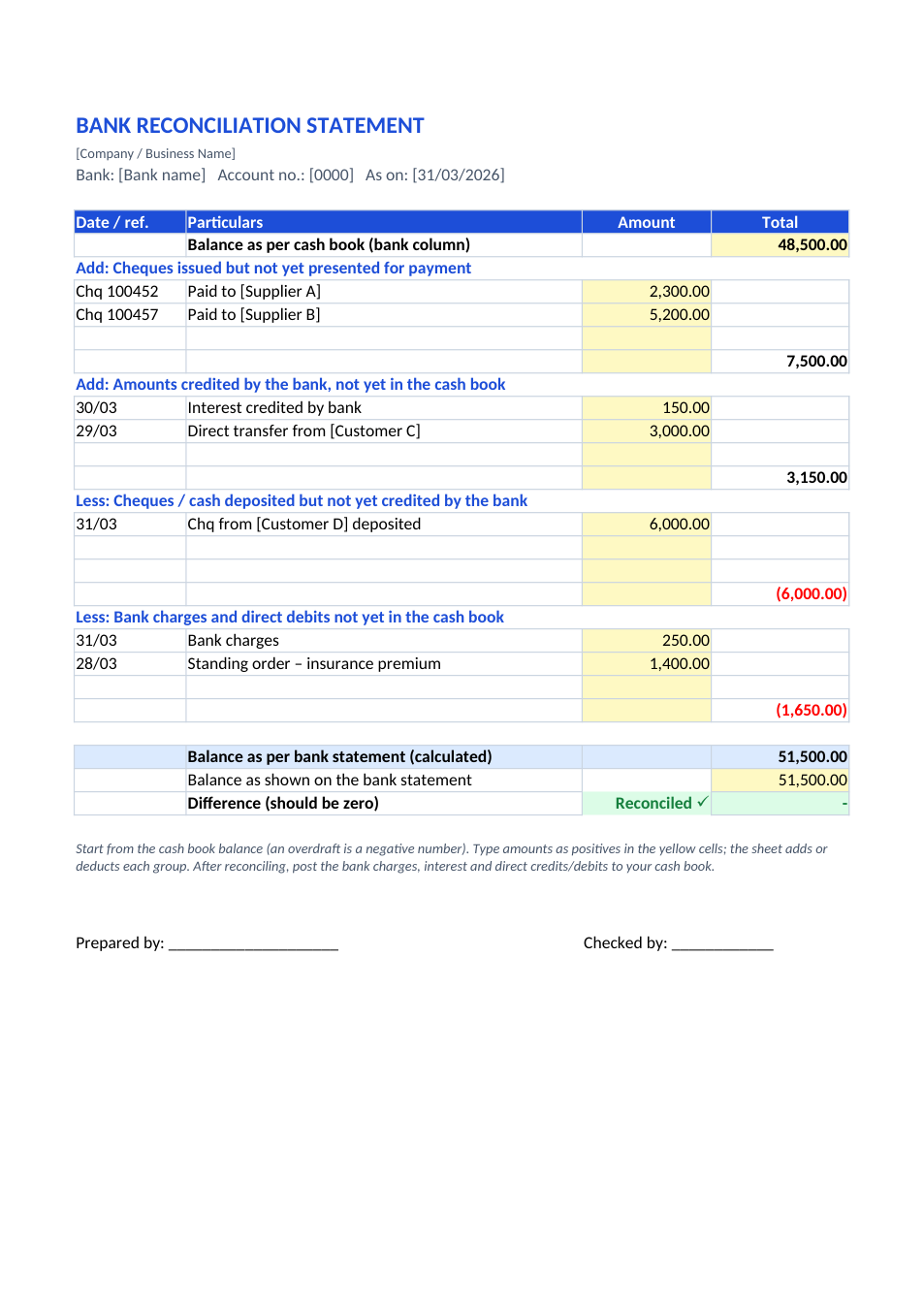
Bank Reconciliation Statement template preview

Bank Reconciliation Statement

Match the cash book to the bank statement, with an automatic check.

ExcelPDF