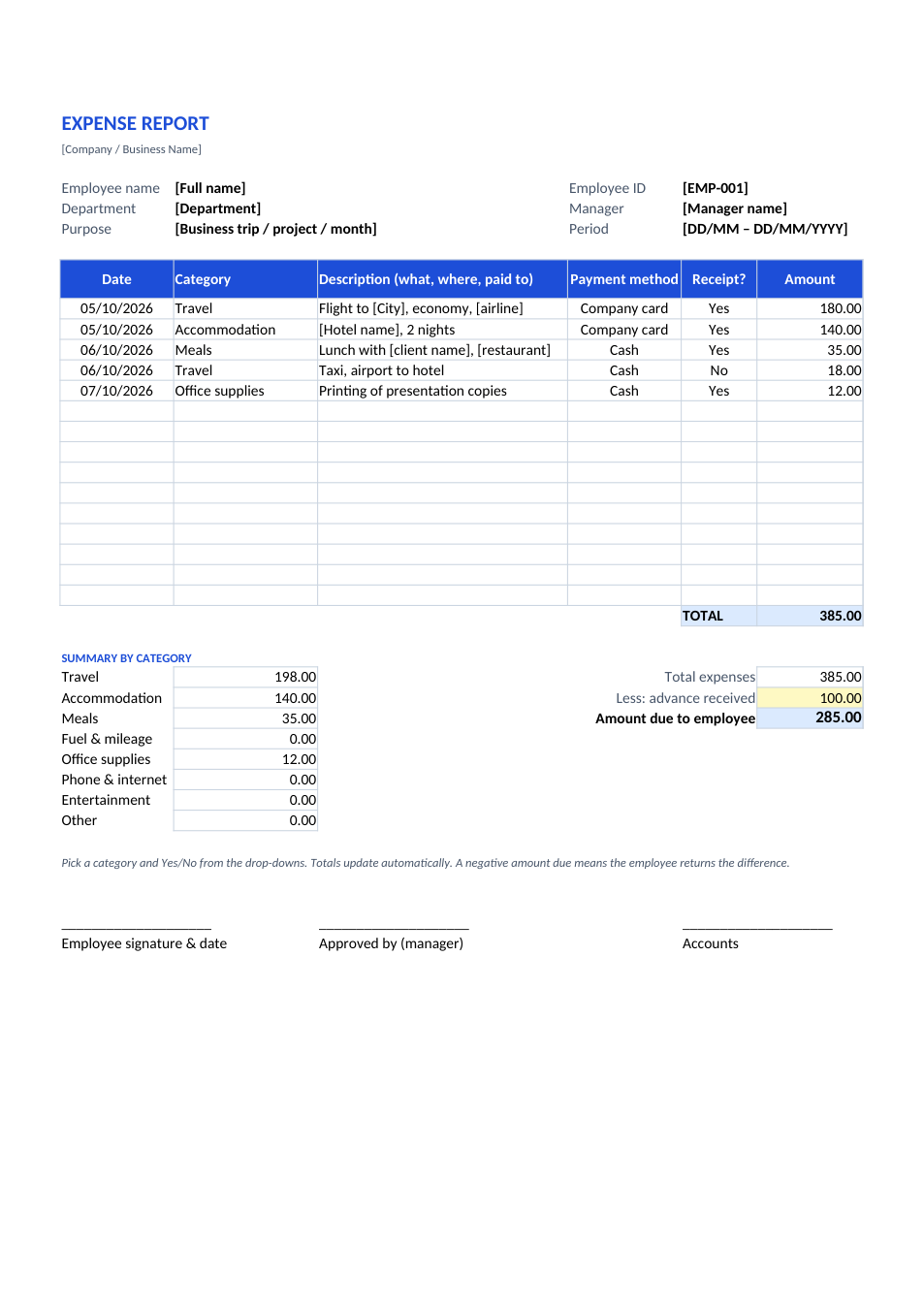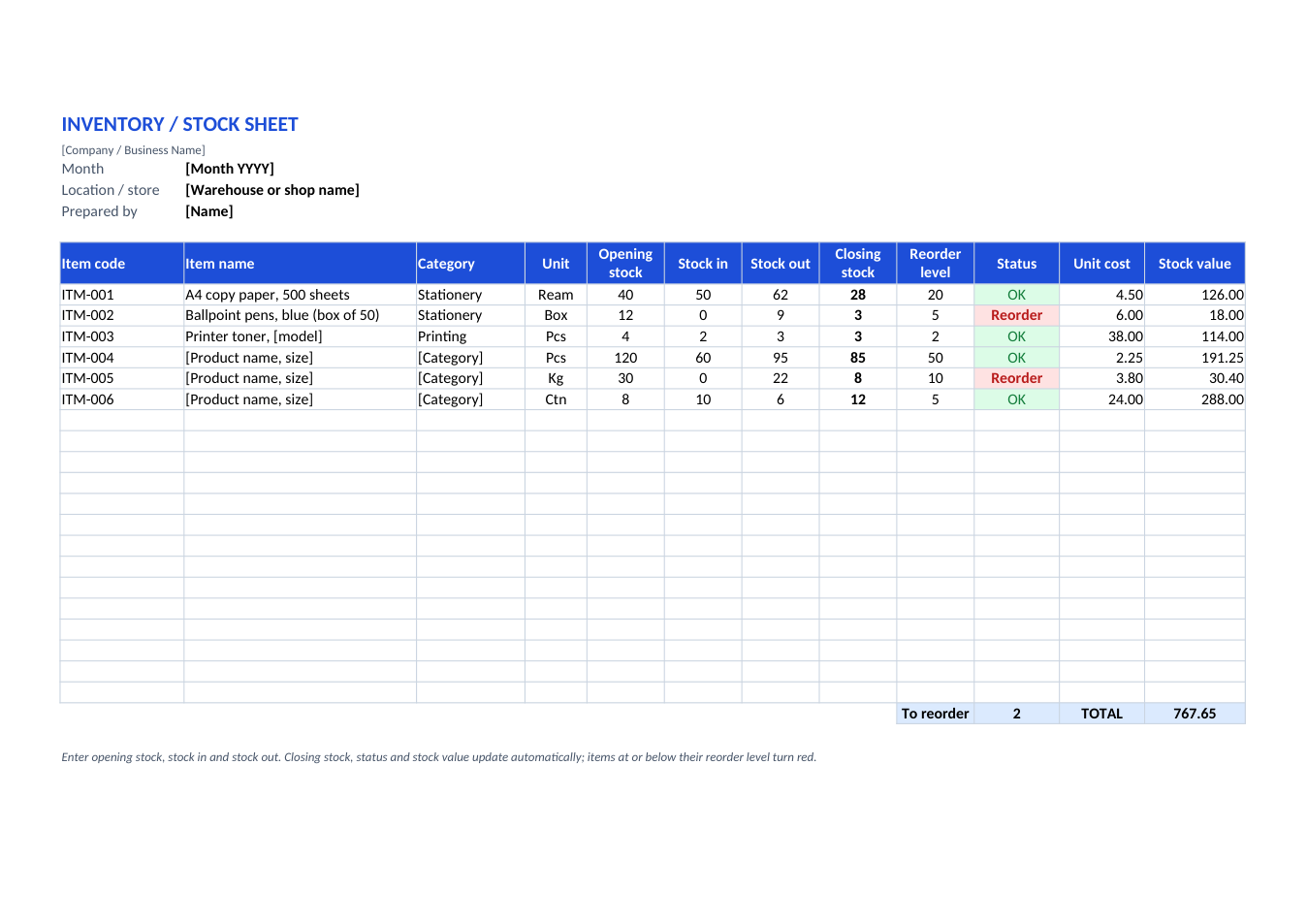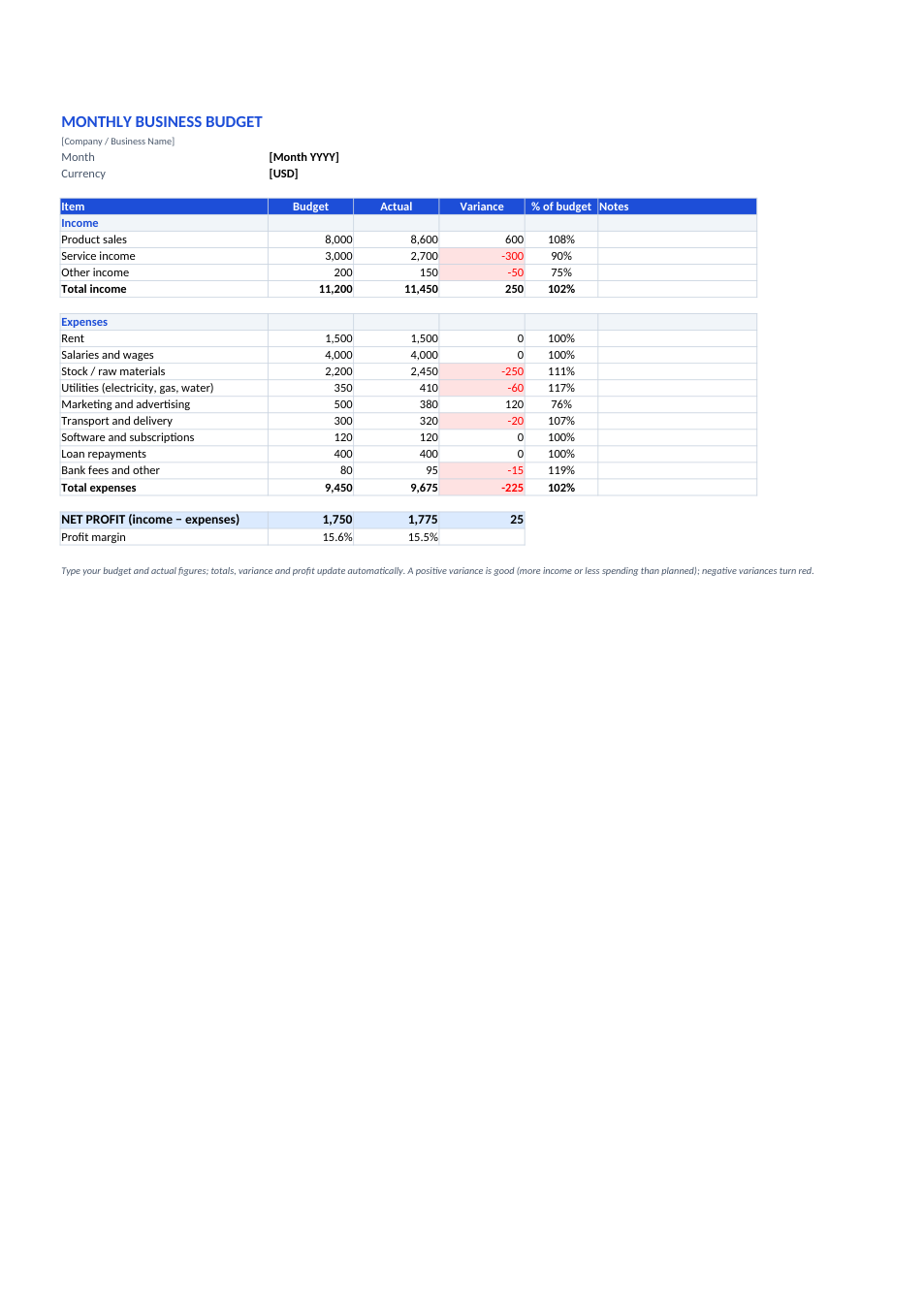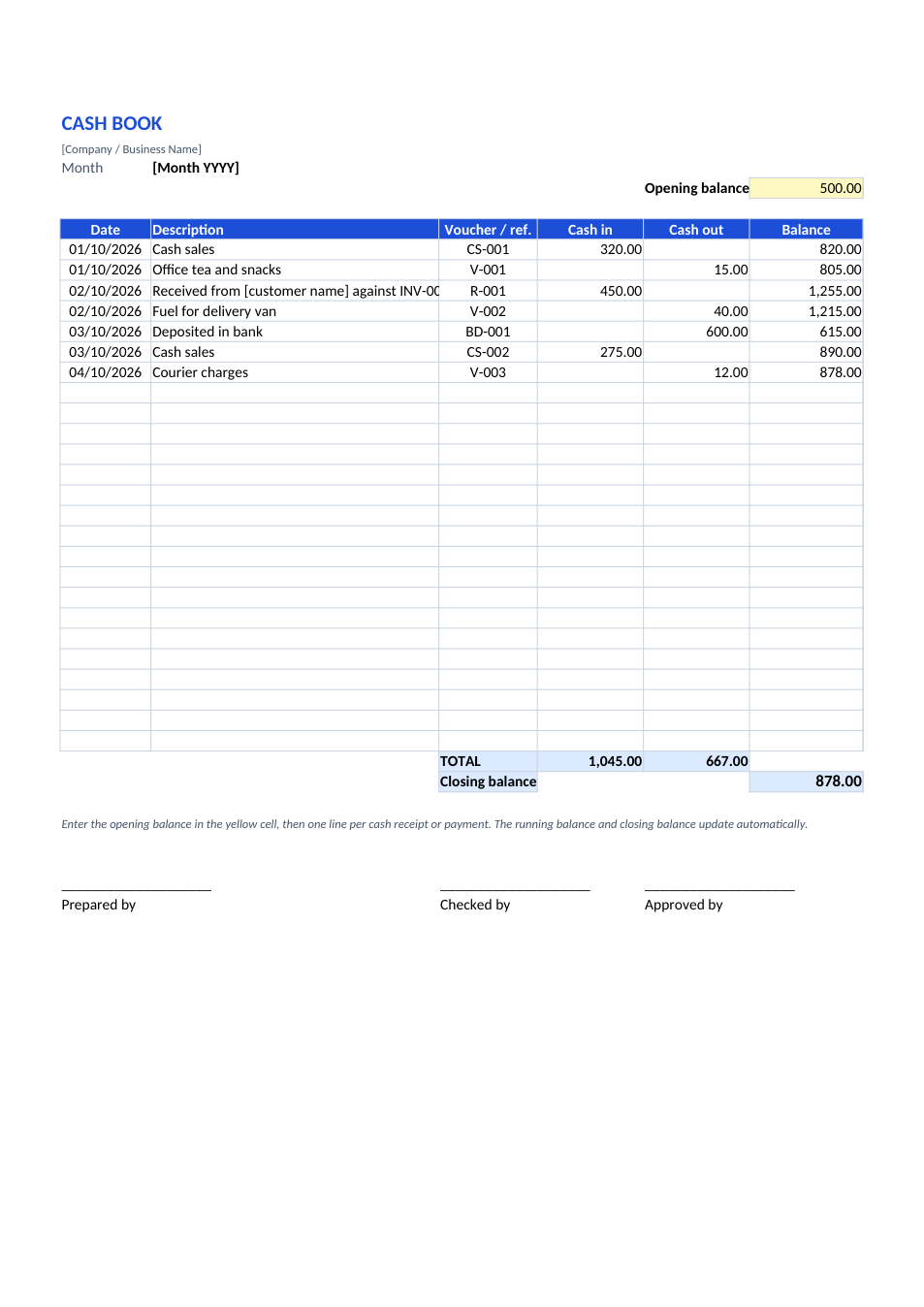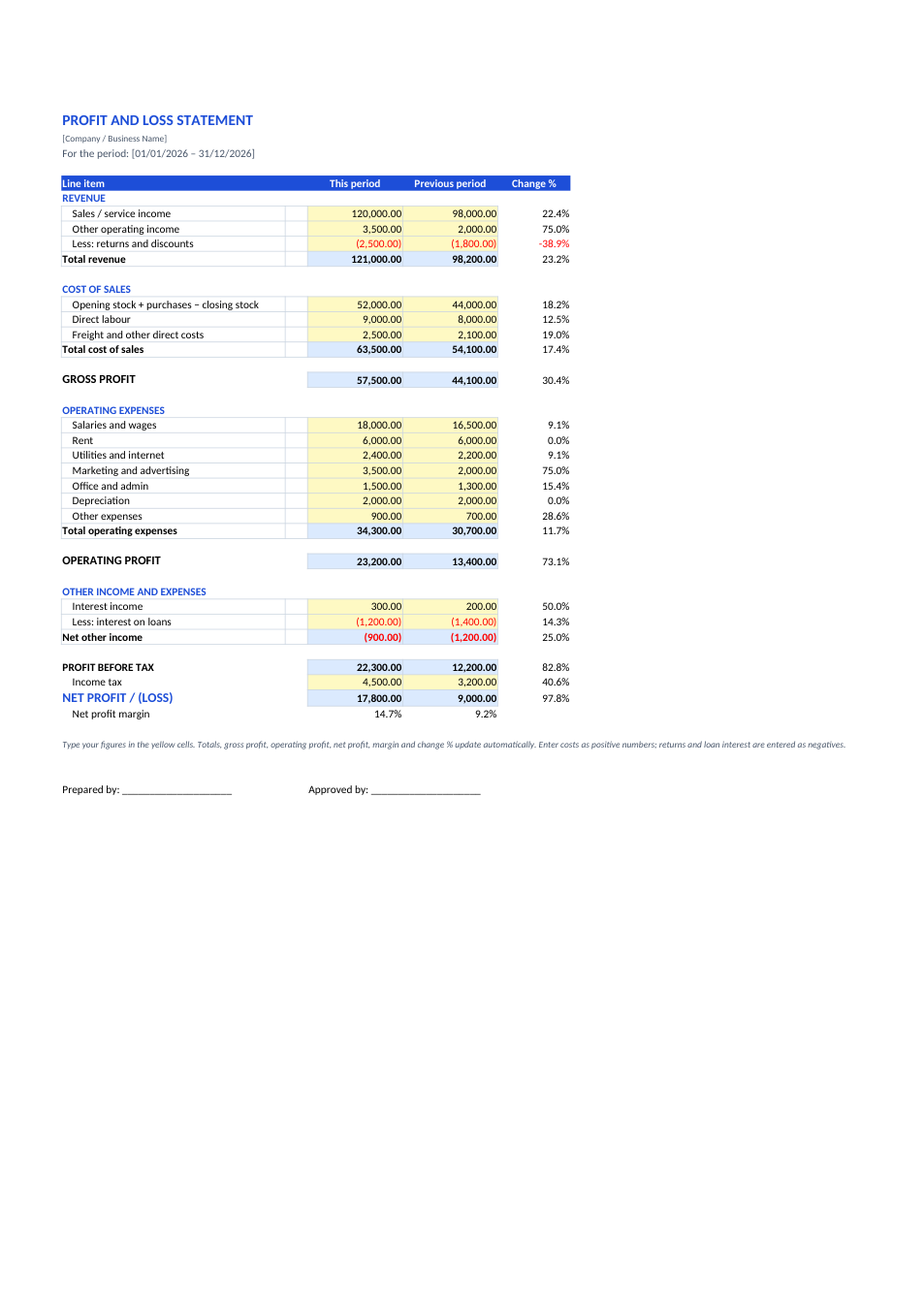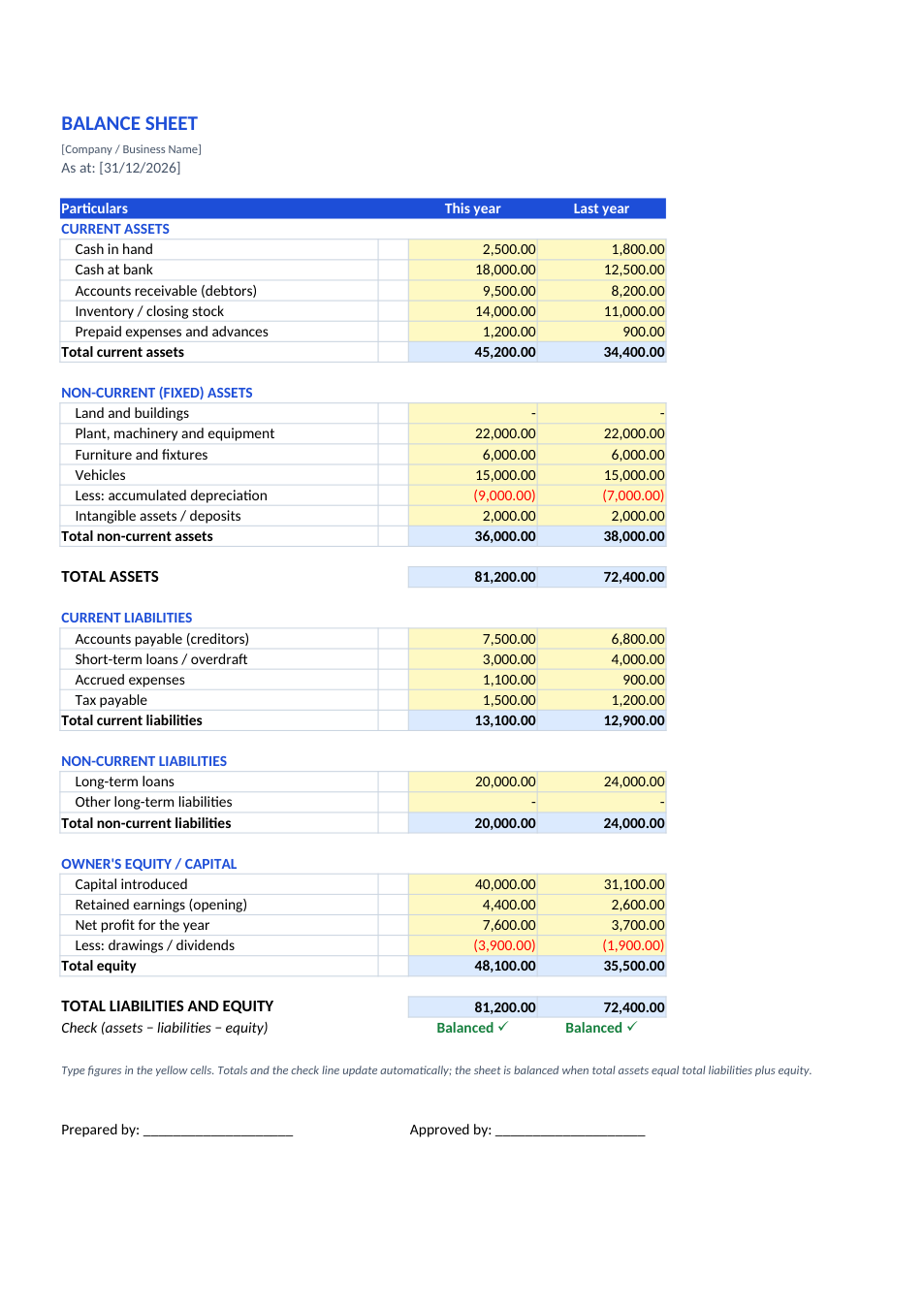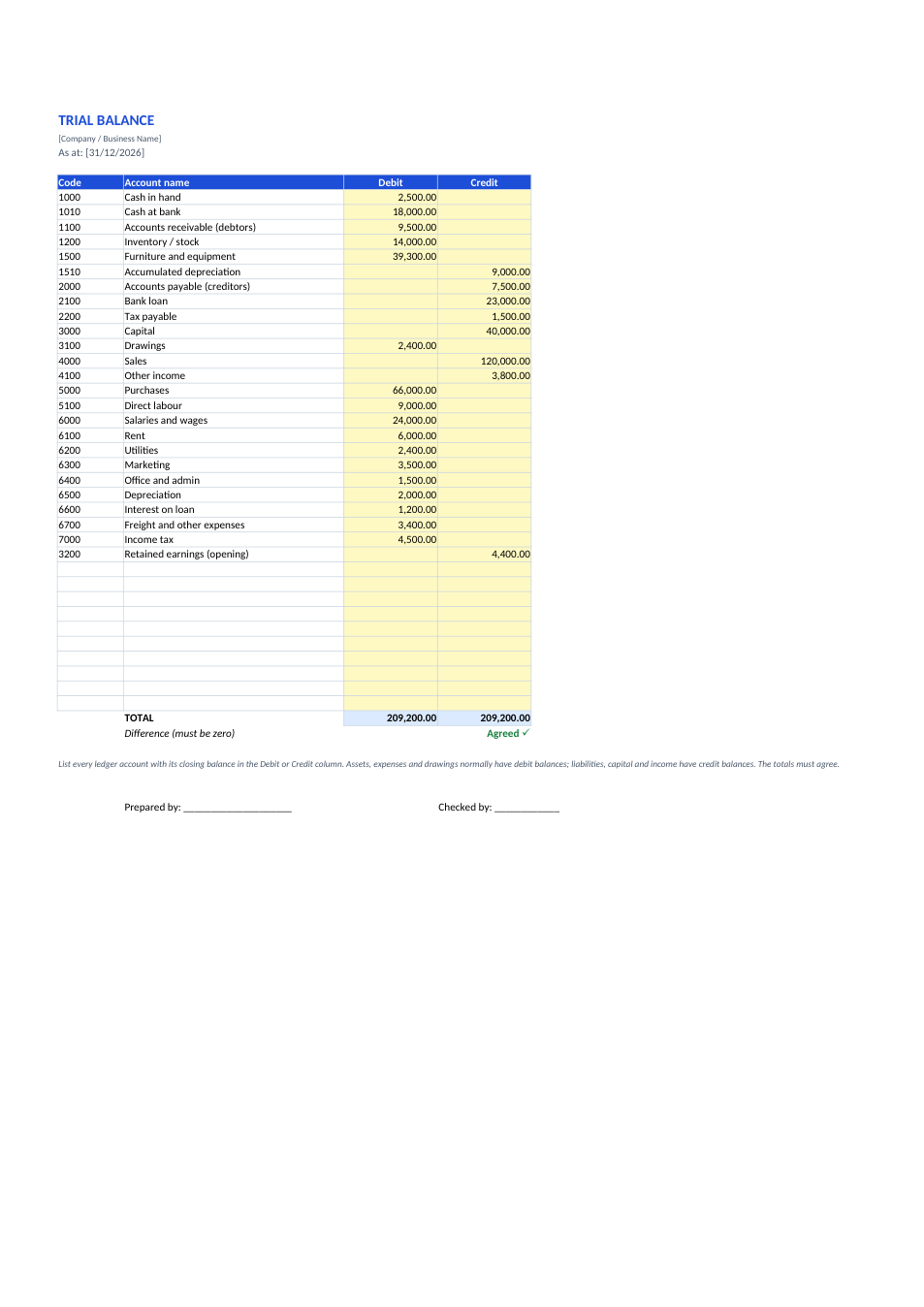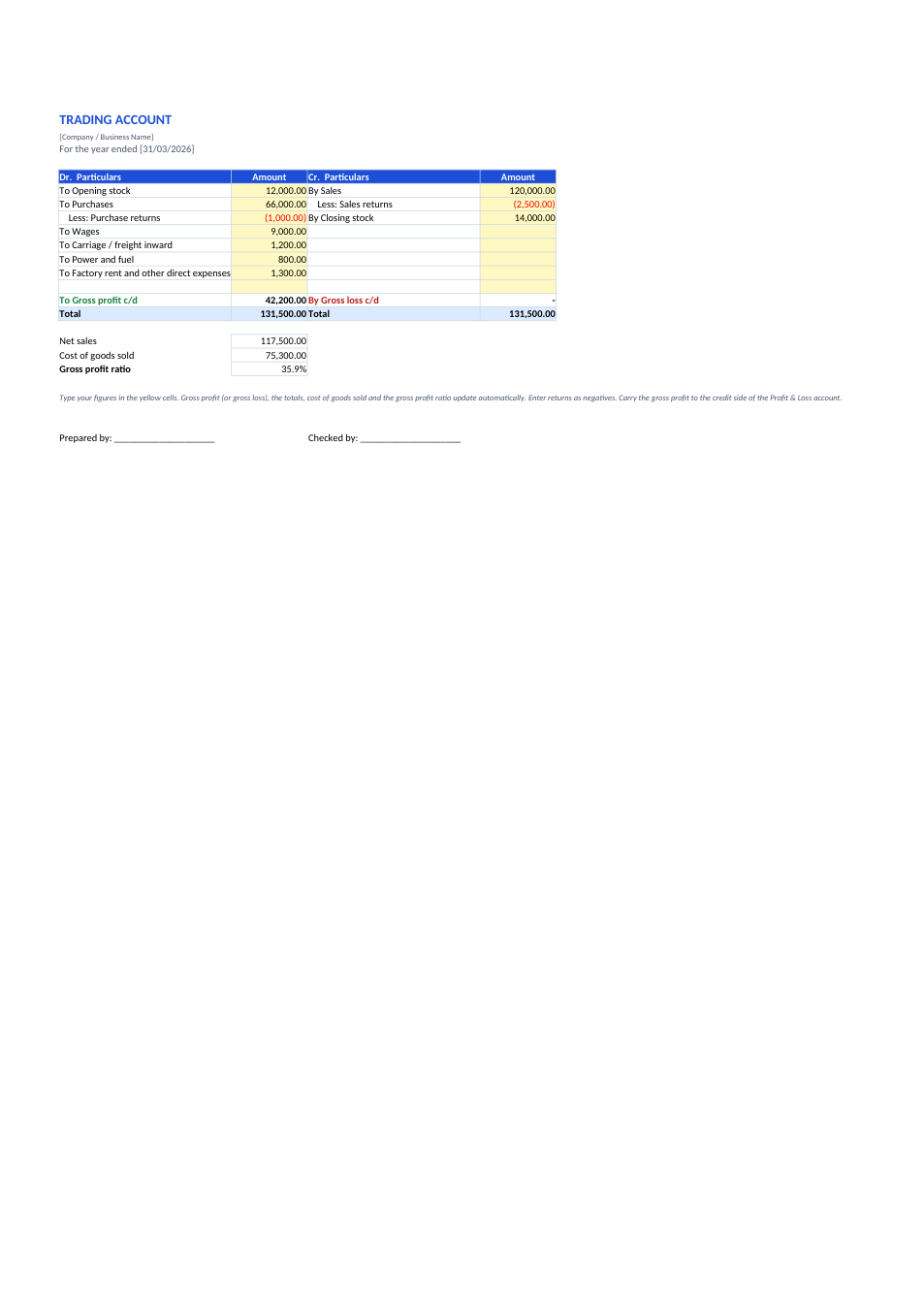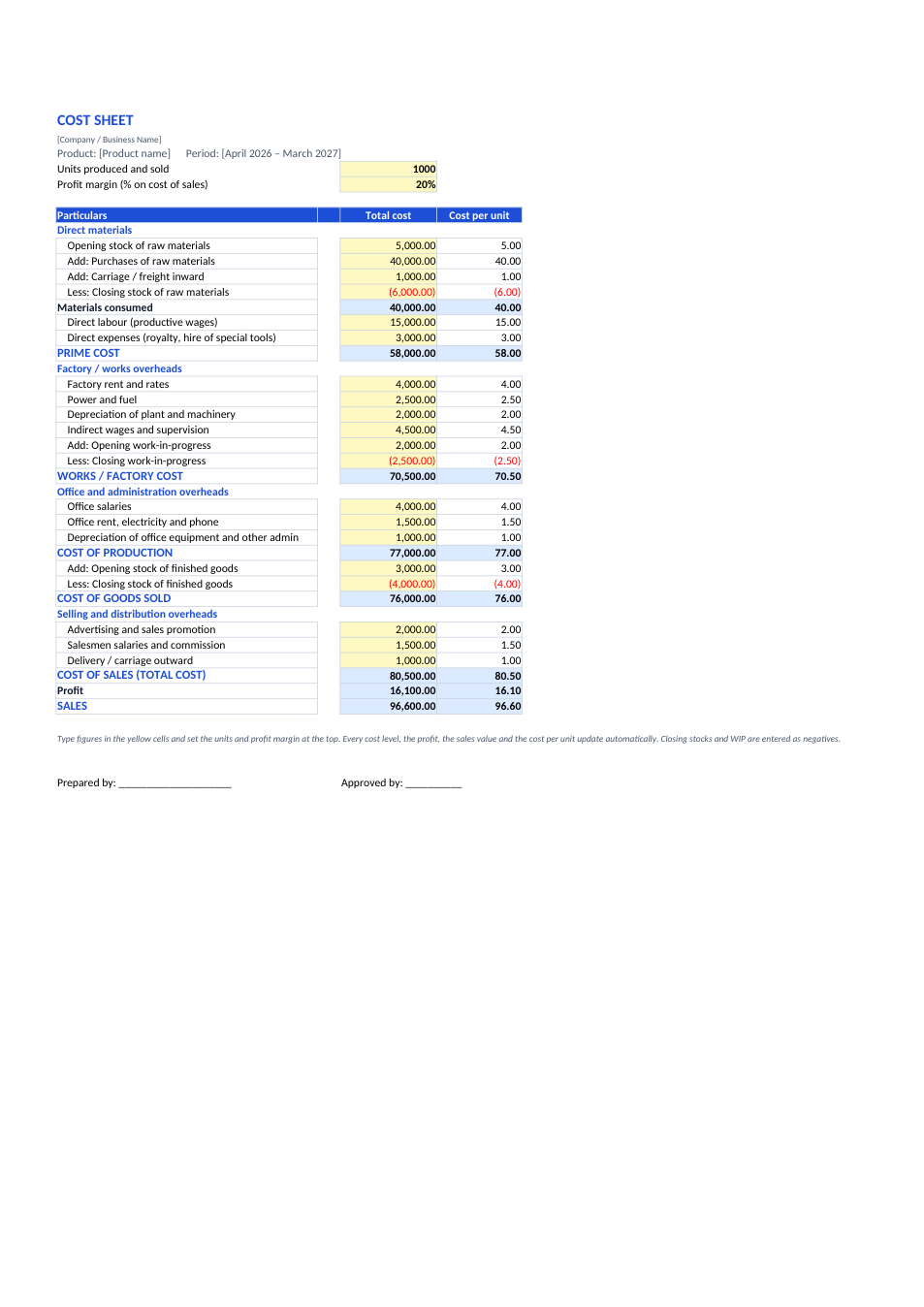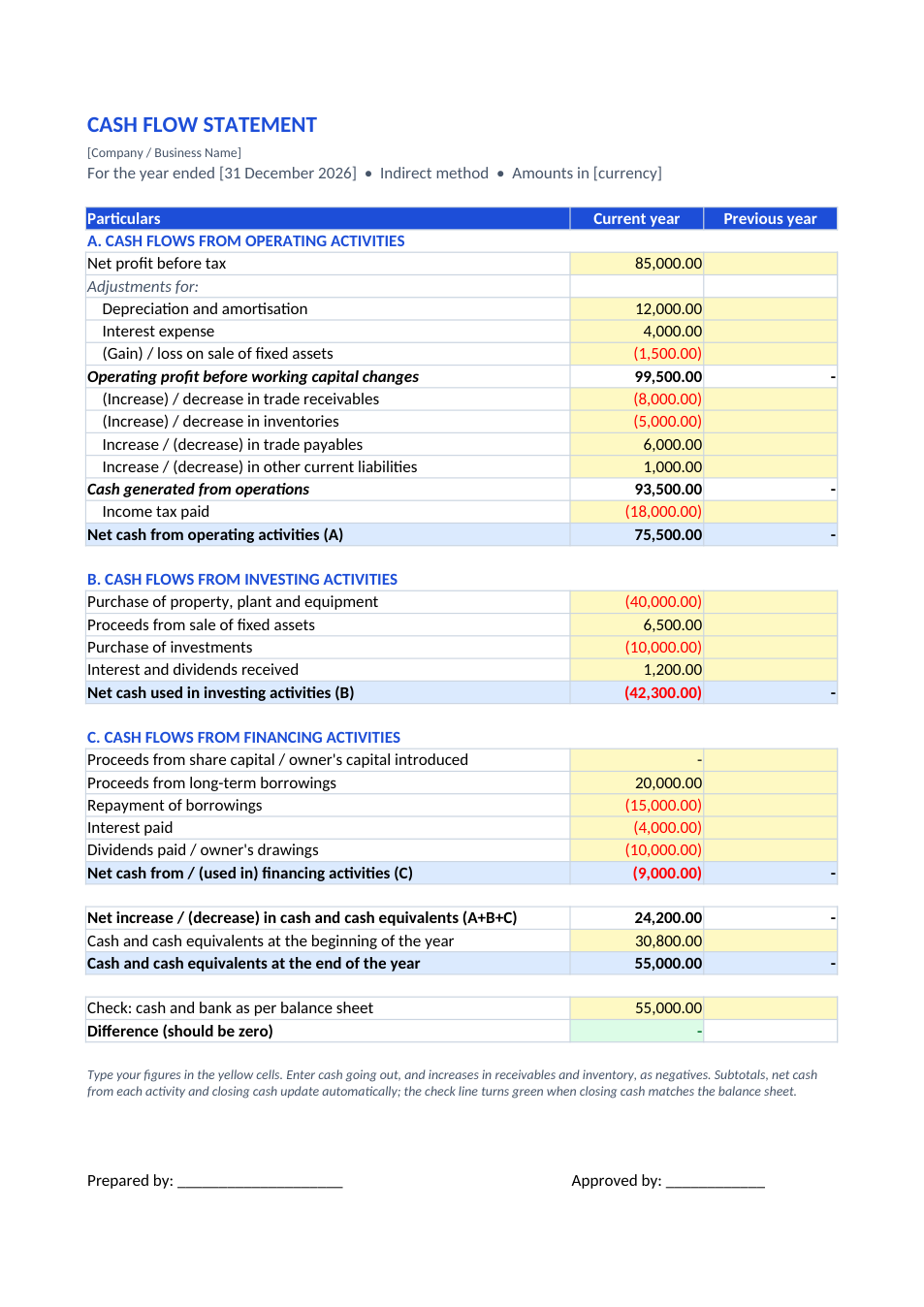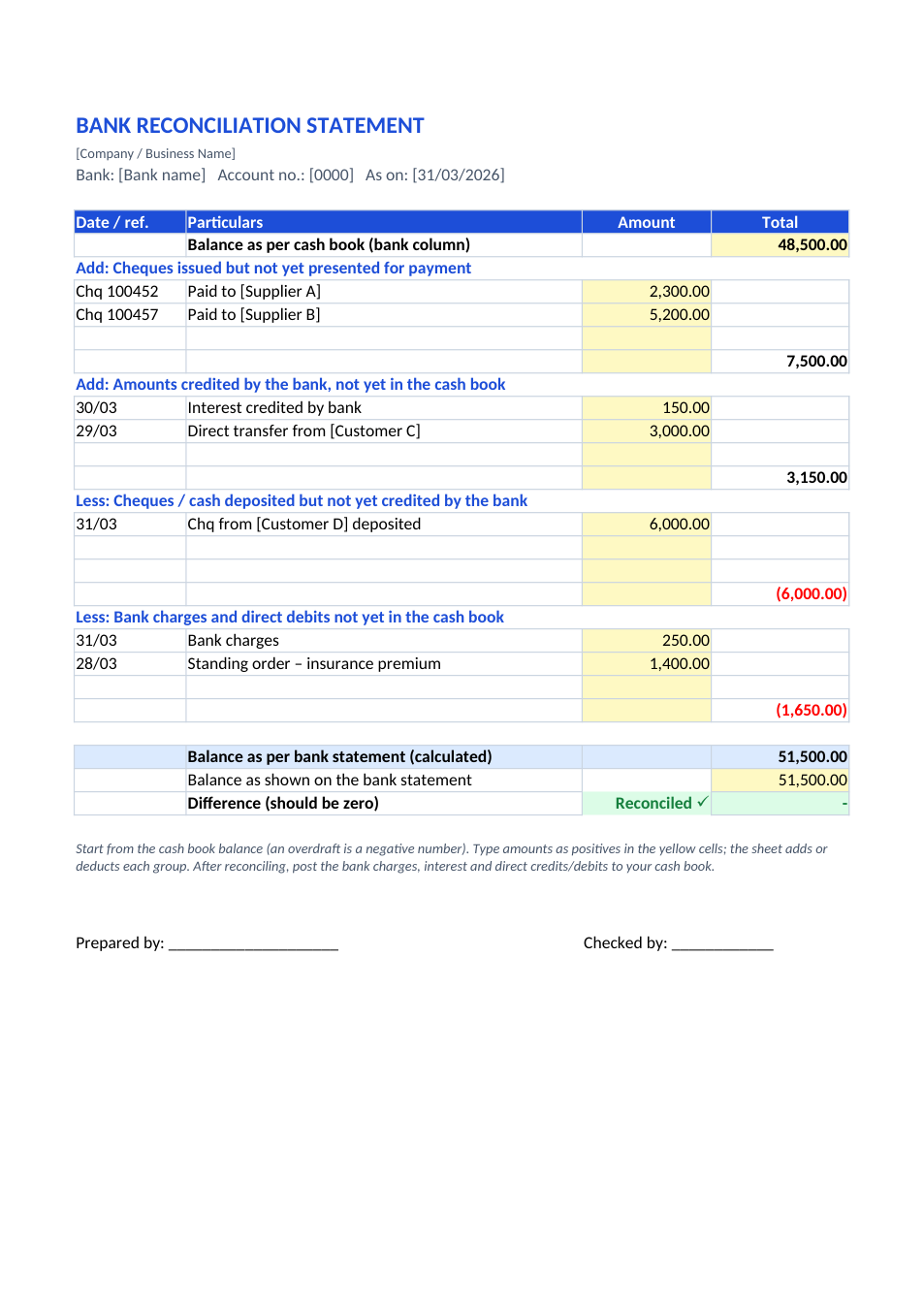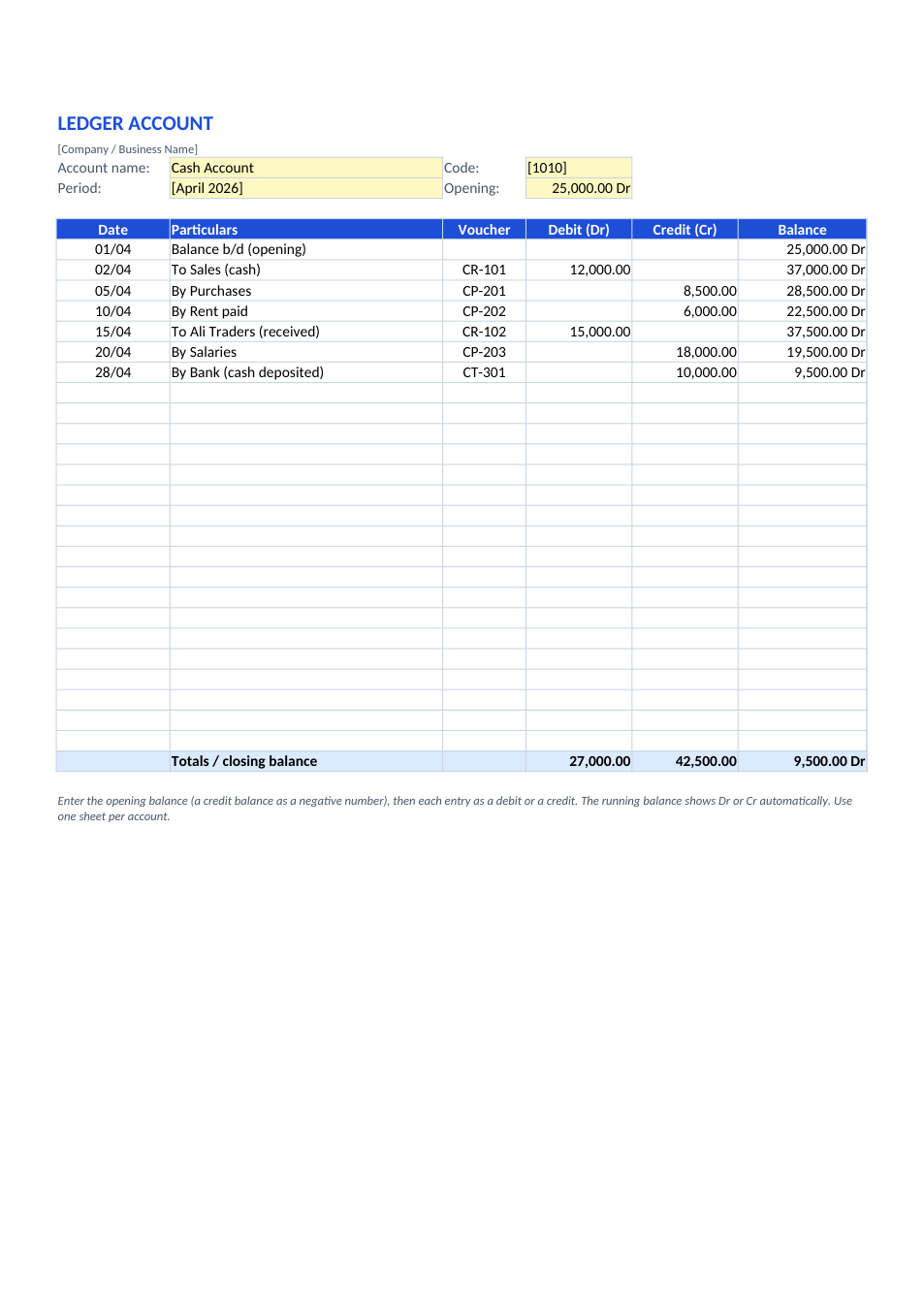
Sample text in [brackets], replace with yours · Accounting & Small Business Spreadsheets
Small Business Income and Expense Tracker (Excel & PDF)
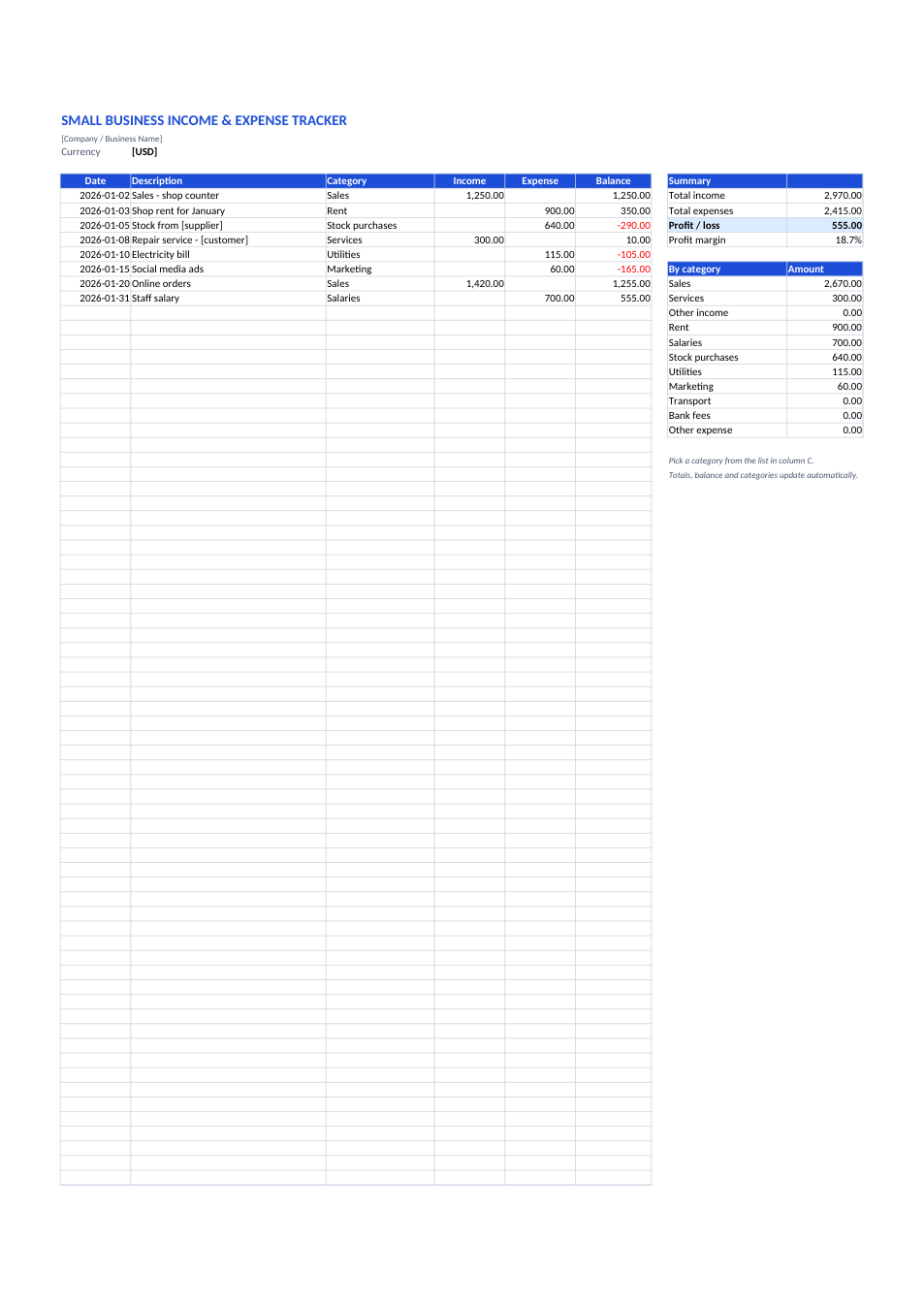
Record every sale and every bill on one sheet. The balance, profit, margin and totals by category update automatically.
Opens in your browser. No Excel needed, no signup.
Free for personal and commercial use · No watermark · Updated November 2026
Guide
About this income & expense tracker template
Most small businesses don't need accounting software to know whether they made money this month. They need one list of money in and money out. This tracker gives each transaction a row with the date, description, a category from a dropdown, and the amount as income or expense. The running balance updates as you type, and the summary beside it shows total income, total expenses, profit or loss, profit margin and the total for every category, so you can see at a glance that rent or stock is eating your margin. It suits shops, freelancers, home businesses and side hustles.
How to use this income and expense tracker
- 1
Click "Edit online" to open it in your browser, or download the Excel file.
- 2
Delete the sample rows and type your currency at the top.
- 3
Add each sale or payment as a row: date, description, category, then the amount under Income or Expense.
- 4
Watch the balance column and the summary update as you go.
- 5
Start a new copy each month (or each year) to keep a clean history for tax time.
Tips for tracking business money
Record it the same day
Add receipts daily or weekly. Rebuilding a month from memory always misses small costs.
Keep personal money out
Pay yourself a fixed "owner's salary" from the business. Don't mix personal shopping into the sheet.
Keep the receipts
Scan paper receipts with the phone document scanner and store them as PDFs by month.
Watch the categories
If one expense category keeps growing faster than sales, that is where to cut or renegotiate first.
Frequently Asked Questions
Tools that help
Excel to PDF
Convert Excel spreadsheets to PDF with all sheets preserved
PDF to Excel
Extract tables from PDF into editable Excel spreadsheets
Scan Document to PDF
Turn phone photos of documents into a clean, straightened PDF scan. Auto edge detection, filters, multiple pages.
Compress PDF
Reduce PDF file size without losing quality