Sample text in [brackets], replace with yours · Accounting & Small Business Spreadsheets
Cash Flow Statement Format (Excel & PDF)
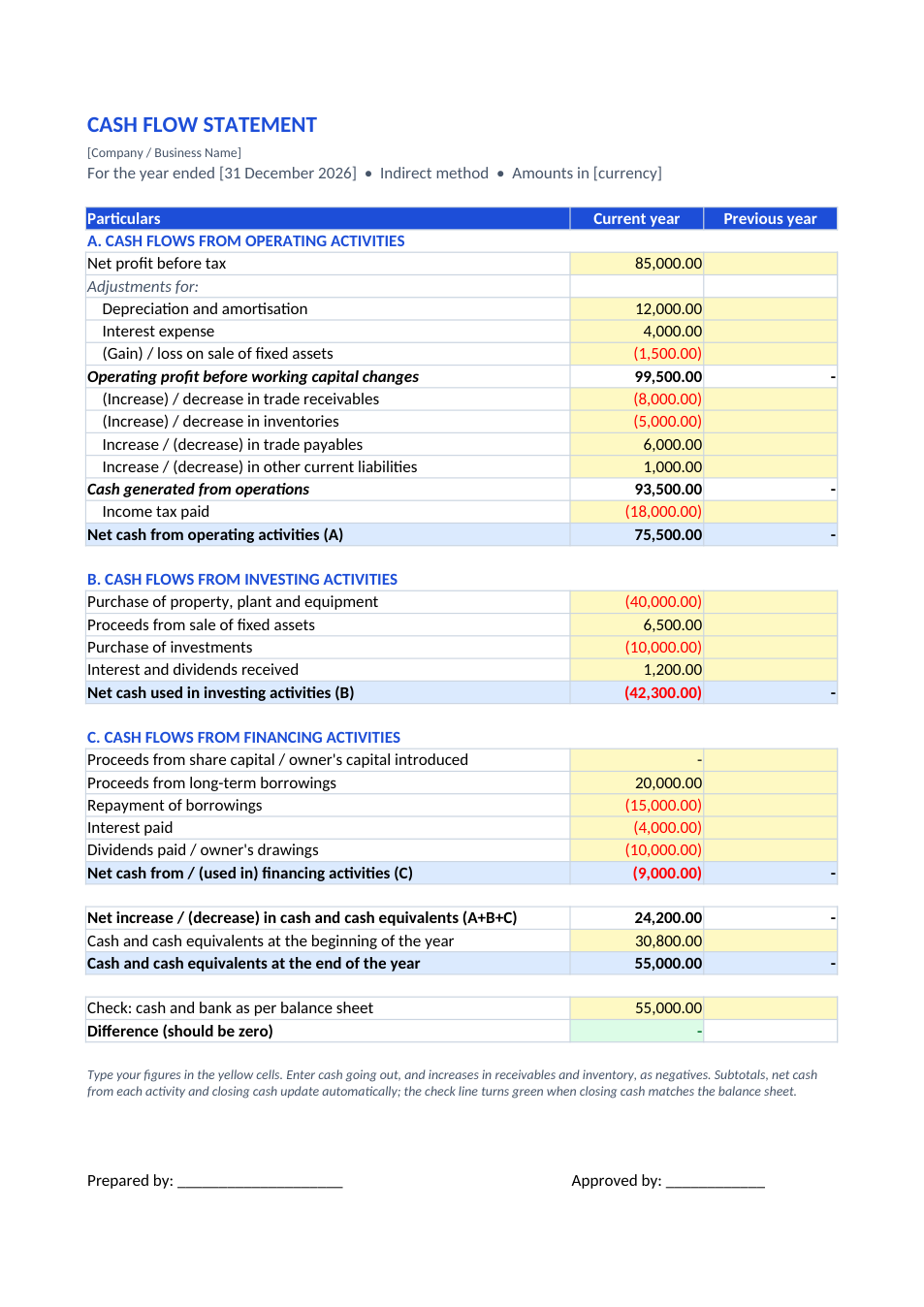
Indirect method: net profit adjusted for non-cash items and working capital, then investing and financing, with a check against the balance sheet.
Opens in your browser. No Excel needed, no signup.
Free for personal and commercial use · No watermark · Updated November 2026
Guide
About this cash flow statement template
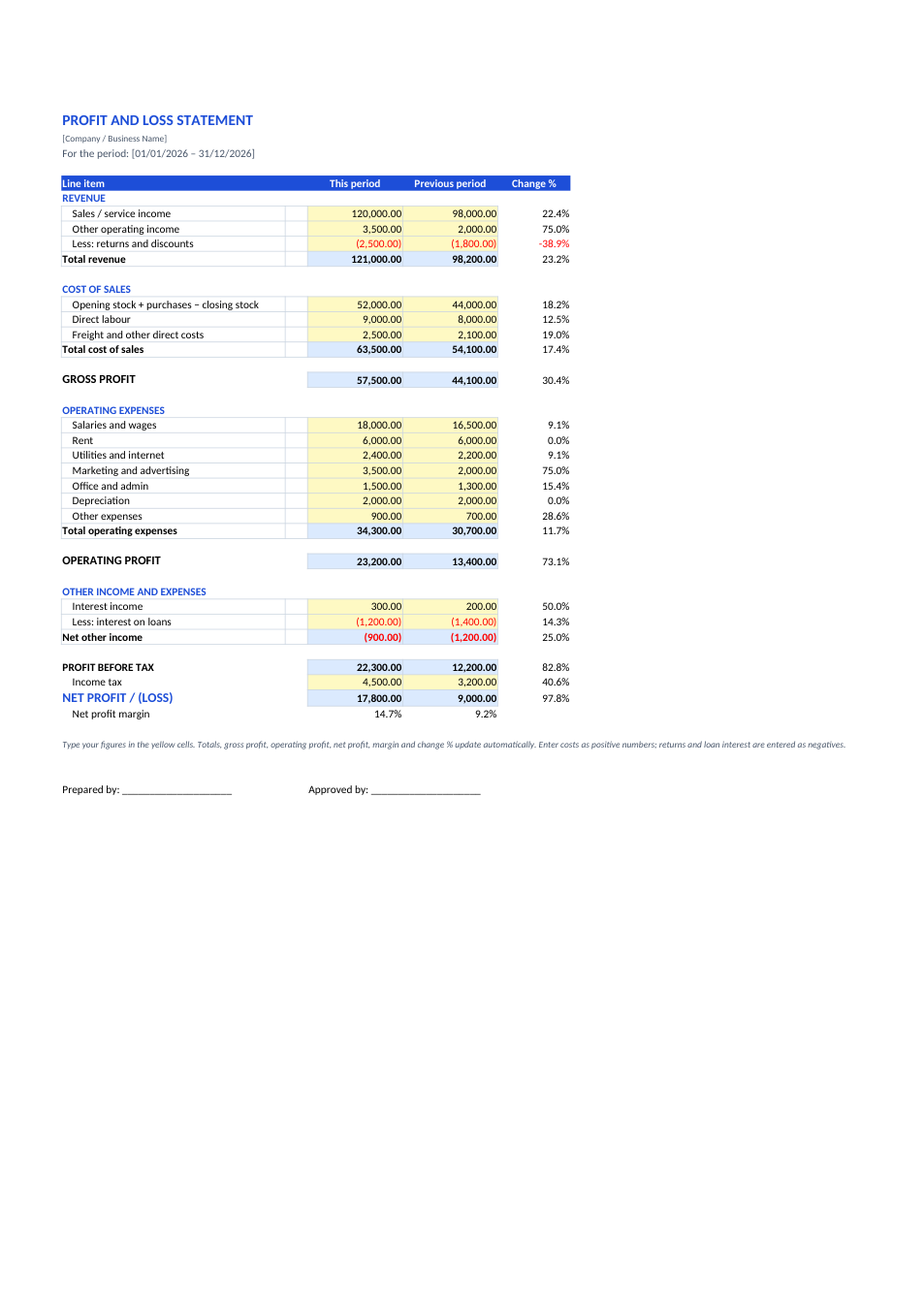
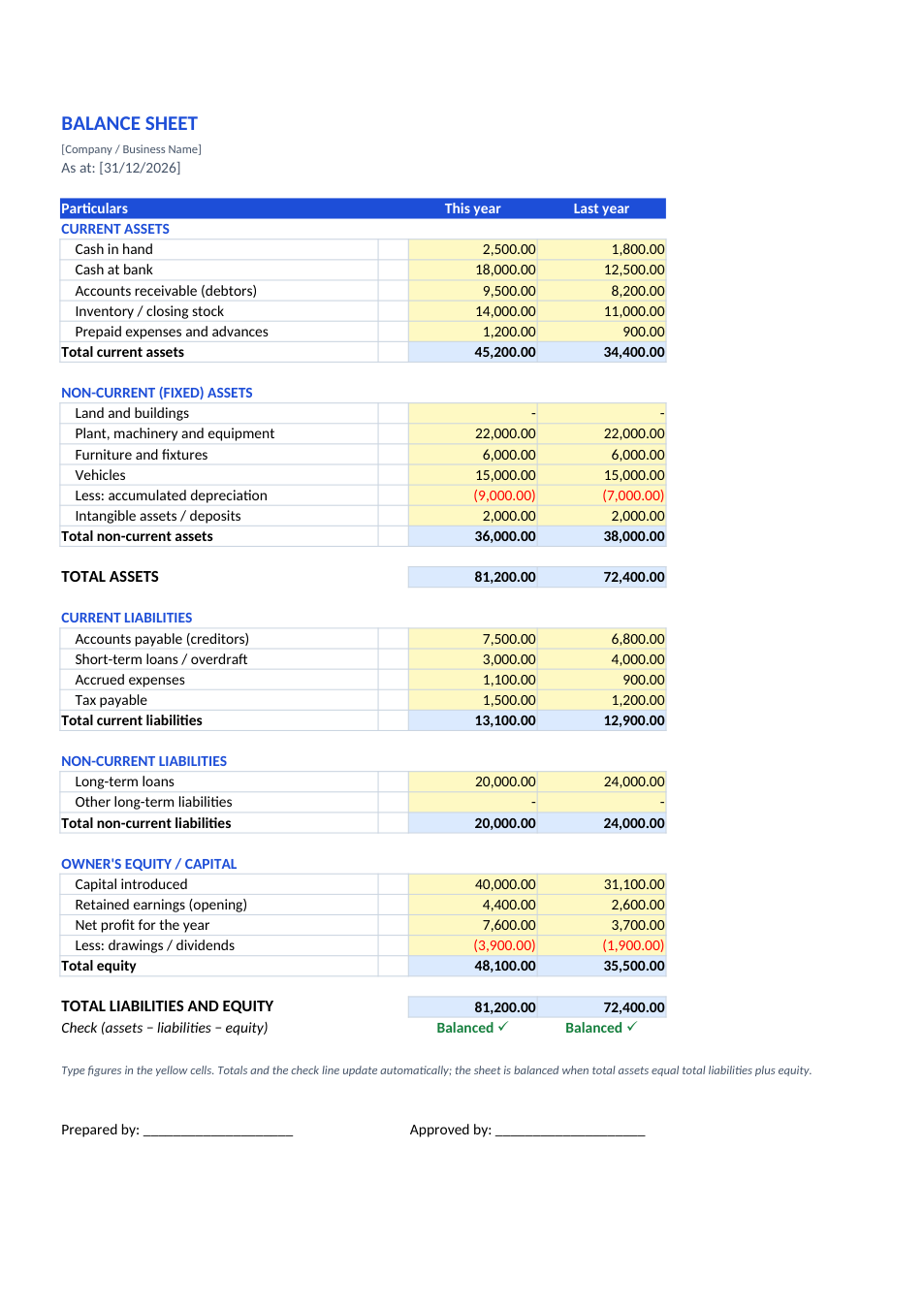
A cash flow statement shows where a business's cash came from and where it went during a period, in three groups: operating activities (the day-to-day business), investing activities (buying and selling assets and investments) and financing activities (capital, loans, interest and dividends or drawings). This template uses the indirect method, which most companies use: it starts from net profit before tax, adds back non-cash items such as depreciation, adjusts for changes in receivables, inventory and payables, and deducts tax paid. The three totals give the net change in cash, and a check line confirms that closing cash matches your balance sheet.
How to prepare a cash flow statement
- 1
Click "Edit online", or download the Excel file.
- 2
Enter net profit before tax and the non-cash adjustments (depreciation, interest expense, gains or losses on asset sales).
- 3
Enter the change in each working capital item; increases in receivables or inventory are negative.
- 4
Fill in investing and financing cash flows, with cash going out as negatives.
- 5
Enter opening cash, then check that closing cash matches the cash and bank figure on your balance sheet.
Tips for an accurate cash flow statement
Use two balance sheets
Working capital changes come from comparing this year's and last year's balance sheets.
Watch the signs
An increase in an asset uses cash (negative); an increase in a liability provides cash (positive).
Interest placement
Under IAS 7, interest paid may be operating or financing; whichever you pick, use it every year.
Cash is not profit
A profitable business can still run short of cash if customers pay slowly or stock builds up.
Frequently Asked Questions
Tools that help
Excel to PDF
Convert Excel spreadsheets to PDF with all sheets preserved
PDF to Excel
Extract tables from PDF into editable Excel spreadsheets
Percentage Calculator
Calculate percentages, increase, decrease, and ratios
Loan Calculator
Calculate EMI, total interest, and loan amortization