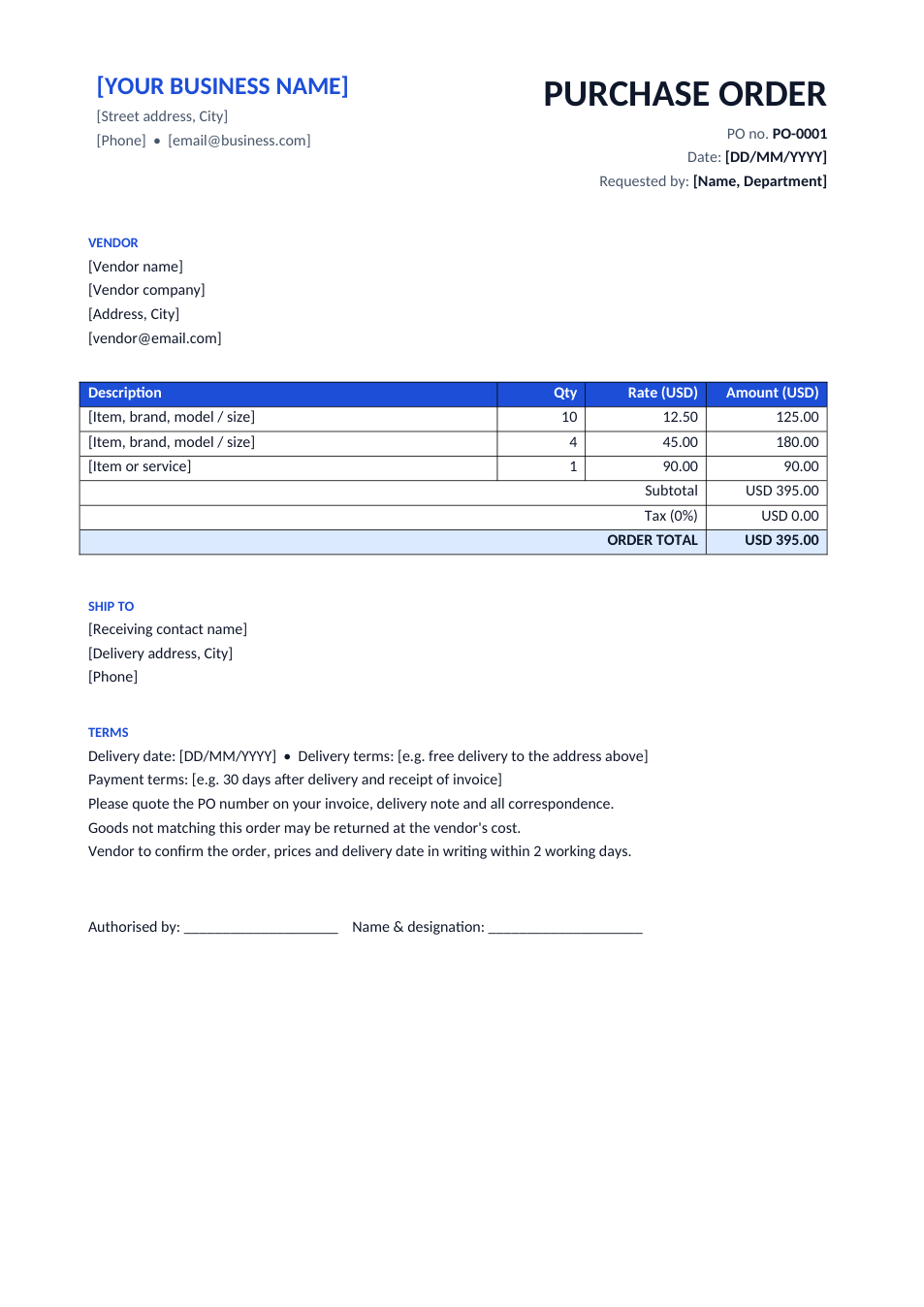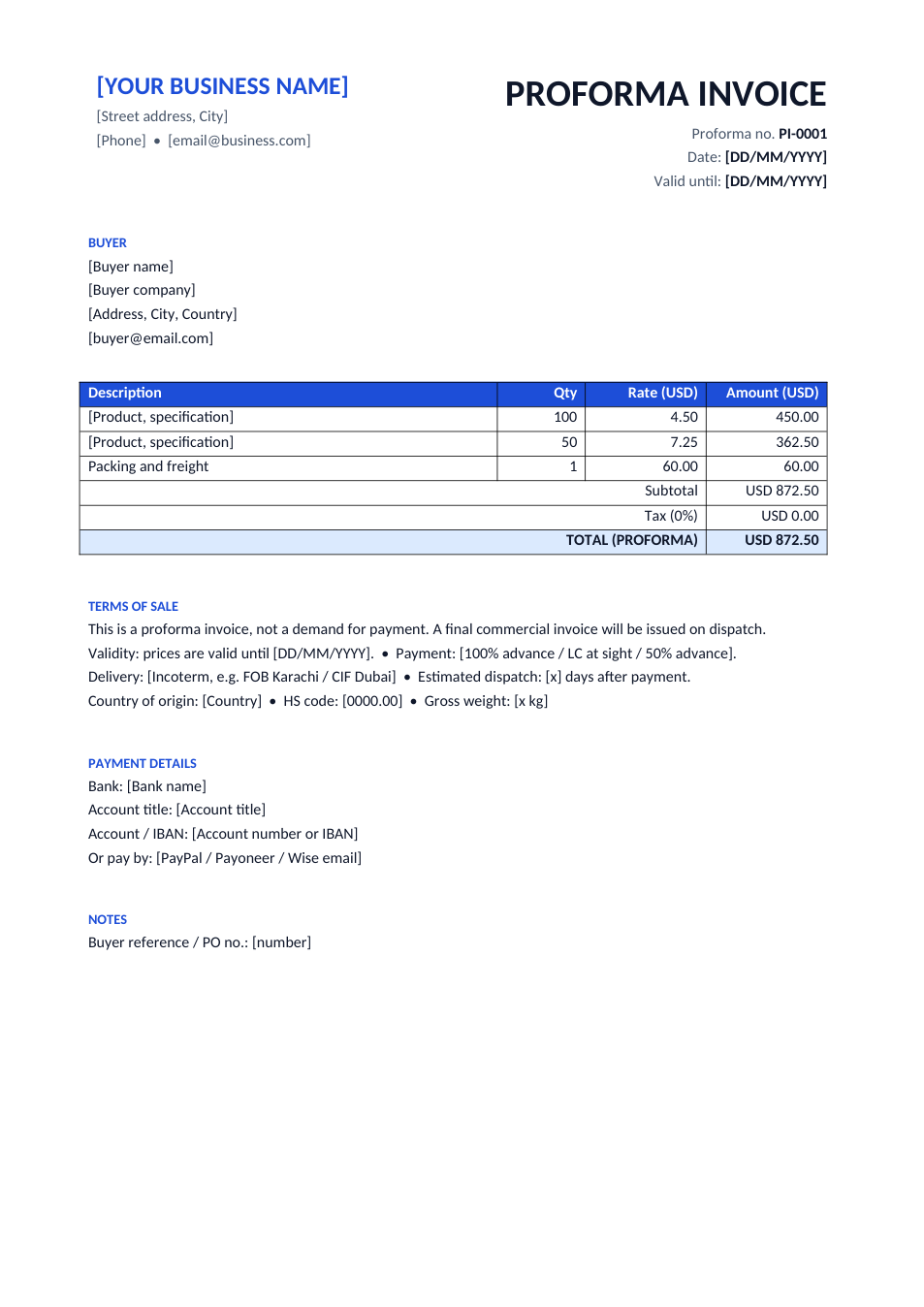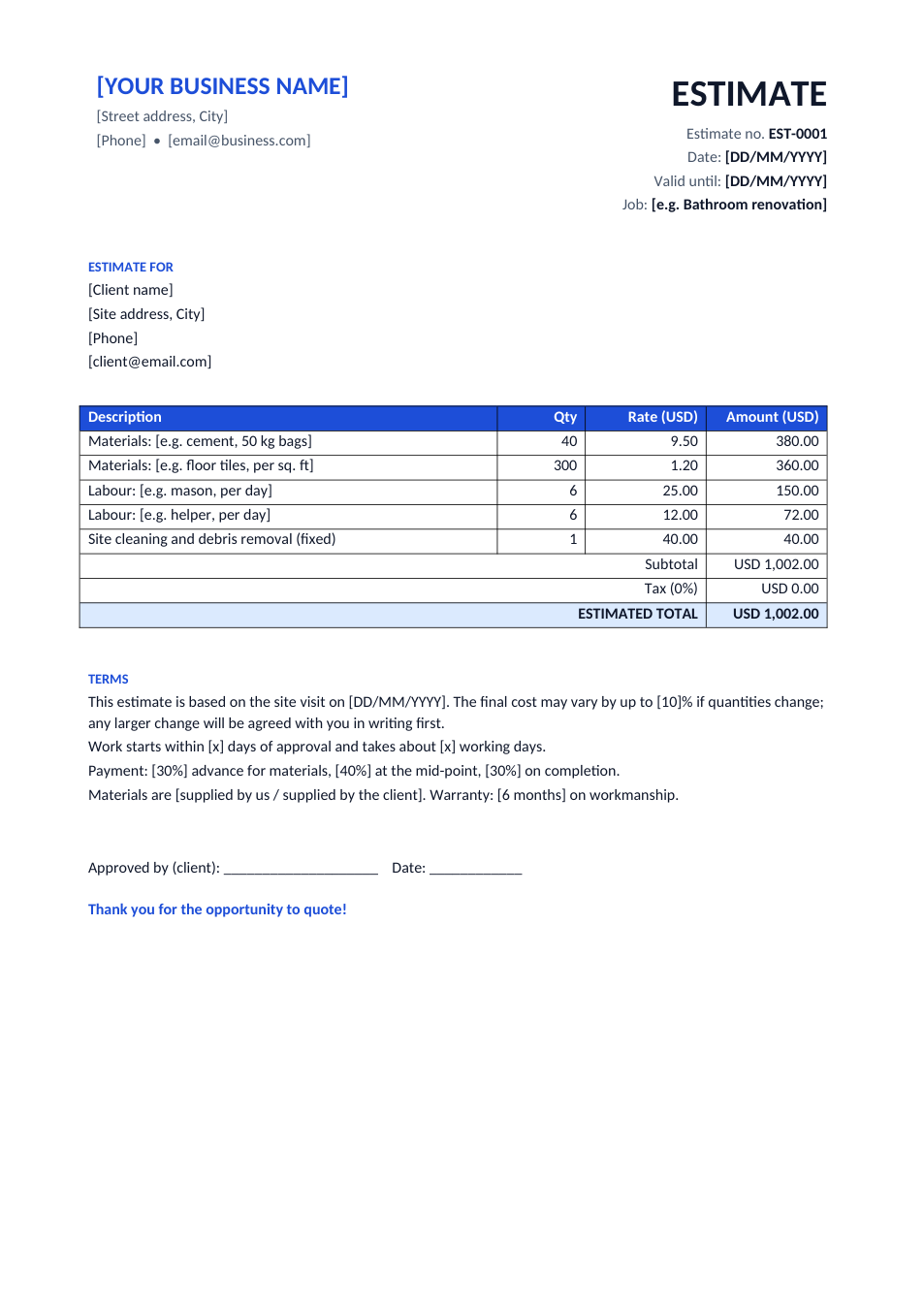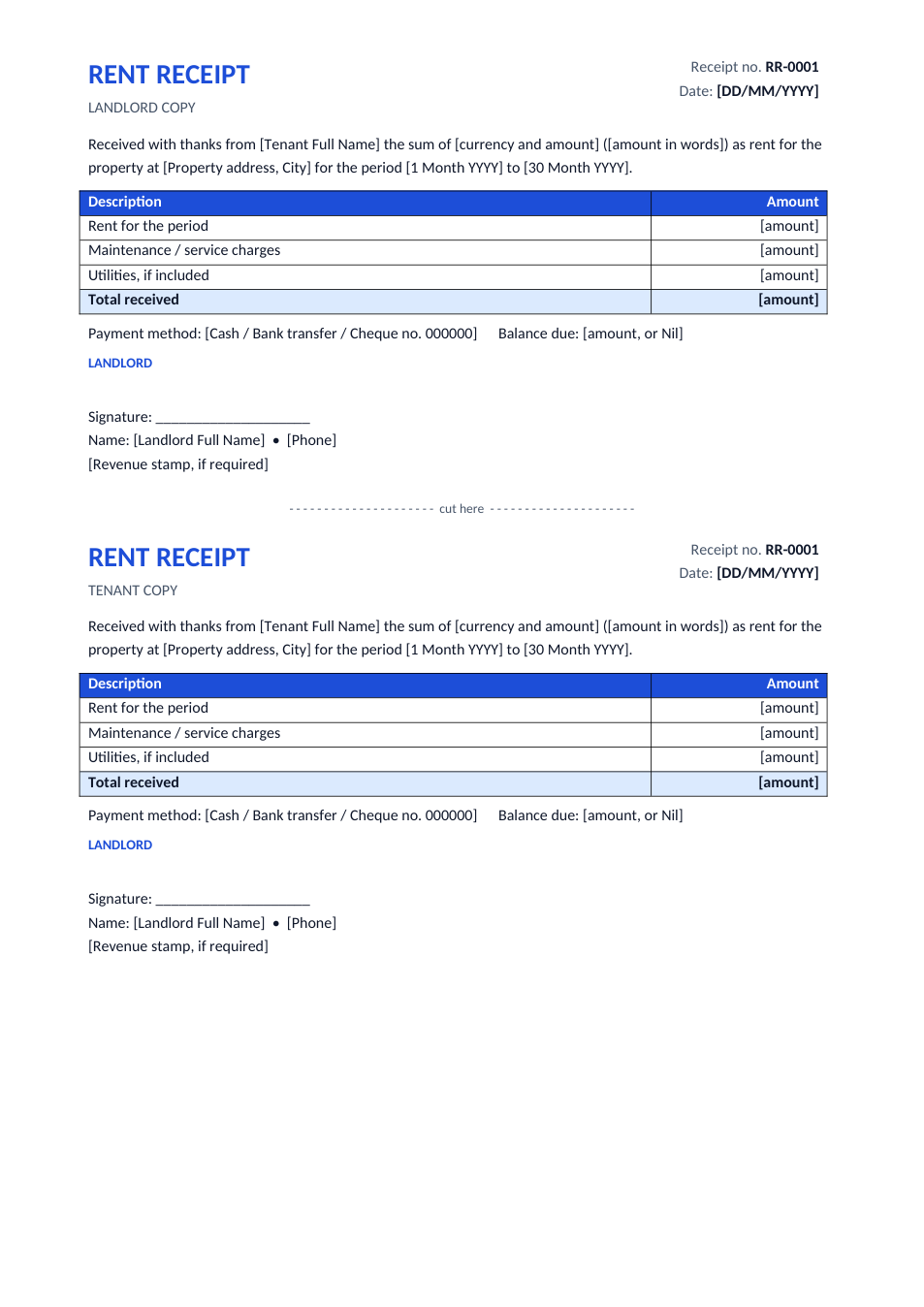
Sample text in [brackets], replace with yours · Invoice, Receipt & Order Templates
Delivery Challan Template — Delivery Note (Word & Excel)
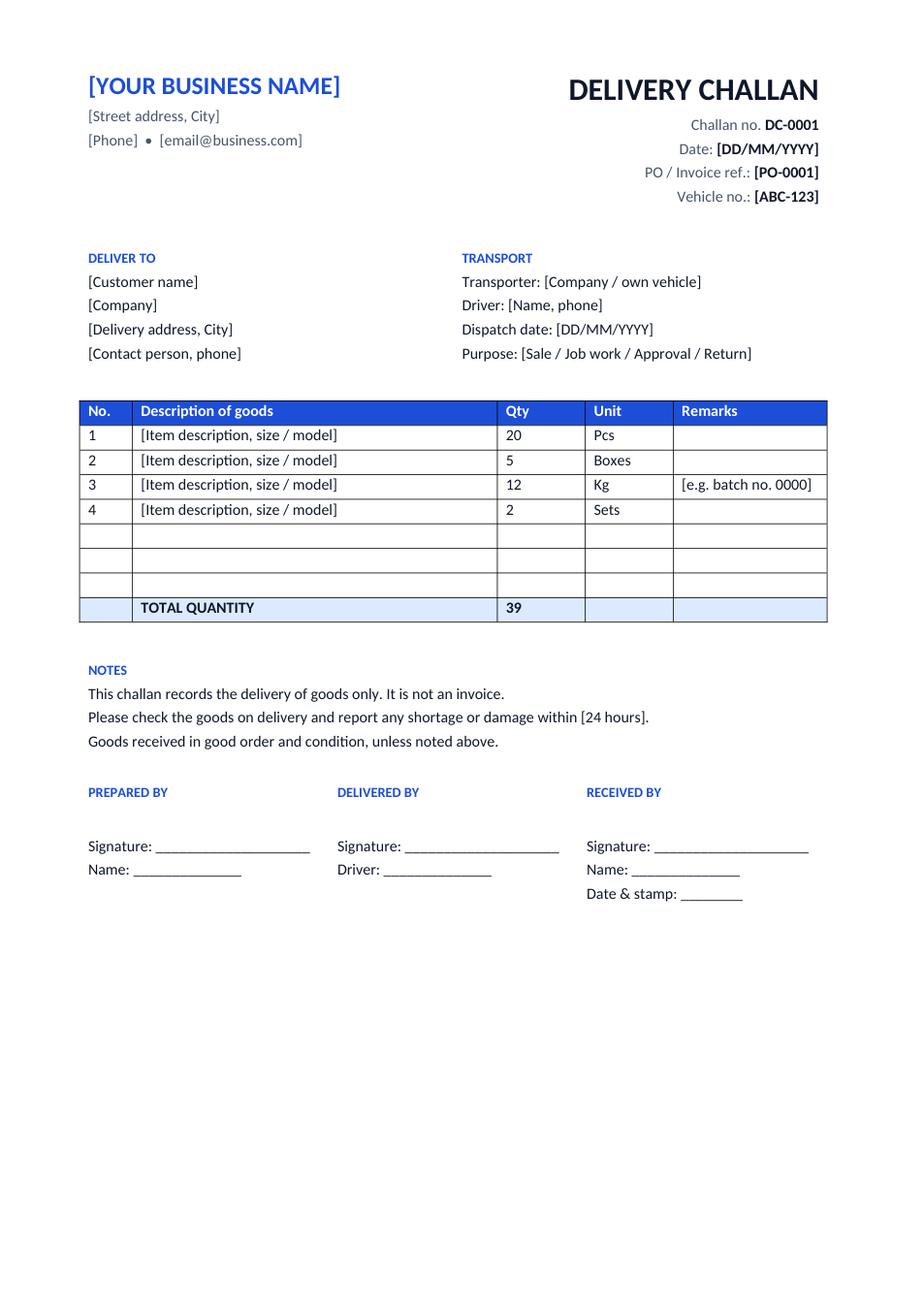
Record goods sent to a customer, with quantities, transport details and a received-by signature.
Opens in your browser. No Excel needed, no signup.
Free for personal and commercial use · No watermark · Updated October 2026
Guide
About this delivery challan template
A delivery challan (or delivery note) goes with the goods, not the bill. It lists what was sent, in what quantity, by which vehicle, and has the customer sign that it arrived in good condition. Distributors, wholesalers, manufacturers and suppliers use it for deliveries, job work, goods sent on approval and returns, with the invoice following separately.
How to fill in a delivery challan
- 1
Click "Edit online" to open the Excel version, or download the Word or Excel file.
- 2
Enter your business details, the challan number, date and the PO or invoice reference.
- 3
Add the customer's delivery address and the vehicle, driver and transporter details.
- 4
List each item with quantity and unit; the Excel version numbers the lines and totals the quantity.
- 5
Print two or three copies: one stays with the customer, one comes back signed for your records.
Tips for deliveries
Number every challan
Use a running series such as DC-0001, DC-0002, so you can match each delivery to an invoice.
Get it signed
The customer's signature and stamp is your proof of delivery if a payment is disputed.
Note batch numbers
Use the remarks column for batch, serial or lot numbers, especially for food, medicine and electronics.
Check tax rules
In some countries, such as India under GST, a delivery challan must carry specific details when goods move without an invoice.