Sample text in [brackets], replace with yours · Invoice, Receipt & Order Templates
Fee Receipt Template for Schools & Academies (Word & Excel)
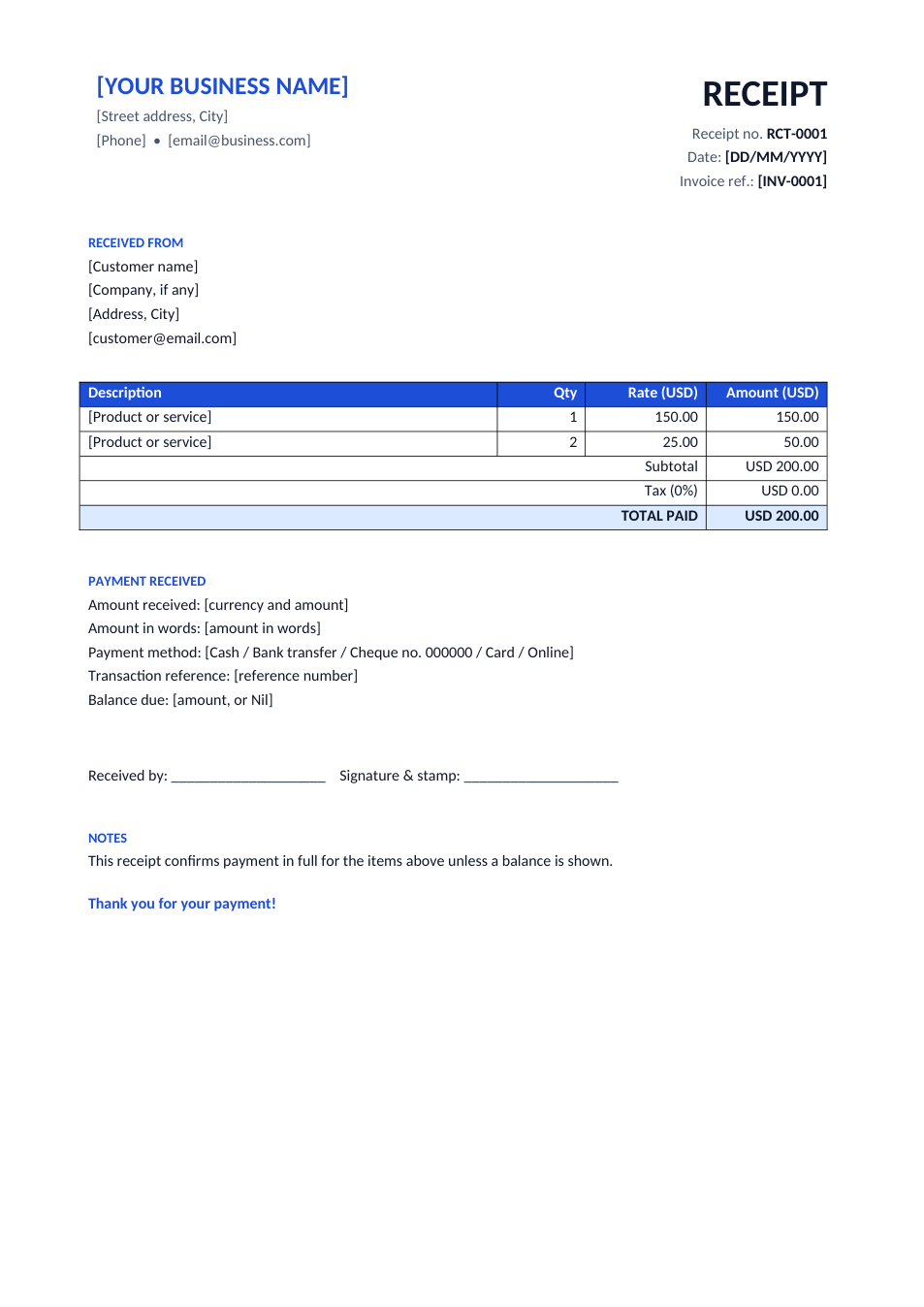
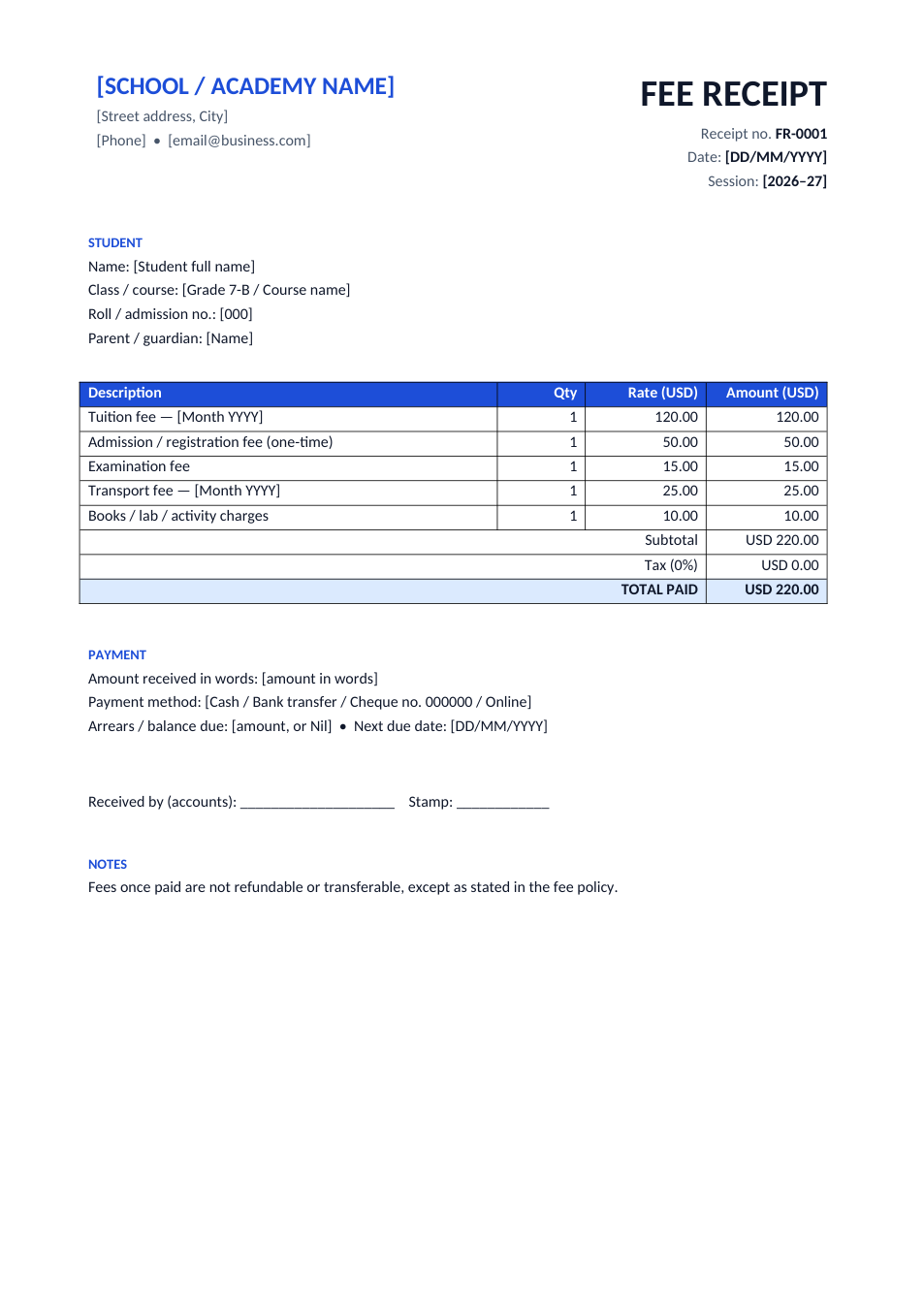
A fee receipt with student details, fee heads, total paid, payment method and balance due.
Opens in your browser. No Excel needed, no signup.
Free for personal and commercial use · No watermark · Updated October 2026
Guide
About this school fee receipt template
Parents keep fee receipts as proof of payment, and schools need a clear record for every student. This receipt has the school or academy name, receipt number and session, the student's name, class, roll number and guardian, separate lines for tuition, admission, exam, transport and other charges, the total paid, payment method, arrears and next due date. It works for schools, colleges, coaching centres, Quran academies and private tutors.
How to fill in a fee receipt
- 1
Click "Edit online" to open the Excel version, or download the Word or Excel file.
- 2
Replace [SCHOOL / ACADEMY NAME] and the address with yours.
- 3
Enter the receipt number, date, session and the student's details.
- 4
Keep the fee heads that apply, delete the rest, and enter the amounts; the Excel version totals them.
- 5
Write the payment method and any balance due, sign and stamp it, and give a copy to the parent.
Tips for school fee records
One receipt number series
Use one running series per session so every payment can be traced in your accounts.
Show arrears
Printing the balance and next due date on each receipt reduces disputes with parents.
Send digital copies
Save the receipt as PDF and share it on WhatsApp or email; parents can't lose it.
Keep a fee register
Record every receipt in a monthly sheet. Our cash book template works as a simple fee register.