Home›Templates›Credit Note
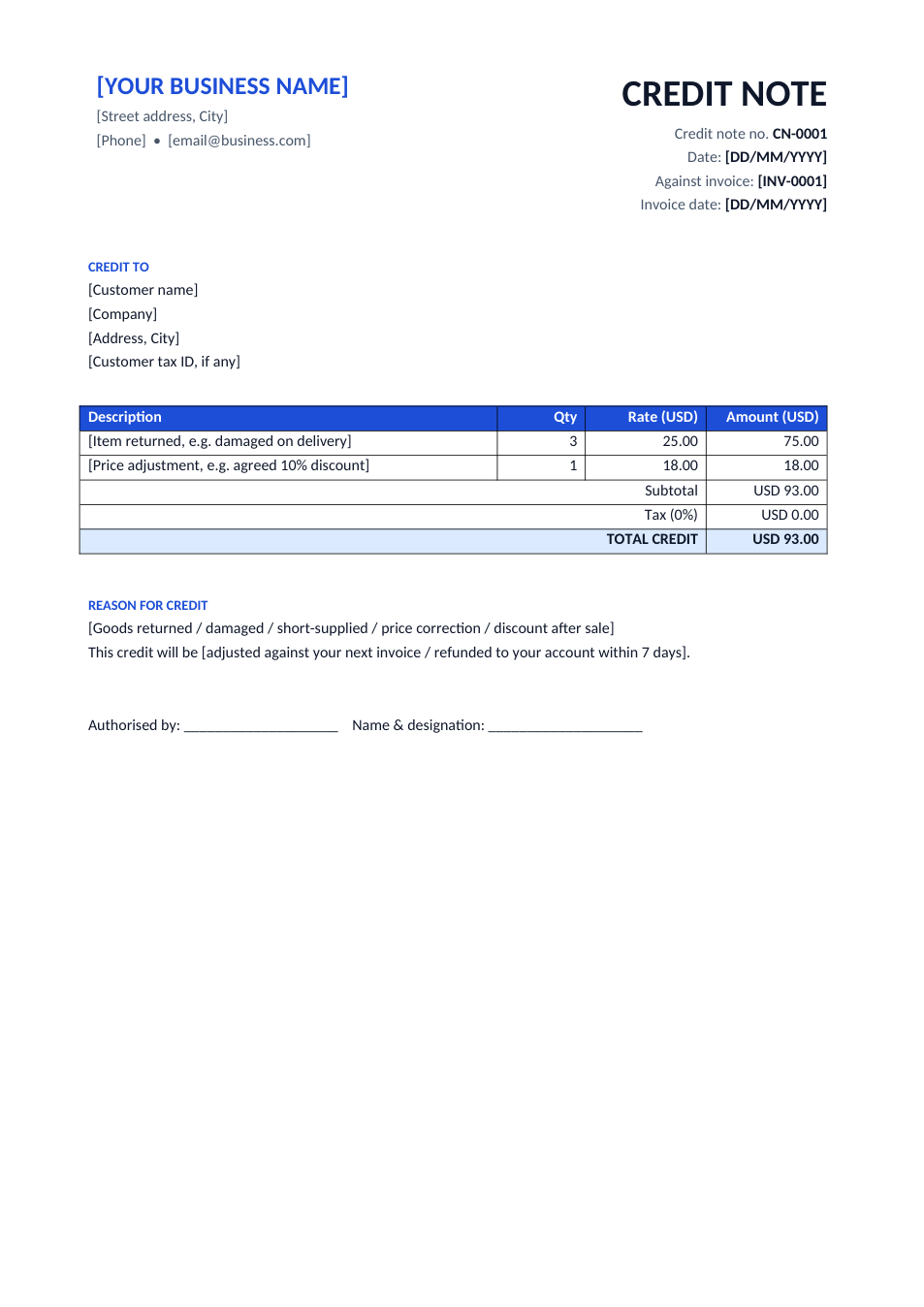
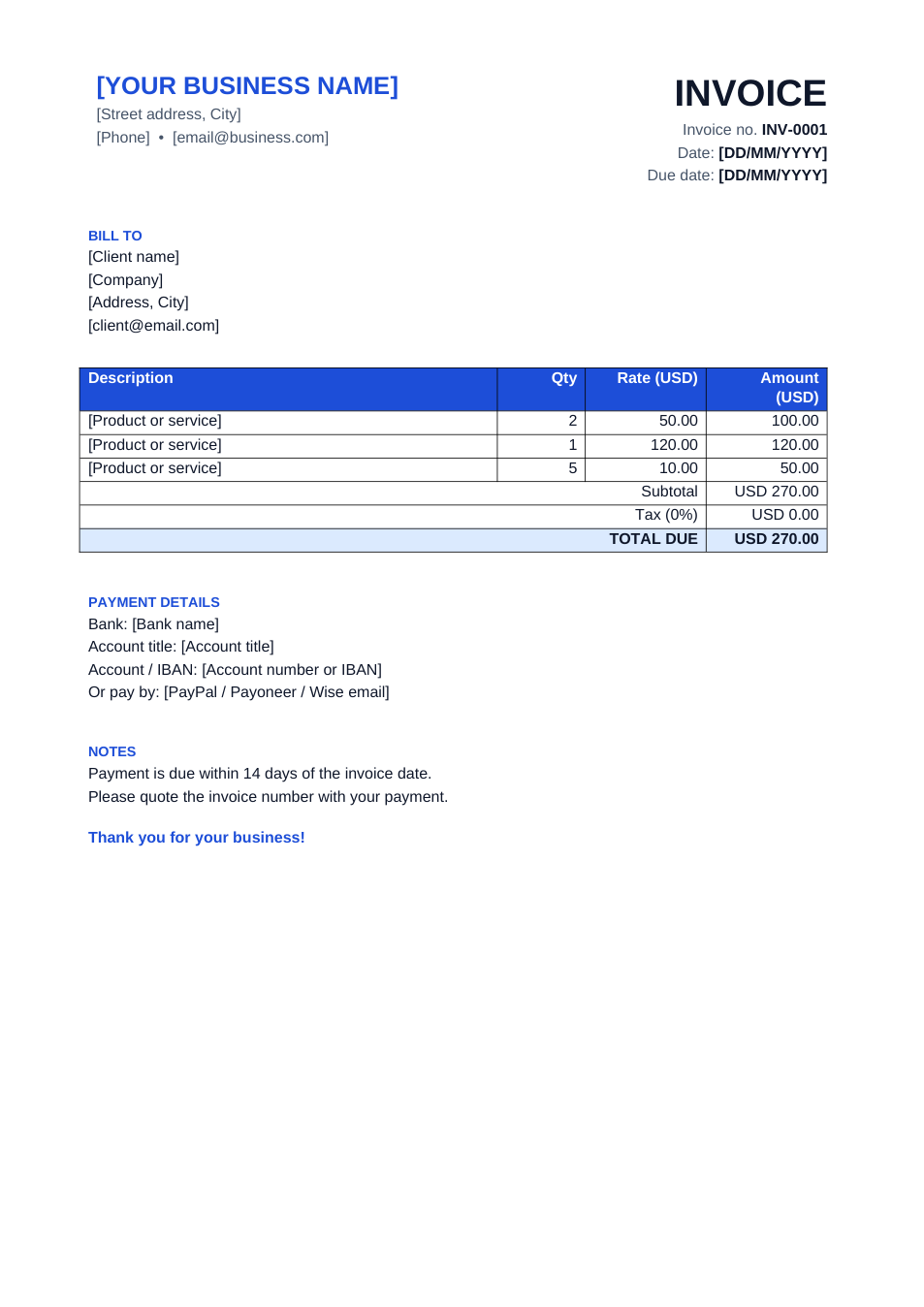
Preview of the Credit Note template

Sample text in [brackets], replace with yours · Invoice, Receipt & Order Templates

Free template

Credit Note Template (Word & Excel)

Issue credit against an invoice for returned or damaged goods, short supply, or a price correction.

✓ 1 page✓ A4✓ Linked to invoice✓ Word, Excel & PDF

Opens in your browser. No Excel needed, no signup.

Free for personal and commercial use · No watermark · Updated October 2026

Guide

About this credit note template

Never edit an invoice you have already sent. When a customer returns goods, receives damaged items, or is overcharged, the correct record is a credit note that reduces what they owe. This template references the original invoice number and date, lists what is being credited, states the reason, and says whether the credit will be refunded or adjusted against the next invoice.

How to issue a credit note

  1. 1

    Click "Edit online" to open the Excel version, or download the Word or Excel file.

  2. 2

    Give the credit note its own number (CN-0001) and enter the original invoice number and date.

  3. 3

    List the items or amounts being credited, with the same prices as the original invoice.

  4. 4

    State the reason and whether you will refund it or deduct it from the next invoice.

  5. 5

    Sign it, send the PDF to the customer, and record it in your accounts.

Tips for credit notes

Use a separate series

Credit notes get their own numbers, never the invoice's.

Reverse the tax too

If the invoice included VAT or GST, credit the same rate so your tax return balances.

Keep the evidence

Attach the return note, photos of the damage or the customer's email to your copy.

Debit note is the opposite

A debit note increases what a customer (or you) owes, for example for undercharging.
Frequently Asked Questions

Yes. Download the Word, Excel or PDF version, or edit it online for free, with no signup and no watermark.

When goods are returned or damaged, when you delivered less than invoiced, when a price was wrong, or when you give a discount after the invoice was issued.

No. A credit note records that the customer owes less. You then either refund the money or deduct it from a future invoice.

Yes. Always include the original invoice number and date so both sides can match the records.

Tools that help

📗

Excel to PDF

Convert Excel spreadsheets to PDF with all sheets preserved

Use Tool→
📝

Word to PDF

Convert Word documents to PDF format with perfect formatting

Use Tool→
🧾

GST / Tax Calculator

Calculate GST, VAT, and tax amounts quickly

Use Tool→
🔗

Merge PDF

Combine multiple PDF files into one document

Use Tool→

More invoice, receipt & order templates

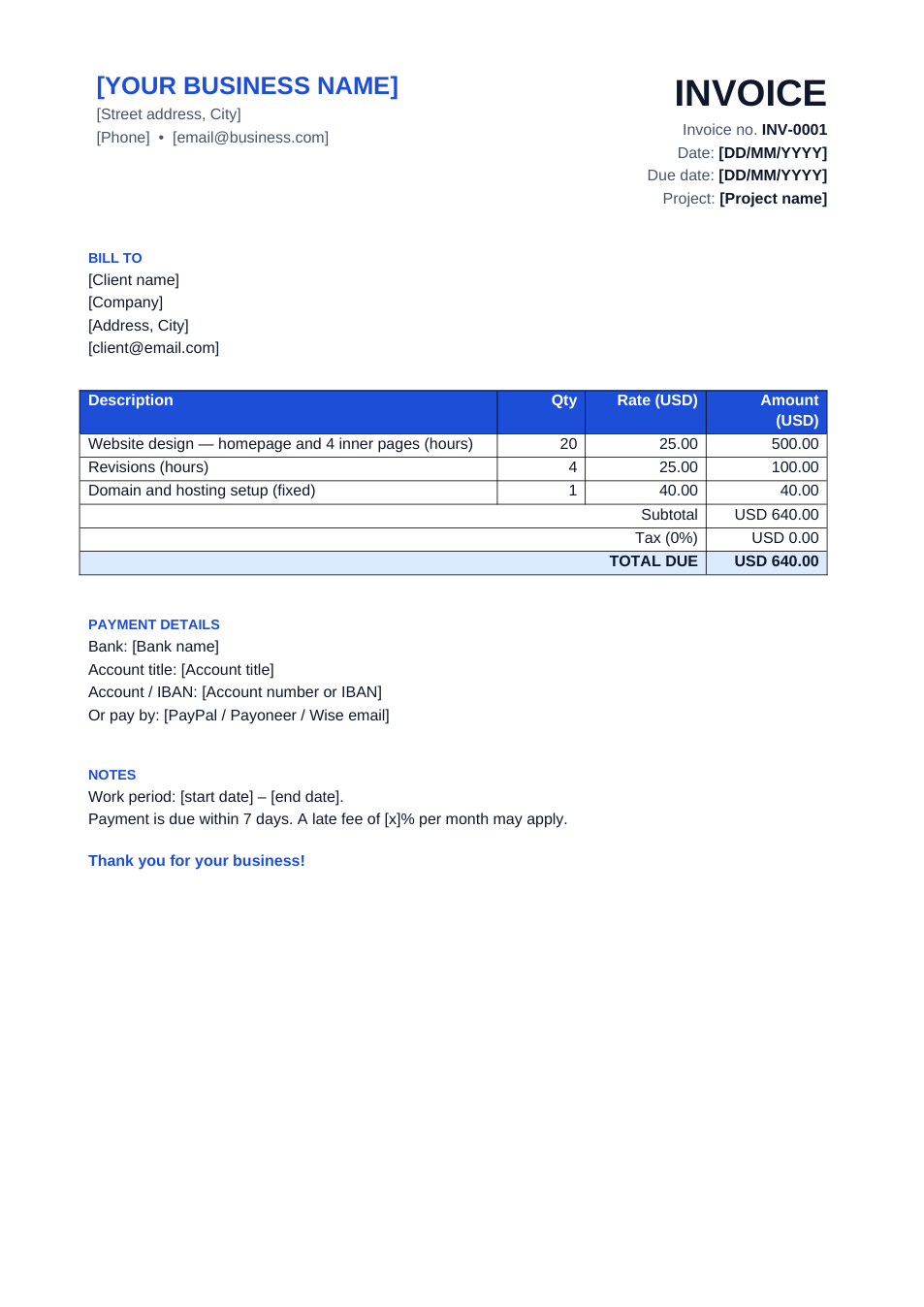
Simple Invoice template preview

Simple Invoice

Clean invoice in Word, or Excel with automatic totals.

ExcelWordPDF
Freelancer Invoice template preview

Freelancer Invoice

Hourly or fixed-price invoice with a project field.

WordPDF
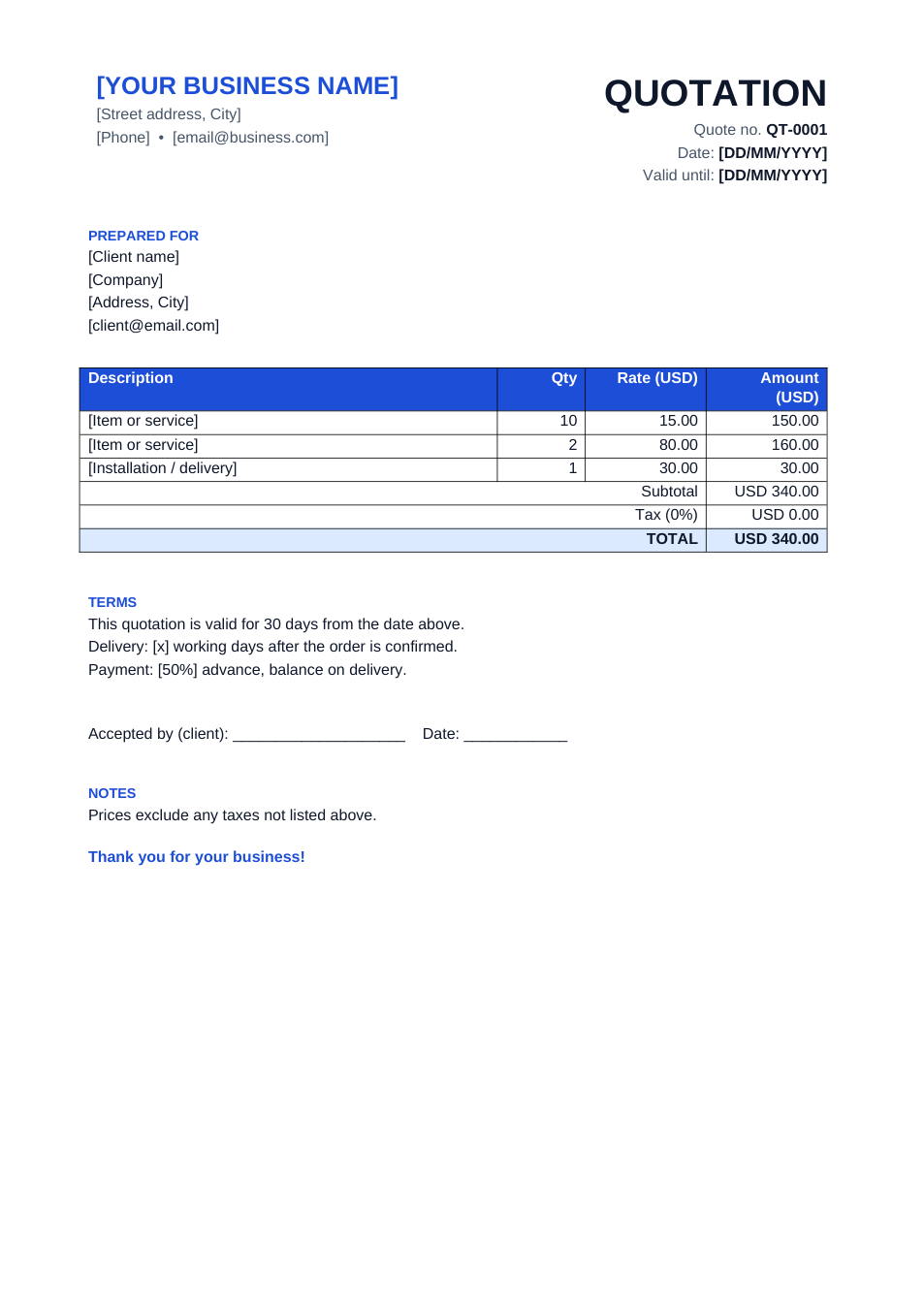
Quotation template preview

Quotation

Price quote with validity, delivery and acceptance line.

ExcelWordPDF
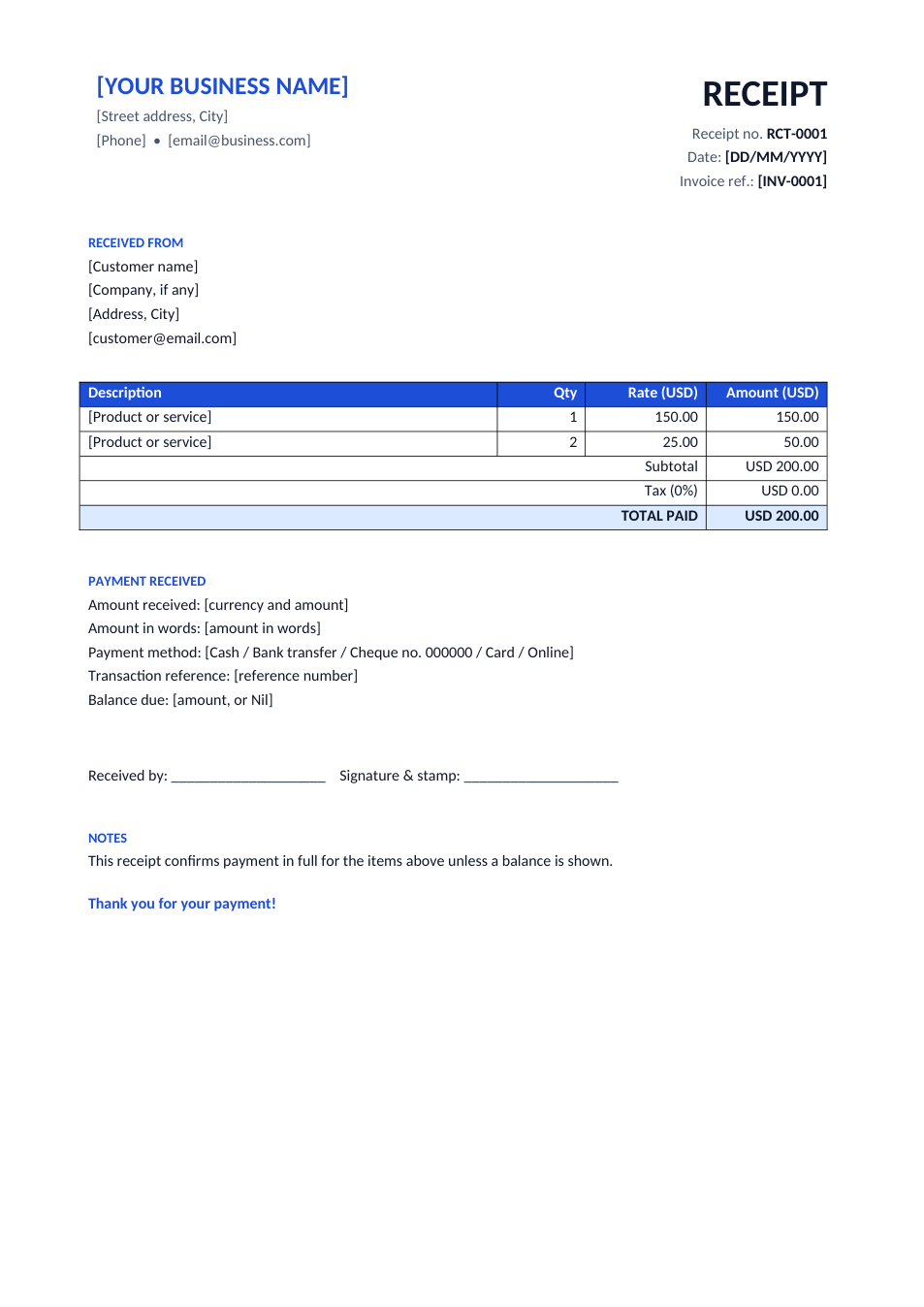
Payment Receipt template preview

Payment Receipt

Receipt for cash, bank or card payments, with totals.

ExcelWordPDF
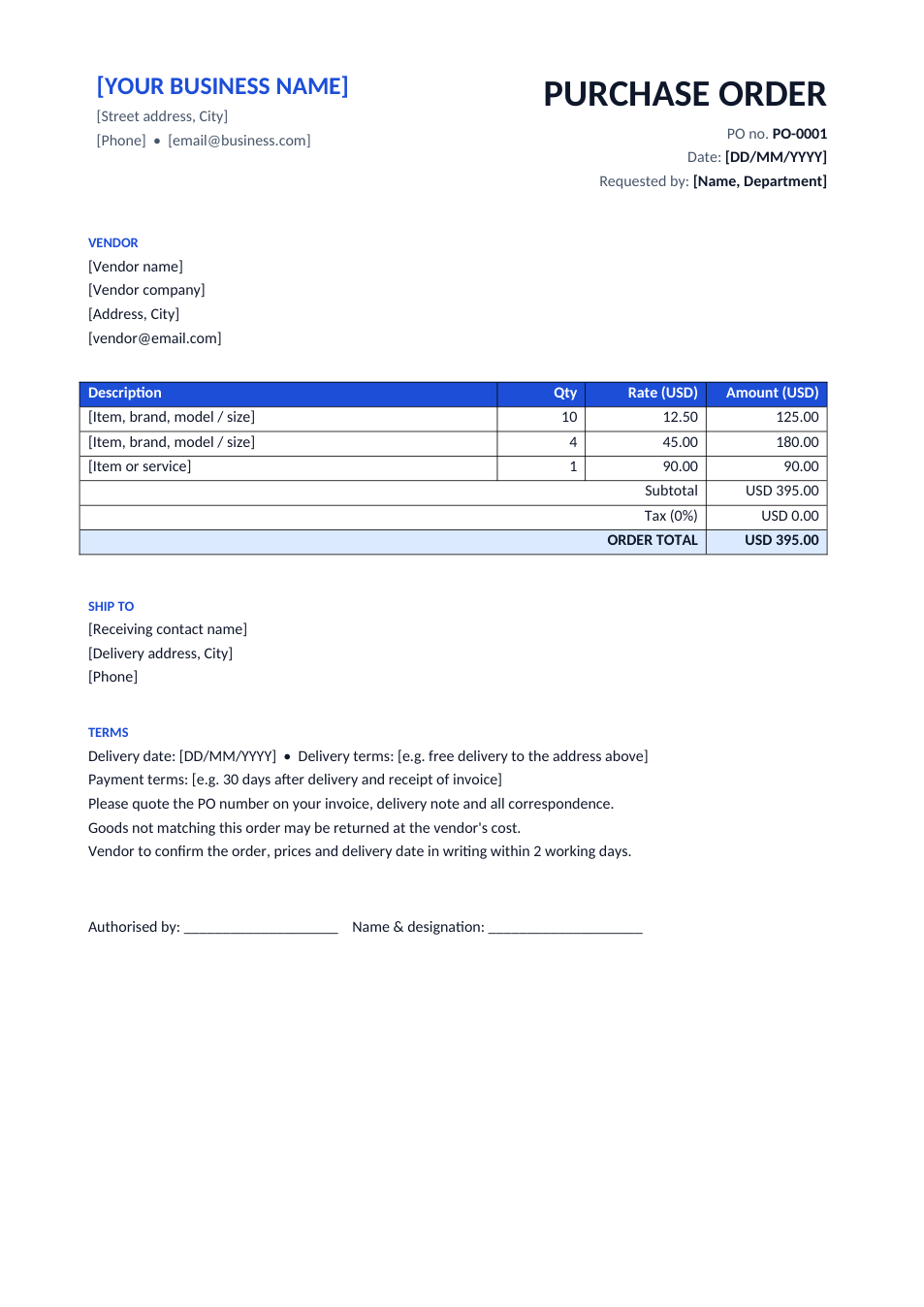
Purchase Order template preview

Purchase Order

Order goods from a vendor with PO number and terms.

ExcelWordPDF
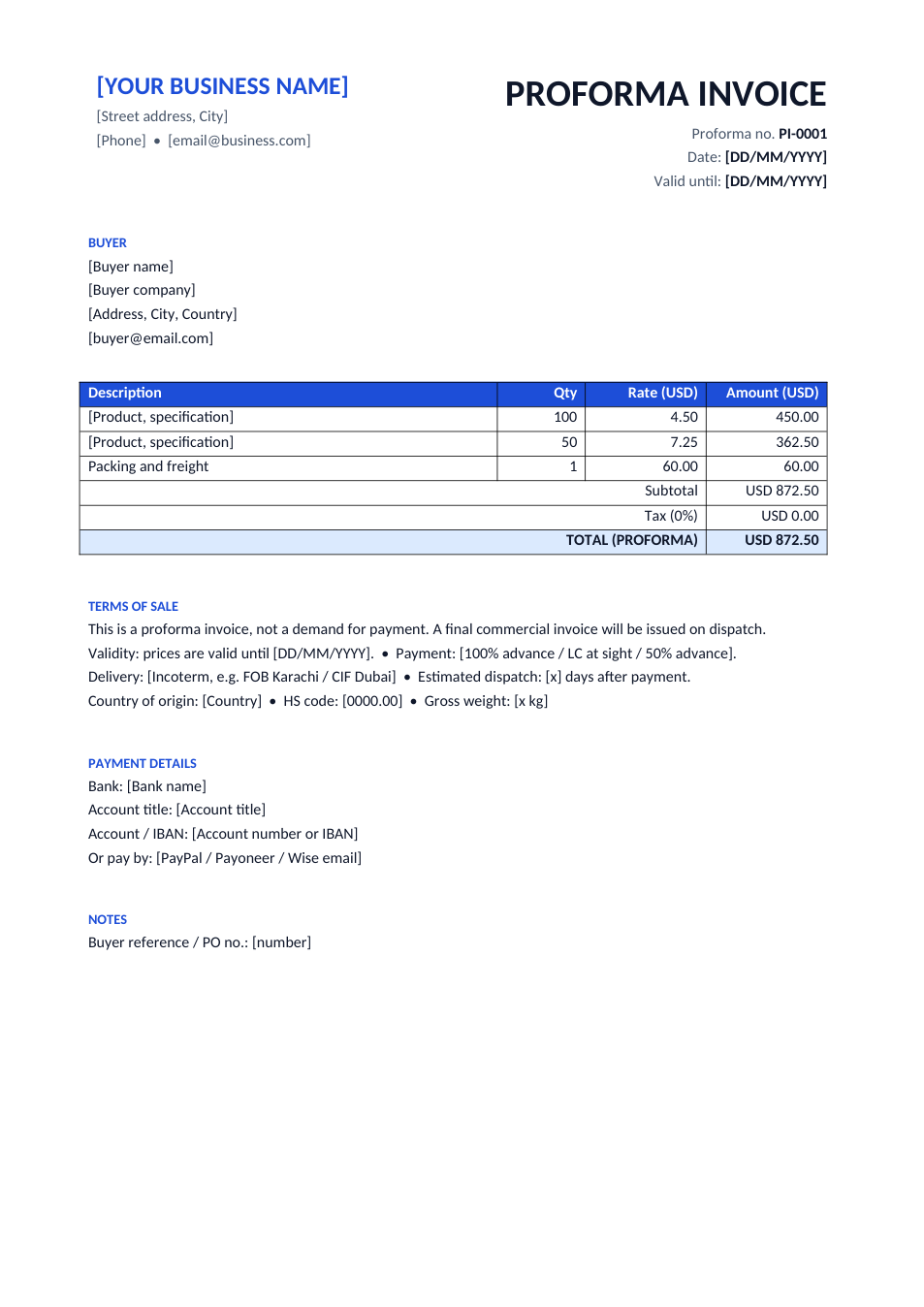
Proforma Invoice template preview

Proforma Invoice

Advance invoice for export, LC or prepayment.

ExcelWordPDF
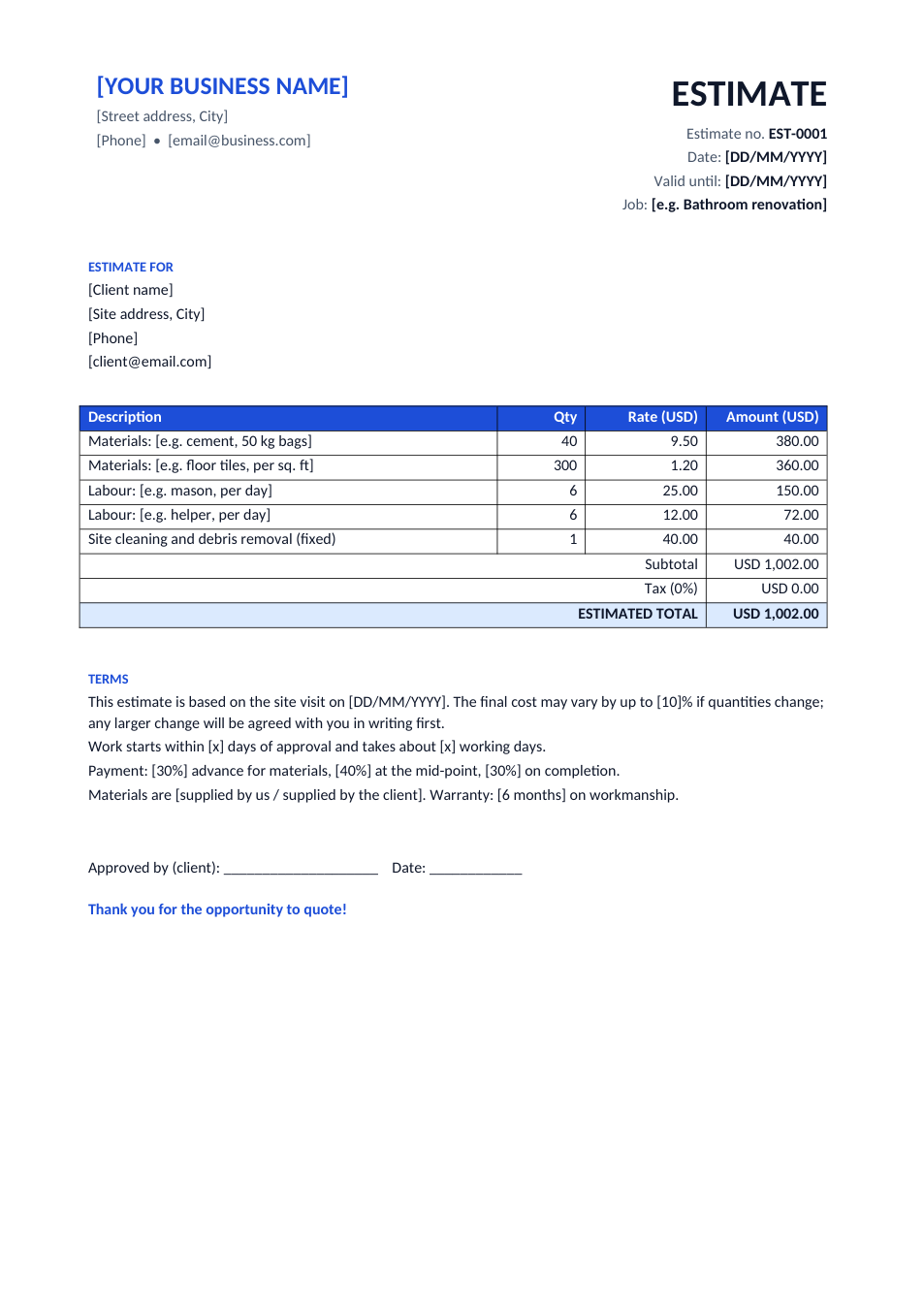
Work Estimate template preview

Work Estimate

Materials and labour estimate for contractors and repairs.

WordExcelPDF
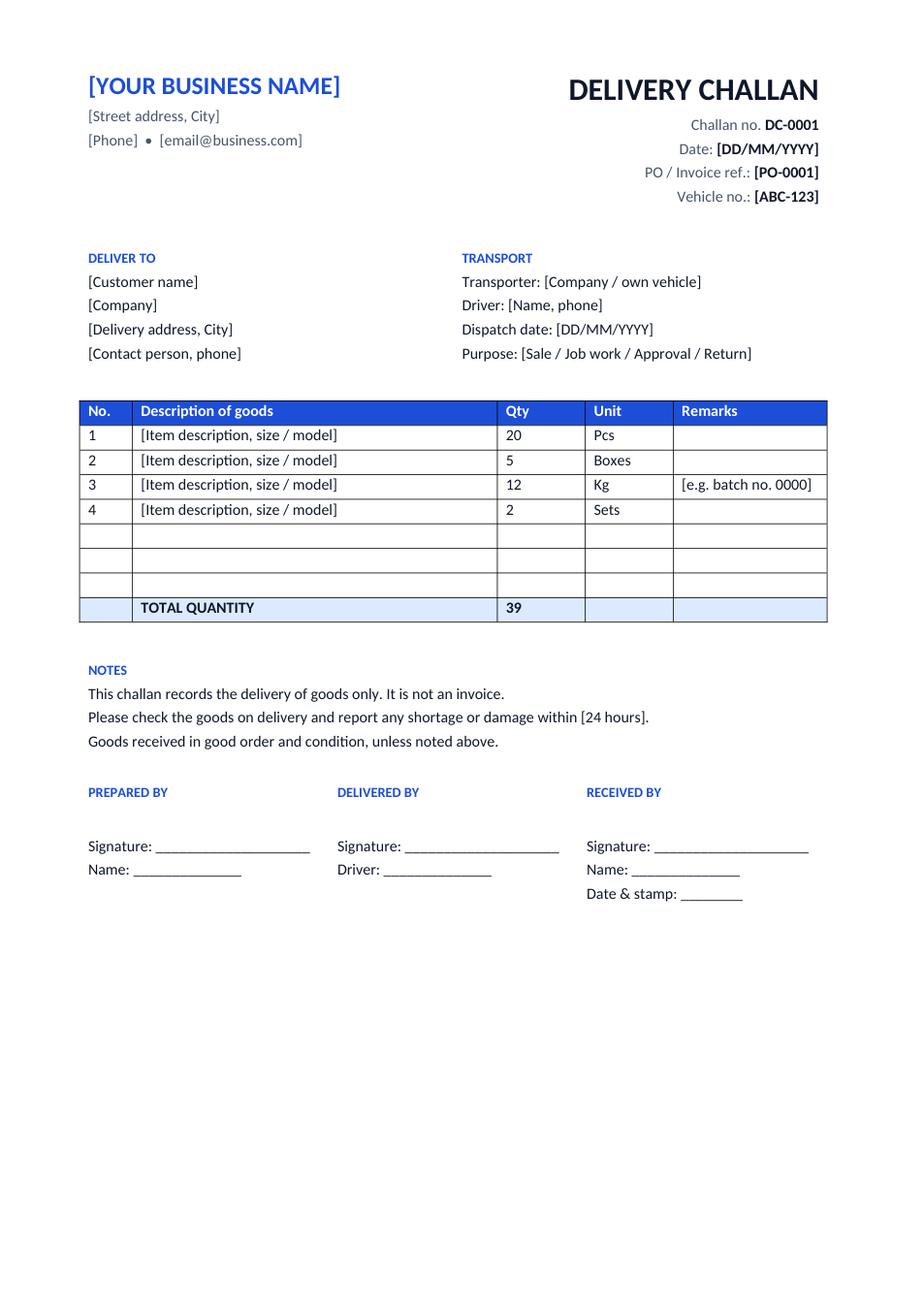
Delivery Challan template preview

Delivery Challan

Delivery note for goods sent without an invoice.

WordExcelPDF
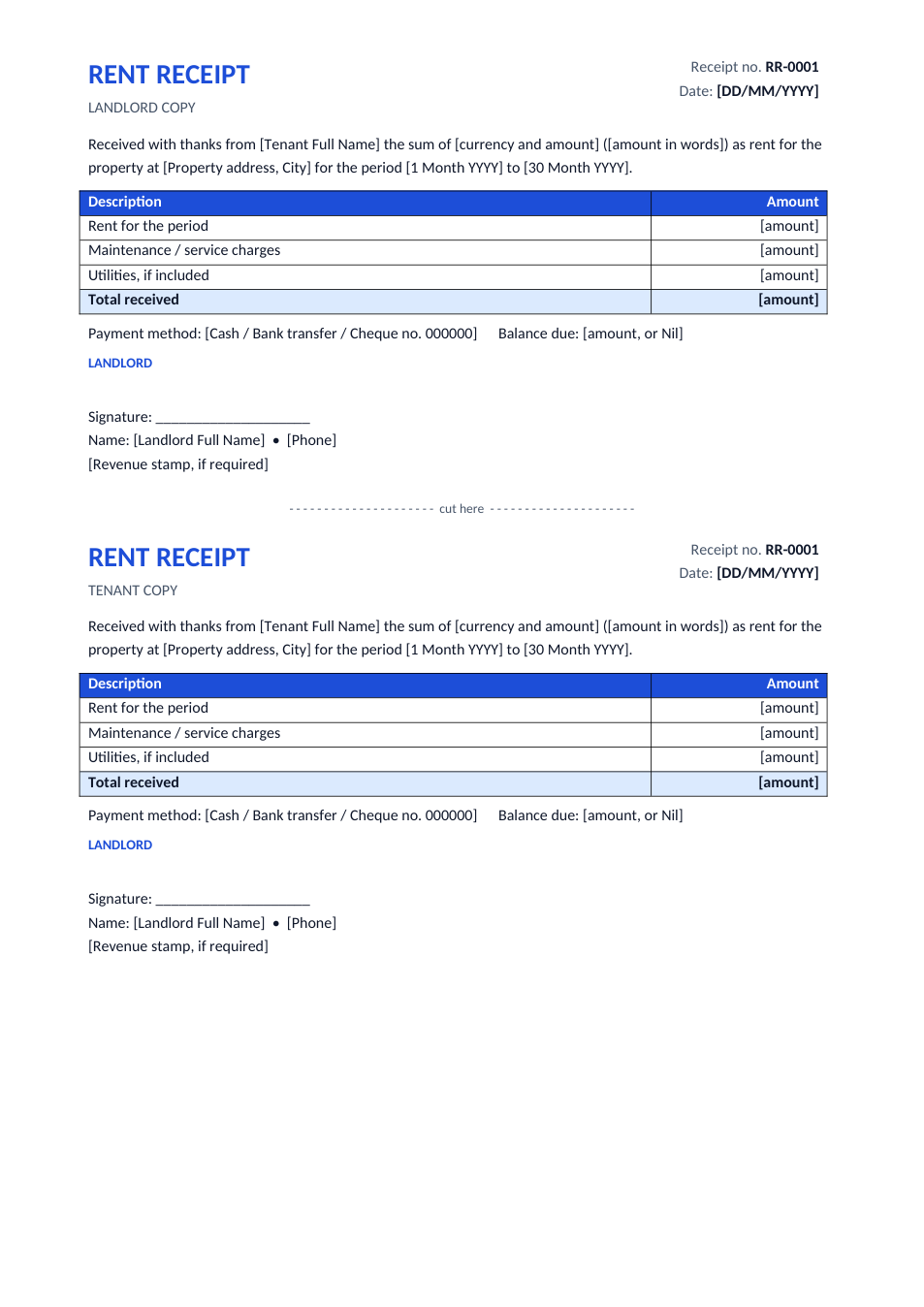
Rent Receipt template preview

Rent Receipt

Landlord and tenant copies on one page.

WordPDF
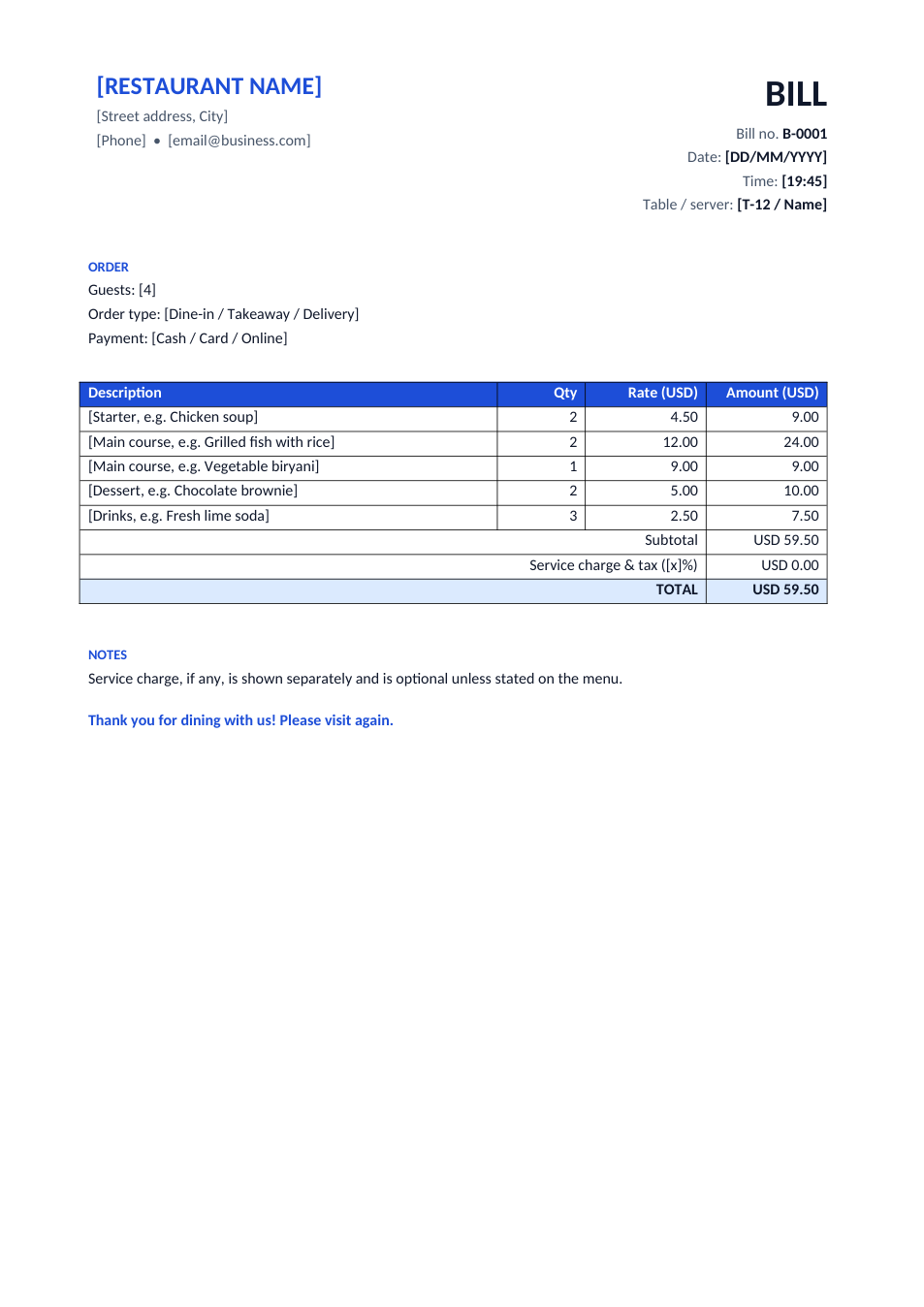
Restaurant Bill template preview

Restaurant Bill

Dine-in, takeaway or delivery bill with service charge.

WordExcelPDF
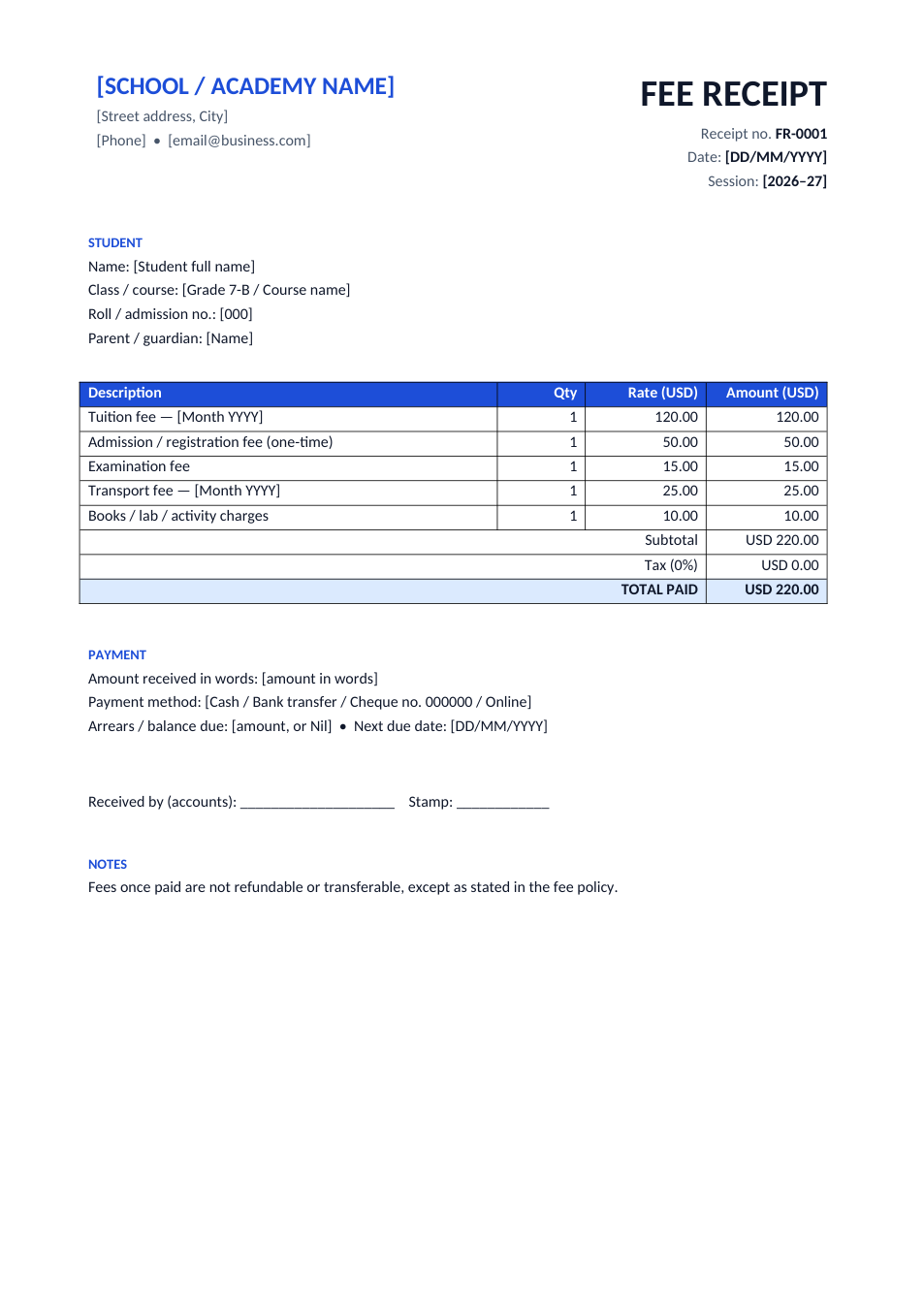
School Fee Receipt template preview

School Fee Receipt

Fee receipt for schools, academies and tuition centres.

WordExcelPDF
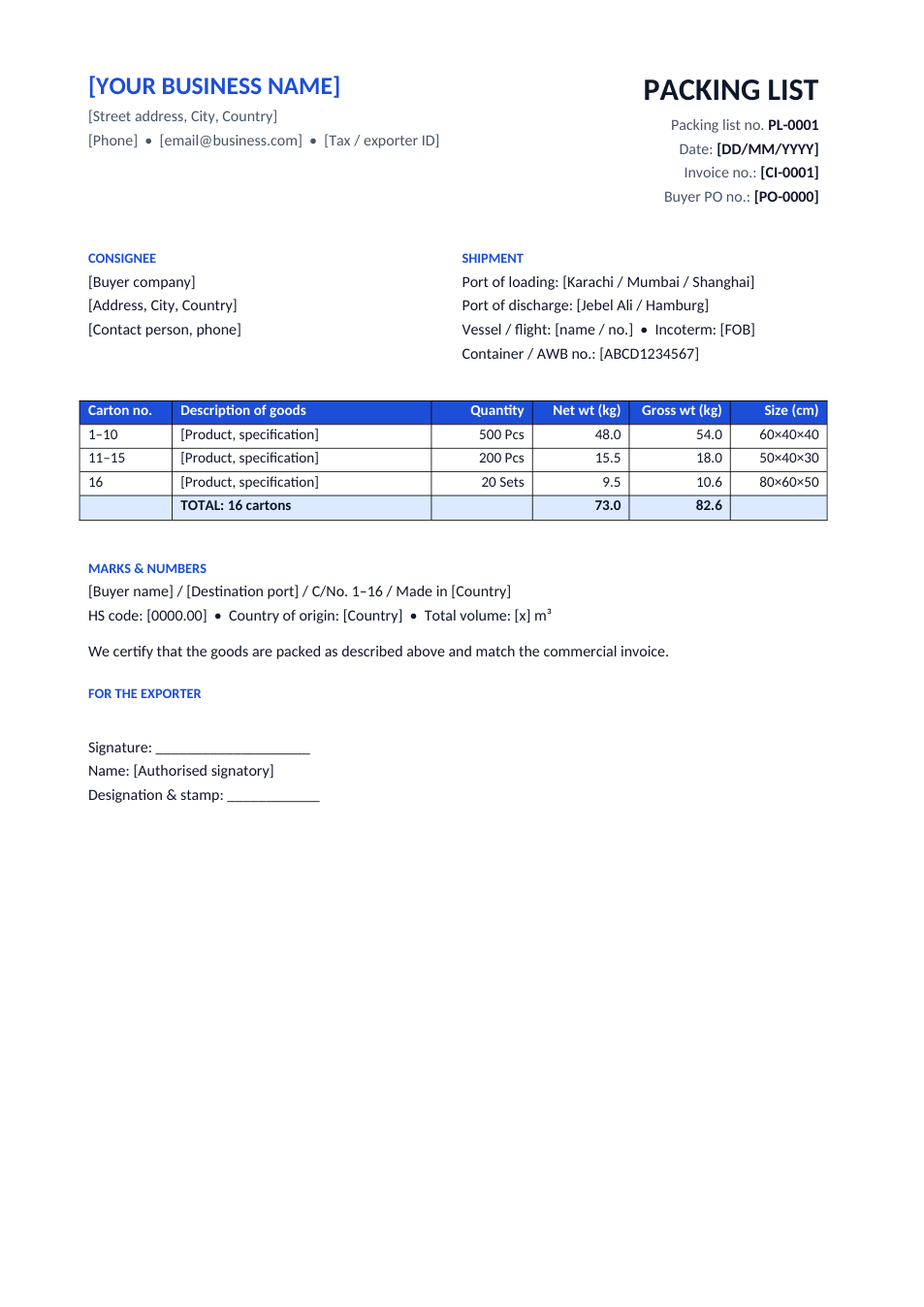
Packing List template preview

Packing List

Export packing list: cartons, weights, sizes and marks.

WordExcelPDF