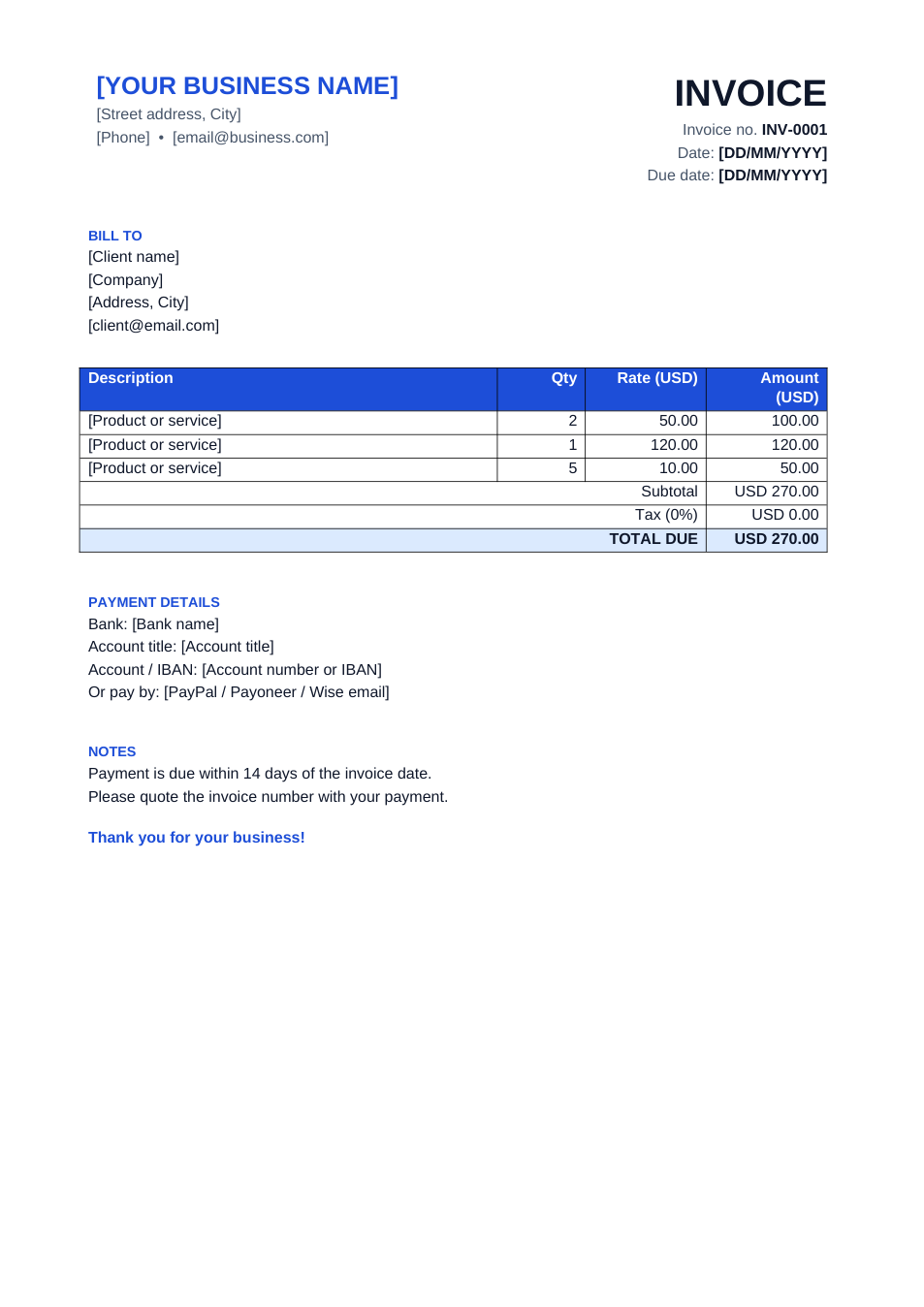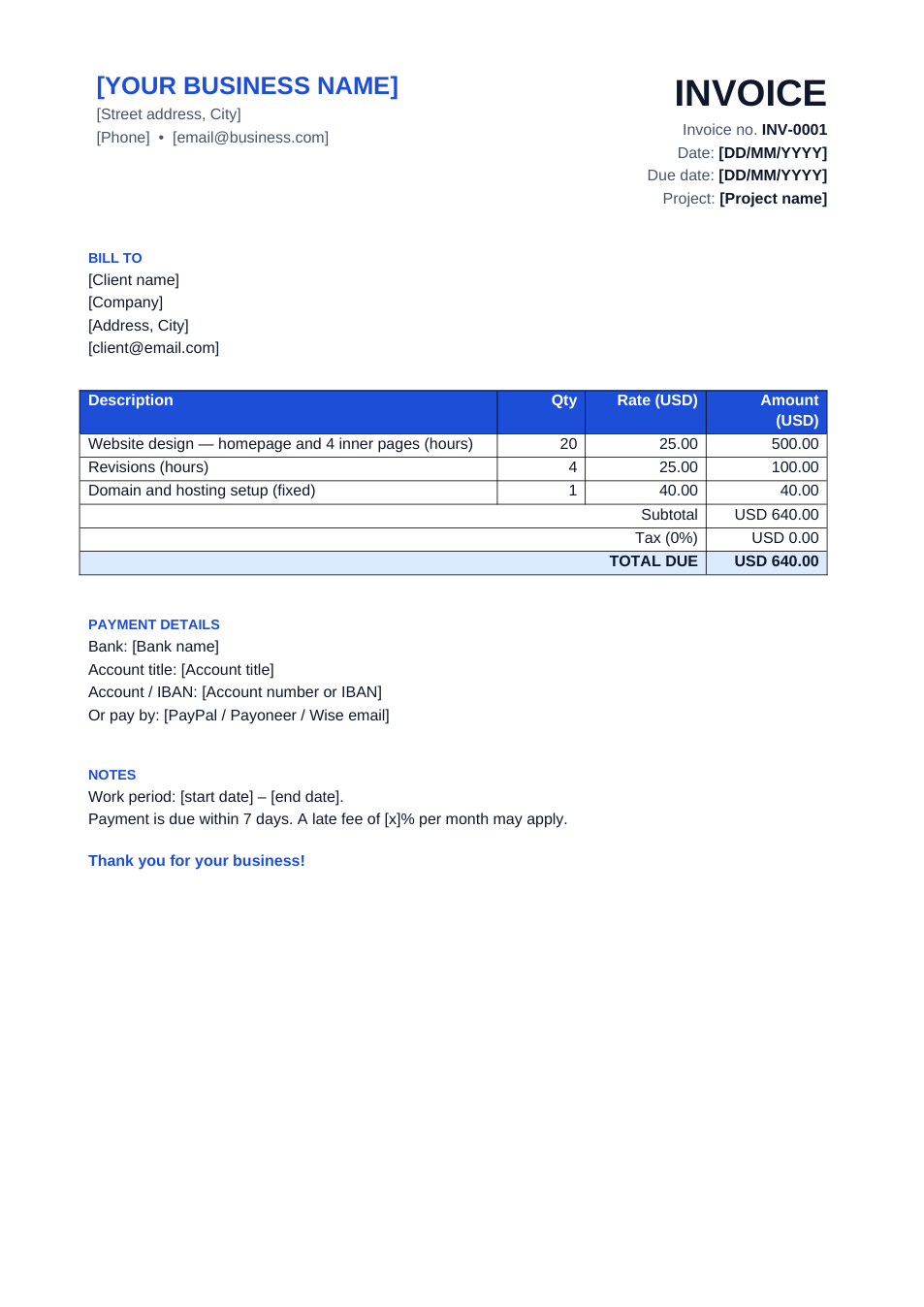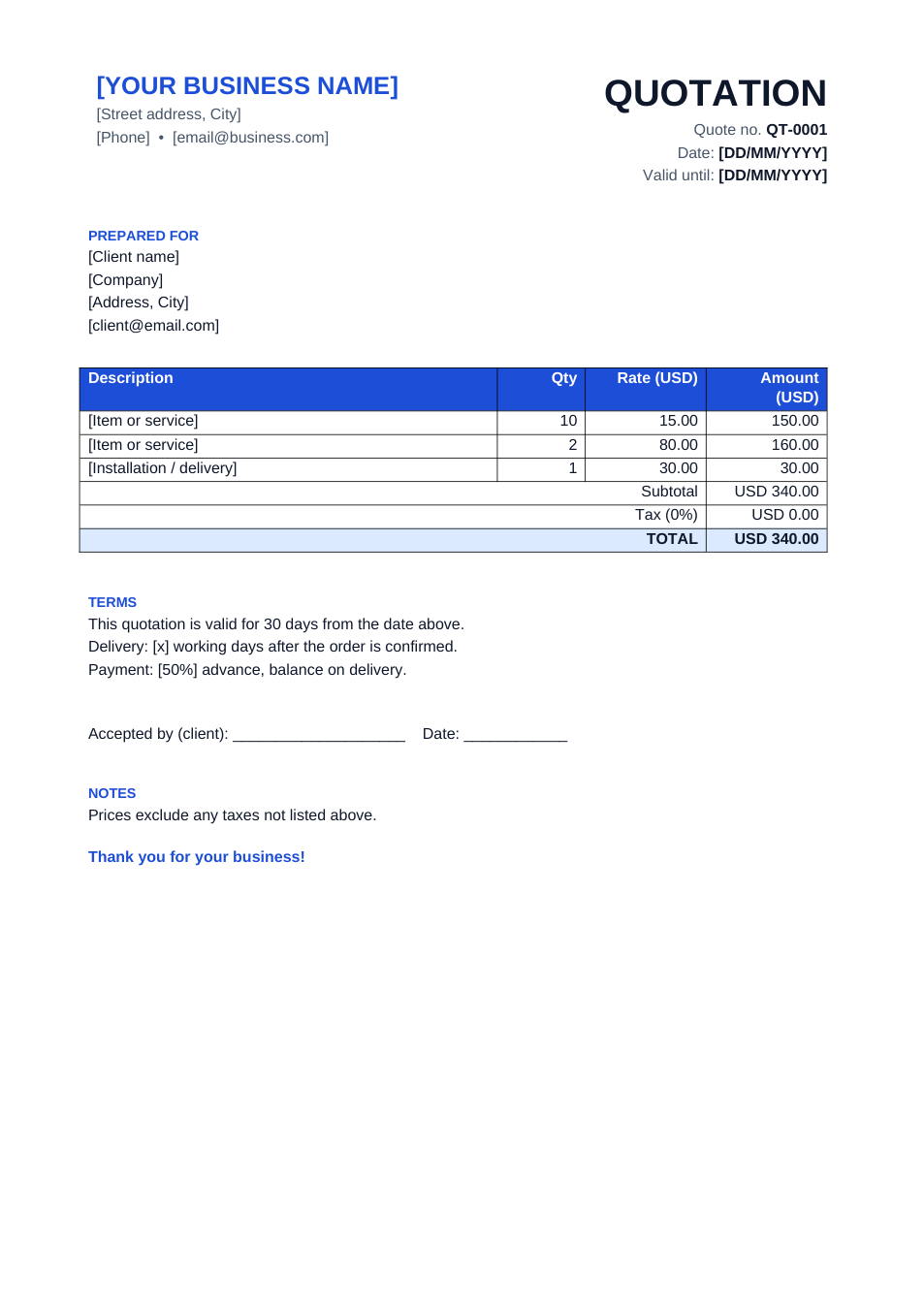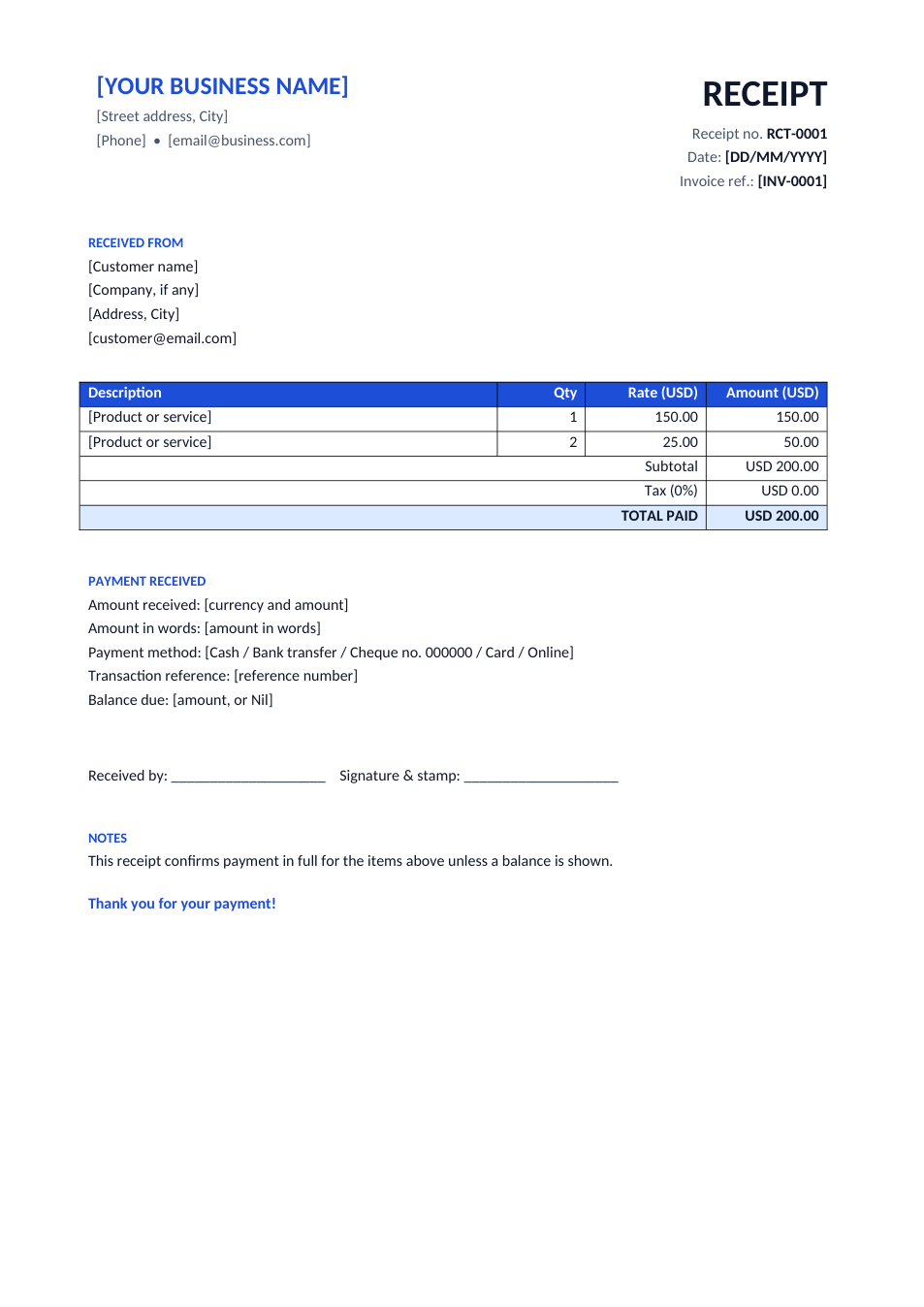
Sample text in [brackets], replace with yours · Invoice, Receipt & Order Templates
Packing List Template for Export Shipments (Word & Excel)
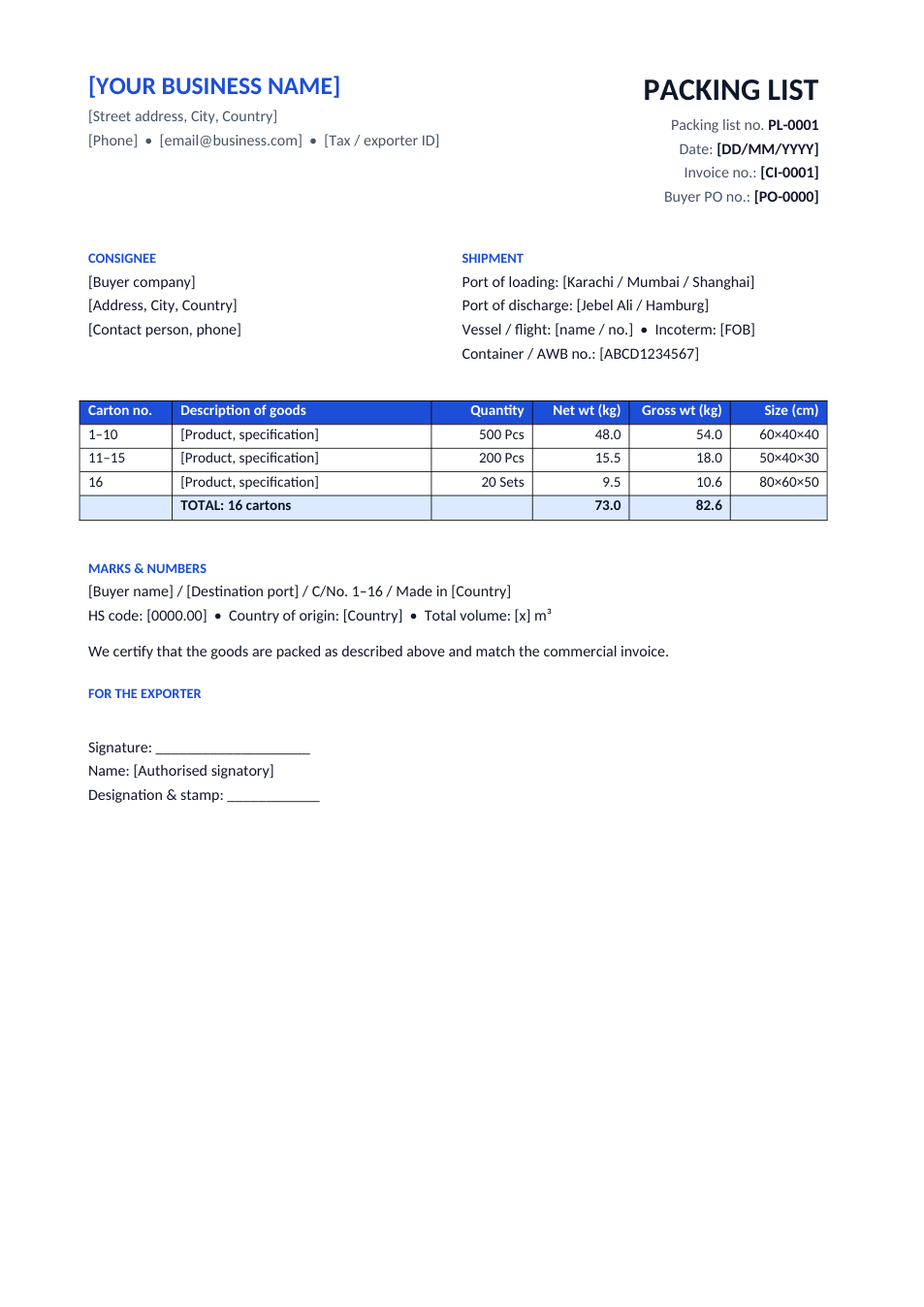
List every carton with contents, net and gross weight and size, plus shipment details and shipping marks.
Opens in your browser. No Excel needed, no signup.
Free for personal and commercial use · No watermark · Updated October 2026
Guide
About this packing list template
Customs, freight forwarders and buyers all check the packing list against the commercial invoice. It shows how the goods are packed: which carton holds what, how much each weighs, and how big it is. This template has the exporter and consignee, invoice and PO references, ports, vessel or flight, Incoterm and container number, a carton table with net and gross weights and sizes, and shipping marks with the HS code. In the Excel version, carton counts and total weights calculate themselves.
How to fill in a packing list
- 1
Click "Edit online" to open the Excel version, or download the Word or Excel file.
- 2
Enter your company, the consignee and the invoice, PO and container or airway bill numbers.
- 3
For each group of identical cartons, enter the carton range (e.g. 1 to 10), quantity per carton and weight per carton.
- 4
Check that the totals match the commercial invoice and the forwarder's booking.
- 5
Add the shipping marks and HS code, sign and stamp it, and send the PDF with your shipping documents.
Tips for export packing lists
Match the invoice exactly
Descriptions, quantities and the invoice number must match the commercial invoice, or customs may hold the shipment.
Weigh, don't guess
Gross weight includes packing. Weigh sample cartons; wrong weights cause freight surcharges.
Mark every carton
Print the same shipping marks and carton numbers on the boxes as on the list.
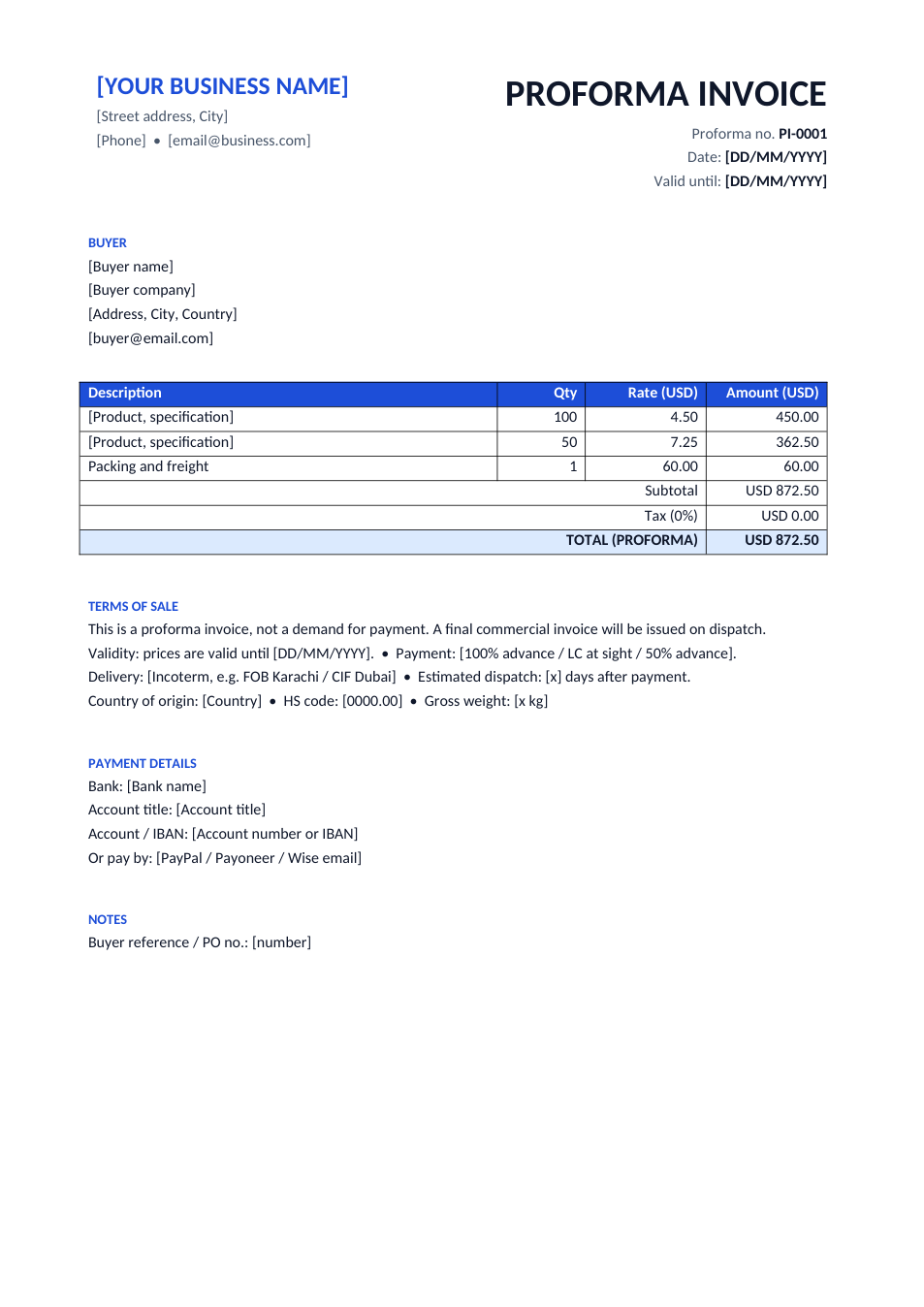
Start from a proforma
Our proforma invoice template uses the same product lines, so you can copy them across.