Sample text in [brackets], replace with yours · Invoice, Receipt & Order Templates
Payment Receipt Template (Word, Excel & PDF)
Give customers proof of payment: items, amount paid, payment method and balance. The Excel version adds up for you.
Opens in your browser. No Excel needed, no signup.
Free for personal and commercial use · No watermark · Updated October 2026
Guide
About this payment receipt template
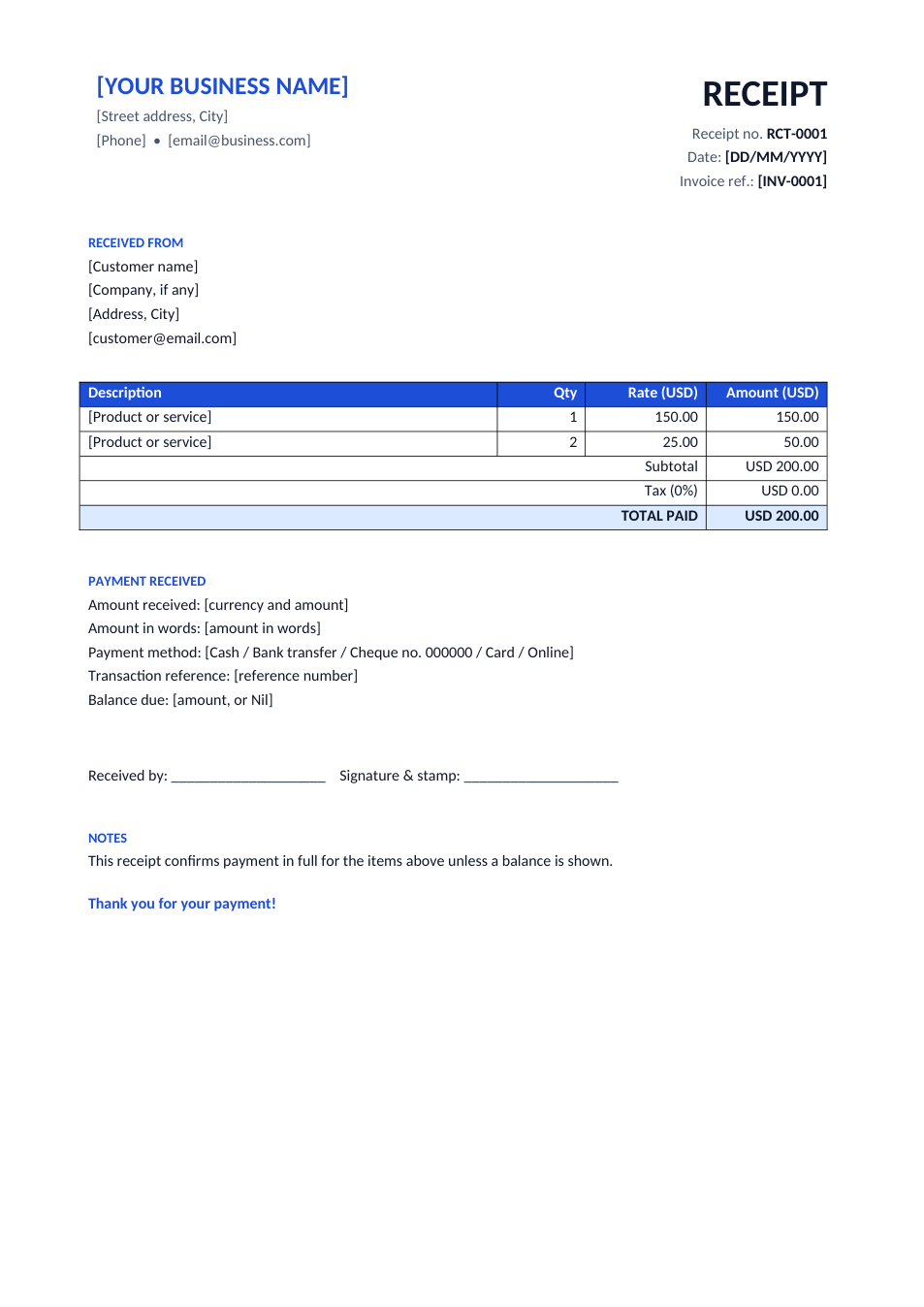
A receipt is proof that a payment was received. This template shows a receipt number and date, the invoice it pays, who paid, the items and total, the payment method and reference, the balance still due, and a line for the receiver's signature and stamp. Use the Excel version to have the totals calculated.
How to fill in this receipt
- 1
Click "Edit online" to open the Excel version, or download Word or Excel.
- 2
Add your business details and a new receipt number.
- 3
Enter who paid, and the invoice number the payment is for.
- 4
List what was paid for, then fill in the payment method, reference and any balance due.
- 5
Sign it, then print it or send it as PDF.
Tips for receipts
Number every receipt
Sequential receipt numbers (RCT-0001, RCT-0002…) make your books easy to reconcile.
Write the amount in words
For cash payments, the amount in words prevents disputes and alterations.
Record the reference
For bank and card payments, add the transaction ID so the payment can be traced.
Keep a copy
Keep a copy of every receipt you issue; tax authorities may ask for them.
Frequently Asked Questions
Tools that help
Excel to PDF
Convert Excel spreadsheets to PDF with all sheets preserved
Word to PDF
Convert Word documents to PDF format with perfect formatting
Sign PDF
Add a handwritten, typed, or uploaded signature to your PDF and download the signed file.
Merge PDF
Combine multiple PDF files into one document