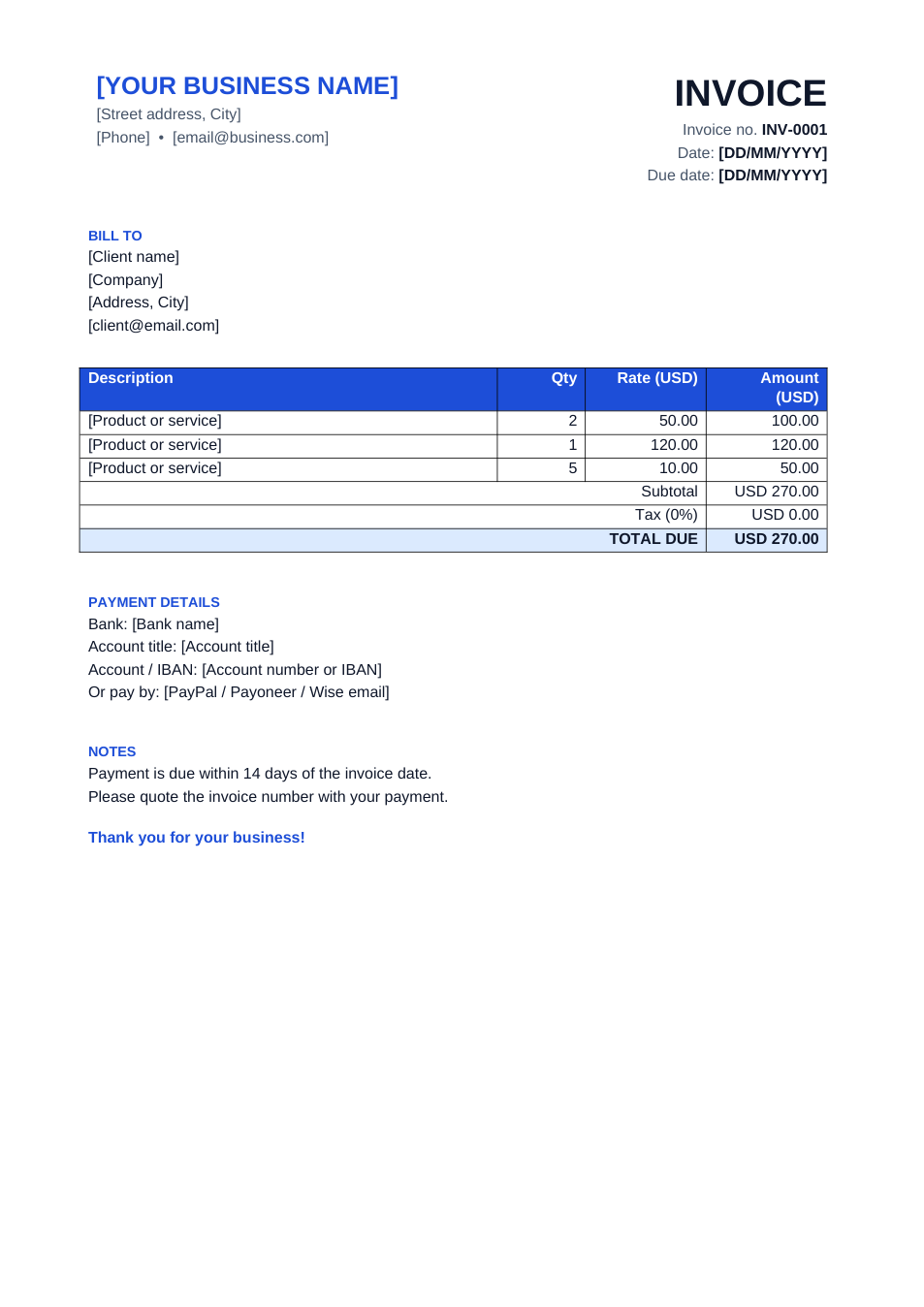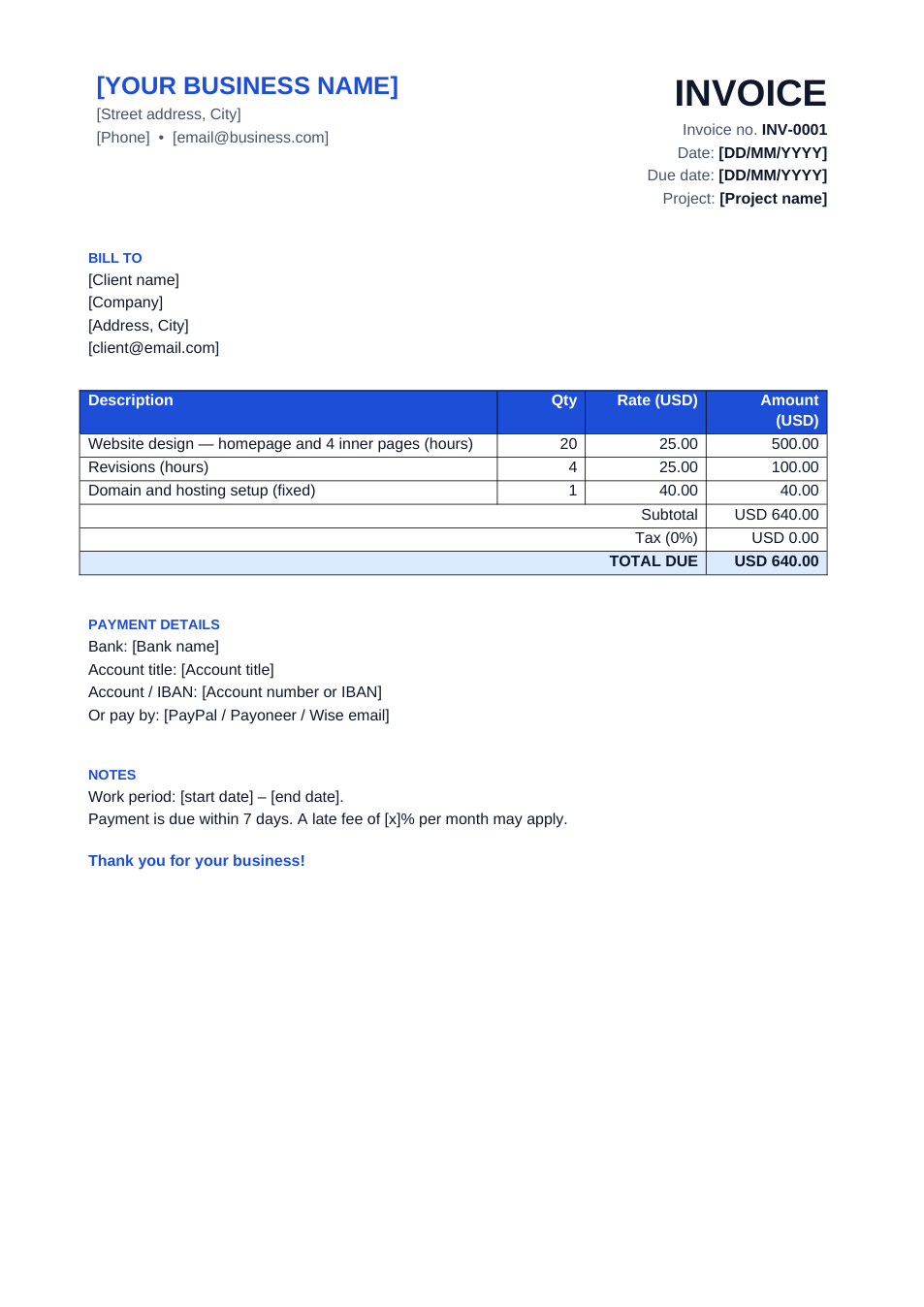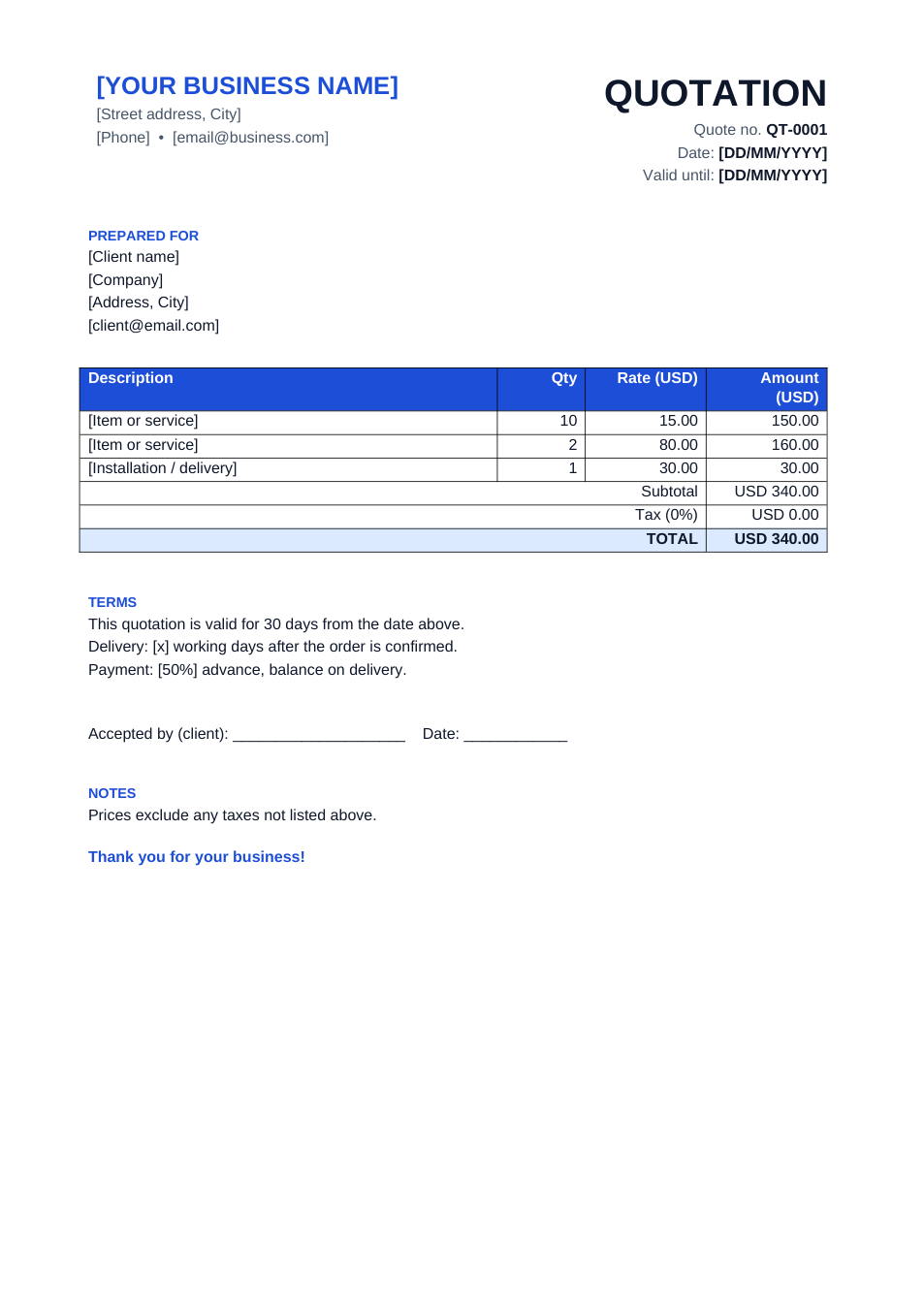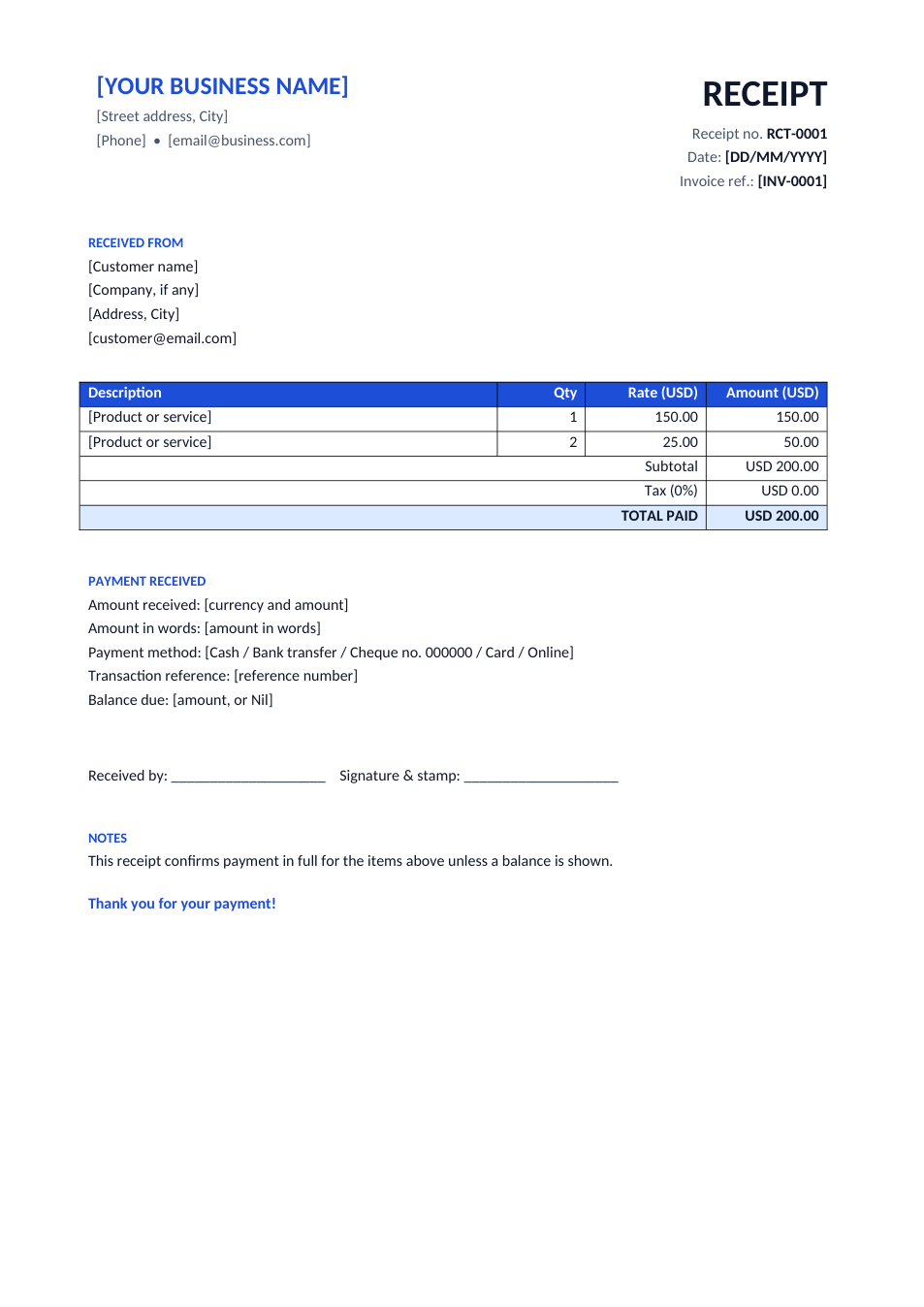
Sample text in [brackets], replace with yours · Invoice, Receipt & Order Templates
Restaurant Bill Template (Word & Excel)
A clean bill for restaurants, cafés and food businesses, with table, server, items, service charge and tax.
Opens in your browser. No Excel needed, no signup.
Free for personal and commercial use · No watermark · Updated October 2026
Guide
About this restaurant bill template
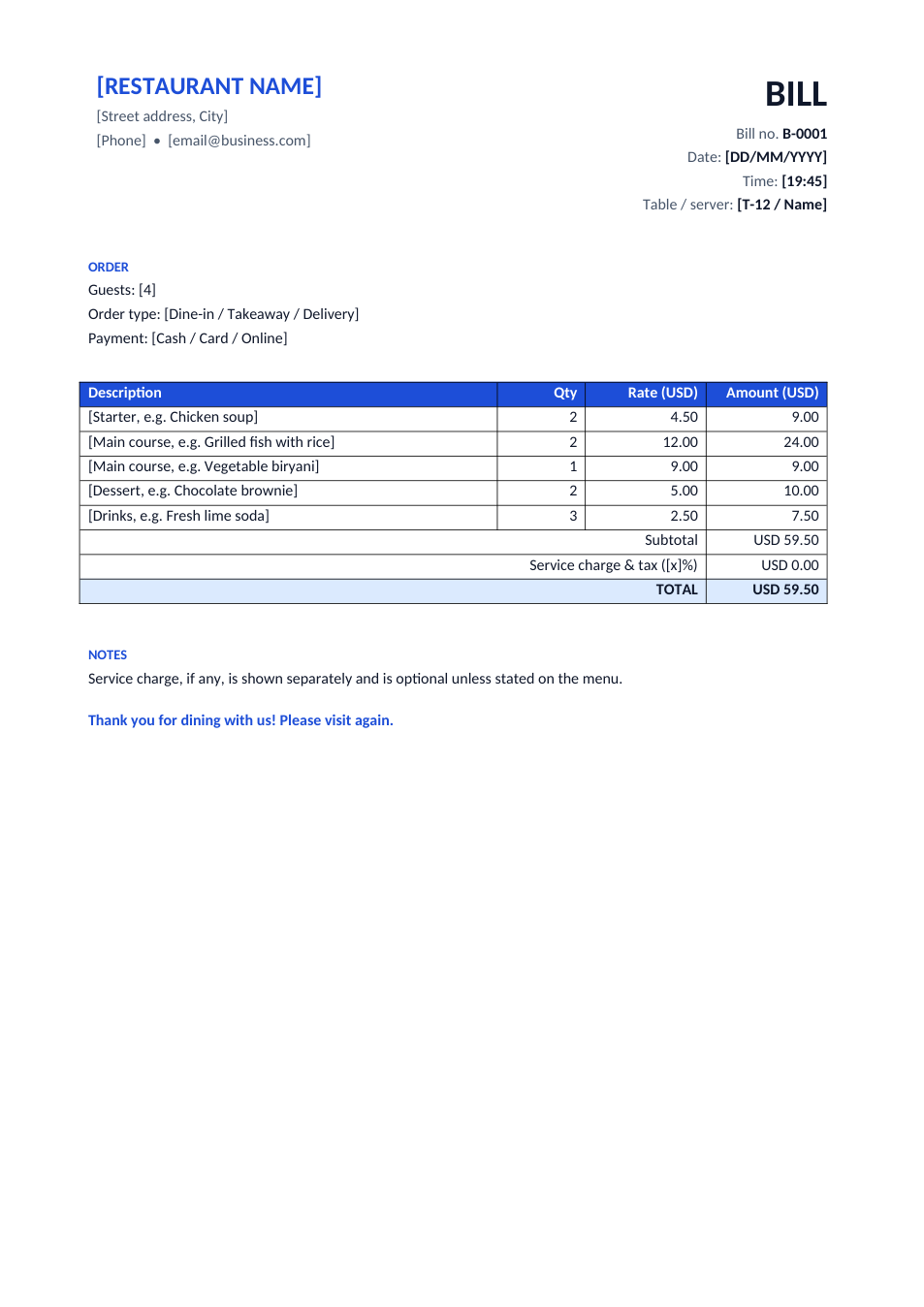
Small restaurants, cafés, bakeries, home kitchens and caterers often need a proper printed bill before they buy a POS system, or as a backup when it is down. This bill has the restaurant's name, bill number, date and time, table and server, order type and payment method, each dish with quantity and price, and a line for service charge and tax. The Excel version adds up everything for you.
How to fill in a restaurant bill
- 1
Click "Edit online" to open the Excel version, or download the Word or Excel file.
- 2
Replace [RESTAURANT NAME], the address and phone with yours, and add your tax number if you have one.
- 3
For each order, enter the bill number, date, time, table and server.
- 4
List each dish and drink with quantity and price; in Excel, type the service charge or tax rate in the yellow cell.
- 5
Print it or send it as PDF on WhatsApp or email for takeaway and delivery orders.
Tips for restaurant billing
Number bills in order
A running bill number (B-0001, B-0002) makes daily cash checks and tax records much easier.
Show tax separately
Where sales tax or VAT applies, show it as its own line and print your tax registration number.
Be clear about service charge
In many places service charge must be optional or shown on the menu. Say so on the bill.
Add a QR code
Put a QR code for your menu, reviews or payment link at the bottom with the QR code generator.
Frequently Asked Questions
Tools that help
Excel to PDF
Convert Excel spreadsheets to PDF with all sheets preserved
QR Code Generator
Generate QR codes for URLs, text, WiFi and more
GST / Tax Calculator
Calculate GST, VAT, and tax amounts quickly
Word to PDF
Convert Word documents to PDF format with perfect formatting