Home›Templates›ATS-Friendly Resume
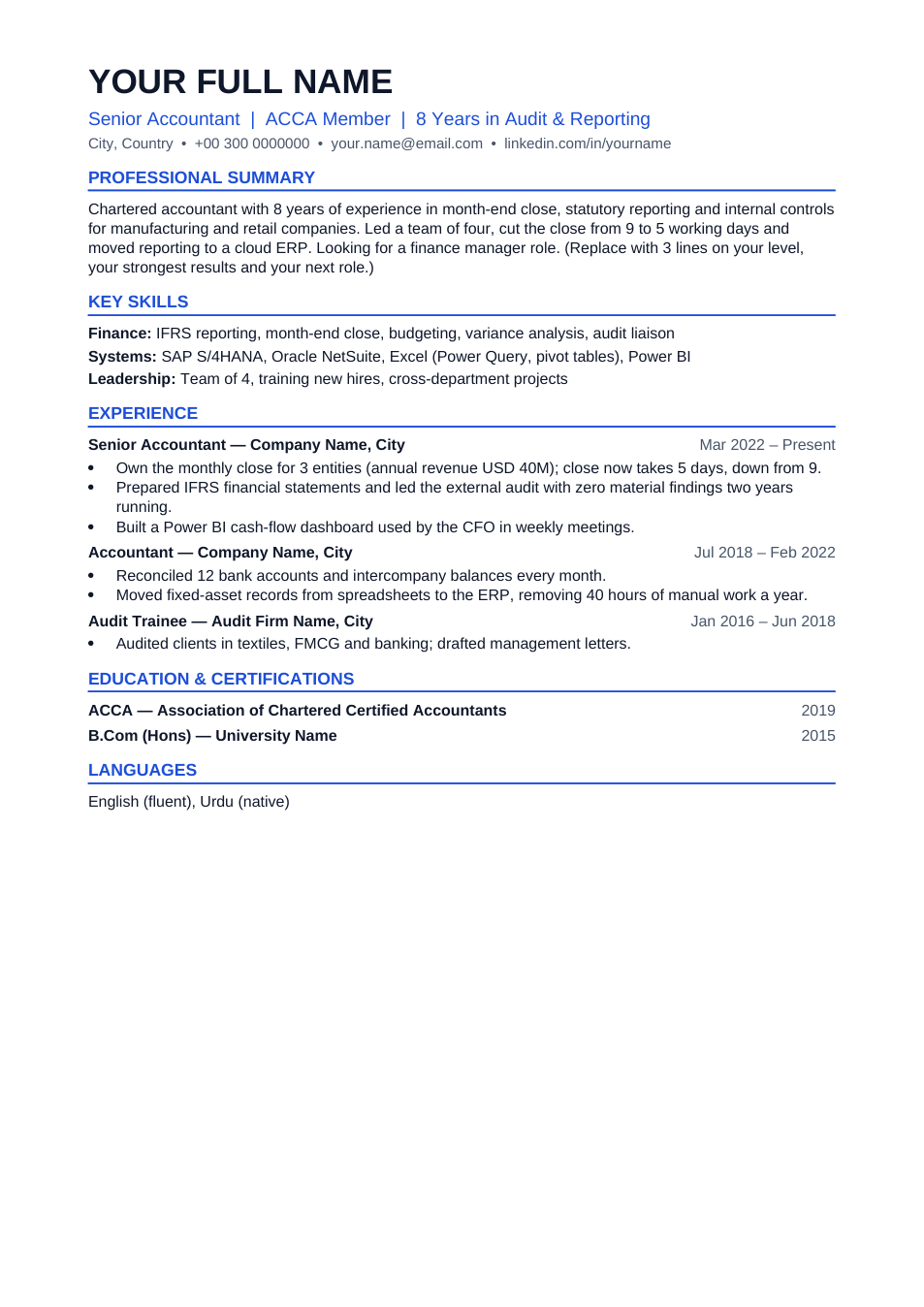
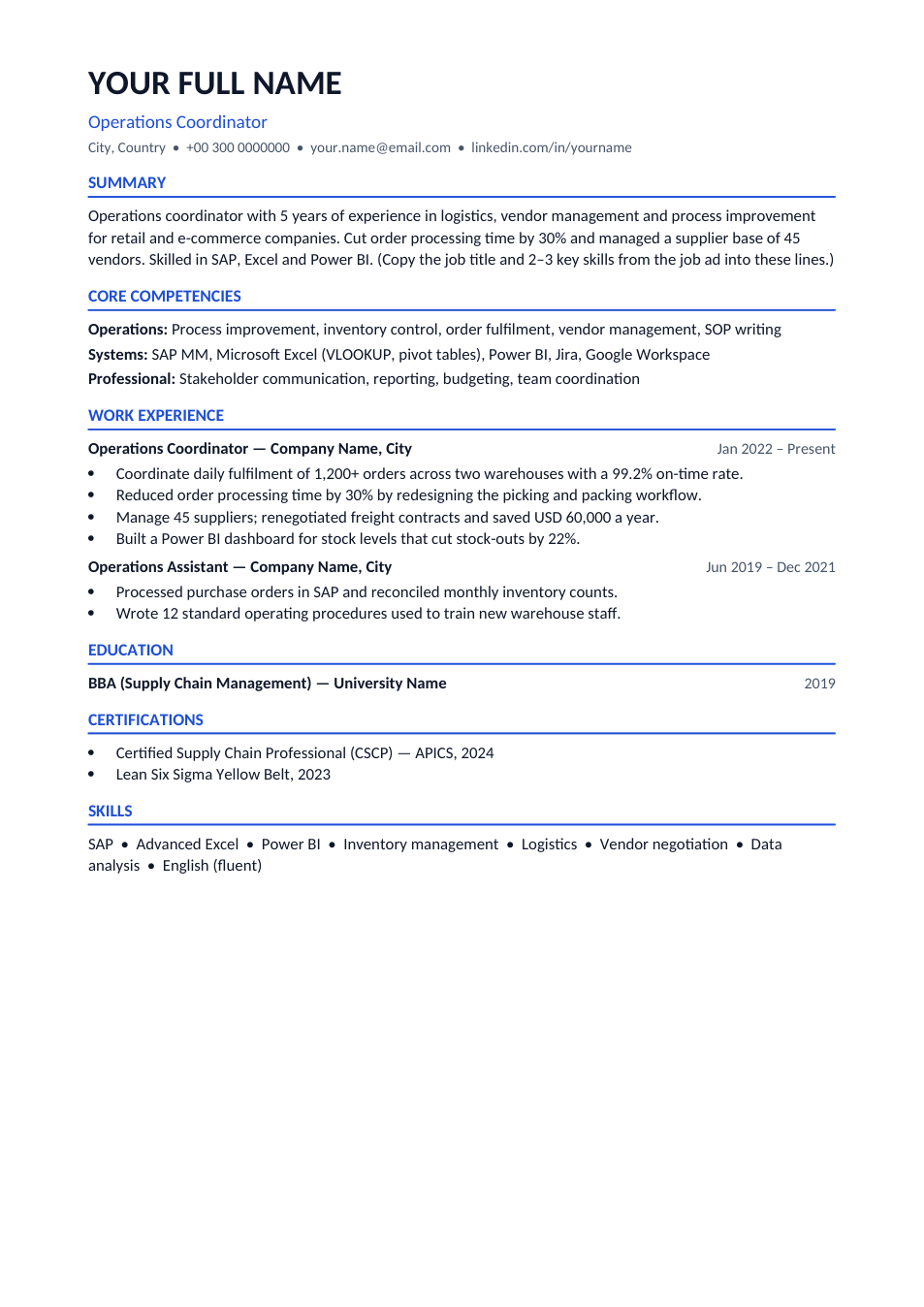
Preview of the ATS-Friendly Resume template

Sample text in [brackets], replace with yours · CV, Resume & Cover Letter Templates

Free template

ATS-Friendly Resume Template (Word & PDF)

A one-page resume built to pass applicant tracking systems: one column, standard headings, no tables or graphics.

✓ 1 page✓ A4✓ Single column✓ Word & PDF

Opens in your browser. No Word needed, no signup.

Free for personal and commercial use · No watermark · Updated October 2026

Guide

About this ats-friendly resume template

An ATS-friendly resume is one that applicant tracking software can read from top to bottom without losing anything. That means one column, real text (not images), standard headings such as "Work Experience" and "Education", and the same skill words the job ad uses. This template follows all of those rules and adds a "Core Competencies" block near the top, where most ATS keyword matching happens. The sample is for an operations coordinator.

How to make your resume pass the ATS

  1. 1

    Open it with "Edit online", or download the Word file.

  2. 2

    Copy the exact job title from the ad into the line under your name.

  3. 3

    List 10–15 skills from the job ad in Core Competencies, using the same words (for example "SAP MM", not "ERP software").

  4. 4

    Write each job as 3–4 bullets that start with a verb and include a number.

  5. 5

    Keep the headings as they are, then send the Word file or a text-based PDF, whichever the job portal asks for.

ATS mistakes to avoid

No text boxes or columns

Many ATS read left to right across columns and mix up your sections. One column is safest.

No skills in images or charts

Skill bars and icons look nice, but the ATS cannot read them. Write skills as plain words.

Use standard headings

"Work Experience" is understood everywhere. Creative headings like "My Journey" may be skipped.

Match each job ad

Change the summary and skills for every application. A resume that matches the ad ranks higher for the recruiter.

Frequently Asked Questions

Yes. You can download the Word and PDF versions or edit it online for free, with no signup and no watermark.

A single column, standard section headings, real text instead of images, common fonts, and skill keywords that match the job ad. Avoid tables, text boxes, headers and footers for important details.

Follow the job portal. Most modern ATS read text-based PDFs well, but if the portal asks for .docx, upload the Word file. Never upload a scanned PDF.

Two-column designs often lose information in older systems. Use this plain version for online portals and a designed CV when you email a person directly.

Include the main skills and tools named in the ad naturally, usually 10–20. Don't copy the ad word for word or hide keywords in white text.

Tools that help

📝

Word to PDF

Convert Word documents to PDF format with perfect formatting

Use Tool→
📄
Popular

PDF to Word

Convert PDF files to editable Word documents instantly

Use Tool→
🔢

Word Counter

Count words, characters, sentences and reading time

Use Tool→
🗜️

Compress PDF

Reduce PDF file size without losing quality
Use Tool→

More cv, resume & cover letter templates

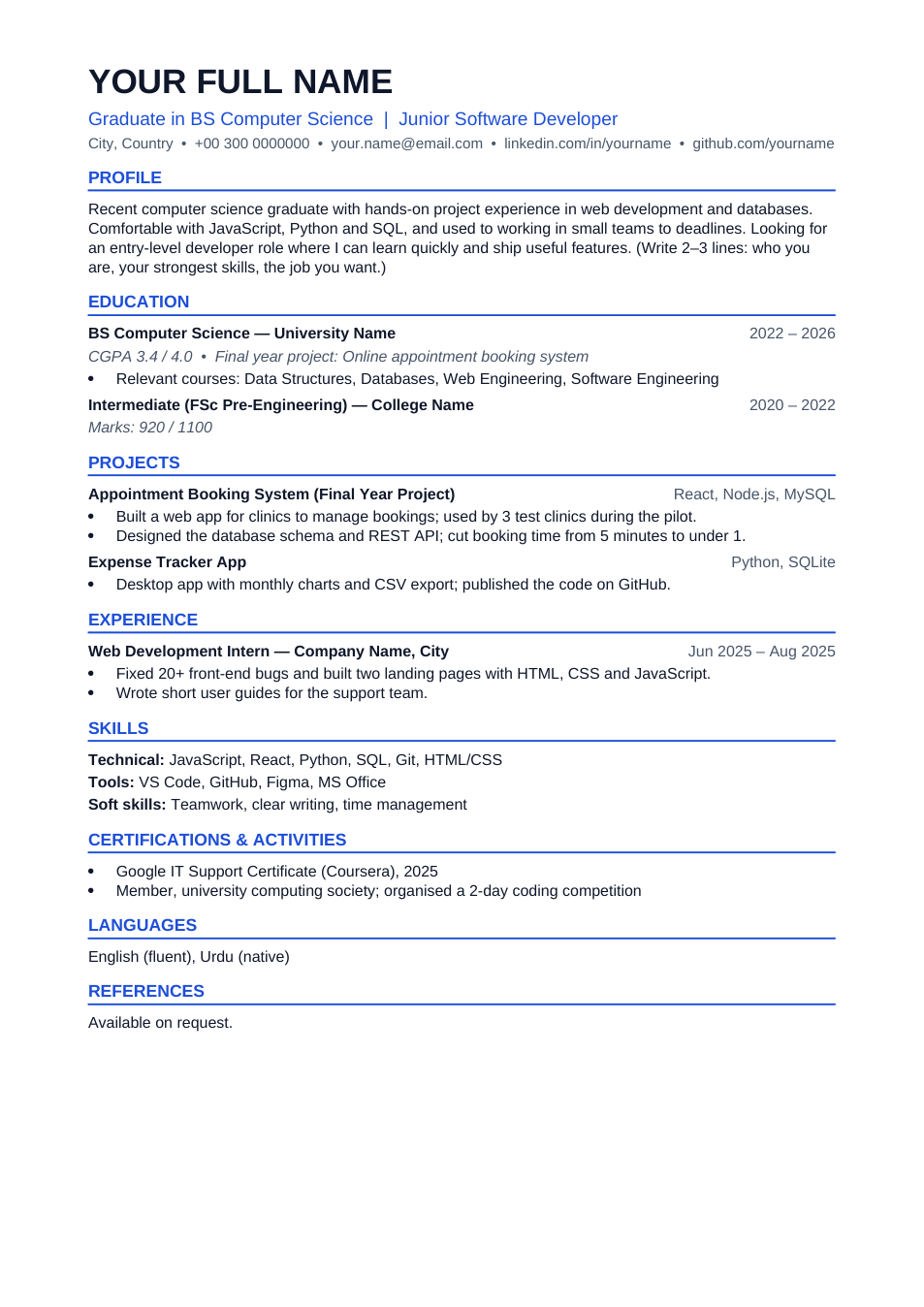
Fresh Graduate CV template preview

Fresh Graduate CV

Education and projects first, on one A4 page.

WordPDF
Professional CV template preview

Professional CV

Results-first CV for people with 3+ years of experience.

WordPDF
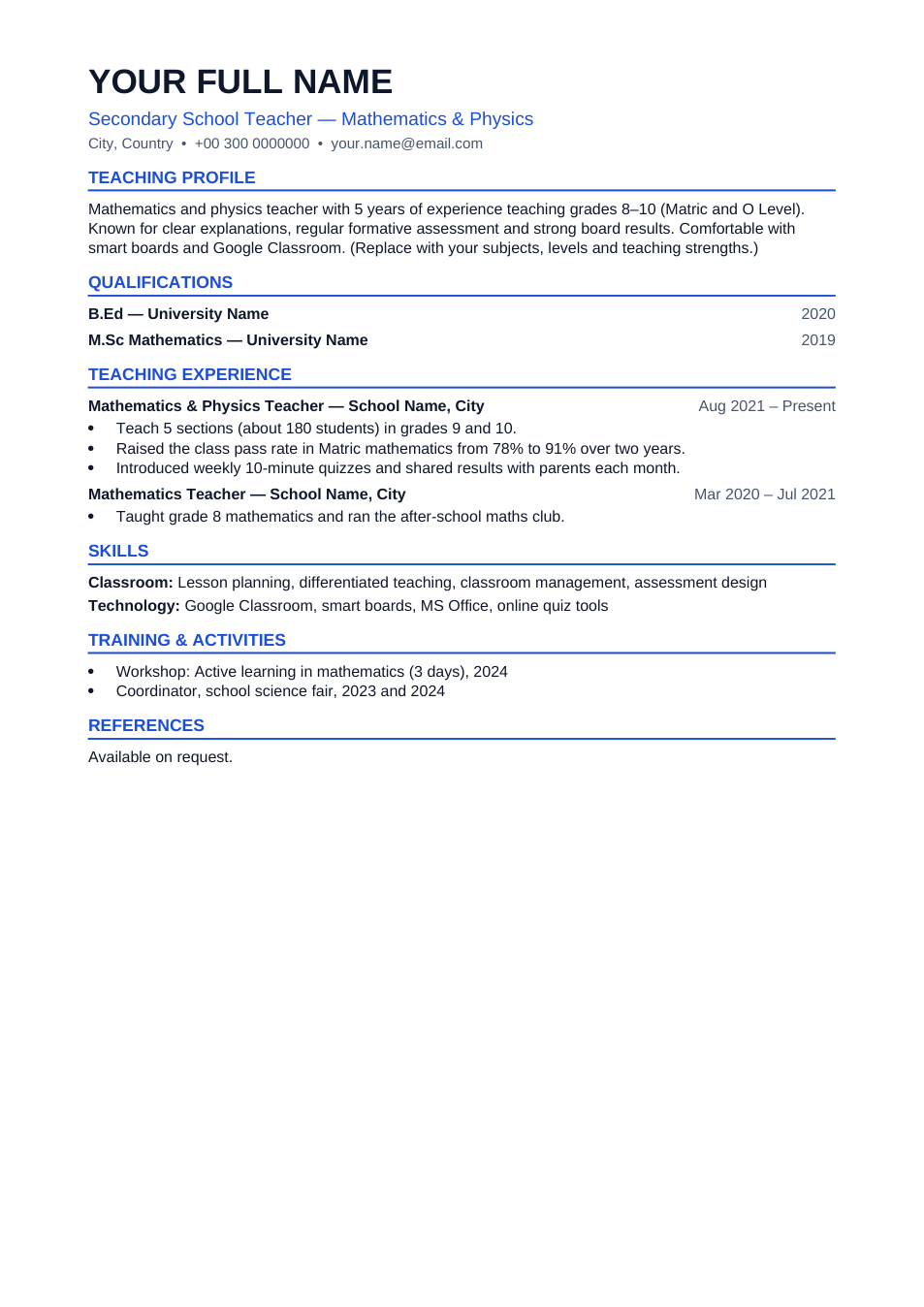
Teacher CV template preview

Teacher CV

Subjects, levels and results for school teaching jobs.

WordPDF
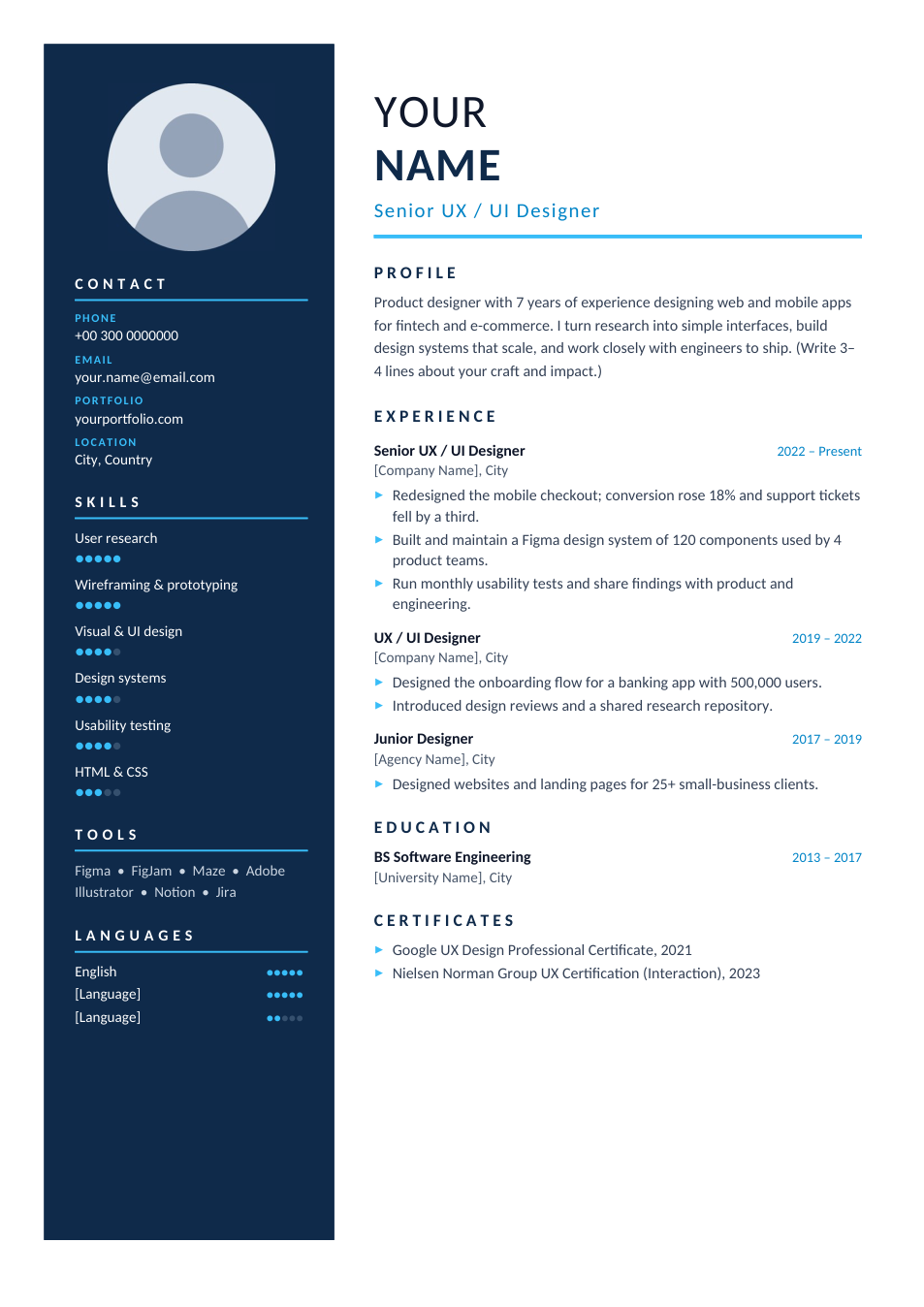
Modern Two-Column CV template preview

Modern Two-Column CV

Premium design: navy sidebar, photo and skill ratings.

WordPDF
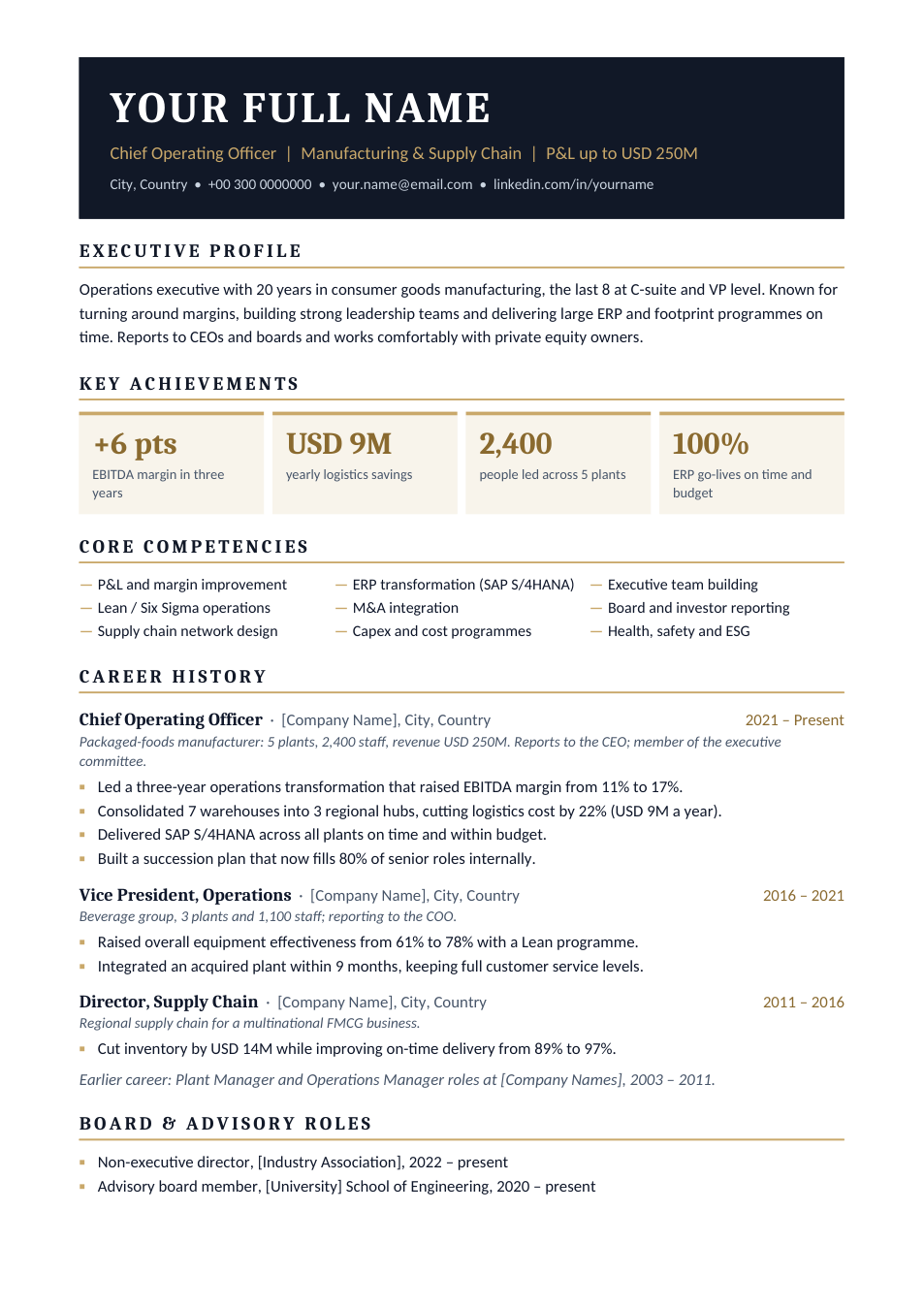
Executive CV template preview

Executive CV

Premium two-page CV for directors and C-suite.

WordPDF
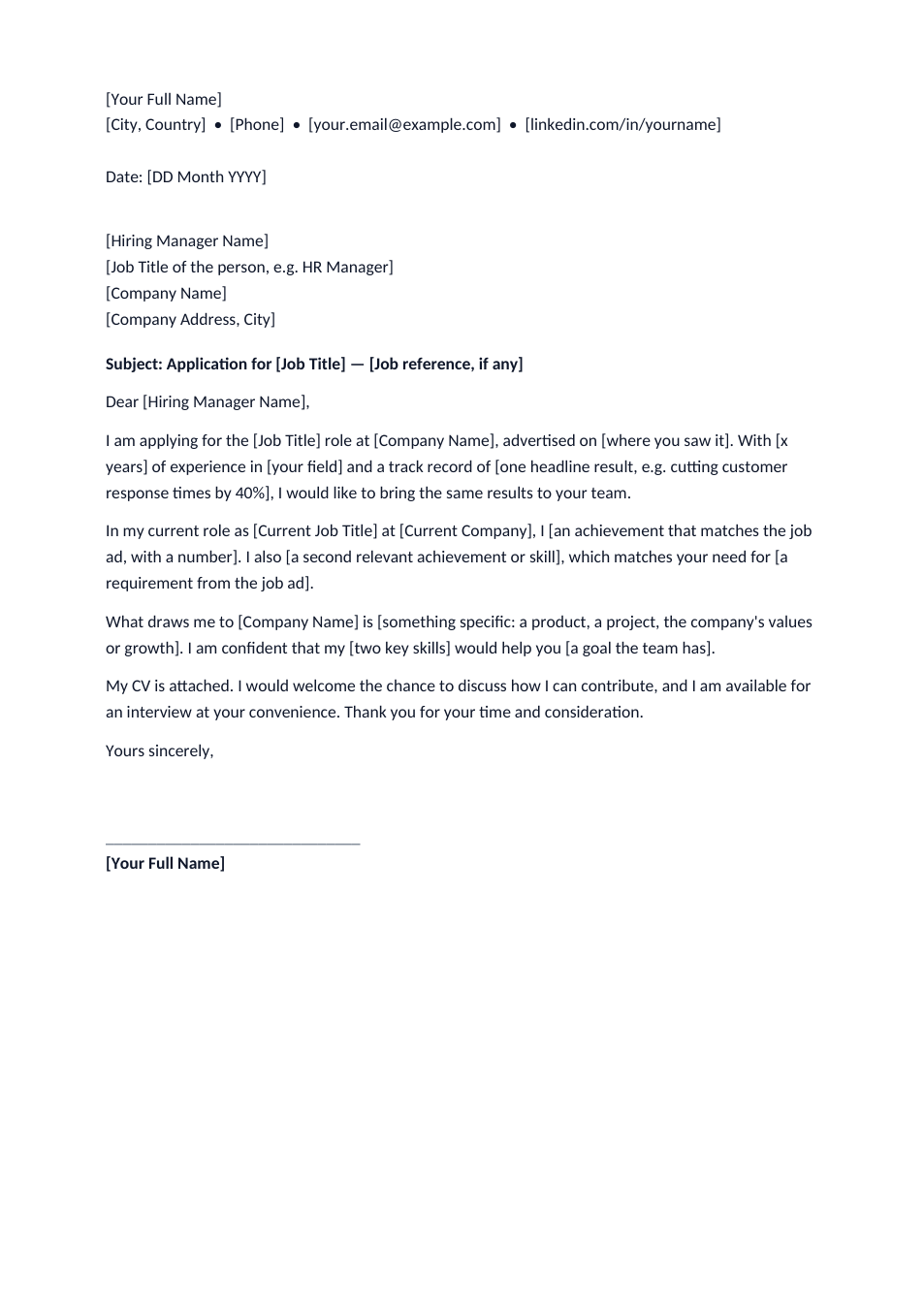
Cover Letter template preview

Cover Letter

One-page job application letter to send with your CV.

WordPDF
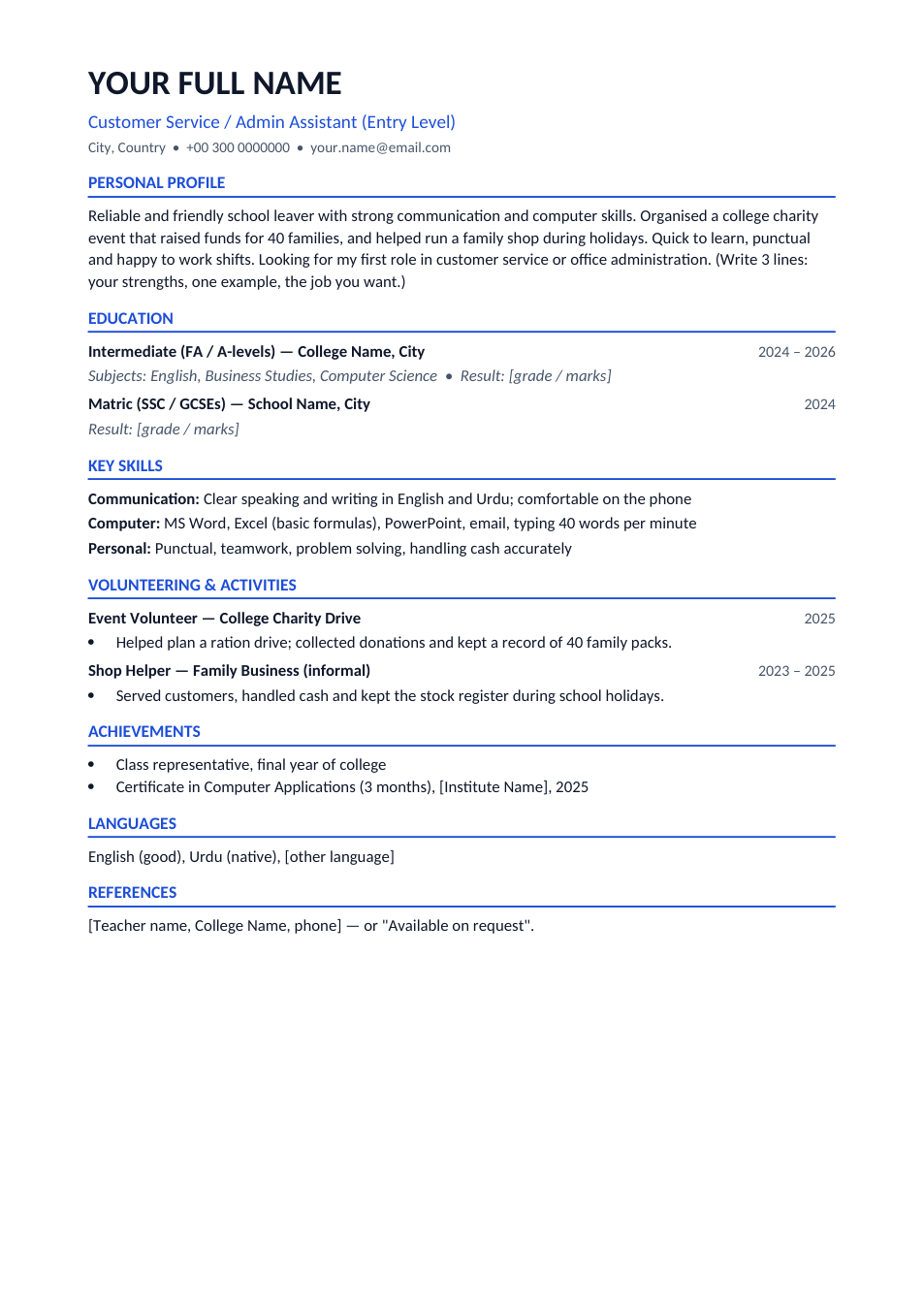
CV With No Experience template preview

CV With No Experience

First-job CV that leads with education, skills and volunteering.

WordPDF
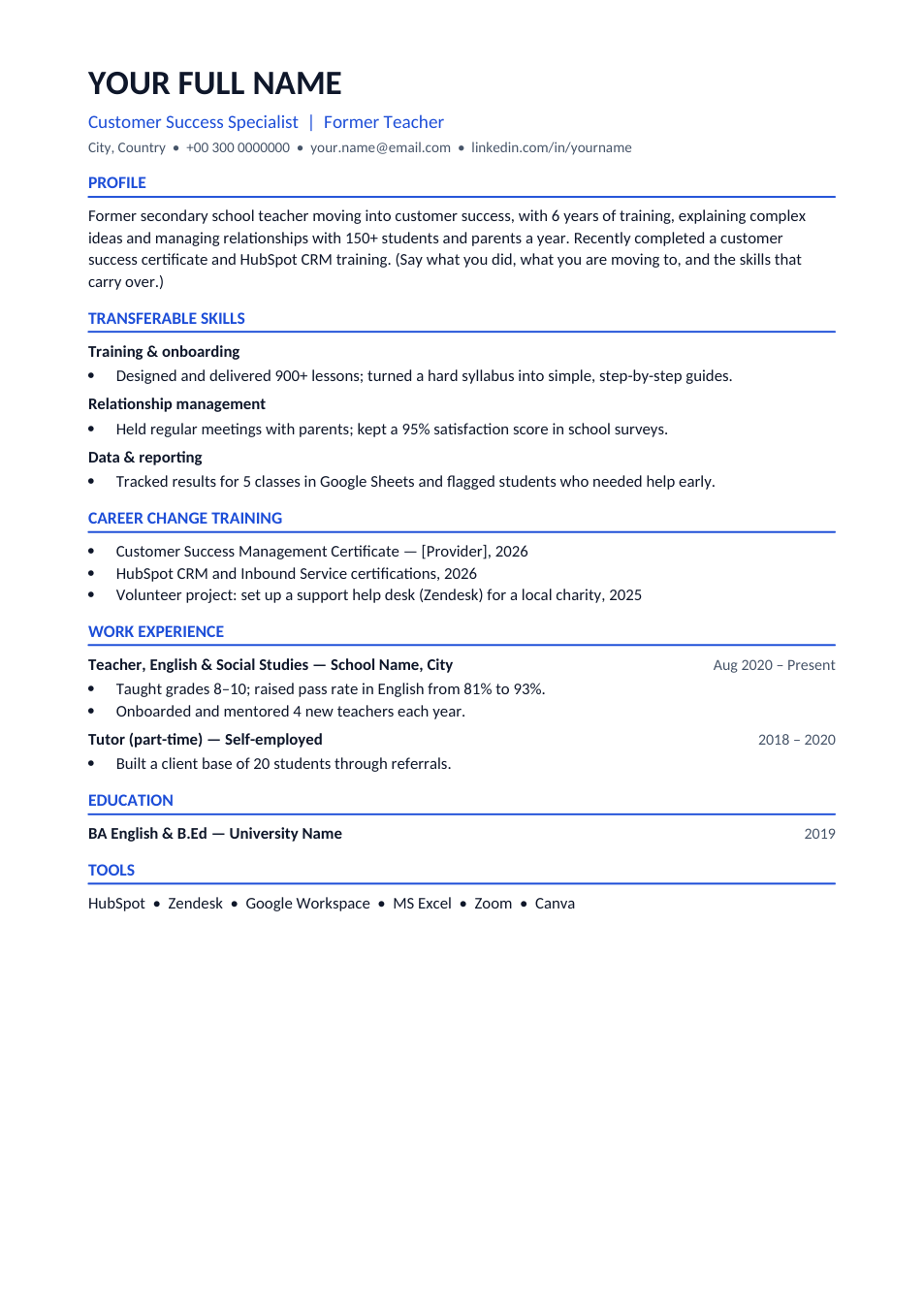
Career Change CV template preview

Career Change CV

Leads with transferable skills and new training for a switch of field.

WordPDF
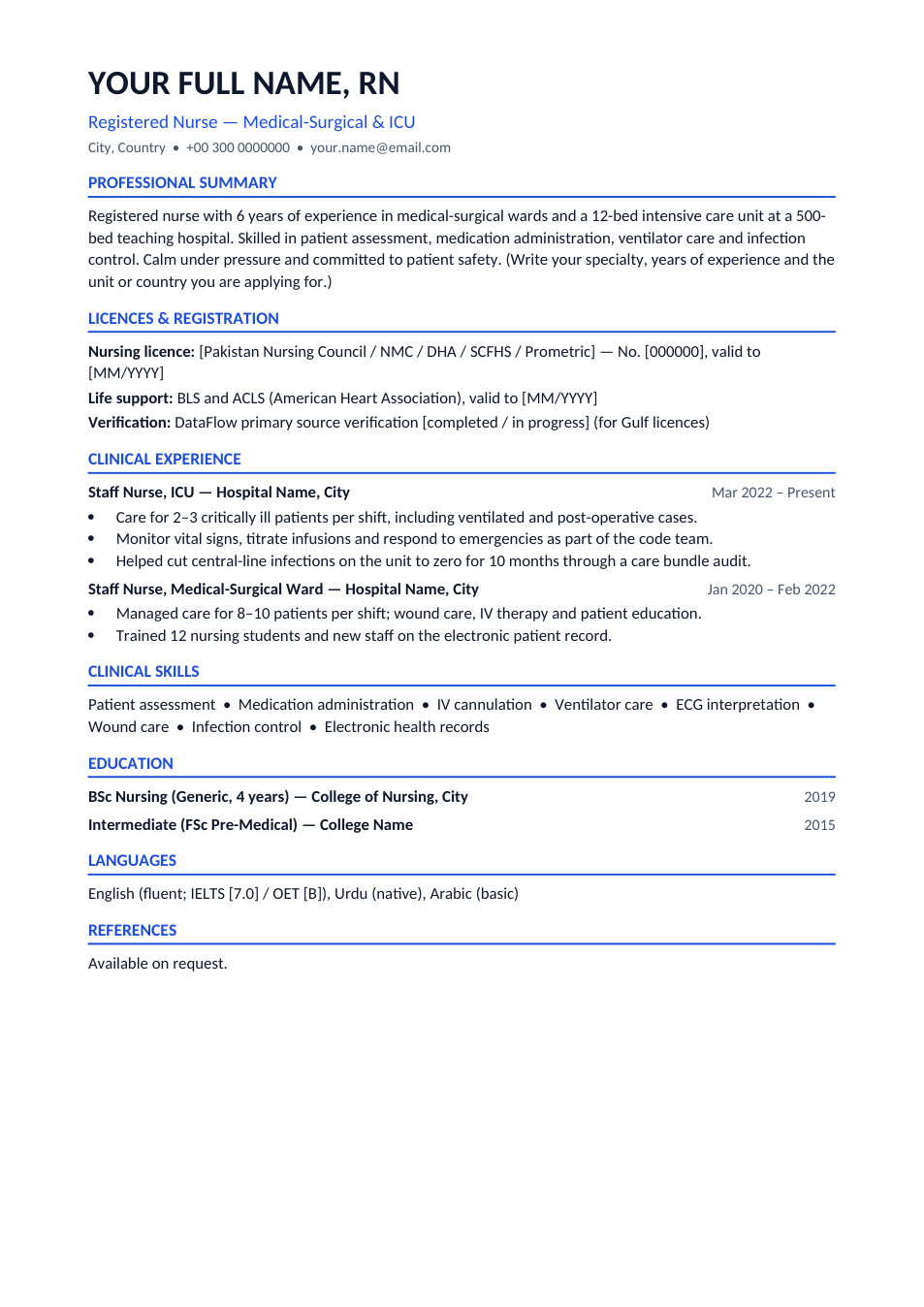
Nurse CV template preview

Nurse CV

Licences, clinical skills and ward experience for staff nurse jobs.

WordPDF
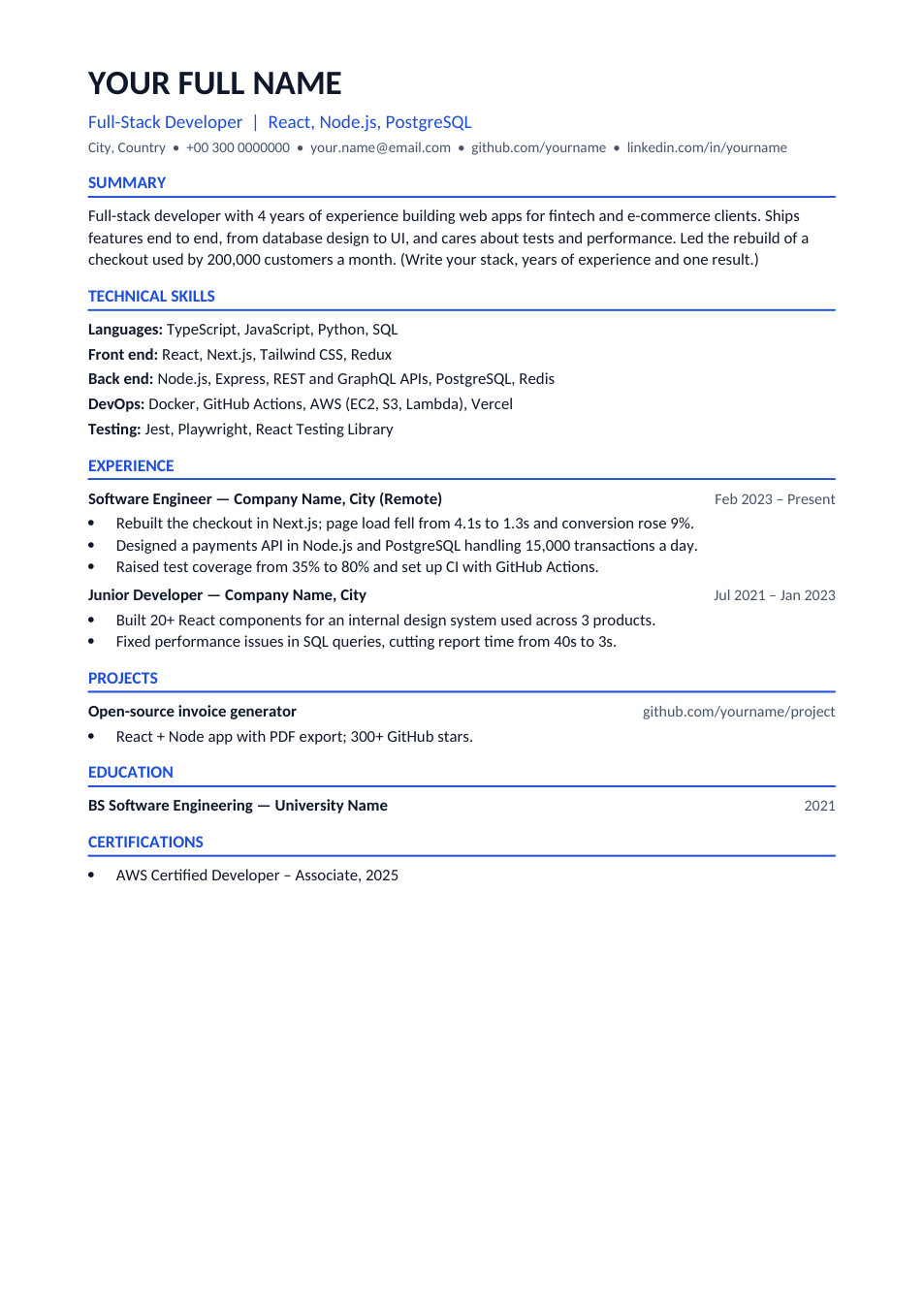
Software Developer CV template preview

Software Developer CV

Tech stack, measurable results and projects for developer roles.

WordPDF
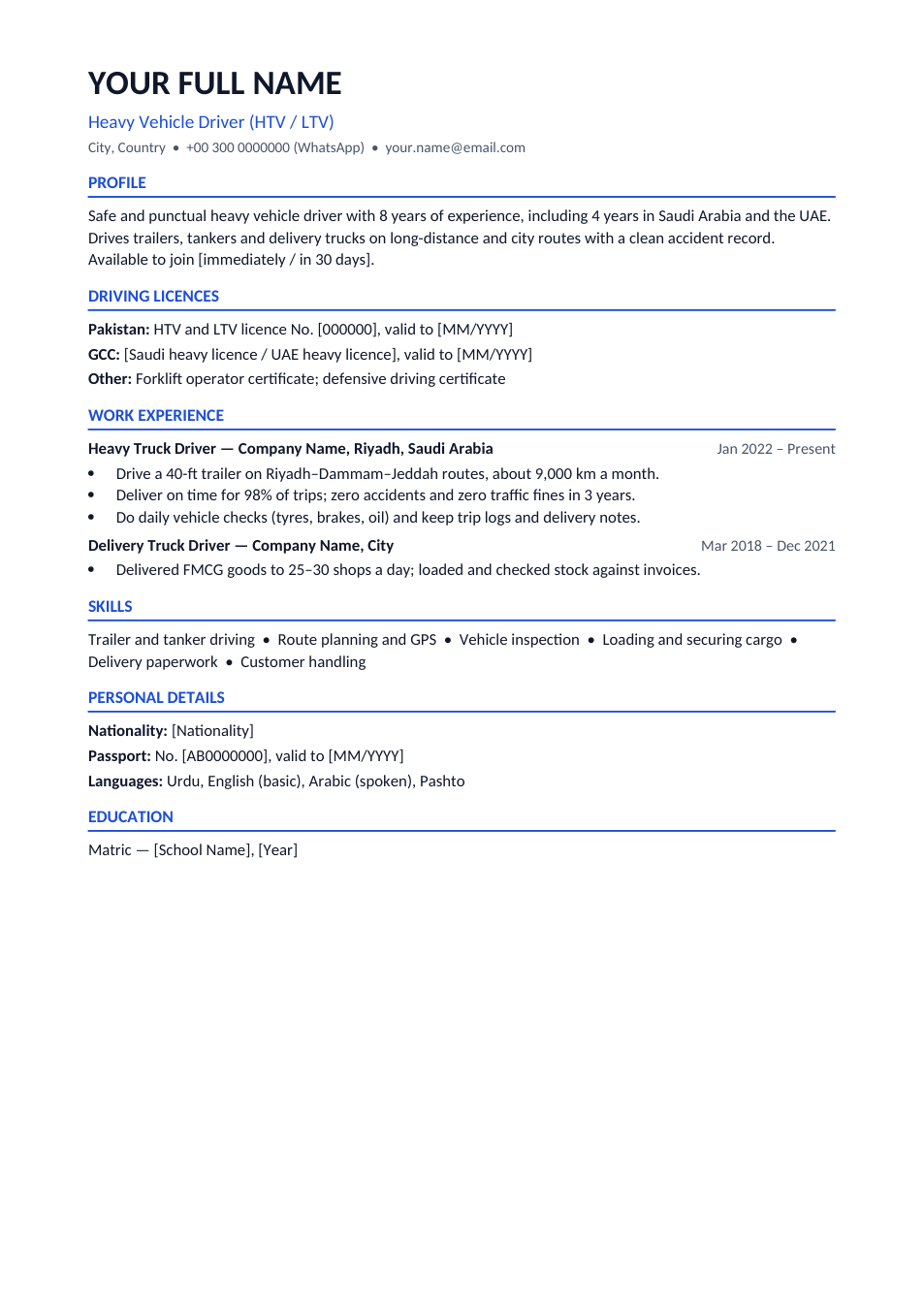
Driver CV template preview

Driver CV

Licences, routes and safety record for HTV/LTV and Gulf driver jobs.

WordPDF
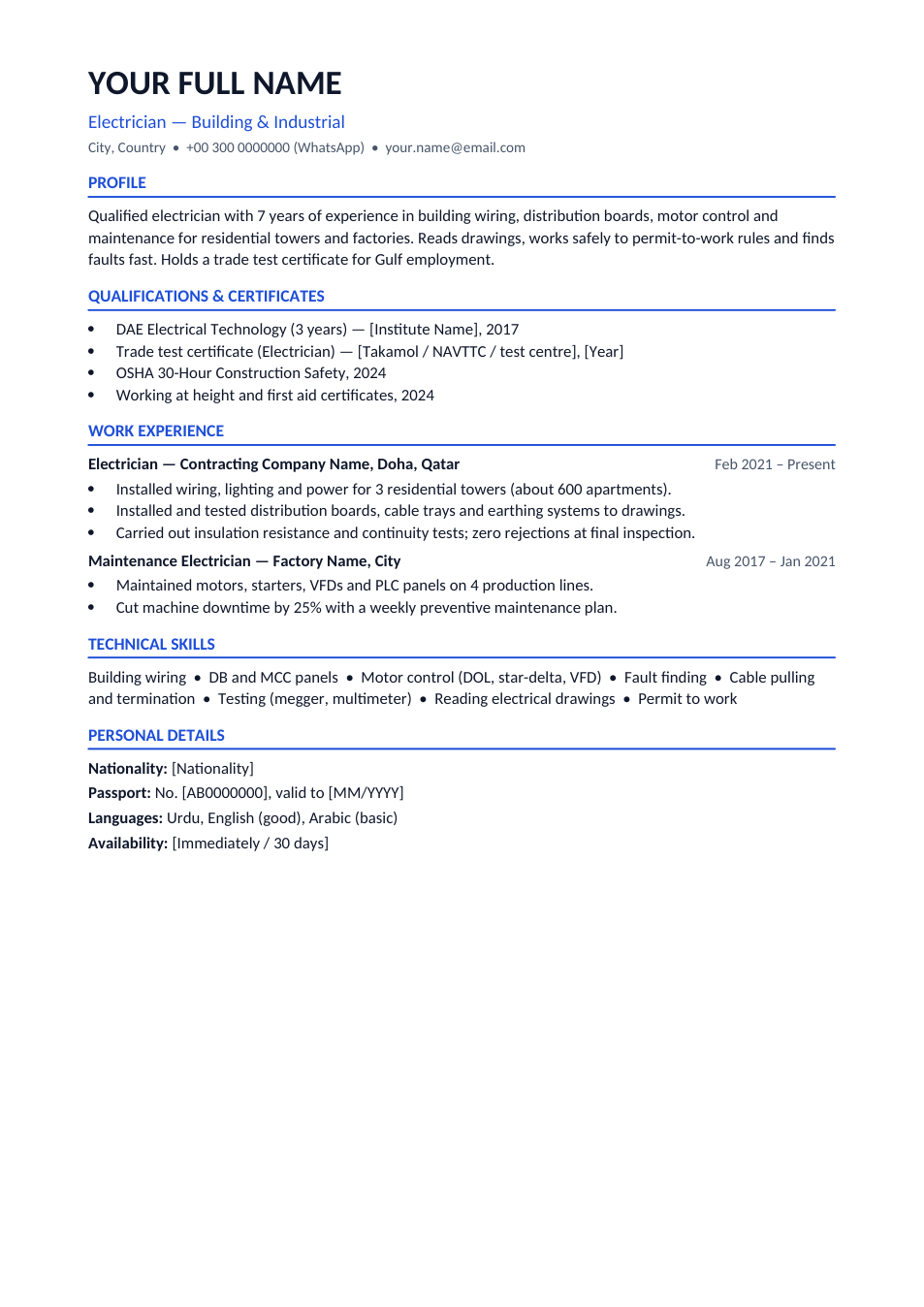
Electrician CV template preview

Electrician CV

Trade test, safety certificates and site work for electrician jobs.

WordPDF
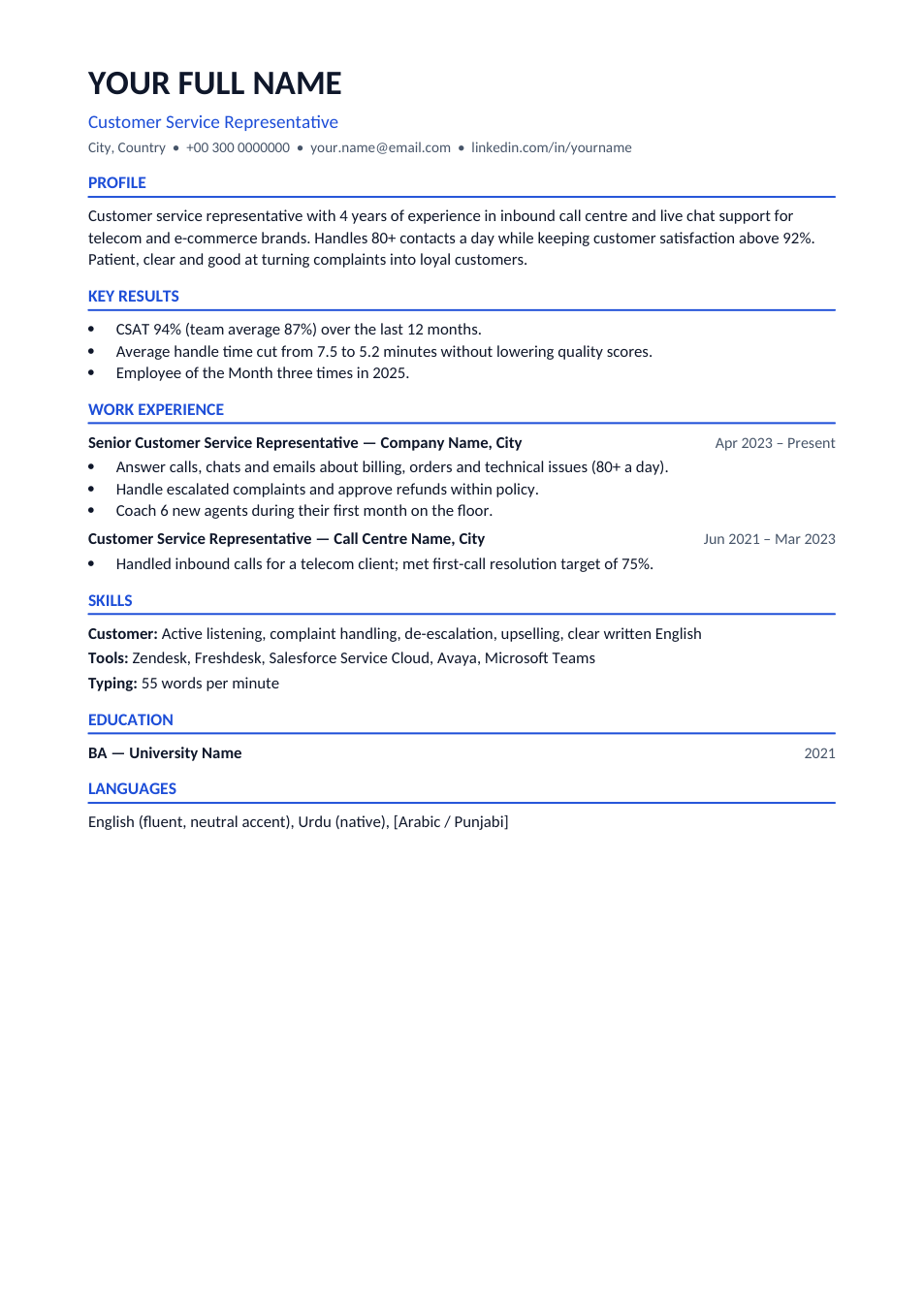
Customer Service CV template preview

Customer Service CV

CSAT, handle time and tools for call centre and support roles.

WordPDF
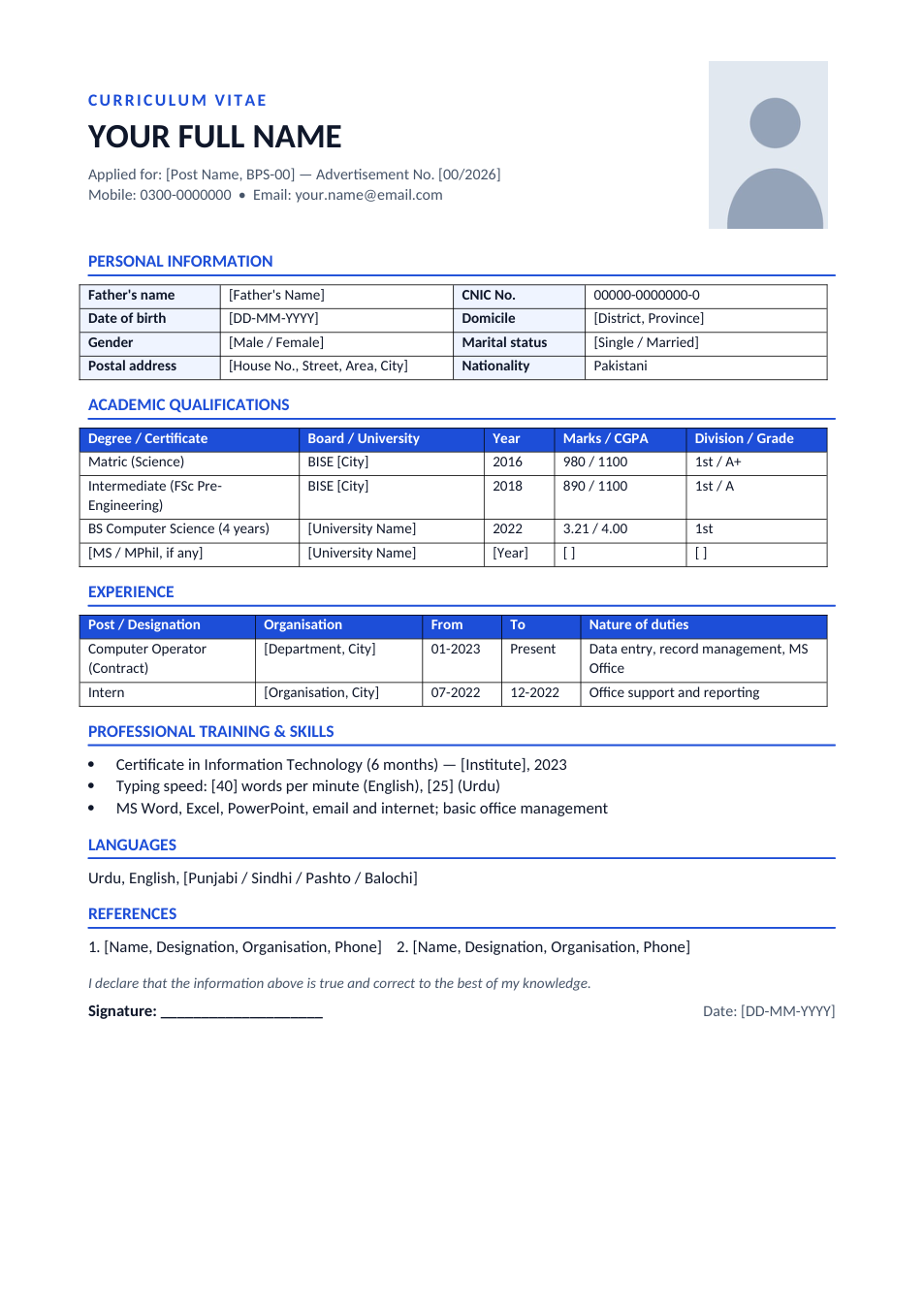
Government Job CV template preview

Government Job CV

Pakistan govt format: personal details, CNIC, domicile and marks table.

WordPDF