Sample text in [brackets], replace with yours · CV Formats by Country
Europass CV Format — Word Template for European Jobs
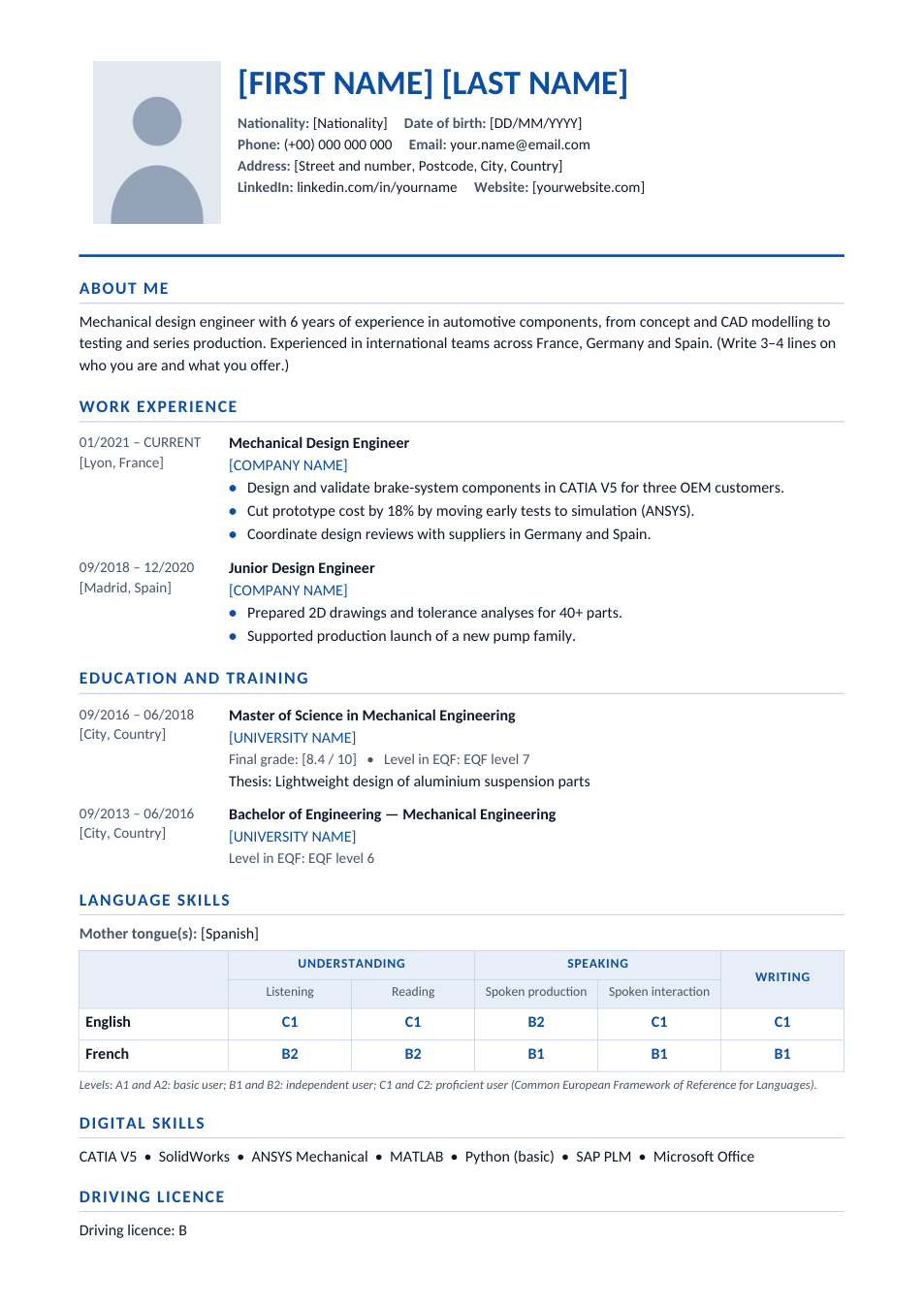
A Europass-style CV with the standard European sections, CEFR language grid and EQF education levels.
Opens in your browser. No Word needed, no signup.
Free for personal and commercial use · No watermark · Updated October 2026
Guide
About this europass cv (europe) template
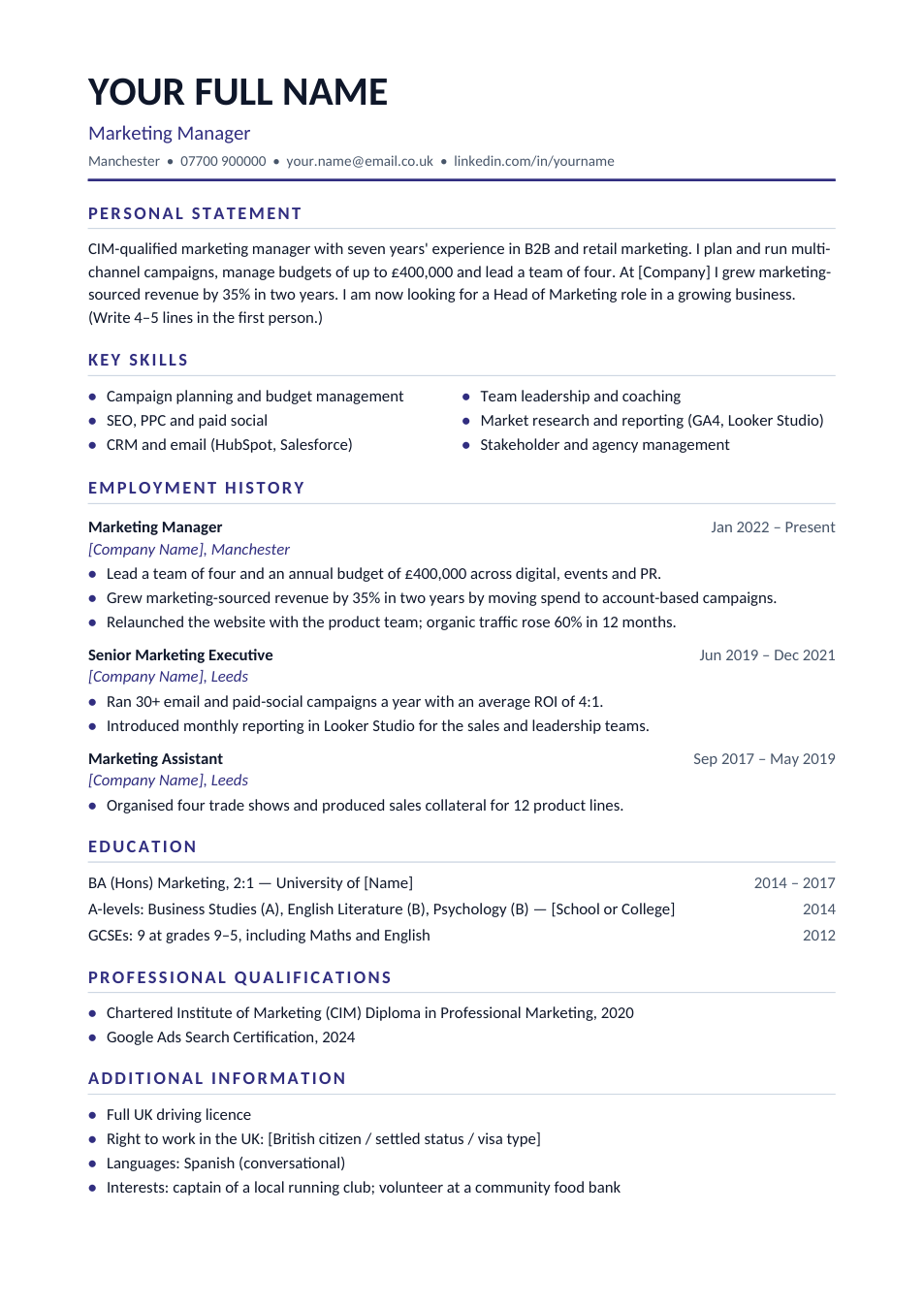
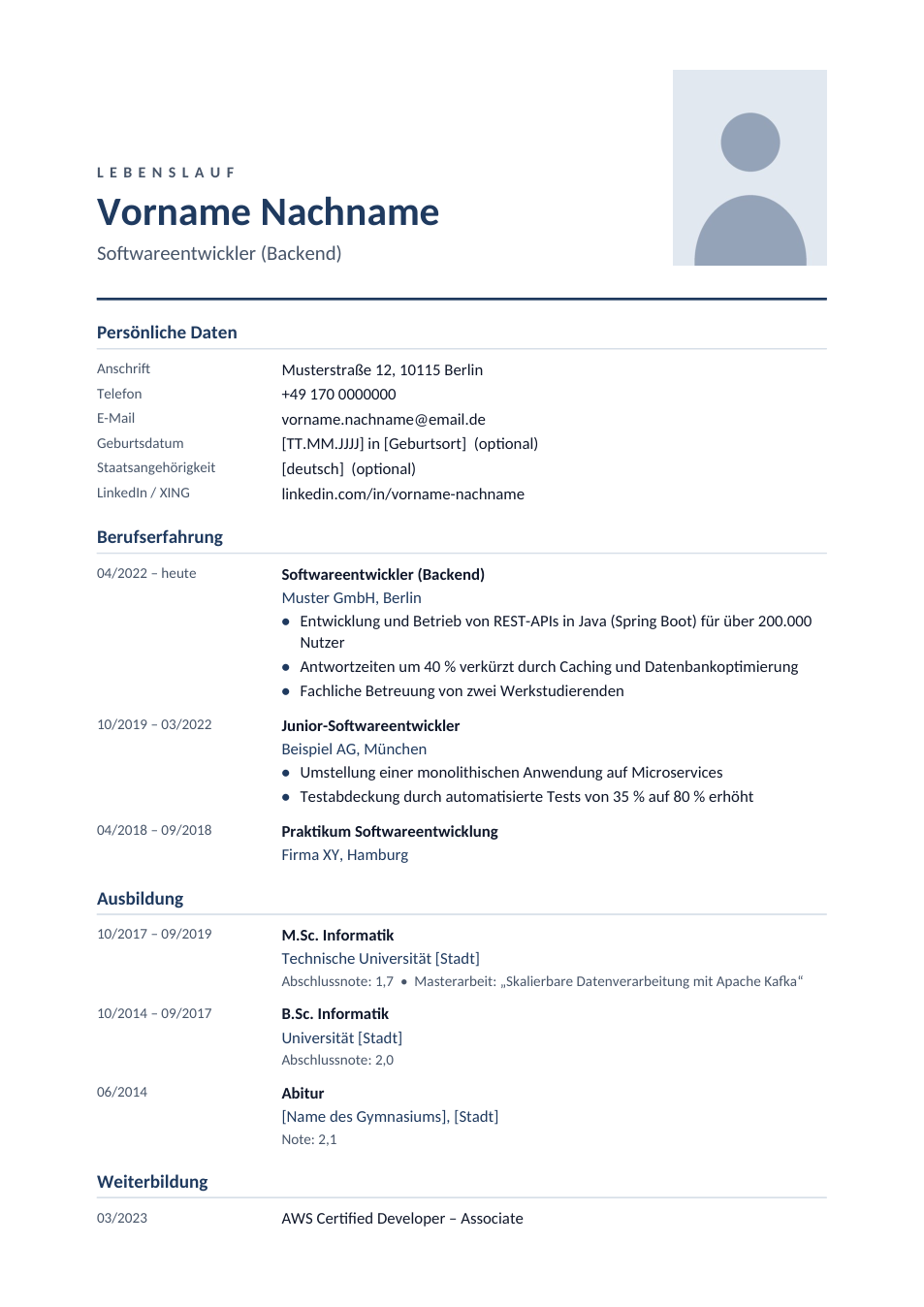
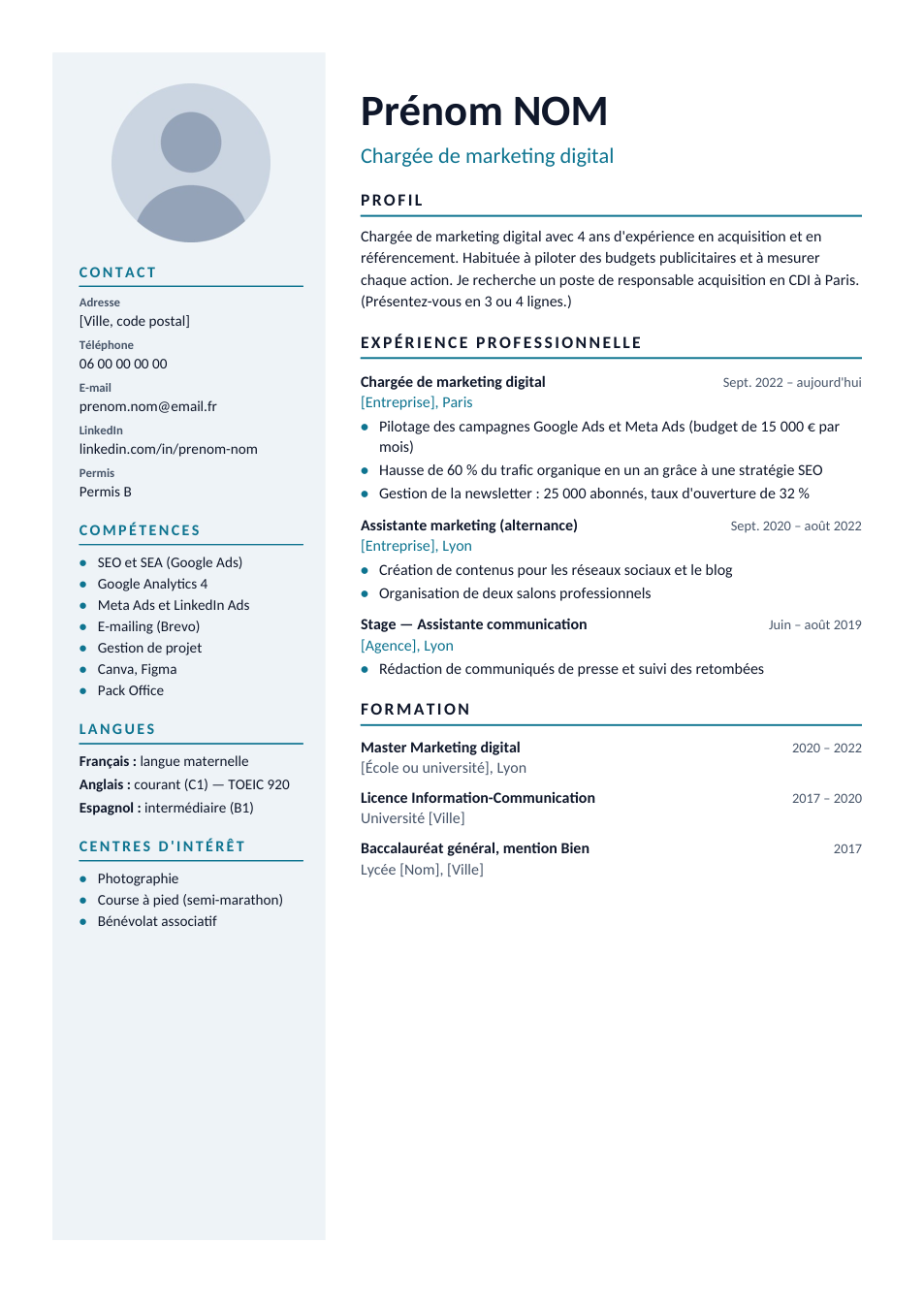
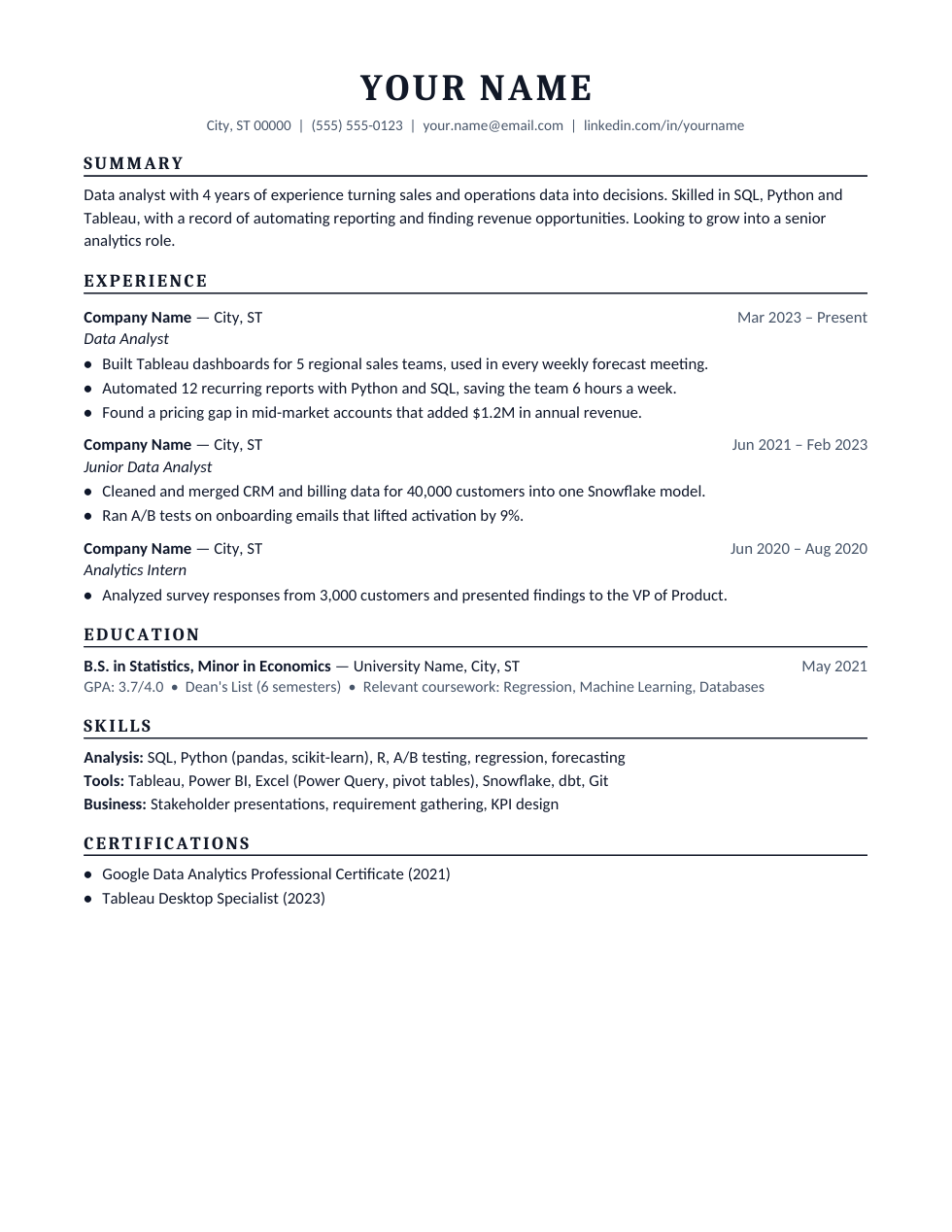
Europass is the CV format promoted by the European Union, and employers, universities and public bodies across Europe know it. Its sections are always the same: personal information, about me, work experience, education and training with EQF levels, language skills on the CEFR scale, digital skills and driving licence. This Word template follows that structure with a cleaner design you can edit anywhere. It is not the official Europass tool; you can also build an official Europass CV for free on the EU's Europass website.
How to fill in this CV
- 1
Open it with "Edit online", or download the Word file.
- 2
Add your photo (optional) and personal details. Date of birth and nationality are optional; leave them out if you prefer.
- 3
List work experience and education, newest first, with dates as MM/YYYY and the city and country.
- 4
Give each qualification its EQF level (for example a bachelor's is level 6, a master's level 7).
- 5
Rate each language from A1 to C2 for listening, reading, speaking and writing, then save as PDF.
Tips for a European CV
Rate languages honestly
Employers may test you. If you have a certificate (IELTS, DELF, Goethe), add it next to the language.
Use local job titles
Translate your job titles into the terms used in the country you are applying to.
Keep it to two pages
Europass CVs can get long. Cut older roles and keep only what matters for this job.
Check the country norms
Some countries prefer their own format. For Germany or France, see our German and French CV formats.
Frequently Asked Questions
Tools that help
Word to PDF
Convert Word documents to PDF format with perfect formatting
Passport Photo Maker
Create passport, visa, and ID photos with correct size, DPI, and white background
Compress PDF
Reduce PDF file size without losing quality
PDF to Word
Convert PDF files to editable Word documents instantly