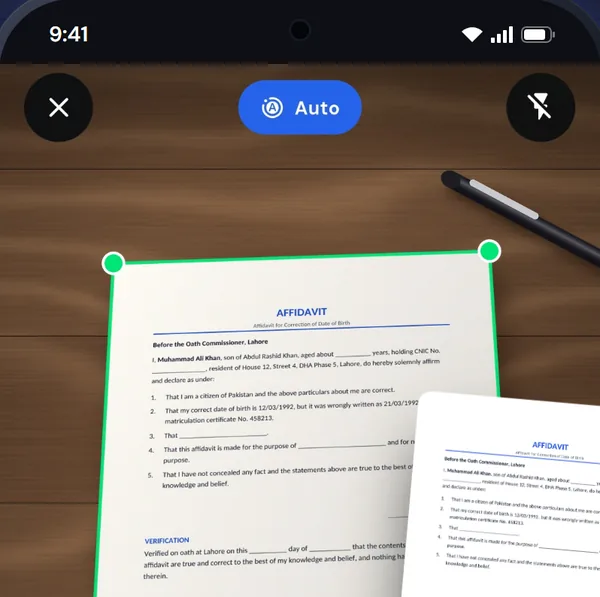
Document scanner
Paper to PDF in seconds
Point and tap. The edges are found, shadows cleaned up and the page saved as a PDF.
Scan paper, fill and sign PDFs, finish ready templates with AI, and convert any file, all from your phone. The Android app is out now and free to download.
GET IT ONGoogle PlayInside the app
Real screens from the app. The scanner and PDF tools are free with no account; AI tools use credits, and you start with free ones.
Document scanner
Point and tap. The edges are found, shadows cleaned up and the page saved as a PDF.
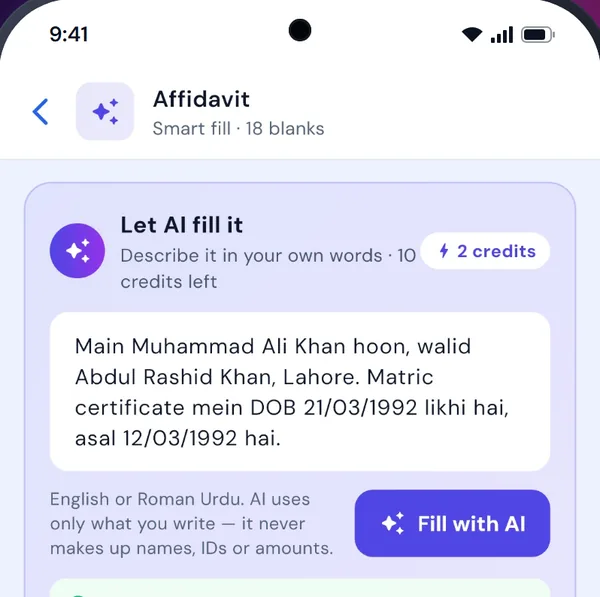
Smart fill · AI
Write a few lines in English or Roman Urdu and AI fills the blanks of an affidavit or letter. It never makes up names, IDs or amounts.
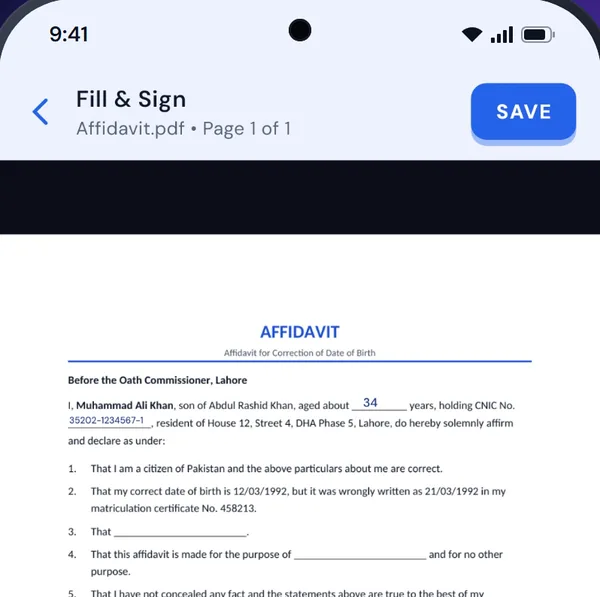
Fill & sign
Type on the lines, tick the boxes, add your signature and save.
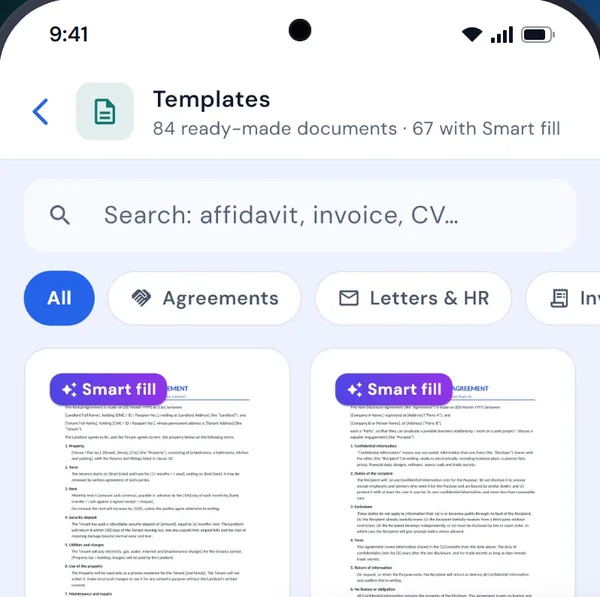
Ready templates
Affidavits, rental agreements, NOCs, offer letters, invoices and CVs, many with Smart fill.
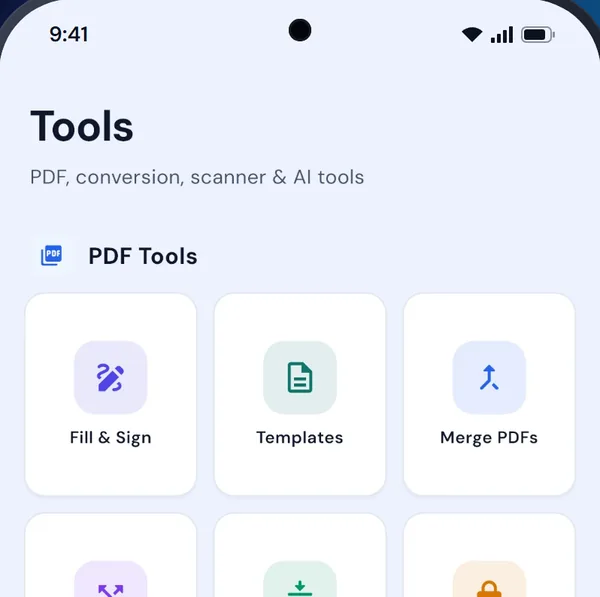
PDF toolkit
Plus Excel, merge, split, compress, password-protect, watermark, rotate and reorder pages.
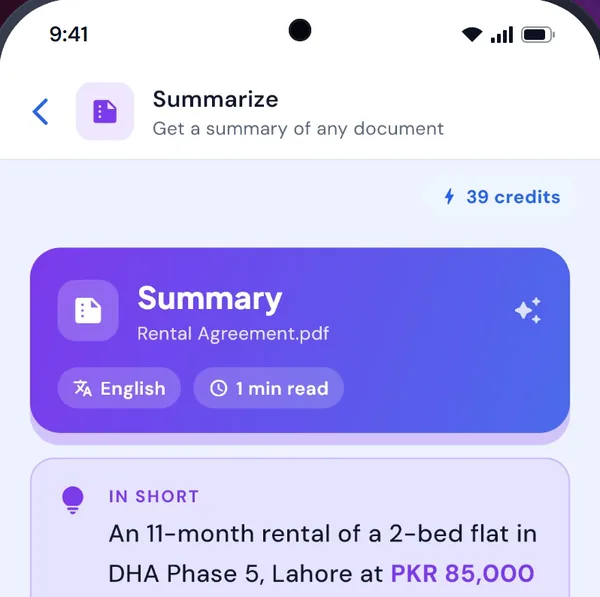
AI tools
Summaries and translation in English, Urdu or Roman Urdu, key points, and answers to your questions about the document.
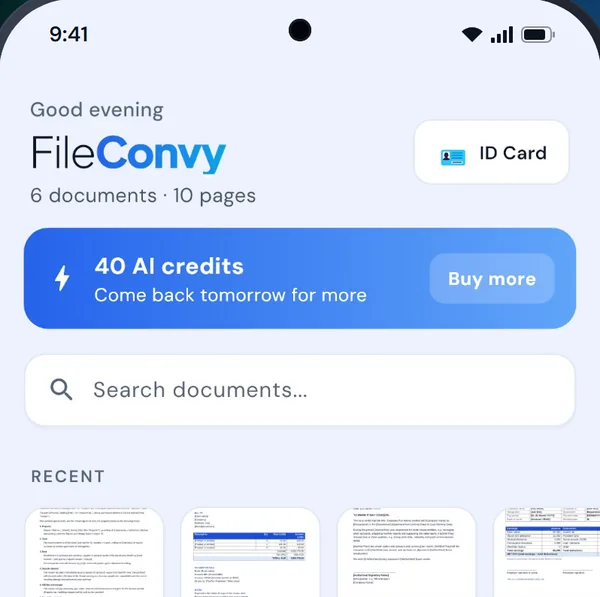
Private by design
Search, folders and quick sharing. Your scans stay on your phone.
Every tool already works in your phone's browser. Add FileConvy to your home screen and it opens full screen, like an app. On Android it even shows up in the share menu, so you can send a PDF from WhatsApp straight to a tool.
The FileConvy Android app is free on Google Play: search "FileConvy" or open play.google.com/store/apps/details?id=com.fileconvy.app. It works on Android phones and tablets.
Not yet. The iPhone version is in progress. Leave your email on this page and we will send you one email on the day it is on the App Store. Until then every tool works in Safari.
Yes. The app is free to download, and the scanner and PDF tools are free with no account. AI tools such as Smart fill, handwriting to text and the ID reader use credits, and you get free credits to start with.
Scan paper to PDF with the camera (auto edge detection, filters, eraser), make searchable PDFs with OCR, fill and sign PDFs, fill ready templates such as CVs, letters and certificates with AI, and merge, split, compress and convert PDF, Word, Excel and images.
We use it only to tell you when the iPhone app launches. We do not send a newsletter and we never share or sell the address.