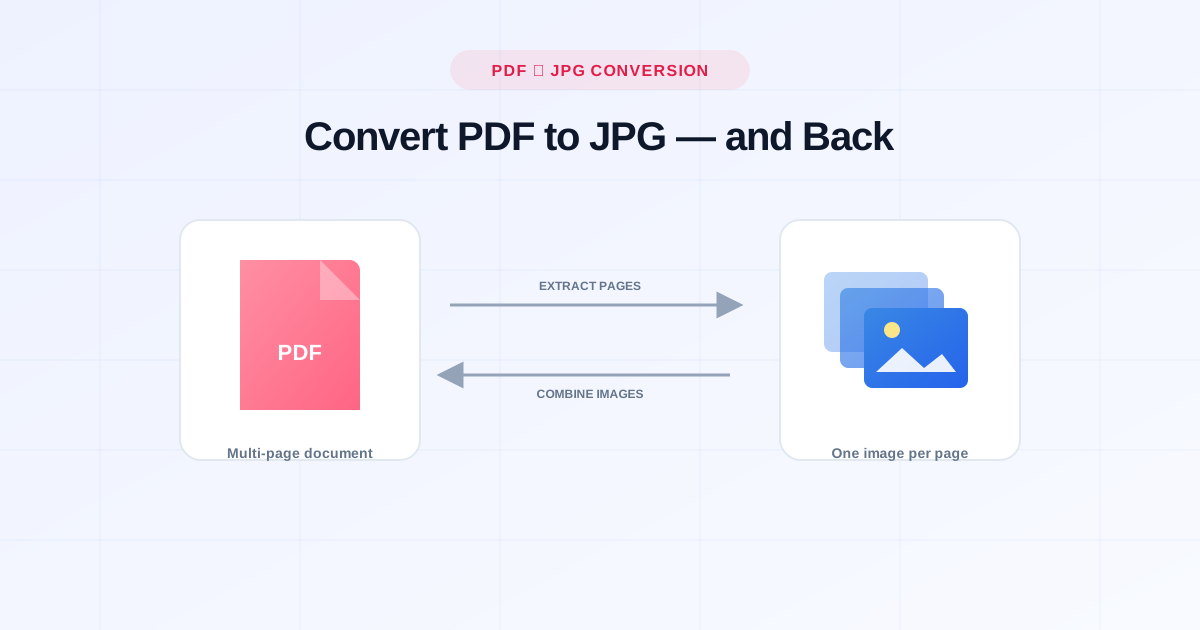
You need one page out of a PDF as an image to drop into a slide deck, or you've got a folder of scanned JPGs that need to become a single PDF for a job application. Both are two-minute jobs if you know where to look — no Adobe subscription, no desktop app, no exporting-and-praying.
Here's exactly how to do both, plus the details that trip people up.
Converting PDF to JPG
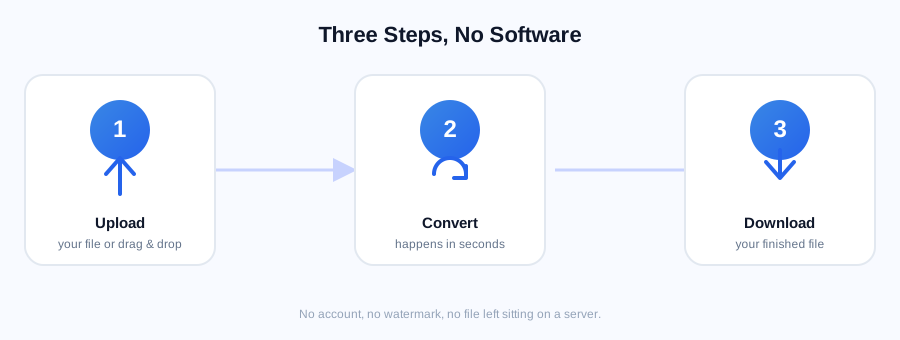
- Open PDF to JPG and upload your file.
- Each page is converted into its own high-quality JPG image automatically.
- Download a single page or grab all of them at once.
This is the move when you need to:
- Drop a page into a Google Slides or PowerPoint deck (most presentation tools handle images far more predictably than embedded PDFs)
- Post a document on social media or in a chat app that doesn't preview PDFs well
- Pull out one diagram or table from a long report without sending the whole file
- Attach a page to an email where the recipient just needs to glance at it, not download and open a separate app
Converting JPG to PDF
Going the other way is just as quick with JPG to PDF:
- Upload one image, or select several at once.
- Multiple images are combined into a single multi-page PDF, in the order you added them.
- Download the finished PDF.
This is the right tool when you're:
- Submitting scanned documents — IDs, receipts, signed forms photographed on a phone — as one clean file instead of five separate photos
- Compiling a portfolio or photo set into a document that opens the same way on every device
- Turning whiteboard photos or screenshots into a shareable, printable PDF
Things That Trip People Up
Image order matters. When combining JPGs into a PDF, pages appear in the order you upload them. Rename your files numerically first (01.jpg, 02.jpg, 03.jpg) if your device doesn't sort them the way you expect.
Quality is set once, at conversion time. A PDF exported from a low-resolution phone photo will still look low-resolution as a PDF — converting formats doesn't add detail that wasn't captured in the first place.
Password-protected PDFs need to be unlocked first. If your PDF to JPG conversion fails silently, check whether the file has a password on it — run it through Unlock PDF first, then convert.
A scanned PDF is already made of images. If your PDF was created by scanning paper (rather than exported from a Word doc), converting it to JPG won't make the text selectable — you'd need OCR PDF for that instead.
Quick FAQ
Will converting PDF to JPG reduce the file size? Usually, yes — a single-page JPG is often smaller than a PDF wrapper around the same image, though this varies by document. If the resulting JPGs are still too large to email, run them through Compress Image.
Can I convert just one page of a multi-page PDF? Yes — PDF to JPG converts every page into its own separate image, so you only need to download the page you actually want.
What if I need the PDF back to be editable, not just an image? JPG to PDF just wraps images into a PDF container — it doesn't create editable text. If you need to edit the content itself, you're looking for PDF to Word instead.
Is there a limit on how many JPGs I can combine? No — upload as many as you need and they'll all be merged into one PDF, in upload order.
Related Free Tools
- PDF to JPG — extract every page as an image
- JPG to PDF — combine images into one PDF
- Compress PDF — shrink a PDF before sharing
- Unlock PDF — remove a password before converting
- OCR PDF — make scanned text selectable and searchable